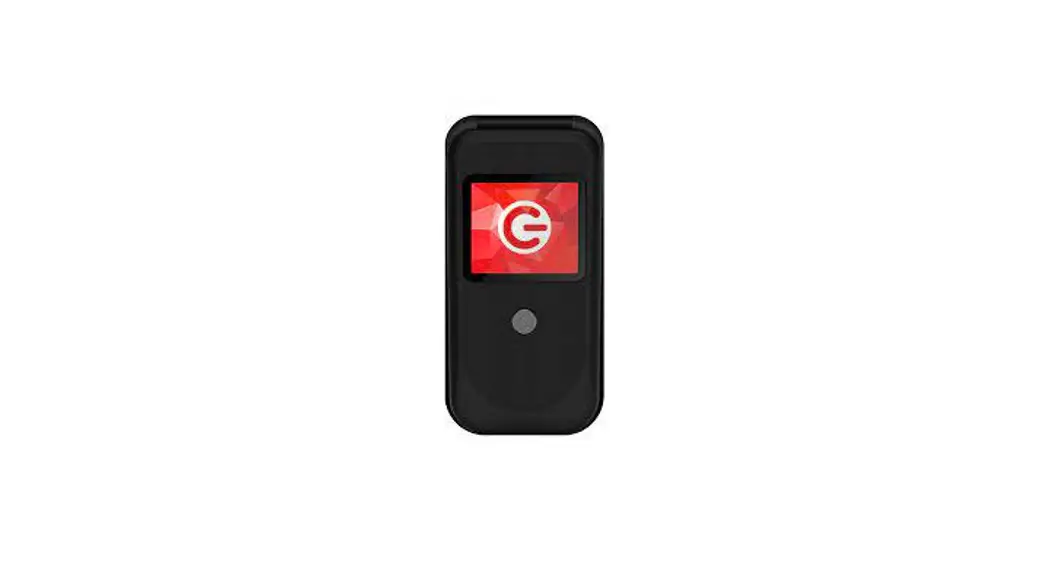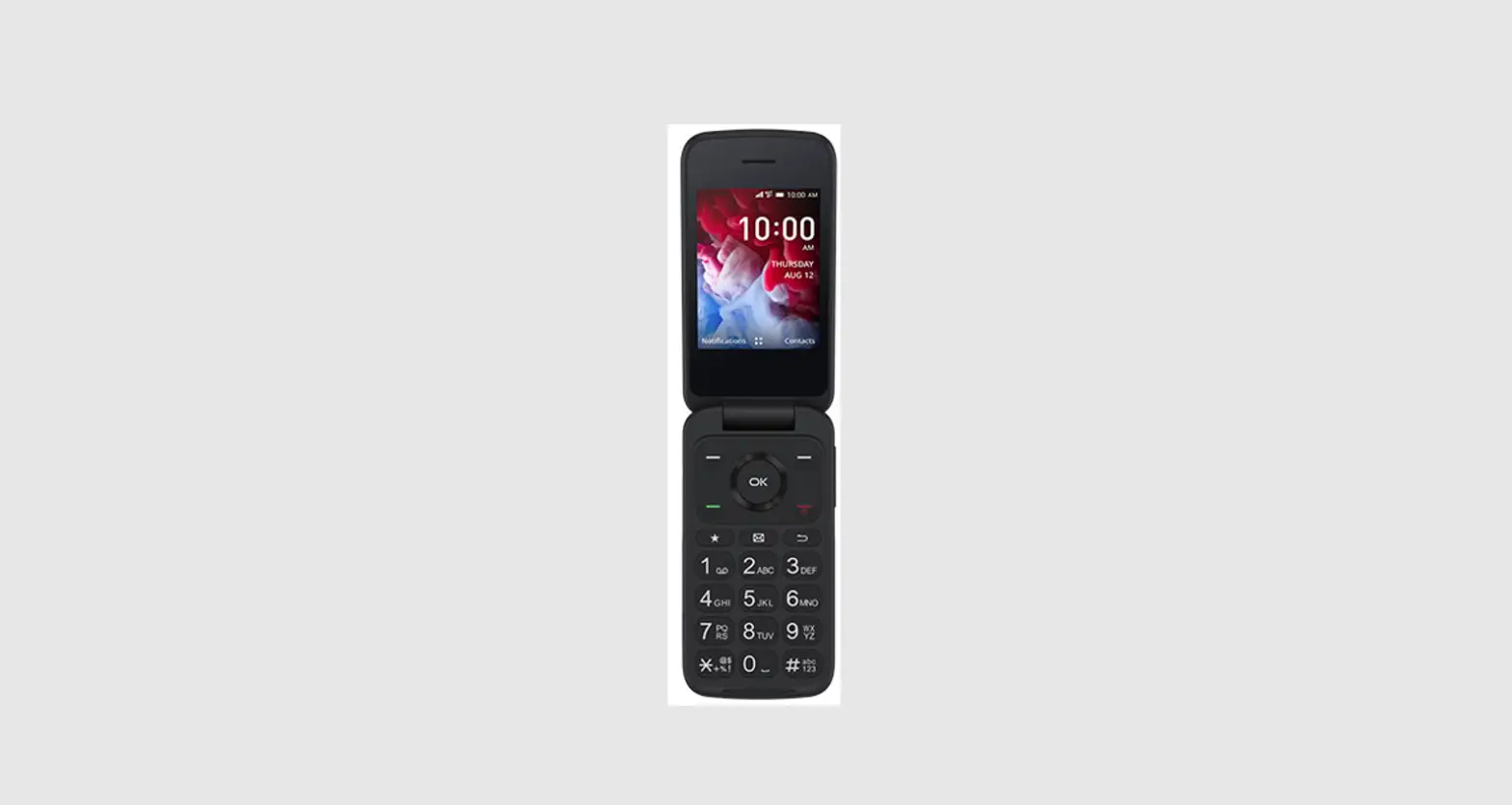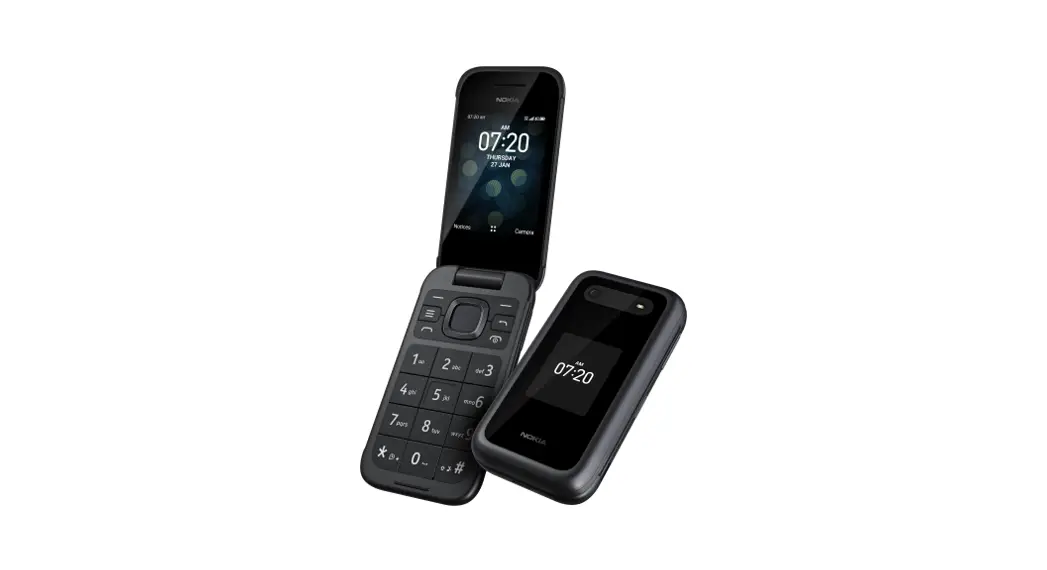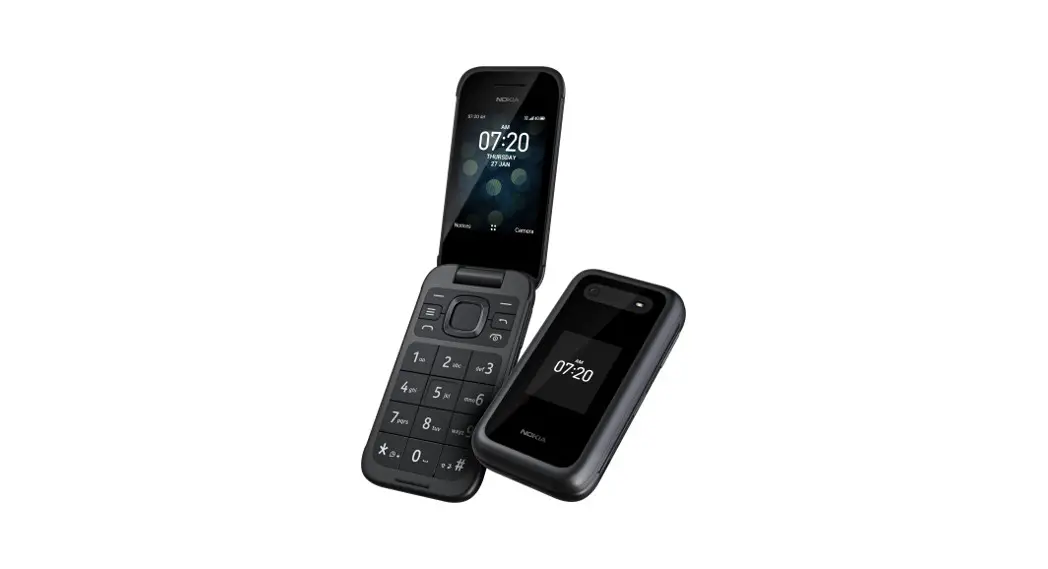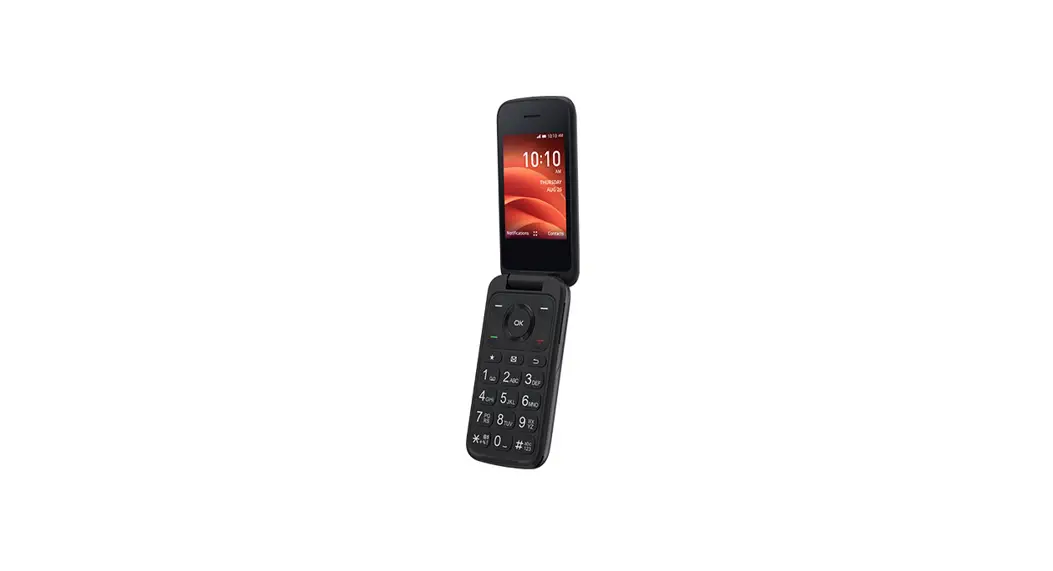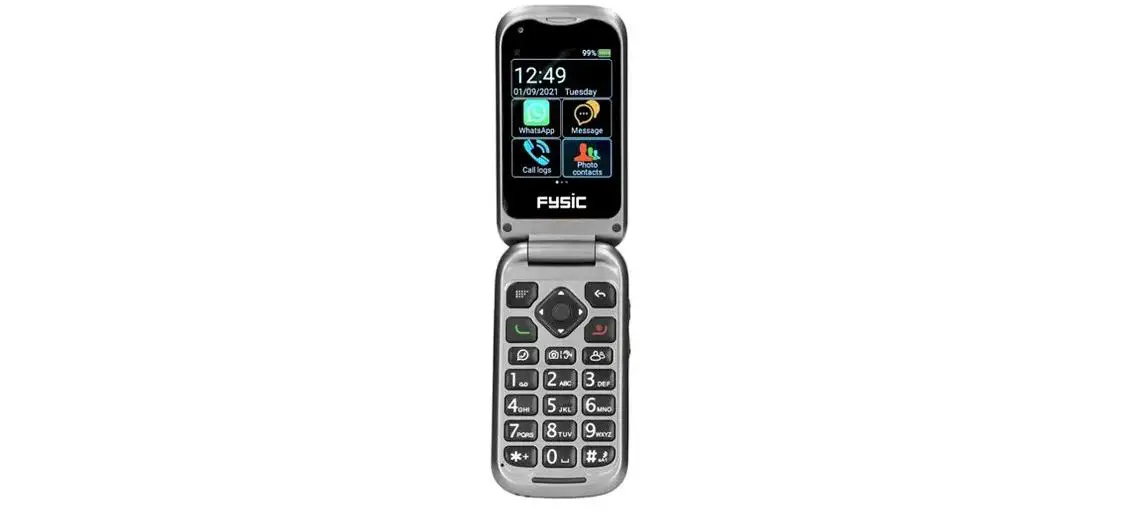
Fysic F25 Flip Mobile Phone Installation Guide

Fysic F25 Flip Mobile Phone Installation Guide

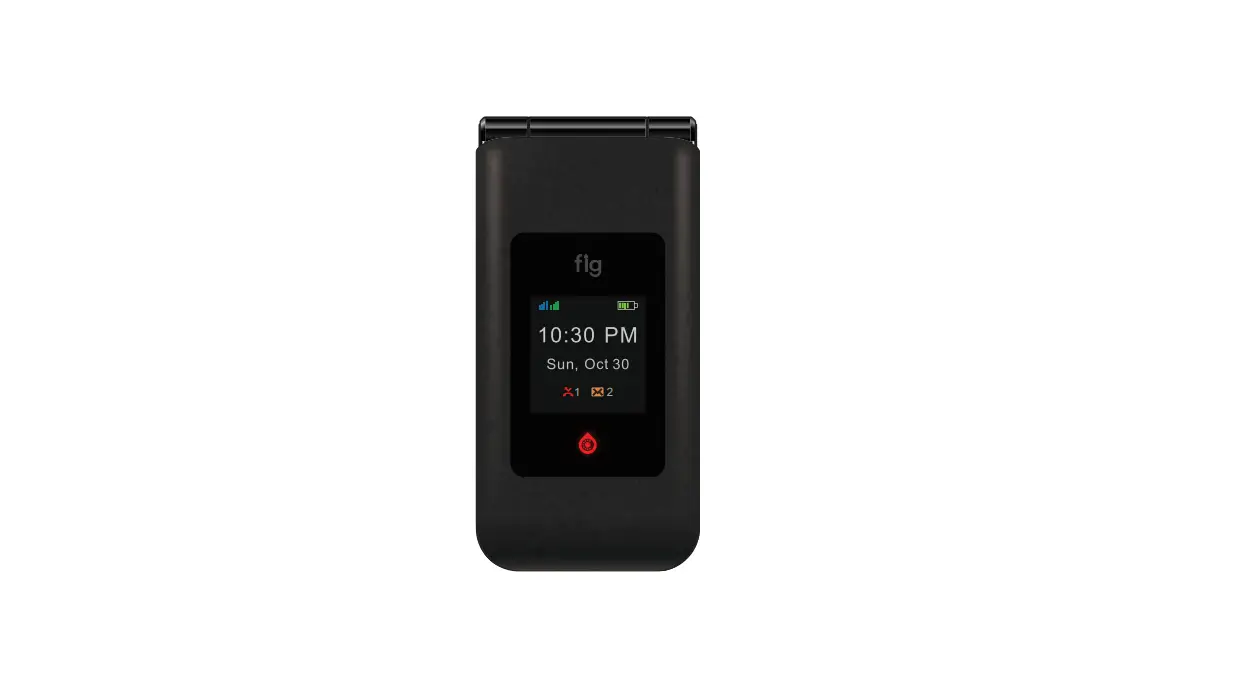
Fysic F25 Flip Mobile Phone
Installation Guide

Fysic F25 Flip Mobile Phone Installation Guide

INSTALLATION GUIDE

1 icon

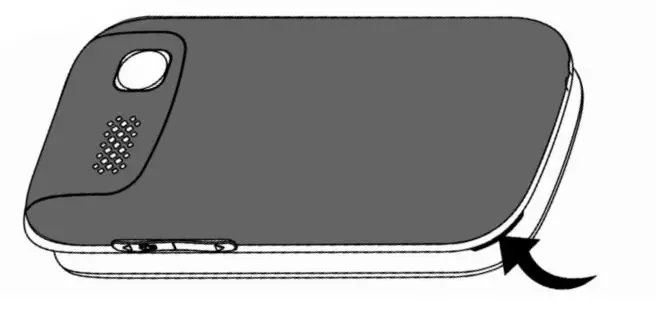
Open the back by pulling it loose.

Fysic F25 Flip Mobile Phone - Open the back by pulling it loose

2 icon

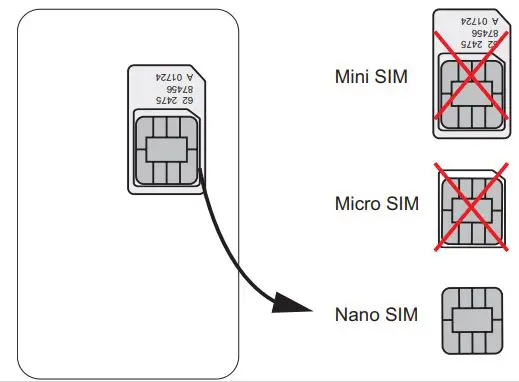
Choose the Nano SIM size.

Fysic F25 Flip Mobile Phone - Choose the Nano SIM size

3 icon

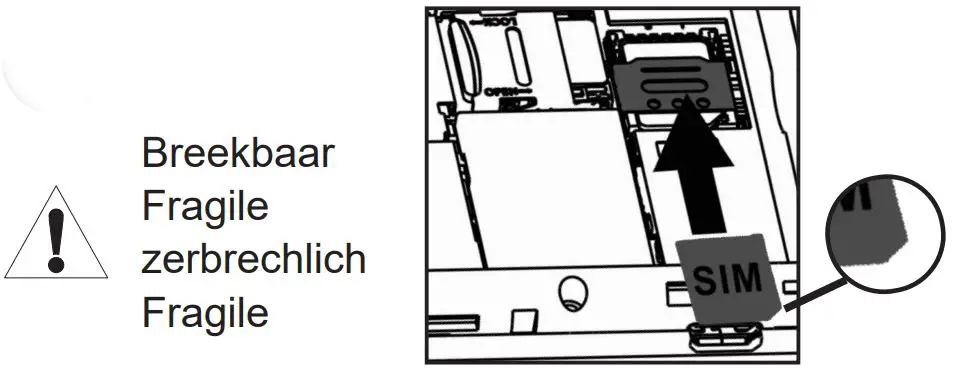
Fysic F25 Flip Mobile Phone - Slide the Nano SIM into position with the metal contacts facing down

Slide the Nano SIM into position with the metal contacts facing down.

4 icon

Fysic F25 Flip Mobile Phone - Slide the SD card into position with the metal contacts facing down

Slide the SD card into position with the metal contacts facing down.

5 icon

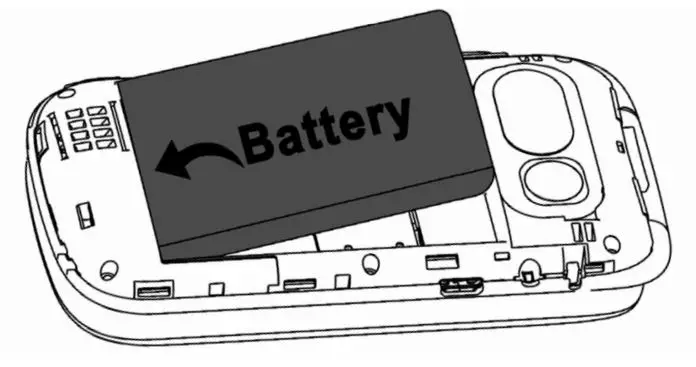
Fysic F25 Flip Mobile Phone - Push the battery against the metal contacts and push it in place.

Push the battery against the metal contacts and push it in place.
6 icon

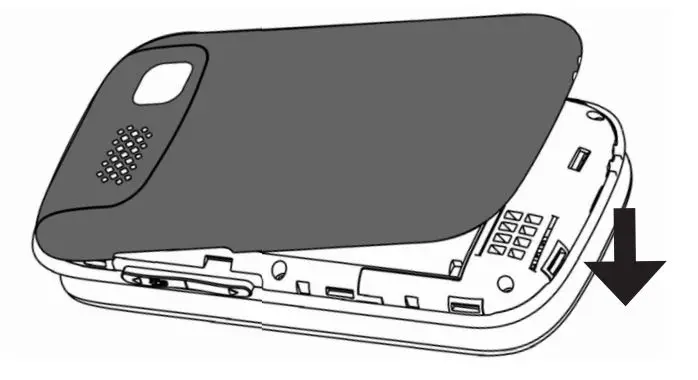
Fysic F25 Flip Mobile Phone - Put back the back cover

Put back the back cover.

7 icon

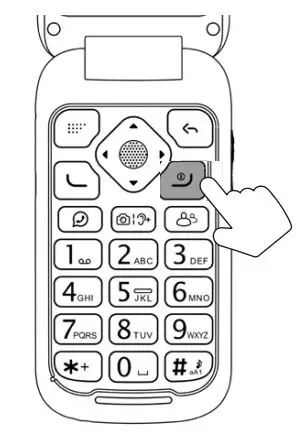
Fysic F25 Flip Mobile Phone - Turn on the phone by pressing and holding the red button.
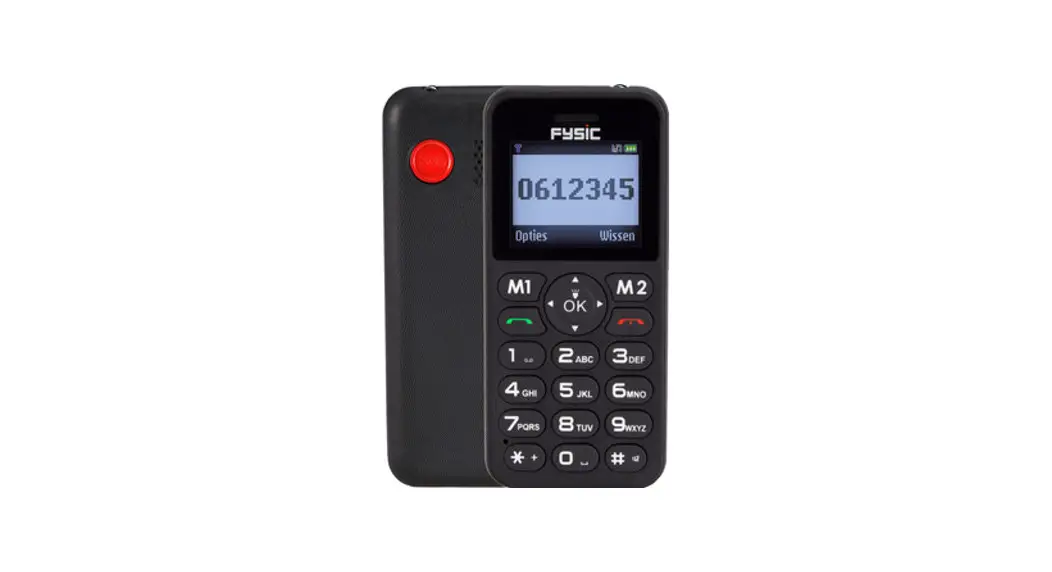
Turn on the phone by pressing and holding the red button.
Documents / Resouces

Download manual
Here you can download full pdf version of manual, it may contain additional safety instructions, warranty information, FCC rules, etc.


Related Manuals