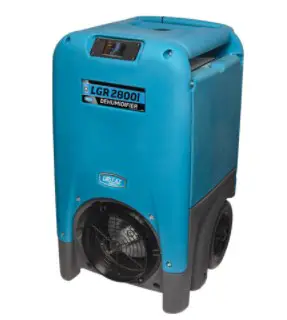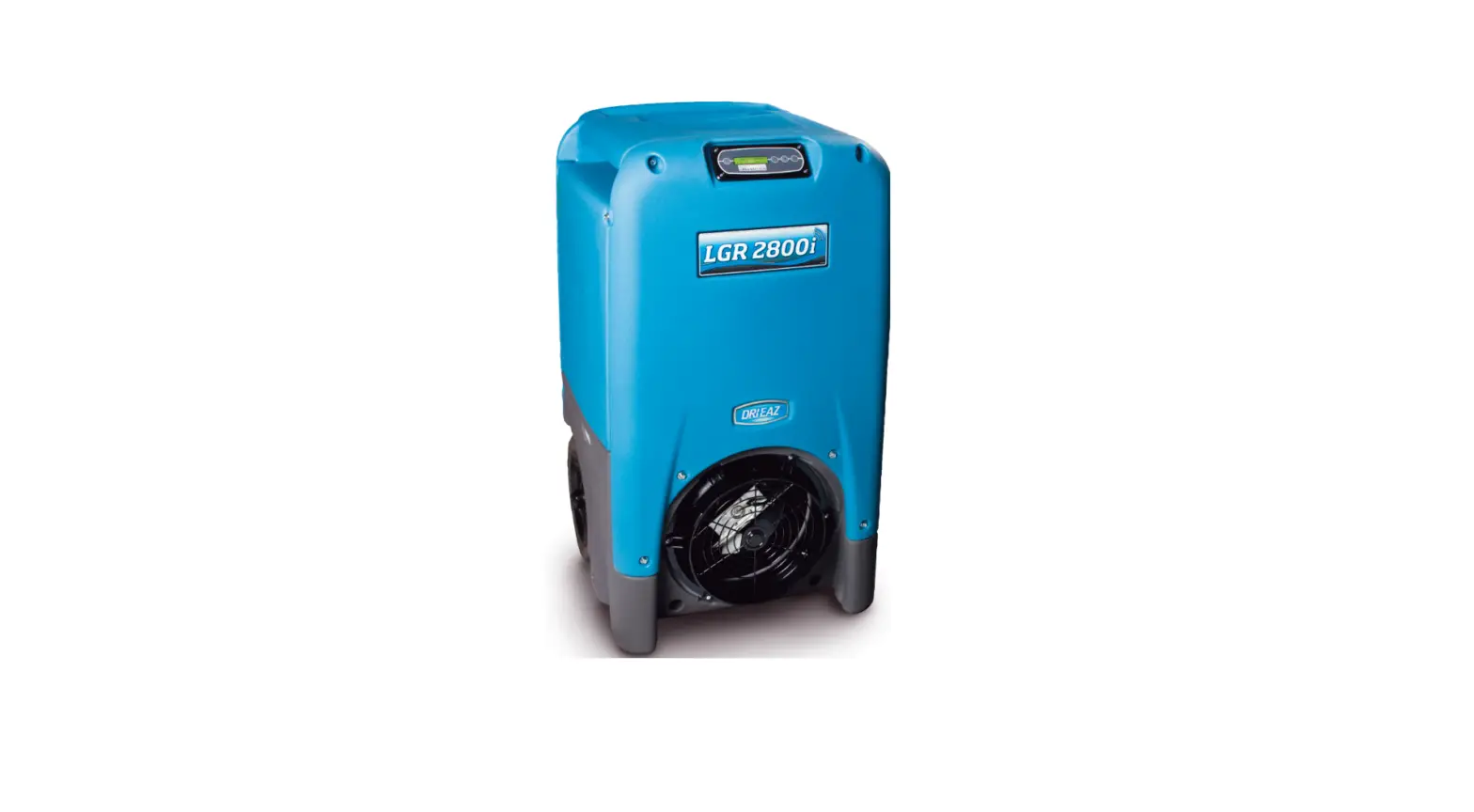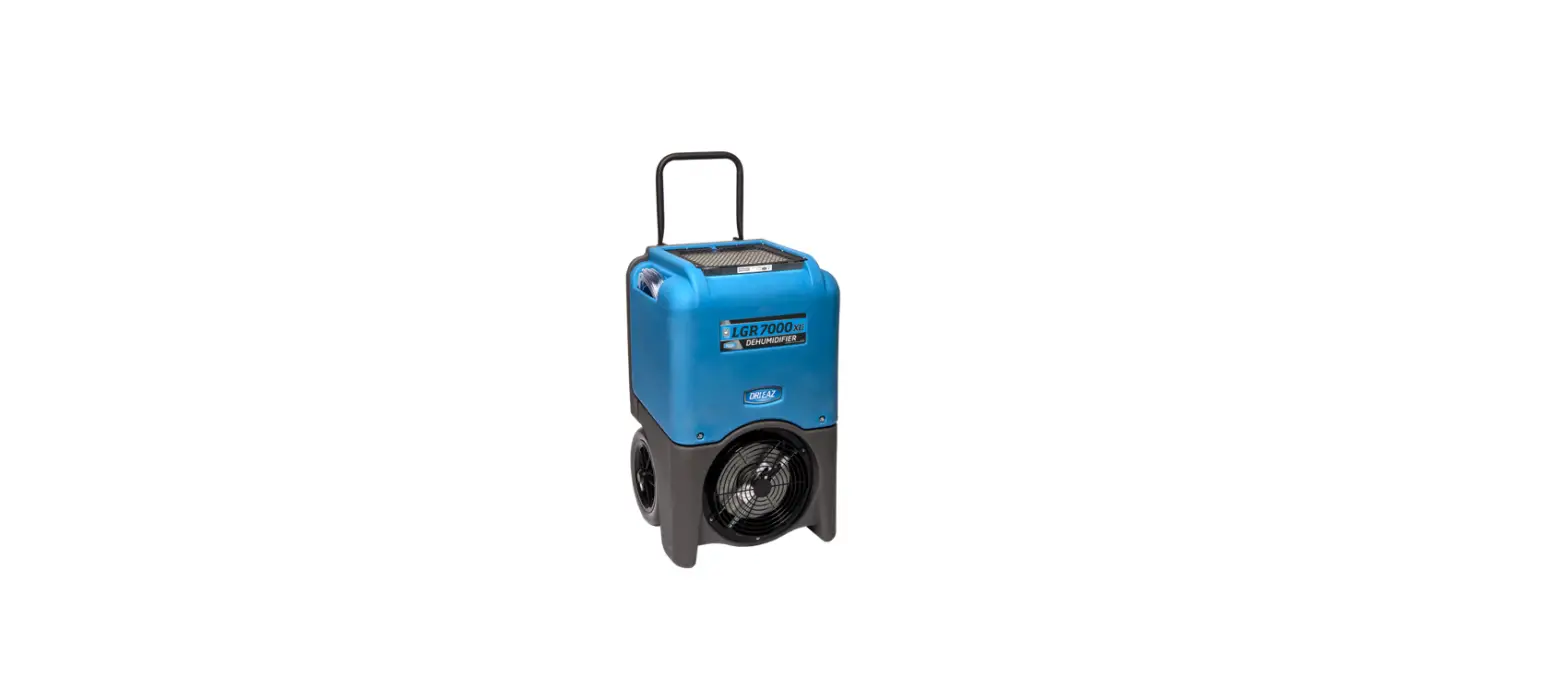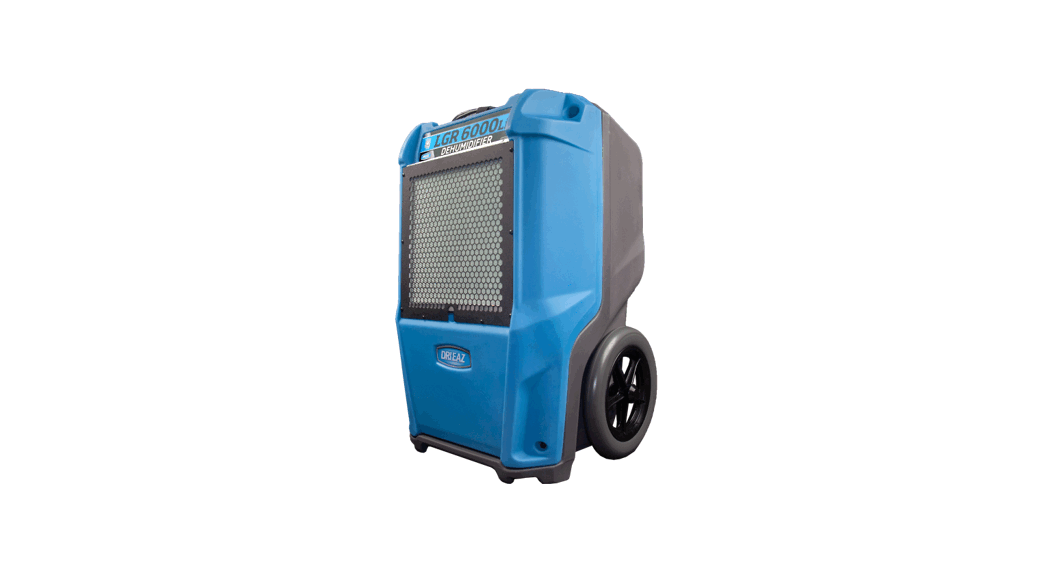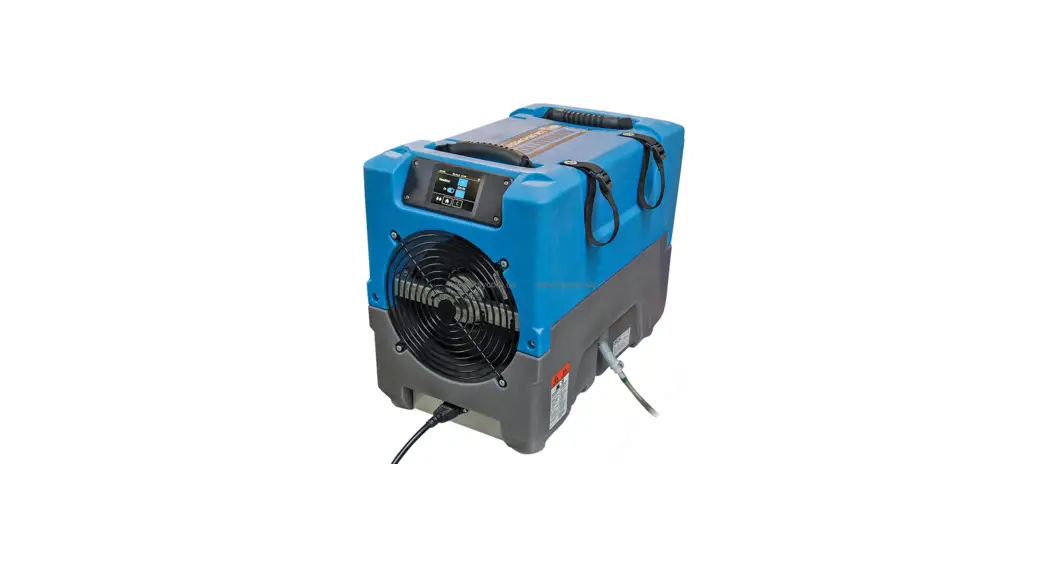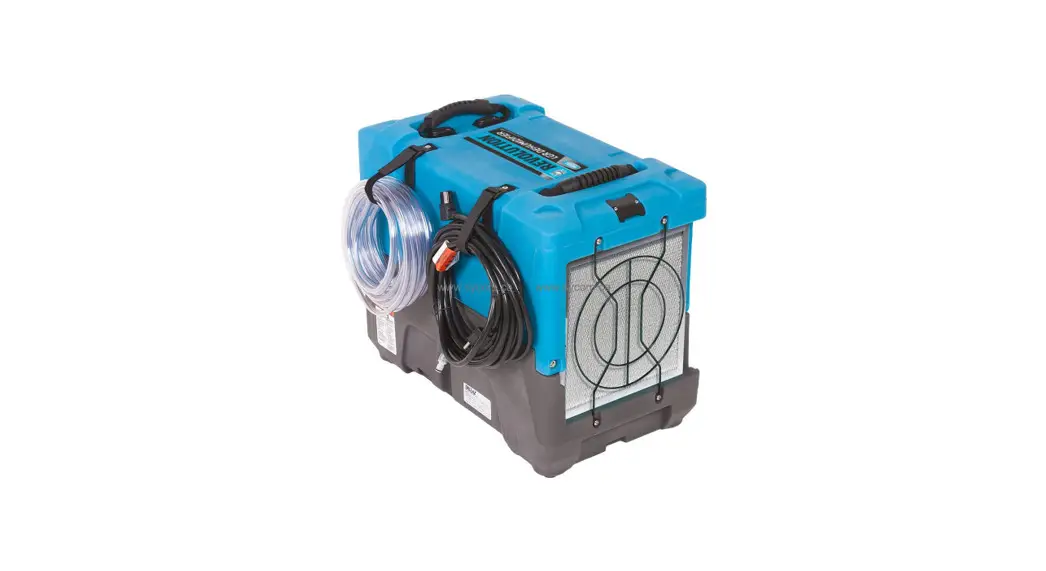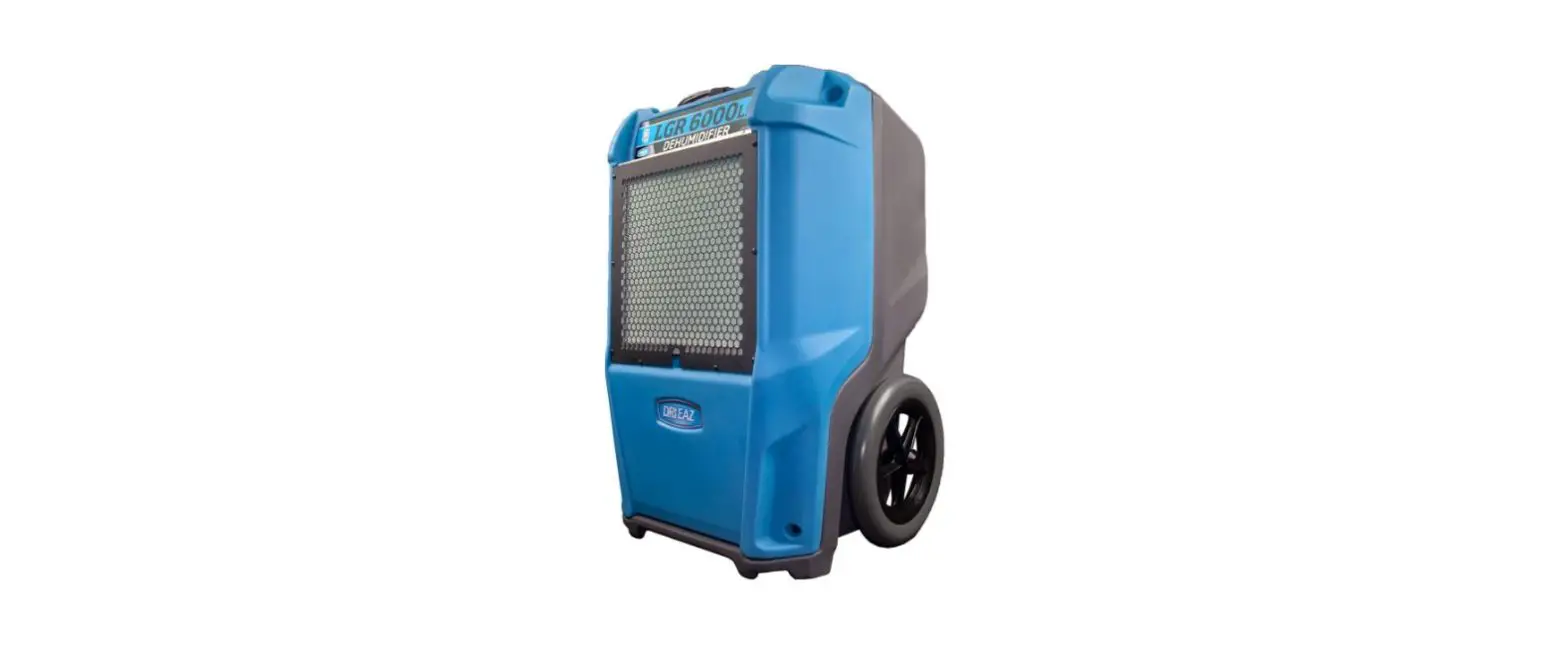

DRI-EAZ DR8241 LGR 6000Li Portable Commercial Dehumidifier with Pump
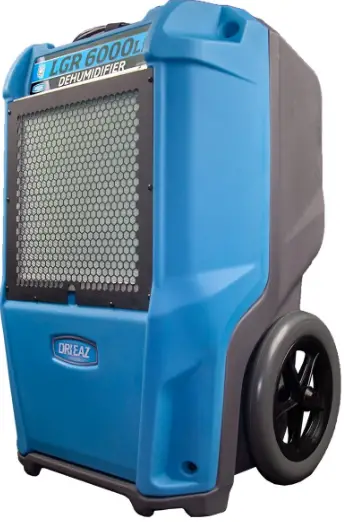
2020 Dehumidifier Command Hub
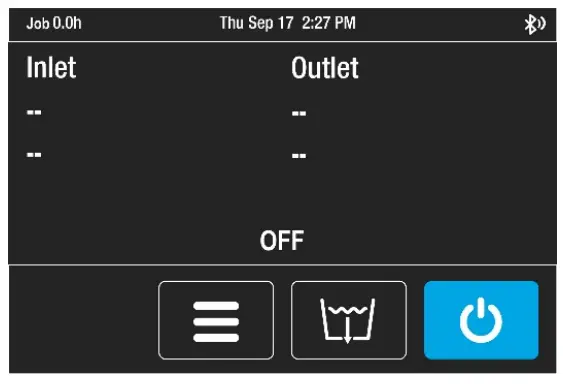
Home Screen
- Unit OFF
- The unit must be plugged in.
- Press MENU to access settings and configuration controls
- Press condensate tank PURGE to pump-out
- Press ON/OFF to turn the unit on
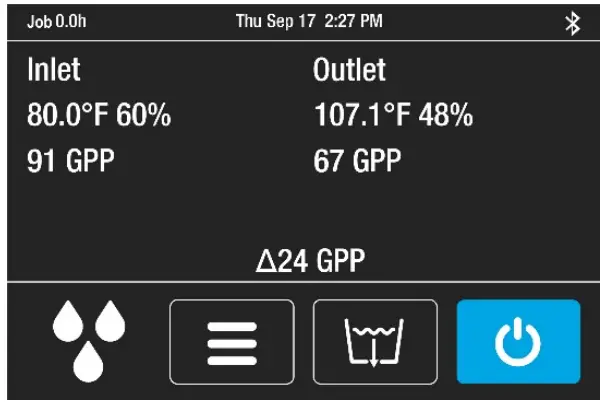
Unit ON
- Job hours and Time
- Inlet/Outlet temp, %RH and GPP
- Current GPP removal
Bottom menu bar
- Quick-Reference Inlet GPP 1 drop: < 60 GPP
- 2 drops: 60–90 GPP
- 3 drops: > 90 GPP
- Press MENU to access settings and configuration controls
- Press condensate tank PURGE to pump-out
- Press condensate tank PURGE to pump-out
- Press ON/OFF to turn the unit on.
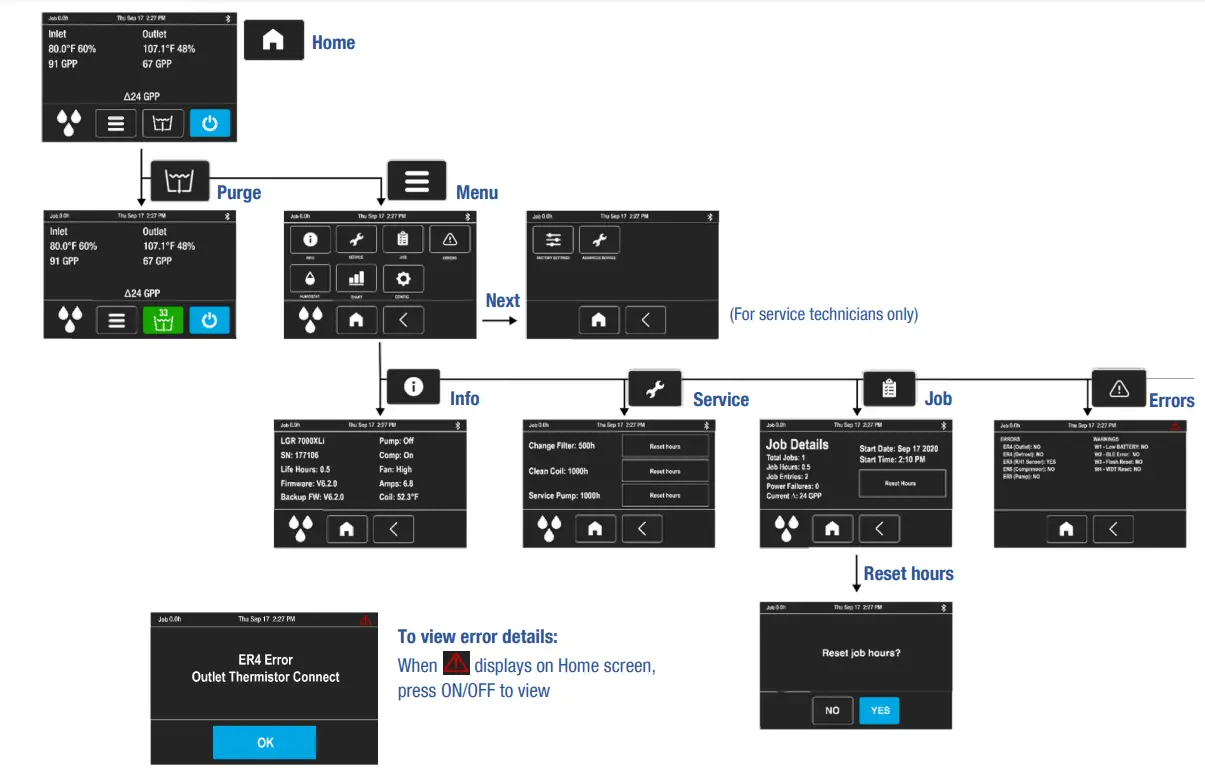
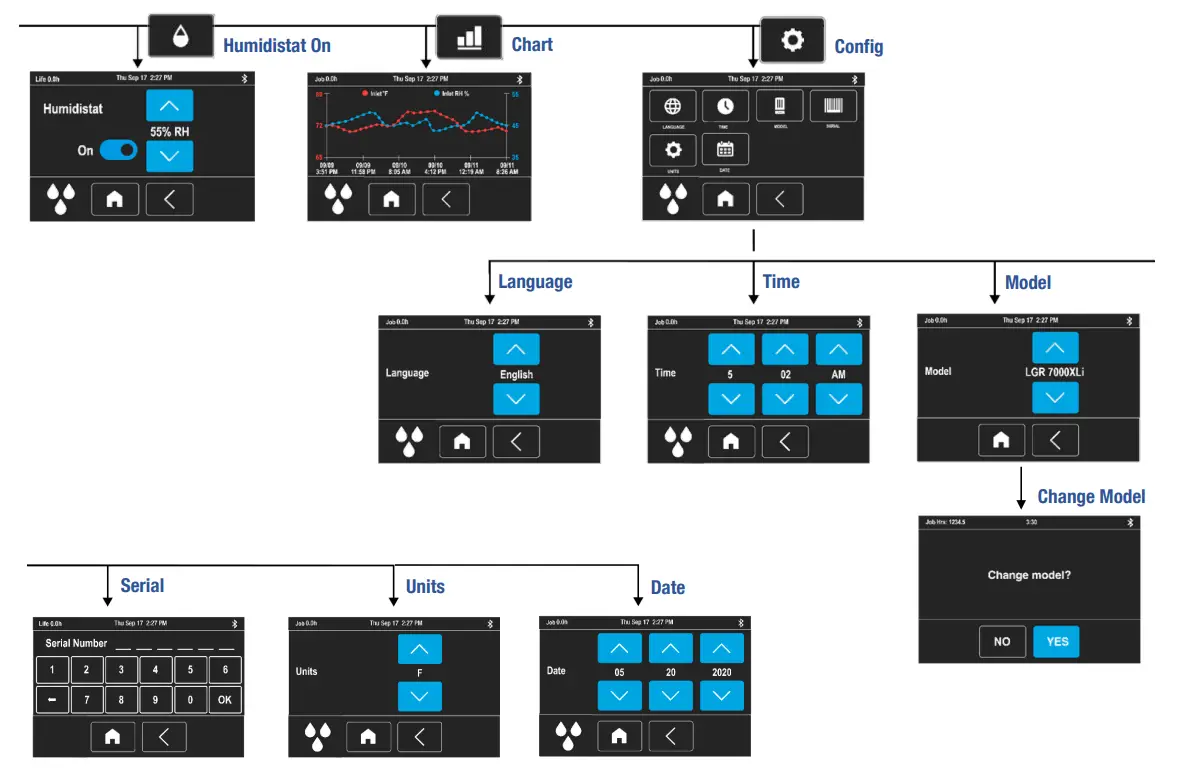
 Command Hub
 Contact us via LiveChat!