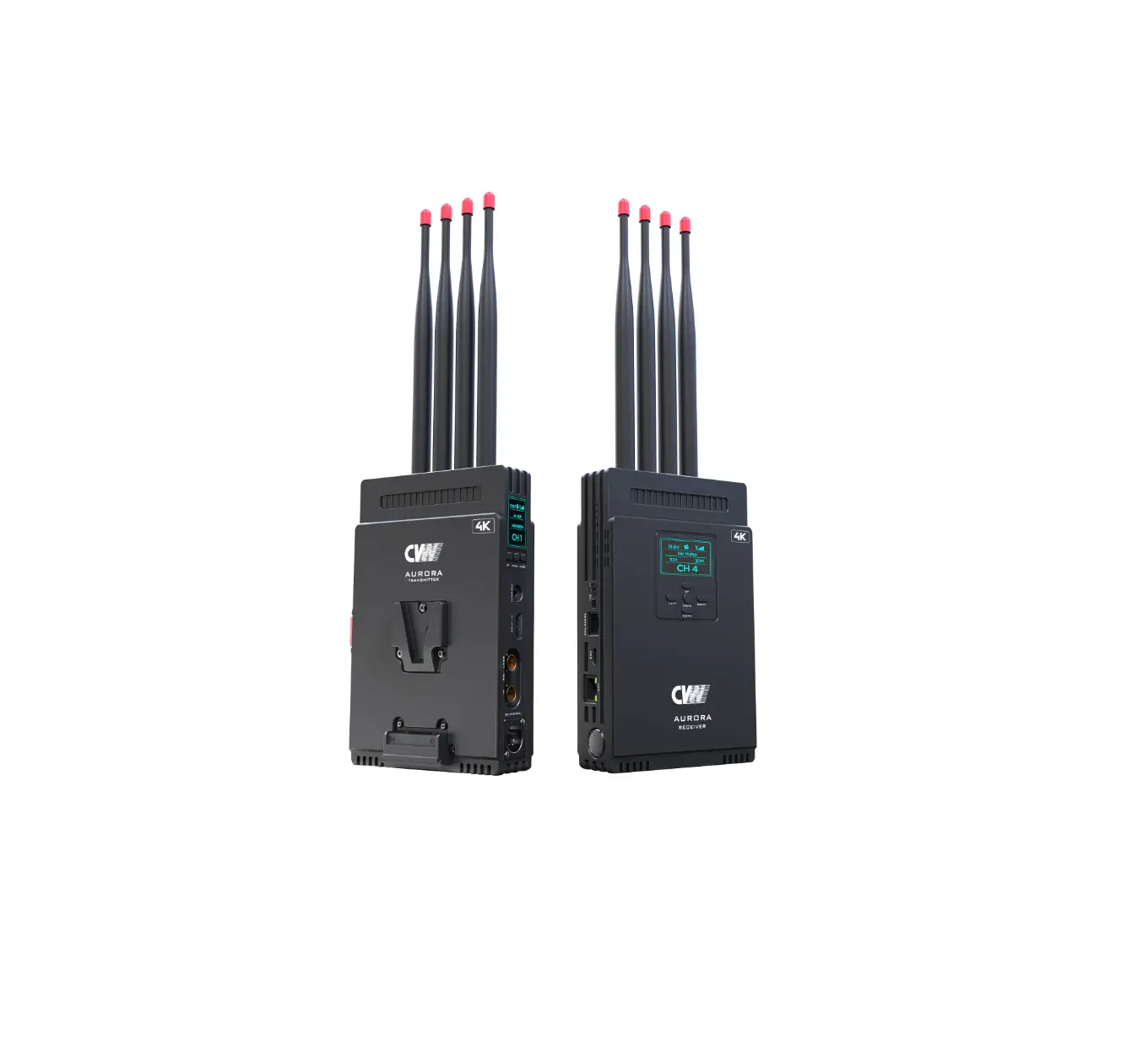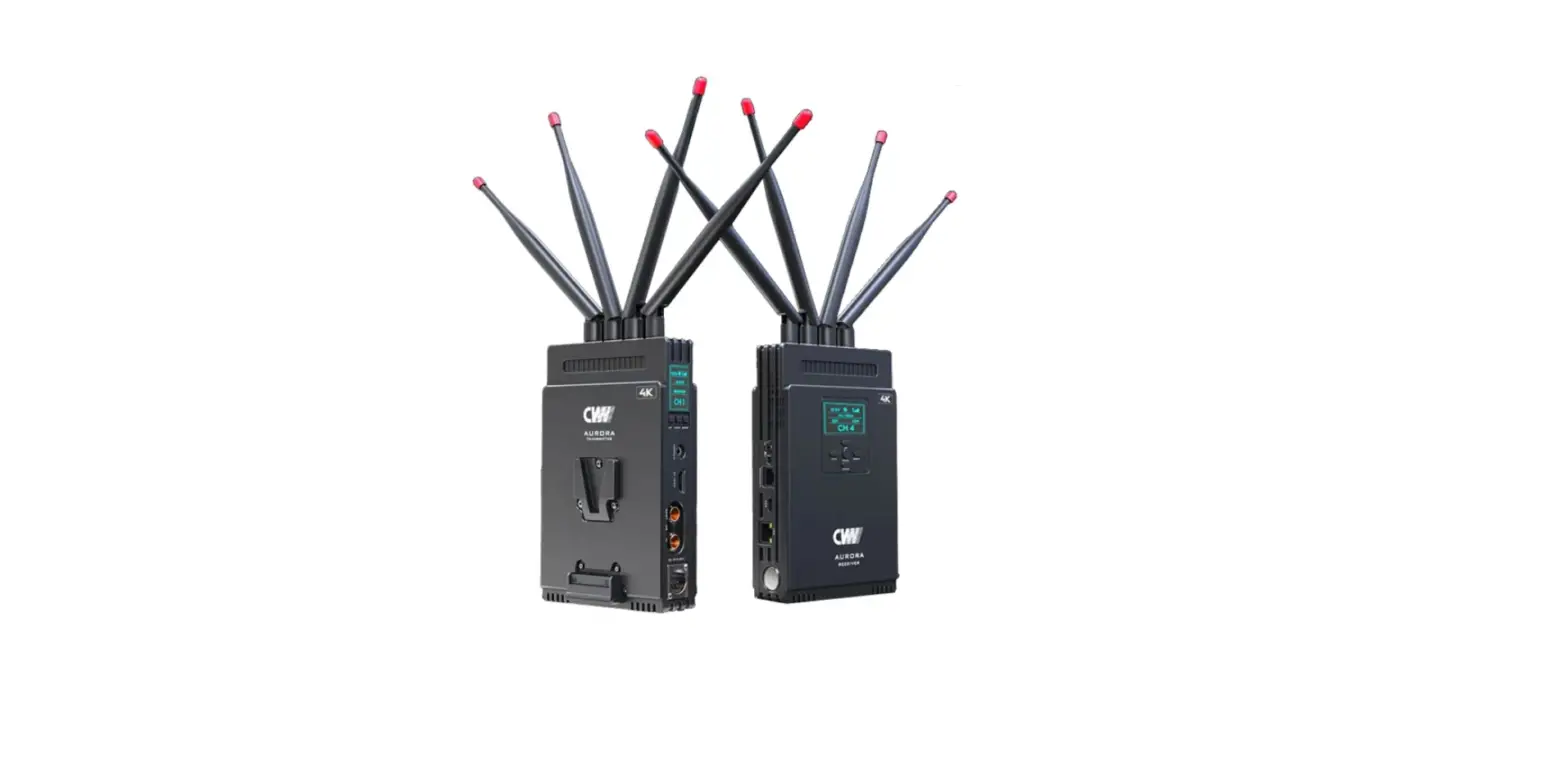
CAME-TV CRYSTAL-V Wireless Video System
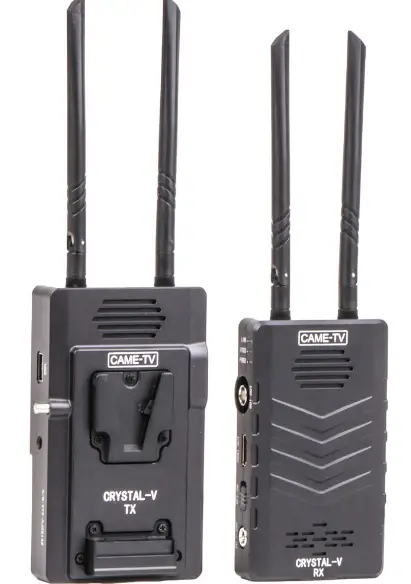
CRYSTAL-V Wireless Video System
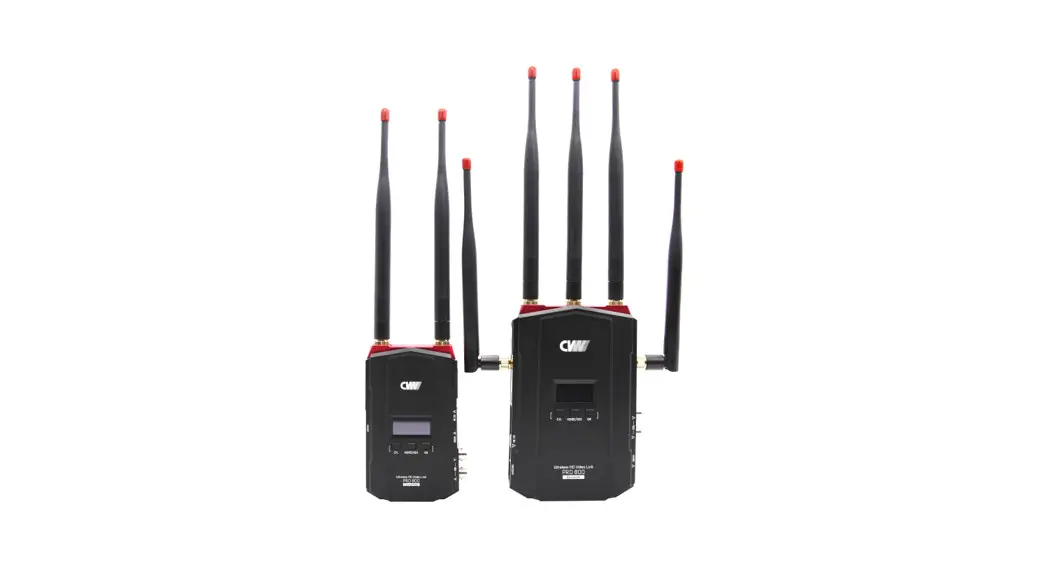
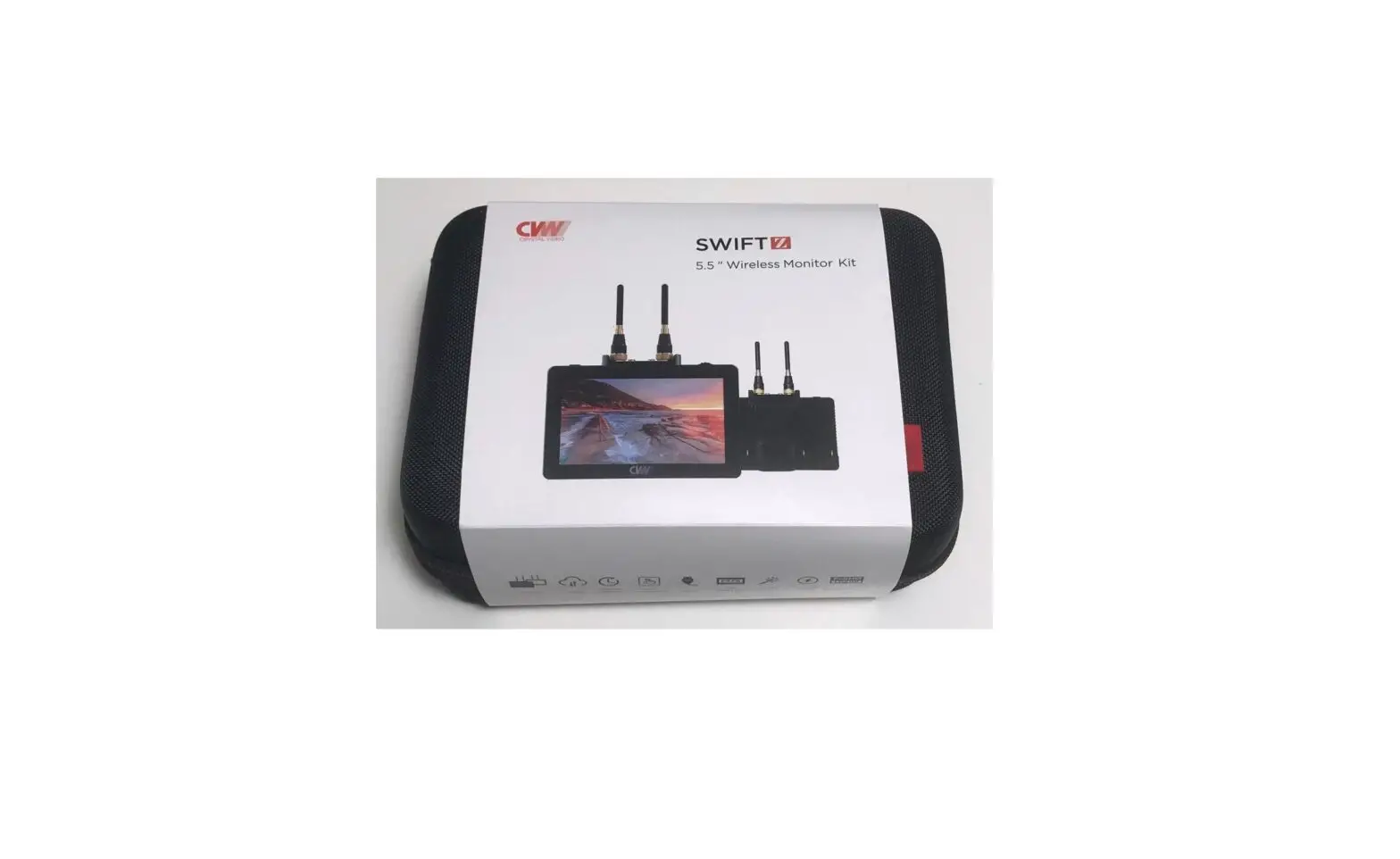
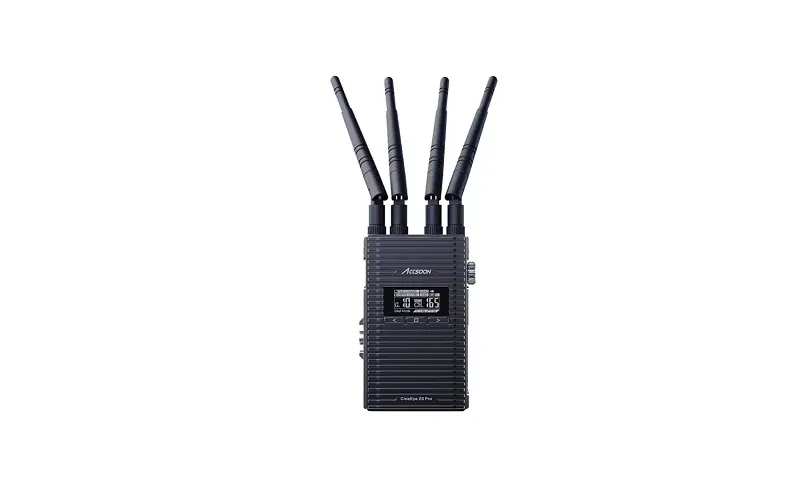
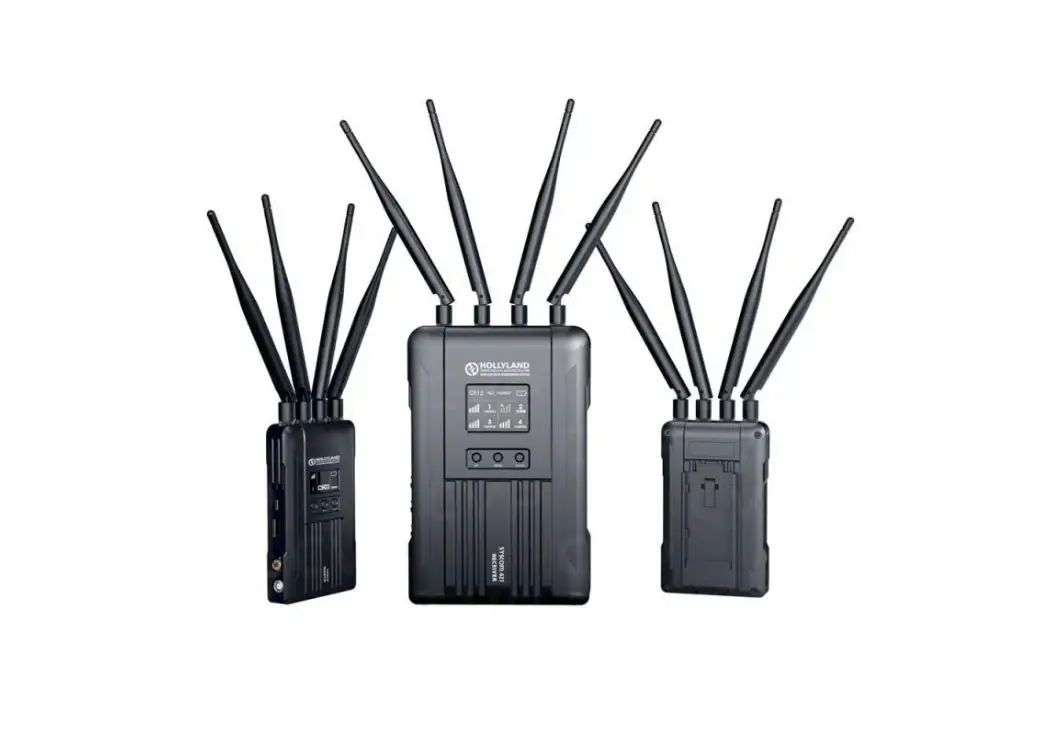
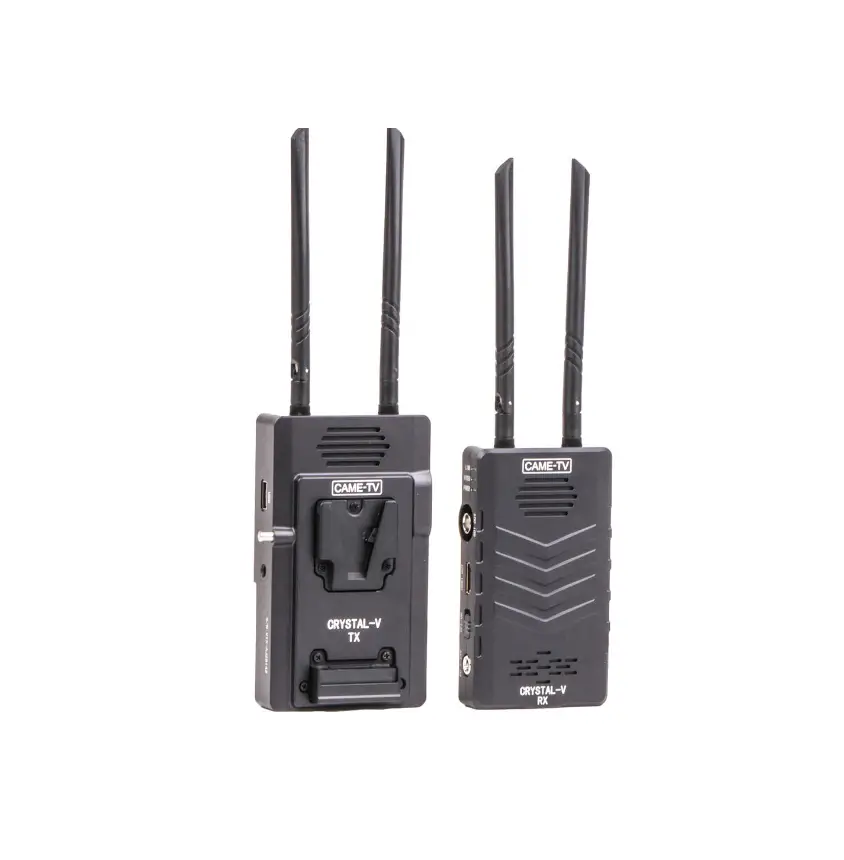
Thank you for purchasing the CAME-TV Crystal-V wireless video Transmission system. This product adopts the latest image encoding and decoding technology and 5G transmission technology to achieve ultra-low delay effect. It supports both HDMI and SDI input and output, and outdoor distances up to 100 meters (328 feet). Product Features:
- The transmitter supports SDI loop out, which is convenient for the camera operator to install the screen for monitoring.
- V-mount battery can be used. It can be mounted to a V-mount plate, providing power for both transmitter and camera.
- The receiver supports HDMI and SDI output screen switching, or display simultaneously. Mobile phones and tablets can monitor video images with apps (both for Apple and Android devices).
Product List
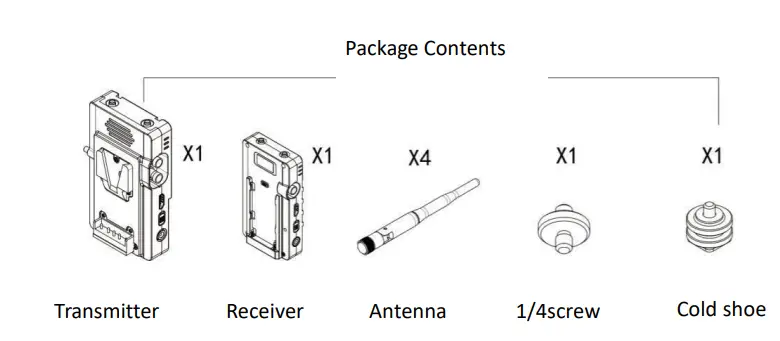
NP batteryplate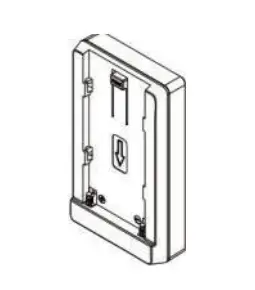
Specification
| Product | Transmitter | Receiver | ||
| Frequency | 5.180GHz-5.805GHz | |||
| Antenna | 4DB knife-like dual antenna | |||
| Network Bandwidth | 10M | |||
| Power Interface | DC2.1,7-24V | |||
| USB Port | Output DC voltage 5V-2A | / | ||
| SDI/HDMI Channel Switch | / | Short press ‘Channel’ button about 1S to switch HDMI、SDI、HDMI&SDI,3 different Channels | ||
| Input Branch(Max) | SDI&HDMI input simultaneously | SDI&HDMI output simultaneously | ||
| Battery | Support V-mount battery (Support NP battery with adapter plate) | Support NP battery | ||
| Working Current | 12V [email protected] | 12V [email protected] | ||
| Power Led | Red | |||
| Network Led | Yellow | |||
| Video Led | Blue | |||
| Working Temperature | -10℃~65℃(14℉~140℉) | |||
| The Resolution Supported by the Receiver | ||||
| Resolution | Frame | Description | ||
| 1080P | 60 | If the resolution exceeds 1080P60, the unified decoding is 1080p@60. Other 1080 resolutions are converted to similar resolutions, such as 59.94 to 60. | ||
| 1080I | 60 | |||
| 1080P | 50 | |||
| 1080I | 50 | |||
| 1080P | 30 | |||
| 1080P | 25 | |||
| 1080P | 24 | |||
| 720P | 60 | Other frames of 720P are decoded into 720P@60 | ||
| 720P | 50 | |||
| 576P | 50 | |||
| 480P | 60 | |||
Product Instruction
Transmitter
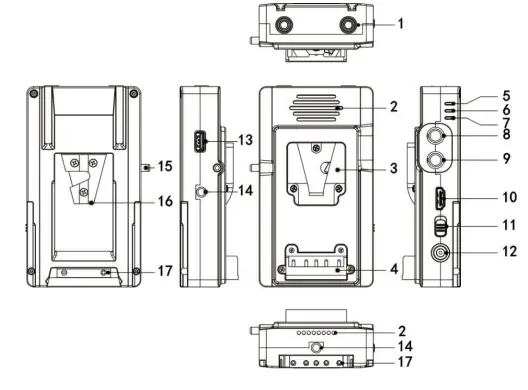
- Antenna port
- Heat emission hole3
- V-mount battery Locking
- Battery electrode(male)
- Network Le
- Video Led
- Power Led
- SDI output
- SDI input
- HDMI input
- Power Switch
- DC input
- USB
- 1/4 screwhole
- V-mount battery lever
- V-mount battery plate17.Battery
Receiver
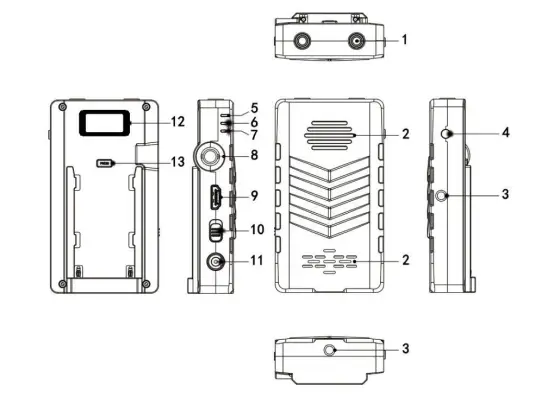
- Antenna port
- Heat emission hole3
- 1/4 screwhead
- Select Channel Button
- Network Led
- idea Led
- Power Led
- SDI Output
- HDMI Output
- Power Switch
- DC input
- OLED Screen
- Battery press Clasp
General Problems
No picture output on the Receiver
- Please check whether there is power or low power in the power supply of transmitter andreceiver.
- Whether the antenna is connected well and if the HDMI or SDI cable is intact.
- Channel selection is correct (for example, the picture transmission screen is input and output by HDMI, but the channel at the Receiver is selected SDI. At this point the video indicator light is on, but there is no picture display at the Receiver, you can simply press the channel selectionbutton to switch to HDMI display). 4. Please check whether the video output format is applicable to this product.
Poor video display
- Please confirm whether the HDMI cable or SDI cable supports the resolution currently set and whether the quality is acceptable.
- The transmitter and receiver should be at least
CRYSTAL-V APP Installation
- Download APP
App Store or Google Play by searching CRYSTAL-V to install, or scan below QR code
- Video transmission system at working status, the receiver will emit a CAME – TV – V WIFI signal, using a mobile phone connection, and then open the APP can receive images.
Note:
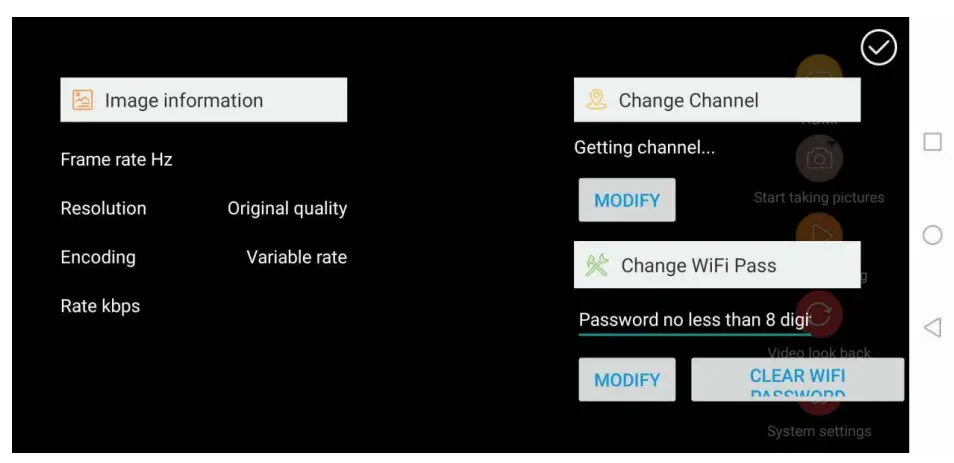
When multiple devices are working together at the same time, you can change the channel in the APP Settings –, change the frequency of receivers to different values.