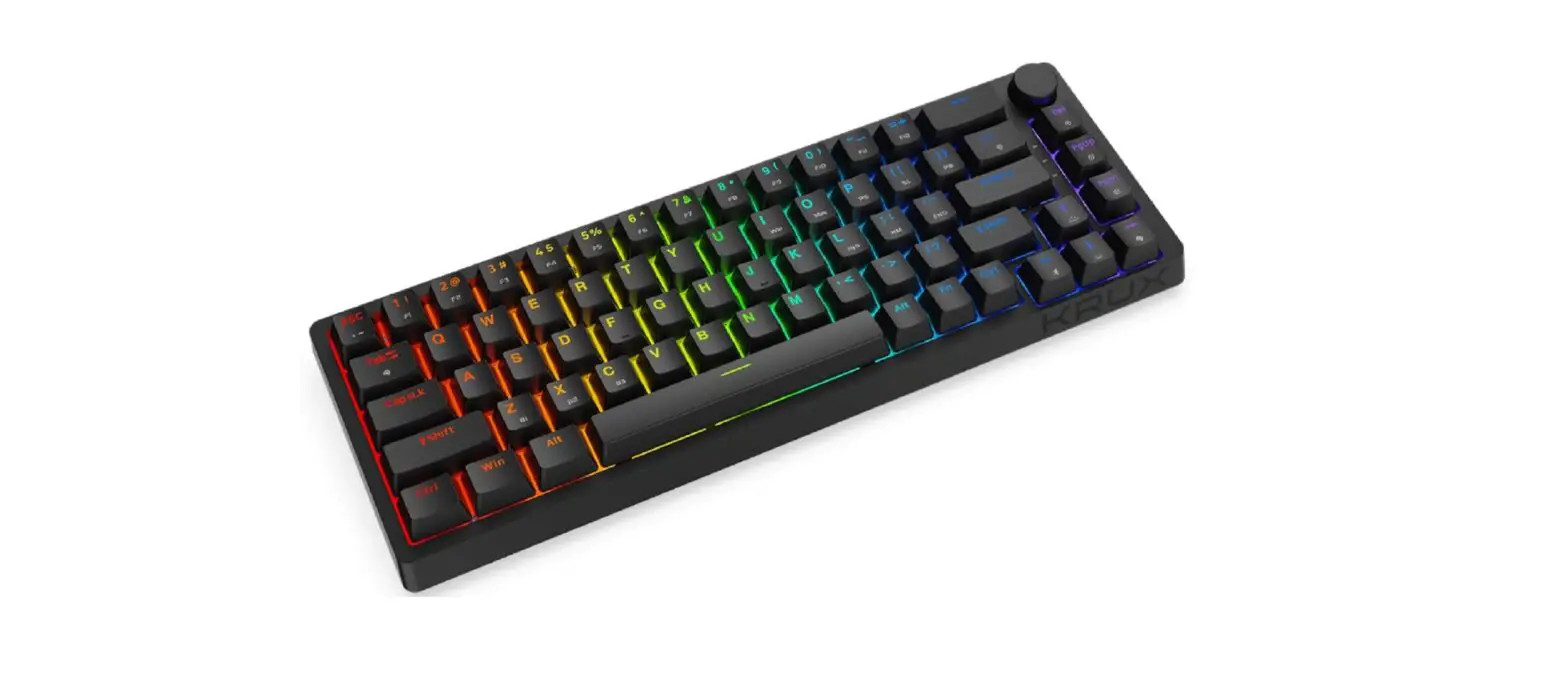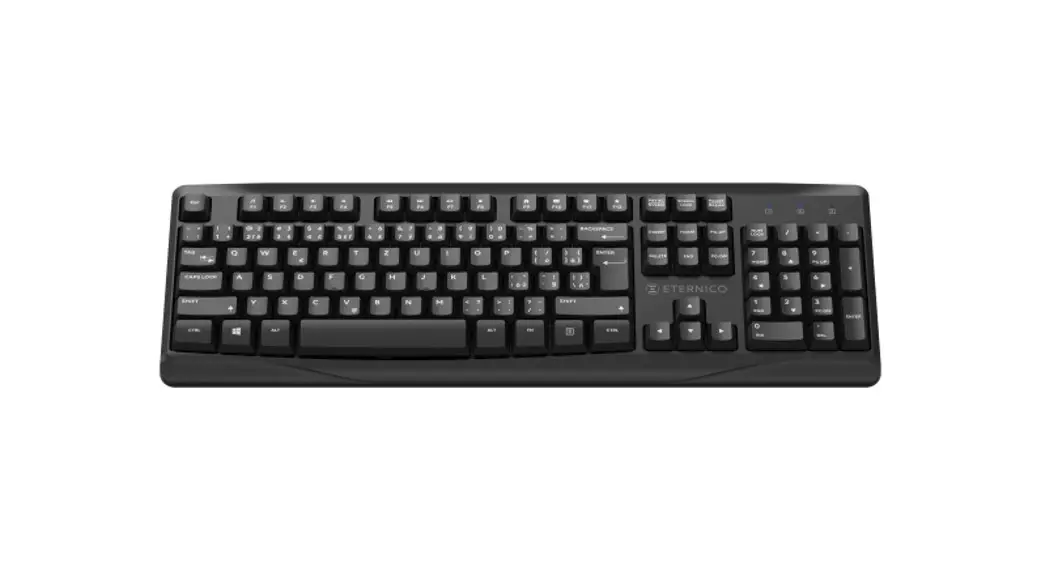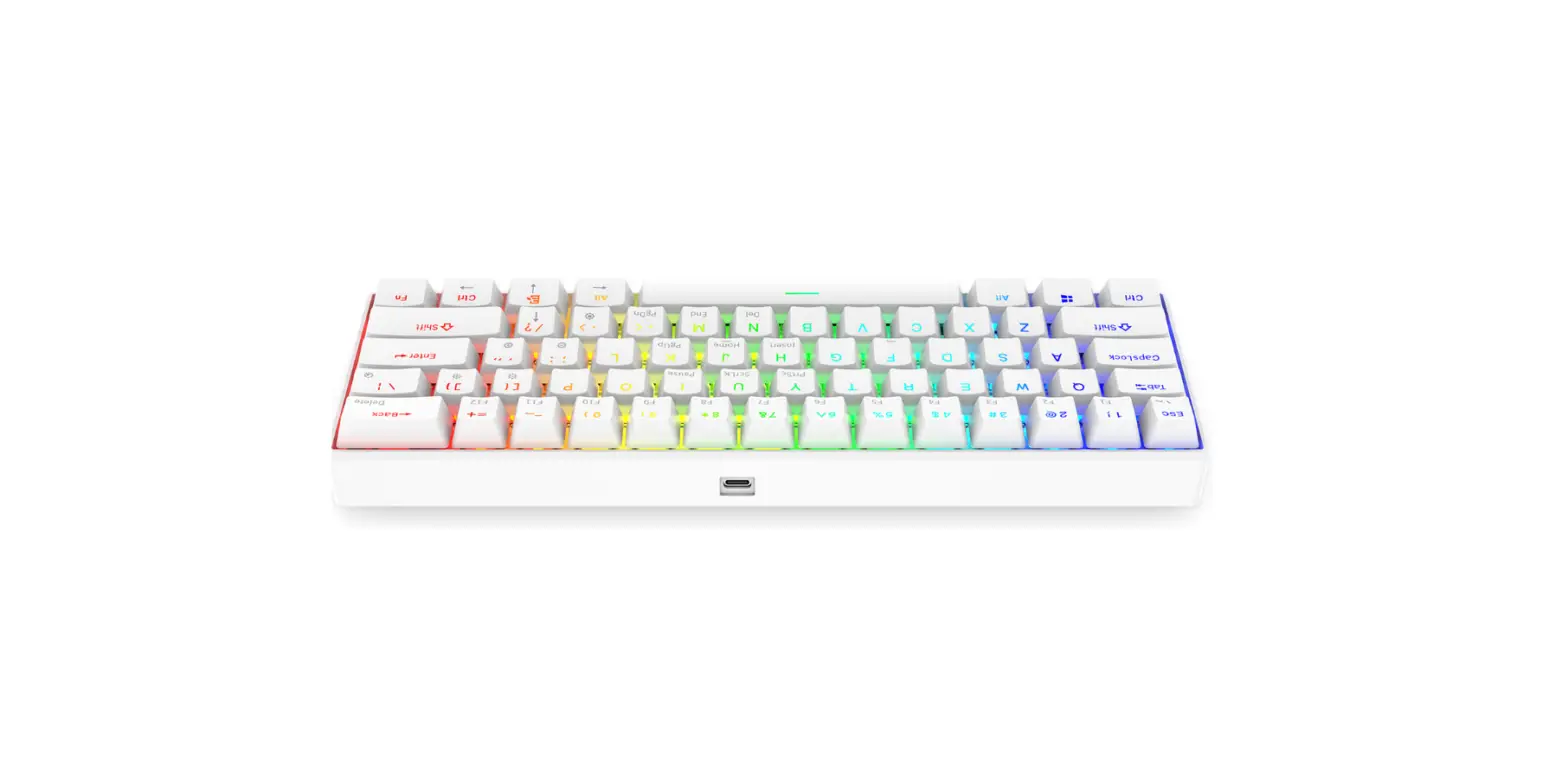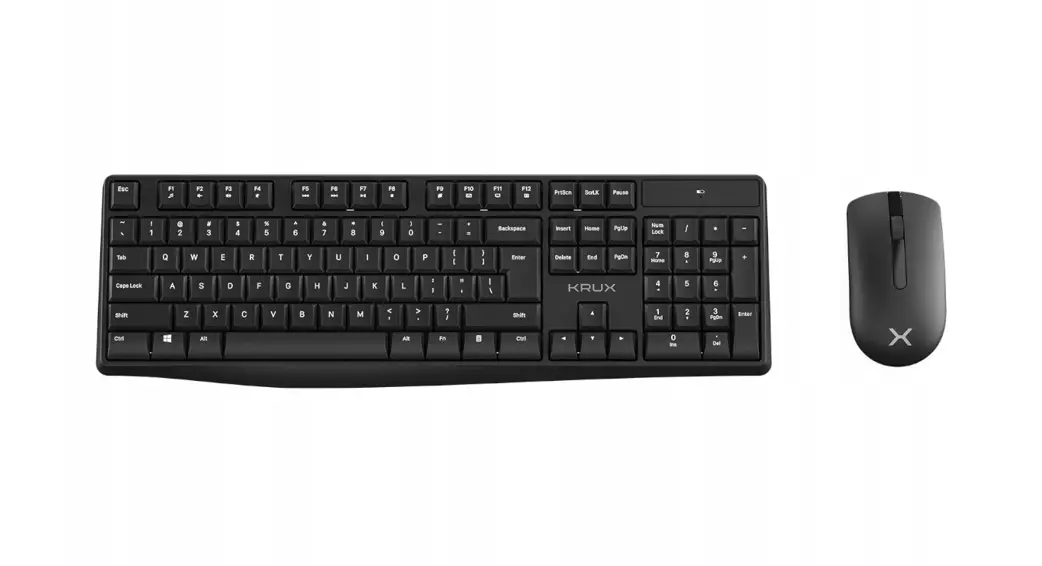

KXO-8400 2.4 GHz Office Wireless Set
Instructions
CONNECTIONS
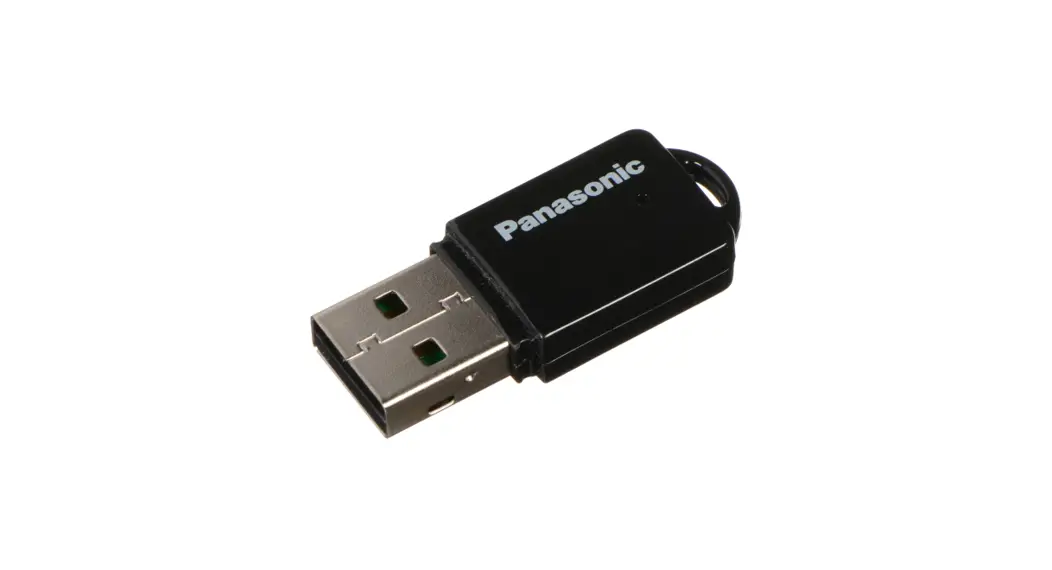
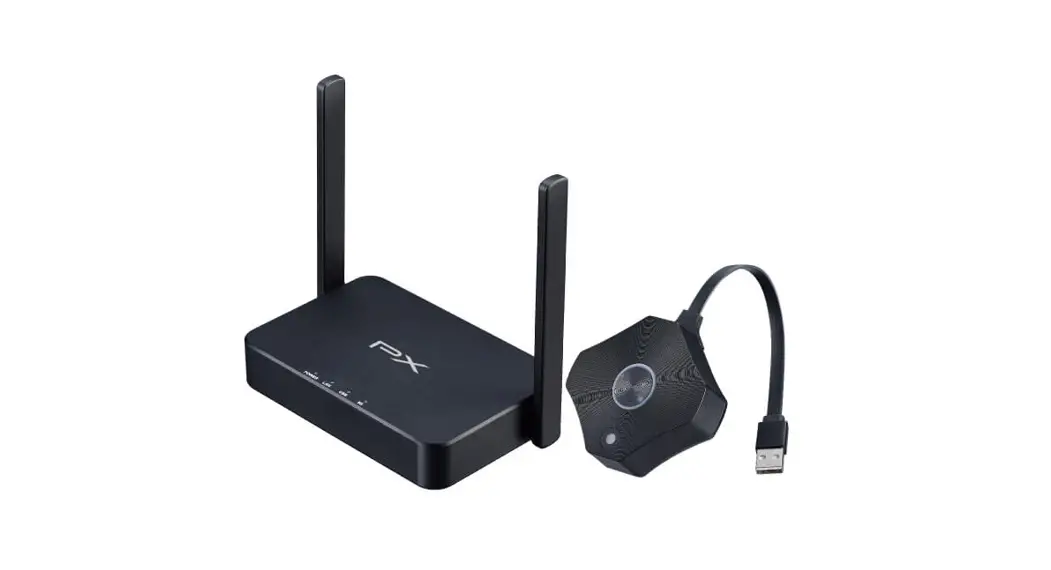
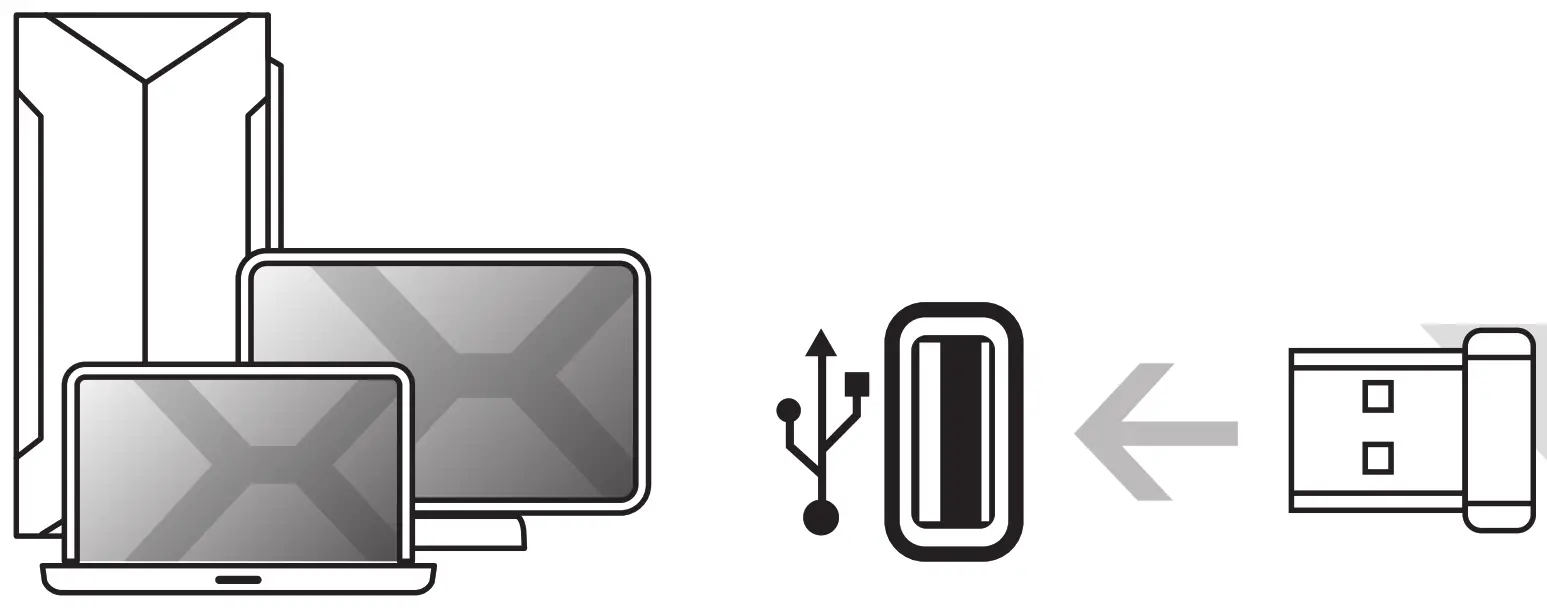
Wireless connection with a Wireless USB.
BATTERIES
Keyboard: lx AAA
> Mouse :lx AAWhen the battery status LEO turns on, replace the battery.
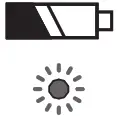 When the battery status LEO turns on, replace the battery.
CAUTION: Never allow children to attempt to replace batteries, this should always be done by adult.
WARRANTY
Use and warranty limitations:
- The product should be used according to it’s intended purpose. Incorrect use can damage the product and endanger the life of the user;
- Excessive humidity, dust and other contaminations can result in product damage which is not covered by the warranty;
- Avoid exposure to rapid changes ambient temperature. Should they occur, wait approx. 30 minutes before using the product until temperature is leveled;
- You can find the warranty terms and conditions at https://krux.tech/.
 ENTITY RESPONSIBLE / POOMIOT 00POWIEOZIALNY:
COOLING.PL ZOZIECH SP.J.
UL. SOKOLOWSKA 24
05-908 SOKOtOW, POLAND
TEL. +49 22 292 01 30
BOO: 000020025 MADE IN CHINA
WWW.KRUX.TECH
KIRX0103
KEY FUNCTION
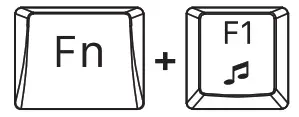 | MUSIC | 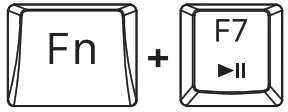 | PLAY/PAUSE |
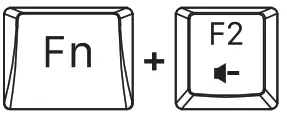 | VOLUME – | 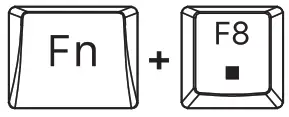 | STOP |
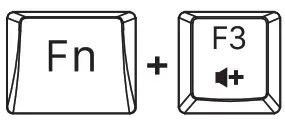 | VOLUME + | 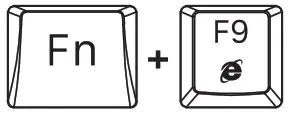 | WEB BROWSER |
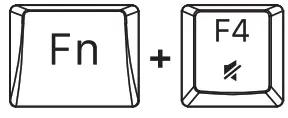 | MUTE | 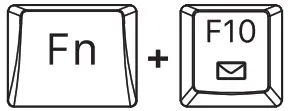 | |
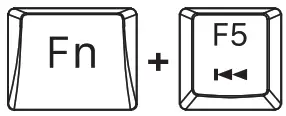 | PREVIOUS TRACK | 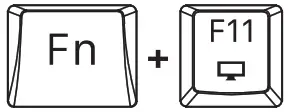 | MY COMPUTER |
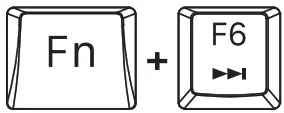 | NEXT TRACK | 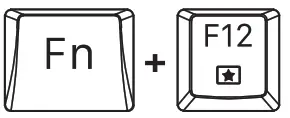 | HOME PAGE |
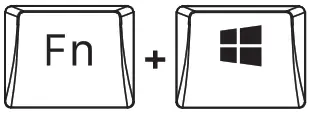 | LOCK WNOOWS KEY (GAMING MOOE] |
MOUSE KEY MAP
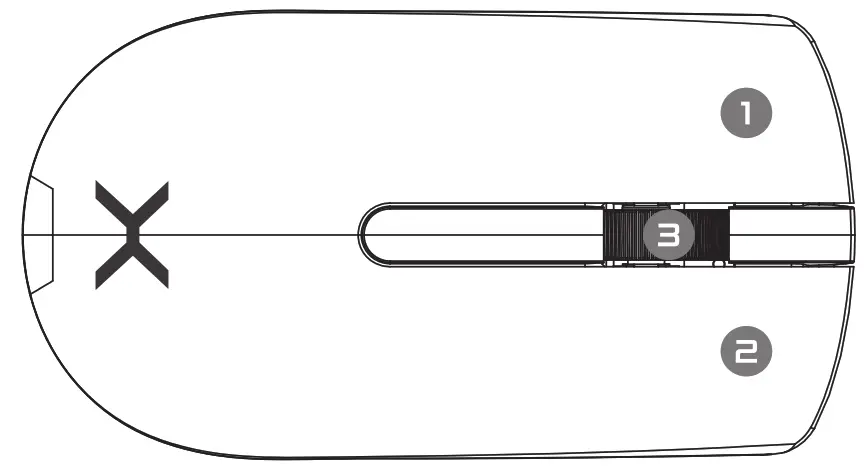
- Left Button
- Right Button
- Scroll Wheel