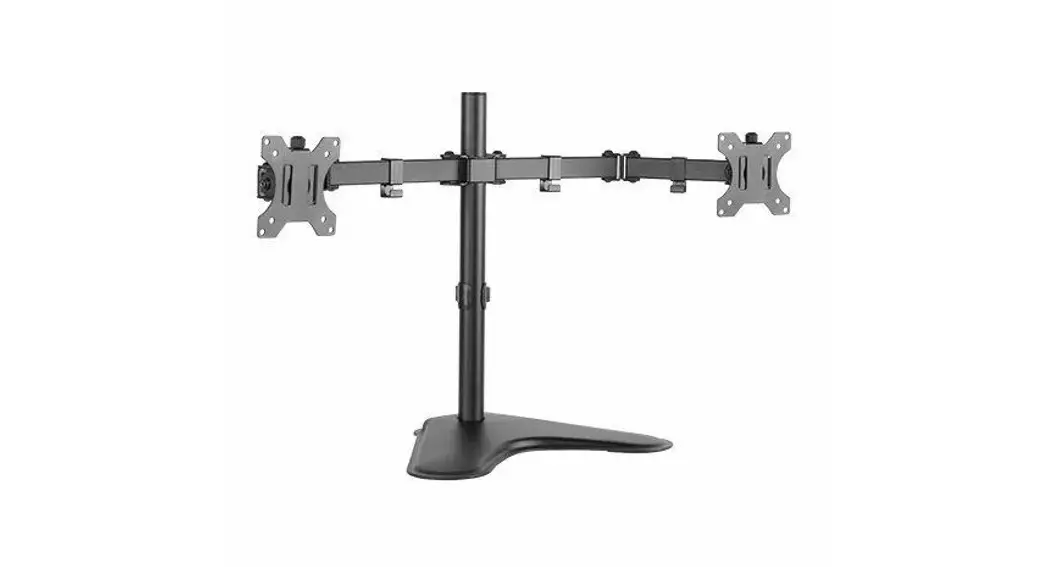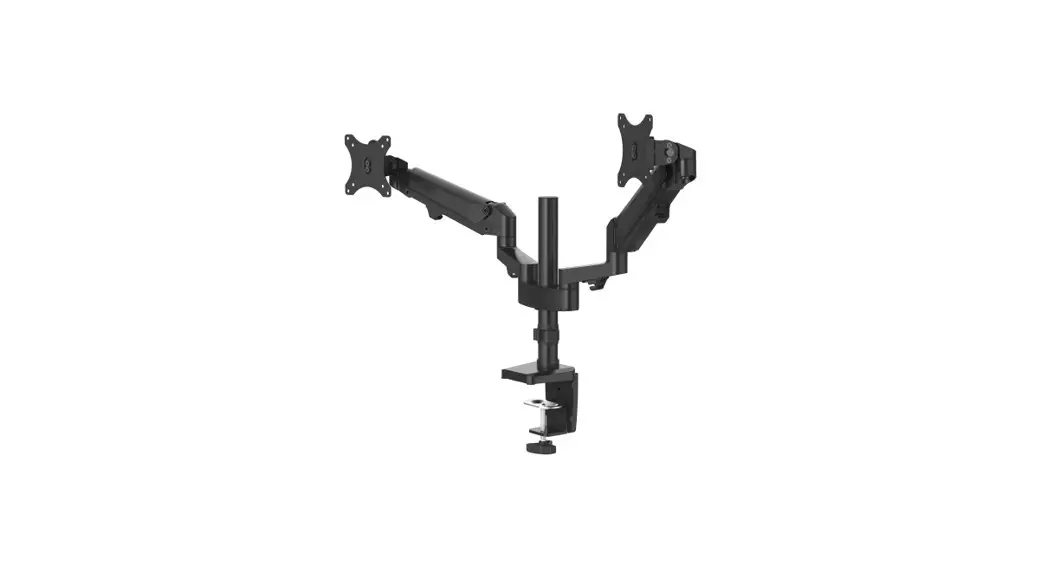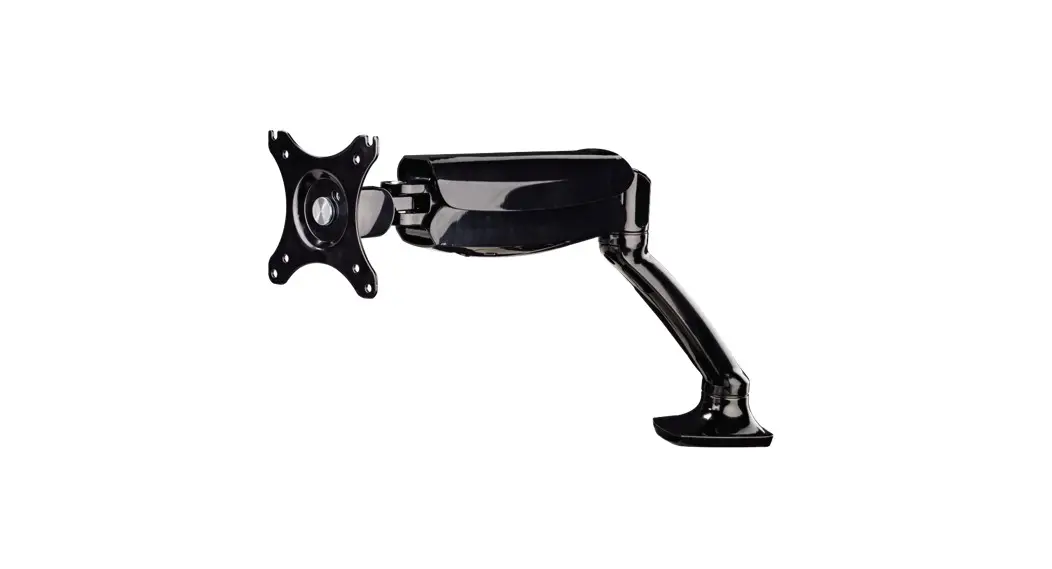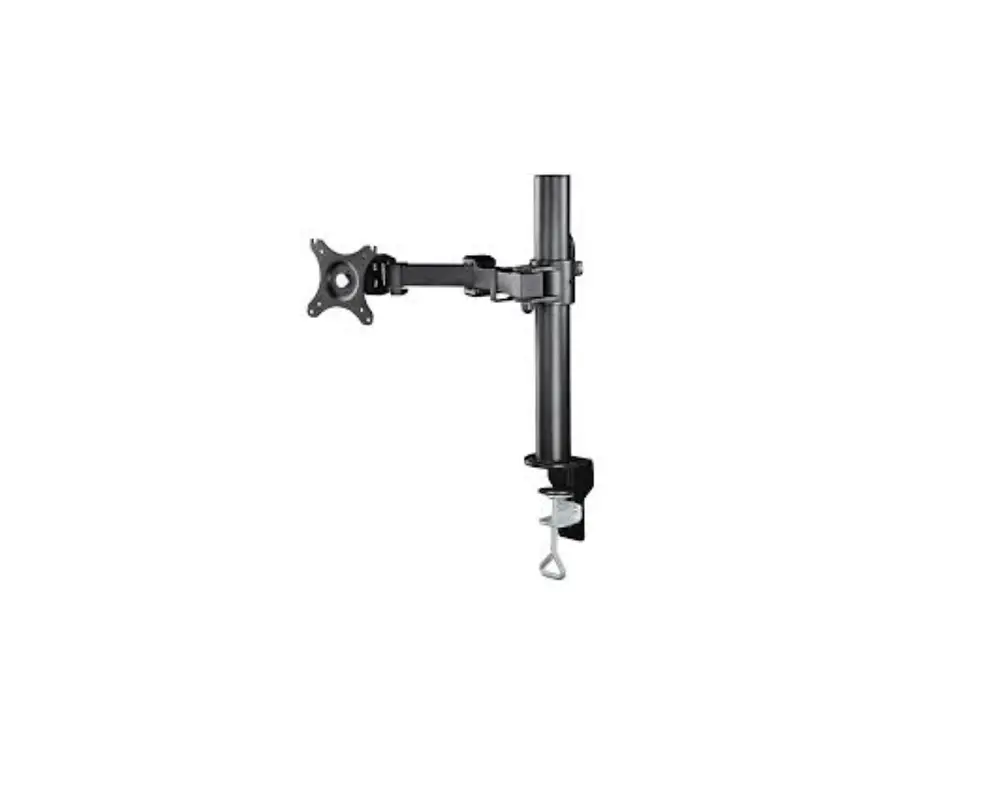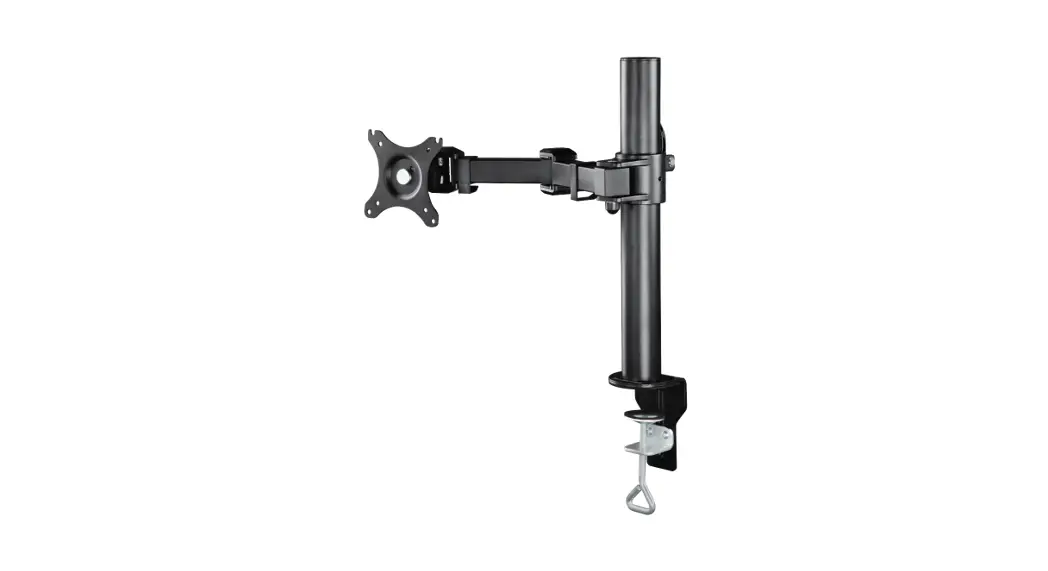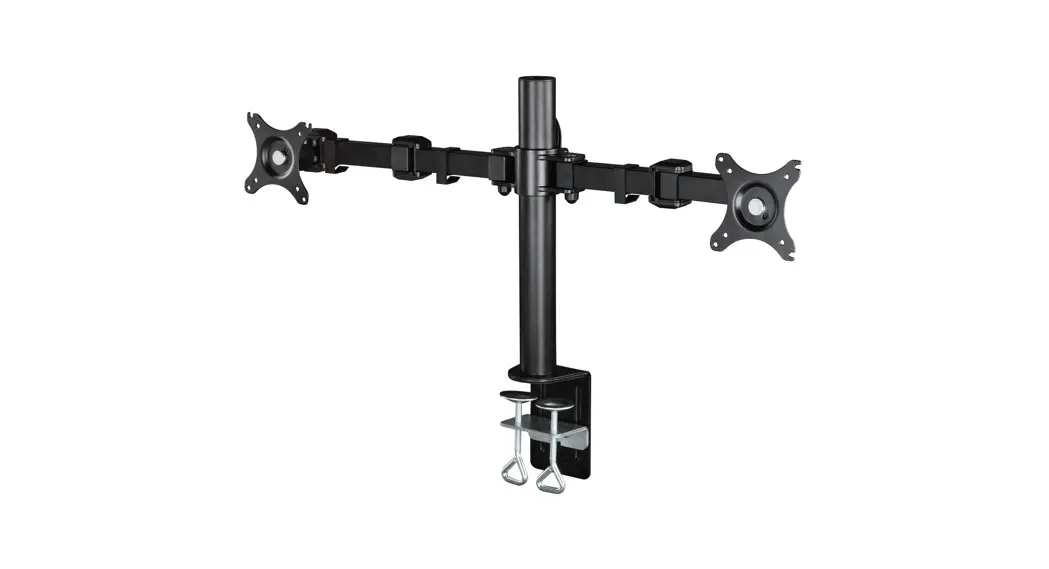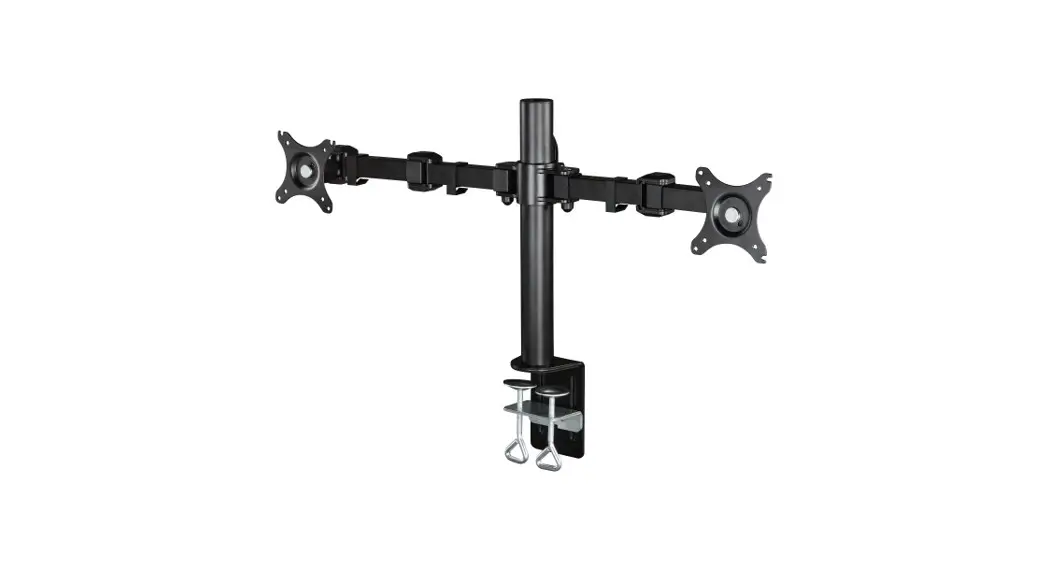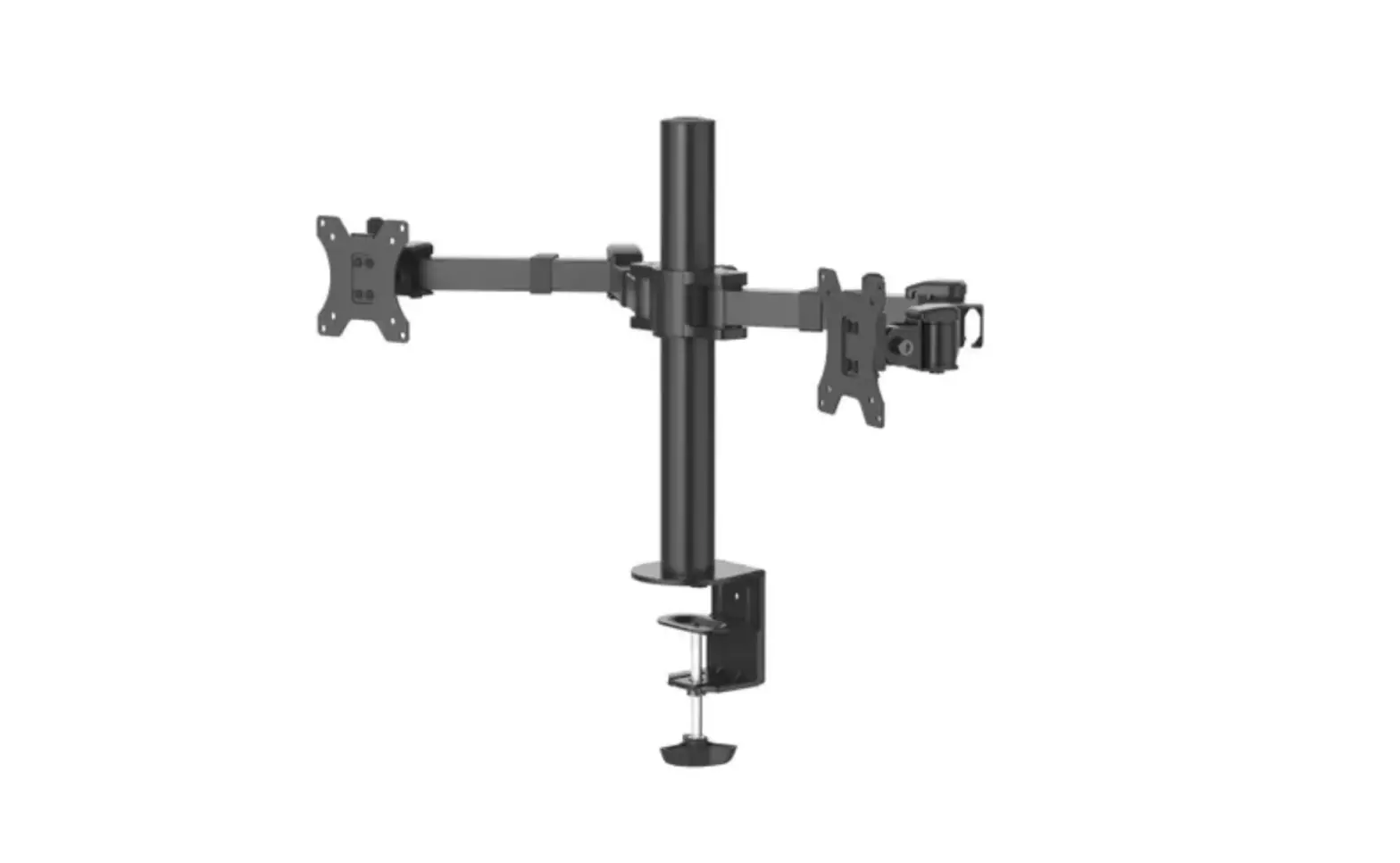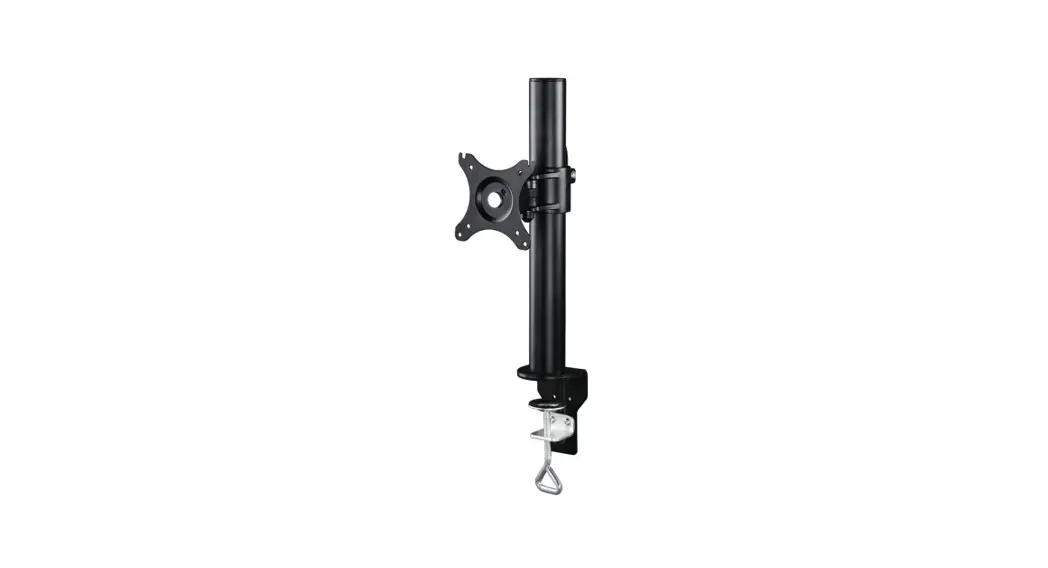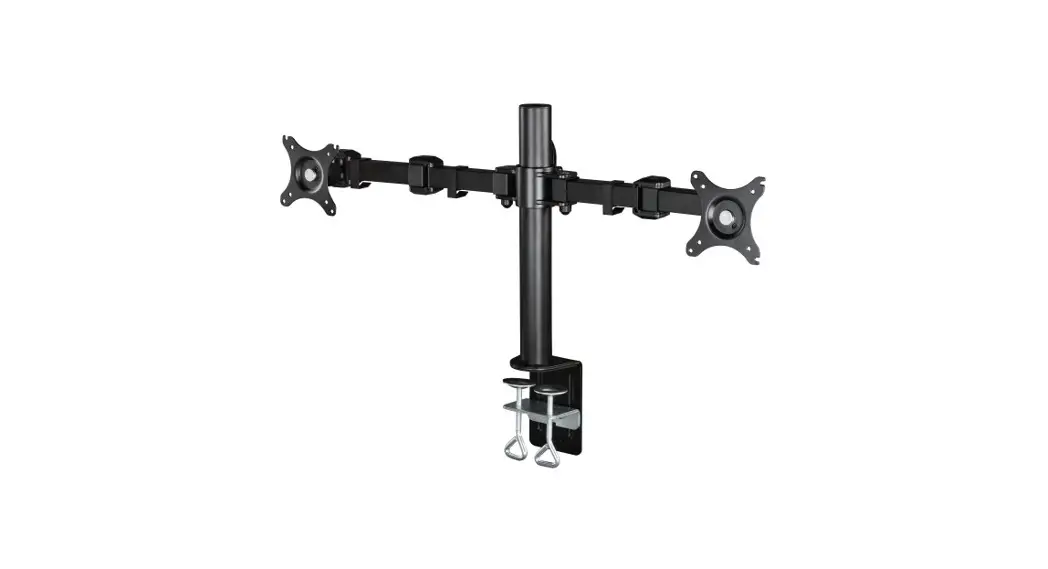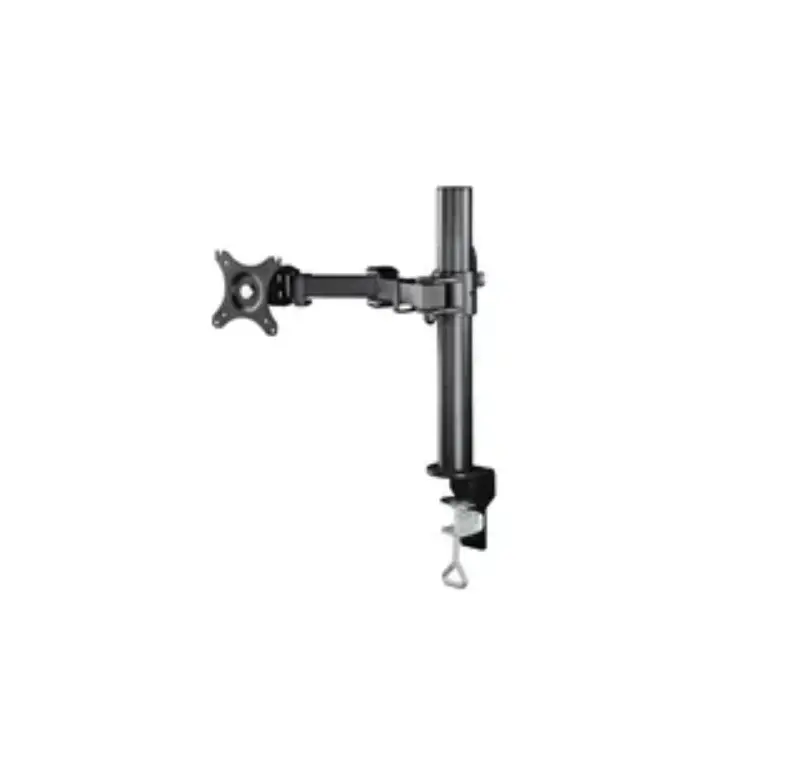
hama 00118493 Full Motion Dual Monitor Arm Instruction Manual
Thank you for choosing a Hama product.
Take your time and read the following instructions and information completely. Please keep these instructions in a safe place for future reference. If you sell the device, please pass these operating instructions on to the new owner.
Explanation of warning symbols and notes
 | Warning This symbol is used to indicate safety instructions or to draw your attention to specific hazards and risks |
 | Note This symbol is used to indicate additional information or important notes. |
Package contents
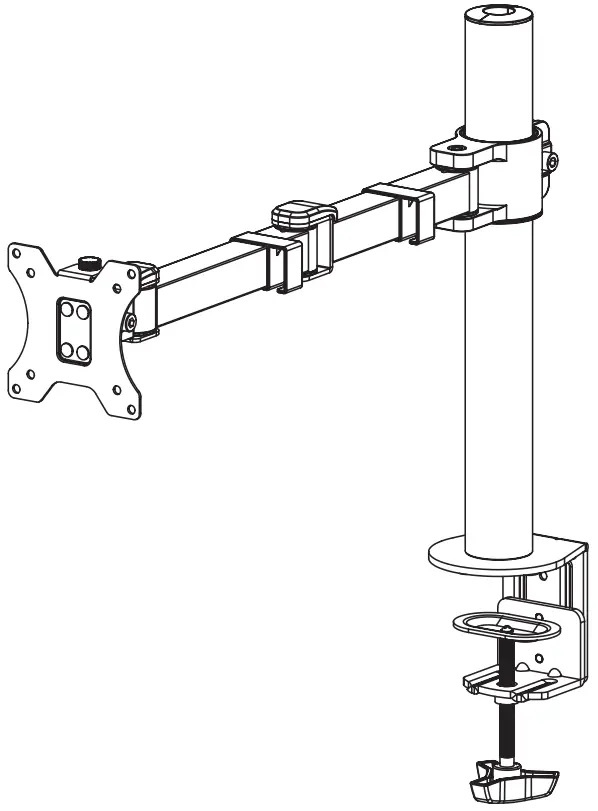
- Monitor Arm
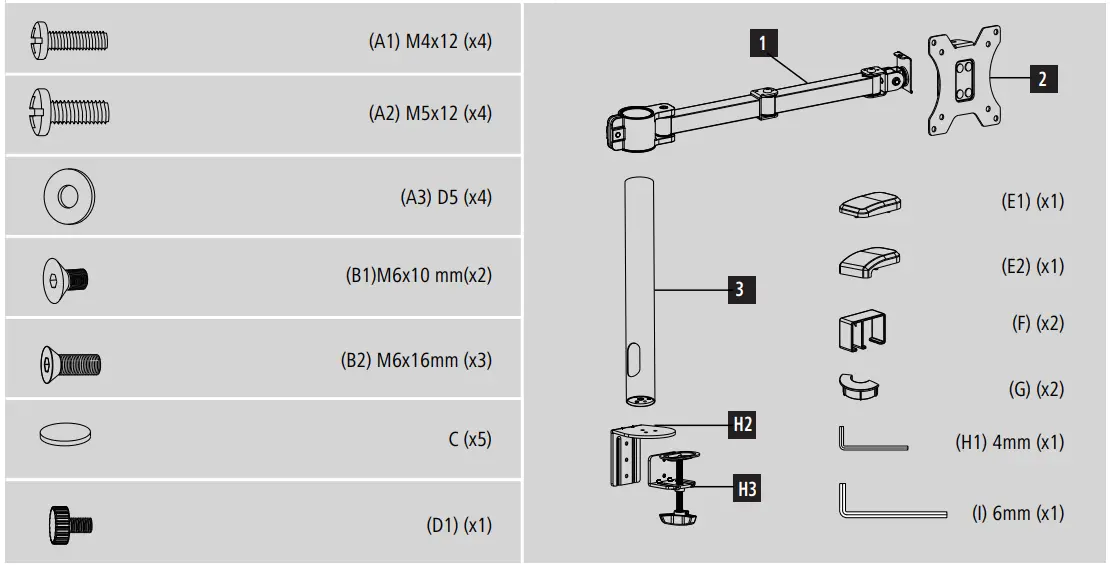
- Mounting kit (see Fig. 1 for contents)
- These operating instructions
| Note Please check the mounting kit for completeness before installing the product and ensure that there are no faulty or damaged parts. |
Safety instructions
| Warning
|
| Note – Commercial use
|
- Once you have mounted the product and the attached load, check that they are sufficiently secure and safe to use.
- You should repeat this check at regular intervals (at least every three months).
- Ensure that the product does not exceed its maximum permitted carrying capacity and that no load exceeding the maximum permitted dimensions is attached.
- Make sure that the product is loaded symmetrically.
- During adjustment, ensure that the product is loaded symmetrically and that the maximum permitted carrying capacity is not exceeded.
- In the event of damage to the product, remove the attached load and stopusing the product.
- Mount the product only on tabletops with a sufficient load-bearing capacity and stability for the product and the device attached to it.
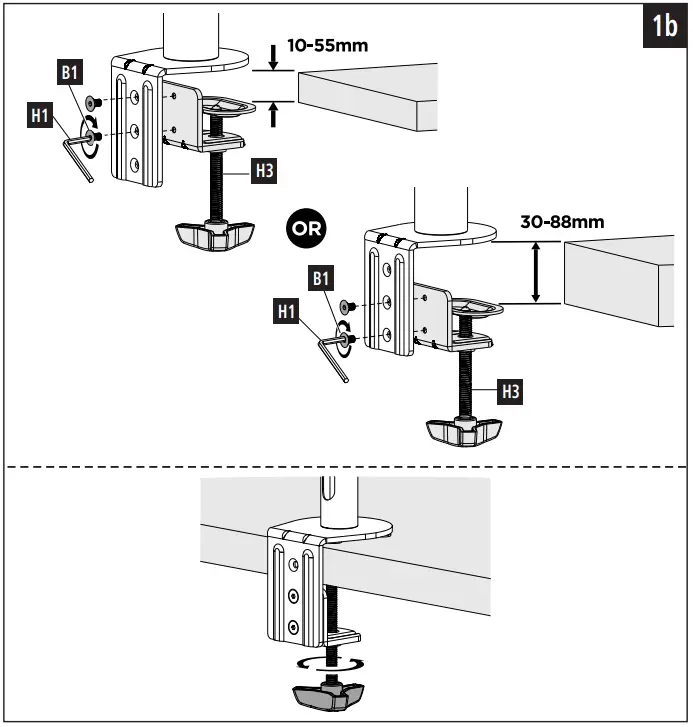
- Ensure that the thickness of the tabletop is 1-8.8 cm.
- Do not attach any additional objects to the product.
- Keep the packaging material out of the reach of children due to the risk of suffocation.
- Dispose of packaging material immediately in accordance with the locally applicable regulations.
- Note that the product can cause pressure marks on the surface of the table. This depends on the weight loading and on the stability of the surface at the place ofinstallation.
Application and specifications
- The product is intended only for use inside buildings.
- Use the product only for the intended purpose.
| Maximum load: | 15 kg |
| Screen diagonal: | 33 – 89 cm (13″ – 35″) |
| Rotation: | 360° |
| Tilt: | -/+ 35° (device-dependent) |
| Swivel range: | up to 180° on 3 joints (device-dependent) |
| Holder: | up to 100 x 100, according to VESA standards |
Preparation and assembly
| Note
|
- Observe the other warnings and safety instructions.
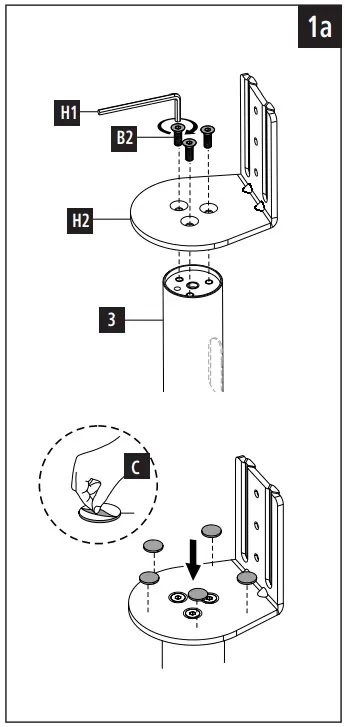
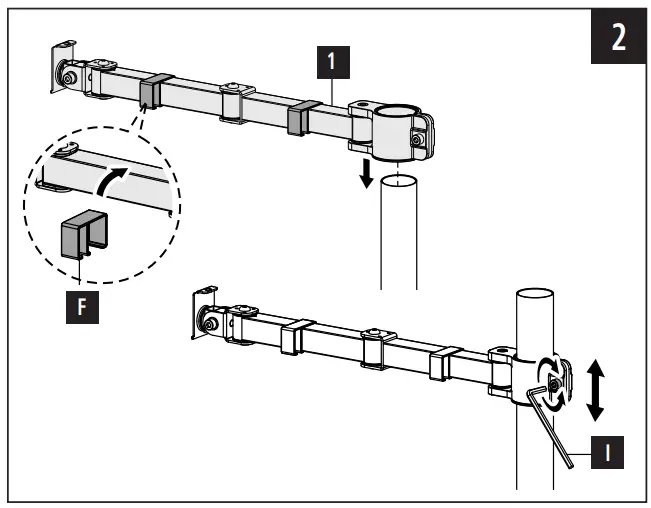
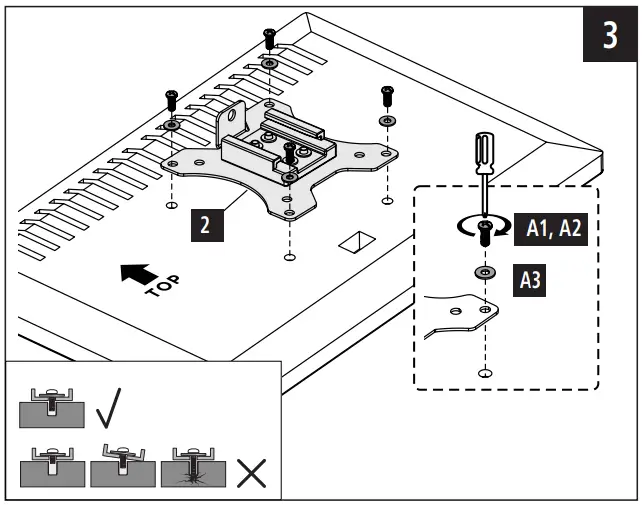
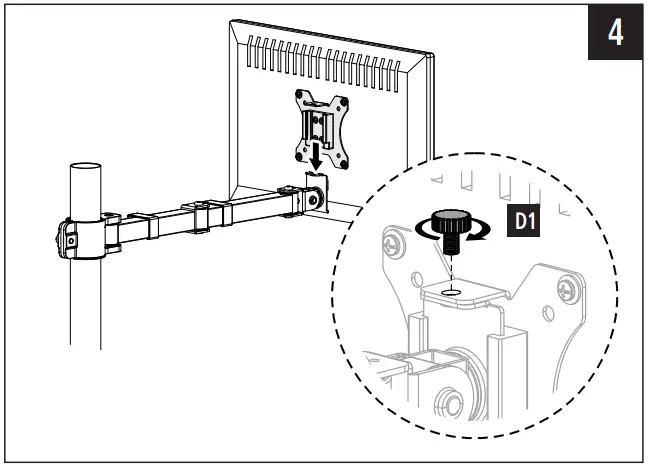
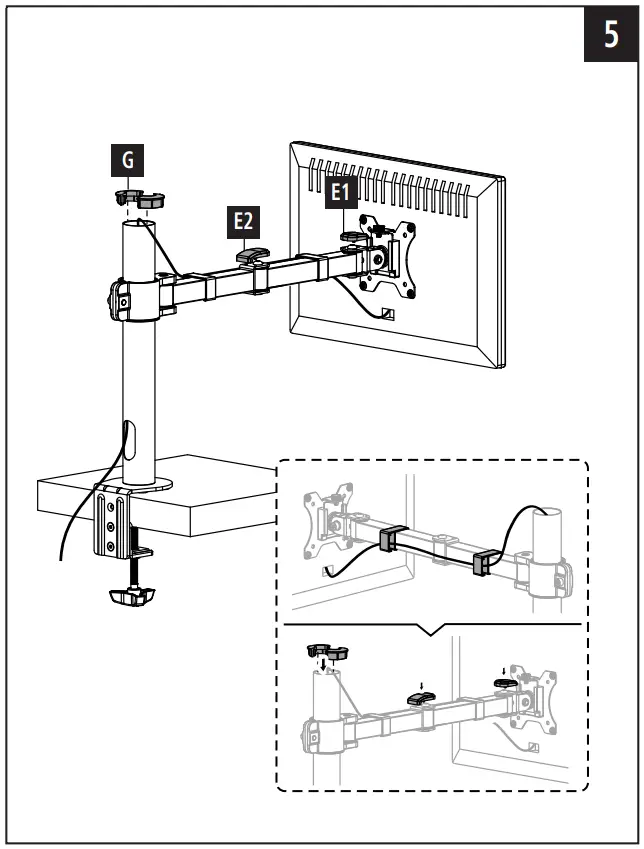
- Proceed step-for-step in accordance with the illustrated installation instructions (Fig. 1a et seq.).


| Note
|
Adjustment & maintenance
| Note – Height adjustment
|
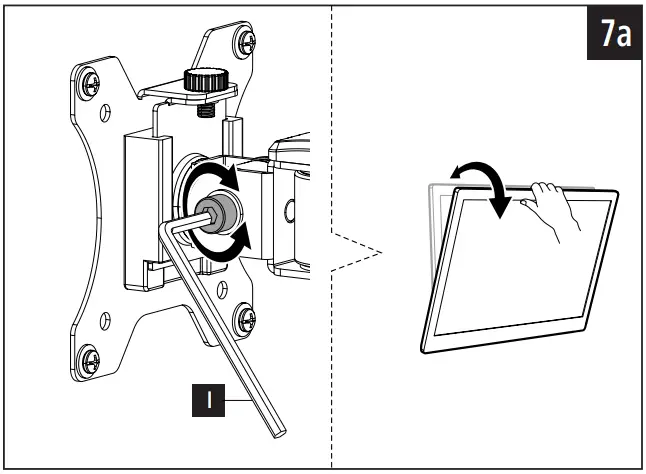
| Note – Setting/adjusting the tilt angle
|
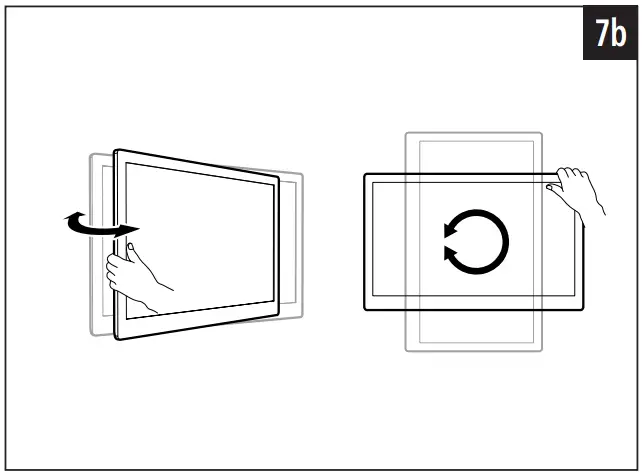
- No screws need to be loosened for the sideways movement.
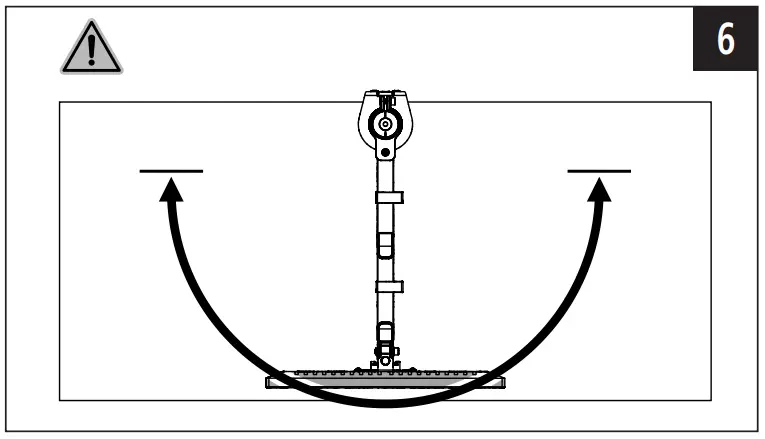
- Please only swivel the monitor arm within the range indicated (Fig. 6).
- Once you have mounted the product and the attached load, check that they are sufficiently secure and safe to use

- You should repeat this check at regular intervals (at least every three months).
- Only clean this product with a slightly damp, lint-free cloth and do not use aggressive cleaning agents.
Warranty disclaimer
Hama GmbH & Co KG assumes no liability and provides no warranty for damage resulting from improper installation/mounting, improper use of the product or from failure to observe the operating instructions and/or safety notes.
Hama GmbH & Co KG
86652 Monheim/ Germany
Service & Support
 www.hama.com
 +49 9091 502-0

 hama.com