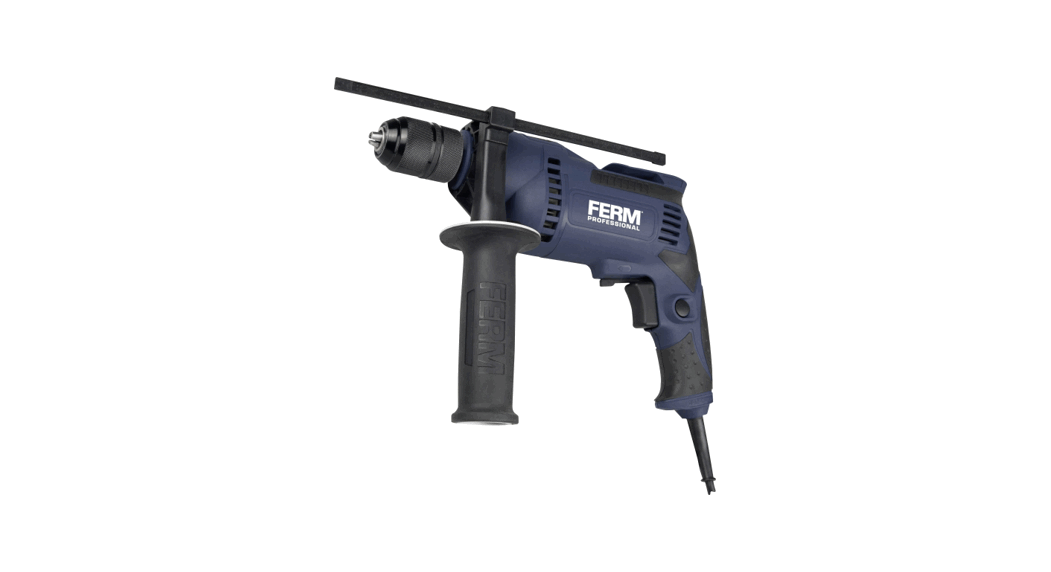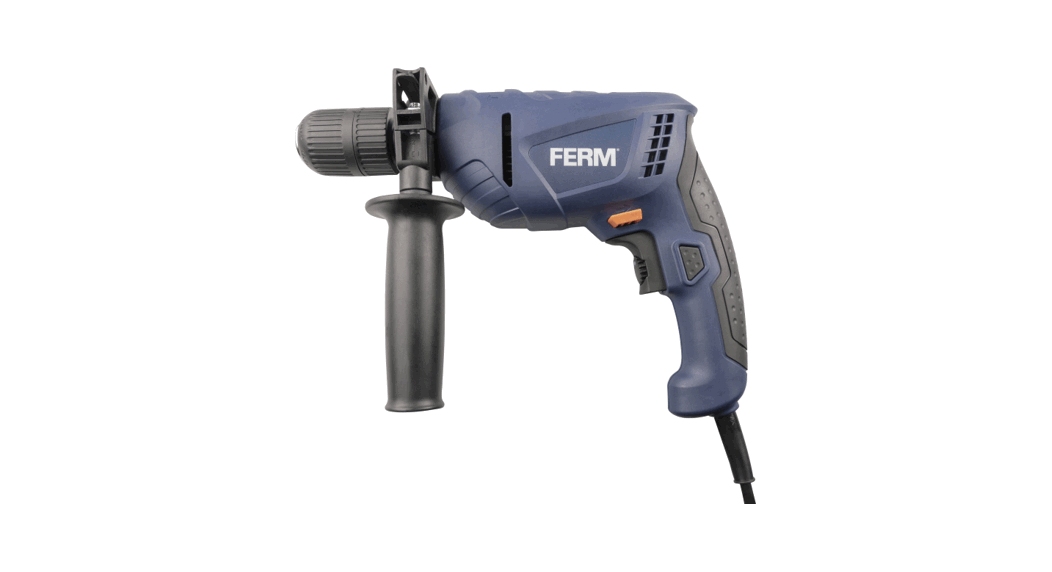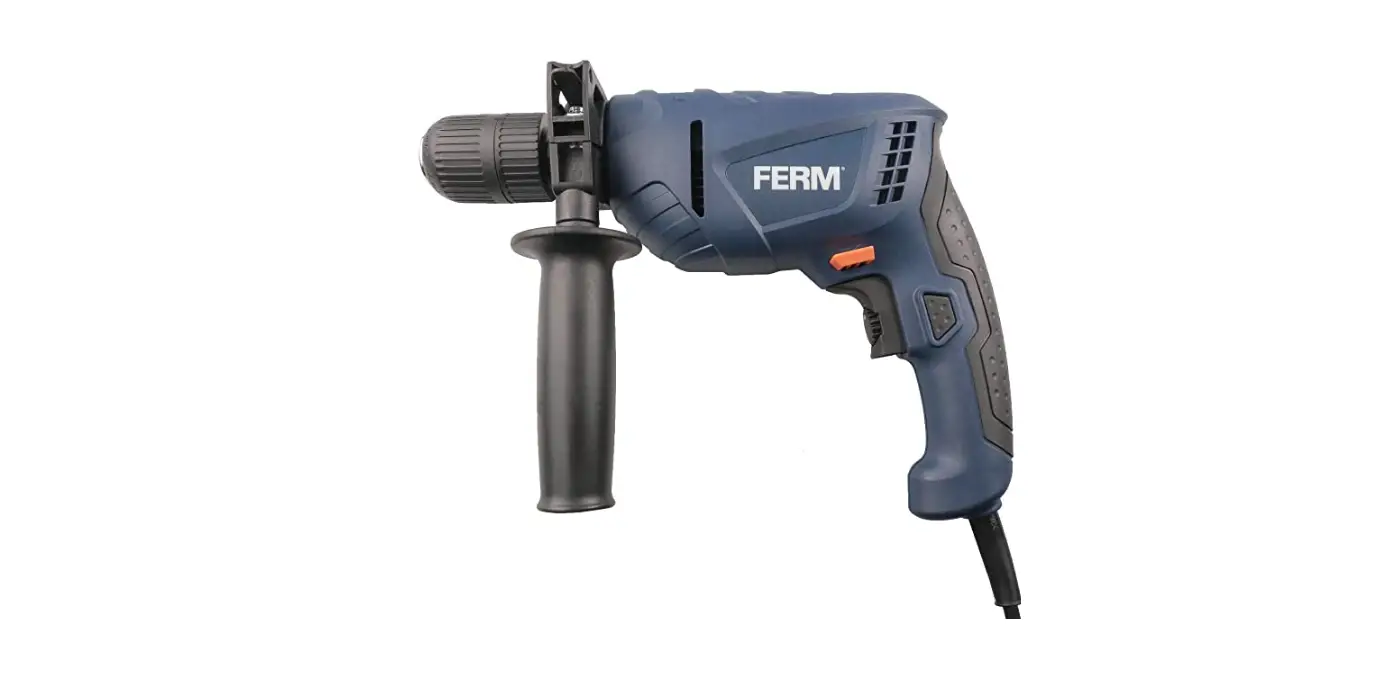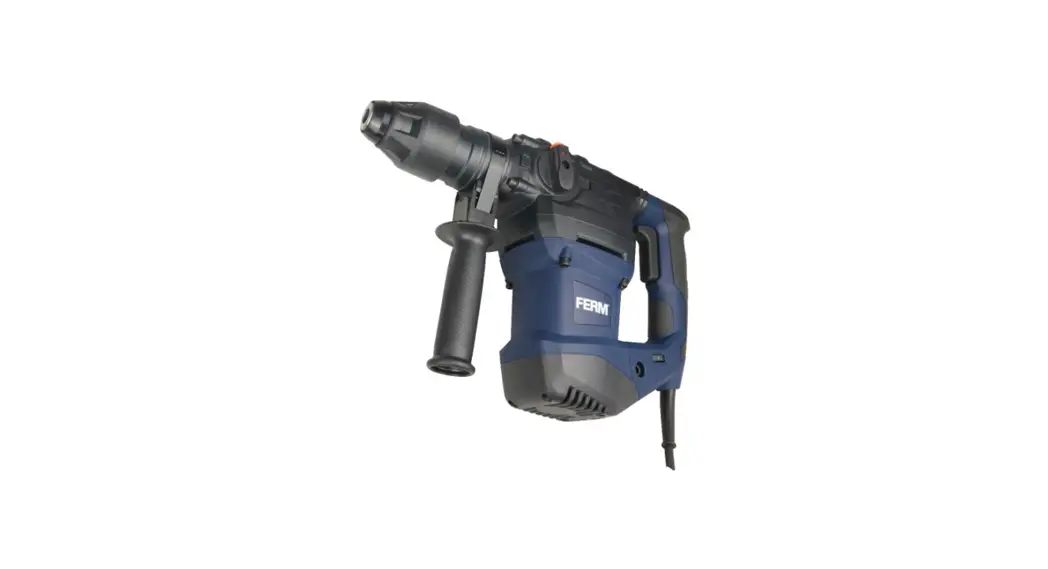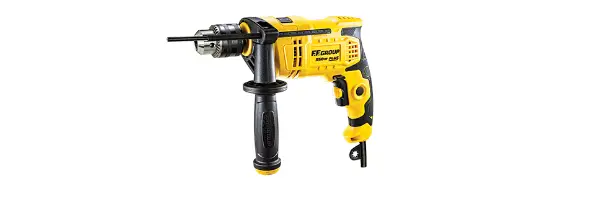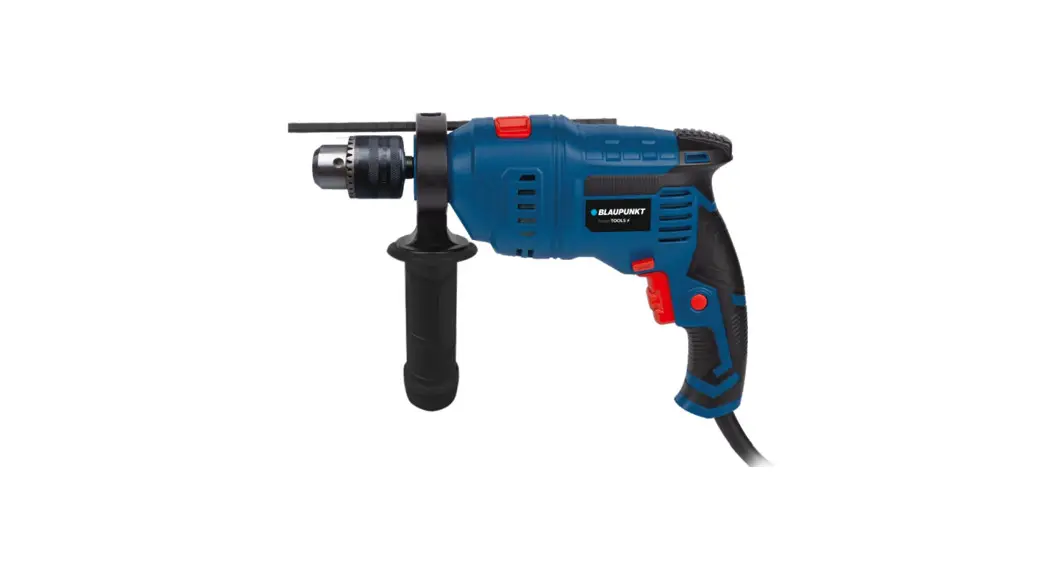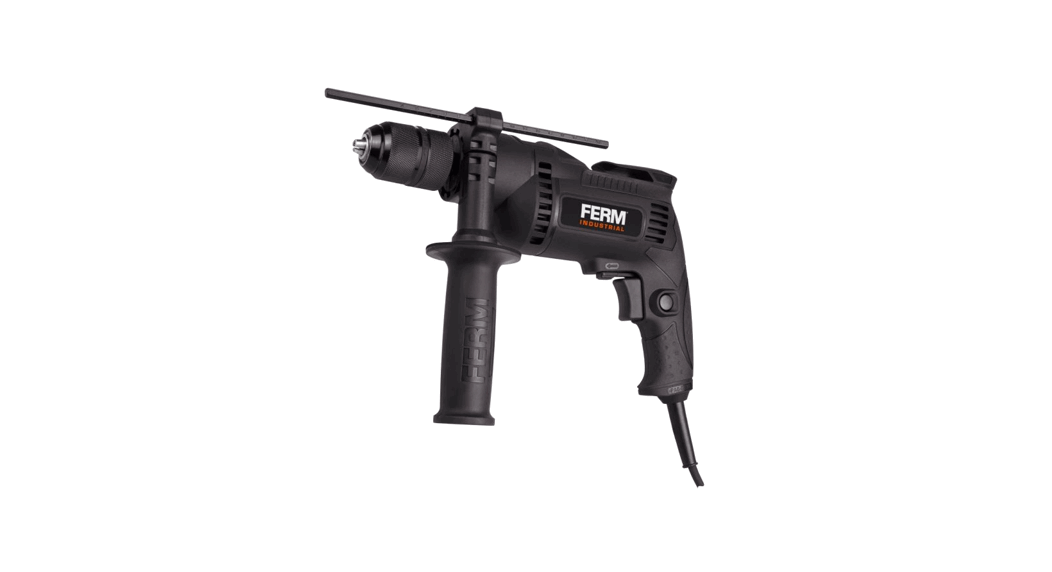
 PDM1060P-K Impact Drill
 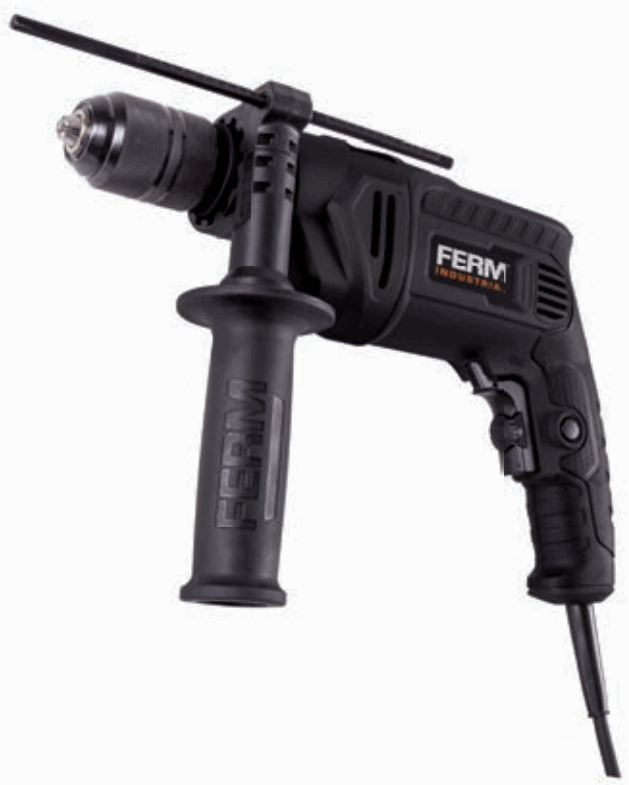 Instruction Manual
PDM1060P-K Impact Drill
Thank you for buying this FERM product. By doing so you now have an excellent product, delivered by one of Europe’s leading suppliers.
All products delivered to you by Ferm are manufactured according to the highest standards of performance and safety. As part of our philosophy we also provide an excellent customer service, backed by our comprehensive warranty.
We hope you will enjoy using this product for many years to come.
SAFETY WARNINGS
 WARNING
Read the enclosed safety warnings, the additional safety warnings and the instructions. Failure to follow the safety warnings and the instructions may result in electric shock, fire and/or serious injury. Save the safety warnings and the instructions for future reference.
The following symbols are used in the user manual or on the product:
| Read the user manual. |
 | Risk of personal injury. |
 | Risk of electric shock. |
 | Immediately remove the mains plug from the mains if the mains cable becomes damaged and during cleaning and maintenance. |
 | Wear safety goggles. Wear hearing protection. |
 | Wear a dust mask. |
 | Double insulated. |
 | Do not dispose of the product in unsuitable containers. |
 | The product is in accordance with the applicable safety standards in the European directives. |
ADDITIONAL SAFETY WARNINGS FOR IMPACT DRILLS
Wear ear protectors when impact drilling.
Exposure to noise can cause hearing loss.
Use auxiliary handle(s), if supplied with the tool. Loss of control can cause personal injury.
Hold power tool by insulated gripping surfaces, when performing an operation where the cutting accessory may contact hidden wiring or its own cord. Cutting accessory contacting a “live” wire may make exposed metal parts of the power tool “live” and could give the operator an electric shock.
Electrical safety
When using electric machines always observe the safety regulations applicable in your country to reduce the risk of fire, electric shock and personal injury. Read the following safety instructions and also the enclosed safety instructions. Always check that the voltage of the power supply corresponds to the voltage on the rating plate label. Class II machine – Double insulation – You don’t need any earthed plug.
If operating a power tool in a damp location is unavoidable, use a residual current device (RCD) protected supply. Use of an RCD reduces the risk of electric shock.
MACHINE INFORMATION
Intended use
Your impact drill has been designed for drilling holes in wood, metal and plastics and for hammer drilling in brick and concrete.
Technical specifications
| Mains voltage | 220-240V~ |
| Mains frequency | 50/60 Hz |
| Power input | 850W |
| No-load speed | 0-3,000 /min |
| Impact rate | 0-48,000 /min |
| Max. chuck size | 13 mm |
Max. drill diameter
| Wood | 25 mm |
| Concrete | 16 mm |
| Steel | 13 mm |
| Weight | 2.08 kg |
Noise values
| Sound pressure (LPA) | 93.5 + 3 dB(A) |
| Acoustic power (LWA) | 104.5 + 3 dB(A) |
Vibration values
| Drilling into metal, ah,D | 5.4 + 1.5 m/s2 |
| Impact drilling into concrete, ah,ID | 10.3 + 1.5 m/s2 |
Vibration level
The vibration emission level stated in this instruction manual has been measured in accordance with a standardised test given in EN 60745; it may be used to compare one tool with another and as a preliminary assessment of exposure to vibration when using the tool for theapplications mentioned.
– using the tool for different applications, or with different or poorly maintained accessories, may significantly increase the exposure level
– the times when the tool is switched off or when it is running but not actually doing the job, may significantly reduce the exposure level
Protect yourself against the effects of vibration by maintaining the tool and its accessories, keeping your hands warm, and organizing your work patterns.
Description
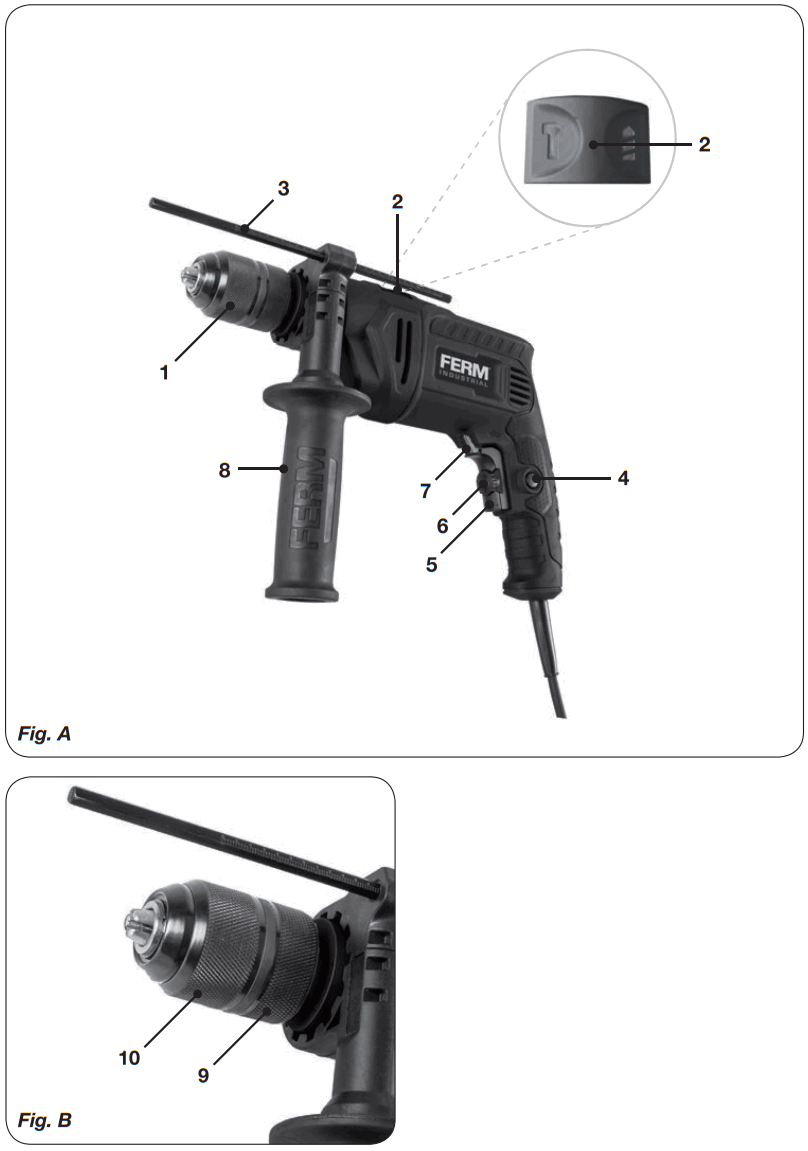
The numbers in the text refer to the diagrams on page 2.
Fig. A
- Chuck
- Function selection switch
- Depth stop
- Lock-on button
- On/Off switch
- Speed adjustment wheel
- Left/right rotation switch
- Side handle
Fig. B - Rear sleeve
- Front sleeve
OPERATING
Impact drills require very little operator pressure. Excessive pressure on the tool can lead to unnecessary overheating of the motor, and burning of the driven tool.
Side handle Fig. A
The side handle (8) can be rotated 360° around the drill head, enabling safe and comfortable operation for both left and right-handed users.
- Loosen the side handle (8) by turning it anticlockwise.
- Rotate the side handle to the desired position.
- Retighten the side handle in the new position by turning it clockwise
Exchanging and removing drill bits Fig. A – B
The machine is suitable for use of the following drill bits:
- Wood (HSS)
- Metal (HSS)
- Concrete / masonry (hard metal)
Before exchanging bits, first remove the power plug from the wall socket. Inspect bits regularly during use. Blunt bits should be re-sharpened or replaced.
- Open the chuck (1) by turning the front sleeve (10) clockwise while simultaneously holding the rear sleeve (9) or turning it counterclockwise and insert the bit into the chuck opening.
- Tighten the bit by turning the front sleeve (10) counterclockwise while simultaneously holding the rear sleeve (9) or turning it clockwise.
Setting depth stop Fig. A
- Loosen the side handle (8) by turning it counterclockwise.
- Insert the depth stop (3) through the hole in the side handle ring.
- Slide the ruler to the desired depth.
- Retighten the screw firmly by turning it clockwise.
The On/Off switch Fig. A
- Switch the machine on by pressing the On/Off switch (5). When you release the On/Off switch (5) the machine will turn off.
- The rotation-speed can be adjusted by pressing the On/Off switch (5) harder for raising the rotation-speed or release pressure for lowering the rotation-speed.
Lock-on Button Fig. A
- You can lock the On/Off switch (5) by pressing the On/Off switch (5) and then pressing the lock-on button (4).
- To release the switch-lock; shortly press the On/Off switch (5) again.
Adjusting of the maximum rotation speed Fig. A
- Adjust the speed by turning the speed adjustment wheel (6) to the desired maximum rotation speed.
Switching the direction of rotation Fig. A
Do not change the direction of rotation during use.
- Direction of rotation counter-clockwise: shift left/right rotation switch (7) to “”.
- Direction of rotation clockwise: shift left/right rotation switch (7) to “”.
Function selection switch Fig. A
In order to avoid damage to the machine, adjusting the function selection switch (2) shall only be done when machine is not running
- Set the function selection switch (2) to “” for drilling.
- Set the function selection switch (2) to “ ” for hammer drilling.
User tips
Always use the machine with the side handle firmly anchored in place – you will not only work with more comfort, you will also work with more precision. Caution: drilling bits and hammer drilling bits can get very hot
Drilling and hammer drilling
- For large holes, for instance in very hard concrete, start using a smaller bit for pilot drilling first , then drill to nominal size.
- Hold the machine firmly with 2 hands. Be aware the drill can jam and because of that machine might suddenly turn (Especially when drilling deep holes).
- Do not apply a lot of pressure on the machine, let the machine do the work.
MAINTENANCE
Before cleaning and maintenance, always switch off the machine and remove the mains plug from the mains.
Clean the machine casings regularly with a soft cloth, preferably after each use. Make sure that the ventilation openings are free of dust and dirt. Remove very persistent dirt using a soft cloth moistened with soapsuds. Do not use any solvents such as gasoline, alcohol, ammonia, etc. Chemicals such as these will damage the synthetic components.
Carbon brush
If the carbon brushes are worn, the carbon brushes must be replaced by the customer service department of the manufacturer or a similarly qualified person. Only use the correct original type of carbon brushes.
If the supply cord is damaged, it must be replaced by the manufacturer, its service agent or similarly qualified persons in order to avoid a hazard.
Defects
The machine should be regularly inspected for the following possible defects, and repaired if necessary.
- Damage to power cord
- Broken on/off switch
- Short circuiting
- Damaged moving parts
WARRANTY
The warranty conditions can be found on the separately enclosed warranty card.
ENVIRONMENT
Faulty and/or discarded electrical or electronic apparatus have to be collected at the appropriate recycling locations.
Only for EC countries
Do not dispose of power tools into domestic waste. According to the European Guideline 2012/19/EU for Waste Electrical and Electronic Equipment and its implementation into national right, power tools that are no longer usable must be collected separately and disposed of in an environmentally friendly way.
The product and the user manual are subject to change. Specifications can be changed without further notice.
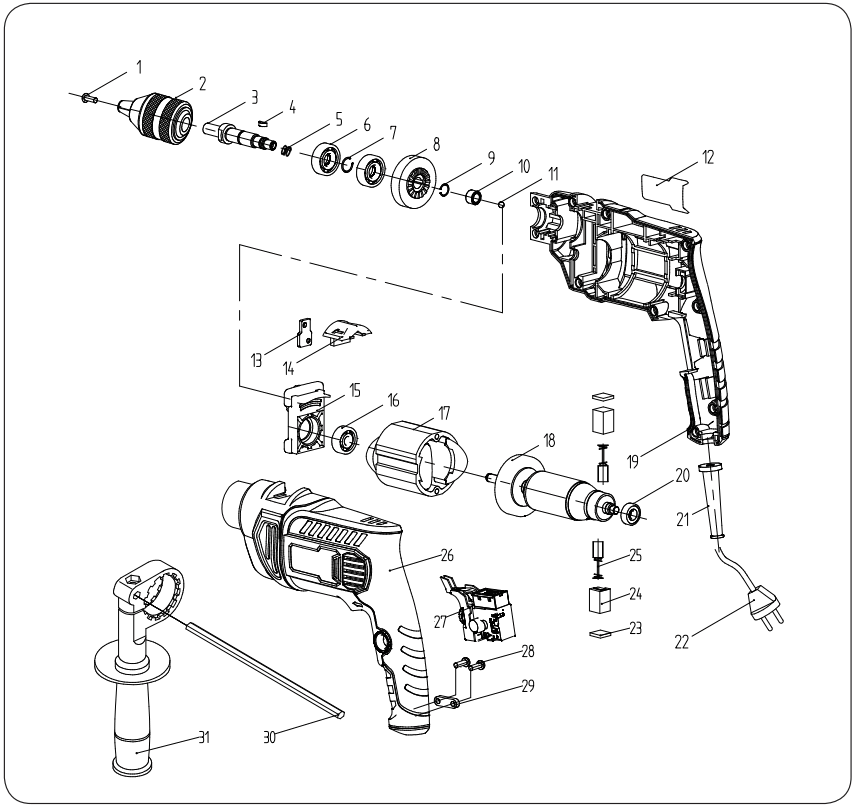
Spare parts list
| Article no. | Description | Position no. |
| 481129 | Screw M6x25 | 1 |
| 410739 | Keyless chuck metal 1.5-13mm | 2 |
| 481130 | Spindle | 3 |
| 481131 | Woodruff key | 4 |
| 481133 | Spindle bearing 6001 RS (2pcs) | 6 |
| 481135 | Big gear | 8 |
| 481137 | Needle roller bearing HK081208 | 10 |
| 481139 | Impact lever | 13 |
| 481140 | Impact switch | 14 |
| 481141 | Impact block | 15 |
| 481142 | Front rotor bearing NSK628RS | 16 |
| 481143 | Stator | 17 |
| 481144 | Rotor | 18 |
| 481146 | Back rotor bearing 607 | 20 |
| 481150 | Brush cover (2pcs) | 23 |
| 481151 | Brush holder (2pcs) | 24 |
| 481152 | Carbon brushes (2pcs) | 25 |
| 481154 | Switch | 27 |
| 411351 | Metal depth limiter | 30 |
Exploded view
DECLARATION OF CONFORMITY
We declare under our sole responsibility that this product is in conformity with directive 2011/65/EU of the European parliament and of the council of 8 June on restriction of the use of certain hazardous substances in electrical and electronic equipment is in conformity and accordance with the following standards and regulations:
EN55014-1, EN55014-2, EN60745-1, EN60745-2-1, EN61000-3-2, EN61000-3-3
2006/42/EC, 2014/30/EU, 2011/65/EU, 2012/19/EU
Zwolle, 01-09-2019  H.G.F. Rosberg
CEO Ferm
1909-02
WWW.FERM.COM
©2019 FERM
 FERM Power Tools - Power to create