GeoPot 9 Watering Systems
Product Information: GeoPot 9 System
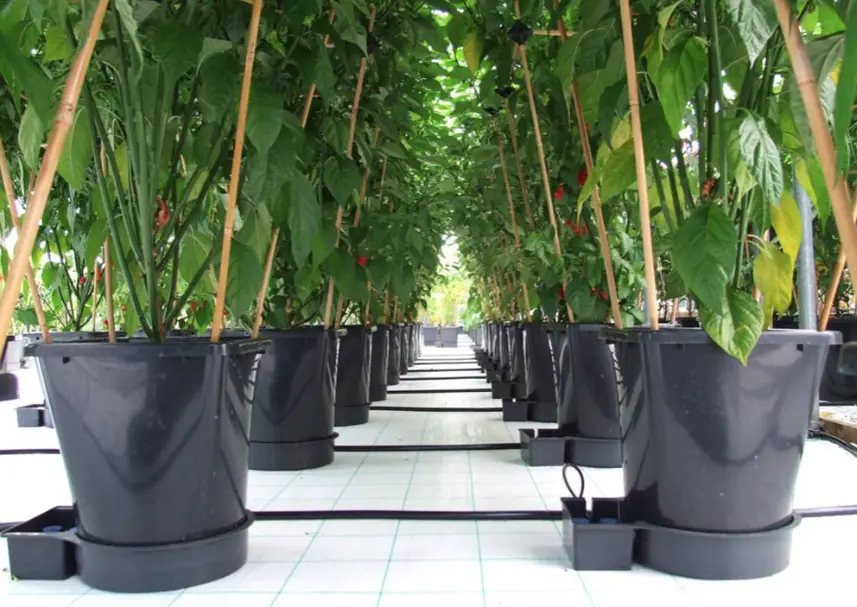
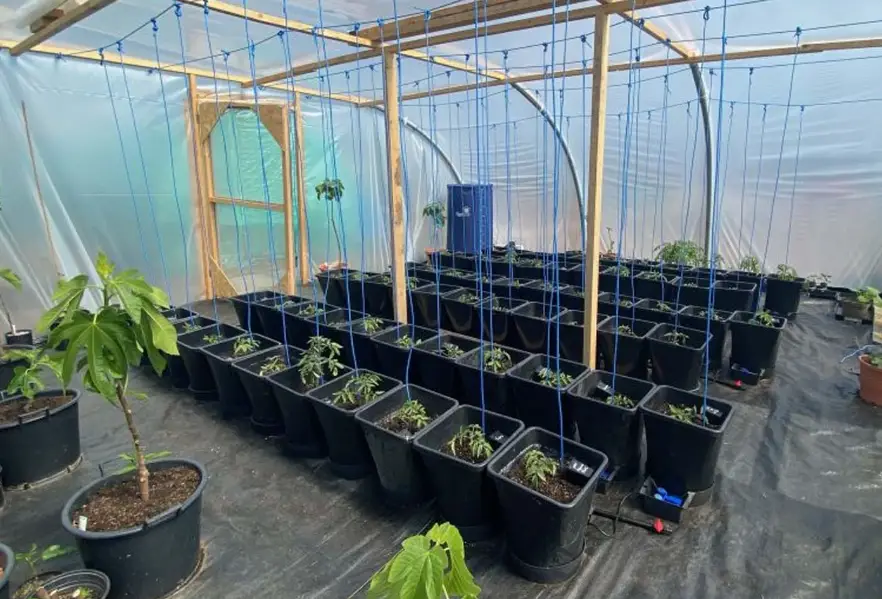
The GeoPot 9 System is a plant growing system that is designed
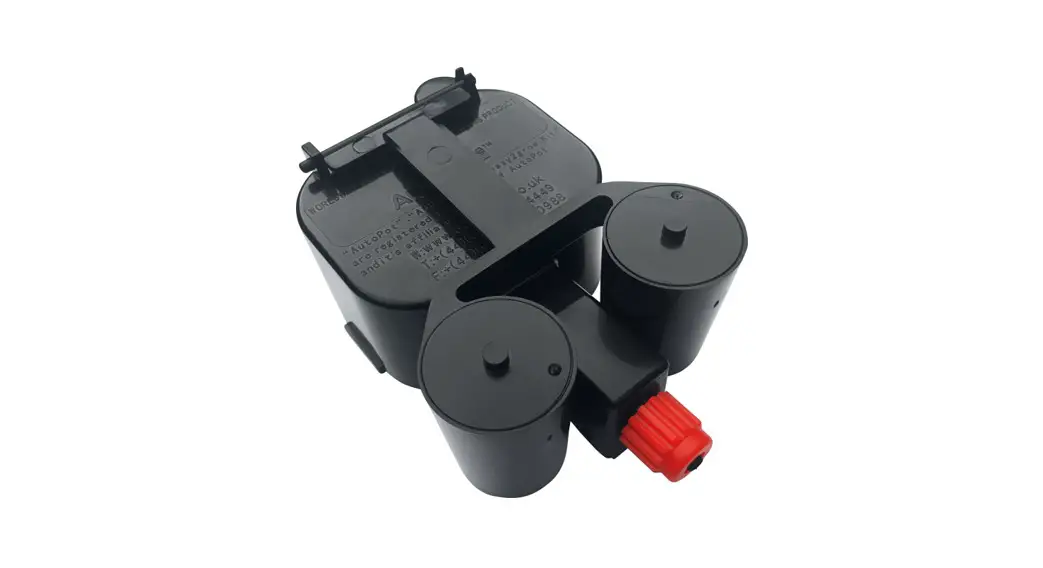
to be simple to set up and use. The system includes an AQUAvalve5
that floods and drains the plants automatically, ensuring that they
receive the right amount of water. The system also includes a tray,
a pot sock, and a 25-gallon FlexiTank (supplied separately).
GeoPot 9 System Setup Guidelines
When setting up the GeoPot 9 System, it is important to ensure
that the silicone is sitting parallel on the hole below it. Hold
the unit at eye level to check the position is correct. If it looks
like it is not sitting parallel on the hole below, lift the top
float and apply pressure to one side of the silicone. Drop the
float and hold at eye level again. Repeat the procedure if
necessary.
Ensuring that the AQUAvalve5 floods and drains correctly
To ensure that the AQUAvalve5 floods and drains correctly,
follow these steps:
- Hold the AQUAvalve5 at eye level so that you can see the
silicone fitted to the top float resting on the hole below it. - The silicone must create a tight seal when touching the
hole. - If it looks like it is not sitting parallel on the hole below,
simply lift the top float and apply pressure to one side of the
silicone, drop the float and hold at eye level again. Repeat the
procedure if necessary.
Care and Maintenance
At the end of your growing season, clean the AQUAvalve5 using
warm soapy water. Using an old toothbrush will help. To avoid
losing the silicones, it is advisable to remove them at this point.
It is also helpful to have a paper clip or pipe cleaner to hand so
that you can push it through the AQUAvalve5 nozzle to remove any
lime scale build-up that may have occurred during the growing
season. Do not use a drill and drill bit to clear the AQUAvalve5
nozzle, as this will potentially damage the AQUAvalve5 beyond
repair.
GeoPot 9 System Setup Instructions
To set up the GeoPot 9 System, follow these instructions:
- Fit PotSock over the base of GeoPot.
- Fill GeoPot with medium and pot up plants. Water through the
pot and allow to drain outside the tray. Brush off debris. - From the outside of the module tray push the 3/8 top hat
grommet into the hole in the module tray wall. - Thread approximately 12 of 3/8 pipe into the tray through the
grommet. Wetting the pipe end will aid insertion. - Remove AQUAvalve collar.
- Push 3/8 pipe through collar and attach to AQUAvalve nozzle.
Rescrew collar – DON’T overturn… when you feel it grip STOP. - Align the `half moon’ section on the rear of the AQUAvalve with
the `T’ section in the tray. Firmly push the AQUAvalve onto the
`T’. - Remove any slack in the 3/8 pipe by drawing excess out of the
tray. - Cut 3/8 / 1/2 pipe to appropriate length according to the size
of your system connect your 3/8 / 1/2 pipe to relevant fitting or
tank. - Place GeoPot in tray. Ensure NO FABRIC IS TOUCHING AQUAVALVE
Place lid over valve onto tray. - Using your front instruction sheet, repeat the module set up
instructions for the number of trays. Allow your plants to
establish for 7-10 days before turning the system on.
If you have any questions or concerns about setting up or using
the GeoPot 9 System, please contact us at [email protected] or
visit our website at www.autopot-usa.com. You can also reach us by
phone at +(1) 702-338-0373.
Simple care guidelines
Your GeoPot 9 System Setup Guidelines
Ensure the silicone is sitting parallel on the hole below it. Hold at eye level
to check the position is correct
Ensuring that the AQUAvalve5 floods and drains correctly
1
Making sure your AQUAvalve5 floods and drains correctly is simply achieved and
only takes a few seconds.
2 Hold the AQUAvalve5 at eye level so that
you can see the silicone fitted to the top float resting on the hole below it.
3 The silicone must create a tight seal when
touching the hole.
4
If it looks like it is not sitting parallel on the hole below, simply lift the top float and
apply pressure to one side of the silicone,
drop the float and hold at eye level again.
Repeat the procedure if necessary.
Care and maintenance
1
At the end of your growing season, clean the AQUAvalve5 using warm soapy water.
Using an old tooth brush will help.
The AQUAvalve5 is easily disassembled. The top float will slide all the way across and the bottom float is unclipped from its pivoting position. The circular discs fitted to the top float can also be removed by using pliers to grip the raised point.
At this point is it advisable to remove the silicones to avoid them being lost.
2
It is also handy to have a paper clip or pipe cleaner to hand so that you can push it
through the AQUAvalve5 nozzle, this will
remove any lime scale build up that may
have occurred during the growing season.
Blowing through the AQUAvalve5 nozzle will also help to remove any build up. Do not under any circumstances use a drill & drill bit to clear the AQUAvalve5 nozzle.
This will potentially damage the AQUAvalve5 beyond repair.
[email protected] I www.autopot-usa.com I +(1) 702-338-0373
[email protected] I www.autopot-usa.com I +(1) 702-338-0373
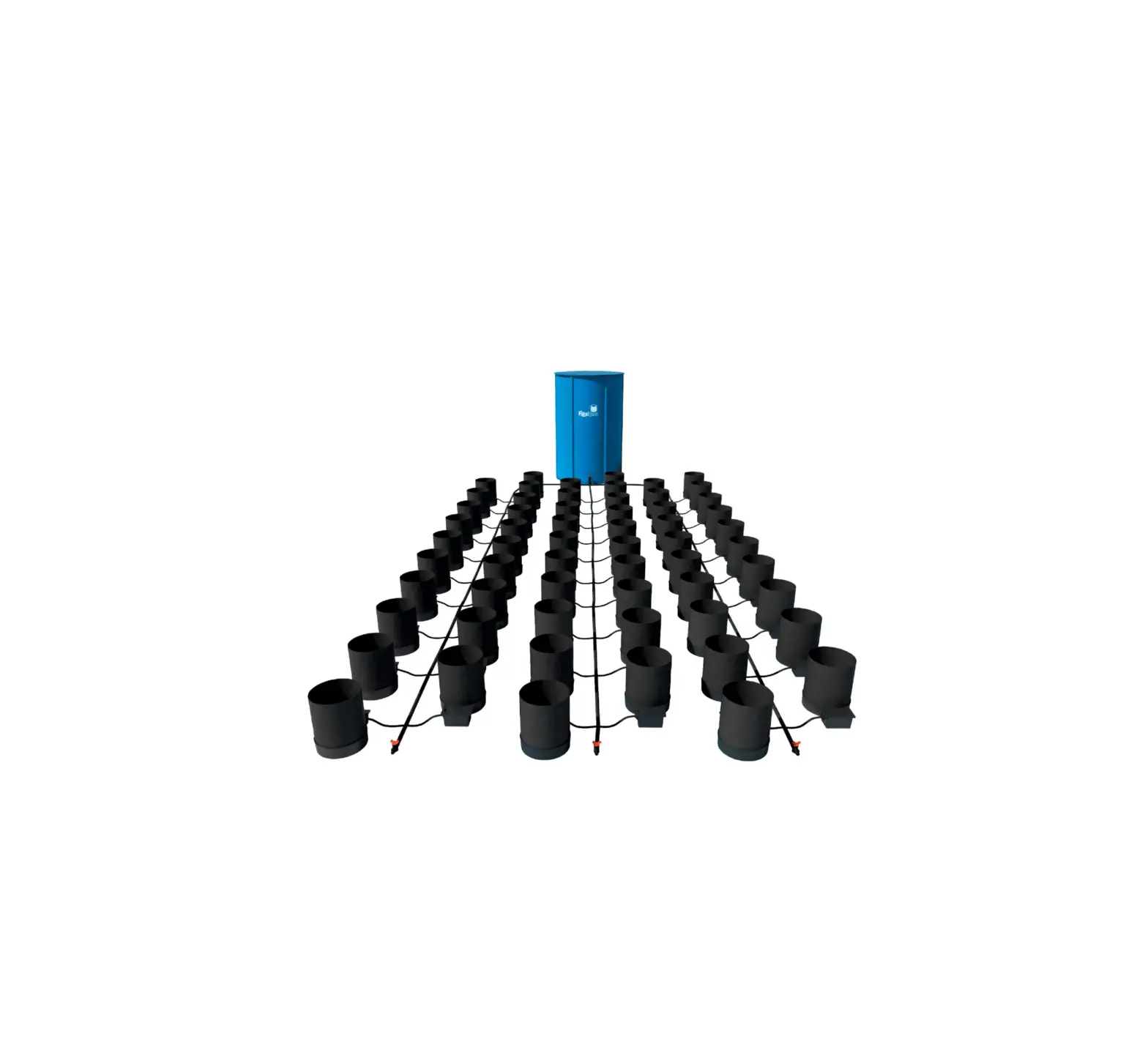
GeoPot 9 System contents
· 1x 25 gal FlexiTank · 9x 1Pot XL tray and lid · 9x 3 gal or 5 gal GeoPot · 9x AQUAvalve5 · 9x 3/8″ top hat grommet
Suggested layouts
· 1x 1/2″ tank adapter and filter · 2x 1/2″ in-line tap · 3x 1/2″ – 3/8″ cross connector · 3x 1/2″ – 3/8″ tee connector · 1x 1/2″ tee connector
Plan views and options
· 19ft of 1/2″ pipe · 15ft of 3/8″ pipe · 9x PotSock Round
System requires minimum 25 gal FlexiTank (supplied)
Advice
· Please note that multiple GeoPots may increase room humidity due to the exposed surfaces of the fabric pots. · Pot up your plants, water through, then allow your plants to establish in the pots for a period of 7 to 10 days before
turning your system on. This will encourage a stronger and healthier root system. · Always raise your reservoir to a minimum of 6″ above the highest AQUAvalve5 and re-fill the reservoir when there is
approximately a 1/3 of the solution left – NEVER ALLOW THE RESERVOIR TO RUN EMPTY. · With AQUAvalve5 systems mineral or organic fertilisers may be fed via the reservoir and pipework. Organic fertilisers
will require a water pump in the reservoir running for 15 mins every 2 hrs and cleaning of the reservoir, pump, and filter each time the reservoir empties. Flush pipework with plain water every time the reservoir empties. · Clean all substrate from the bottom and sides of the pots before placing in each tray. This will ensure your system is clean from the start. · Always use free draining substrates, for example: soil/perlite, coco/perlite, soil/clay pebbles, coco/clay pebbles, rockwool/clay pebbles.
[email protected] I www.autopot-usa.com I +(1) 702-338-0373
GeoPot 9 dimensions
GeoPot 9 System setup instructions
1
2
Fit PotSock over the
base of GeoPot
Fill GeoPot with medium and pot up plants.
Water through pot and allow to drain outside
the tray. Brush off debris.
3
4
From the outside of the module tray push the 3/8″ top hat grommet into the hole in the module tray wall.
Thread approx 12″ of 3/8″ pipe into the tray through the grommet.
Wetting the pipe end will aid insertion.
5
Remove AQUAvalve collar
6
Push 3/8″ pipe through collar and attach to AQUAvalve nozzle
Rescrew collar – DON’T overturn… when you feel it grip STOP
7
Align the `half moon’
8
section on the rear of
the AQUAvalve with the
`T’ section in the tray.
Firmly push the AQUAvalve onto the `T’.
Pull
Remove any slack in the 3/8″ pipe by drawing excess out of the tray.
Cut 3/8″ / 1/2″ pipe to appropriate length
9
10
According to the size of your system connect your 3/8″ / 1/2″ pipe to relevant fitting or tank…
Place GeoPot in tray. Ensure NO FABRIC IS TOUCHING AQUAVALVE Place lid over valve onto tray.
Using your front instruction sheet, repeat the module set up instructions for the number of trays. Allow your plants to establish for 7-10 days before turning system on
Advice
If you require any guidance email – [email protected]
 USA Location information - USA.com
 Power Free, Indoor & Outdoor Irrigation - AutoPot Watering Systems USA