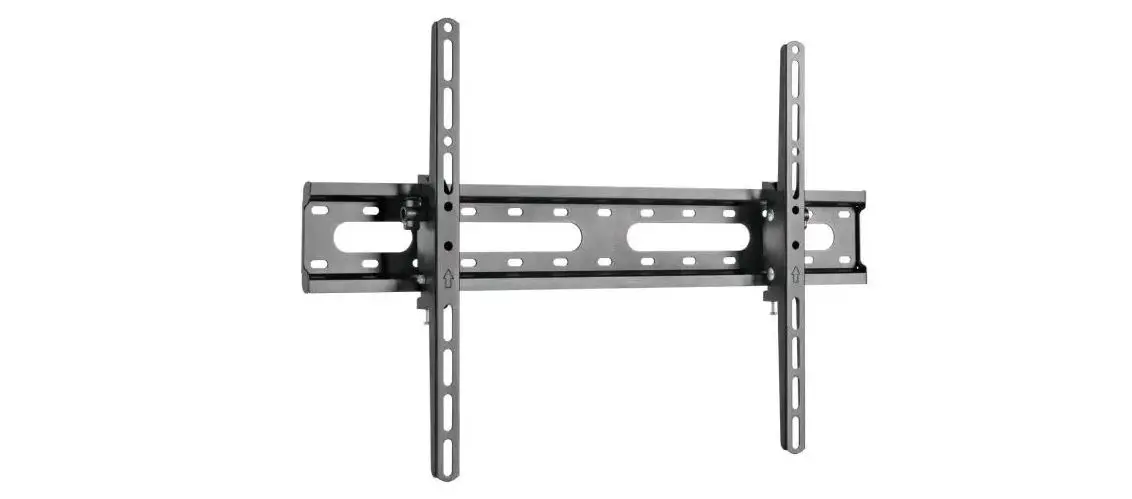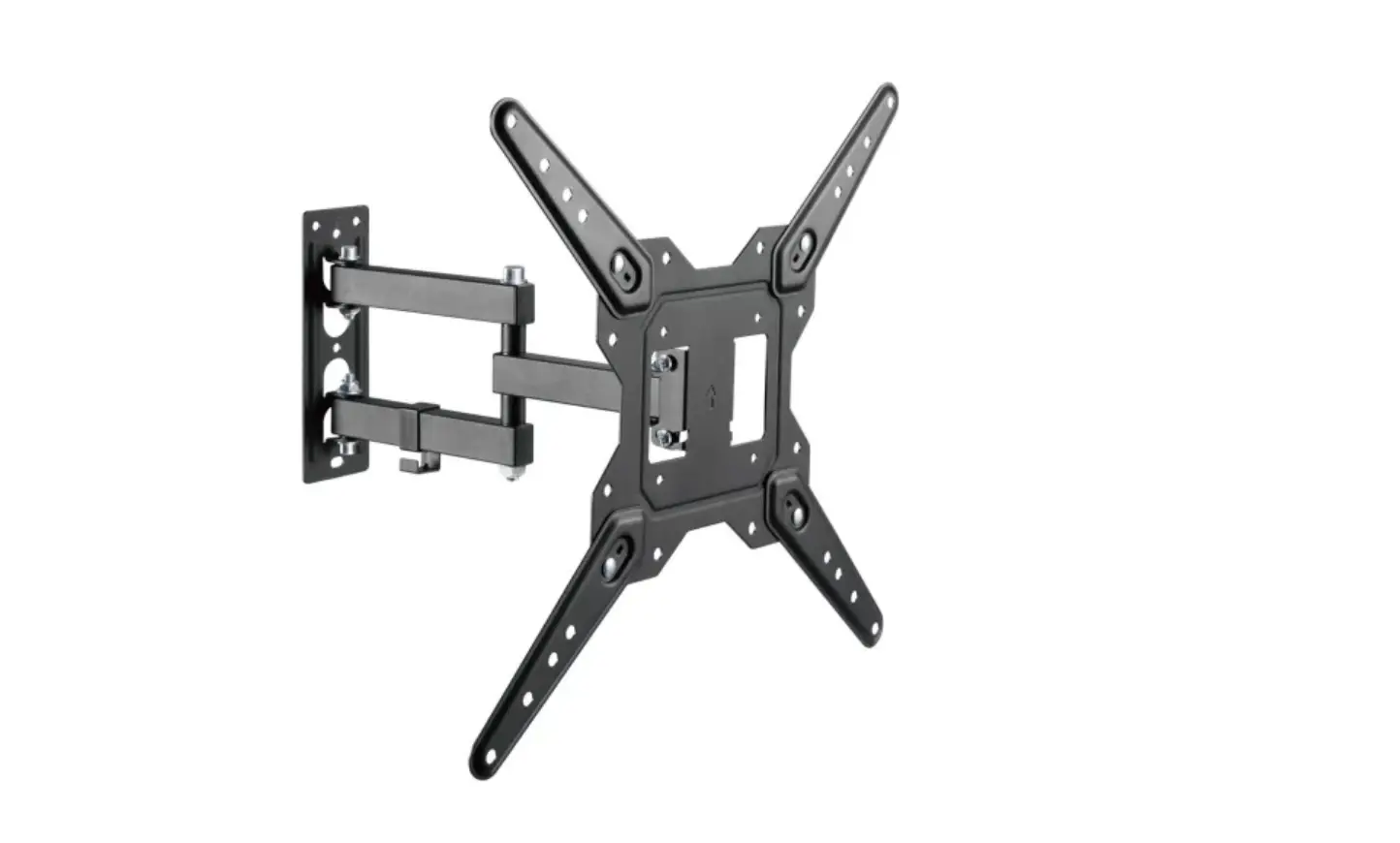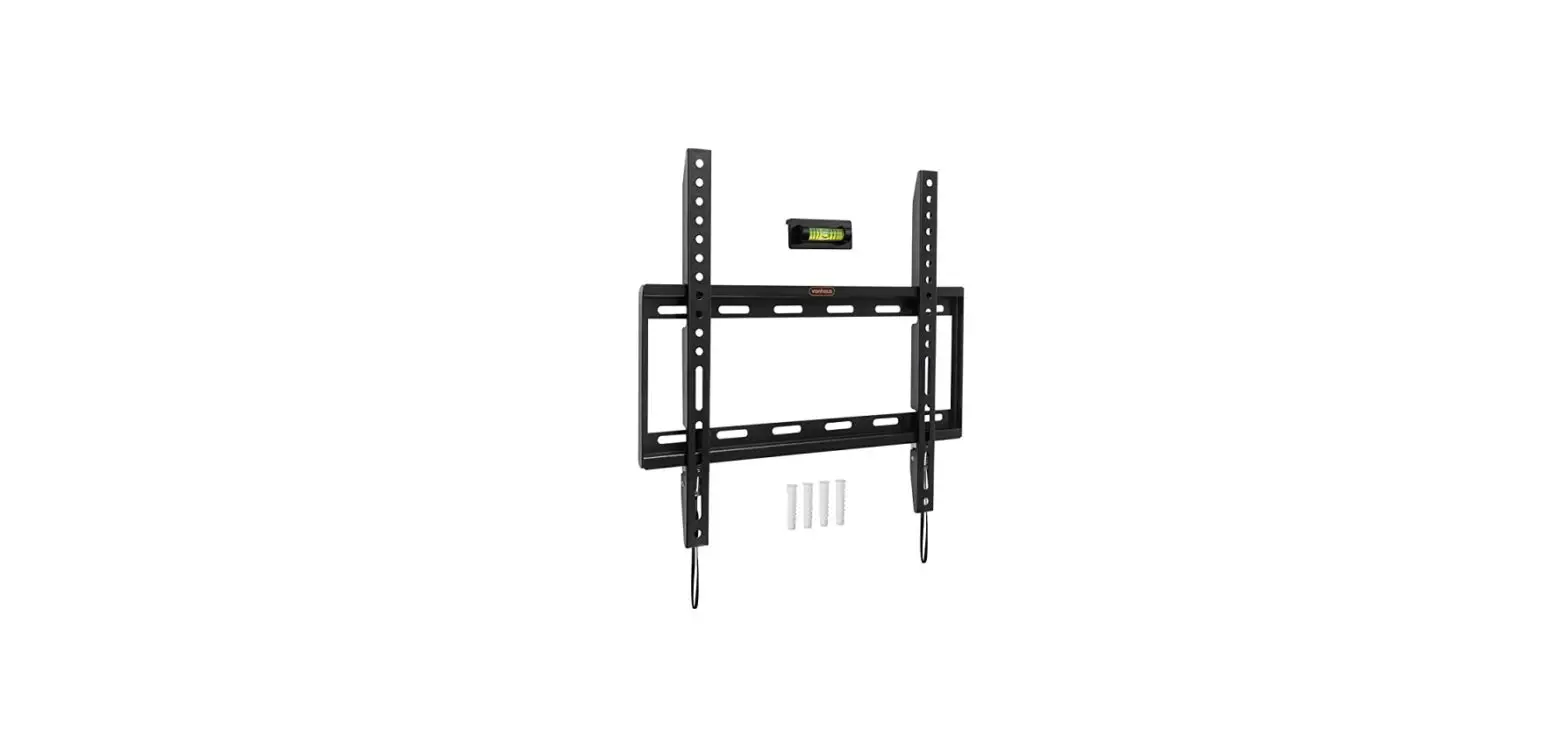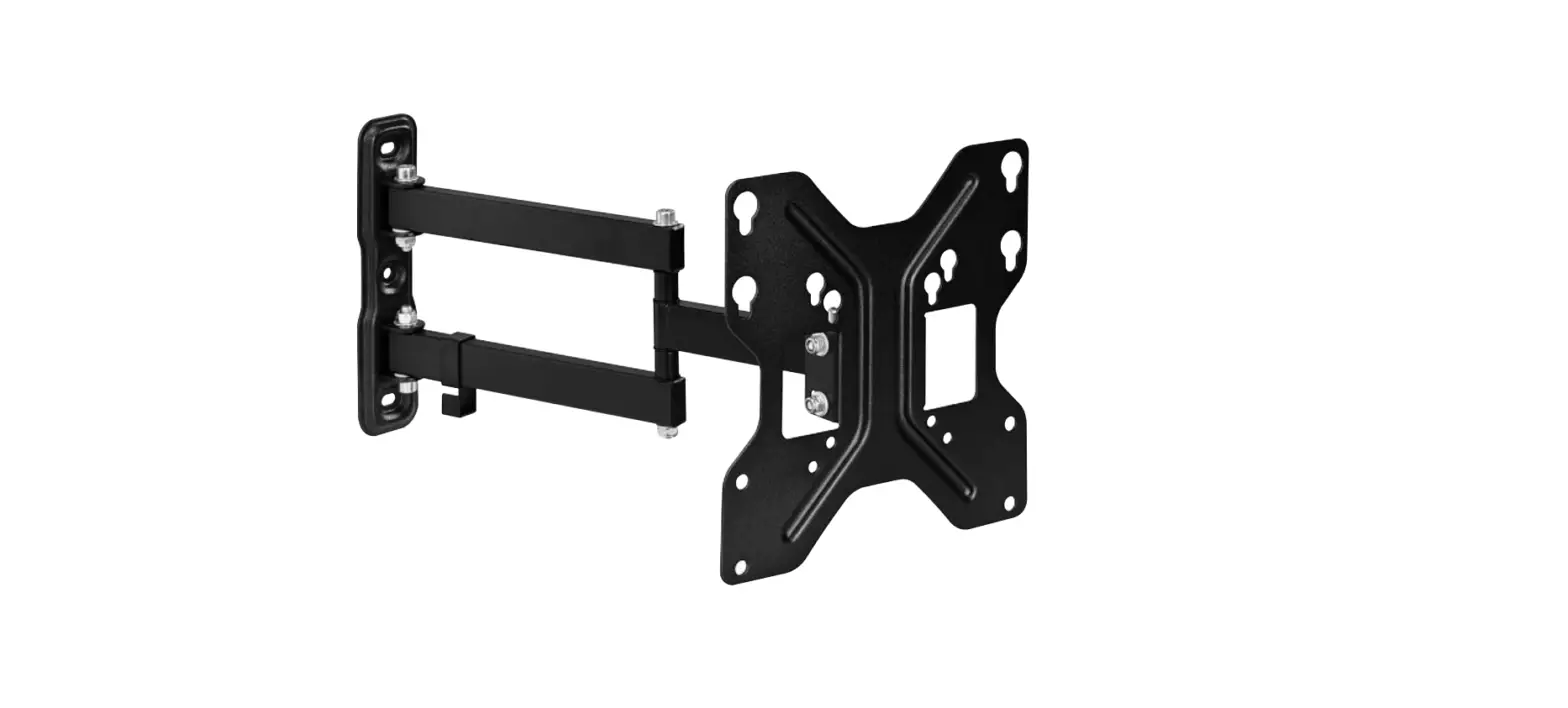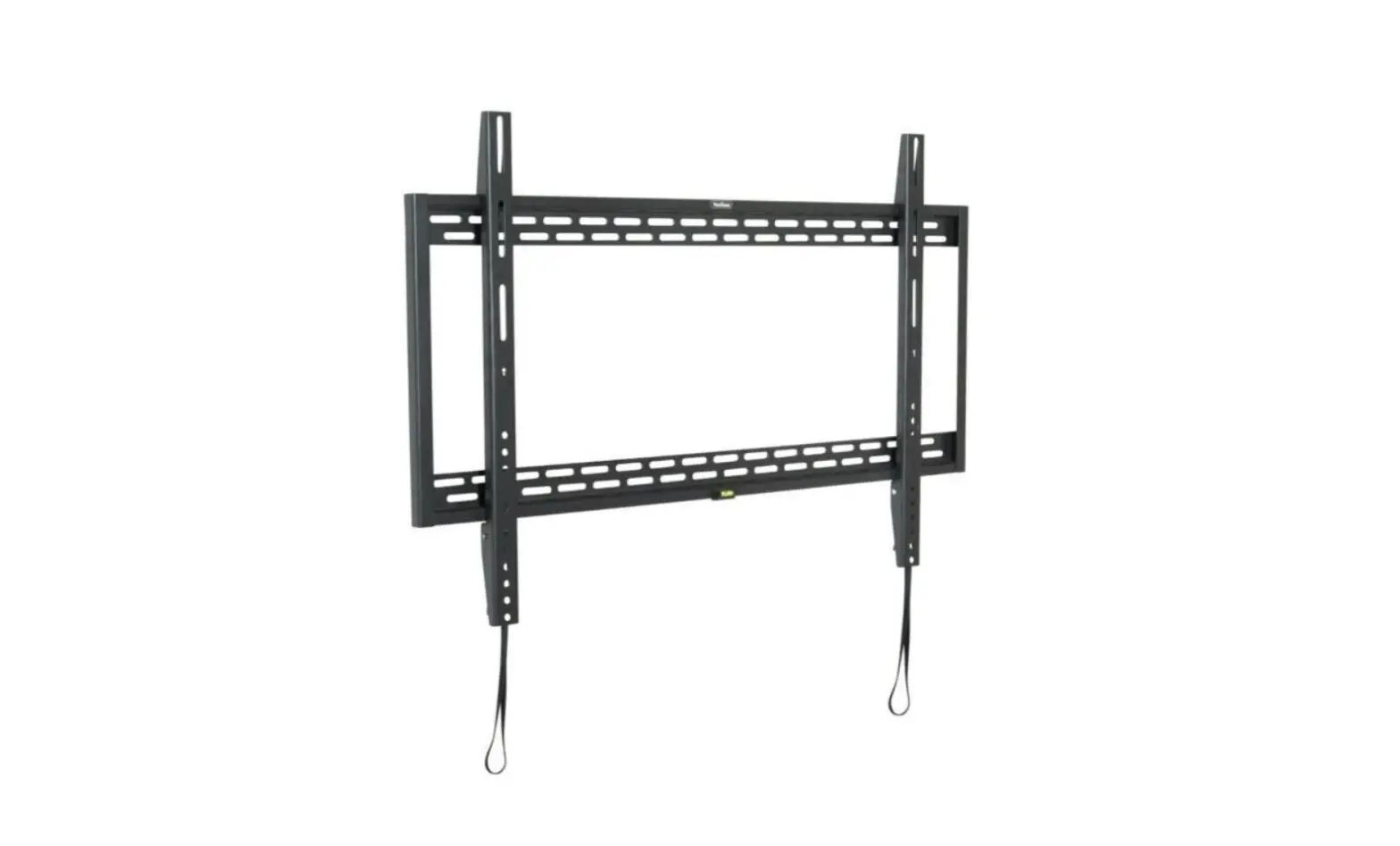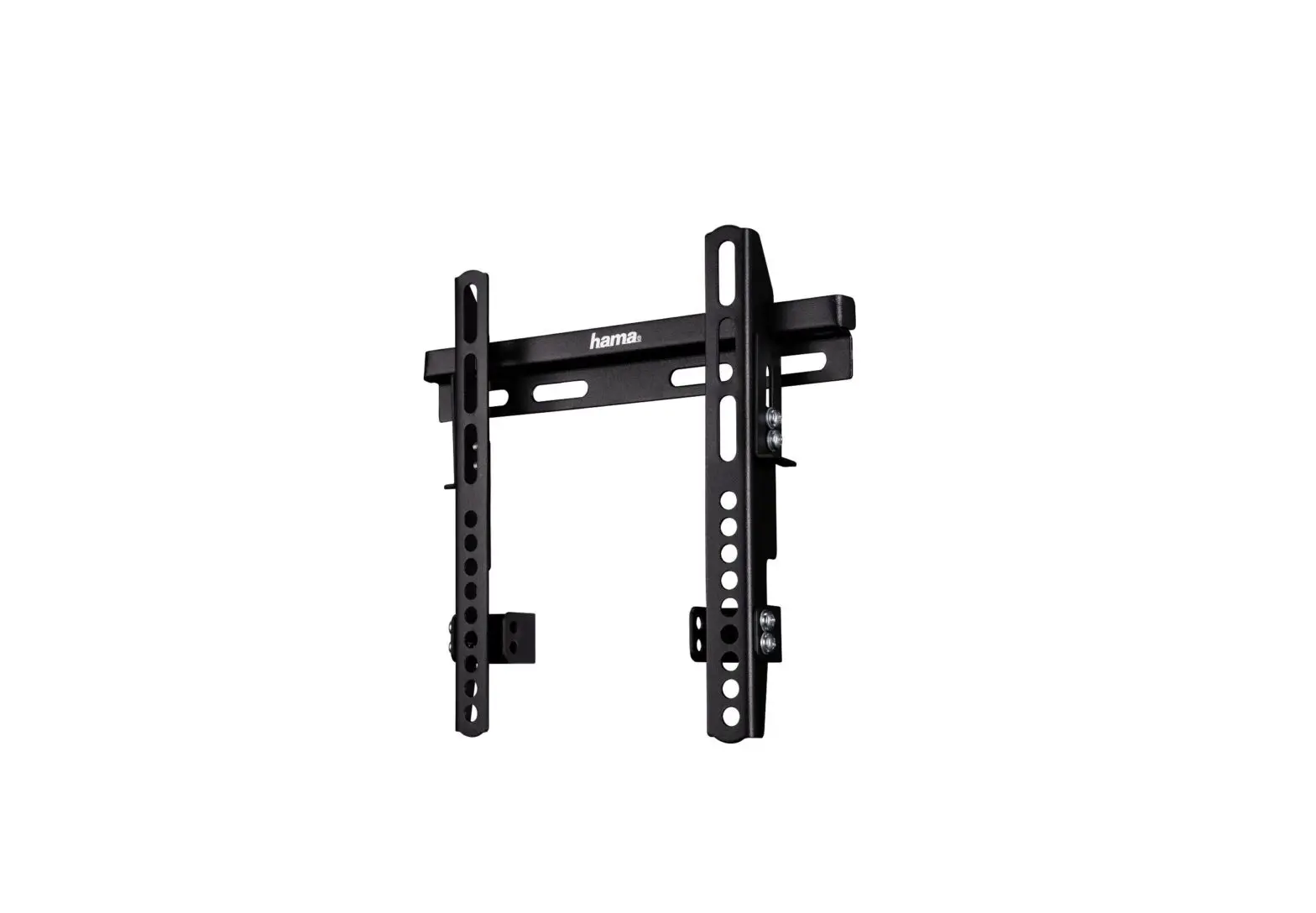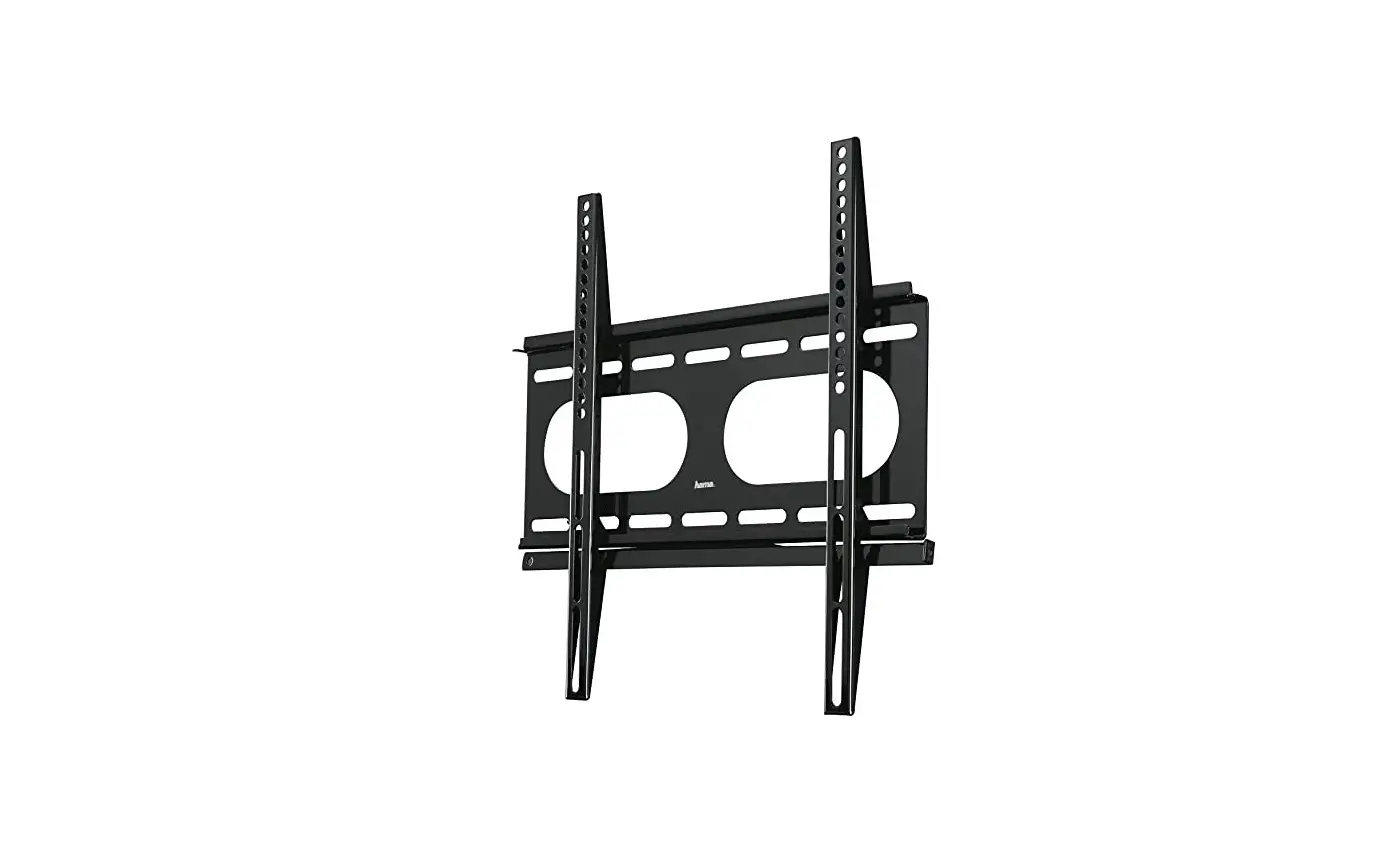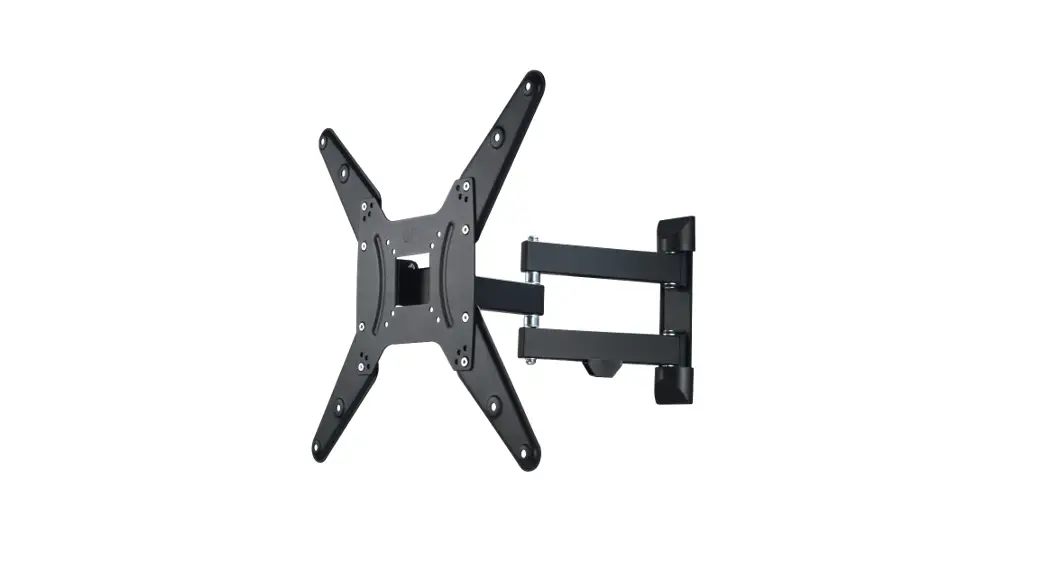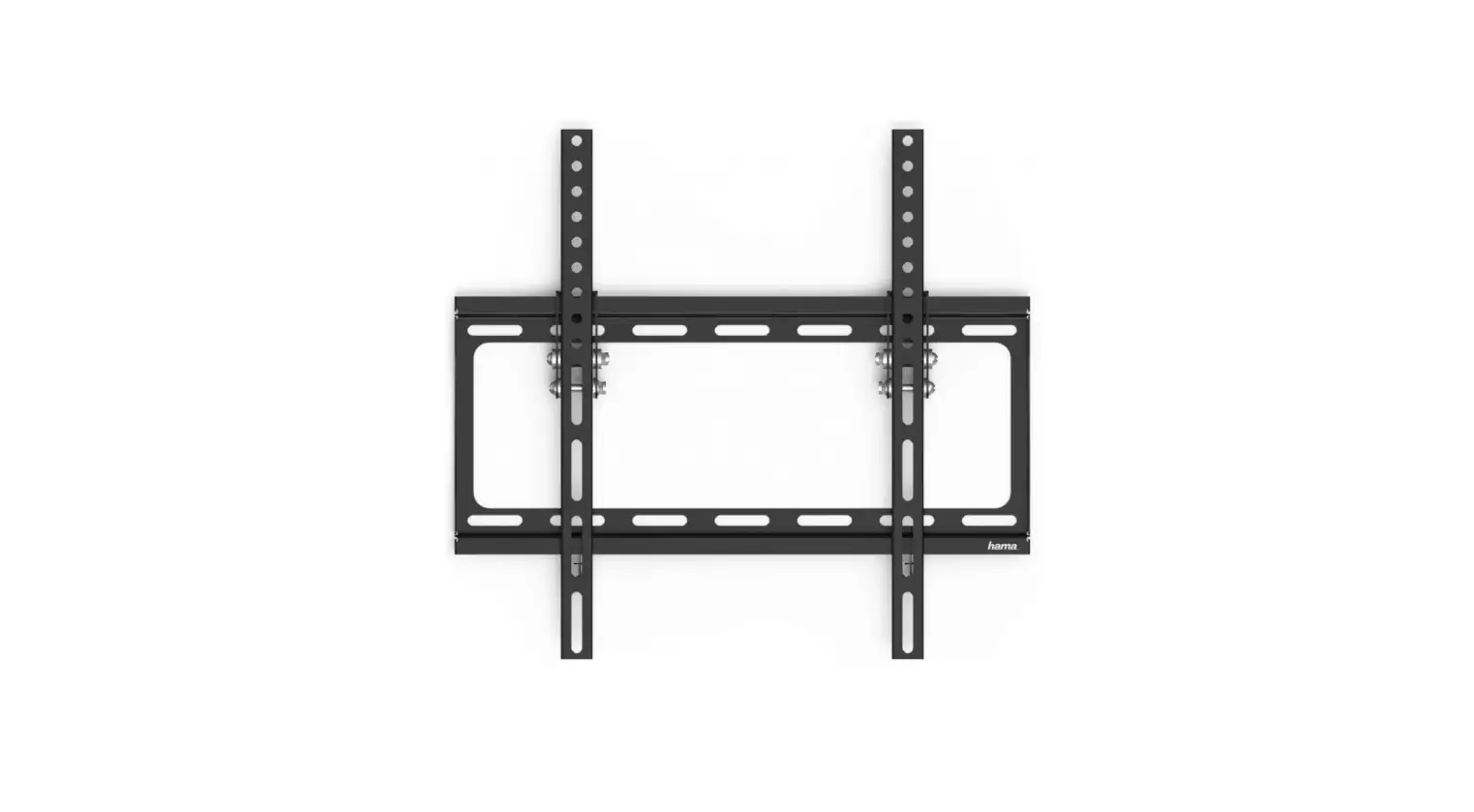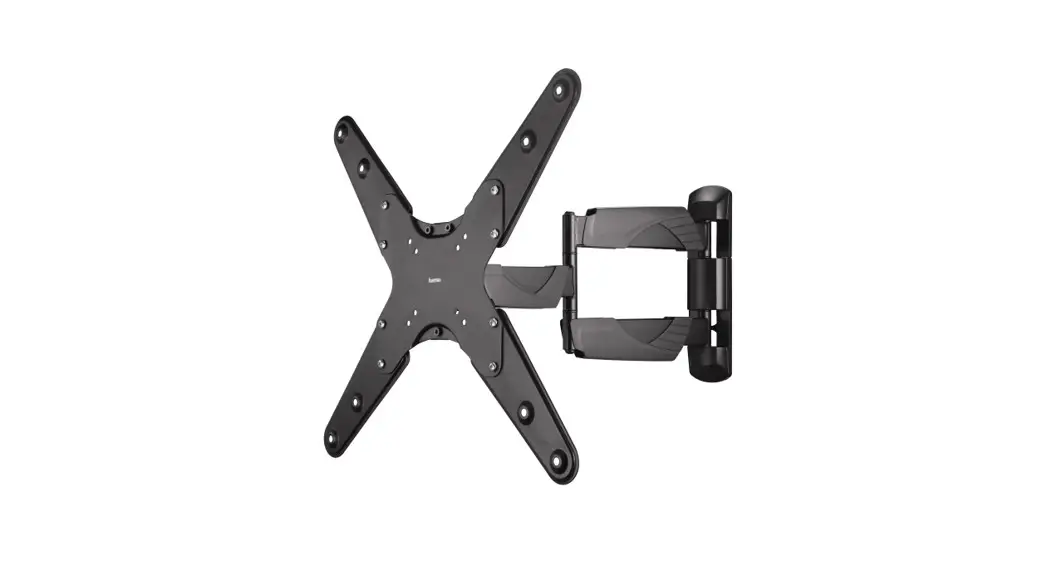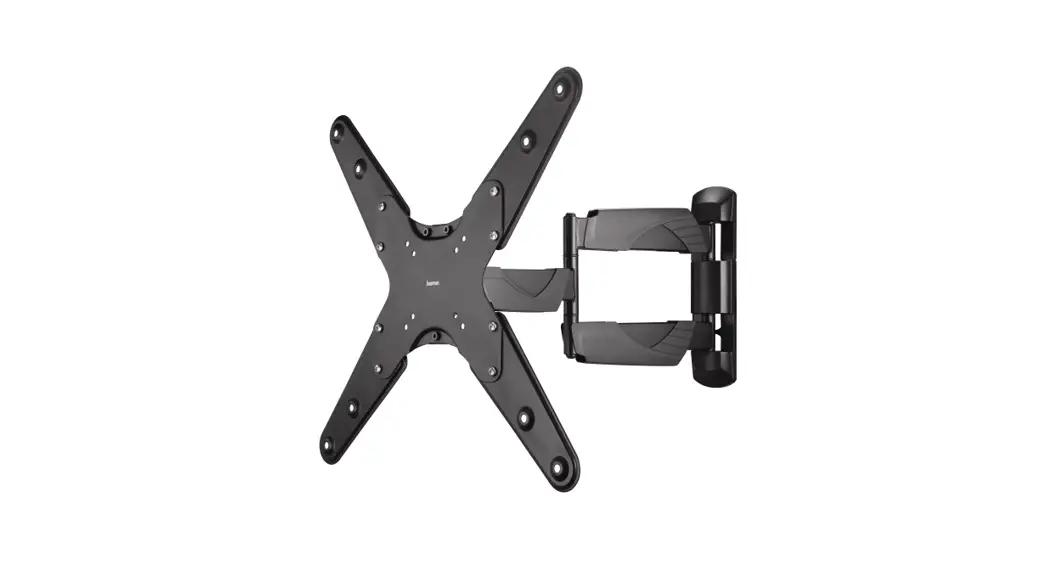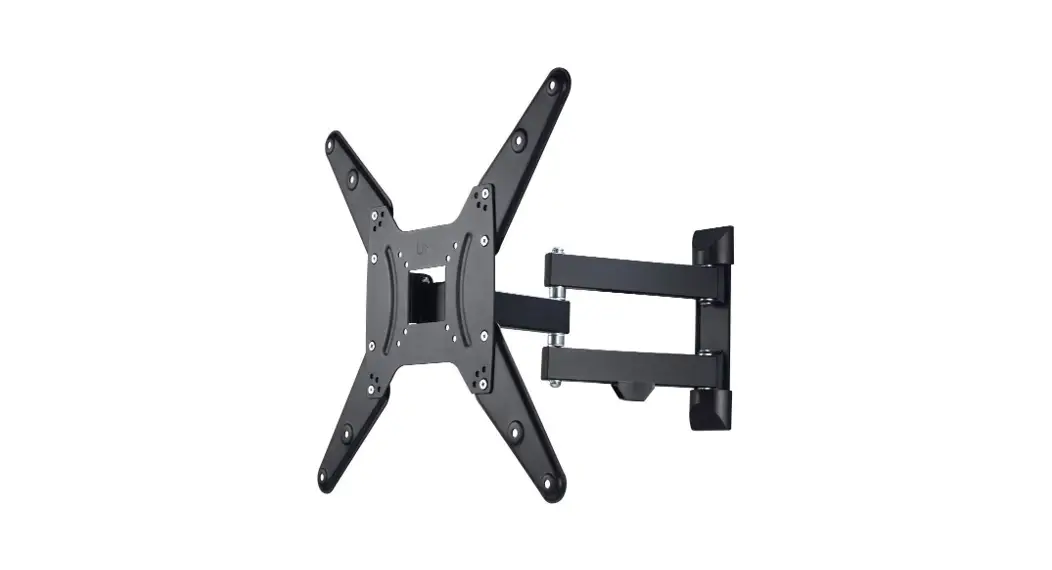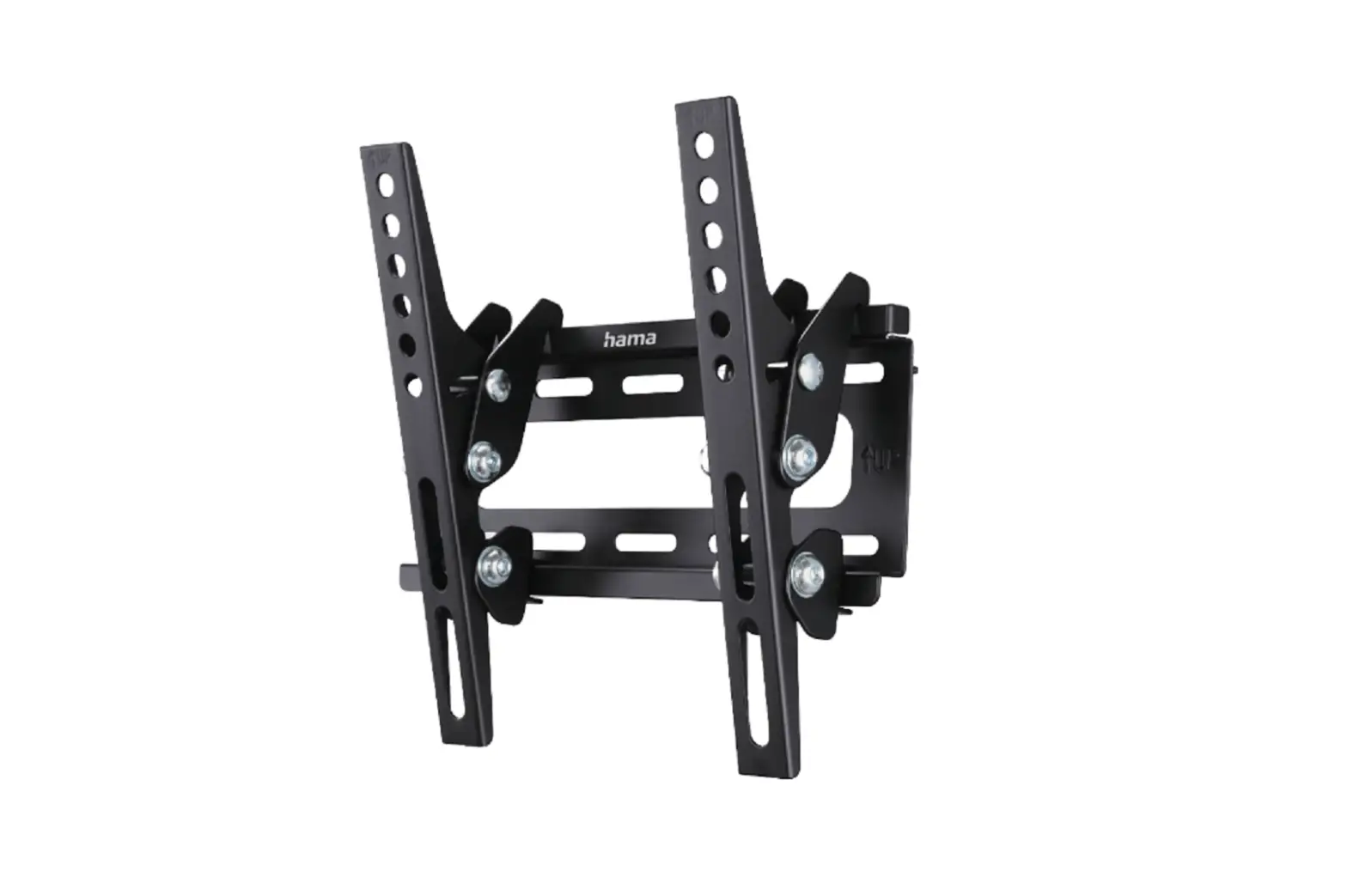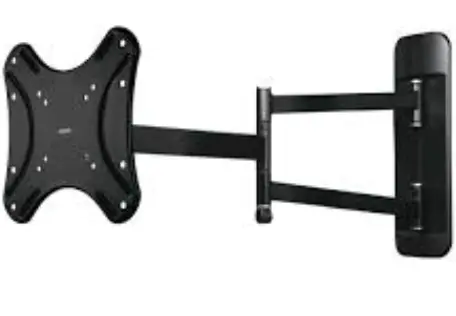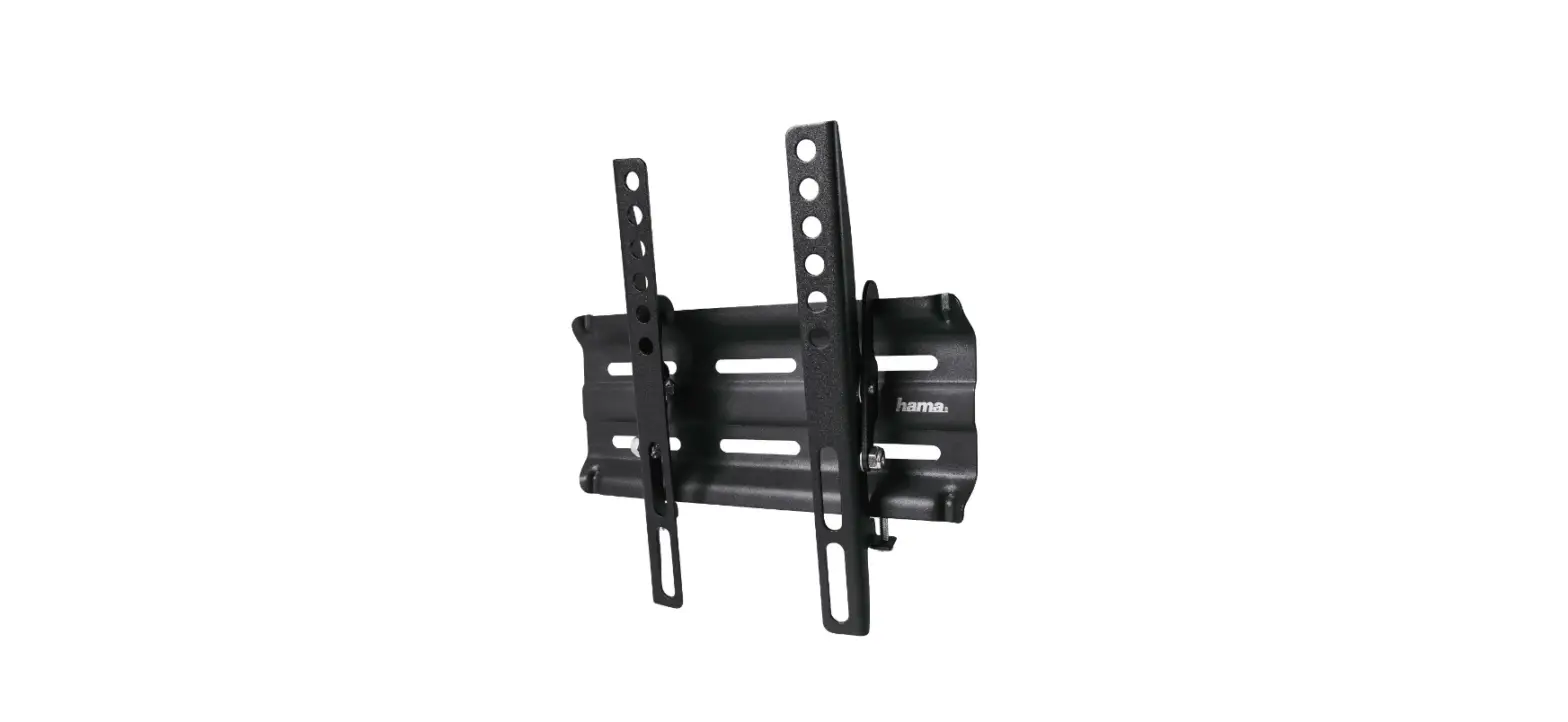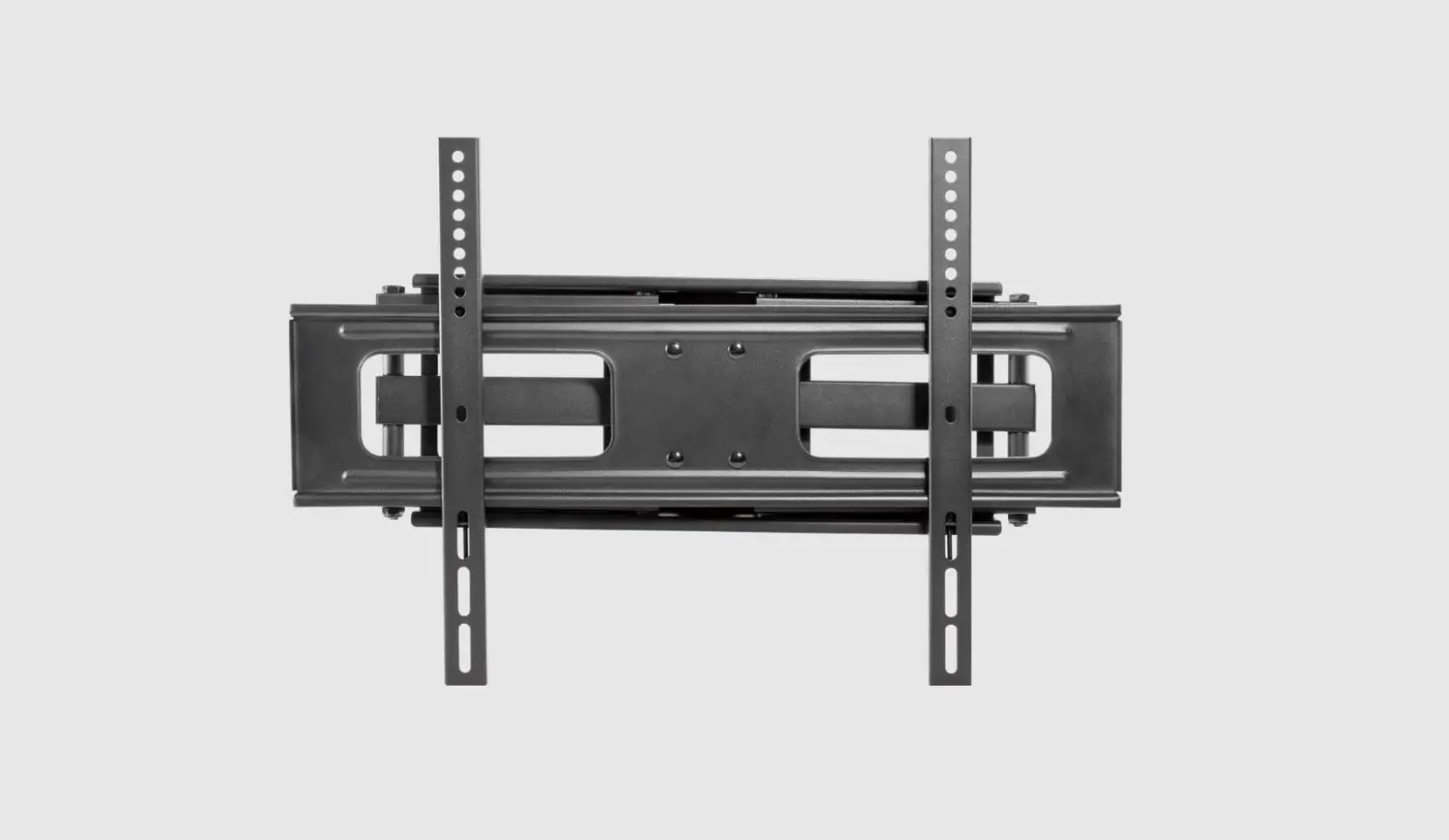
SILVER MONKEY UT-800 TV Bracket User Manual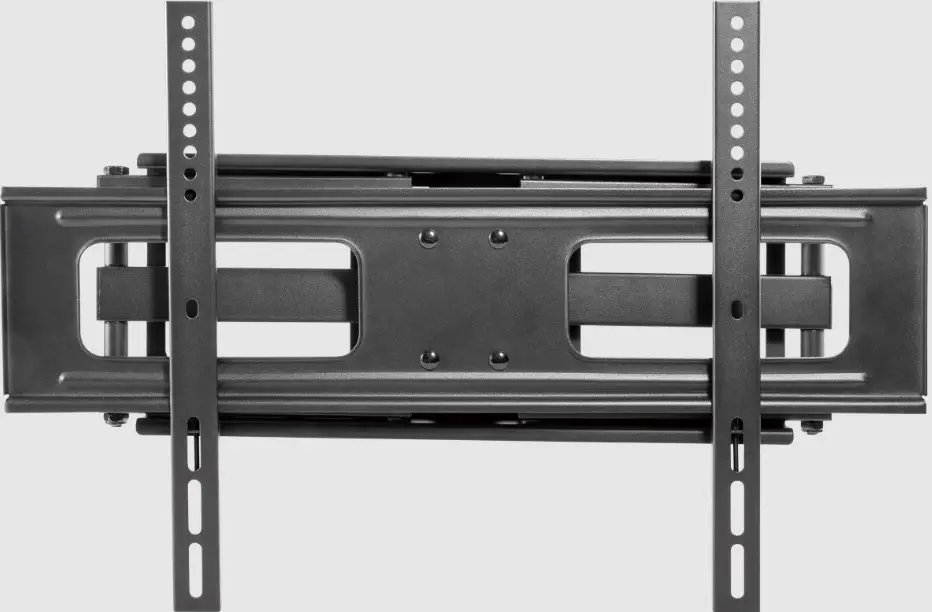
Carefully read these instructions before using the product. Keep it for future reference.

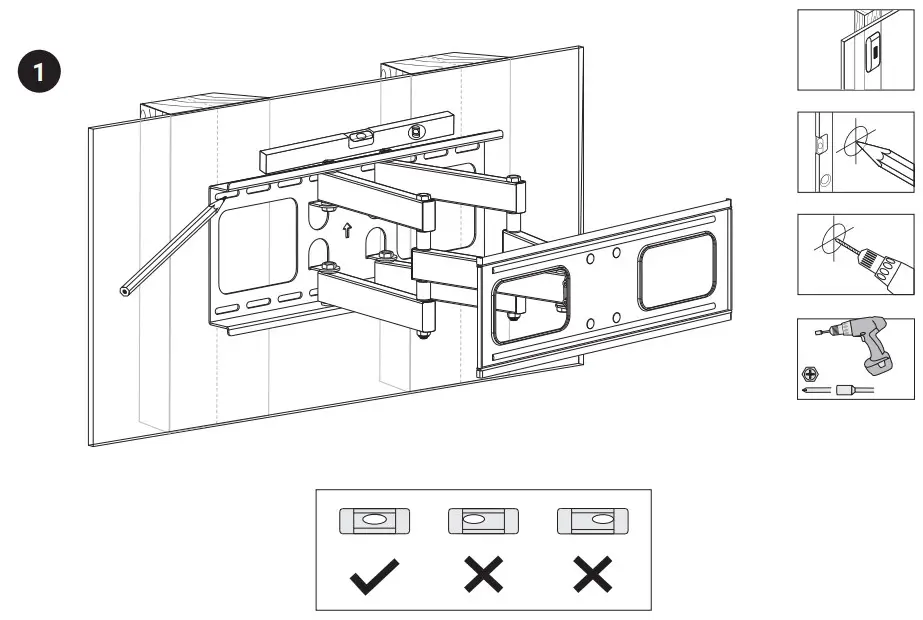
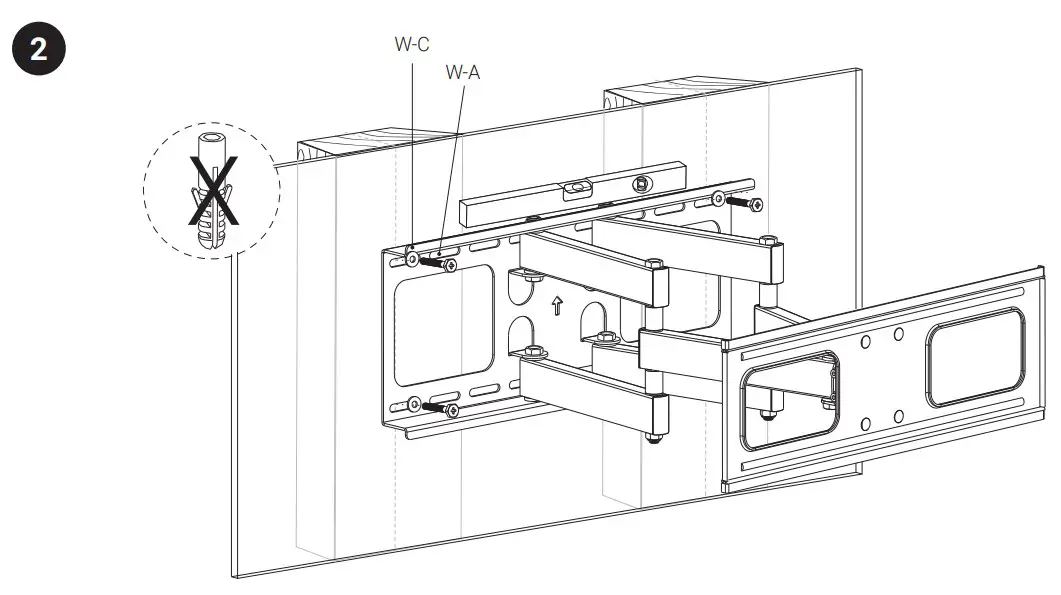

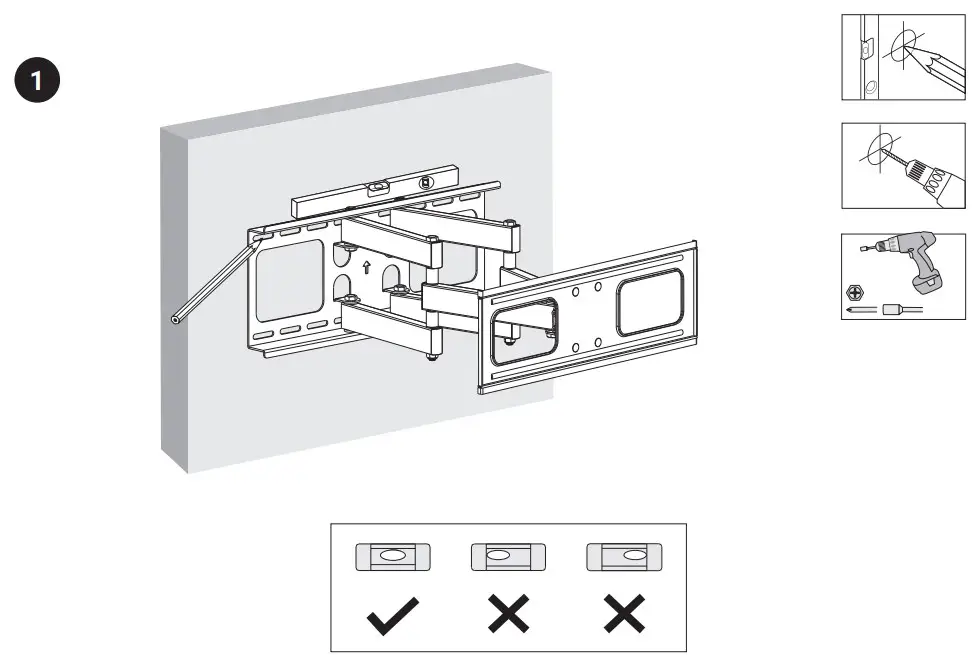


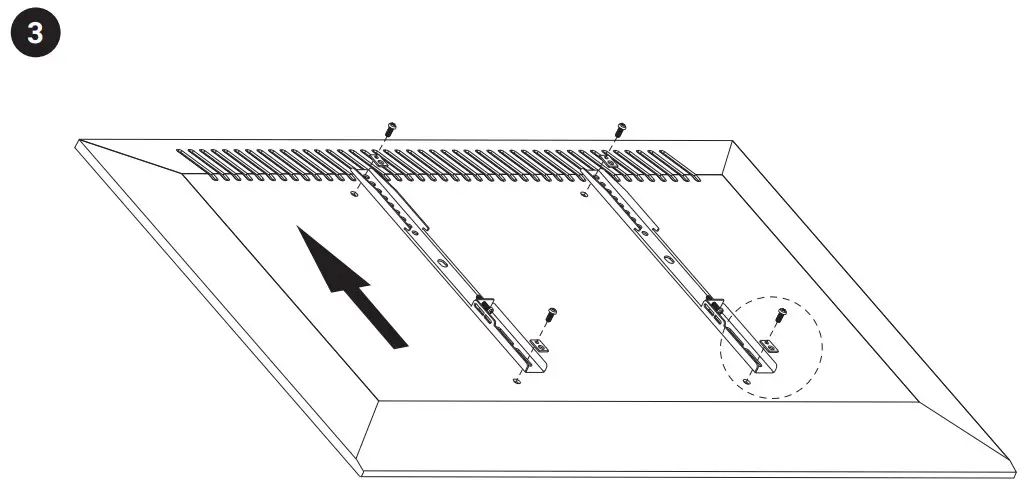
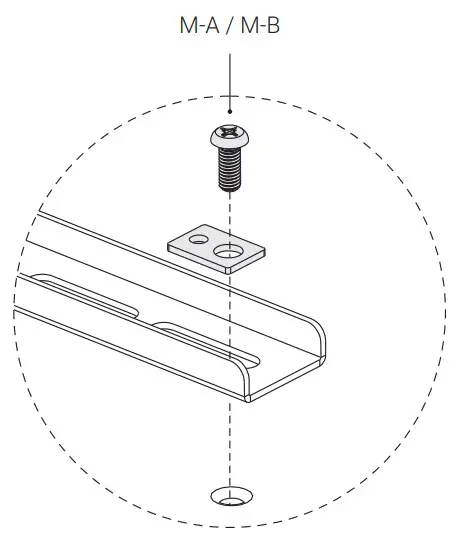

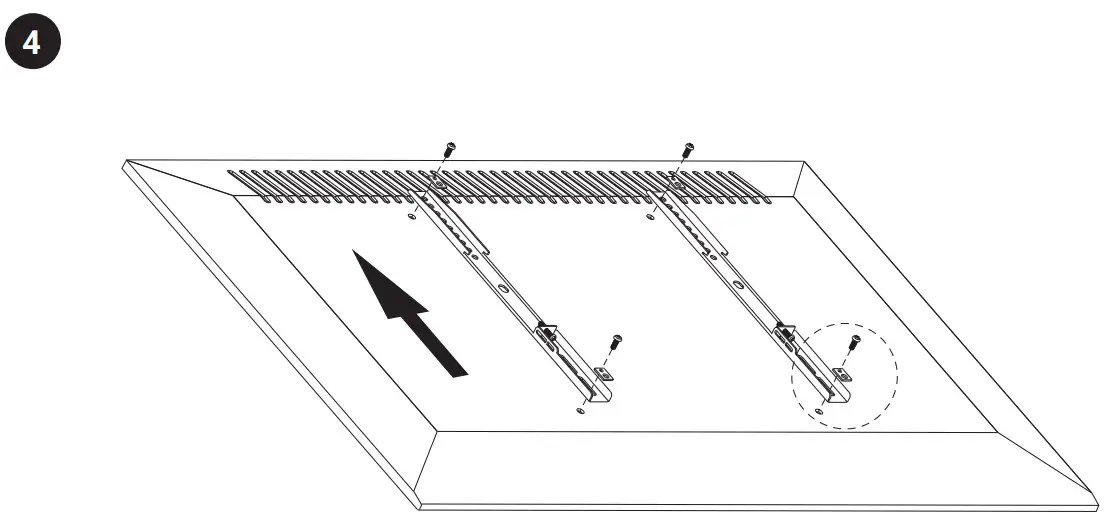
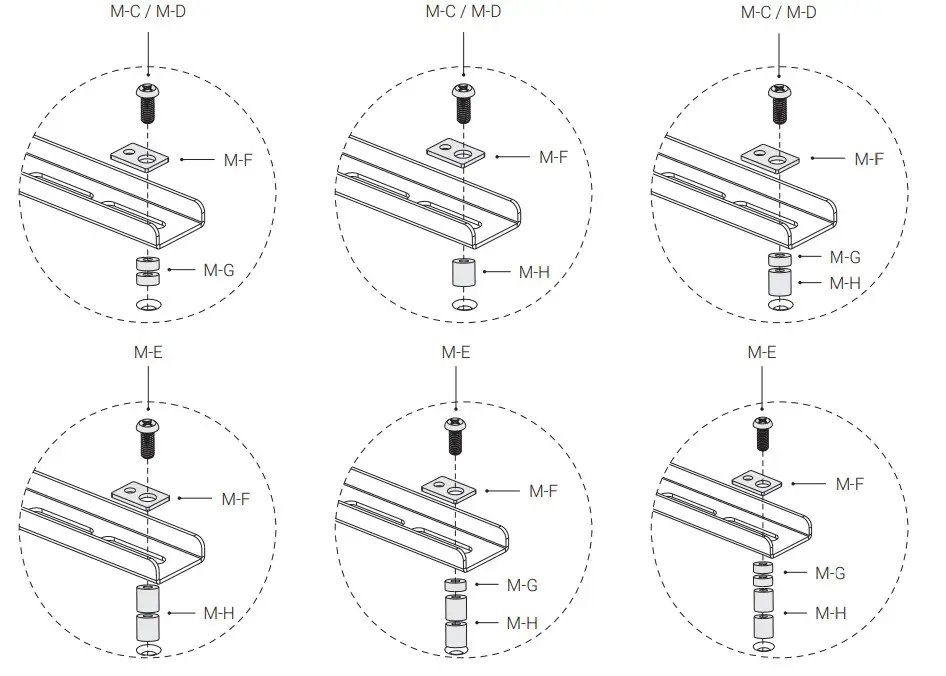
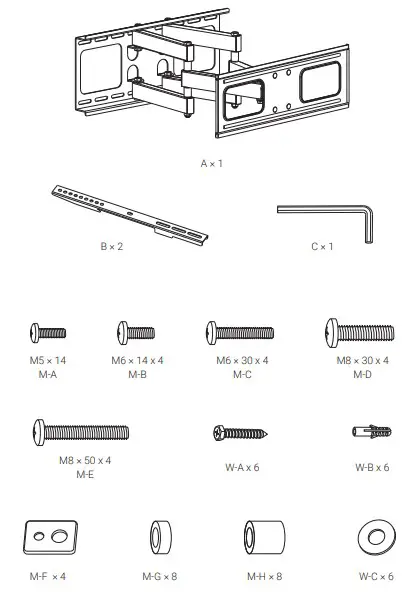
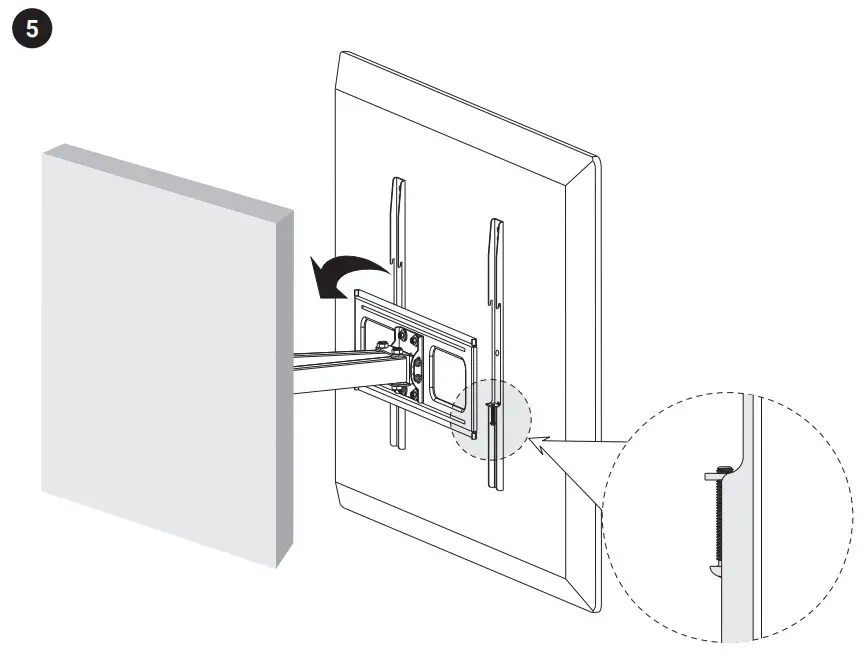
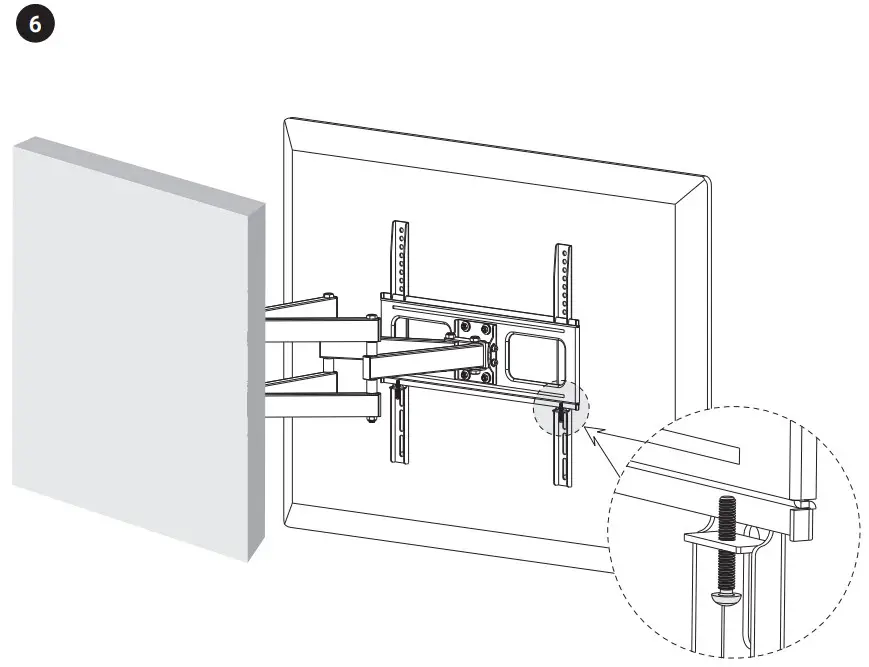
Safety information
- Adjust the mount with the installed device only.
- Make sure that the weight of the device does not exceed the weight defined in the specification.
- Check that the screws are tightly fastened.
- The wall must be able to sustain the device on the bracket according to its allowable load.
- Proper tools and at least two people are required for safe installation.
- Mounting requires extreme caution. If the bracket with the device falls, it can cause injury, permanent damage to health or even death.
- Keep the device out of the reach of children. They may swallow some parts.
- Use the device only in accordance with the operating instructions.
- If the device stops working properly – contact us.
Specification
| TV Wall Mount | |
| TV size | 37” – 70” |
| VESA compatibility | 200×200, 400×200, 300×300, 400×400, 600×400 |
| Maximum load | 50 kg |
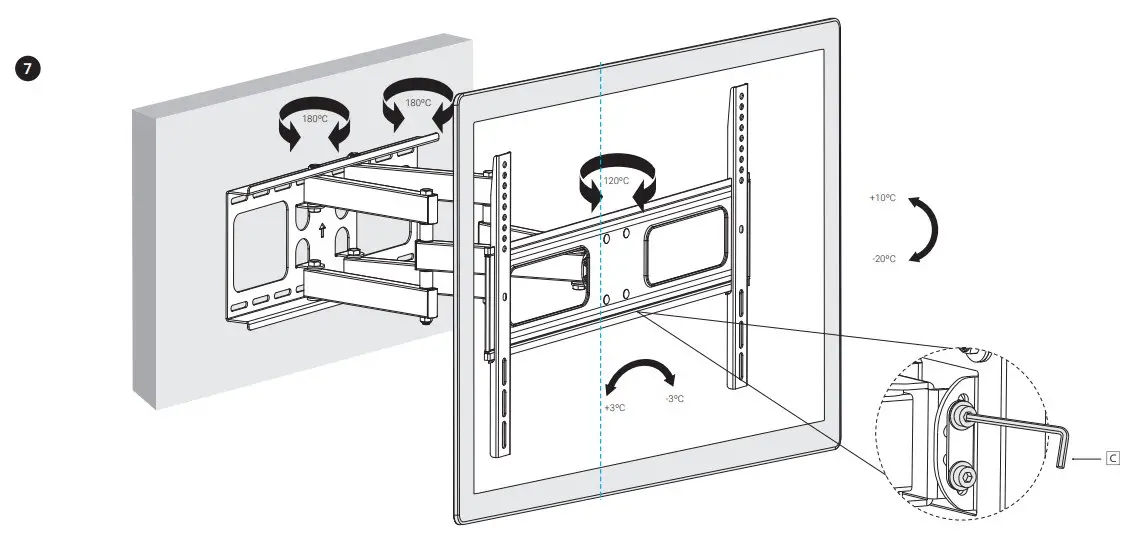
| Rotation range | -60° ~ +60° |
| Distance from the wall | 64 – 510 mm |
Warranty and technical support
Your product is covered by a 24-month manufacturer’s warranty. For more information go to www.silvermonkey.com/support. If you have questions about using the product – contact us at [email protected]. Manufacturer: Silver Monkey sp. z o.o., ul. Twarda 18, 00-105 Warszawa, Poland.
 Silver Monkey – Instrukcje obsługi / Manuals