PRECISION MEDICAL Easy Pulse 5 Oxygen Conserving Regulator User Guide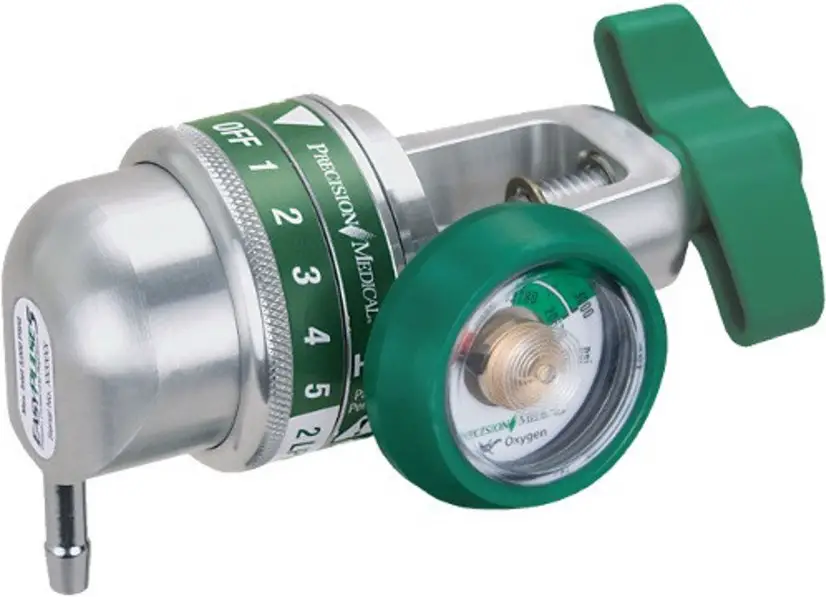
Troubleshooting
If problem cannot be corrected, consult your Dealer/Home Care equipment provider.
| PROBLEM | PROBABLE CAUSE | REMEDY |
| A. No flow | 1. Cylinder valve closed2. Conserver in “OFF” 2. Set to prescribed position3. Cylinder empty4. Dial not at setting5. Conserver not sensing breath | 1. Turn on cylinder2. Set to prescribed setting3. Replace cylinder4. Set dial so indicator points to a setting5. Check position of cannula in nose Do not breathe through mouth |
| B. Leaking at Cylinder Connection | 1. Missing or defective O-ring Seal | 1. Replace O-ring Seal |
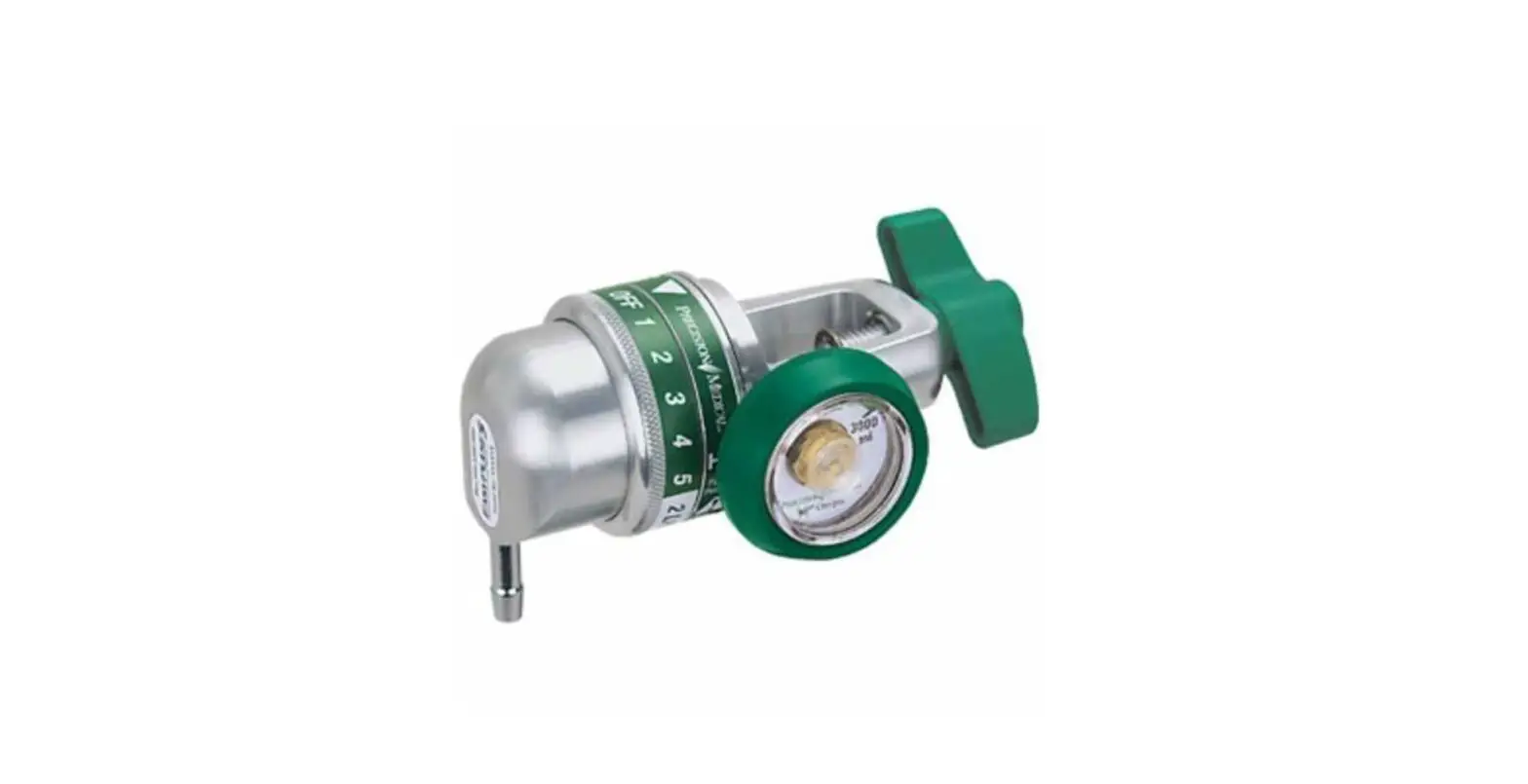
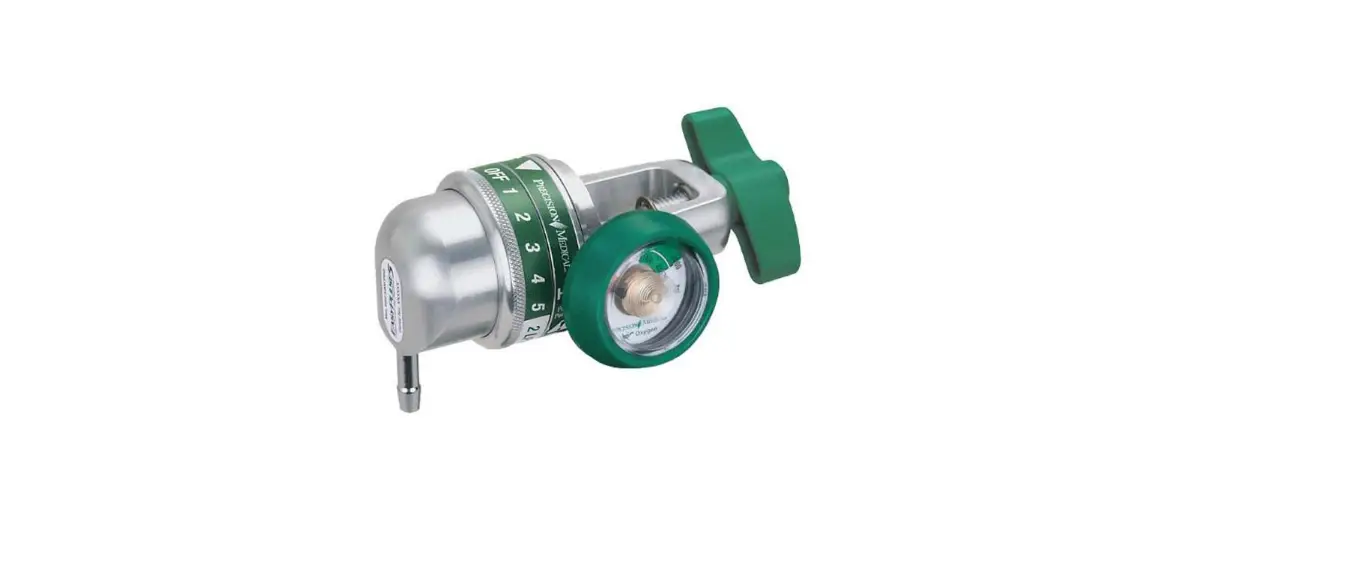
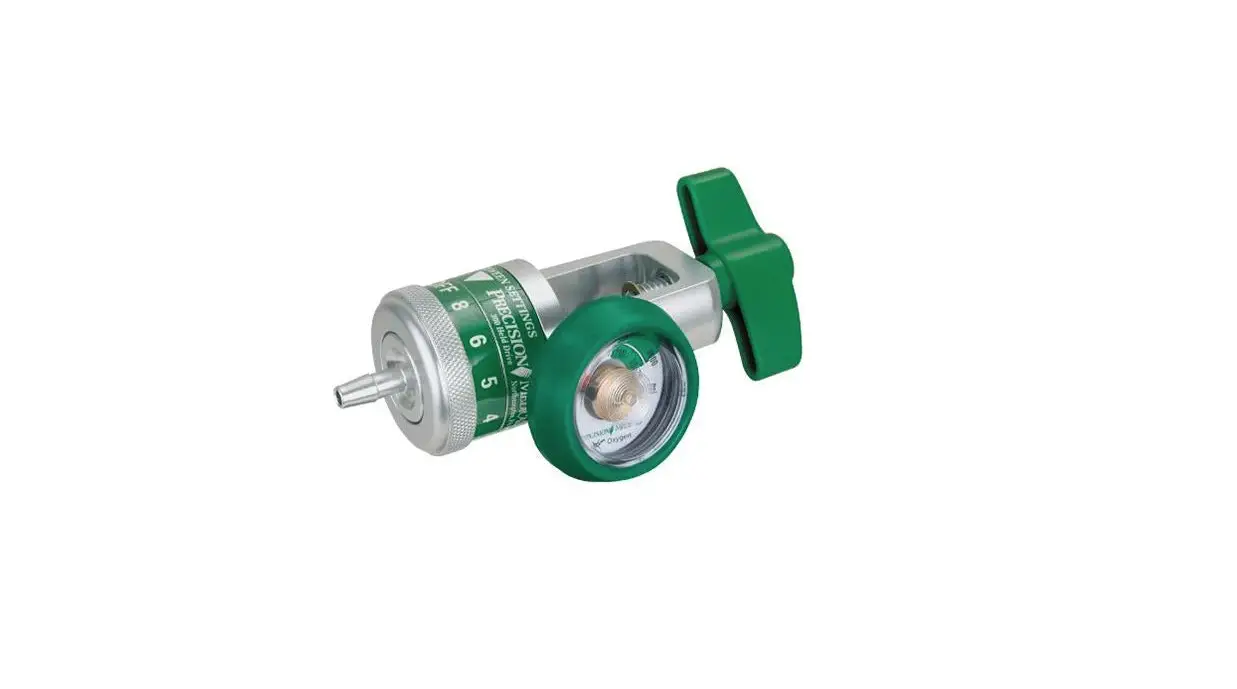
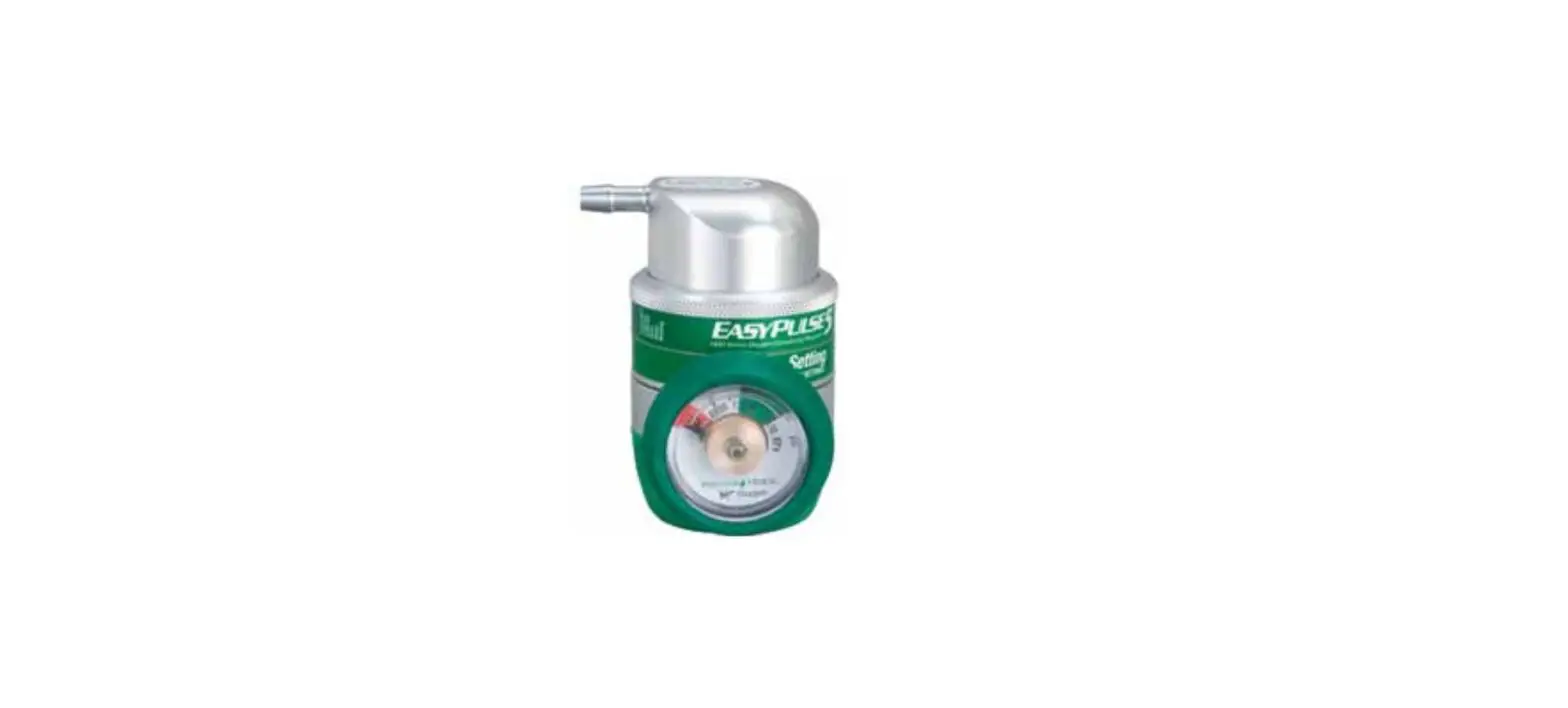
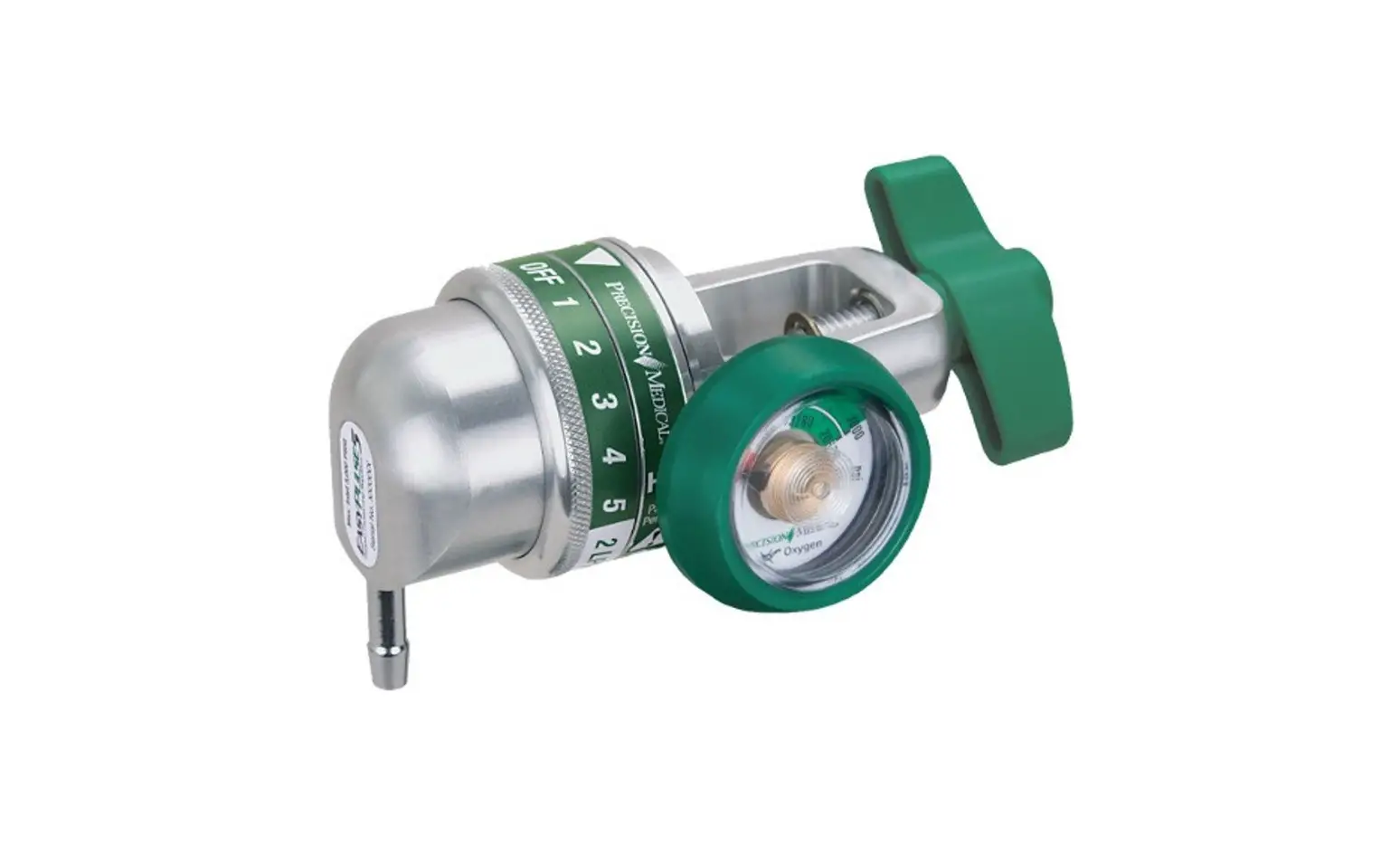
EasyPulse5 Oxygen Conserving Regulator (Conserver)
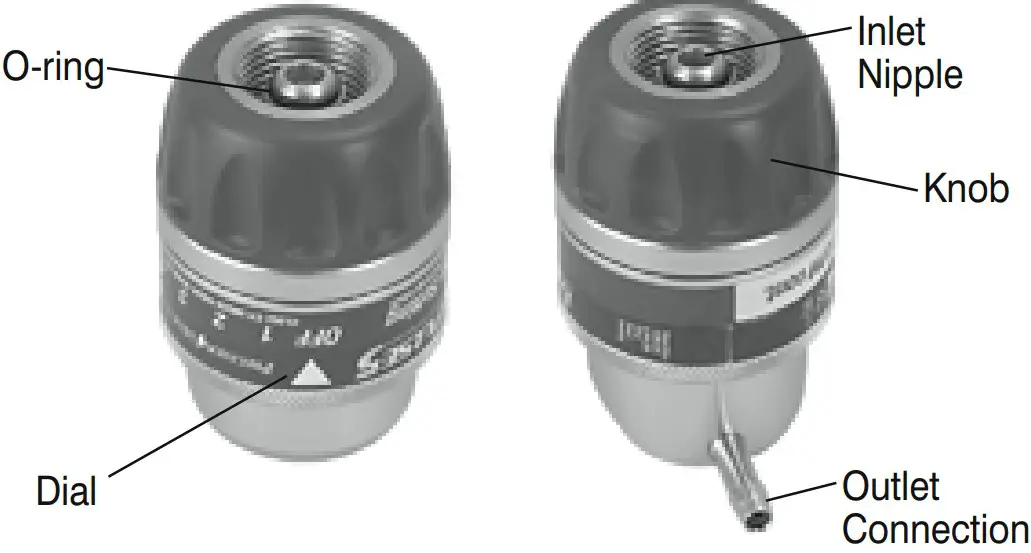
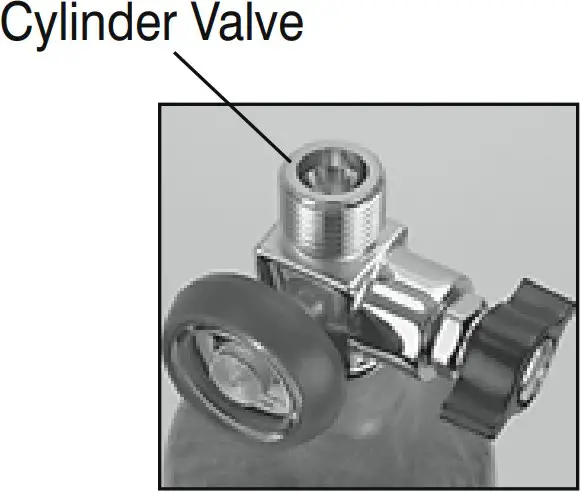
- Inspect Conserver and Cylinder Valve for damage or contaminants. Do NOT use if any are found. “Crack” cylinder valve by opening the valve slightly and closing

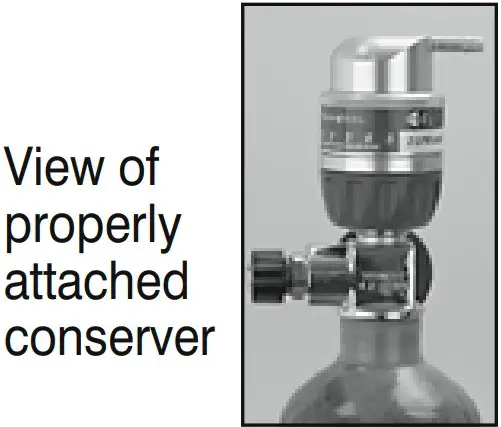
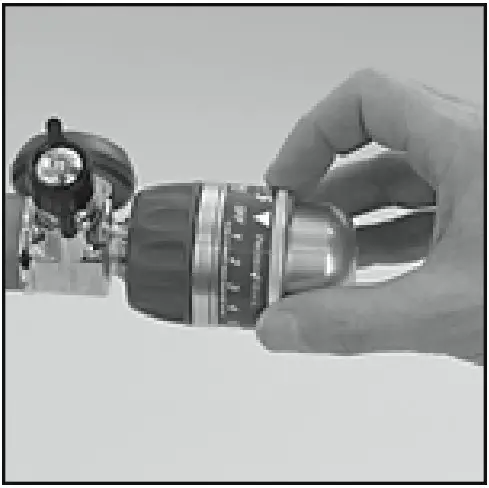
- Ensure Conserver is in the OFF position and O-ring Seal is in place. Align Nipple with recessed hole in the cylinder. Hand tighten Knob. Do NOT use tools.

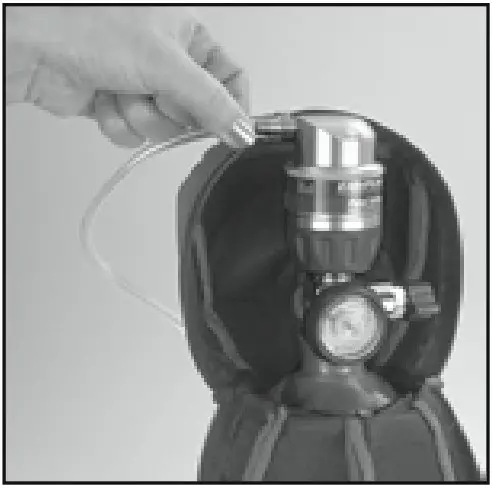
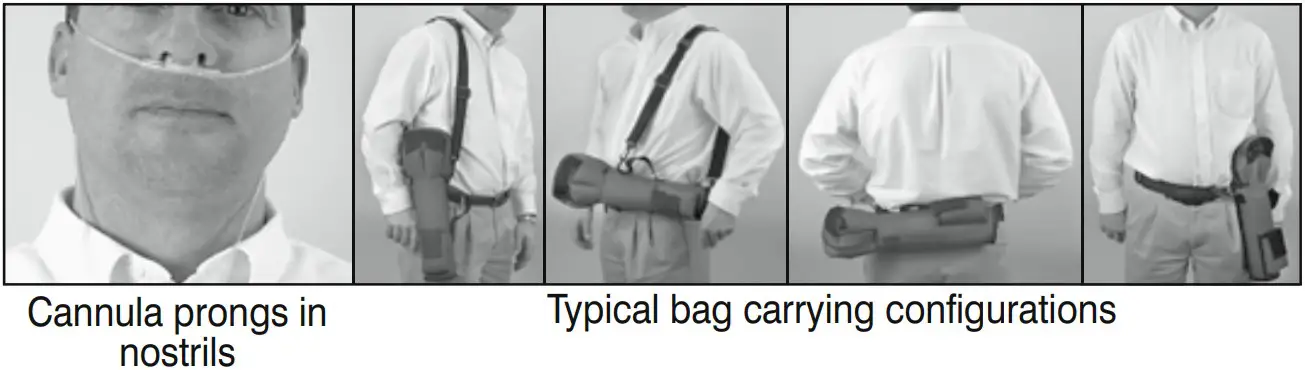
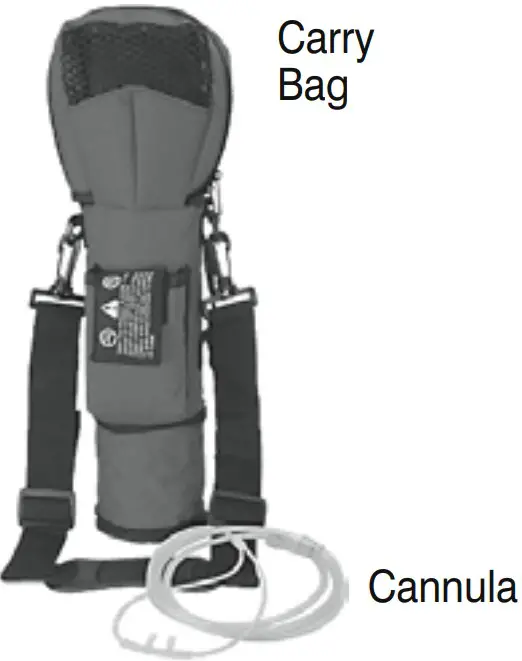
- When using a Precision Medical Carry Bag, slide the cylinder into the bag with the gauge facing the mesh. Attach the cannula to the Conserver’s Outlet Connection.

- Slowly open the cylinder valve. Turn Dial to the prescribed setting. Zip the bag closed.

- Place cannula in nostrils and breathe through nose to begin Oxygen fl ow. If using a bag adjust the straps for maximum comfort.

- When fi nished using:
Turn the cylinder valve to the OFF position. Turn Conserver Dial to “2 LPM Continuous” position. Wait for Oxygen to stop fl owing from Conserver. Remove Conserver from Cylinder Valve. Store Conserver and Carry Bag in a safe place.