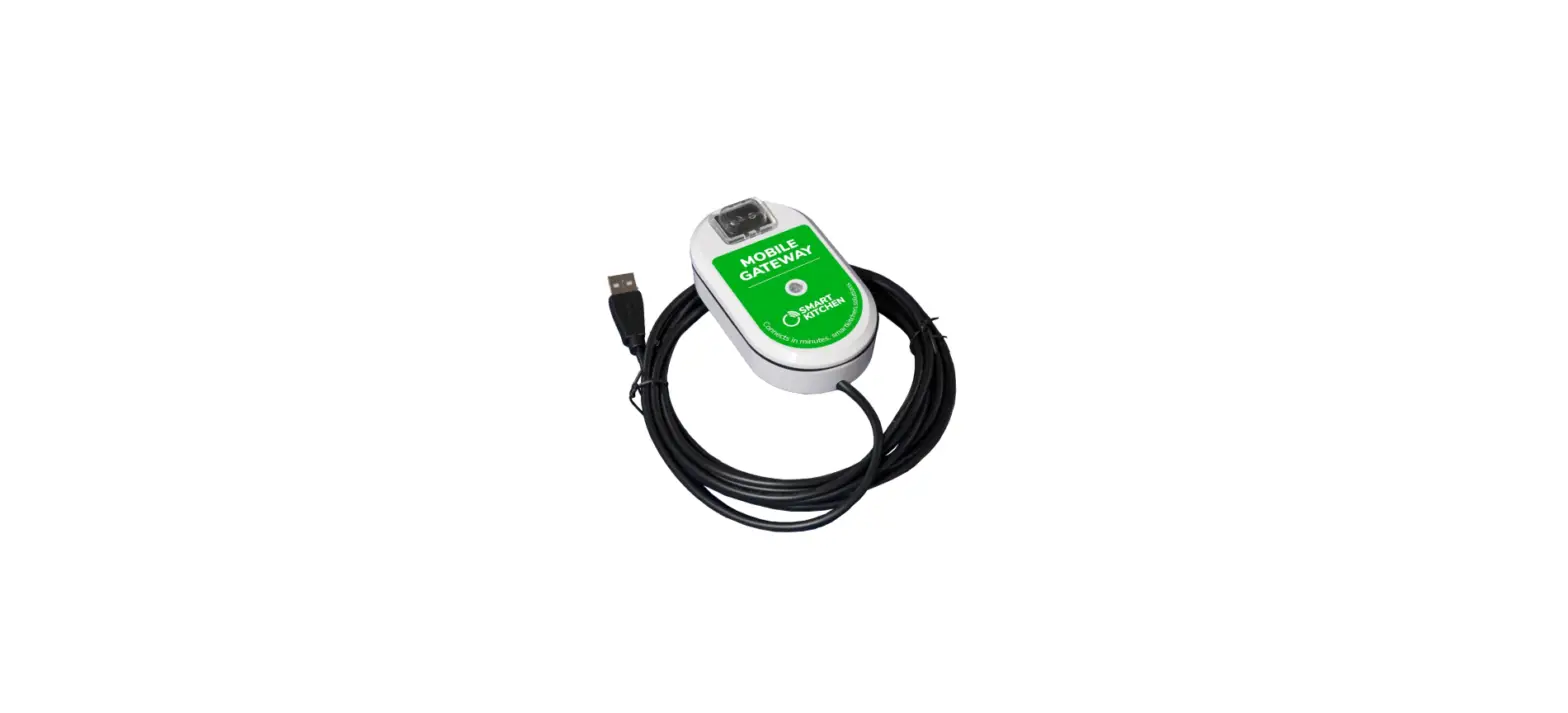

SMART KITCHEN Roaming Settings Phone And Tablet 
Product Information
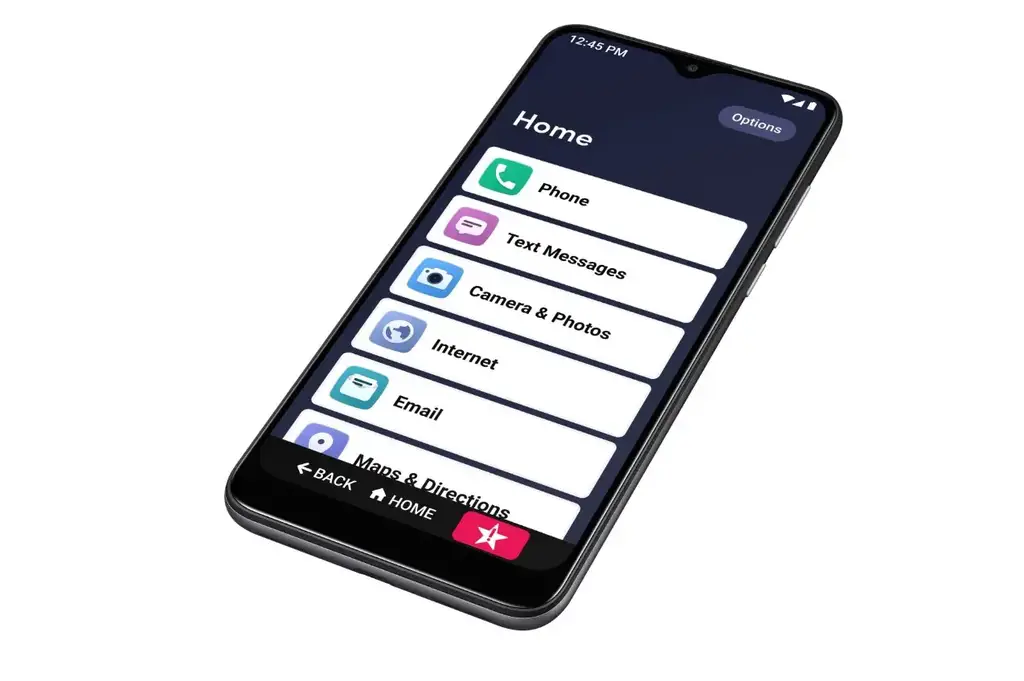
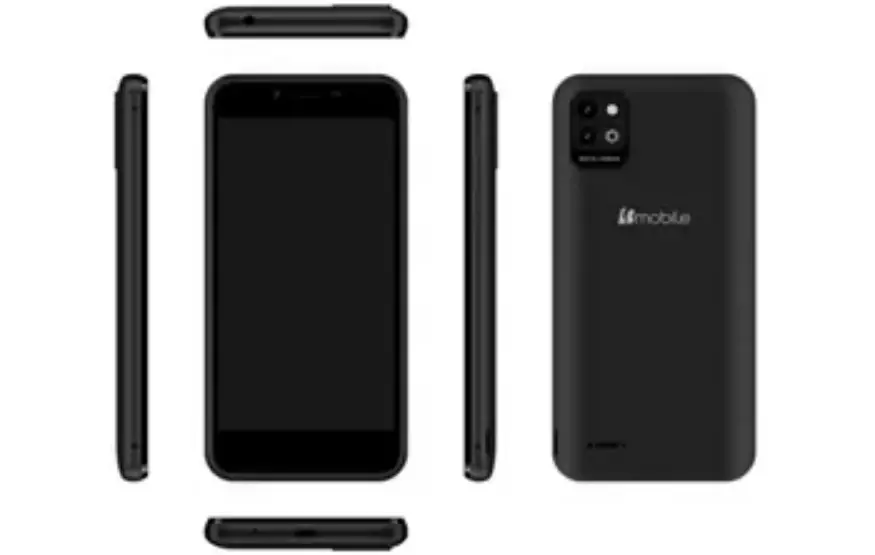
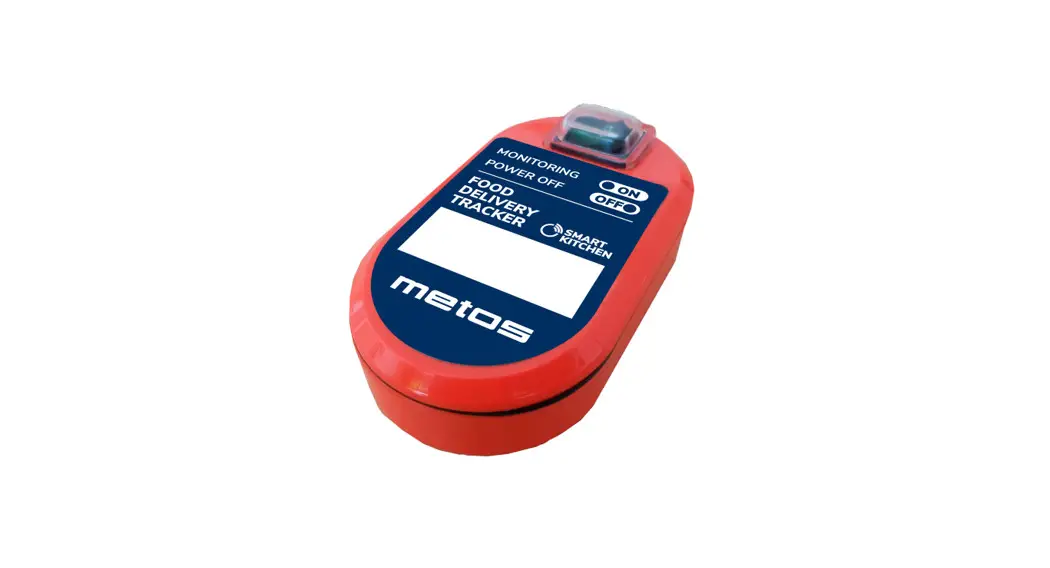
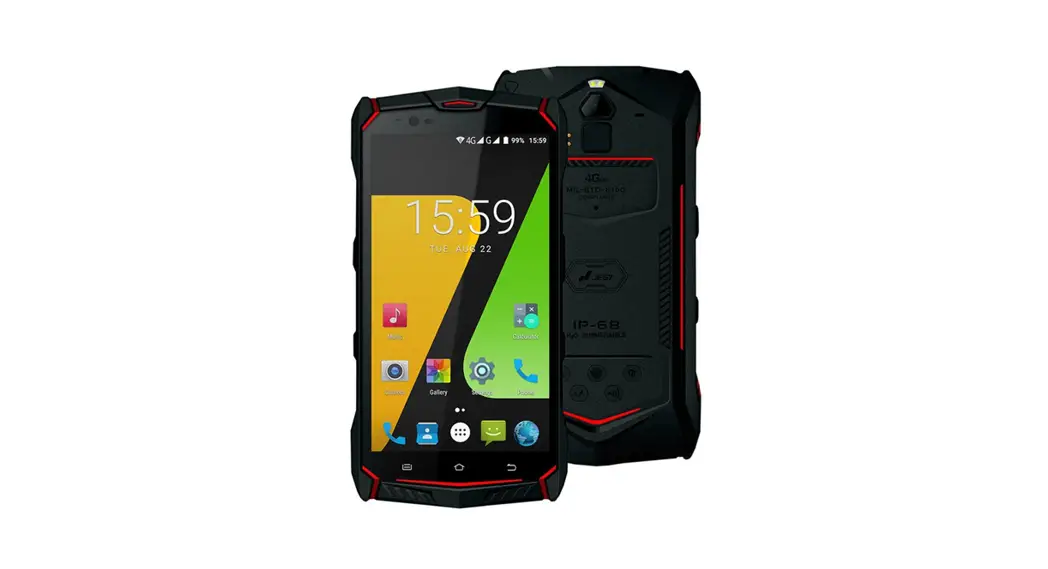
The SmartKitchen phone and tablet is a device that allows users to configure Soracom APN and roaming settings. It comes with a SIM card and allows users to turn on/off mobile network roaming and access point names. The device is manufactured by Smart Kitchen/Ceruus Oy and can be supported by contacting
[email protected].
Product Usage Instructions
- Turn off the SmartKitchen phone or tablet.
- Insert the included SIM card.
- Turn on the SmartKitchen phone or tablet.
- Go to “Settings” and select “Network & internet”.
- Select “Mobile network”.
- Turn on “Roaming”.
- Select “Access Point Names”.
- Select the “+” symbol to add a new APN.
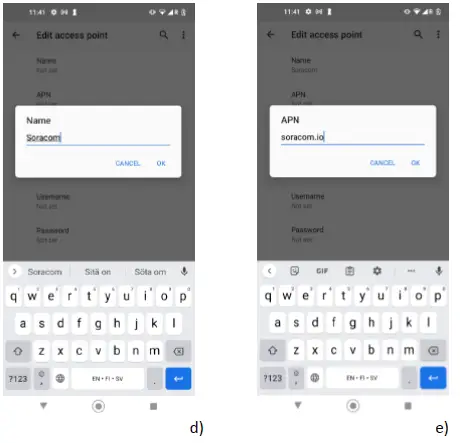
- Enter “Soracom” for the name.
- Enter “soracom.io” for the APN.
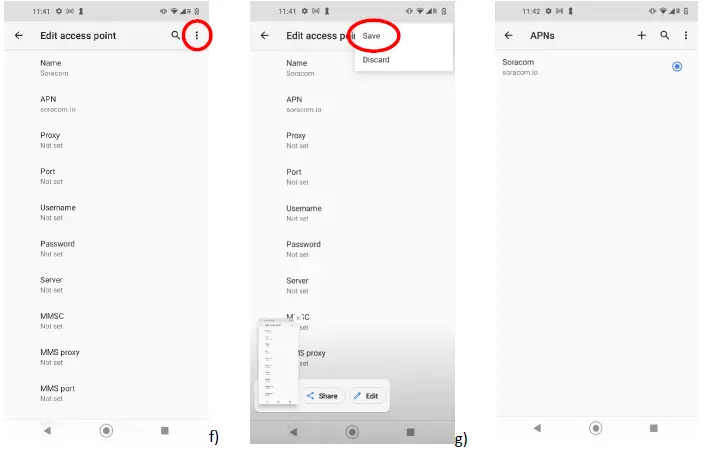
- Select the three dots in the upper right corner and select “Save”.
ROAMING SETTINGS SMARTKITCHEN PHONE AND TABLET
How to configure Soracom APN & roaming settings
- Turn off the phone/tablet
- Insert the SIM card
- Turn on the phone/tablet
- Setting →Network & internet →
Mobile network
- Roaming ON
- Access Point Names
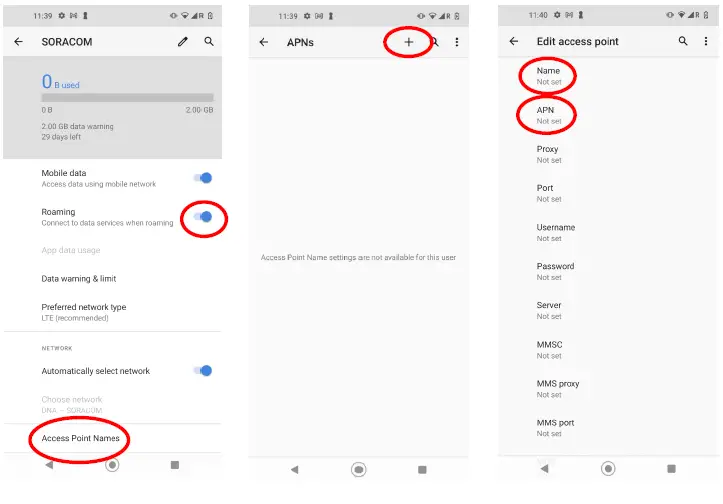
- Name: Soracom → OK
- APN: soracom.io → OK

- Select three dots in the upper right corner
- Save
SmartKitchen/Cereus Oy Support:
smartkitchen. solutions [email protected]
 IoT Connectivity Platform, Built for the Cloud | Soracom