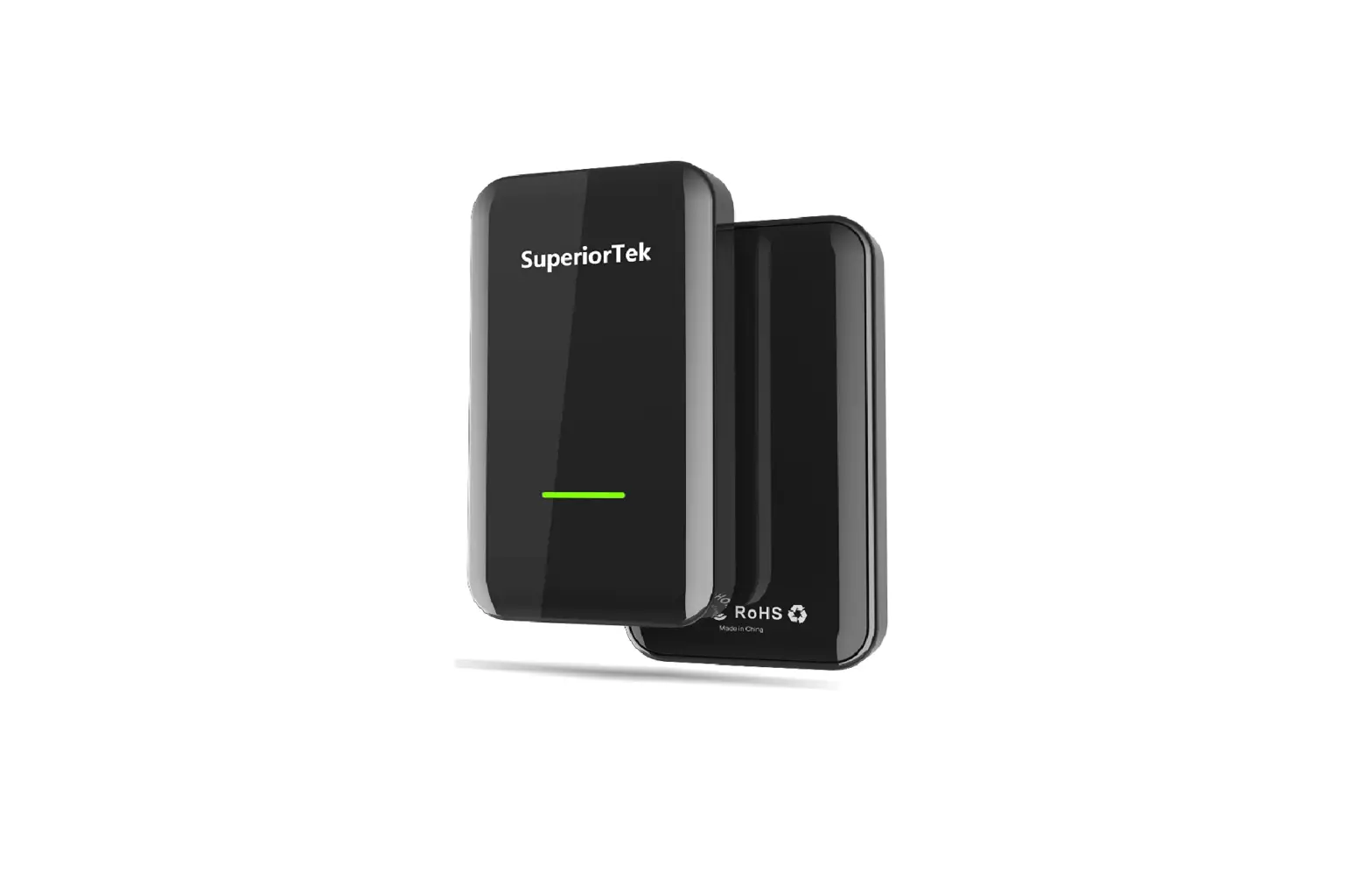
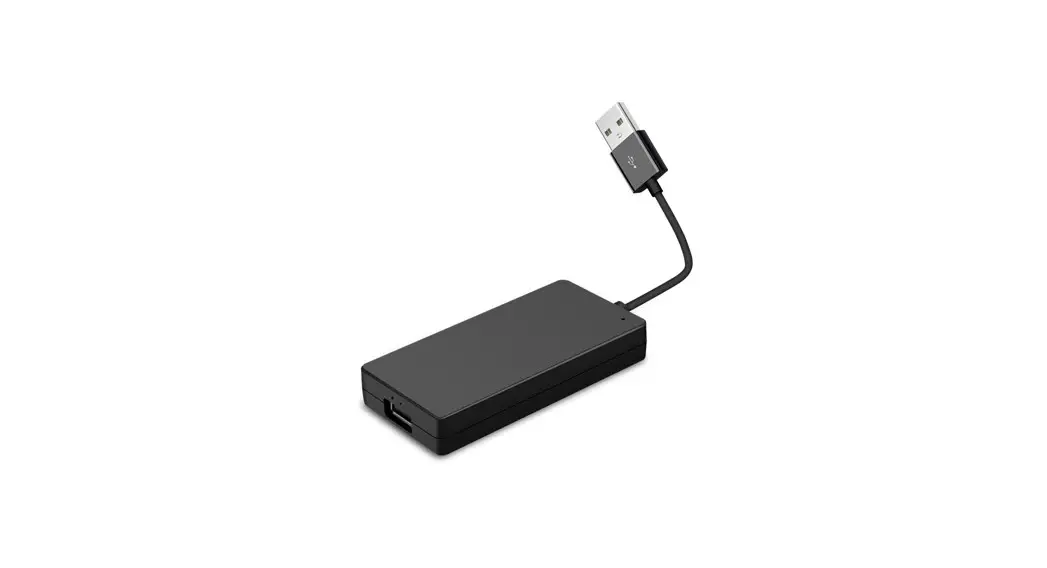
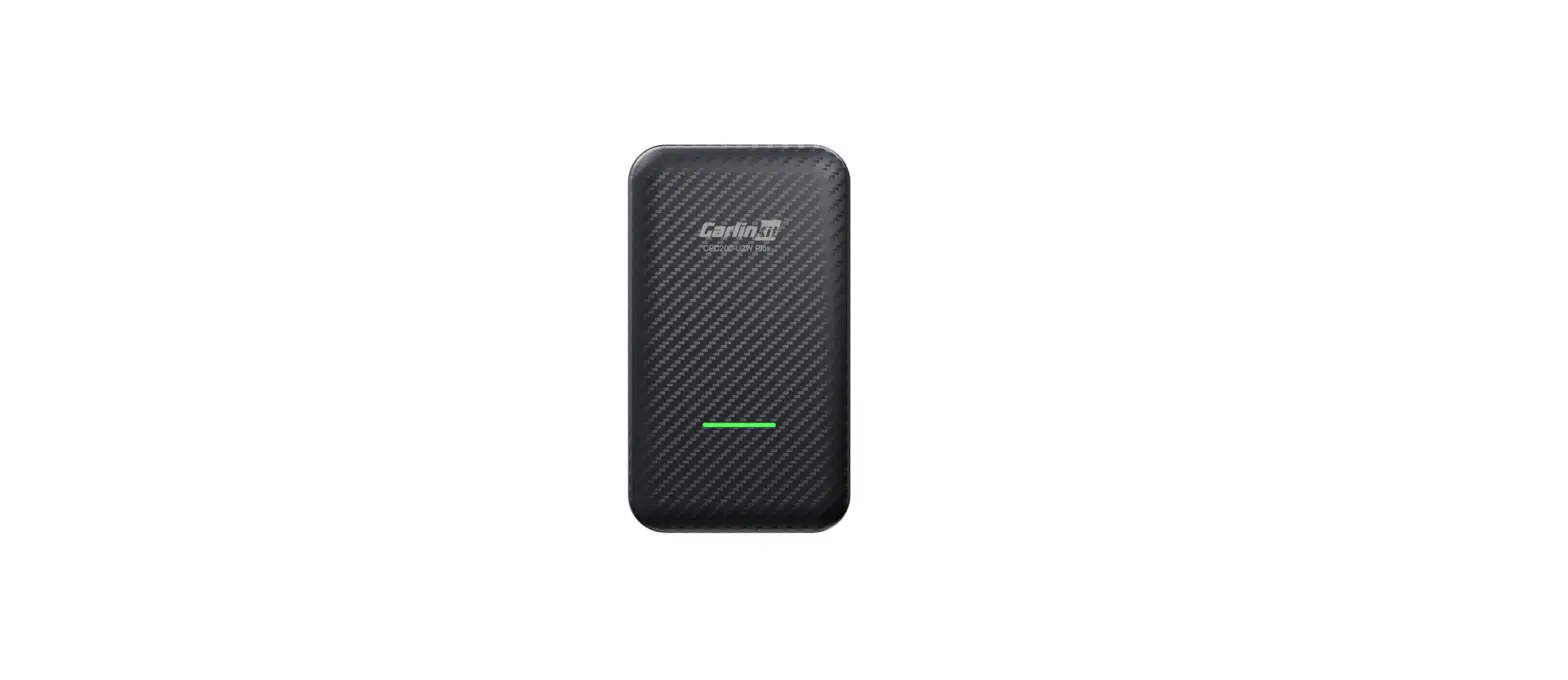
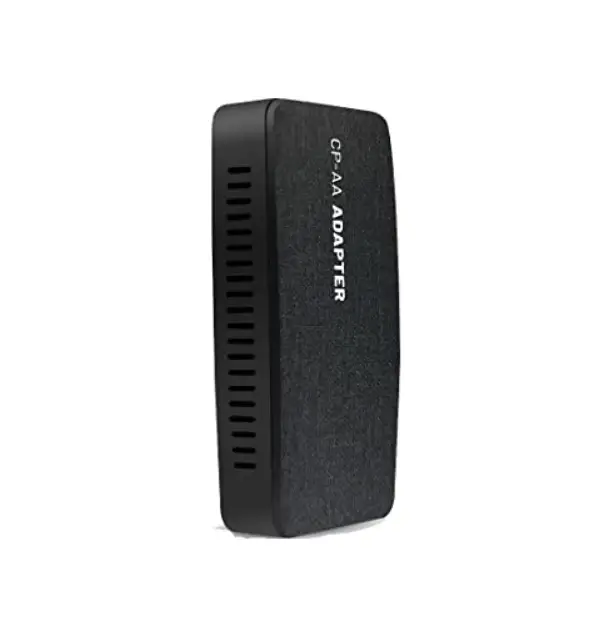
Firmware Update
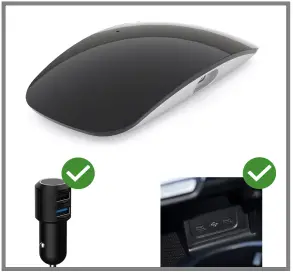
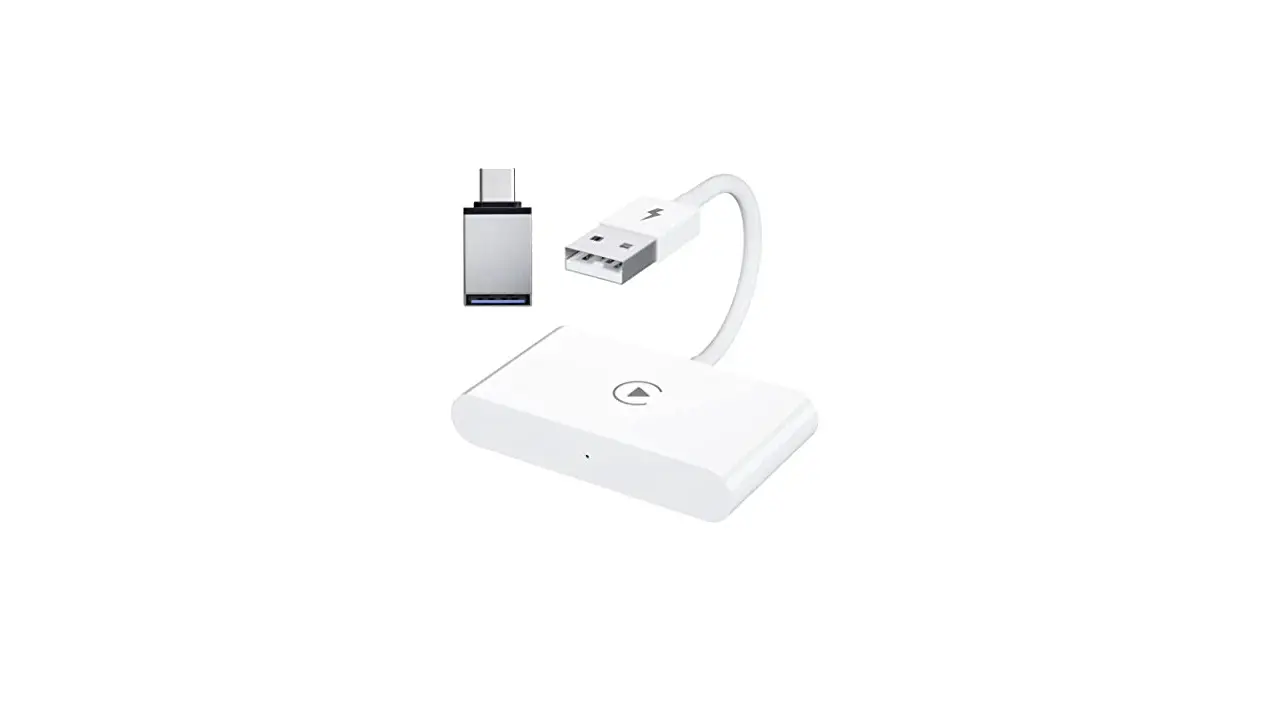
1. Both USB Power Charger & USB dat a port of car unit can be used for upgraded online OTA.
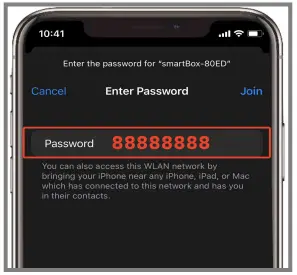
2. Turn on Wi-Fi and join the network ‘smart Box-xxxx‘, enter the password with ‘88888888‘
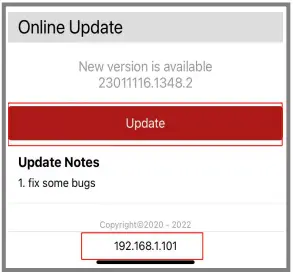
3. Open Safari & enter IP address ‘192.168.1.101‘; Sliding down the page & press ‘Update‘.
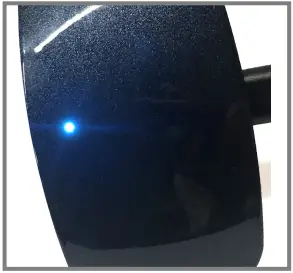
4. The White light will flash once the upgrade start up. The upgrade is complete when the light goes from blinking to always on.
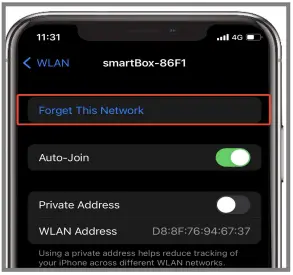
5. Forget this ‘smart Boxxxxx’ Network after the upgrade finished.
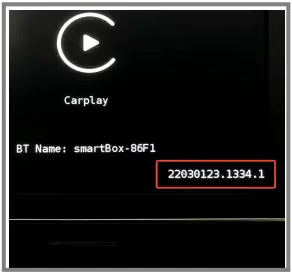
6. Replug the adapter to car dat a port . It will show ‘smart Box-xxxx‘ with new version.
 NOTE! Please don’t remove the activator until the light stop flashing. Otherwise, it will get damaged!