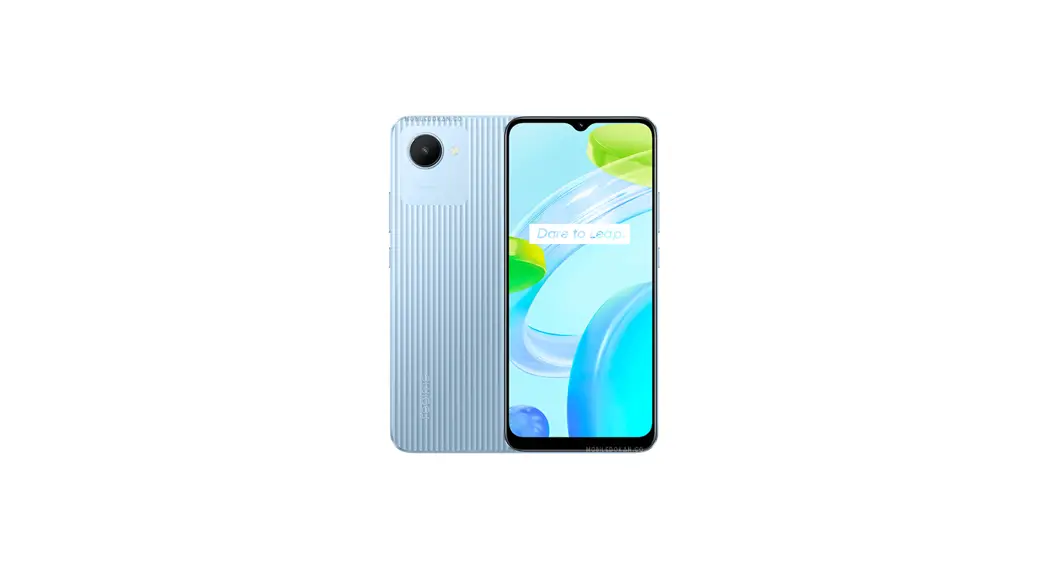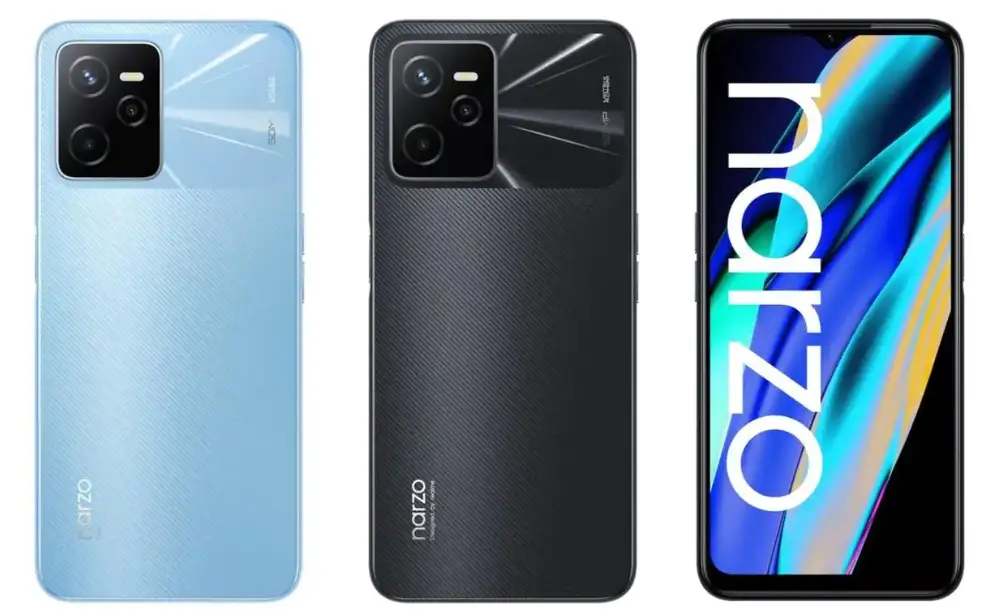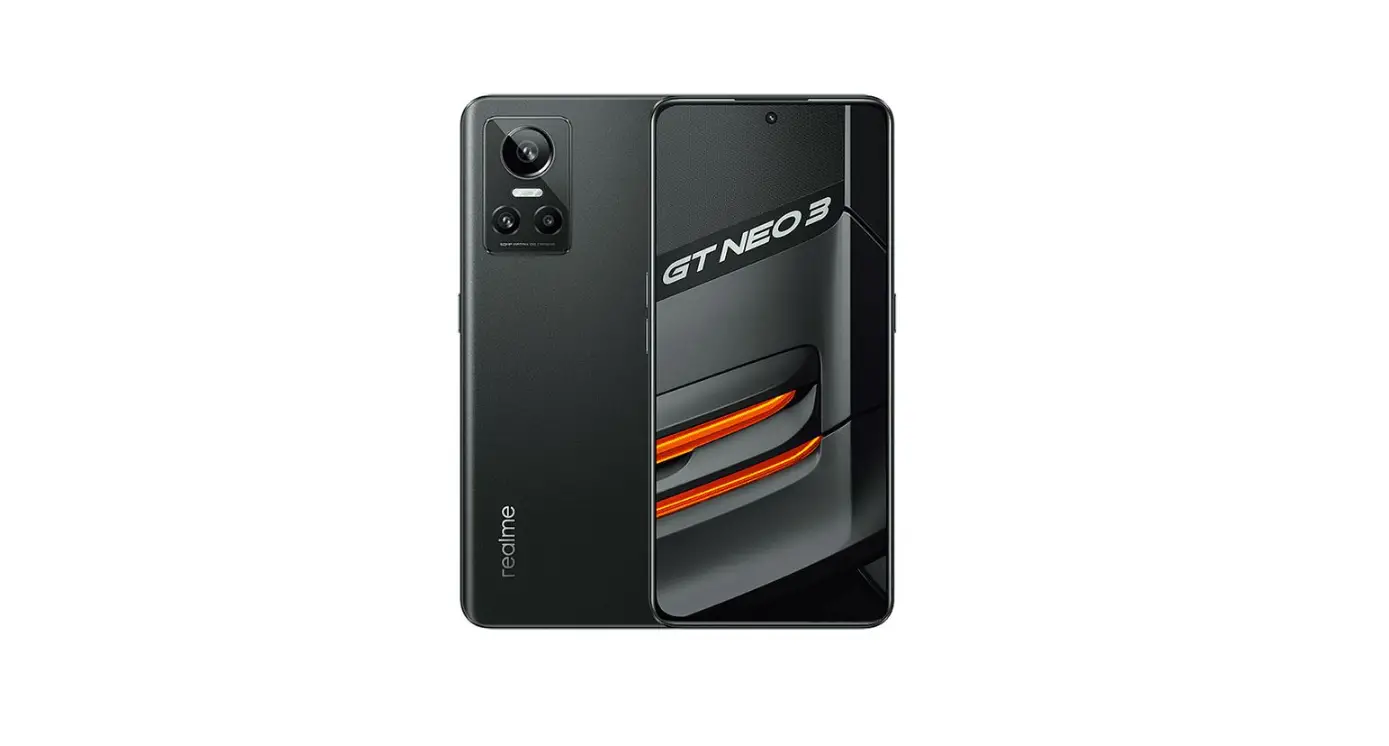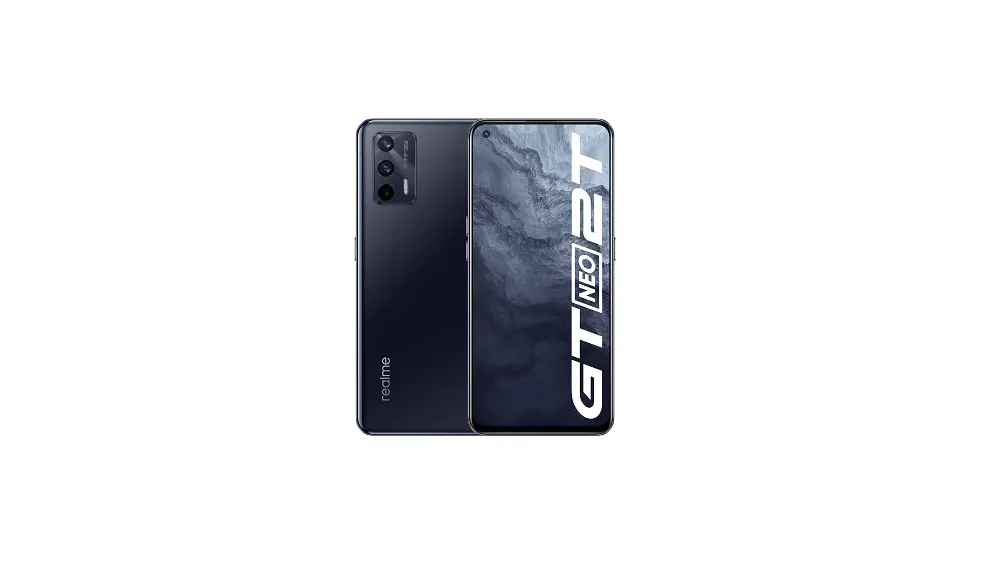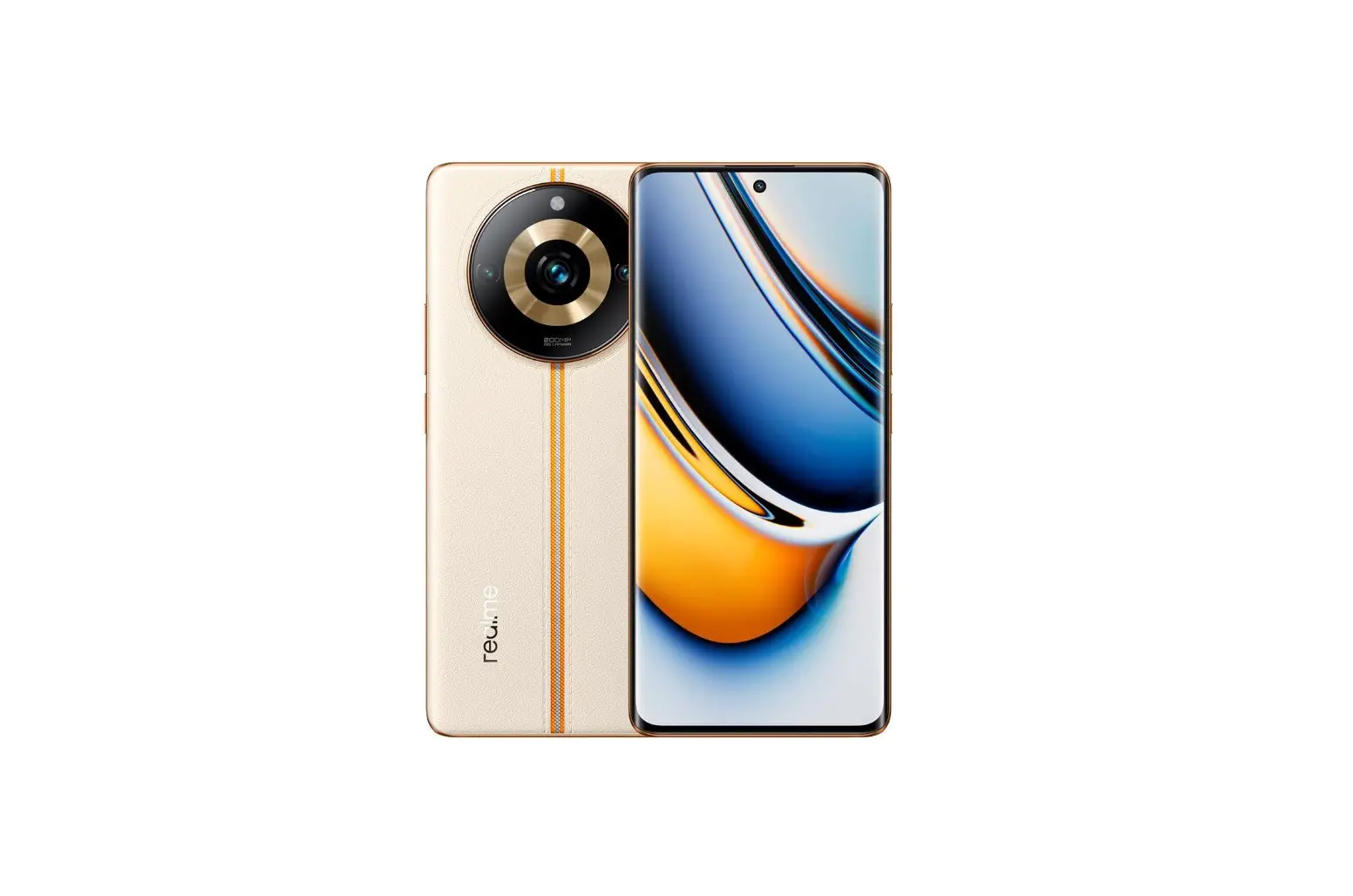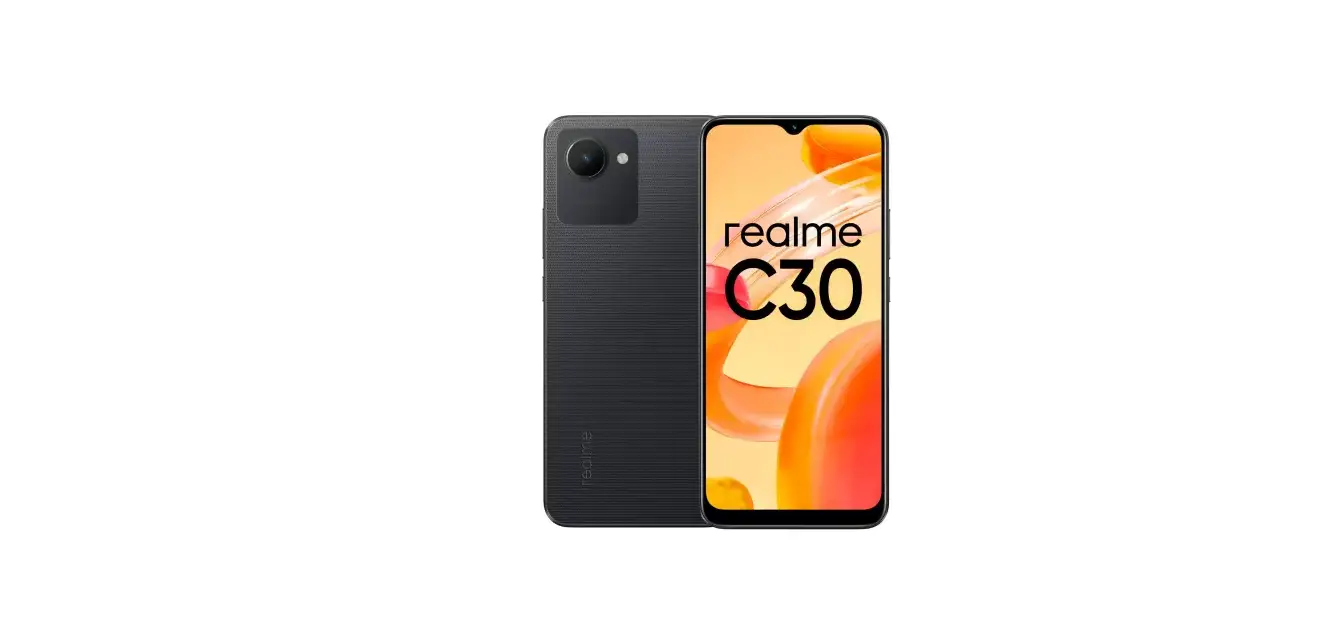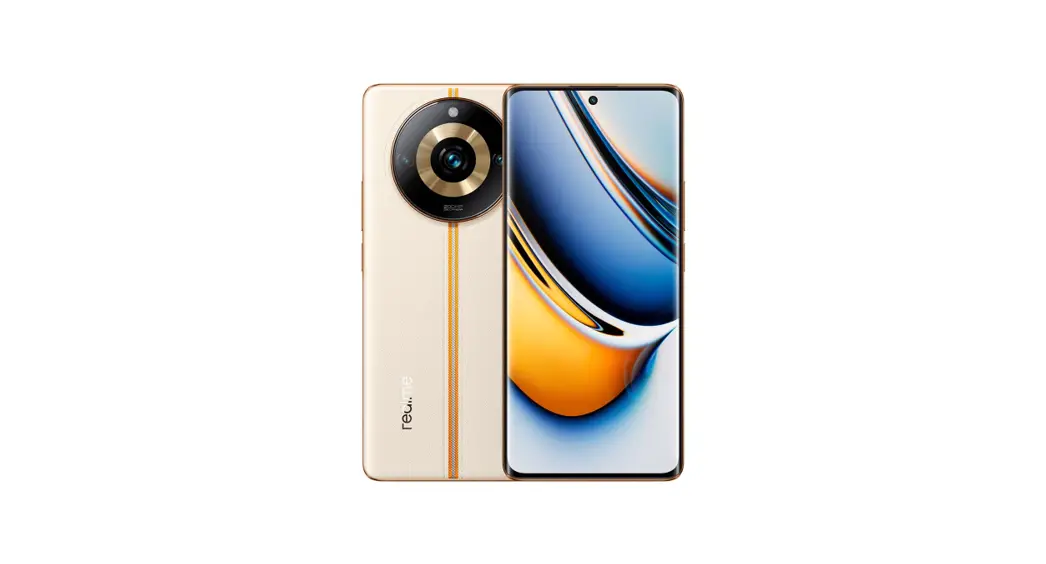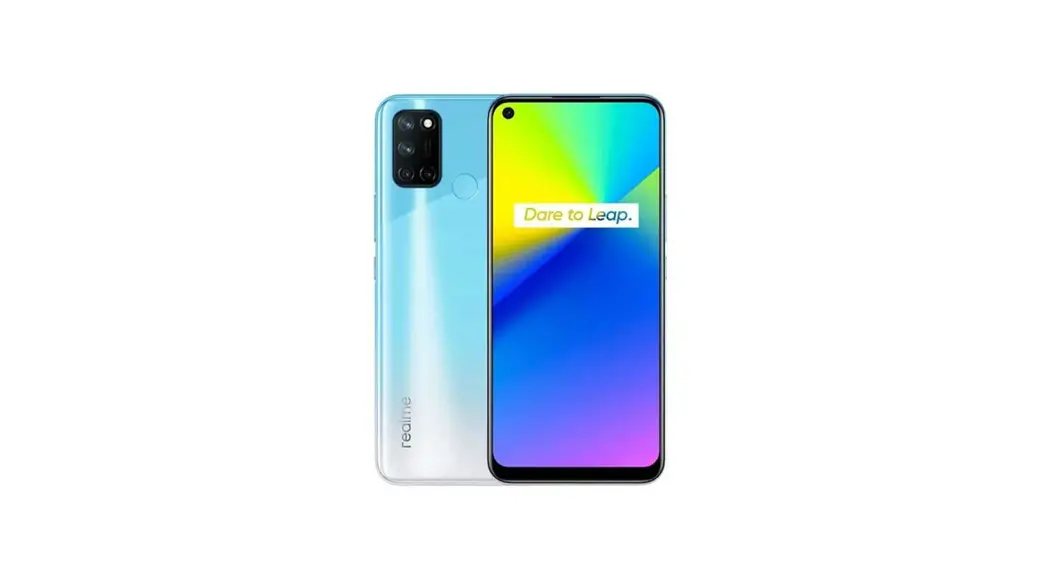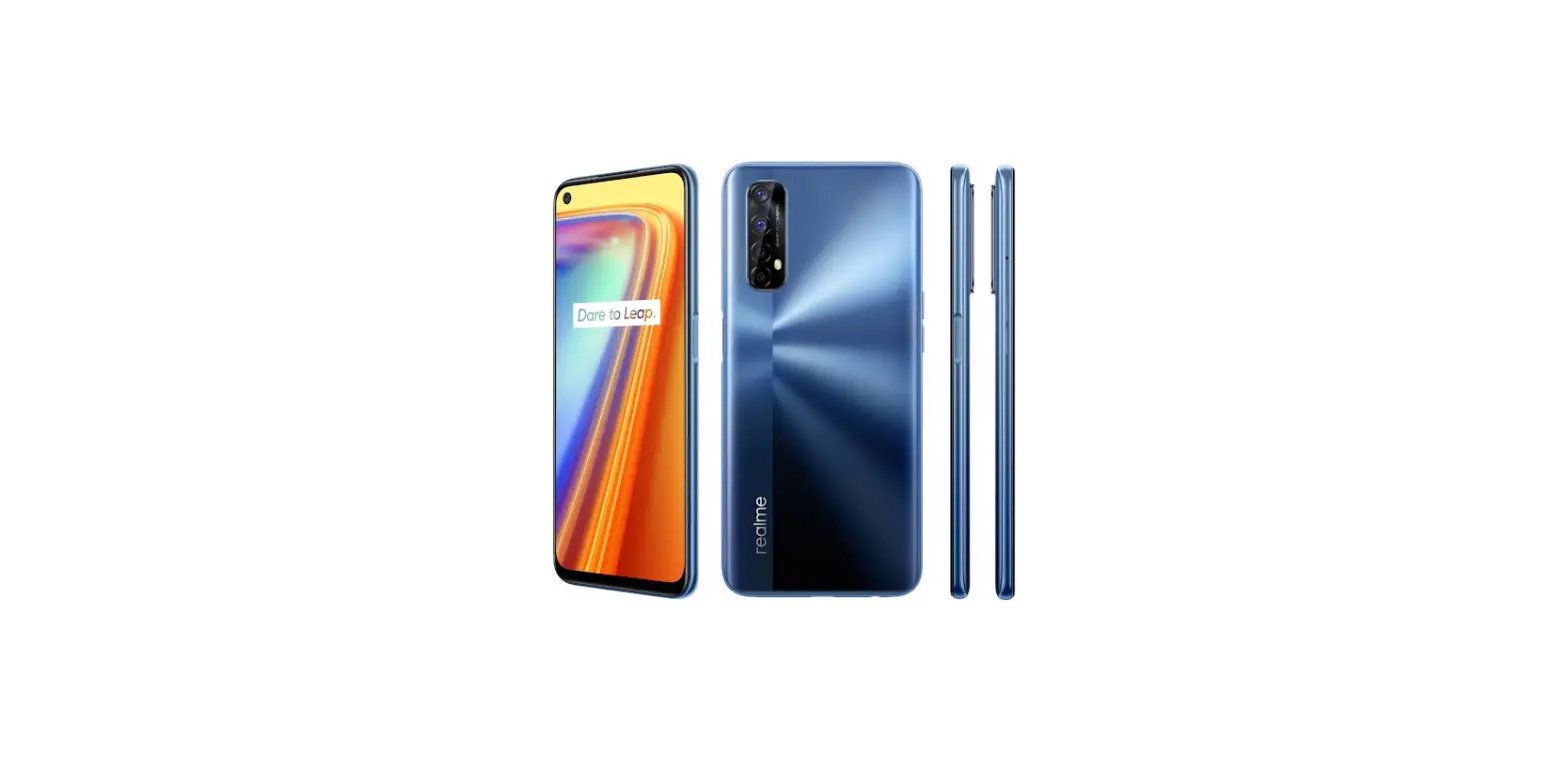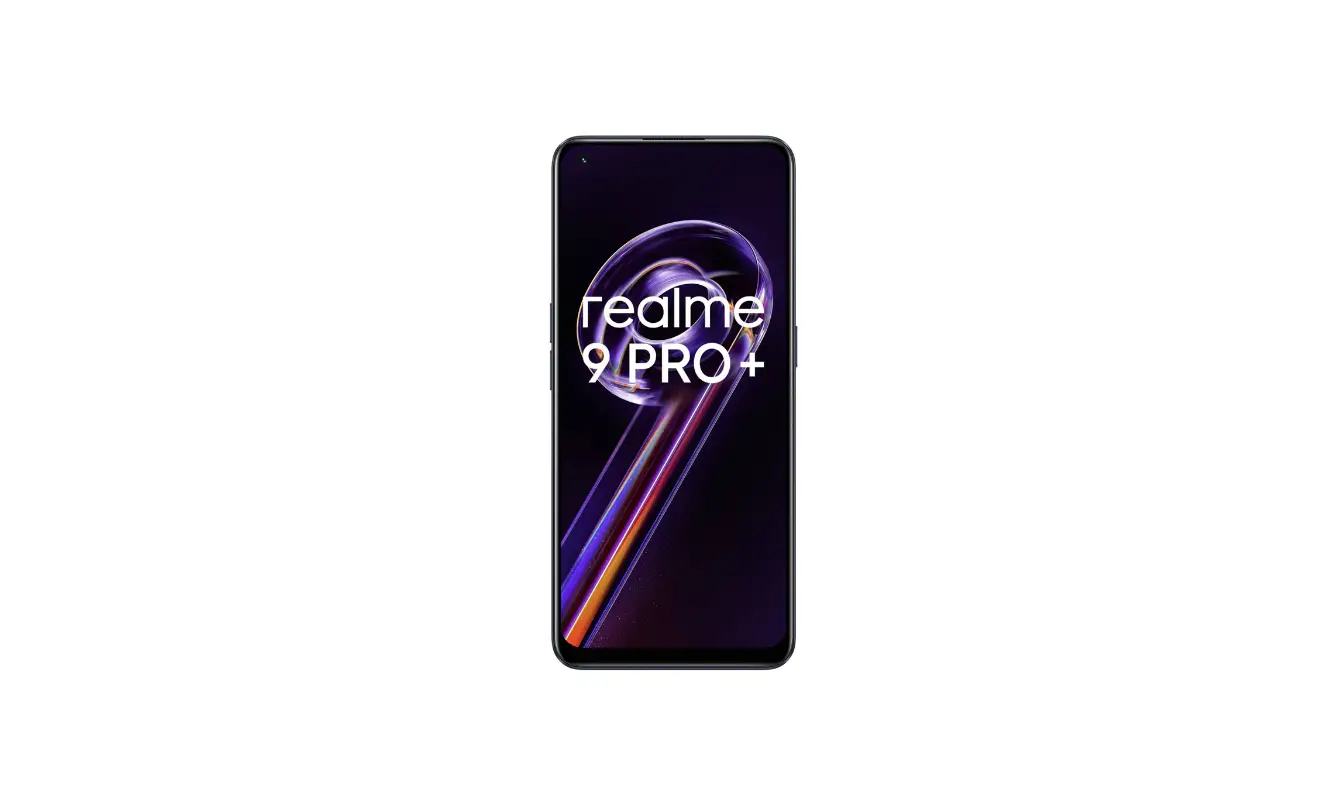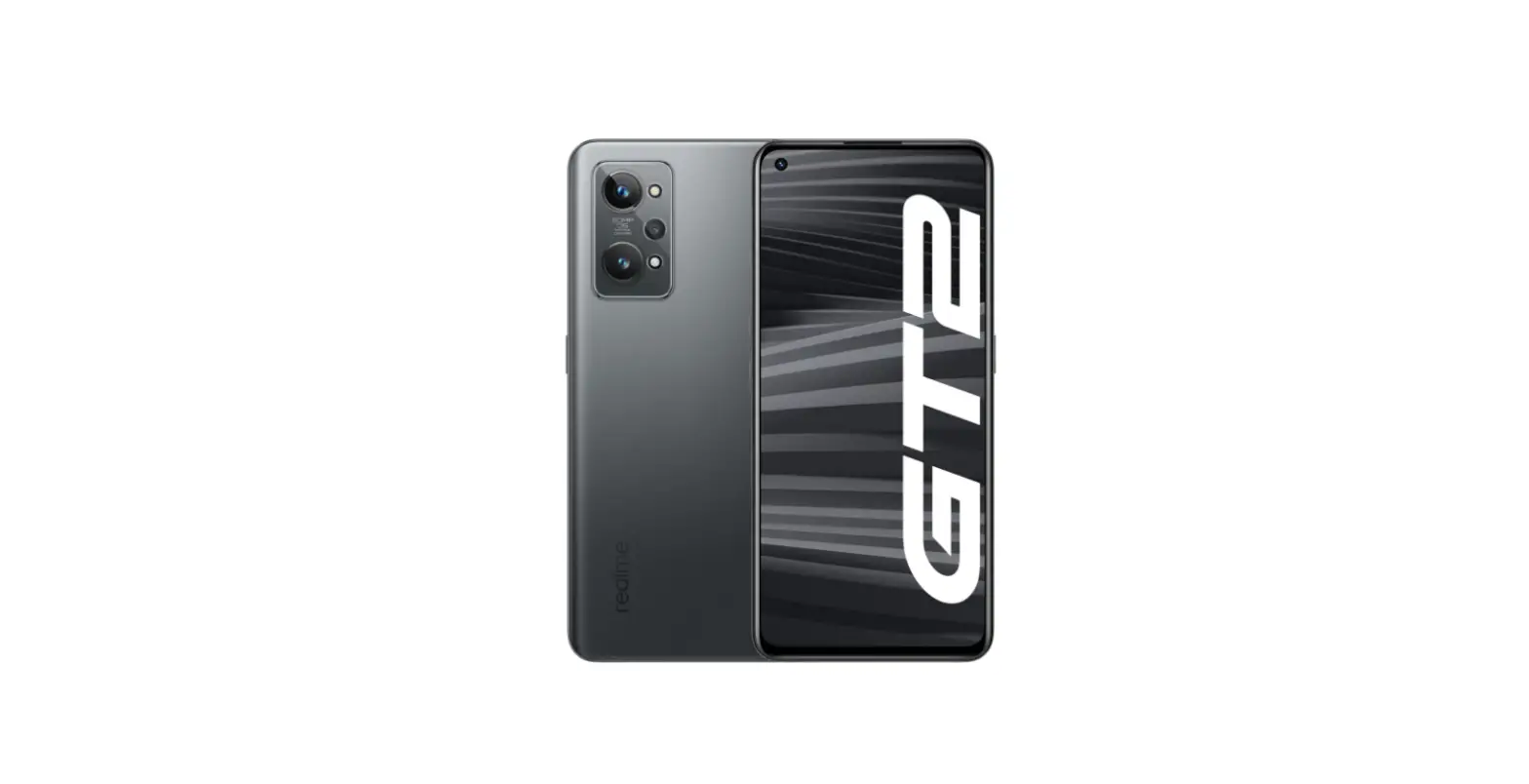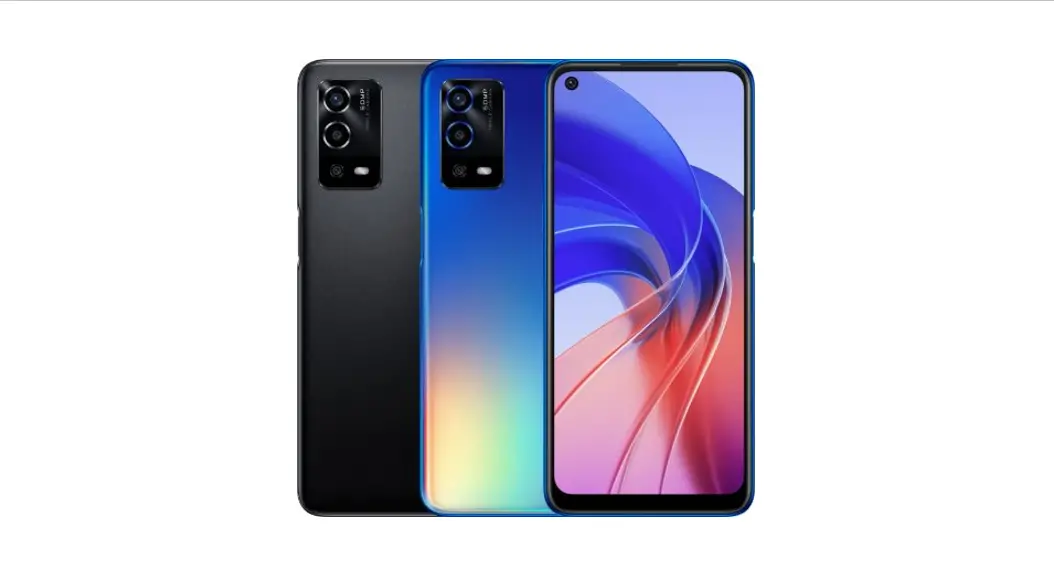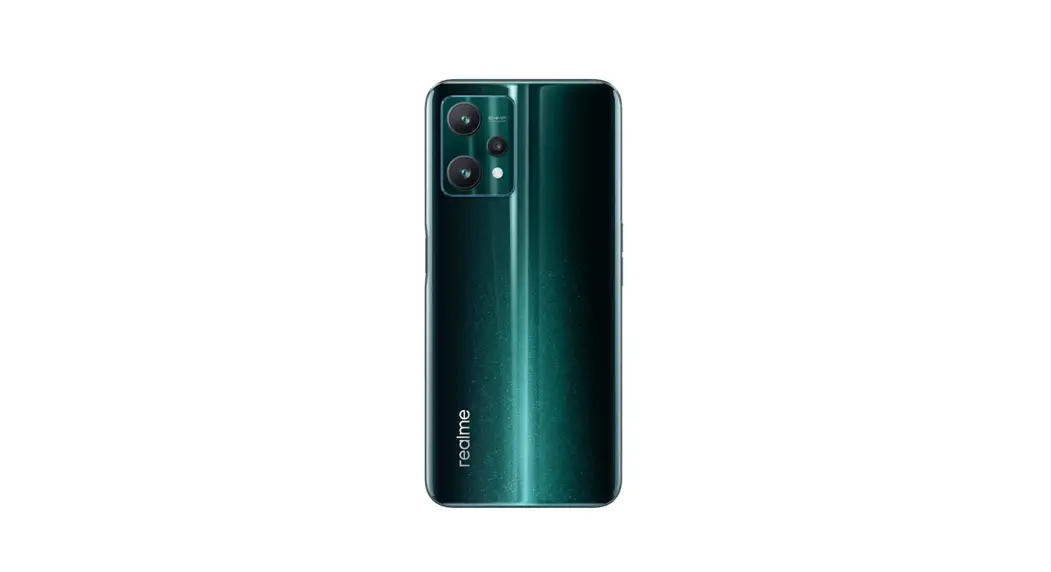

RMX3472 Smartphone
User Guide
RMX3472 Smartphone
This guide briefly shows you how to use the phone and its important functions. For more detailed information of the phone and user guidance, please visit www.realme.com/eu/support.
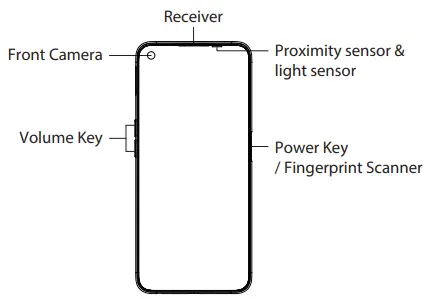
 Warning
- Do not place the phone or battery near or inside heating equipment, cooking equipment, or high-pressure vessels (such as microwave ovens, induction cookers, electric ovens, heaters, pressure cookers, water heaters, gas stoves, etc.) to prevent the battery from overheating which may lead to an explosion.
- The original charger, data cable, and battery shall be used. Unapproved chargers, data cables, or batteries that are not certified by the manufacturer may result in electric shock, fire, explosion, or other hazards.
- The back cover can’t be removed.
- When charging, please place the device in an environment that has a normal room temperature and good ventilation. It is recommended to charge the device in an environment with a temperature ranging from 5°C~35°C.
How to reboot the phone
Press and hold the Power Button and Volume Up Button at the same time until the realm boot animation is displayed to reboot the phone.
How to Transfer Old Mobile Content to a New Mobile
You can use realme Clone Phone to easily transfer photos, videos, music, contacts, messages, apps, etc from your old phone to the new one.
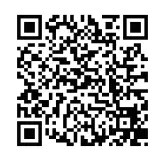
- If you have an old Android phone, first scan the QR code below, then download and install Clone Phone, next open Clone Phone on both the new and old phones, and follow the on-screen instructions to complete the operation.
 https://i.clonephone.coloros.com/download
 - If you have an old iPhone, open Clone Phone on the new phone directly, and follow on-screen instructions to sign in to your iCloud account and sync the files.
Standard accessories
1 Phone, 1 Charger, 1 USB data cable, 1 Safety Guide, 1 Quick Guide, 1 SIM Ejector Tool, 1 Protective Case.
Specification
| Product | RMX3472 | |
| Main screen parameter | 16.74 cm(6.6″) | |
| Dimension | 164.3×75.6×8.5(mm) | |
| Battery | 4880mAh/18.88Wh(M in) 5000mAh/19.35Wh(Typ) | |
| Camera | 16 Megapixels Front 64 Megapixels+8 Mega pixels +2 Megapixels Rear | |
| Operating temperature | 0°C-35°C | |
| SAR Values | CE SAR | 0.987W/kg(Head) 1.251W/kg(Body) 2.725W/kg(Limbs) |
Note: The SAR values above are the highest values reported for this device.
| Radio Waves Specifications | ||
| Radio | Frequency | Max. Output Power |
| GSM | 850MHz/900MHz | 33.5d Bm |
| 1800MHz/1900MHz | 30.5d Bm | |
| WCDMA | Bands 2/4 | 24d Bm |
| Bands 1/5/6/8/19 | 24.5dBm | |
| LTE FDD | Bands 1/3/7/26/66 | 24d Bm |
| Bands 5/8/12/13/17/18/19/20/28 | 24.5dBm | |
| Band 2/4 | 23.5dBm | |
| LTETDD | Bands 38/39/40 | 24d Bm |
| Band 41 | 24.5dBm | |
| 5G NR | n1/n3/n5/n8/n20/n28/n38 | 24.2dBm |
| n41/n66/n77/n78 | 24.2dBm | |
| n7/n40 | 23.7dBm | |
| Bluetooth | 2.4-2.4835GHz | 15.91dBm(EIRP) |
| 2.4G Wi-Fi | 2.4-2.4835GHz | 20dBm(EIRP) |
| 5G Wi-Fi | 5.15-5.35GHz; 5.47-5.725GHz | 20dBm(EIRP) |
| 5.725-5.85GHz | 14dBm(EIRP) | |
| NFC | 13.56MHz | 42d BuA/m @10m |
 The N-Mark is a trademark or registered trademark of NFC Forum, Inc. in the United States and in other countries.
 This product is conformed to the High-Resolution Audio standard defined by the Japan Audio Society. The High-Resolution The audio logo is used under license from the Japan Audio Society.
Some content may differ from your device depending on the region, service provider, or software version, and is subject to change without prior notice.
5213193
V0.1
 Support - realme (Czech Republic)
 i.clonephone.coloros.com/download