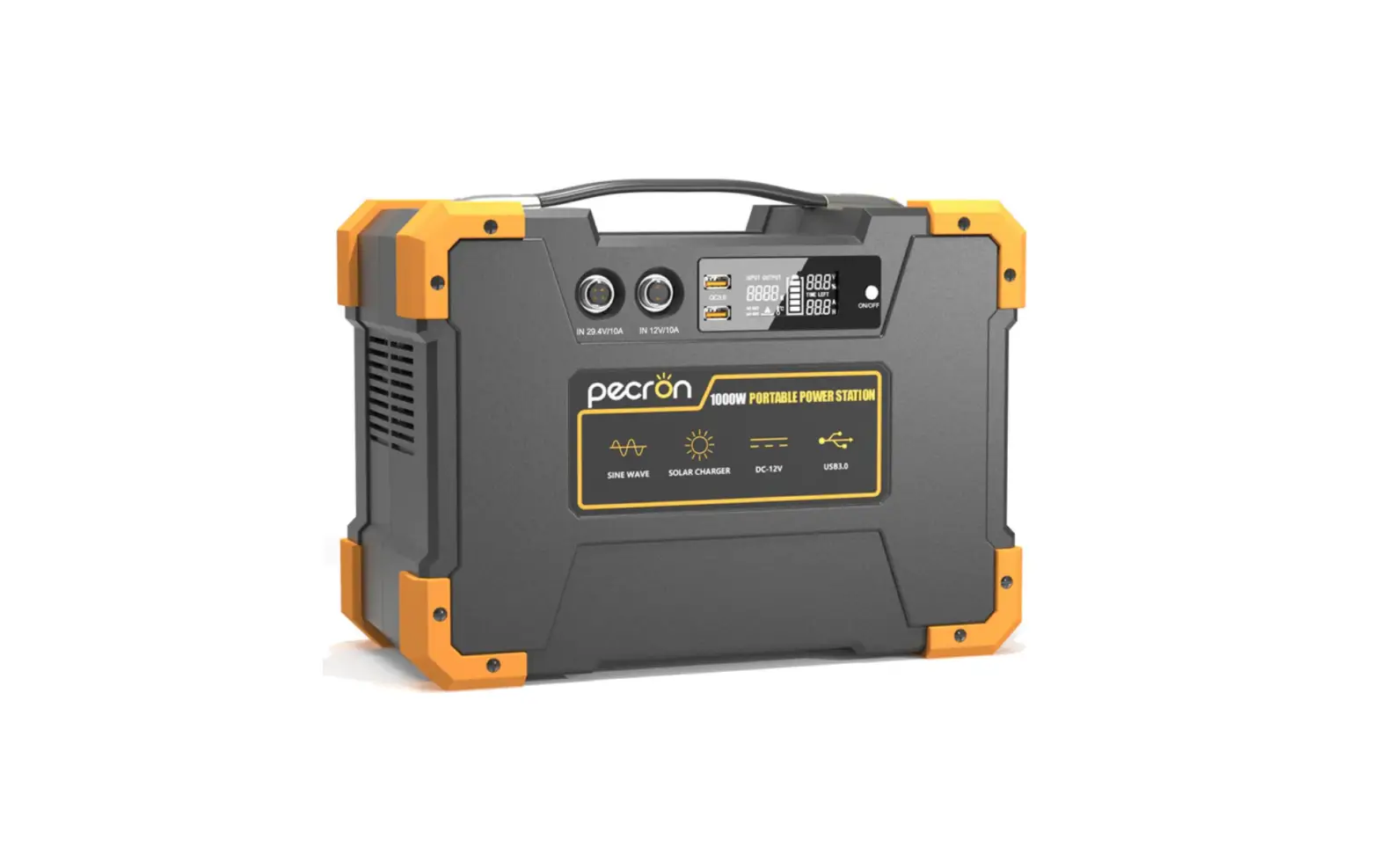
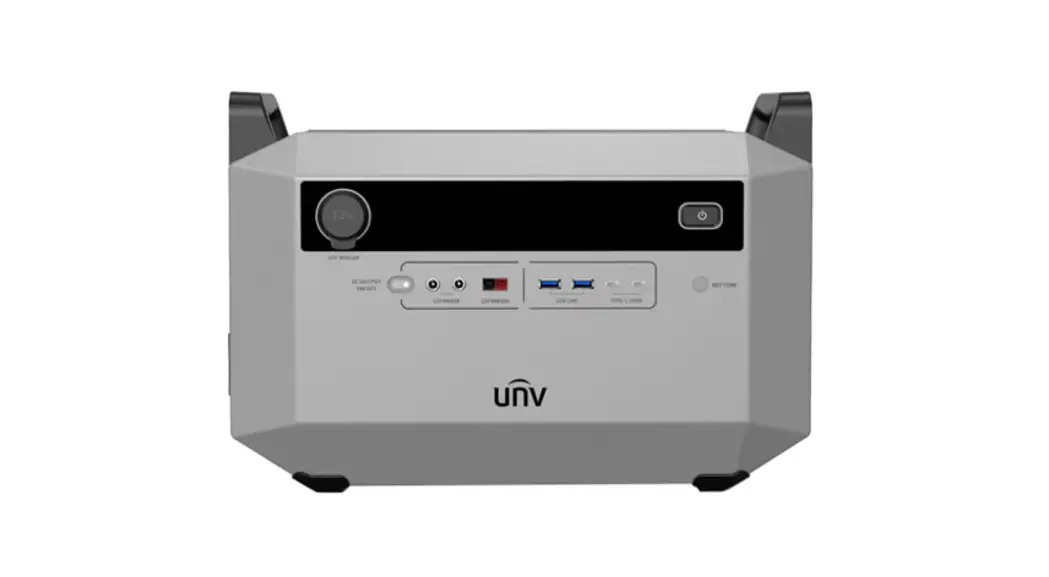
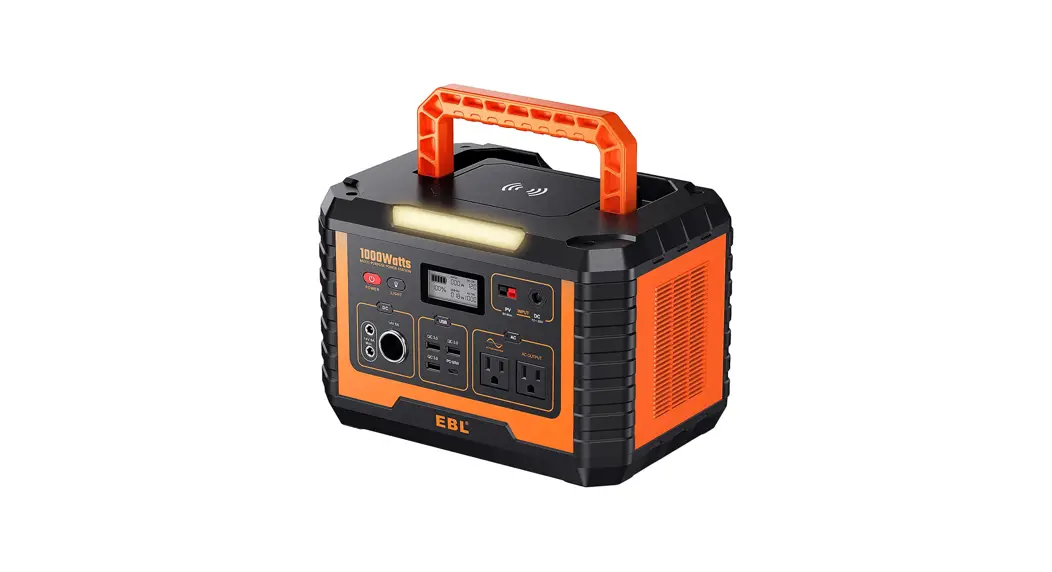
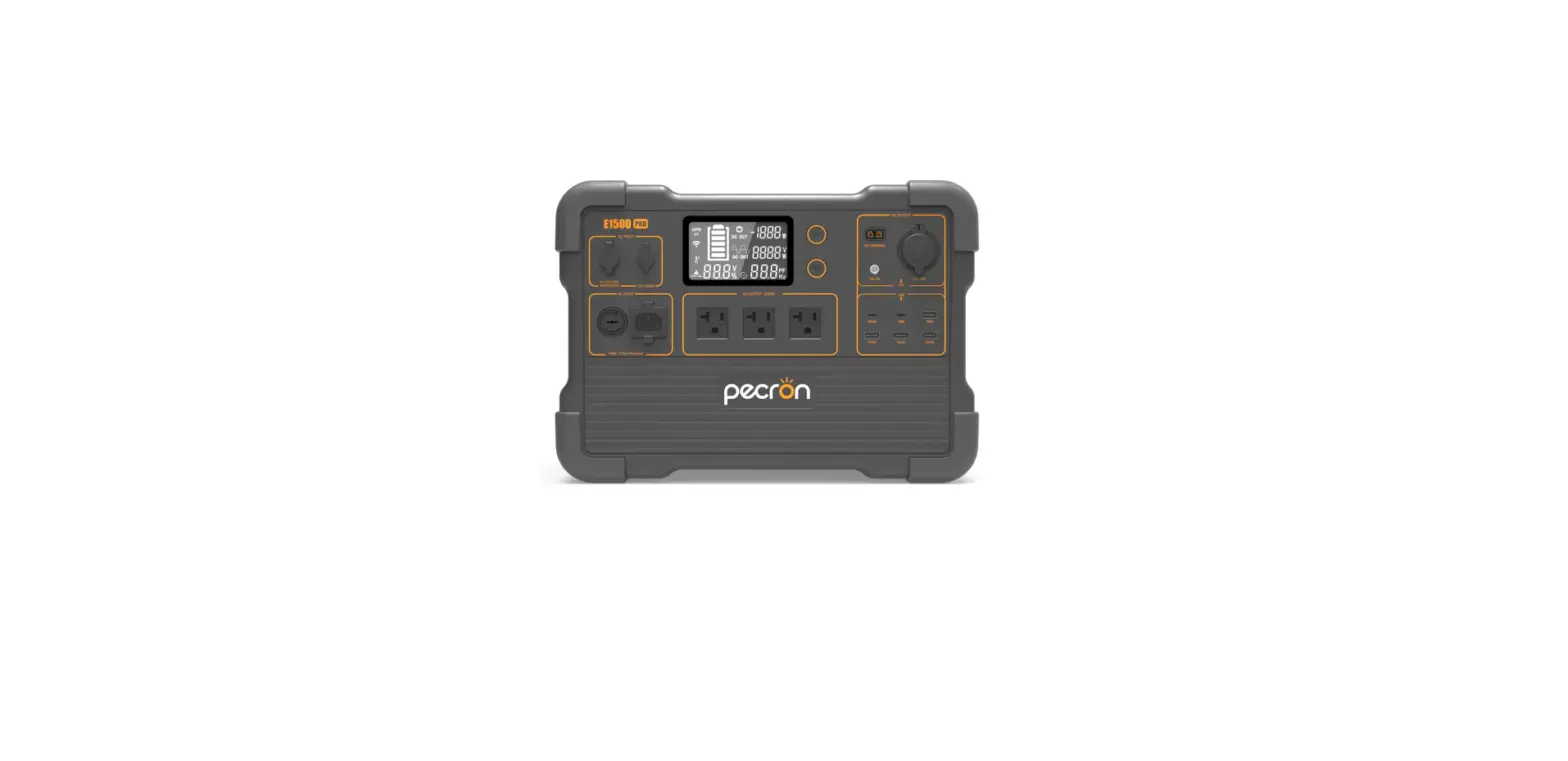
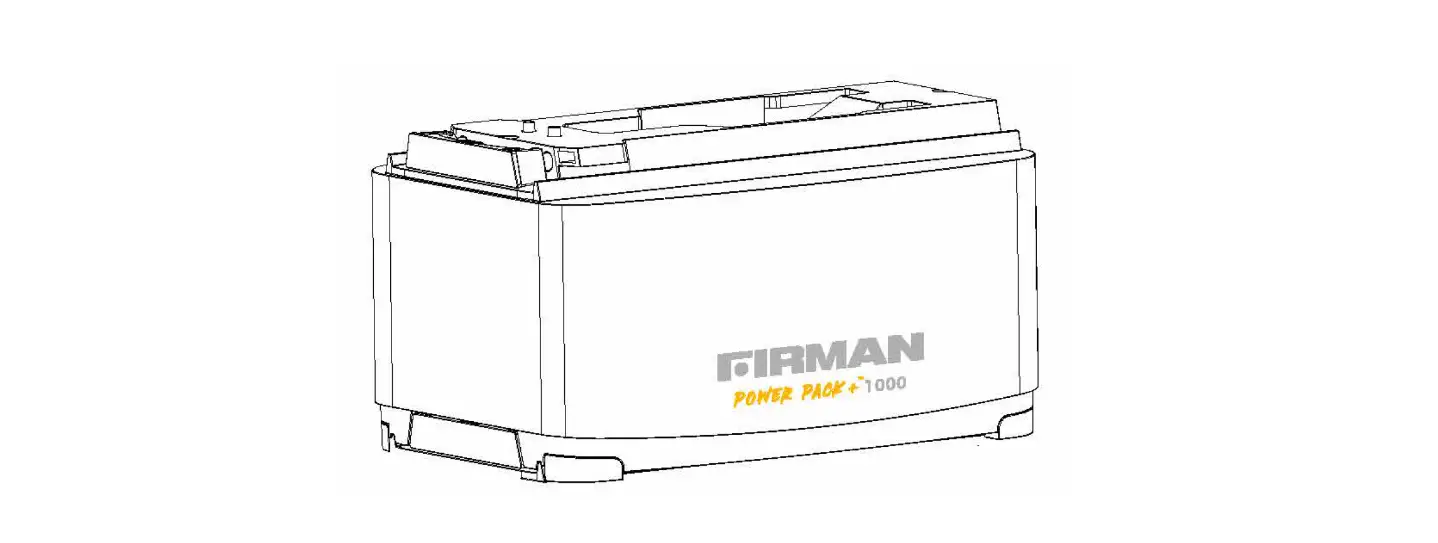
E201001 Portable Power Station
Operator’s Manual Zero E Portable Power Station
The FIRMAN Portable Power Station is a high-quality, precision
engineered product designed and tested to give you years of
satisfactory service. The model number is E201001 Rev Level:00 and
the product information can be recorded to reference when ordering
parts or obtaining warranty coverage. The P/N is 705747001 Rev:02
and the product is manufactured by FIRMAN POWER EQUIPMENT located
at 8644 W. Ludlow Dr. Peoria, AZ 85381. In case of any queries, you
can contact the customer service at 1-844-FIRMAN1 or visit
www.firmanpowerequipment.com
The device complies with Part 15 of the FCC Rules and the FCC/IC
RADIATION EXPOSURE STATEMENT. It is recommended to operate the
Portable Power Station at least 8 (20cm) away from any person to
avoid any radiation exposure. Changes or modifications not approved
by the party responsible for compliance could void the user’s
authority to operate the FIRMAN ZERO E E201001 Portable Power
Station.
Important Safety Instructions:
The following are some important safety instructions that must
be followed while using the Portable Power Station:
- Do not operate in a humid environment like a bathroom or in
rain. - Do not insert foreign objects into the output and ventilation
holes. - Do not puncture the Portable Power Station with sharp objects
as it could result in fire or explosion. - Do not install or remove any module when the Power Station is
turned on. - Do not flip the Portable Power Station upside down. If it is
overturned and damaged, turn it off, place it in an open area away
from combustibles and people, and dispose of it in accordance with
local laws and regulations.
Product Usage Instructions:
Before using the FIRMAN Portable Power Station, it is
recommended to register your product using the QR code provided or
at www.firmanpowerequipment.com.
To use the Portable Power Station, follow the below
instructions:
- Make sure that the Portable Power Station is fully charged
before use. - Connect the device that needs to be powered to the output port
of the Portable Power Station. - Turn on the Portable Power Station by pressing the power
button. - After use, turn off the Portable Power Station and disconnect
the device from the output port.
Following these instructions will ensure safe and efficient
usage of the FIRMAN Portable Power Station.
OPERATOR’S MANUAL ZERO E
PORTABLE POWER STATION
MODEL NUMBER
E201001 Rev Level:00
Record Portable Power Station information to reference when ordering parts or obtaining warranty coverage.
P/N:705747001 Rev:02
Supplier’s Declaration of Conformity 47 CFR § 2.1077 Compliance Information FIRMAN ZERO E E201001 Portable Power Station
FIRMAN POWER EQUIPMENT 8644 W. Ludlow Dr. Peoria, AZ 85381
Telephone: 1-844-347-6261 www.firmanpowerequipment.com
FCC/IC Compliance Statement
This device complies with Part 15 of the FCC Rules. Operation is subject to the following two conditions: (1) This device may not cause harmful interference, and (2) This device must accept any interference received including interference that may cause undesired operation.
WARNING: Changes or modifications not expressly approved by the party responsible for compliance could void the user’s authority to operate the FIRMAN ZERO E E201001 Portable Power Station.
NOTE: The FIRMAN ZERO E E201001 Portable Power Station has been tested and found to comply with the limits for a Class A digital device, pursuant to part 15 of the FCC Rules. These limits are designed to provide reasonable protection against harmful interference when the equipment is operated in a commercial environment. This Portable Power Station generates, uses and can radiate radio frequency energy and, if not installed and used in accordance with the instruction manual may cause harmful interference to radio communications. Operation of this Portable Power Station in a residential area is likely to cause harmful interference in which case the user will be required to correct the interference at his own expense.
FCC/IC RADIATION EXPOSURE STATEMENT
This Portable Power Station complies with FCC radiation exposure limits set forth for an uncontrolled environment. Operate the Portable Power Station at least 8″ (20cm) away from any person.
KEEP YOUR BOX! RETURNS CANNOT BE ACCEPTED WITHOUT YOUR ORIGINAL CARTON.
INTRODUCTION
Table of Contents
Introduction . . . . . . . . . . . . . . . . . . . . . . . . . . . . . . . . . . . . . . . . . . . . . . . . . . . . . . . . . . . . . . . . . . . .01 Important Safety Instructions. . . . . . . . . . . . . . . . . . . . . . . . . . . . . . . . . . . . . . . . . . . . . . . . . . 02 What’s In the Box. . . . . . . . . . . . . . . . . . . . . . . . . . . . . . . . . . . . . . . . . . . . . . . . . . . . . . . . . . . . . . . 0 5 Features . . . . . . . . . . . . . . . . . . . . . . . . . . . . . . . . . . . . . . . . . . . . . . . . . . . . . . . . . . . . . . . . . . . . . . . 0 6 Operation . . . . . . . . . . . . . . . . . . . . . . . . . . . . . . . . . . . . . . . . . . . . . . . . . . . . . . . . . . . . . . . . . . . . . 1 1 Maintenance – Storage. . . . . . . . . . . . . . . . . . . . . . . . . . . . . . . . . . . . . . . . . . . . . . . . . . . . . . . . . . 20 Troubleshooting- Specifications . . . . . . . . . . . . . . . . . . . . . . . . . . . . . . . . . . . . . . . . . . . .. . . . 21 Service – Warranty. . . . . . . . . . . . . . . . . . . . . . . . . . . . . . . . . . . . . . . . . . . . . . . . . . . . . . . . . . . . . .23
REGISTER YOUR PORTABLE POWER STATION
Register your product using the QR code provided or at www.firmanpowerequipment.com .
INTRODUCTION
Thank you for purchasing a FIRMAN Portable Power Station. You have selected a high-quality, precision engineered Portable Power Station designed and tested to give you years of satisfactory service.
This manual contains safety information to make you aware of the hazards and risks associated with Portable Power Station products and how to avoid them. It is important that you read and understand these instructions thoroughly before attempting to use this Portable Power Station. Save these original instructions for future reference. All information in this publication is based on the latest production information available . The manufacturer reserves the right to change, alter or otherwise improve the Portable Power Station and this documentation at any time without prior notice.
WARNING: This product can expose you to chemicals including lead, which are known to the state of California to cause cancer or cause birth defects and other reproductive harm. For more information, go to www.P65Warnings.ca.gov.
English
01
Customer Service: 1-844-FIRMAN1
IMPORTANT SAFETY INSTRUCTIONS
DANGER
SIGNAL WORDS
WARNING
CAUTION
NOTICE
Indicates a hazard which, if not avoided, will result in death or serious injury.
Indicates a hazard which, if not avoided, could result in death or serious injury.
Indicates a hazard which, if not avoided, could result in minor or moderate injury.
Indicates information considered Important, but not hazard-related.
Safety Alert Symbol- Indicates a potential personal injury hazard.
Operator’s Manual- Failure to follow warnings, instructions and operator’s manual could result in death or serious injury.
Portable Power Station could cause electrical shock resulting in death or serious injury.
Portable Power Station could cause burns or fire resulting in death or serious injury.
English
02
Customer Service: 1-844-FIRMAN1
IMPORTANT SAFETY INSTRUCTIONS
WARNING! When using this Portable Power Station, basic precautions should always be followed, including the following: a) Read all the instructions before using the Portable Power Station. b) This Portable Power Station is intended to be used indoors only. c) Keep out of reach of children. d) Do not put fingers or hands into the Portable Power Station. e) Use of an attachment not recommended or sold by FIRMAN could result in fire, electric shock, or injury. f) To reduce risk of damage to the electric plug and cord, pull the plug rather than the cord when disconnecting the Portable Power Station. g) Do not use a Portable Power Station or appliance that is damaged or modified. Damaged or modified batteries may exhibit unpredictable behavior resulting in fire, explosion, or risk of injury. h) Do not operate the Portable Power Station with damaged cords, plugs, or cables. i) Do not disassemble the Portable Power Station, take it to a qualified service person if service is required. Incorrect service could result in fire, electric shock, or injury. Service only with identical replacement parts. j) To reduce the risk of electric shock, unplug the Portable Power Station prior to servicing. k) Charge power pack in a well ventilated area and do not restrict ventilation in any way.
l) Do not expose a Portable Power Station to fire or excessive temperature. Exposure to fire or temperature above 265°F (130°C) could cause fire or explosion.
m) DO NOT operate in a humid environment, e.g., bathroom and rain. n) DO NOT insert foreign objects into the output and ventilation holes. o) DO NOT puncture the Portable Power Station with sharp objects. Doing so could result in fire or explosion. p) DO NOT install or remove any module when the Power Station is turned on.
q) DO NOT dispose Portable Power Station or Power Packs with domestic `regular’ waste, consult your local laws and regulations on battery recycling. r) DO NOT smoke, strike a match, or cause a spark in the vicinity of the Portable Power Station. s) DO NOT use the Portable Power Station when the input voltage exceeds the preset threshold. See Troubleshooting Specifications for more information.
t) DO NOT flip the Portable Power Station upside down. If Portable Power Station is overturned and damaged, turn it off, place the Portable Power Station in an open area away from combustibles and people. Dispose of Portable Power Station in accordance with local laws and regulations.
NOTICE
Charge the Portable Power Station within an ambient temperature of 32-104°F (0 – 40°C) and a relative humidity of 0 – 65%. Make sure the Portable Power Station is properly secured when transporting. Avoid exposing the Portable Power Station to excessive shock or vibration. If any unusual smell, overheating, or abnormal performance issues occur, stop using the Portable Power Station immediately and contact FIRMAN customer service. Exceeding wattage/amperage capacity could damage the Portable Power Station and/or electrical devices. This Portable Power Station is not intended for use in a commercial repair facility.
English
03
Customer Service: 1-844-FIRMAN1
IMPORTANT SAFETY INSTRUCTIONS
GROUNDING INSTRUCTIONS
If the Portable Power Station should malfunction or breakdown, grounding provides a path of least resistance for electric current to reduce the risk of electric shock. This Portable Power Station is equipped with a cord having an equipment grounding conductor and a grounding plug. The plug must be connected to an outlet that is properly installed and grounded in accordance with all local codes and regulations.
WARNING! Risk of Electric Shock. Connect only to properly grounded outlets. Check with a qualified electrician if you are in doubt as to whether the Portable Power Station is properly grounded. Do not modify the plug provided with the Portable Power Station.
English
04
Customer Service: 1-844-FIRMAN1
What’s In the Box
ZERO E
WHAT’S IN THE BOX
AC Charging Cable (5-15P to 5-15R)
Car Charging Cable (Cigarette Lighter to EC5)
Solar Charging Cable (MC4 to EC5)
Accessory Bag
Two Parallel Cables(Red and Black)
Operator’s Manual
Operator’s Manual
English
Quick Start Guide
05
Customer Service: 1-844-FIRMAN1
FEATURES
English
06
Customer Service: 1-844-FIRMAN1
FEATURES
1. LCD Display Displays the various conditions of the Portable Power Station.
2. LCD Display ON/OFF button The screen will turn off after 30 seconds. You can turn it on by pressing LCD display ON/OFF button.
3. USB-C Output Port Devices that charge through a USB-C port, such as a MacBook Pro, Android phone, or other devices can be charged by the FIRMAN ZERO E USB-C port.
4. Power ON/OFF Button Press the power button to turn FIRMAN ZERO E on. When FIRMAN ZERO E is turned on, the LCD Display Screen will light up. Press and hold the power button 2 seconds to turn FIRMAN ZERO E off. 5. USB-C Output/Input Port Devices that charge through a USB-C port, such as a MacBook Pro, Android phone, or other devices can be charged by the FIRMAN ZERO E USB-C port. The Portable Power Station can be charged through this USB-C port.
6. Battery power display button Press the battery power display button, the LCD will show Portable Power Station battery power percent of home unit and each Power Pack (if connected). After pressing the button, if there is no operation within 10 seconds, the screen will automatically change to the main interface.
7. Power Indicator Light The Power Indicator Light will light up when start the ZERO E. The Power Indicator Light will turn red when abnormality occurred in the unit.
8. USB-A Output Ports Charge a wide array of devices such as your iPhone, tablet, GoPro, speakers, or similar products that use a USB-A port.
9. USB ON/OFF Button Press USB ON/OFF Button to turn on or off FIRMAN ZERO E USB power. The USB ON/OFF button controls the FIRMAN ZERO E’s USB output and Wireless charging .
10. WIRELESS CHARGER Provides up to 10W wireless power to charge wireless charging equipment.
11. 120V,30A NEMA TT-30R (Not GFCI protected) A maximum of 30 Amps current may be drawn from this receptacle.
12. 120V, 20A NEMA 5-20R (Not GFCI protected) A maximum of 20 Amps current may be drawn from these receptacles.
13. 20A Circuit Breaker The 5-20R receptacles are protected by an AC circuit protector. If the Portable Power Station is overloaded or an external short circuit occurs, the circuit protector may trip. If tripping occurs, disconnect all electrical loads and determine the cause before attempting to continue using the Portable Power Station. Reset any tripped circuit protectors.
English
07
Customer Service: 1-844-FIRMAN1
FEATURES
14. 30A Circuit Breaker The RV receptacle is protected by an AC circuit protector. If the Portable Power Station is overloaded or an external short circuit occurs, the circuit protector may trip. If tripping occurs, disconnect all electrical loads and determine the cause before attempting to continue using the Portable Power Station. Reset any tripped circuit protectors.
15. Car Outlet A maximum of 12V 10 Amps current may be drawn from this outlet.
16. DC 5521 Output A maximum of 12V 10 Amps current may be drawn from this Receptacle.
17. DC Button When the Portable Power Station is in the ON position, press the DC button to activate the DC output. Press the DC button again to turn off the DC output.
18. AC Button When the Portable Power Station is in the ON position, press the AC button to activate the AC output. Press the AC button again to turn off the AC output.
19. Parallel Operation Outlets These outlets are used for connecting two FIRMAN ZERO E Portable Power Stations for parallel operation. Any two FIRMAN Portable Power Stations can be paralleled to increase the total available electrical power to 4000 Watts.
20. Solar/Car Charging input port. EC5 connector is designed with anti-reverse function to ensure correct positive and negative connections.
21. Ground Terminal Consult an electrician or authority having jurisdiction for local grounding requirements.
22. AC Charging Input Port Plug the AC cable provided into the port and connect to a 120V AC power source capable of supplying 15A of current.
23. 15A Circuit Breaker When the input current continuously exceeds 15A during a charge, the AC charging port will trigger the overload protection (15A circuit breaker will automatically pop out). When the device is confirmed to be in normal status, press the overload protection switch button to continue charging.
24. Magnetic folding cover Protects the panel.
English
08
Customer Service: 1-844-FIRMAN1
LCD DISPLAY
J IH
FEATURES
G A
B
F
C
D
E
A. Power Pack +1000 Status
When the Portable Power Station is connected onto one or more Power Packs, the LCD displays
the quantity of Power Packs connected to the Portable Power Station (a maximum of 10 Power
Packs can be connected to a single Portable Power Station). If Power Packs are added, the state of
charge (SoC%) will automatically change to show the average SoC% for the total expanded system.
B. Parallel Mode Indicator Displays the parallel-connection status using two FIRMAN ZERO E Portable Power Stations.
C. Emergency Power Supply (EPS) When the Portable Power Station is connected to both the AC input and AC output ports, the Portable Power Station enters bypass mode, and the EPS function will be automatically activated. EPS Indicator will illuminate on the screen. The AC loads will be powered from the utility and not the Portable Power Station when the UPS indicator is illuminated. D. Battery Level Indicator Consist of five segments and each represents roughly 20% battery capacity. While recharging, the segments will be displayed from bottom to top.
E. Multi-purpose Display Area (MDA) For display purposes: SoC%, hours to full or to empty, error code . Total SoC% represents the arithmetic average of all batteries’ SoC% (including the Portable Power Station). F. Output Watts Displays the current output power in watts while discharging.
G. Input Watts Displays the current input power in watts while recharging.
H. Wireless Charging Indicator When wireless charging is in use, the Wireless Charging Indicator illuminates solid. I. Fan Indicator When the fan is running, the FAN Indicator illuminates solid and rotates at a rate in accordance with the current speed of the fan.
J. Charging Mode Indicator There are three components that make up the Charging Mode Indicator Battery Outline, Lightning and Plug. When the device is being charged via DC (solar, car, power delivery (PD)) the “Battery Outline and Lightning” icons illuminate. When the device is being charged via AC, the “Battery outline and Lightning” icons illuminate and the Plug icon flashes.
English
09
Customer Service: 1-844-FIRMAN1
FEATURES
NOTICE
1. When the Portable Power Station is turned on for the first time, all icons on the LCD screen will be illuminated for 2s. After the first boot, if there is no output and no error detected, the LCD enters standby mode. 2. While charging, the Portable Power Station LCD (E) displays INPUT WATTS, and alternates between SoC% and HRS TO FULL.
3. While discharging, the Portable Power Station LCD (E) displays OUTPUT WATTS, and alternates between SoC% and HRS TO EMPTY.
4. When the Portable Power Station is ON, pressing Battery power display button (6) repeatedly, the LCD displays the battery level information of the Main Portable Power Station, Power Pack No. 1, Power Pack No. 2, until the last connected battery pack. If no operation is performed within 10 seconds after the button is pressed, the screen switches to the system interface .
5. When a fault is detected, the corresponding two-digit fault code will be displayed in the MDA, and the power indicator will light in red. In particular, when a HIGH temperature fault or a LOW temperature fault is detected, “H I” and “L0” will be displayed in the MDA respectively which literally indicates the first two characters of “HIGH” and “LOW”.
English
10
Customer Service: 1-844-FIRMAN1
OPERATION
Charging the Portable Power Station
AC Charging
1. Connect the female connector of the AC Charging Cable to the AC Input Port. 2. Connect the male connector of the AC Charging Cable to the wall outlet or generator. When the AC Charging Cable is fully connected the charging process will begin. 3. The charging process will automatically stop when the Portable Power Station reaches 100% capacity. NOTICE Over-voltages (e.g., in the event of lightning or AC grid power surge) can be conducted into the building and to other connected devices if there is no surge protection.
Ensure that all devices in the same network and the Portable Power Station are integrated into the existing surge protection.
ZERO E
AC Charging Cable
Wall Outlet
English
11
Customer Service: 1-844-FIRMAN1
OPERATION
AC Charging Cable
Generator
ZERO E 2000
NOTICE If the AC Outlet is overloaded or a short circuit occurs, the Portable Power Station circuit breaker may trip. When the source of overload or short circuit is cleared, press the circuit breaker to reset.
Solar Charging
1. Connect the Female EC5 connector of the provided EC5-MC4 Cable to the Male EC5 connector on the Portable Power Station. 2. Then connect the EC5 to MC4 Cable to the solar panels with MC4 connector.
NOTICE The Portable Power Station supports 11-50V DC input voltage, exceeding 50V could cause damage to the Portable Power Station. Do not use solar panels with voltage higher than 50 volts.
ZERO E
Solar Charging Cable (EC5-MC4 Cable)
Solar Panel with MC4 Connector
Series Configurations for PV Solar Panels
WARNING! Shock hazard do not connect or disconnect the solar panels when they are open, make sure all solar panels are closed before wiring them in series.
The following are the schematic diagrams showing the use of 2 solar panels in series. Before connecting an solar panels to the Portable Power Station verify that the total number of solar panels connected in series does not exceed 50V. 1. Connect the solar panels MC4 connectors in series. 2. Connect the Female EC5 connector of the provided EC5-MC4 Cable to the Male EC5 connector on the Portable Power Station.
English
12
Customer Service: 1-844-FIRMAN1
OPERATION
3. Connect the EC5 to MC4 Cable to the solar panels with MC4 connector. 4. Turn on the solar panel output to start the charging process.
ZERO E
Solar Charging Cable (EC5-MC4 Cable)
Solar Panel with MC4 Connector
NOTICE Considering the radiation variability from the sun, the overall rated output of the solar panels needs to be more than 400W to achieve its best efficiency. When using solar panels to
charge the Portable Power Station follow all solar panel manufacturers instructions.
English
13
Customer Service: 1-844-FIRMAN1
OPERATION
Car Charging
1. Connect the EC5 female connector of the provided EC5 – Cigarette Lighter Cable to the EC5 male connector on the Portable Power Station. 2. Connect the cigarette lighter male connector of the EC5 – Cigarette Lighter Cable to the cigarette lighter socket of the car. 3. Ensure car cigarette lighter receptacle is on to start the charging process.
ZERO E
Car Charging Cable (EC5-Cigarete Lighter Cable)
Automobile
English
14
Customer Service: 1-844-FIRMAN1
OPERATION
Connecting AC Electrical Loads
This Portable Power Station has been pretested and adjusted to handle its full capacity.
WARNING! Portable Power Station voltage could cause electrical shock or burn resulting in death or serious injury.
Do not operate Portable Power Station in the rain or wet weather. Damaged or overloaded extension cords could overheat, arc, and burn resulting death or serious injury. Do not touch bare wires or receptacles.
1. Please check to make sure that the power requirements (i.e., starting power and running power) of the AC device is within the rating of the Portable Power Station. 2. Secure the AC cable plug of the device into an AC outlet of the Portable Power Station. 3. Press the Power Button to turn ON the Portable Power Station. 4. Press the AC button to activate the AC outlets and the button indicator will illuminate.
5. When finished, turn off the device, remove the power cable, then press the AC button to turn off the AC output. If you forget to turn off the AC button, after 12 hours unattended, the AC output will automatically shut off to prevent standby mode from draining your battery.
English
15
Customer Service: 1-844-FIRMAN1
OPERATION 12V DC Output
1. Press the Power Button to turn ON the Portable Power Station. 2. Connect the power cable of the device to a DC outlet. 3. Press the DC Button to turn on. The button indicator will illuminate.
4. When finished, remove power cable and press the DC button to turn off DC output.
USB Output
1. Press the Power Button to turn ON the Portable Power Station. 2. Connect the power cable of the device to a USB outlet. 3. Press the USB Button to turn on. The button indicator will illuminate.
4. When finished, remove power cable and press the USB button to turn off USB output.
English
16
Customer Service: 1-844-FIRMAN1
OPERATION
Wireless Charging
1. Press the Power Button to turn ON the Portable Power Station. 2. Activate the wireless charger by pressing the USB Button. 3. Put the device that supports wireless charging onto the wireless charging pad on the top the of the Portable Power Station. 4. While charging, the Wireless Charging Indicator (H) on the screen illuminates solid.
NOTICE If the total output exceeds the ratings of the DC outlet, overload protection may be triggered, and the Power Station will automatically shut off. Please make sure the output power is less than what the ports are rated before connecting them to the Power Station.
Parallel Operation
Two ZERO E Power Stations can be connected to double its power (up to 4000W). 1. Connect the two parallel cables (one red, one black ) to the corresponding parallel ports of two Portable Power Stations (red cable to red terminal, and black cable to black terminal). 2. Power ON both Portable Power Stations, then press the AC button on both units to turn AC power ON. 3. Connect the power cable plug (NEMA TT-30P) of the electric device to the RV Port (NEMA TT-30R) on either one of the Portable Power Stations to get up to 3600W power supply.
NOTICE During parallel operation the NEMA 5-20R receptacles are limited to a maximum of 2400W. Paralleling is not available when AC output is turned on in a charging state (bypass mode). Please turn of AC output and remove the AC charging cables of both units before paralleling them.
English
17
Customer Service: 1-844-FIRMAN1
OPERATION
Stack Operation
You can use the FIRMAN Power Pack (sold separately) to expand capacity. You can connect up to ten Power Packs to the ZERO E Portable Power Station. The slide-lock system only takes two steps: Positioning and Sliding. The packs will be securely self-locked after the Sliding step is finished. 1. POSITIONING: The design of the guide slot makes Slide-lock action easy to operate and eliminates any misalignment. Place the Portable Power Station onto the Power Pack +1000 as shown. 2. SLIDING: Pull the upper Portable Power Station until you hear a click. Once a click is heard the Portable Power Station and the Power Pack +1000 are connected. The same procedure is used to connect two or more Power Packs together.
(5-10 cm)
NOTICE The ZERO E Portable Power Station ON/OFF button will turn ON and OFF all connected Power Packs.
English
18
Customer Service: 1-844-FIRMAN1
OPERATION
Unstacking
Make sure all Portable Power Stations and Power Packs are powered off before unstacking. 1. Starting at the top of the stack press the button marked “PRESS TO UNLOCK” on the next lower Power Pack +1000. 2. At the same time secure the lower battery packs and using the handle slide the upper battery pack to separate them. This same procedure is used to unstack multiple Power Packs.
NOTICE Unstack Portable Power Station and all Power Packs prior to moving or lifting. Do not move or lift stacked Portable Power Station and Power Packs.
EPS Function
This Portable Power Station supports EPS(Emergency Power Supply) operation. You can connect the AC input terminal to the grid and connect the AC output terminal to a compatible device to provide uninterruptible power supply with a maximum switching time of 20ms, this product does not support 0ms switching.
NOTICE Do not connect to products that require 0ms switching, such as workstations or data servers. Always test and confirm compatibility before using Portable Power Station. FIRMAN is not responsible for any loss caused by failure to follow instructions.
EPS function is not available when two units are connected for paralleling, please remove the parallel cables and then use EPS function.
English
19
Customer Service: 1-844-FIRMAN1
STORAGE AND MAINTENANCE
STORAGE AND MAINTENANCE
This Portable Power Station contains lithium-ion batteries. Lithium-Ion rechargeable batteries require routine maintenance and care in their use and handling. Read and follow the guidelines in this document to safely use Lithium-Ion batteries and achieve the maximum battery life span. Rechargeable Lithium-Ion batteries have a limited life and will gradually lose their capacity to hold a charge. This loss of capacity (aging) is irreversible. As the battery loses capacity, the Portable Power Station run time decreases. Lithium-Ion batteries continue to slowly discharge (self-discharge) when not in use or while in storage.
Tips for storage: 1. Always store in clean, dry and well-ventilated area where the ambient temperature is 77°F ±9°F (25 ° C ±5 ° C) and the relative humidity does not exceed 75%. 2. Avoid contact with corrosive substances. 3. Keep Portable Power Station away from fire and heat. 4. Keep Portable Power Station away from water and moisture.
Recommendation for maintenance while in storage: Every 3~6 months in storage: 1. At 77°F ±9°F (25 ° C ±5 ° C) ambient temperature, charge the Portable Power Station to full. 2. Then discharge battery to empty using the AC output ports. 3. And finally charge the product to 45%-55% SoC.
NOTICE When the Portable Power Station shuts down due to low battery voltage, the user must charge the Portable Power Station within 30 days, otherwise it will cause irreversible damage to the battery.
English
20
Customer Service: 1-844-FIRMAN1
TROUBLESHOOTING SPECIFICATIONS
Error code
Cause
Troubleshooting
01
Abnormal Status of USB1~USB4
Check whether the output port is overloaded or short-circuited
02
Abnormal Status of USB-C(99W)
Check whether the output port is overloaded or short-circuited
03
Abnormal Status of USB-C(99W)(In & Out) Check whether the output port is
overloaded or short-circuited
04
Abnormal Status of DC-12V Cigarette
Check whether the output port is
Lighter or DC5521
overloaded or short-circuited
05
Abnormal Status of AC Output
Check whether the output port is overloaded or short-circuited
1. Check whether the ambient temperature
06
Over-temperature Protection of BMS
is within the working temperature range. 2. Check whether the air outlet is blocked
by foreign object.
07
BMS Error
Check whether expansion packs properly mounted.
08
EC5 Input Error
Check whether the EC5 DC input voltage is within the voltage ratings.
Disconnect the input power source
09
Over-voltage Protection of the system
and if the error remains, contact
FIRMAN Customer Service.
10
Under-voltage Protection of the system
Check whether the Portable Power Station has not been charged for 3~6 months.
11
Over-current Protection of the system
Check whether the output power exceeds the maximum allowable value.
12
Abnormal Wireless Charging
13
Abnormal AC Charging
14
Abnormal Fan Status
Check whether there is any metal on the wireless charging pad.
Check whether the AC input voltage or frequency meets the ratings of Portable Power Station.
Check whether the cooling fans are not working or blocked.
Abnormal Paralleling 15
1. Check whether the parallel cables are properly plugged in. 2. Check whether the Parallel Outlets are overloaded or short-circuited.
16
Internal Error
Contact FIRMAN Customer Service.
HI
High-temperature Protection of Battery Module or Inverter
Check whether working in a high ambient temperature environment.
LO
Low-temperature Protection of
Battery Module
Check whether working in a cold ambient temperature environment.
For all other issues, contact authorized dealer or Firman customer service.
English
21
Customer Service: 1-844-FIRMAN1
TROUBLESHOOTING SPECIFICATIONS
SPECIFICATIONS
Model Net Weight Dimensions
Capacity Input
AC Charge Port
EC5 DC Input
E201001 43 lbs (19.5kg) 16×10.6×11.2 in (408x269x284 mm) 1040Wh, 41.6V/25000mAh
90V-140V~50Hz/60Hz (15A Max) 11V-50V10A 400W Max (Solar MPPT Charging)
12V/24V10A 240W Max (Car Charging)
USB-C (Bidirectional x 1) Output
AC Outlet (5-20R) x 4 RV Port (TT-30R) x 1
5V3A/9V3A/12V3A/15V3A/20V4.95A 99W Max. 2000W/4000W Surge total, 120V/60Hz,
USB-C (Bidirectional x 1, Unidirectional x 1) 5V3A/9V3A/12V3A/15V3A/20V4.95A 99W Max.
USB-A x 4 DC 5521 x 1
Car Port
5V/3.1A 12V, 10A Max 12V, 10A Max
Wireless Charging Other Ports
Expansion Port Battery
5V/1A, 9V/1.12A (10W) 41.6V / 65A max.
Cell Chemistry Discharge Temperature
Charge Temperature
LiFePO4(LFP) -4~104°F (-20~40°C) 32~104°F (0~40°C)
Shelf Life Lifecycles Certification
Charge Every 3~6 Months More Than 4000 Charge Cycles to 80%+ Capacity
ETL(UL2743),FCC, UN38.3,DOE,CEC,RoHS
English
22
Customer Service: 1-844-FIRMAN1
SERVICE WARRANTY
FOR SERVICE INFORMATION CONTACT FIRMAN PRODUCT TECHNICAL SUPPORT AT 1-844-347-6261 or at www.firmanpowerequipment.com to obtain warranty service information or to order accessories.
FIRMAN 3 Years Limited Warranty
Warranty Qualifications
Register your product using the QR code provided or at www.firmanpowerequipment.com. FIRMAN will also register the warranty upon receipt of your Warranty Registration Card and a copy of your sales receipt from one of FIRMAN’s retail locations as proof of purchase. Please submit your warranty registration and your proof of purchase within ten(10) days of the date of purchase.
Repair/Replacement Warranty
FIRMAN warrants to the original purchaser that the mechanical and electrical components will be free of defects in material and workmanship for a period of one(1) year(parts and labor) and 3 years (parts and technical support) from the original date of purchase. Transportation charges on Portable Power Station submitted for repair or replacement under this warranty are the sole responsibility of the purchaser . This warranty only applies to the original purchaser and is not transferable. KEEP YOUR BOX! RETURNS CANNOT BE ACCEPTED WITHOUT YOUR ORIGINAL CARTON.
Do Not Return the Portable Power Station to the Place of Purchase
Contact the FIRMAN Technical Service Center and FIRMAN will troubleshoot any issue via phone or e-mail.If the problem is not corrected by this method, FIRMAN will, at its option, authorize evaluation,repair or replacement of the defective part or component. FIRMAN will provide you with a case numberfor warranty service. Please keep it for future reference. Repairs or replacements without priorauthorization will not be covered by this warranty.
Warranty Exclusions
This warranty does not cover the following repairs and equipment.
Normal Wear This warranty does not cover repair when normal use has exhausted the life of a part or the Portable Power Station as a whole.
English
23
Customer Service: 1-844-FIRMAN1
SERVICE WARRANTY
Installation, Use and Maintenance
This warranty will not apply to parts and/or labor if your Portable Power Station is deemed to have been misused, neglected, involved in an accident, abused, loaded beyond the Portable Power Station’s limits, modified, installed improperly or connected incorrectly to any electrical component.
Other Exclusions This warranty excludes: cosmetic defects accessory parts failures due to acts of God and other force majeure events beyond the manufacturer’s control problems caused by parts that are not original FIRMAN parts
Limits of Implied Warranty and Consequential Damage
FIRMAN disclaims any obligation to cover any loss of time, use of this Portable Power Station, freight, or any incidental or consequential claim by anyone from using this Portable Power Station. THIS WARRANTY IS IN LIEU OF ALL OTHER WARRANTIES, EXPRESS OR IMPLIED, INCLUDING WARRANTIES OF MERCHANTABILITY OR FITNESS FOR A PARTICULAR PURPOSE.
A Portable Power Station provided as an exchange will be subject to the warranty of the original Portable Power Station. The length of the warranty governing the exchanged Portable Power Station will remain calculated by reference to the purchase date of the original Portable Power Station. This warranty gives you certain legal rights which may change from state to state. Your state may also have other rights you may be entitled to that are not listed within this warranty.
Contact Information
You may contact FIRMAN at:
Address
Firman Power Equipment Inc. Attn: Customer Service 8644 W. Ludlow Dr. Peoria, AZ 85381 www.firmanpowerequipment.com
We are FIRMAN POWER – And we are here for you.
English
24
Customer Service: 1-844-FIRMAN1
TM
FIRMAN POWER EQUIPMENT INC. 8644 W. LUDLOW DR. PEORIA, AZ 85381 1-844-347-6261 WWW.FIRMANPOWEREQUIPMENT.COM
All rights reserved. Any reprinting or unauthorized use without the written permission is expressly prohibited. P/N:705747001 Rev:02
 FIRMAN Power Equipment
 P65Warnings.ca.gov