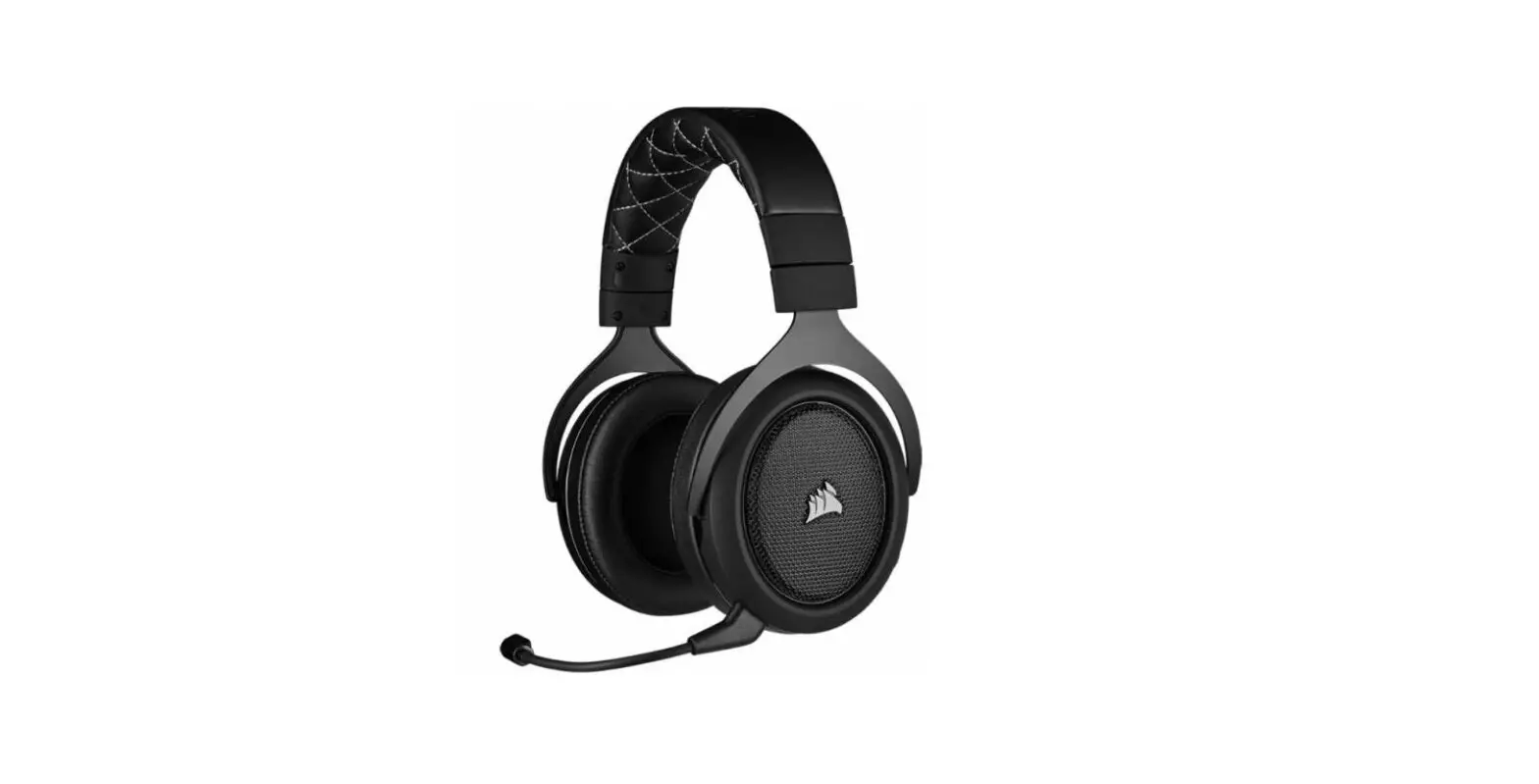
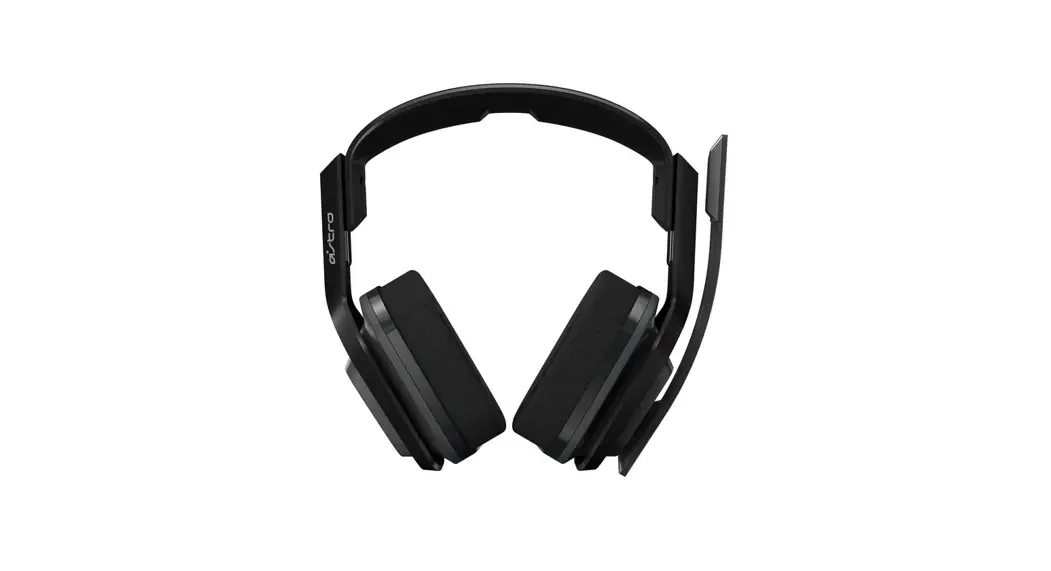
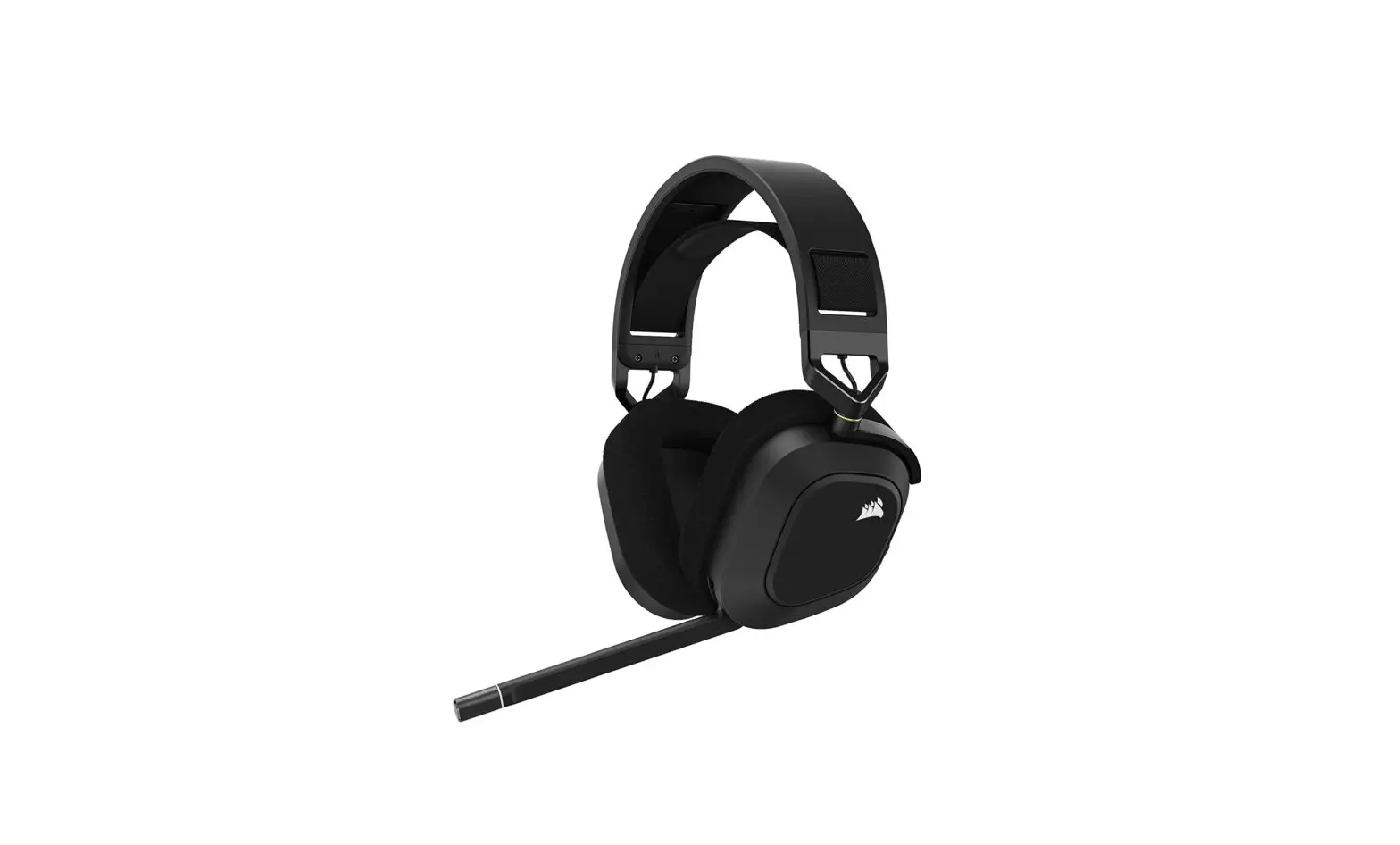
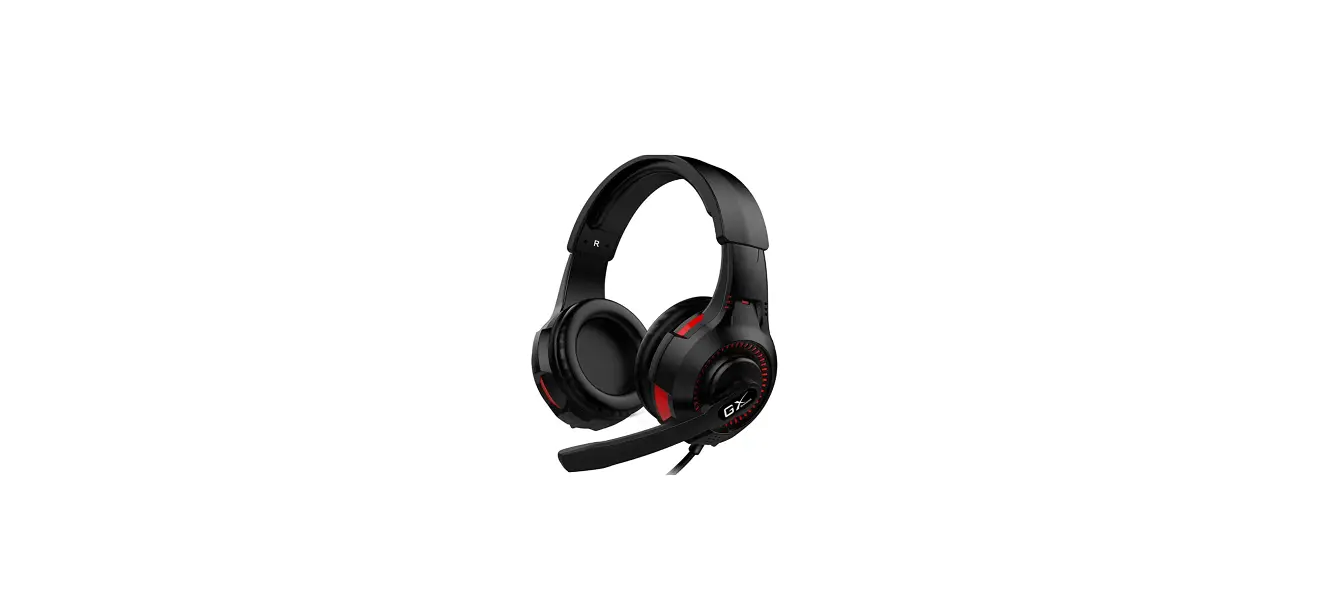
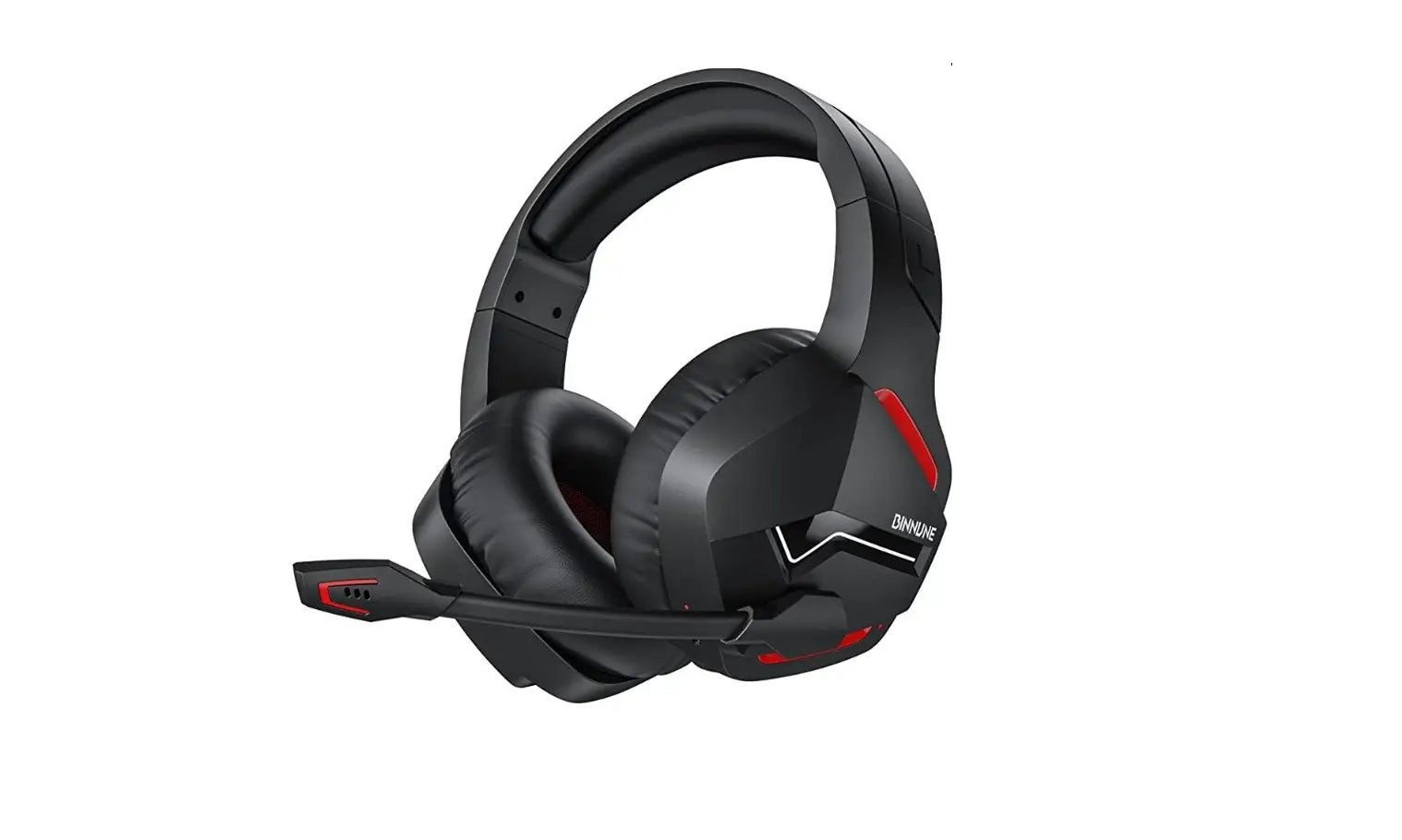
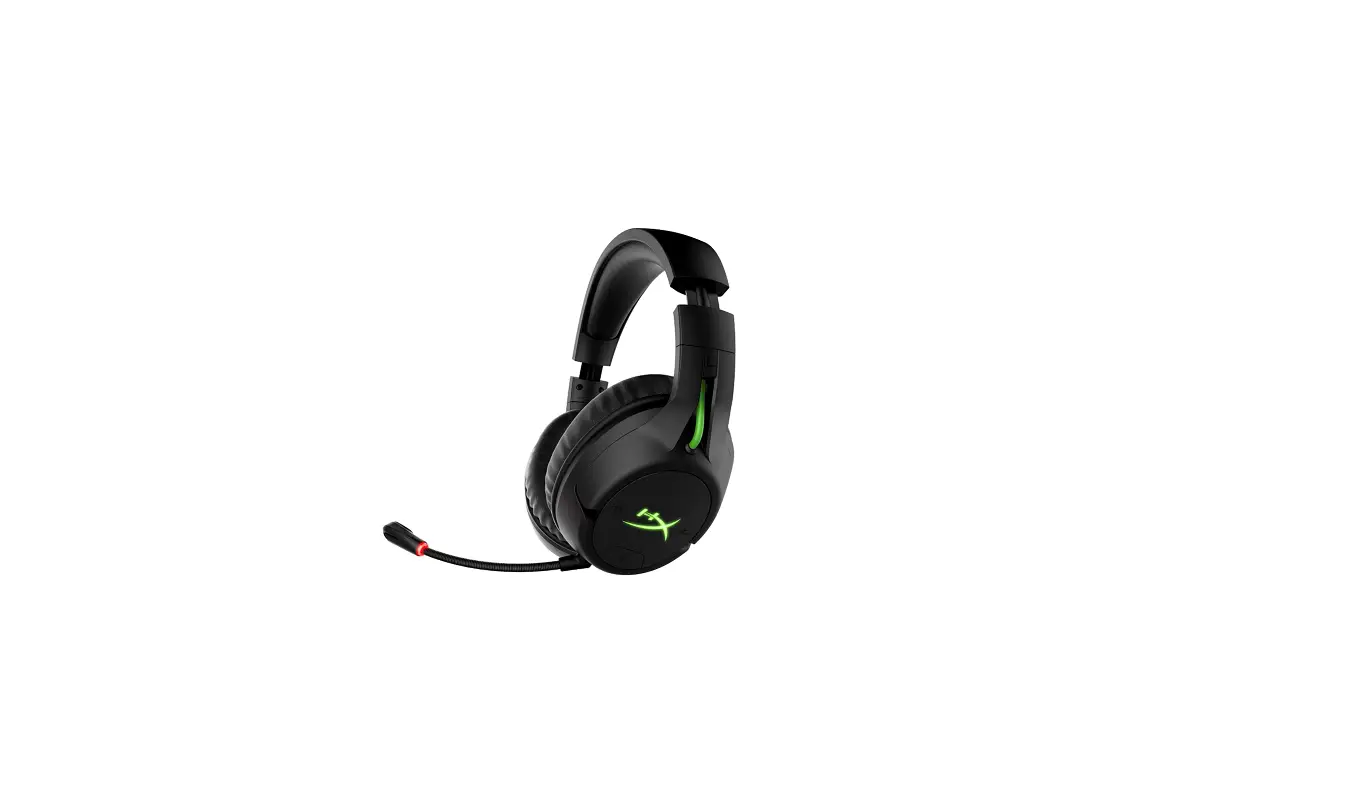
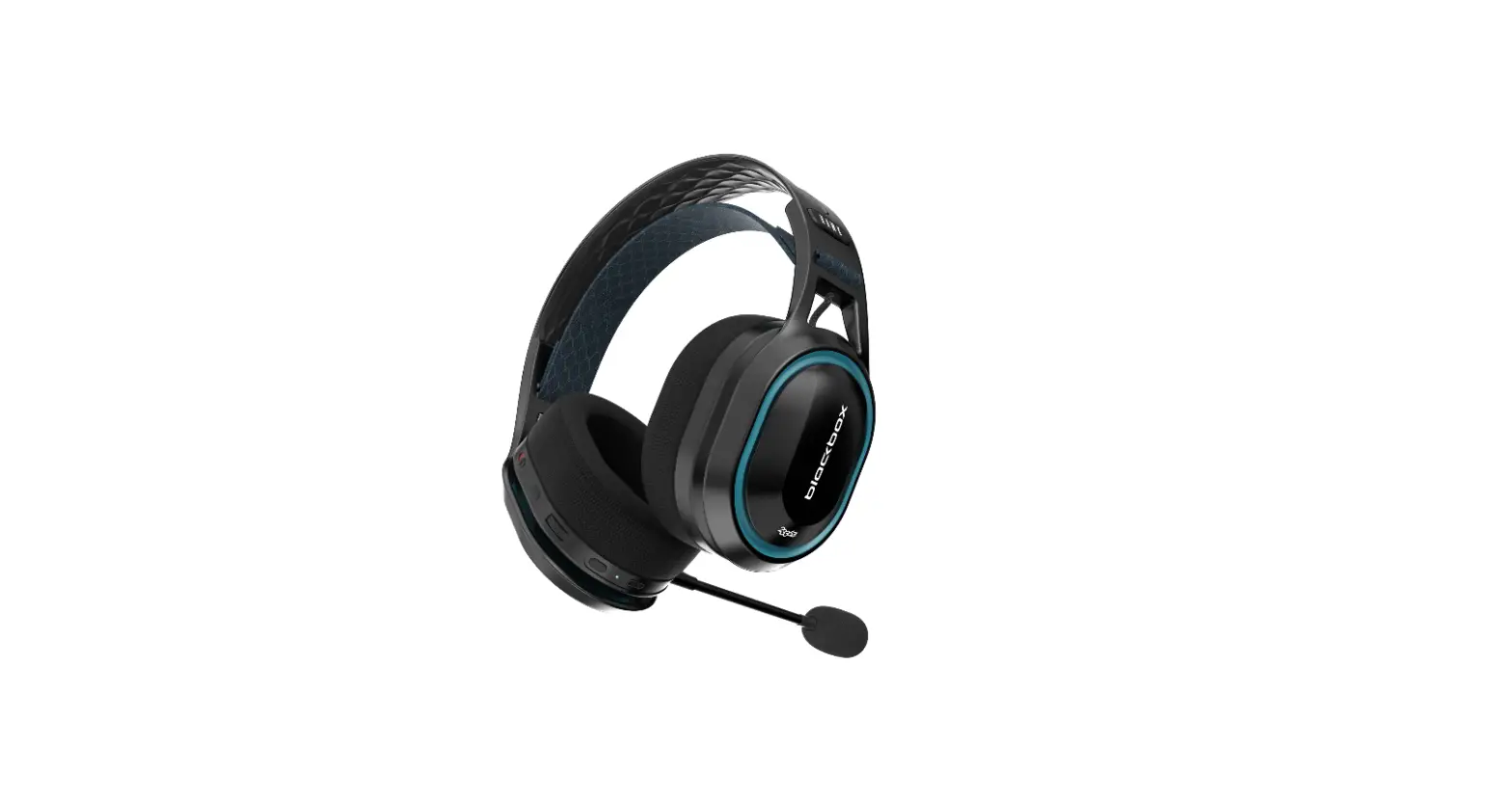
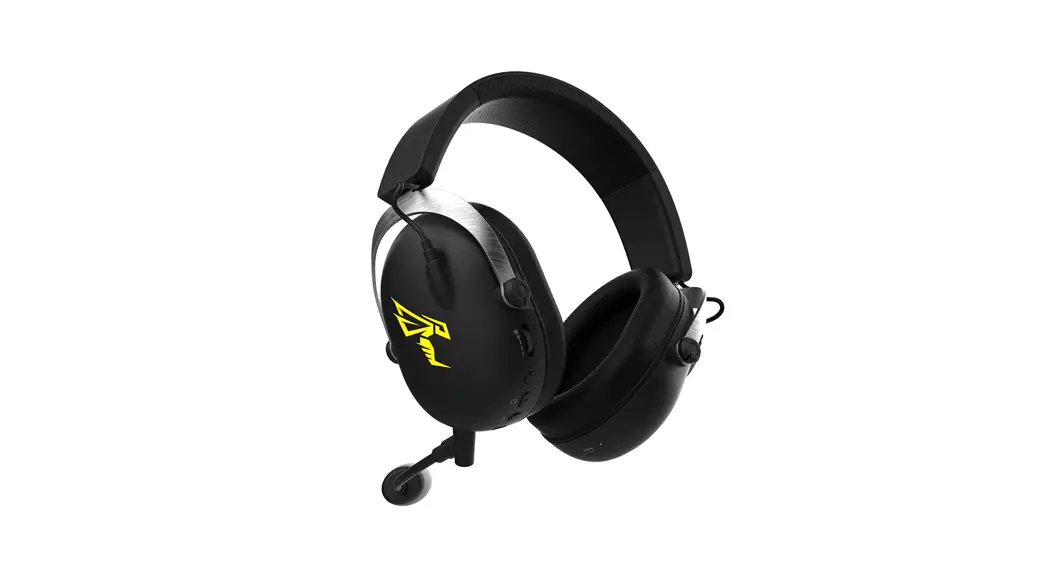
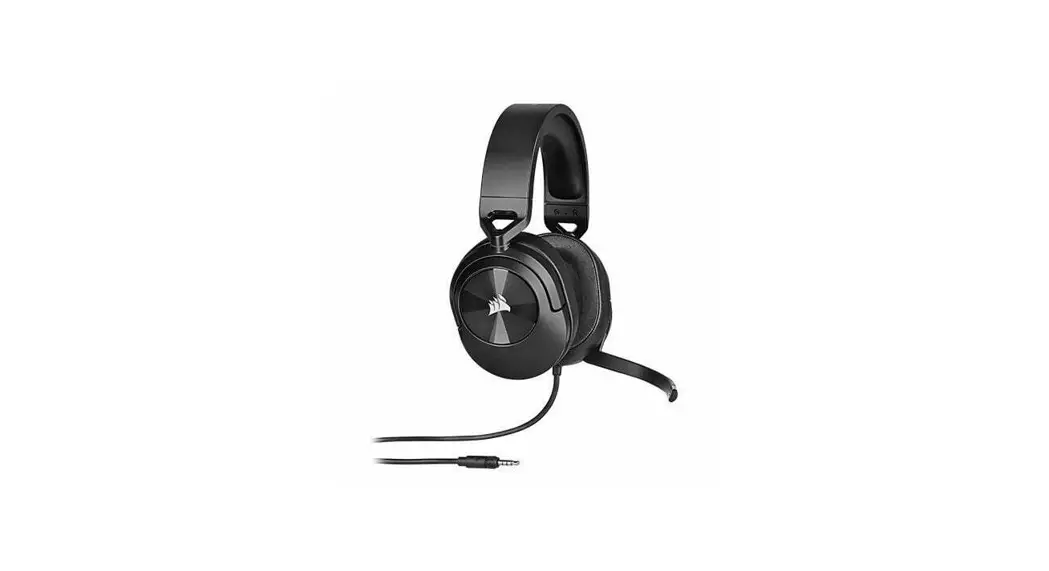
HSB600 Headset Wired and Wireless Head-band Gaming Bluetooth
Product Information:
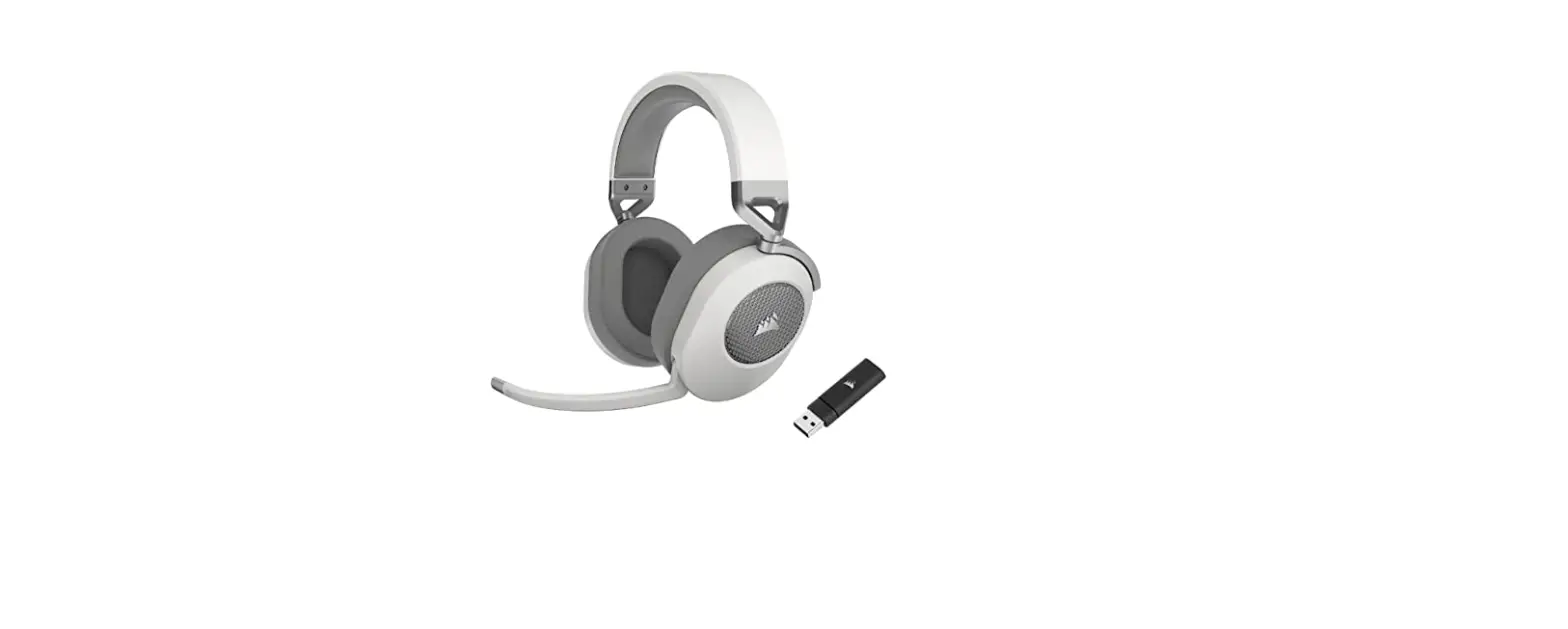
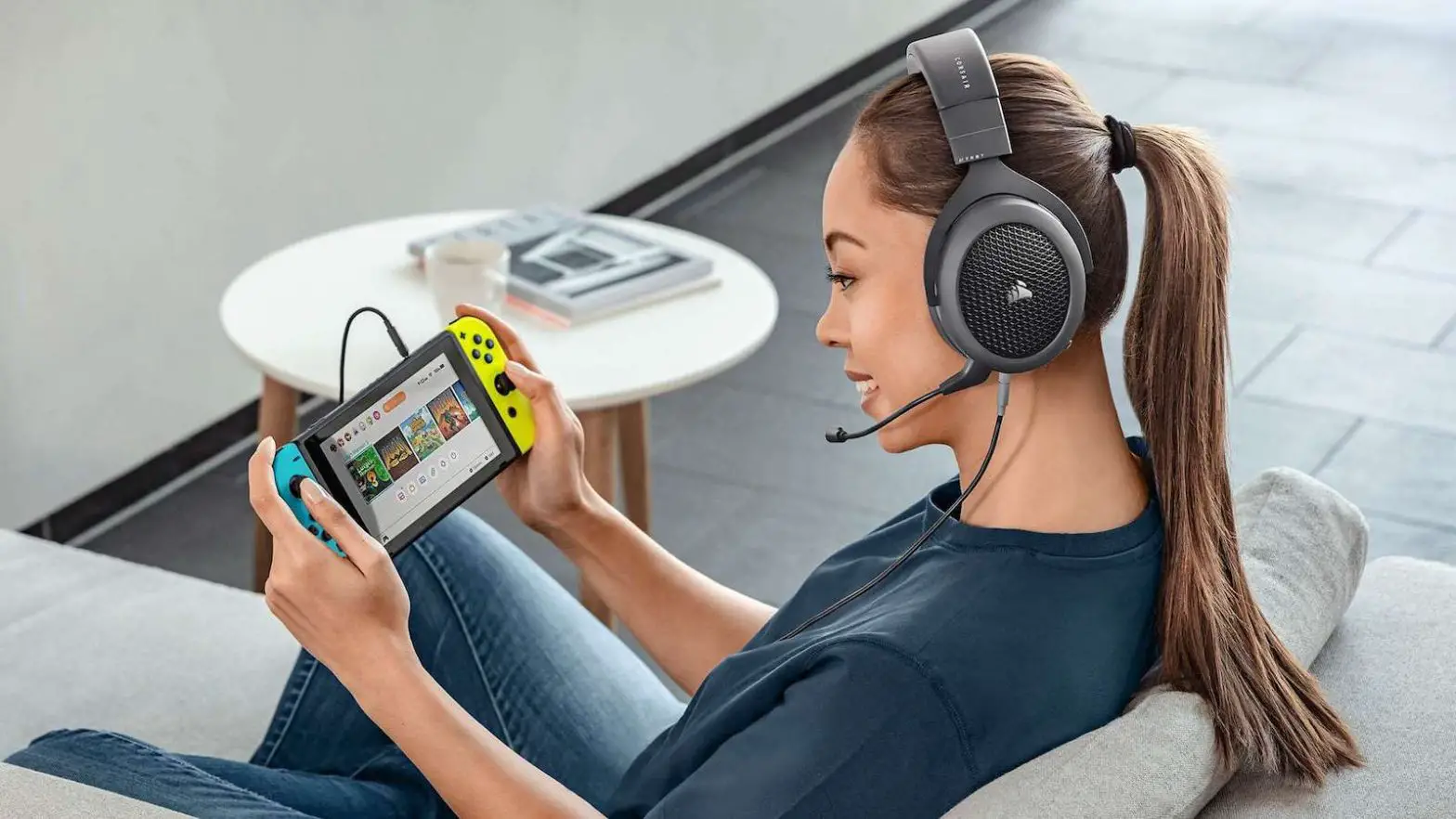
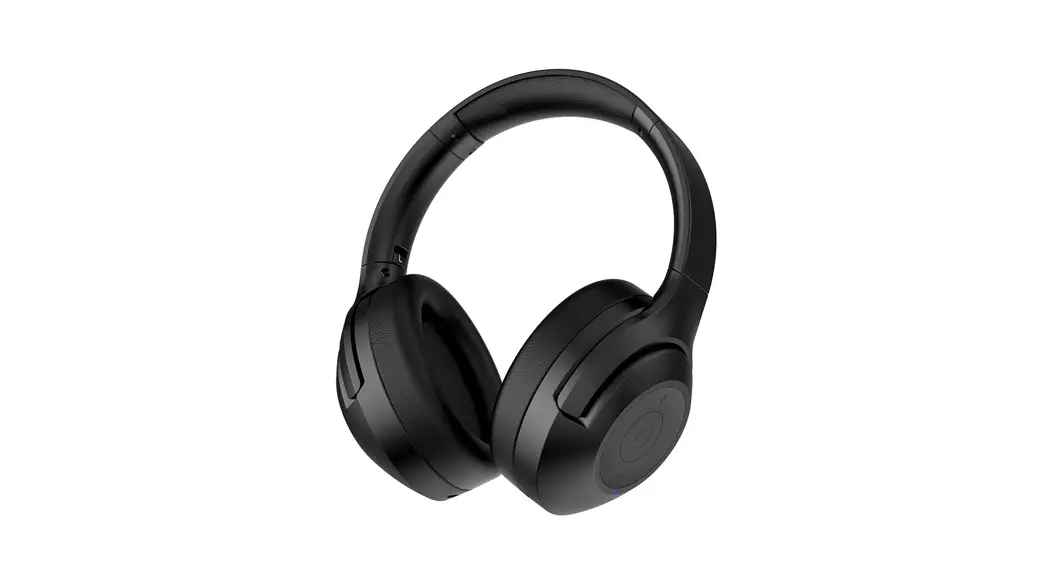
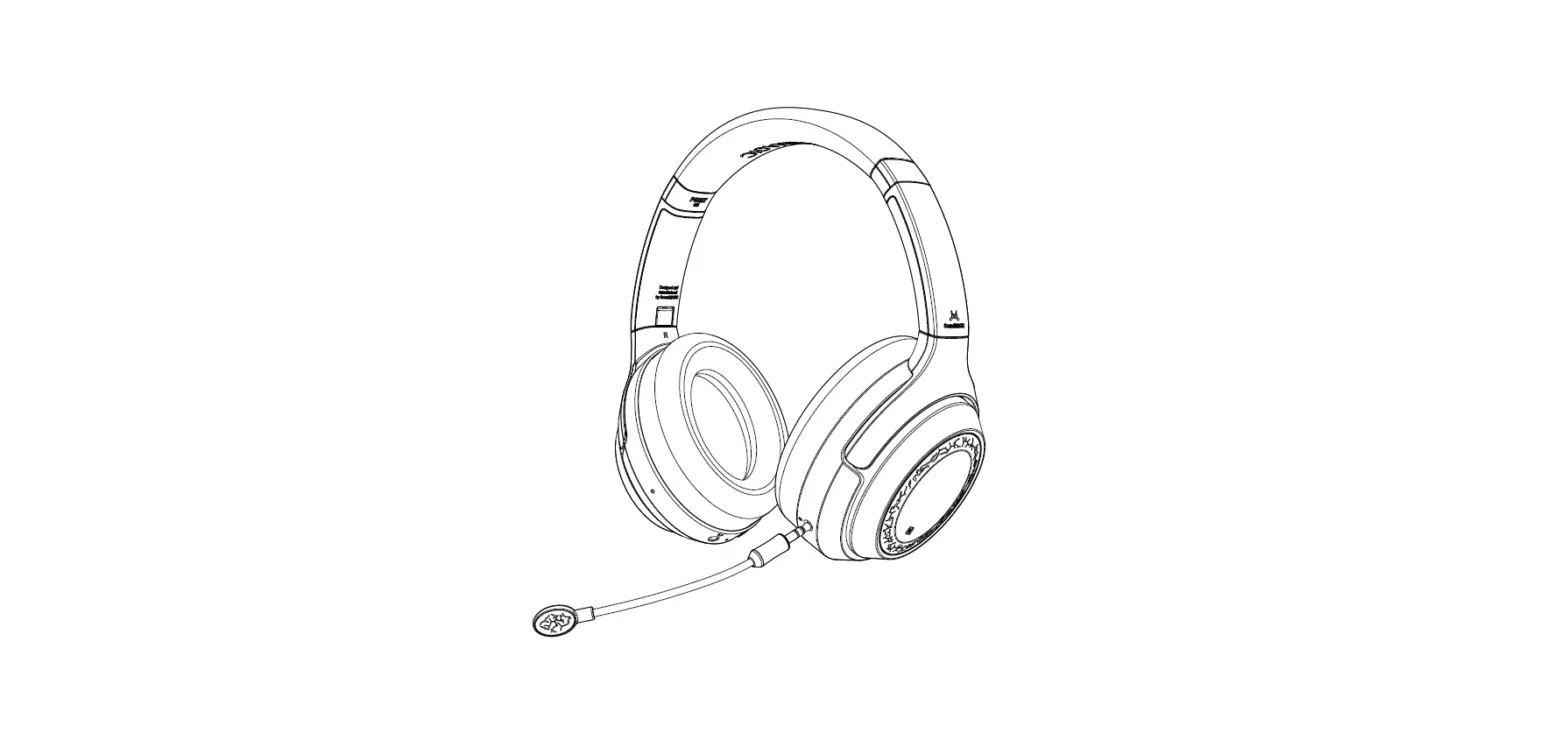
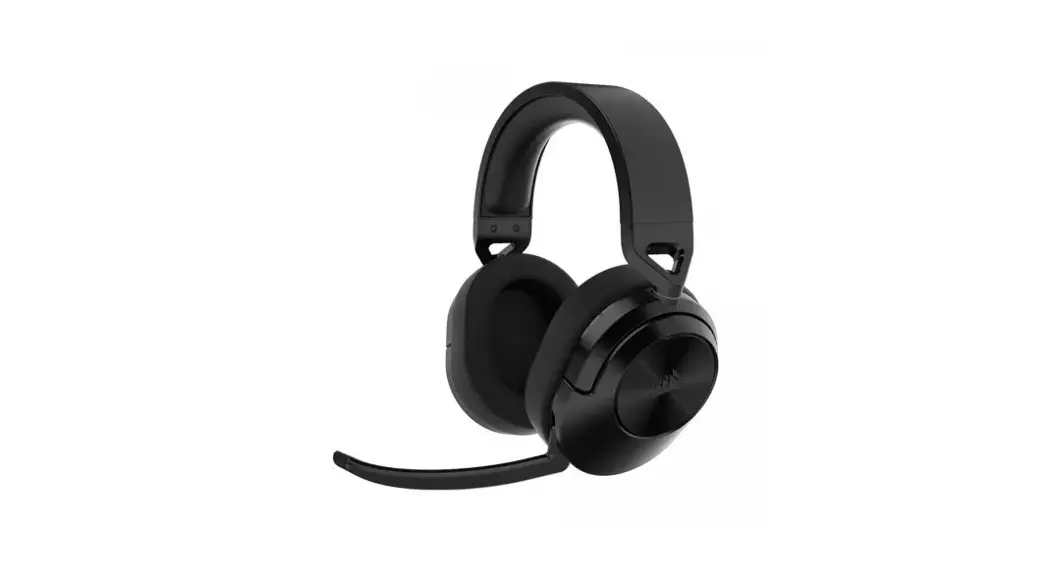
The HSB600 Gaming Headset is a versatile device designed for
gaming enthusiasts. It features a comfortable padded fit band and
comes with various connectivity options, including USB Type-C,
3.5mm, and Bluetooth. The headset is compatible with multiple
devices such as Mac, Switch, Xbox One/X, PS5/4 Pro.
Key Features:
- Padded fit band for comfortable wearing
- Power on and light on buttons
- Equalizer button to change modes
- USB Type-C ports for connectivity
- Microphone port with a mute button
- Volume control for easy adjustment
- USB dongle for wireless connectivity
- 1.5m USB Type-C cable and auxiliary cable included
Product Usage Instructions:
- Powering On: Press the power button (2) to
turn on the headset. The lights will indicate successful
pairing. - Changing Equalizer Modes: Press the equalizer
button (3) for 2 seconds to switch between modes. The headset has
two modes – High Fidelity Mode and Gaming Mode. - Pairing with USB Dongle: Connect the USB
dongle to your computer and turn on the headset. The green lights
will indicate that the headset is unpaired. Press the power button
(2) and equalizer button (3) simultaneously for 5 seconds to pair
the headset with the dongle. - Disconnecting from a Device: To disconnect
from a connected device, press the power button (2) and equalizer
button (3) simultaneously for 5 seconds. The blue lights will flash
to indicate disconnection. - Using with 3.5mm Cable: When using the headset
with a 3.5mm audio cable, note that the light and equalizer
functions will not be available. However, you can still use the
volume control and microphone. - Using the Microphone: To connect the
microphone, align the top-notch area with the lock icon and plug it
in. Turn the microphone counterclockwise to lock it in place. To
mute the microphone, press the mute button (5). - Using Bluetooth: The headset can also be used
with Bluetooth. Follow the pairing instructions provided by your
device to connect the headset wirelessly.
For further assistance or support, please contact our customer
service.
HSB600
GAMING HEADSET
Guia rápida / Quick guide
ESPAÑOL ESPAÑOL
CONOCE TU DISPOSITIVO
1 Banda de ajuste acojinada 2 Encendido / encendido de luz 3 Botón equalizador / cambio de modo 4 Puerto USB tipo C 5 Botón silencio micrófono 6 Control de volumen 7 Puerto de micrófono 8 Micrófono 9 Dongle USB 10 Cable USB tipo C (1.5 m) 11 Cable auxiliar 3.5 mm
1
rápidamente busca en tu dispositivo el modelo “HSB600” la Nota: Cuando apagues el auricular, la próxima vez que lo
FICHA TÉCNICA
7
MODO 2.4G La diadema tiene el modo 2.4G cuando se usa por primera vez. Conecta el dongle USB a la computadora y después enciende
diadema cambiará de la luz azul intermitente a las luces RGB de respiración, lo que indica el emparejamiento fue exitoso.
enciendas estará en el mismo EG cuando se usan los auriculares en modo con cable, los EG no están disponibles y se configurarán de manera predeterminada.
Al cargar tu diadema mientras los usas, verás las luces led lentamente respiración color rojo hasta que esté completamente cargada, luego cambiarán a verde.
Conector Rango de frecuencia
tu diadema.
Nota: En algunas computadoras es necesario cambiar las preferencias de sonido (entra a configuración) elije cambiar la opción “HSB600 2.4G” esto después de conectar el dongle USB.
Desconectar de un dispositivo: Presiona el botón de encendido (2) y el botón ecualizador (3) al mismo tiempo durante 5 segundos, la diadema se desconectará del dispositivo actualmente conectado, las luces RGB azules parpadearán.
MICRÓFONO
El interruptor de micrófono tiene dos modos. 1) Cuando se presiona, se encendió. 2) Presiona el botón (5), el micrófono se apaga.
COMPATIBILIDAD
DISPOSITIVO WIN Cable Inalámbrico
MAC SWITCH XBOX ONE/X PS5/4 PRO
3.5MM a 3.5MM
Sensibilidad Impedancia (ohms): Rango de frecuencia (mic) Sensibilidad (dB) (mic) Potencia RMS
3.5 MM
Cable
Tipo de cable
Emparejamiento de la diadema con el dongle USB: enciende tu diadema (el indicador en color verde significa que está sin emparejar). Inserta el dongle USB y presiona el botón de encendido (2) y el botón ecualizador (3) al mismo tiempo
Cuando la diadema esté apagada, inserta el cable de audio tipo C a 3.5 mm y podrás usar la diadema con cable. Nota: Cuando insertes el cable de audio tipo C a 3.5 mm en la diadema, ésta diadema se apagará automáticamente.
Para conectar el micrófono, debes insertar el micrófono con el área de muesca superior alineado con el icono de candado. Conecta el micrófono y luego gíralo en el sentido contrario a las agujas del reloj para bloquearlo en su lugar.
y micrófono Inalámbrico y micrófono Con cable y silenciado
Alcance Peso producto THD: Batería
23
4 56
durante 5 segundos. Las diademas ahora deberían estar
Inalámbrico
emparejadas y lo sabrás al ver las luces RGB encender.
Con cable de 3.5 mm, no podrás usar las funciones de luz y el Para desconectar el micrófono, realiza las acciones anteriores
y silenciado
9
ecualizador. Las funciones de volumen y el micrófono en orden inverso.
Diámetro bocina
8
BLUETOOTH
Empareja tu diadema con el dispositivo que usarás: Enciende la diadema (la luz azul parpadeará rápidamente), Busca en tu dispositivo el modelo “HSB600 BT”, la diadema cambiará de la luz azul intermitente a luces RGB de respiración,
funcionarán siempre.
ECUALIZADOR Esta diadema cuenta con 3 modos de ecualizador para elegir Haz clic en el botón de encendido/luz (2) para cambiar los
BATERÍA
Recomendamos cargar la batería cuando recibas el producto. La carga completa tarda aproximadamente 2.5 horas Las luces exteriores parpadearán cuando los auriculares se
-Presiona el botón RGB una y otra vez para pasar através de los diferentes colores RGB -8 Colores incluyen; Respirando todos los colores: Rojo, azul, morado, amarillo, verde azulado, blanco, apagado.
lo que indica que el emparejamiento fue exitoso.
modos ecualizador. Al cambiar el EG modos, escuchará un estén cargando.
10
Cuando la diadema este en modo 2.4G, mantén presionado el
mensaje de voz sobre el modo en el que se encuentra.
Puedes usar la diadema mientras se cargan; sin embargo, debes cargarla la diadema mientras la usas. Si la diadema está
modo ecualizador (3) durante 2 segundos, para cambiarla a MODO DE ALTA FIDELIDAD
cargandose, no podrás emparejarla a tu dispositivo.
11
modo bluetooth (una voz lo indicará), automáticamente MODO CINE
ingresa al modo de emparejamiento, la luz azul parpadea
MODO DE JUEGO
2.4G + BT, 3.5 mm 20 Hz – 20 KHz 102±3dB 32 30 Hz – 16 kHz -42dB ± 3dB 20mW Redondo 10 m 335g < 1% Li-Polymer (3.7 V 1100 mAh) 40 mm
Garantía limitada de productos Los equipos y/o accesorios Vorago están cubiertos por una garantía limitada por el tiempo indicado en la tabla de vigencia anexa, contando a partir de la fecha de adquisición, contra cualquier defecto de fabricación y funcionamiento, siempre y cuando hayan sido utilizado bajo condiciones normales de uso durante el periodo de la garantía y para lo cual fue fabricado. Vorago garantiza al comprador la ausencia de anomalías en lo referente a los materiales.
Productos Tablets, celulares, audio, teclados, mouse, redes y accesorios Monitores *Excepto en panel (display de pantalla) para el cual sólo será de 12 meses. Equipos de cómputo 3 años incluido Nanobay 3.
* Excepto equipos de cómputo donde el procesador se encuentra integrado en la tarjeta madre solo será de 12 meses.
Vigencias 12 Meses
36 Meses*
36 Meses*
Póliza de garantía Importante: Favor de leer y llenar esta póliza de garantía y sellarla en la tienda en la compra del producto.
Producto: Diadema gamer Modelo: HSB600 Marca: Game G Factor Número de serie: Número de factura: Fecha de entrega:
Sello del distribuidor
Responsabilidades
La responsabilidad total de Vorago consistirá en reparar o reemplazar el producto, incluida la mano de obra y refacciones, sin ningún costo para el comprador cuando se devuelva al punto de venta, presentando esta póliza de garantía debidamente llenada y sellada por el establecimiento donde se adquirió el producto o copia del comprobante o recibo o factura, en el que consten los datos específicos del producto objeto de la compraventa, en los cuales se especifica la fecha de compra, para verificar los tiempos dentro de garantía. Vorago podrá utilizar piezas nuevas, restauradas o usadas en buenas condiciones para reparar o reemplazar cualquier producto, sin costo adicional para el consumidor. En el caso de equipos y/o accesorios que no tengan reparación, se generará el cambio por un producto similar o de características superiores. La presente garantía cubre los gastos de transportación del producto que derive de su cumplimiento; los cuales serán atribuibles directamente al proveedor del producto. En todo producto de reemplazo se renovará el periodo original de la garantía. Vorago se rige bajo las normas internacionales de fabricación de los productos.
Cómo obtener respaldo de la garantía Los reclamos de garantía son procesados a través del punto de venta, durante los primeros 15 días posteriores a la compra, siempre y cuando cumplan con los requisitos. Los reclamos de garantía que no puedan ser procesados a través del punto de venta y toda inquietud relacionada con el producto adquirido deberán ser enviados con la guía prepagada por Vorago a la dirección de las oficinas centrales de Vorago en Francisco Villa No. 3, Col. San Agustín, C.P. 45645, Tlajomulco de Zúñiga, Jalisco, México.
Salvo en situaciones de fuerza mayor o caso fortuito, el tiempo de reparación en ningún caso será mayor a 30 días naturales contados a partir de la fecha de recepción del equipo en Vorago.
Exclusiones Esta garantía no es válida en los siguientes casos: a) Cuando el producto se hubiese utilizado en condiciones distintas a las normales. b) Cuando el producto no hubiese sido operado de acuerdo con el instructivo de uso que se le acompaña. c) Cuando el producto hubiese sido alterado o reparado por personas no autorizadas por parte de Vorago.
Vorago no ofrece ninguna otra garantía expresa para este producto. Para hacer válida la garantía, así como la adquisición de partes, componentes, consumibles y accesorios.
Para hacer valida una garantía debe de enviarnos la siguiente información al correo: [email protected]
1.- Modelo y color 2.- Falla de producto 3.- Ticket o factura de compra (digitalizado) 4.- Su domicilio con C.P., teléfono y nombre completo.
Disponibles en el establecimiento donde se adquirió el producto y/o en nuestras oficinas centrales.
Devoluciones En el caso de devolución de productos solo será el lugar de compra por el cliente final. Sujeto a las políticas de devolución establecidas por el mismo vendedor.
Vorago, S.A. de C.V. Francisco Villa No. 3 Col. San Agustín, C.P. 45645 Tlajomulco de Zúñiga, Jalisco, México. Tel. (33) 3044 6666
Importadora Global Rida S.A. de C.V. Matilde Márquez No. 68 Colonia Peñón de los Baños C.P. 15520 Alcaldía Venustiano Carranza, CDMX RFC: IGR1510164C2
Call us
ENGLISH ENGLISH
KNOW YOUR DEVICE
1 Padded fit band 2 Power on / light on 3 Equalizer bu on / change mode 4 USB Type-C ports 5 Bu on microphone mute 6 Volume control 7 Microphone port 8 Microphone 9 USB dongle 10 USB Type-C cable (1.5 m ) 11 Auxiliary cable 3.5mm
1
MODE 2.4G
breathing RGB lights, indicating the pairing was successful.
Note: When you turn off the headset, the next time you turn it
COMPATIBILITY
DATA SHEET
The headband has 2.4G mode when it is used for the first time.
on, it will be in the same equalizer when using the headset in
Connect the USB dongle to the computer, and then turn on Disconnect from a device: Press the power bu on (2) and wired mode, the equalizer are not available and will be set by
Connector
7
your headset.
equalizer bu on (3) at the same time for 5 seconds, the headband disconnects from the currently connected device,
default.
DEVICE
WIN
MAC SWITCH XBOX ONE/X
PS5/4 PRO
3.5MM to 3.5MM
Frequency range Sensitivity
Note: Some computers will need you to change your sound the blue RGB lights will flash.
MICROPHONE
Cable
Impedance (ohms)
preference (go into se ings) choose the “HSB600 2.4G” option this a er connecting the USB dongle.
Pairing the headband with the USB dongle: Power on your
3,5 MM When the headset is powered off, insert the Type-C to 3.5mm
The microphone switch has two modes. 1) When pressed, it turned on. 2Pressed (5), the microphone turns off.
Wireless Cable and microphone Wireless and microphone
Frequency range (mic) Sensitivity (dB) (mic) RMS power Cable Type
headband (unpaired indicator color is green and flashing). audio cable and you can use the wired headband.
With cable
Range
Insert the USB dongle and press the power bu on (2) and equalizer bu on (3) at the same time for 5 seconds. The headbands should now be paired and you’ll know when you
Note: When you insert the Type-C to 3.5mm audio cable into the headband, the headset will automatically turn off.
To connect the microphone, you must insert the microphone with the top notch area aligned with the lock icon. Plug in the microphone, and then turn it counterclockwise to lock it in
and silenced Wireless and silenced
Product weight THD Ba ery
see the RGB lights turn on.
place.
23
4 56
9
BLUETOOTH
With 3.5mm cable, you will not be able to use the light and equalizer functions. The volume functions and the microphone
To disconnect the microphone, perform the above actions in
-Click the RGB bu on once through the different RGB colors
Speaker diameter:
Pair your headset with the device you will use:
will always work.
reverse order.
-8 Colores include; Breathing all colors:
Turn on the headset (the blue light will flash quickly),
Red, Blue, Purple, Yellow, Teal, White, Light off.
Search your device for “HSB600 BT” model, the headset will EQUALIZER
BATTERY
8
change from flashing blue light to breathing RGB lights, indicating pairing was successful.
This headset has 3 equalizer modes to choose from Click the power/light bu on (2) to change equalizer modes.
We recommend charging the ba ery when you receive the
When changing the equalizer modes, you will hear a voice product. Full charge takes about 2.5 hours
10
When the headset is in 2.4G mode, long press the equalizer mode (3) for 2 seconds, to switch it to bluetooth mode (a voice
message about the mode you are in.
The exterior lights will flash when the headset are charging. You can wear the headset while charging; however, you will
will prompt), it automatically enters the pairing mode, the blue HI-FI MODE
need to charge the headset while wearing it. If the charging is
11
light flashes quickly, search your device for the model CINEMA MODE
power off, you will not be able to pair the headetd to your
“HSB600” the headset will change from flashing blue light to
GAME MODE
device.
2.4G + BT , 3.5mm 20Hz – 20KHz 102±3dB 32 30 Hz – 16 kHz -42dB ± 3dB 20mW Round 10 m 335g < 1% Li-Polymer (3.7 V 1100mAh) 40 mm
Limited product warranty Vorago equipment and / or accessories are covered by a limited warranty for the time indicated in the annexed validity table, counting from the date of acquisition, against any manufacturing and operation defect, provided they have been used under normal conditions of use during the warranty period and for which it was manufactured. Vorago guarantees the buyer the absence of anomalies regarding the materials.
Products
PC, tablets, cell phones, audio, keyboards, mouse, networks and accessories LCD Monitor * Except in panel (screen display) for which it will only be 12 months. Computer equipment 3 years including Nanobay 3. * Except computer equipment where the processor is integrated
on the motherboard it will only be 12 months.
Validity 12 Months
36 Months*
36 Months *
Warranty Important: Please read and complete this warranty policy and seal it in the store when purchasing the product.
Product: Gaming headset Model: HSB600 Brand: Game G Factor Serial number: Invoice number: Delivery date:
Dealer stamp
Responsibilities
The total responsibility of Vorago will be to repair or replace the product, including labor and parts, at no cost to the buyer when it is returned to the point of sale, presenting this warranty policy properly completed and stamped by the establishment where it was purchased. The product or copy of the receipt or receipt or invoice, in which data of the product the date of purchase is specified, to verify the times within the guarantee. vorago may use new parts, restored or used in good condition to repair or replace any product, at no additional cost to the consumer. In the case of equipment and / or accessories that can not be repaired, the change will be generated by a similar product or with superior characteristics. this guarantee covers the transportation expenses of the product derived from its fulfillment; which will be directly attributable to the supplier of the product. In all replacement products, the original warranty period will be renewed. Vorago is governed by international standards for the manufacture of products.
How to obtain warranty support Guarantee claims are processed through the point of sale, during the first 15 days after the purchase, as long as they meet the requirements. Guarantee claims that can not be processed through the point of sale and any concerns related to the product purchased should be sent with the prepaid guide by Vorago to the address of the Vorago headquarters in Francisco Villa No. 3, Col. San Agustín, CP 45645, Tlajomulco de Zúñiga, Jalisco, Mexico.
Except in situations of force majeure or fortuitous event, the repair time in no case will be greater than 30 calendar days from the date of receive of the equipment in Vorago.
Exclusions This guarantee is not valid in the following cases: a) When the product had been used in conditions other than normal. b) When the product has not been operated in accordance with the instructions for use instructios of use. c) When the product has been altered or repaired by unauthorized persons by Vorago.
Vorago does not offer any other express warranty for this product. To make the guarantee valid, as well as the acquisition of parts, components, consumables and accessories
To validate a guarantee, the following information must be sent to the email: [email protected]
1.- Model and color 2.- Product failure 3.-Ticket or purchase invoice (digitized) 4.-Your address with CP, telephone and full Name.
Available in the establishment where the product was purchased and / or in our central offices:
Returns In the case of product return, it will only be the place of purchase by the end customer. Subject to the return policies established by the same seller.
Vorago, S.A. de C.V. Francisco Villa No. 3 Col. San Agustín, C.P. 45645 Tlajomulco de Zúñiga, Jalisco, México. Tel. (33) 3044 6666
Importadora Global Rida S.A. de C.V. Matilde Márquez No. 68 Colonia Peñón de los Baños C.P. 15520 Alcaldía Venustiano Carranza, CDMX RFC: IGR1510164C2
HSB600
GAMING HEADSET