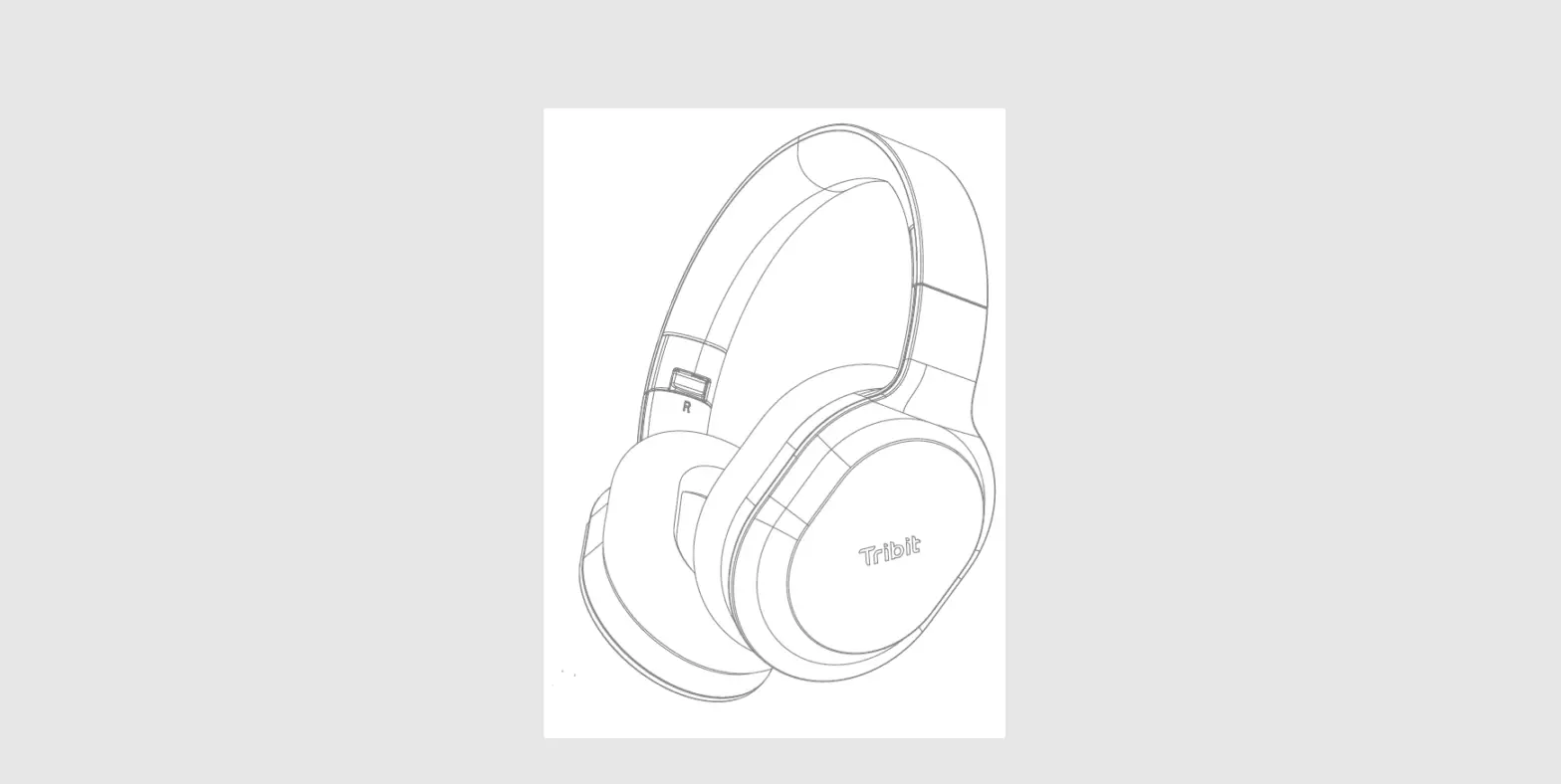
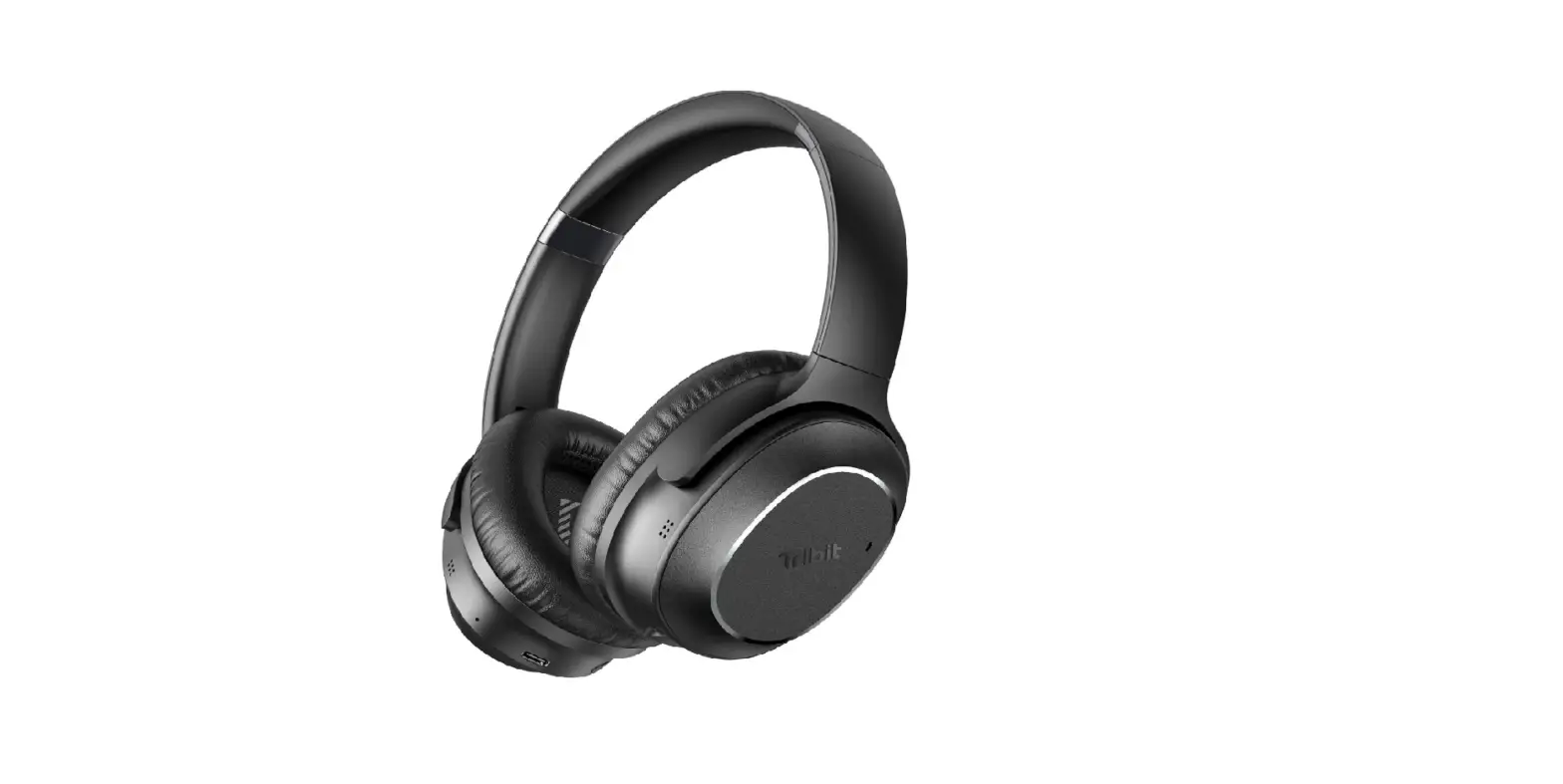
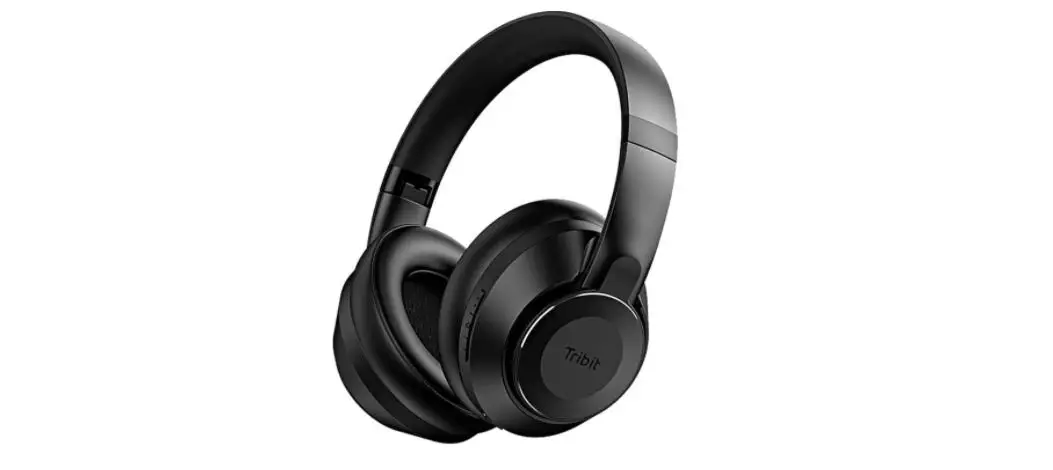
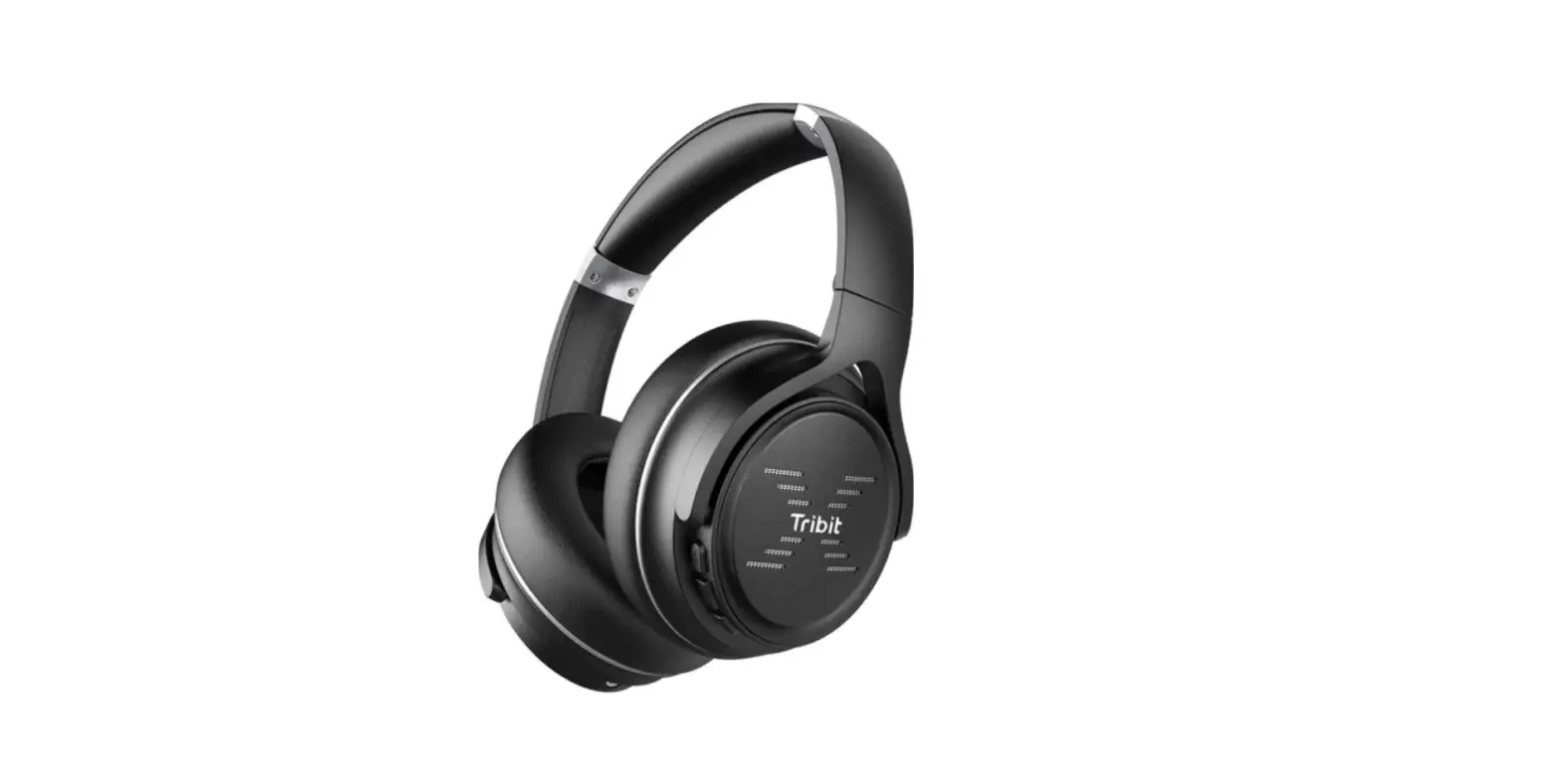
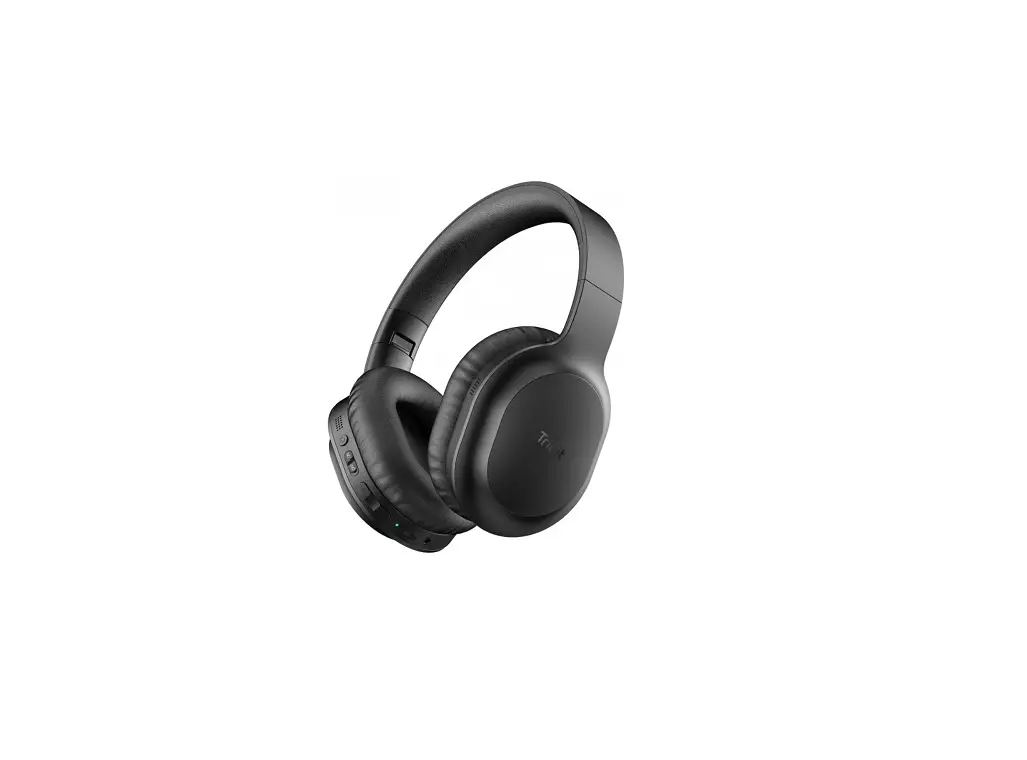
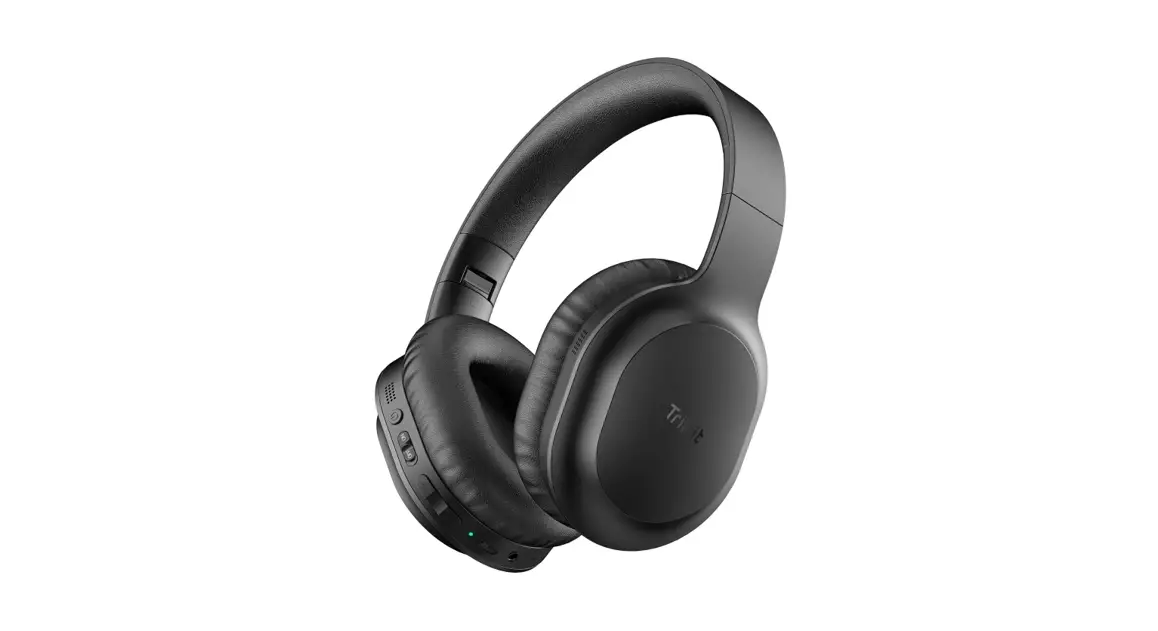
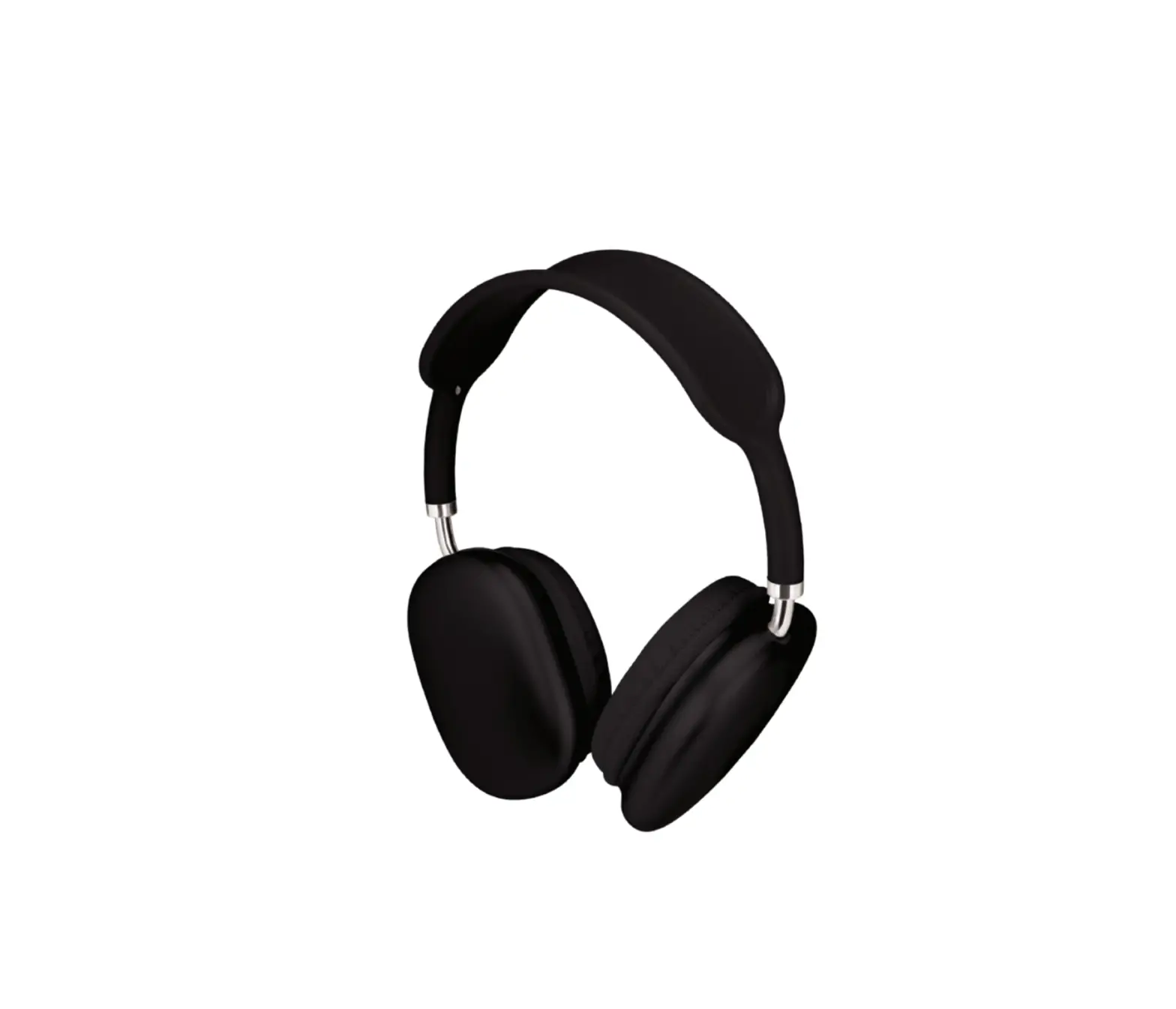
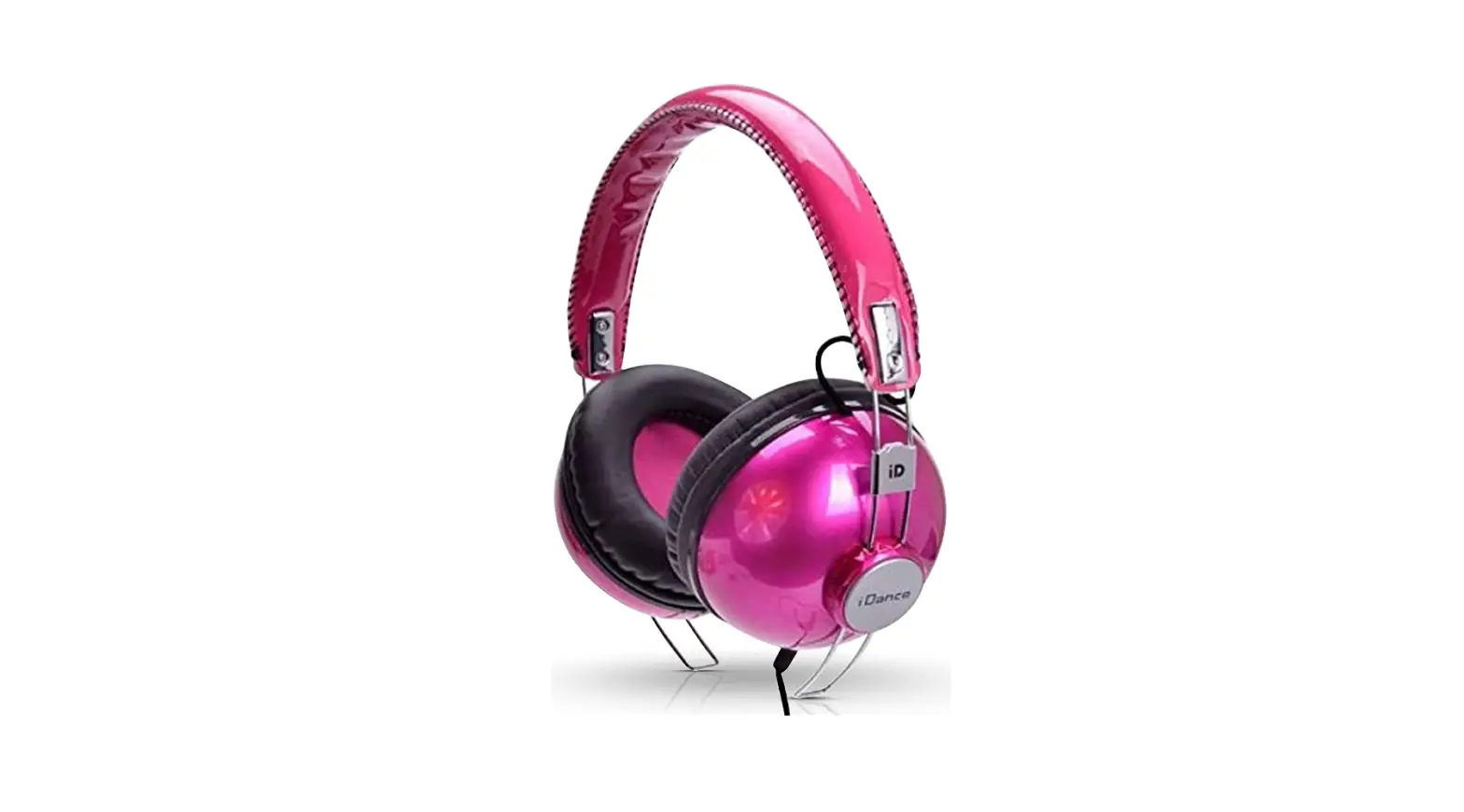
BTH78 QuietPlus 78 Headphones
Tribit QuietPlus 78 Active Noise Cancelling Wireless
Headphones
The Tribit QuietPlus 78 is a wireless headphone with active
noise cancelling functionality. It comes with a protective case,
USB cable, 3.5mm audio cable, and a user manual.
Package Contents:
- 1 x Tribit QuietPlus 78 Wireless Headset
- 1 x Protective Case
- 1 x USB Cable
- 1 x 3.5mm Audio Cable
- 1 x User Manual
Product Diagram:

- Volume + / Next Track
- MFB Button
- Volume – / Previous Track
- LED Indicator
- ANC/Ambient Button
- 3.5mm Audio Input
- USB Charging Port
- Microphone
Turn on / off:
To power on the headphones, press and hold the MFB button for 2
seconds. The LED indicator will flash white for 2 seconds.
To power off, press and hold the MFB button for 5 seconds. The
LED indicator will flash red for 2 seconds and then go off.
Bluetooth Connection:
- Press and hold the MFB button for 5 seconds until the LED
indicator flashes white. A moment later, the headphones will
automatically enter pairing mode, with the LED flashing red and
white alternately. - Activate the Bluetooth function on your Bluetooth-enabled
device. Select the Tribit QuietPlus 78 from the list of Bluetooth
devices found by your device and connect.
Simultaneous Connection with Two Devices:
- Follow the instructions in the Pairing section to pair the
headphones with Device A. - Once paired, disable the Bluetooth function on Device A.
- Follow the instructions in the Pairing section to pair the
headphones with Device B. - Once paired with Device B, reactivate Bluetooth function on
Device A and select Tribit QuietPlus 78 in the list of paired
devices. - You can now make and receive calls from either of the two
paired devices.
Noise Cancellation:
Noise Cancellation Function under ANC mode (with headphones
off): Press and hold the ANC button for 2s to enter the ANC LOW
mode; press the ANC button again to enter the ANC HIGH mode; press
the ANC button the third time to enter the pass through mode; press
the ANC button the fourth time to turn off the ANC – the button
function cycles in this way.
| Button | Action |
|---|---|
| Volume up | Short press the + button |
| Volume down | Short press the – button |
| Next track | Press and hold the + button for 2 seconds |
| Previous track | Press and hold the – button for 2 seconds |
| Play / Pause | Press the MFB button once |
| Answer / End the call | Press the MFB button once |
| Reject the call | Keep the MFB button pressed for 2 seconds |
| Redial the last called number | Press the + and – buttons simultaneously for 1 second |
| Activate Siri | Press the MFB button twice |
| Clear the pairing list | Press and hold the + button and – button simultaneously for 3 seconds in the pairing state to clear the pairing list, then the headphones will enter pairing state automatically. |
Voice Prompt:
- Power on
- Power off
- Pairing
- Successful pairing
- Disconnection
Charging the Headphones:
Connect the USB cable to the USB port on the headphone, and a 5V
power outlet. The indicator light will glow red to indicate
charging. When the headphones are fully charged (within 3 hours),
the indicator light will change from red to white.
Tribit QuietPlus 78
Active Noise Cancelling Wireless Headphones
DOC
Find more about Declaration of Confirmity, please click the below link to download: Http://files.tribit.com/BTH72-DOC-EN.pdf
Um mehr über die Konformitätserklärung zu erfahren, klicken Sie bitte auf den folgenden Link: Http://files.tribit.com/BTH72-DOC-DE.pdf
User Manual
MODEL : BTH78
English User Manual
01
Benutzerhandbuch
09
Guide Utilisateur
17
Manual de Usuario
25
Manuale Utente
33
EN
Package Contents
1 x Tribit QuietPlus 78 Wireless Headset
1 x Protective Case
1 x USB Cable 1
User Manual
1 x 3.5mm Audio Cable 1 x User Manual
EN
Product Diagram
(1) (2) (3)
1. Volume + / Next Track 2. MFB Button 3. Volume – / Previous Track 4. LED Indicator
(4) (5) (6) (7) (8)
5. ANC/Ambient Button 6. 3.5mm Audio Input 7. USB Charging Port 8. Microphone
2
EN
Turn on / off
EN
Bluetooth Connection
1.To power on the headphones, press and hold the MFB button for 2 seconds. The LED indicator will flash white for 2 seconds.
Tribit QuietPlus 72
2.To power off, press and hold the MFB button for 5 seconds. The LED indicator will flash red for 2 seconds and then go off.
1. Press and hold the MFB button for 5 seconds until the LED indicator flashes white. A moment later, the headphones will automatically enter pairing mode, with the LED flashing red and white alternately.
2. Activate the Bluetooth function on your Bluetooth-enabled device. Select the Tribit QuietPlus 78 from the list of Bluetooth devices found by your device and connect.
3
4
EN
Simultaneous Connection with Two Devices
1. Follow the instructions in the “Pairing” section to pair the headphones with Device A.
2. Once paired, disable the Bluetooth function on Device A. 3. Follow the instructions in the “Pairing” section to pair the headphones
with Device B. 4. Once paired with Device B, reactivate Bluetooth function on Device A
and select “Tribit QuietPlus 78” in the list of paired devices. 5. You can now make and receive calls from either of the two paired devic-
es.
Noise Cancellation
The Noise Cancellation Function can reduce the unwanted noise to provide you with a clearer, more lifelike audio effect. You can choose your noise cancelling mode based on your listening preference and environment. Noise Cancellation Function under ANC mode (with headphones on): When the headphone is on, press the ANC button once to enter the ANC LOW mode; press the ANC button again to enter the ANC HIGH mode; press the ANC button the third time to enter the pass through mode; press the ANC button the fourth time to turn off the ANC —the button function cycles in this way. 5
EN
Noise Cancellation Function under ANC mode (with headphones off ): Press and hold the ANC button for 2s to enter the ANC LOW mode; press the ANC button again to enter the ANC HIGH mode; press the ANC button the third time to enter the pass through mode; press the ANC button the fourth time to turn off the ANC —the button function cycles in this way.
Operation of Buttons
Volume up Volume down Next track Previous track Play / Pause Answer / End the call Reject the call Redial the last called number Activate Siri
Clear the pairing list
Short press the “+” button Short press the “-” button Press and hold the “+” button for 2 seconds Press and hold the “-” button for 2 seconds Press the MFB button once Press the MFB button once Keep the MFB button pressed for seconds Press the “+” and “-” buttons simultaneously for 1 second Press the MFB button twice
Press and hold the “+” button and “-” button simultaneously for 3 seconds in the pairing state to clear the pairing list, then the headphones will enter pairing state automatically.
6
EN
Voice Prompt
Power on Power off Pairing Successful pairing Disconnection
Power on Power off Pairing Connection Successful Disconnected
Charging the Headphones
Connect the USB cable to the USB port on the headphone, and a 5V power outlet (power adapter is not included). The indicator light will glow red to indicate charging. When the headphones are fully charged (within 3 hours), the indicator light will change from red to white.
Customer Service
The headphones have a full 18-month warranty against manufacturing defects starting from the purchase date. For FAQs and more information, please email to [email protected].
7
EN
FCC Statement
Changes or modifications not expressly approved by the party responsible for compliance could void the user’s authority to operate the equipment. This equipment has been tested and found to comply with the limits for a Class B digital device, pursuant to Part 15 of the FCC Rules. These limits are designed to provide reasonable protection against harmful interference in a residential installation. This equipment generates uses and can radiate radio frequency energy and, if not installed and used in accordance with the instructions, may cause harmful interference to radio communications. However, there is no guarantee that interference will not occur in a particular installation. If this equipment does cause harmful interference to radio or television reception, which can be determined by turning the equipment off and on, the user is encouraged to try to correct the interference by one or more of the following measures:
— Reorient or relocate the receiving antenna. — Increase the separation between the equipment and receiver. — Connect the equipment into an outlet on a circuit different from that to
which the receiver is connected. — Consult the dealer or an experienced radio/TV technician for help
This device complies with part 15 of the FCC rules. Operation is subject to the following two conditions (1) this device may not cause harmful interference, and (2) this device must accept any interference received, including interference that may cause undesired operation.
8
DE
Lieferumfang
1 x Tribit QuietPlus 78 Drahtloses Headset
1 x Schutzhülle
1 x USB-Kabel 9
User Manual
1 x 3,5-mm-Audiokabel 1 x Benutzerhandbuch
DE
Produkt-Schaubild
(1) (2) (3)
1. Lautstärke + / Nächster Titel 2. MFB-Taste 3. Lautstärke – / Vorheriger Titel 4. LED-Anzeige
(4) (5) (6) (7) (8)
5. ANC/Ambient-Taste 6. 3,5-mm-Audioeingang 7. USB-Ladeanschluss 8. Mikrofon
10
DE
Ein/Aus Schalten
DE
Bluetooth Verbindung
1. Um den Kopfhörer einzuschalten, halten Sie die MFB-Taste 2 Sekunden lang gedrückt. Die LED-Anzeige blinkt 2 Sekunden lang weiß.
Tribit QuietPlus 72
2. Um den Kopfhörer auszuschalten, halten Sie die MFB-Taste 5 Sekunden lang gedrückt. Die LED-Anzeige blinkt 2 Sekunden lang rot und erlischt dann.
1. Halten Sie die MFB-Taste 5 Sekunden lang gedrückt, bis die LED-Anzeige weiß blinkt. Einen Moment später geht der Kopfhörer automatisch in den Kopplungsmodus über, wobei die LED-Anzeige abwechselnd rot und weiß blinkt.
2. Aktivieren Sie die Bluetooth-Funktion auf Ihrem Bluetooth-fähigen Gerät. Wählen Sie das Tribit QuietPlus 78 aus der Liste der von Ihrem Gerät gefundenen Bluetooth-Geräte aus und verbinden Sie.
11
12
DE
Gleichzeitige Verbindung mit zwei Geräten
1. Befolgen Sie die Anweisungen im Abschnitt “Koppeln”, um den Kopfhörer mit Gerät A zu koppeln.
2. Deaktivieren Sie nach dem Pairing die Bluetooth-Funktion auf Gerät A.
3. Folgen Sie den Anweisungen im Abschnitt “Koppeln”, um die Kopfhörer mit Gerät B zu koppeln.
4. Nach dem Koppeln mit Gerät B aktivieren Sie die Bluetooth-Funktion auf Gerät A wieder und wählen Sie “Tribit QuietPlus 78” in der Liste der gekoppelten Geräte.
5. Sie können nun Anrufe von einem der beiden gekoppelten Geräte tätigen und empfangen.
Rauschunterdrückung
Die Rauschunterdrückungsfunktion kann das unerwünschte Rauschen reduzieren, um Ihnen einen klareren, lebensechteren Audioeffekt zu bieten. Sie können den Rauschunterdrückungsmodus je nach Ihrer Hörpräferenz und Umgebung auswählen.. Rauschunterdrückungsfunktion im ANC-Modus (mit aufgesetzten Kopfhörern): Wenn der Kopfhörer aufgesetzt ist, drücken Sie die ANC-Taste einmal, um in den ANC-LOW-Modus zu gelangen; drücken Sie die ANC-Taste erneut, um in den ANC-HIGH-Modus zu gelangen; drücken Sie die ANC-Taste ein drittes Mal, um in den Pass-Through-Modus zu gelangen; drücken Sie die ANC-Taste ein viertes Mal, um den ANC auszuschalten — die Tastenfunktion wechselt auf diese Weise. 13
DE
Rauschunterdrückungsfunktion im ANC-Modus (mit ausgeschalteten Kopfhörern)e: Halten Sie die ANC-Taste zwei Sekunden lang gedrückt, um in den ANC-LOW-Modus zu gelangen; drücken Sie die ANC-Taste erneut, um in den ANC-HIGH-Modus zu gelangen; drücken Sie die ANC-Taste ein drittes Mal, um in den Pass-Through-Modus zu gelangen; drücken Sie die ANC-Taste ein viertes Mal, um den ANC auszuschalten – die Tastenfunktion wechselt auf diese Weise.
Bedienung der Tasten
Lautstärke erhöhen Lautstärke reduzieren
Nächster Titel
Vorherige Spur
Abspielen / Pause Beantworten / Beenden des Anrufs Den Anruf ablehnen Wahlwiederholung der zuletzt angerufenen Nummer Siri aktivieren
Die Kopplungsliste löschen
Drücken Sie kurz auf die Taste “+”. Drücken Sie kurz auf die Taste “-“. Drücken und halten Sie die “+”-Taste für 2 Sekunden Drücken Sie die “-“-Taste und halten Sie sie 2 Sekunden lang gedrückt. Drücken Sie die MFB-Taste einmal
Drücken Sie die MFB-Taste einmal
Halten Sie die MFB-Taste für Sekunden gedrückt
Drücken Sie die Tasten “+” und “-” gleichzeitig für 1 Sekunde
Drücken Sie die MFB-Taste zweimal Drücken und halten Sie die “+”- und “-“-Taste gleichzeitig für 3 Sekunden im Kopplungszustand, um die Kopplungsliste zu löschen, dann geht der Kopfhörer automatisch in den Kopplungszustand über.
14
DE
DE
Sprachaufforderung
Einschalten Ausschalten Kopplung Erfolgreiche Kopplung Trennung der Verbindung
Power on Power off Pairing Connection Successful
Disconnected
Laden der Kopfhörer
Schließen Sie das USB-Kabel an den USB-Anschluss des Kopfhörers und an eine 5V-Steckdose an (Netzteil nicht im Lieferumfang enthalten). Die Anzeigeleuchte leuchtet rot, um den Ladevorgang anzuzeigen. Wenn der Kopfhörer vollständig aufgeladen ist (innerhalb von 3 Stunden), wechselt die Anzeigeleuchte von rot auf weiß..
Kunden Service
Die Kopfhörer haben eine volle 18-monatige Garantie gegen Herstellungsfehler ab dem Kaufdatum. Für FAQs und weitere Informationen senden Sie bitte eine E-Mail an [email protected].
15
16
FR
Contenu du paquet
1 x Écouteurs sans fil Tribit QuietPlus 78
1 x Étui de protection
1 x Câble USB 17
User Manual
1 x Câble audio de 3,5 mm 1 x Manuel d’utilisation
FR
Diagramme du produit
(1) (2) (3)
1.Volume + / Piste suivante 2.Bouton MFB 3.Volume – / Piste précédente 4.Indicateur LED
(4) (5) (6) (7) (8)
5.Bouton ANC/ambiance 6.Entrée audio 3,5 mm 7.Port de chargement USB 8.Microphone
18
FR
Mise en marche/arrêt
FR
Connection Bluetooth
1. Pour allumer les écouteurs, appuyez sur le bouton MFB et maintenez-le enfoncé pendant 2 secondes. L’indicateur LED clignotera en blanc pendant 2 secondes.
Tribit QuietPlus 72
2. Pour éteindre les écouteurs, appuyez sur le bouton MFB et maintenez-le enfoncé pendant 5 secondes. Le voyant LED clignotera en rouge pendant 2 secondes, puis s’éteindra.
1. Appuyez sur le bouton MFB et maintenez-le enfoncé pendant 5 secondes jusqu’à ce que le voyant LED clignote en blanc. Un instant plus tard, les écouteurs se mettront automatiquement en mode d’appairage, le voyant LED clignotant alternativement en rouge et en blanc.
2. Activez la fonction Bluetooth sur votre appareil à compatibilité Bluetooth. Sélectionnez le Tribit QuietPlus 78 dans la liste des appareils Bluetooth trouvés par votre appareil et connectez-vous.
19
20
FR
Connexion simultanée avec deux appareils
1. Suivez les instructions de la section “Appariement” pour apparier les écouteurs avec l’appareil A.
2. Une fois le couplage effectué, désactivez la fonction Bluetooth sur l’appareil A. 3. Suivez les instructions de la section “Appariement” pour apparier les écouteurs
avec l’appareil B. 4. Une fois jumelé avec l’appareil B, réactivez la fonction Bluetooth sur l’appareil
A et sélectionnez “Tribit QuietPlus 78” dans la liste des appareils jumelés. 5. Vous pouvez maintenant passer et recevoir des appels à partir de l’un ou l’autre
des deux appareils jumelés.
Annulation du bruit
La fonction d’annulation du bruit peut réduire les bruits indésirables pour vous offrir un effet audio plus clair et plus réaliste. Vous pouvez choisir votre mode de suppression du bruit en fonction de vos préférences d’écoute et de votre environnement. Fonction d’annulation du bruit en mode ANC (avec écouteurs) : Lorsque les écouteurs sont allumés, appuyez une fois sur le bouton ANC pour passer en mode ANC FAIBLE ; appuyez à nouveau sur le bouton ANC pour passer en mode ANC HAUT ; appuyez sur le bouton ANC une troisième fois pour passer en mode de transition ; appuyez sur le bouton ANC une quatrième fois pour désactiver l’ANC — la fonction du bouton se déroule de cette façon.
21
FR
Fonction d’annulation du bruit en mode ANC (avec écouteurs éteints) : Appuyez et maintenez le bouton ANC enfoncé pendant 2 secondes pour entrer dans le mode ANC FAIBLE ; appuyez à nouveau sur le bouton ANC pour entrer dans le mode ANC HAUT ; appuyez sur le bouton ANC une troisième fois pour entrer dans le mode de transition ; appuyez sur le bouton ANC une quatrième fois pour éteindre l’ANC — la fonction du bouton se déroule de cette façon.
Fonctionnement des touches
Augmenter le volume Réduction du volume Prochain morceau
Piste précédente Reproduction / Pause
Appuyez brièvement sur le bouton “+”.
Appuyez brièvement sur le bouton “-“.
Appuyez sur la touche “+” et maintenez-la enfoncée pendant 2 secondes
Appuyez sur le bouton “-” et maintenez-le enfoncé pendant 2 secondes
Appuyez une fois sur le bouton MFB
Répondre / Terminer l’appel
Rejeter l’appel
Recomposer le dernier numéro appelé Activer Siri
Effacer la liste d’appariement
Appuyez une fois sur le bouton MFB
Maintenez le bouton MFB enfoncé pendant quelques secondes
Appuyez simultanément sur les boutons “+” et “-” pendant 1 seconde
Appuyez deux fois sur le bouton MFB
Appuyez simultanément sur les boutons “+” et “-” pendant 3 secondes à l’état d’appariement pour effacer la liste de couplage, puis les écouteurs passeront automatiquement à l’état d’appariement.
22
FR
FR
Commande vocale
Power on Power off Pairing Successful pairing
Disconnection
Mise en marche Arrêt Couplage Connection réussie
Déconnecté
Chargement des écouteurs
Connectez le câble USB au port USB des écouteurs, et à une prise de courant de 5V (l’adaptateur électrique n’est pas inclus). Le voyant lumineux s’allumera en rouge pour indiquer le chargement. Lorsque les écouteurs sont complètement chargés (dans les 3 heures), le voyant lumineux passe du rouge au blanc.
Service clientèle
Les écouteurs bénéficient d’une garantie complète de 18 mois contre les défauts de fabrication à partir de la date d’achat. Pour les FAQ et de plus amples informations, veuillez envoyer un courriel à support@tribitaudio. com.
23
24
ES
Contenido del paquete
1 x Auricular inalámbrico Tribit QuietPlus 78
1 x Funda protectora
1 x Cable USB 25
1 x Cable de audio de 3,5 mm
User Manual
1 x Manual de usuario
ES
Diagrama del producto
(1) (2) (3)
1. Volumen + / Pista siguiente 2. Botón MFB (Multifunción) 3. Volumen – / Pista anterior 4. Indicador LED
(4) (5) (6) (7) (8)
5. Botón ANC / Ambiente 6. Entrada de audio de 3,5 mm 7. Puerto de carga USB 8. Micrófono
26
ES
Encender/Apagar
ES
Conexión Bluetooth
1. Para encender los auriculares, mantenga presionado el botón MFB durante 2 segundos. El indicador LED parpadeará en blanco durante 2 segundos.
Tribit QuietPlus 72
2. Para apagar, presione y mantenga presionado el botón MFB durante 5 segundos. El indicador LED parpadeará en rojo durante 2 segundos y luego se apagará.
1. Mantenga presionado el botón MFB durante 5 segundos hasta que el indicador LED parpadee en blanco. Un momento después, los auriculares entrarán automáticamente en modo de emparejamiento, con el LED parpadeando en rojo y blanco alternativamente.
2. Active la función Bluetooth en su dispositivo habilitado. Seleccione Tribit QuietPlus 78 de la lista de dispositivos Bluetooth encontrados por su dispositivo y conéctese.
27
28
ES
Conexión simultánea con dos dispositivos
1. Siga las instrucciones de la sección “Emparejamiento” para emparejar los auriculares con el Dispositivo A.
2. Una vez emparejado, desactive la función Bluetooth en el dispositivo A. 3. Siga las instrucciones de la sección “Emparejamiento” para emparejar los au-
riculares con el Dispositivo B. 4. Una vez emparejado con el dispositivo B, reactive la función Bluetooth en el
dispositivo A y seleccione “Tribit QuietPlus 78” en la lista de dispositivos emparejados. 5. Ahora puede realizar y recibir llamadas desde cualquiera de los dos dispositivos emparejados.
Cancelación de ruido
La función de cancelación de ruido puede reducir el ruido no deseado para brindarle un efecto de audio más claro y realista. Puede elegir el modo de cancelación de ruido según sus preferencias de escucha y su entorno. Función de cancelación de ruido en el modo ANC (con los auriculares encendidos): Cuando los auriculares están encendidos, presione el botón ANC una vez para ingresar al modo ANC LOW. Presione el botón ANC nuevamente para ingresar al modo ANC HIGH. Presione el botón ANC por tercera vez para ingresar al modo de paso. Presione el botón ANC por cuarta vez para apagar el ANC — la función del botón cambia cíclicamente de esta manera. Función de cancelación de ruido en modo ANC (con auriculares apagados):
29
ES
Mantenga presionado el botón ANC durante 2 segundos para ingresar al modo ANC LOW. Presione el botón ANC nuevamente para ingresar al modo ANC HIGH. Presione el botón ANC por tercera vez para ingresar al modo de paso. Presione el botón ANC por cuarta vez para apagar el ANC — la función del botón cambia cíclicamente de esta manera.
Fonctionnement des touches
Augmenter le volume Réduction du volume Prochain morceau
Piste précédente Reproduction / Pause
Appuyez brièvement sur le bouton “+”.
Appuyez brièvement sur le bouton “-“.
Appuyez sur la touche “+” et maintenez-la enfoncée pendant 2 secondes
Appuyez sur le bouton “-” et maintenez-le enfoncé pendant 2 secondes
Appuyez une fois sur le bouton MFB
Répondre / Terminer l’appel
Rejeter l’appel
Marcar el último número llamado Activer Siri
Effacer la liste d’appariement
Appuyez une fois sur le bouton MFB
Maintenez le bouton MFB enfoncé pendant quelques secondes
Appuyez simultanément sur les boutons “+” et “-” pendant 1 seconde
Appuyez deux fois sur le bouton MFB
Appuyez simultanément sur les boutons “+” et “-” pendant 3 secondes à l’état d’appariement pour effacer la liste de couplage, puis les écouteurs passeront automatiquement à l’état d’appariement.
30
ES
ES
Mensajes de voz
Encendido Apagado Emparejando Emparejamiento exitoso
Desconexión
Encendido Apagado Emparejando Emparejamiento exitoso
Desconectado
Carga de los auriculares
Conecte el cable USB al puerto USB de los auriculares y una toma de corriente de 5 V (el adaptador de corriente no está incluido). La luz indicadora se iluminará en rojo para indicar que se está cargando. Cuando los auriculares estén completamente cargados (en unas 3 horas), la luz indicadora cambiará de rojo a blanco.
Servicio al Cliente
Los auriculares tienen una garantía total de 18 meses contra defectos de fabricación a partir de la fecha de compra. Para preguntas frecuentes y más información, envíe un correo electrónico a [email protected].
31
32
IT
Contenuto della Confezione
1 x Cuffia Senza Fili Tribit QuietPlus 78
1 x Custodia Protettiva
1 x Cavo USB 33
User Manual
1 x Cavo audio da 3,5 1 x Manuale Utente mm
IT
Schema del Prodotto
(1) (2) (3)
(4)
(5)
(6) (7) (8)
1. Volume + / Traccia successiva 2. Pulsante MFB 3. Volume – / Traccia precedente 4. Indicatore LED
5. Pulsante ANC / Ambiente 6. Ingresso audio da 3,5 mm 7. Porta di ricarica USB 8. Microfono
34
IT
Spegimento/Accensione
IT
Connessione Bluetooth
1.Per accendere le cuffie, premere e tenere premuto il pulsante MFB per 2 secondi. L’indicatore LED lampeggia bianco per 2 secondi.
Tribit QuietPlus 72
2.Per spegnerle, premere e tenere premuto il pulsante MFB per 5 s e co n d i . L’i n d i c ato re L E D lampeggia in rosso per 2 secondi e si spegne.
1.Premere e tenere premuto il pulsante MFB per 5 secondi sino a che l’indicatore LED lampeggia di bianco. Un momento dopo, le cuffie entreranno in automatico nella modalità di associazione, con le luci LED bianca e rossa che lampeggeranno in alternanza.
2.Attivare la funzione Bluetooth nel tuo dispositivo abitilitato al Bluetooth. Selezionare Tribit QuietPlus 78 dalla lista dei dispositivi Bluetooth per trovare il tuo dispositivo e connetterlo.
35
36
IT
Connessione Simultanea con Due Dispositivi
1.Segui le istruzioni nella sezione “Associazione” per associare le cuffie al Dispositivo A.
2.Una volta associate, disabilitate la funzione Bluetooth sul Dispositivo A.
3.Seguite le istruzioni nella sezione “Associazione” per associare le cuffie con il Dispositivo B.
4.Una volta associato il Dispositivo B, riattivate la funzione Bluetooth sul Dispositivo A e selezionate “Tribit QuietPlus 78” nella lista dei dispositivi da associare.
5. Ora è possibile effettuare e ricevere chiamate da uno dei due dispositivi associati.
Cancellazione del Rumore
La funzione della Cancellazione del Rumore può ridurre il rumore indesiderato per donarti un effetto audio più chiaro e realistico. Puoi scegliere la modalità di cancellazione del rumore basata sulle tue preferenze di ascolto e caratteristiche. Funzione di Cancellazione del Rumore sotto modalità ANC (con cuffie sono accese) :Quando le cuffie sono accese, premere il pulsante ANC una volta per pentrare nella modalità ANC LOW; premere di nuovo il pulsante ANC per entrare nella modalità ANC HIGH; premere il pulsante ANC per la terza volta per entrare nella modalità passare attraverso; premere il pulsante ANC per la quarta volta per spegnere ANC la funzione del pulsante cambia in questo modo. 37
IT
Cancellazione del Rumore sotto Modalità ANC (con cuffie spente): Premere e tenere premuto il pulsante ANC per 2 secondi per entrare nella modalità ANC LOW; premere il pulsante ANC di nuovo per entrare nella modalità ANC HIGH; premere il pulsante ANC per la terza volta per entrare nella modalità passare attraverso; premere il pulsante ANC una quarta volta per spegnere ANC la funzione del pulsante cambia in questo modo.
Fonctionnement des touches
Aumentare il Volume Diminuire il Volume
Prossima traccia
Traccia precedente
Avvio/Pausa Rispondere/Chiudere la chiamata
Rifiutare la chiamata
Richiamare l’ultimo numero chiamato Attivare Siri
Pulire la lista di associazione
Premere brevemente il pulsante “+”
Premere brevemente il pulsante “-”
Premere e tenere premuto il pulsante “+” per due secondi
Premere e tenere premuto il pulsante “-” per due secondi
Premere una volta il pulsante MFB
Premere una volta il pulsante MFB
Mantenere il pulsante MFB premuto per alcuni secondi
Premere il pulsante “+” e “-” insieme per 1 secondo
Premere due volte il pulsante MFB
Premere e tenere premuto il pulsante “+” e “-” insieme per 3 secondi nello stato di associazione per pulire la lista di associazione, quindi le cuffie entreranno nello stato di associazione automaticamente.
38
IT
IT
Comandi Vocali
Accensione Spegnimento Associazione Associato con successo Disconnessione
Accensione Spegnimento Associazione Connessione Avvenuta con Successo Disconnesso
Ricaricare le Cuffie
Connettere il cavo USB alla porta USB delle cuffie, e una presa di corrente da 5 V (l’alimentatore non è incluso). La luce dell’indicatore si illuminerà di rosso indicando la ricarica. Quando le cuffie sono completamente cariche (ci vorranno 3 ore), la luce dell’indicatore cambia da rossa a bianca.
Servizio al Clienti
Le cuffie hanno una garanzia completa di 18 mesi contro i difetti di fabbricazione a partire dalla data di acquisto. Per domande frequenti e ulteriori informazioni, inviare un’e-mail a [email protected].
39
40