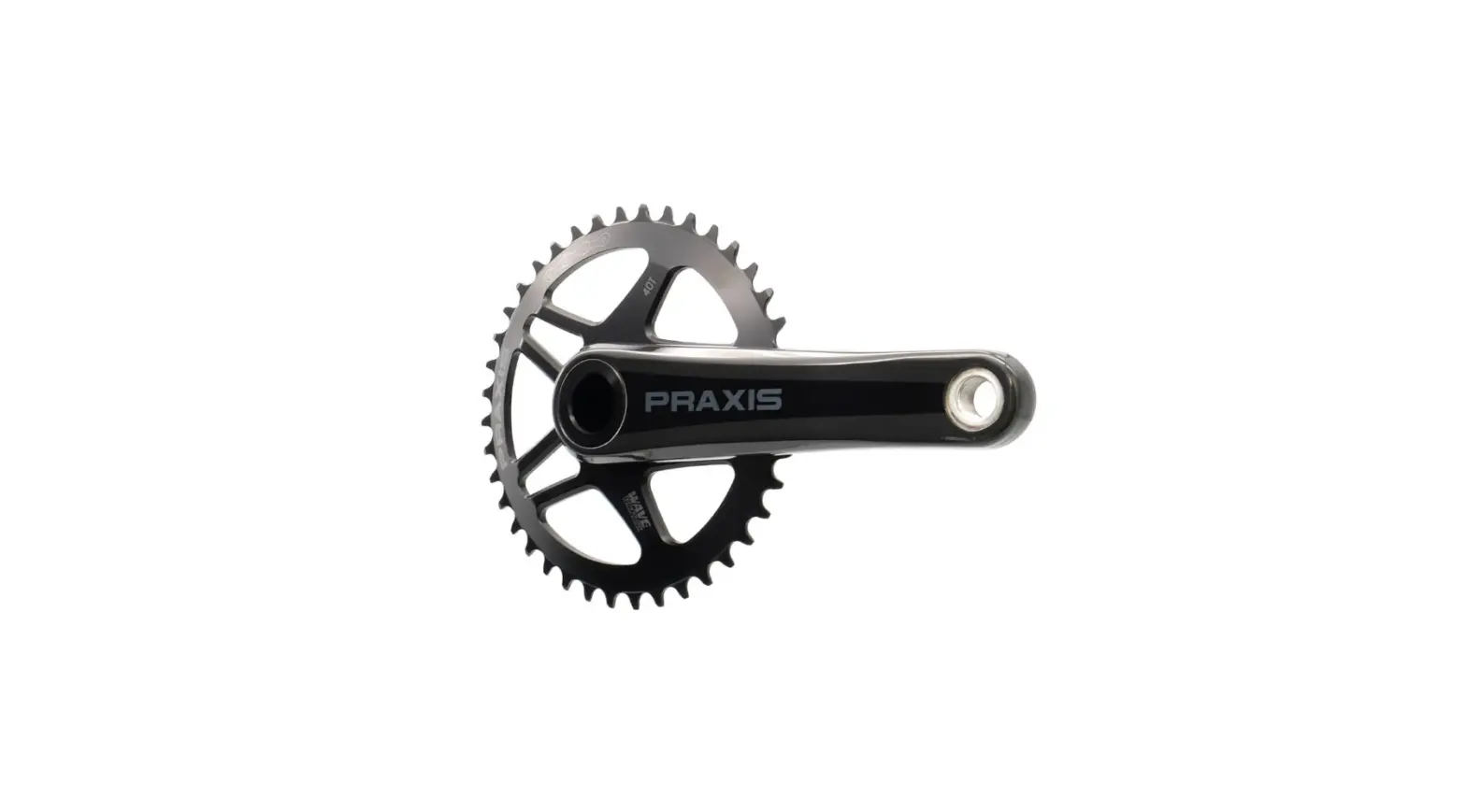
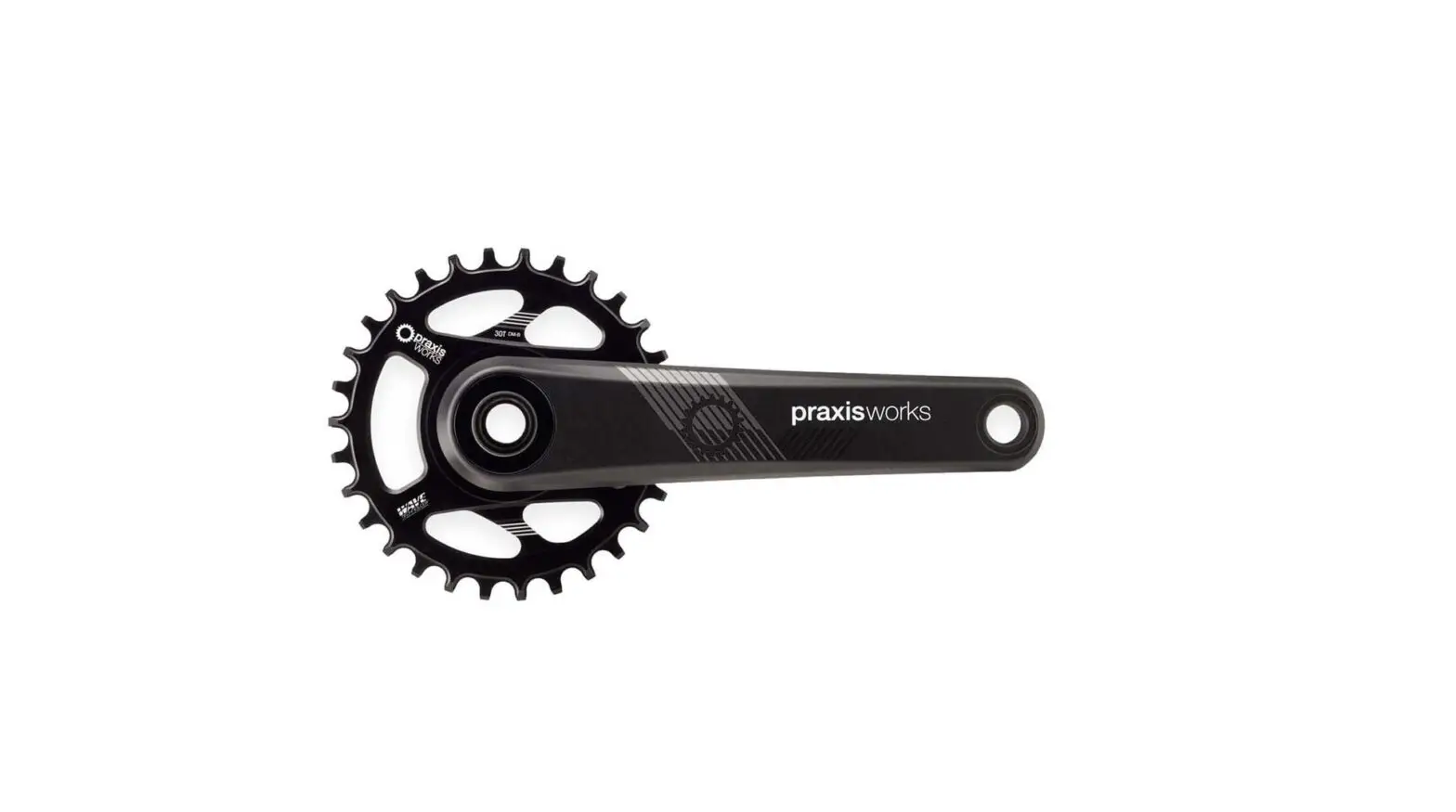
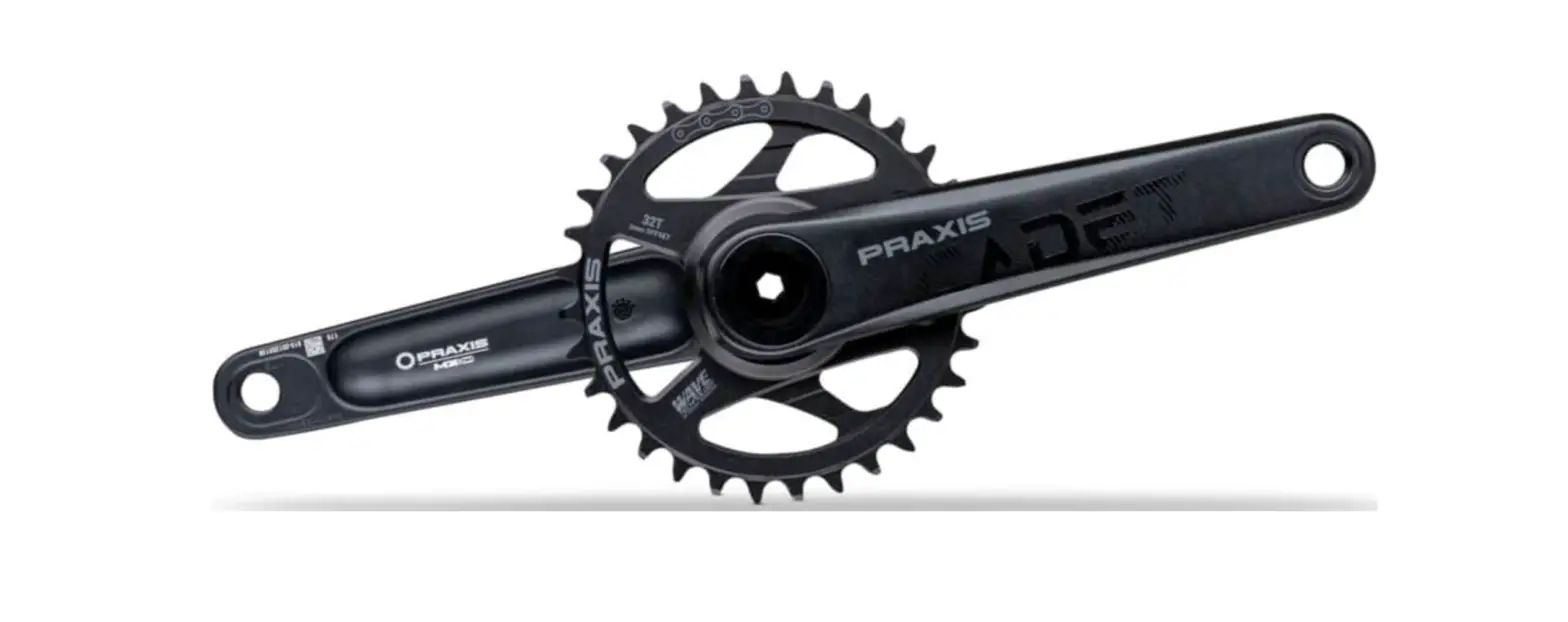
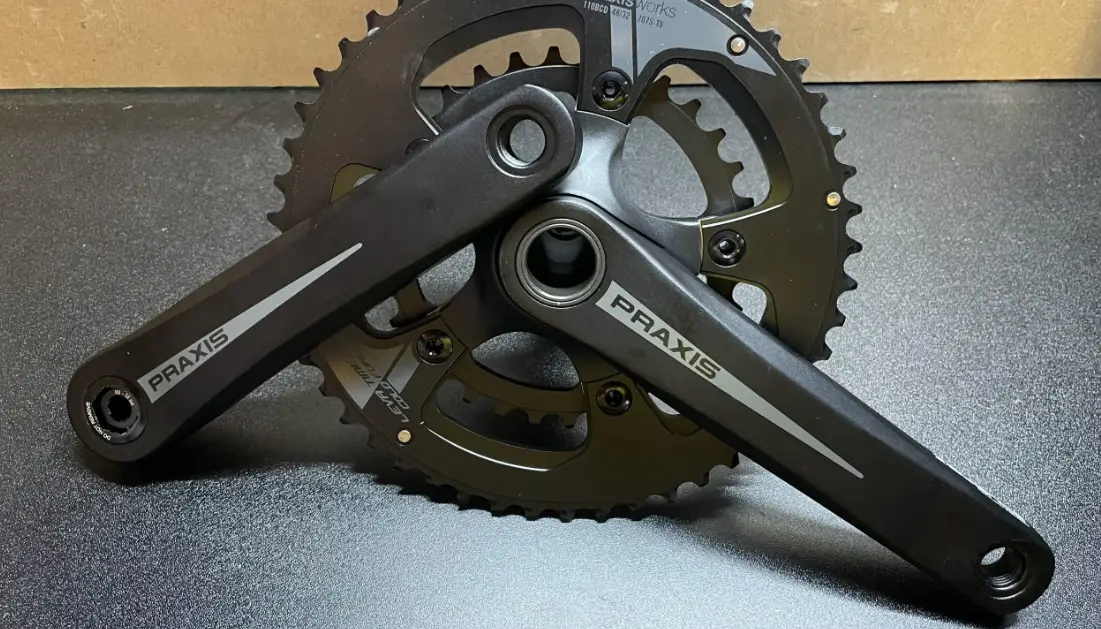
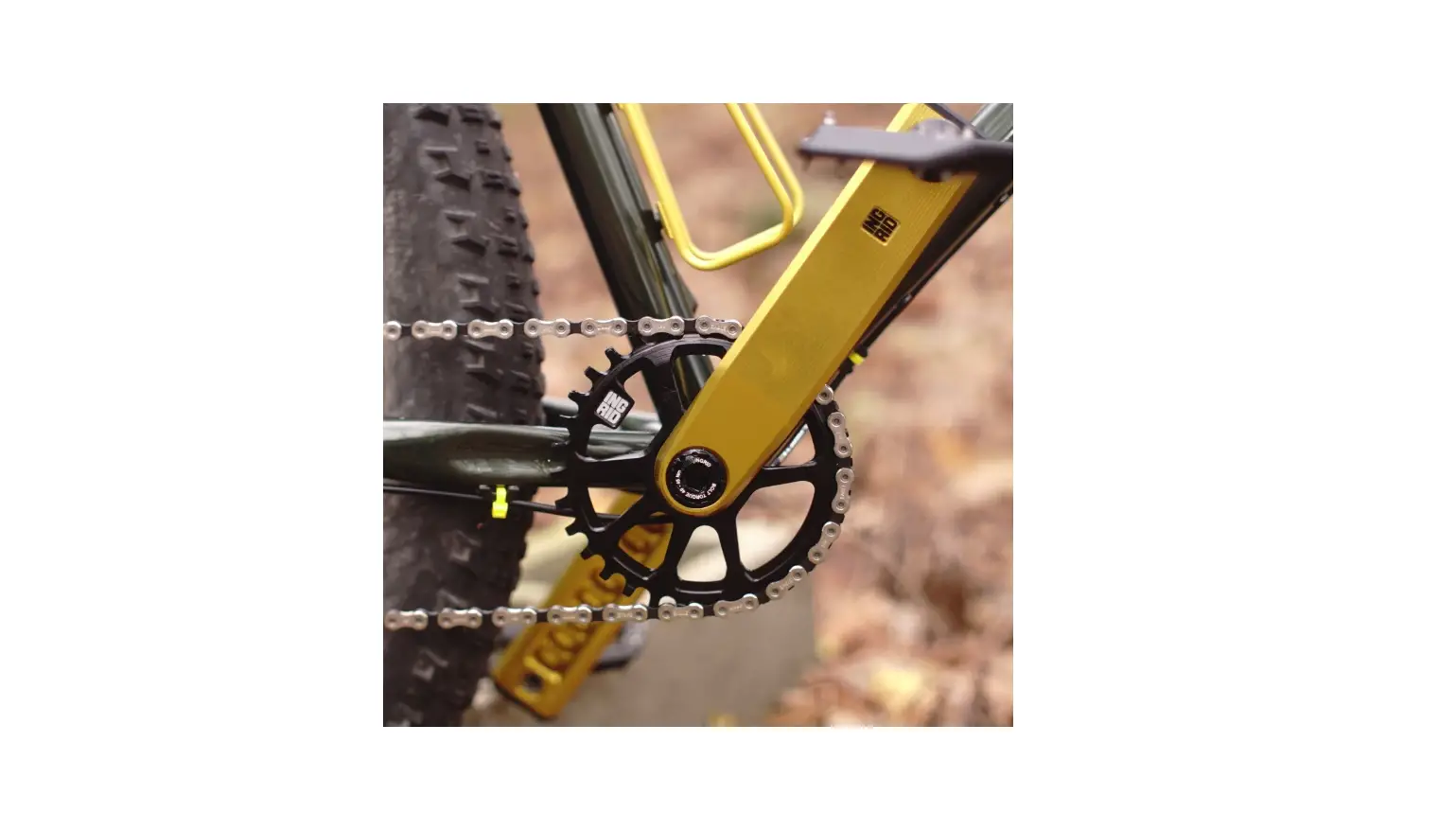
VerFC002001 Sword 1x 42T Crankset
SWORD Chainring Replacement Manual
FC002-001 www.microSHIFT.com
REMINDER
Before installing the products, please read and understand the
installation procedures. Improper installation can lead to
premature product failures or even injuries. If you have any
questions on how to install, please contact us or consult with a
professional bicycle mechanic.
Part I
The SWORD crankset is compatible with 110mm and 80mm asymmetric
BCD chainrings. You can use the same crank for a 1x or 2x setup.
For a 1x setup, use a 110 BCD narrow wide style chainring and mount
it on to replace the outer ring position.
- Torque Wrench
- 5mm Hex Bit
- 5mm Hex Wrench
- 8mm Hex Wrench
Part II
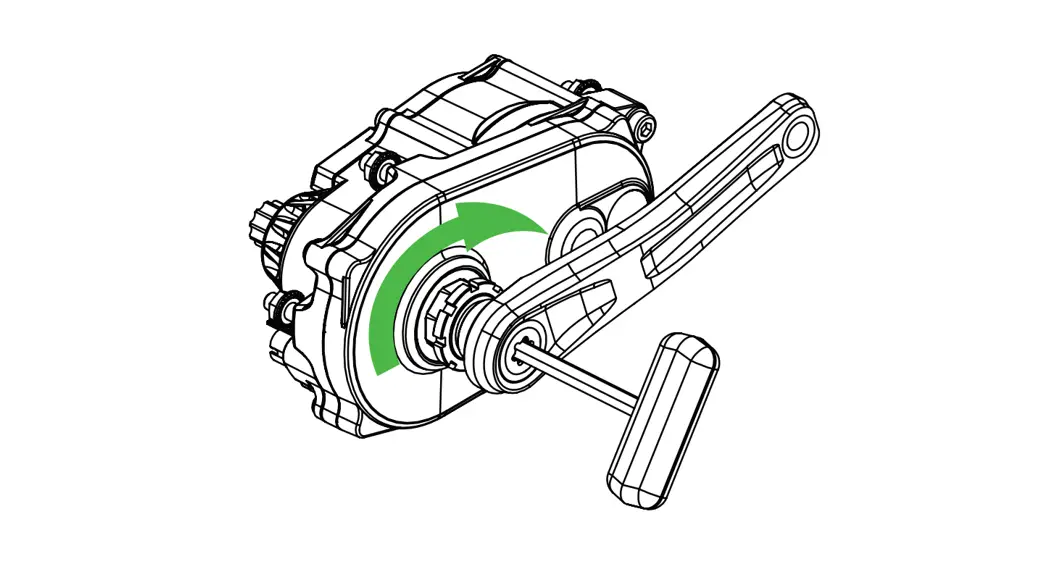
- Unthread the pinch bolts on the left crank arm a few turns with
a 5mm hex wrench. - Remove the preload bolt with an 8mm hex wrench.
- Remove the left crank arm from the spindle.
- Slide the spindle and chainrings out of the bottom
bracket. - Unthread the chainring bolts with a 5mm hex wrench. Start with
the inner chainring and then the outer chainring. - Remove the chainrings.
Part III
- Install the outer chainring. Make sure the pin on the outer
side of the chainring is in line with the crank arm. - Install the bolts and torque to 10-14Nm.
- If using a 2x crank, install the inner chainring. Make sure the
raised tab on the inner ring sits in line with the crank arm. - Install the bolts and torque to 10-14Nm. From here re-install
the crankset according to the SWORD Crank Installation Manual.
International [email protected]
North America [email protected]
SWORD Chainring Replacement Manual
© 2023 microSHIFT | AD-II Engineering Inc.
FC002-001 www.microSHIFT.com
REMINDER
Before installing the products, please read and understand the installation procedures. Improper installation can lead to premature product failures or even injuries. If you have any questions on how to install, please contact us or consult with a professional bicycle mechanic.
1
Torque Wrench 5mm Hex Bit 5mm Hex Wrench 8mm Hex Wrench
Part I
2
Part I
The SWORD crankset is compatible with 110mm and 80mm asymmetric BCD chainrings. You can use the same crank for a 1x or 2x setup. For a 1x setup, useIf swapping from a 2x to 1x setup, use a 110 BCD narrow wide style chainring and mount it on to replace the outer ring position.
110mm
80mm
3
1.
Part I
Unthread the pinch bolts on the left crank arm a few turns with a 5mm hex wrench.
4
2.
Remove the preload bolt with an 8mm hex wrench.
Part I
5
3.
Remove the left crank arm from the spindle.
Part II
6
4.
Slide the spindle and chainrings out of the bottom bracket.
Part I
7
5.
Part II
Unthread the chainring bolts with a 5mm hex wrench. Start with the inner chainring and then the outer chainring.
8
6.
Remove the chainrings.
Part II
9
7.
Part III
Install the outer chainring. Make sure the pin on the outer side of the chainring is in line with the crank arm.
10
www.microSHIFT.com
International [email protected]
North America [email protected]
8.
Install the bolts and torque to 10-14Nm.
Part II
11
9.
Part I
If using a 2x crank, install the inner chainring. Make sure the raised tab on the inner ring sits in line with the crank arm.
12
10.
Part II
Install the bolts and torque to 10-14Nm. From here re-install the crankset according to the SWORD Crank Installation Manual.
13
 microSHIFT