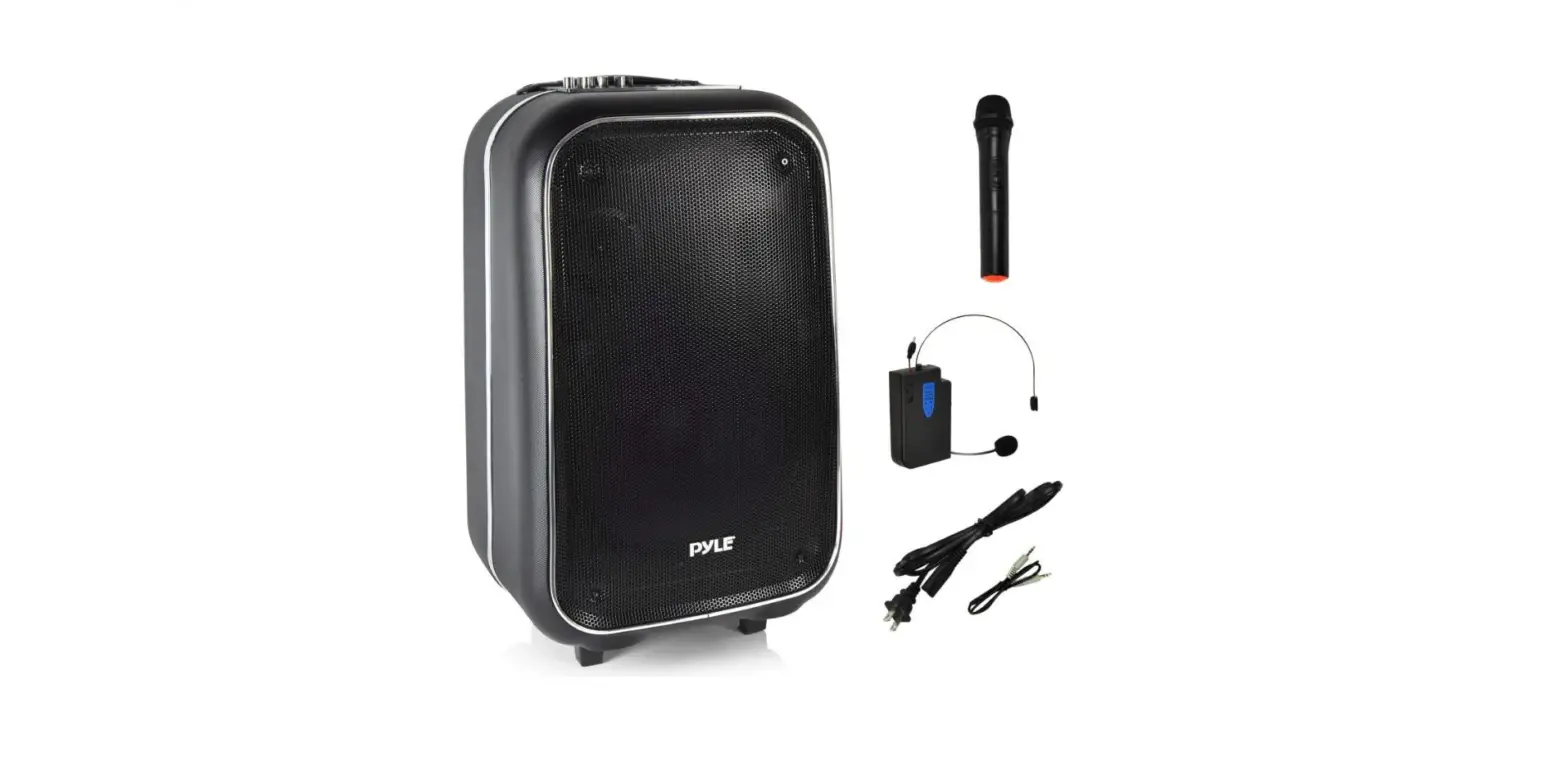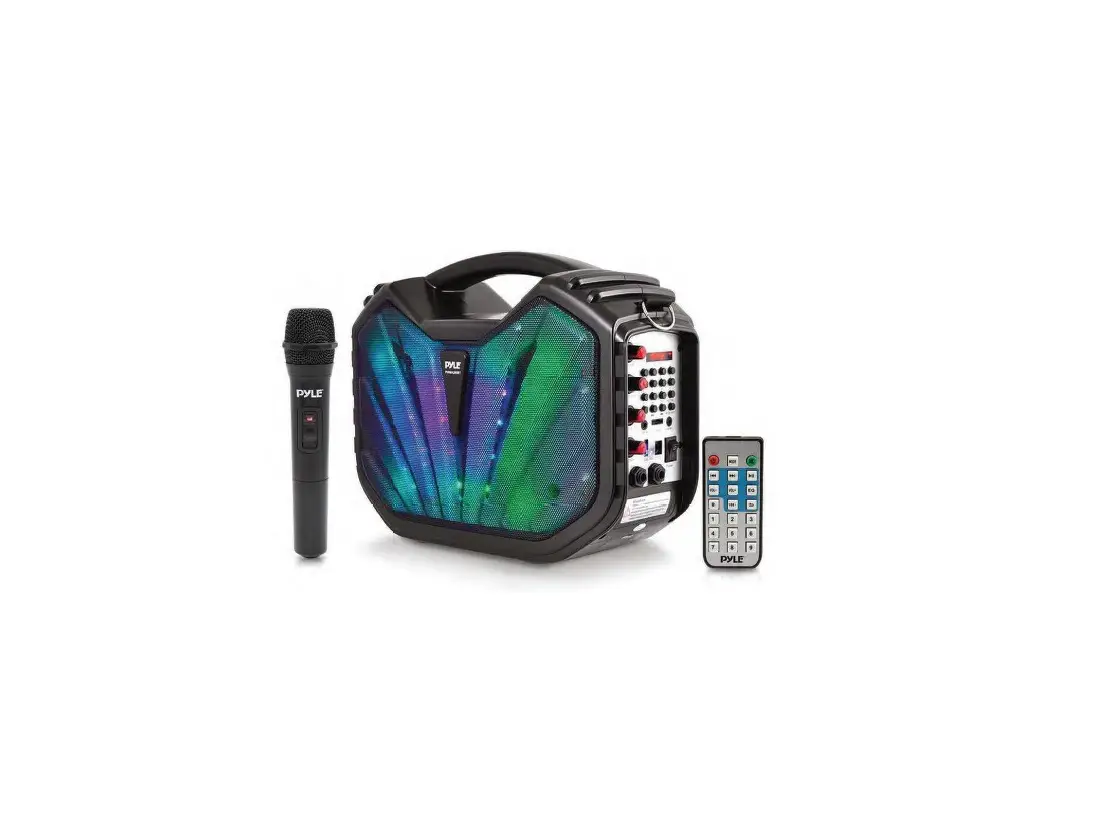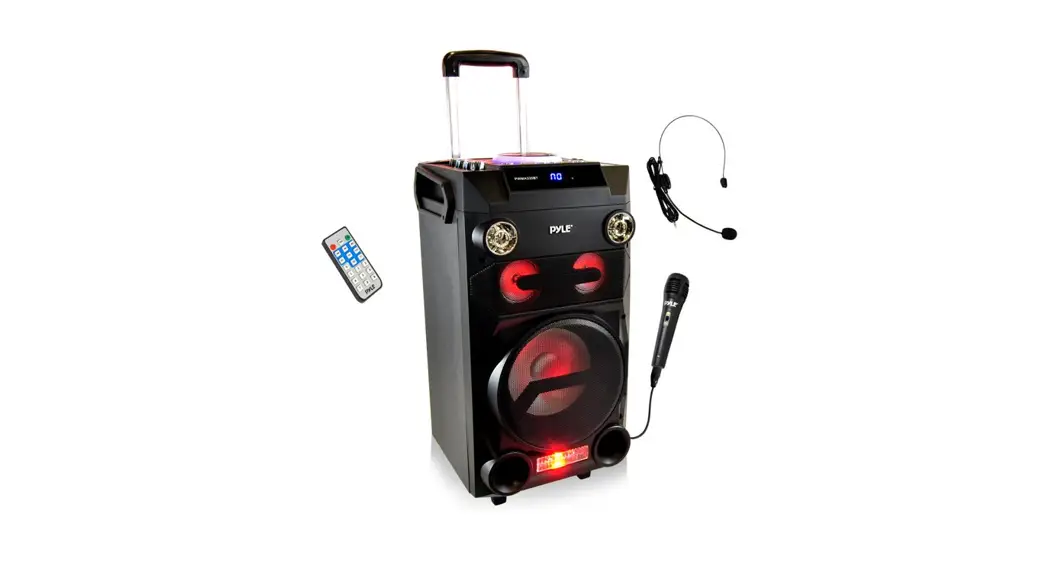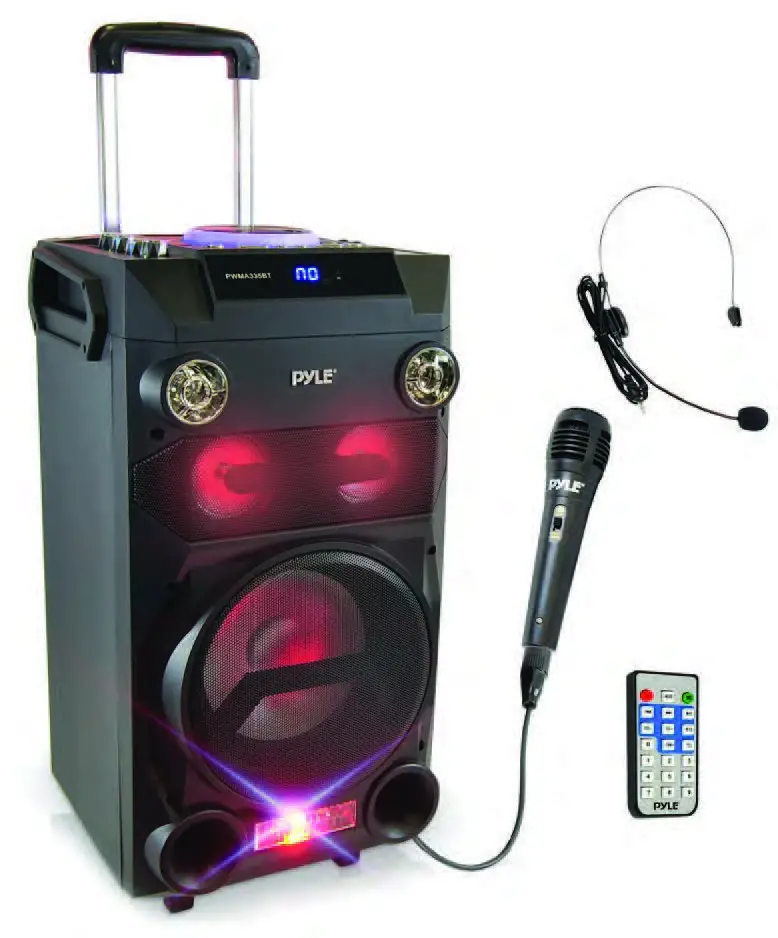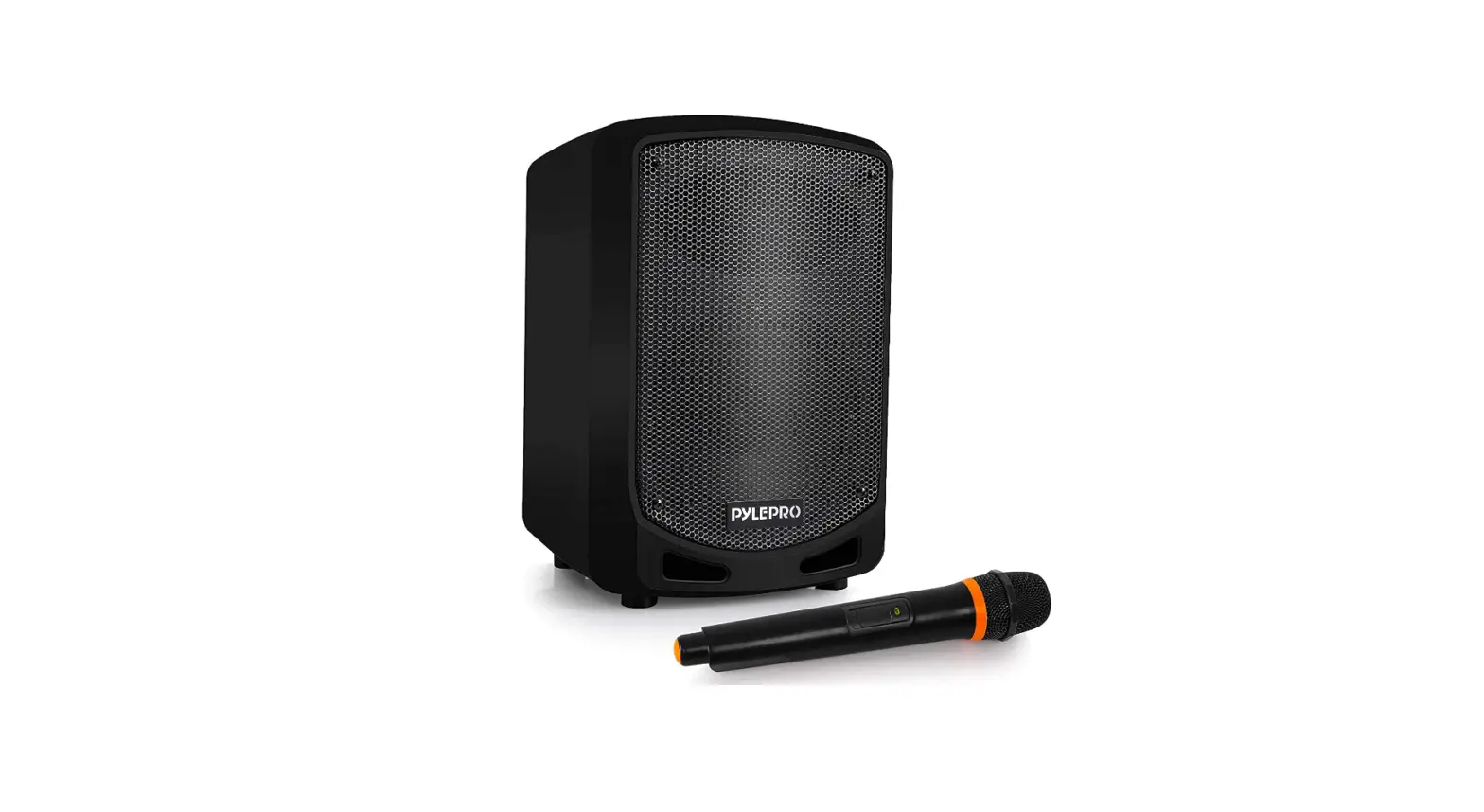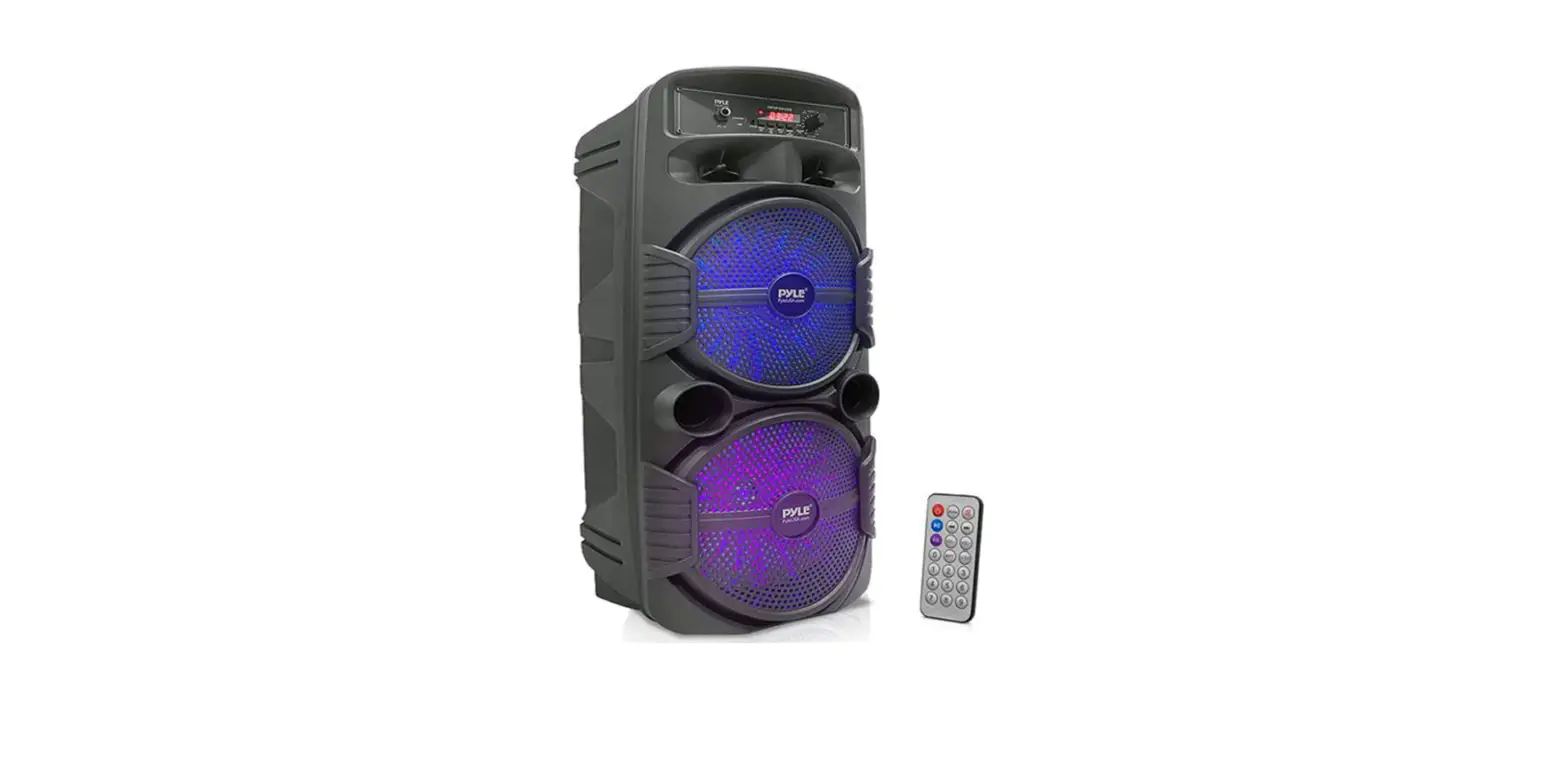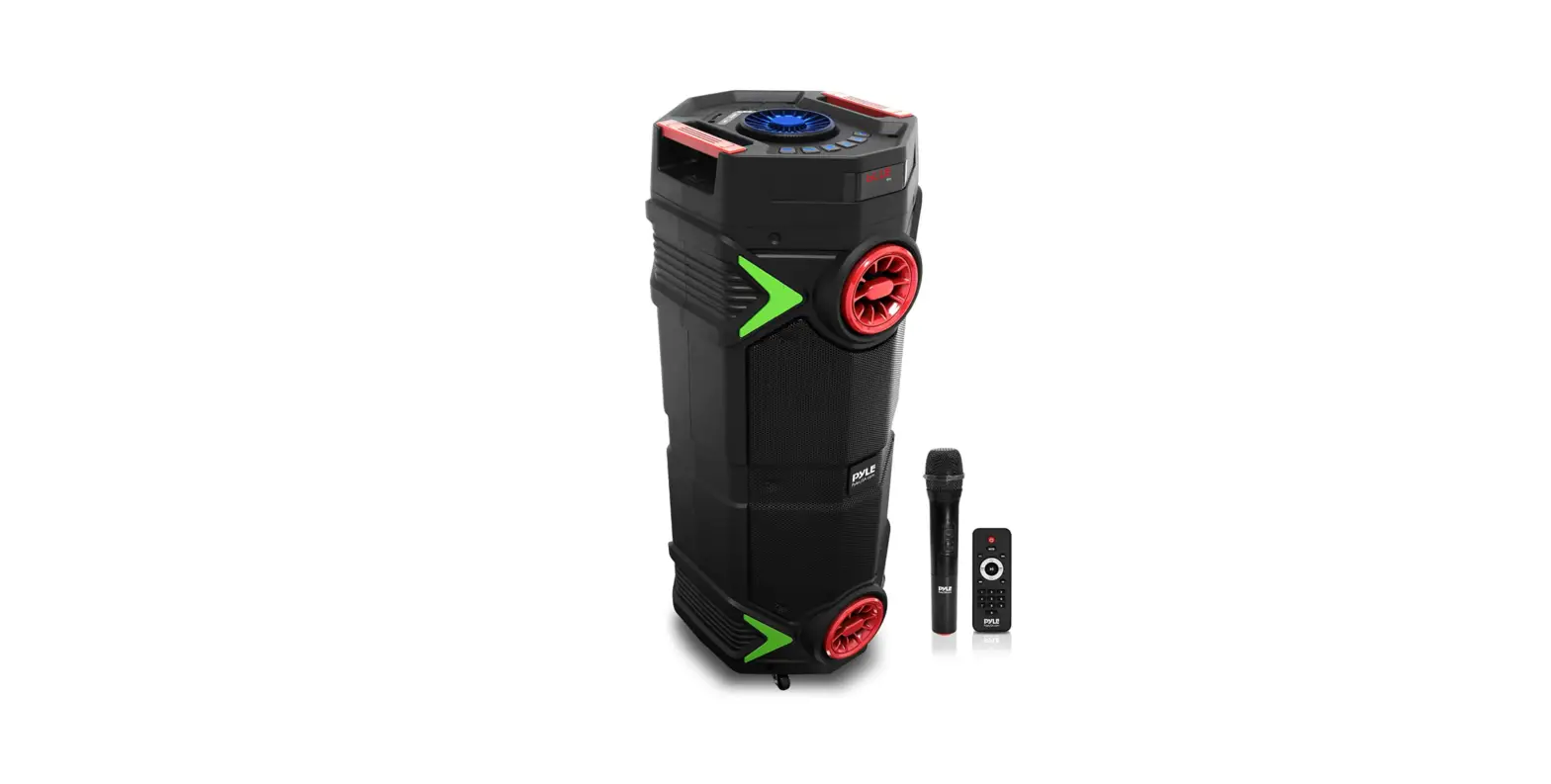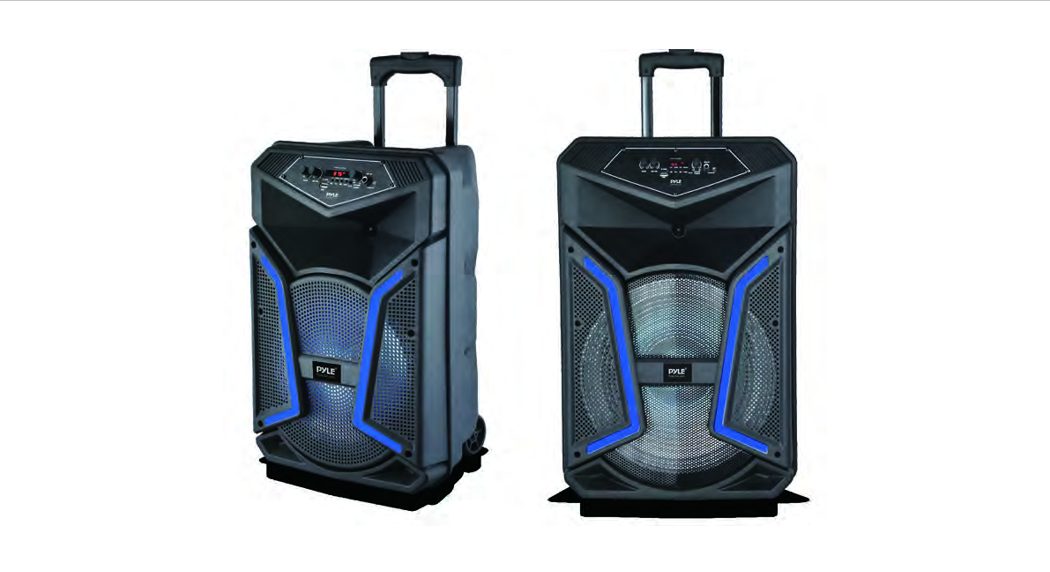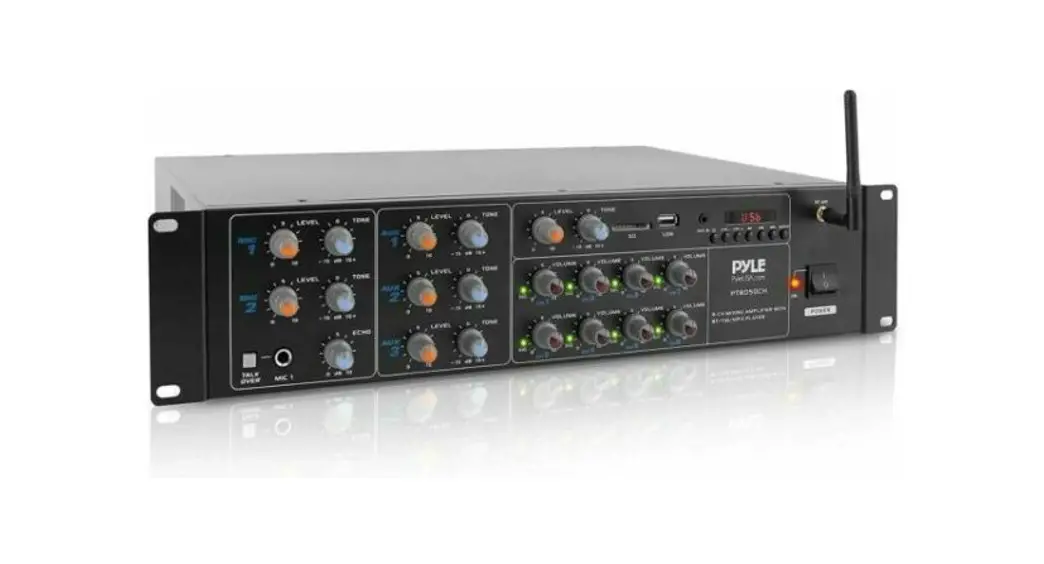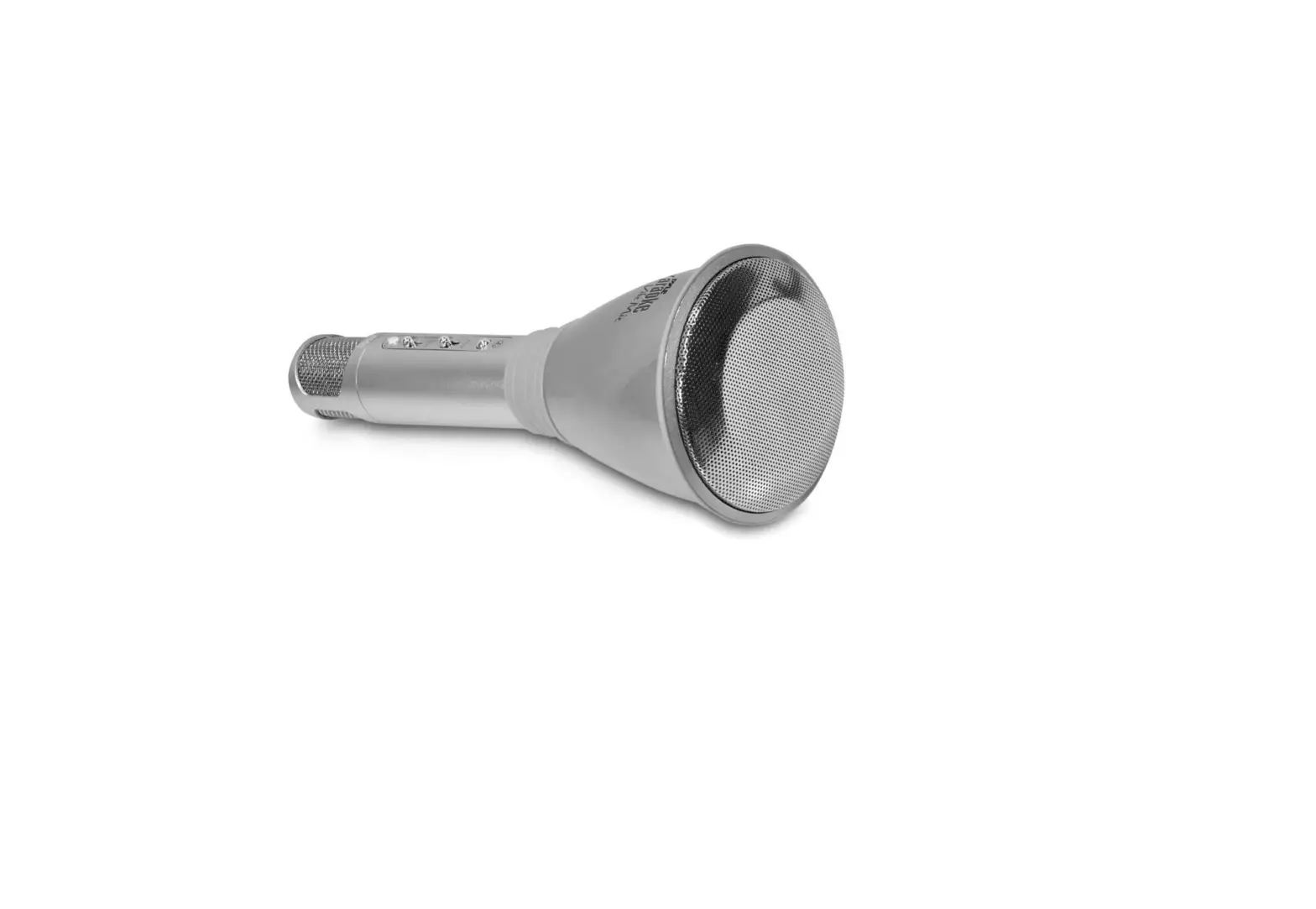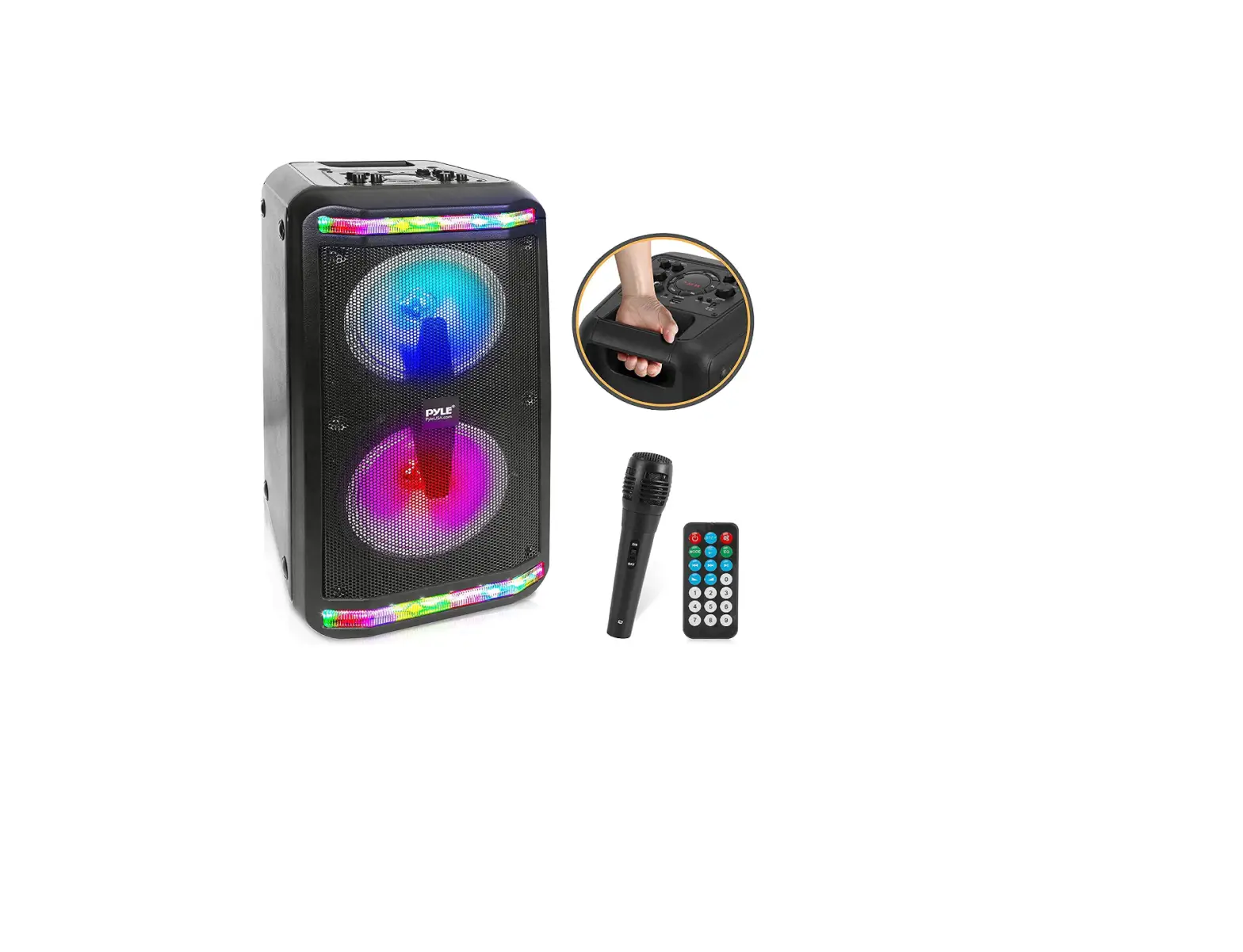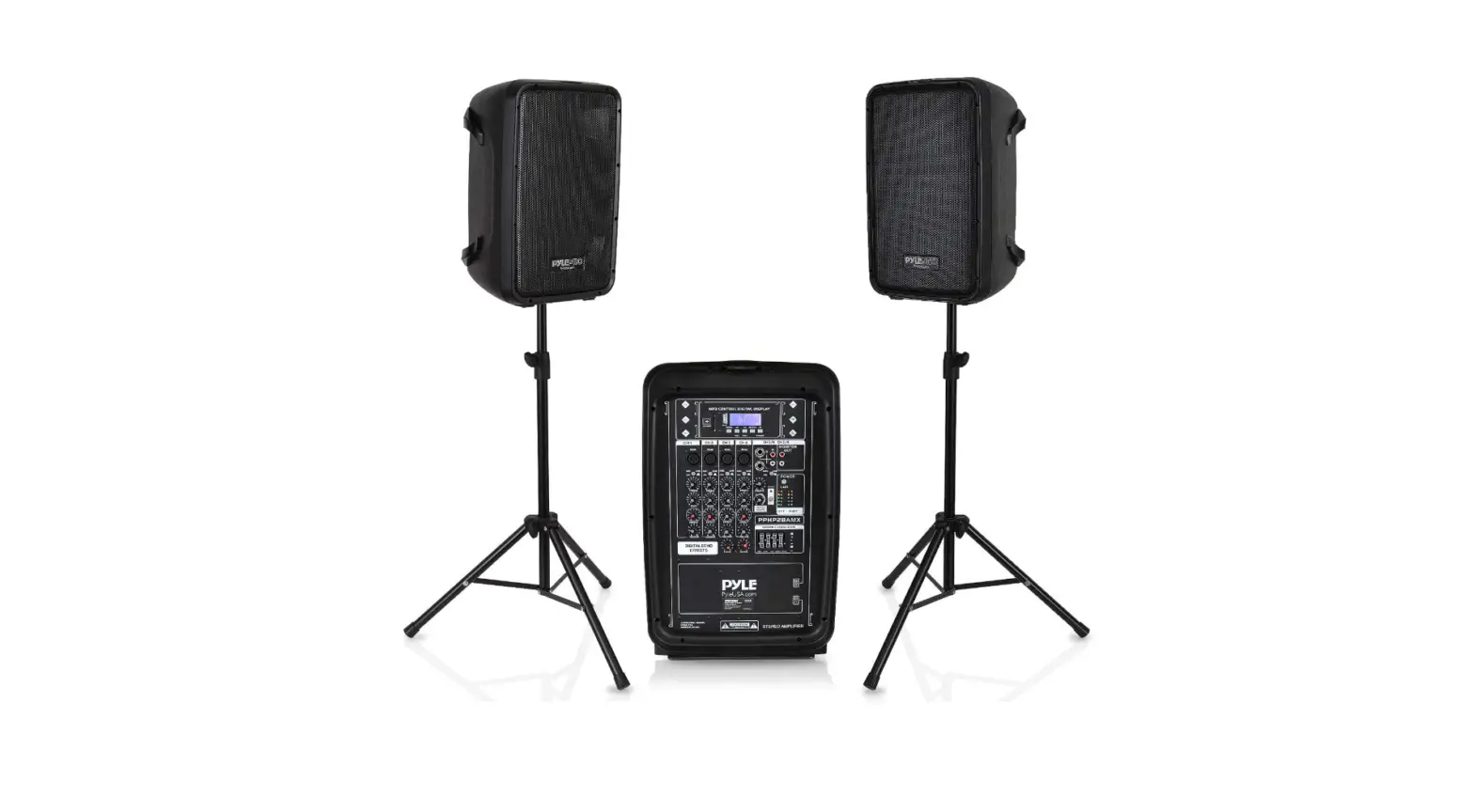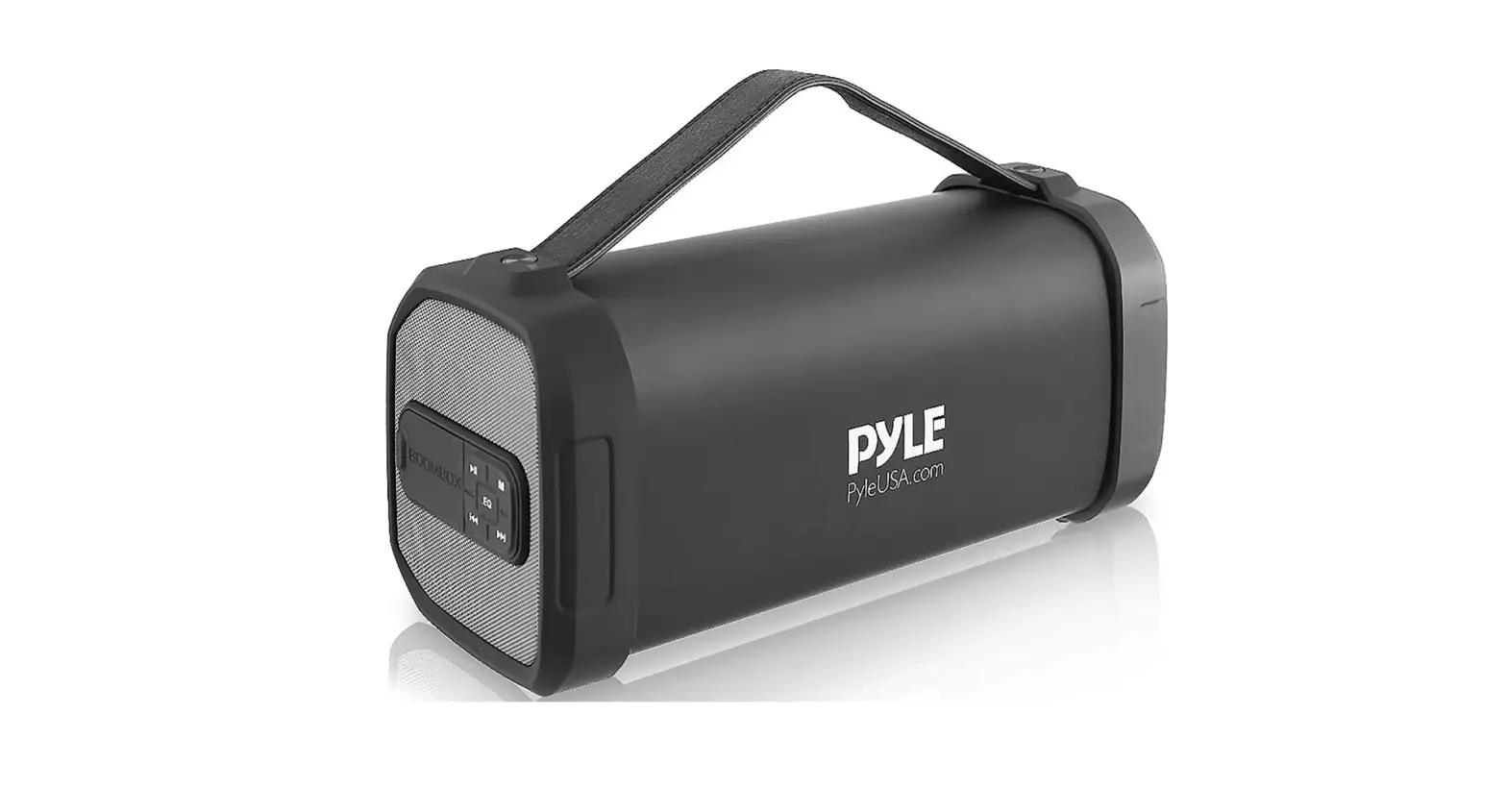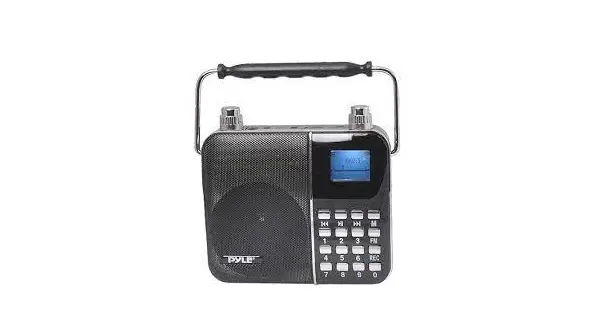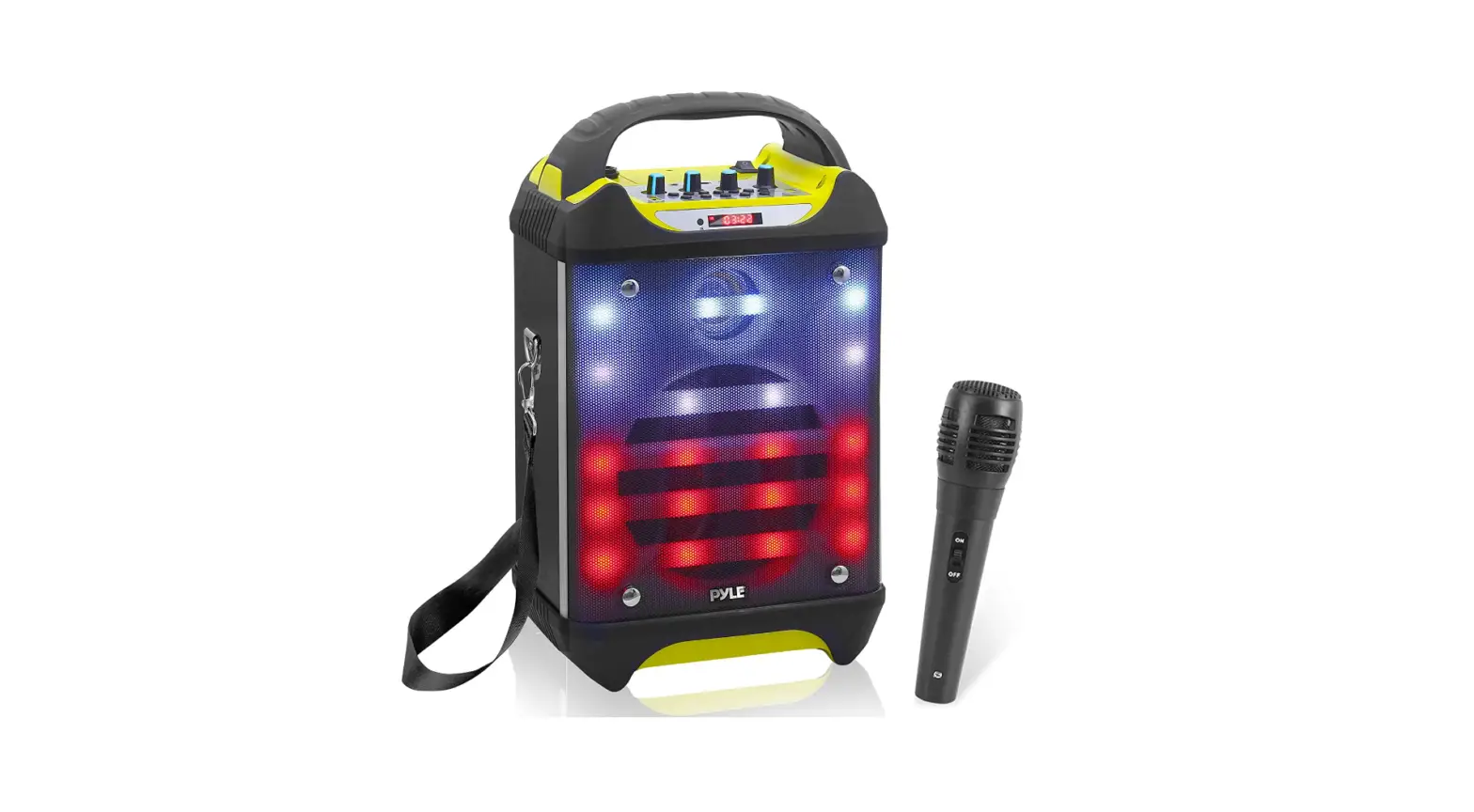

Pyle PWMA275BT Portable Bluetooth Karaoke Speaker
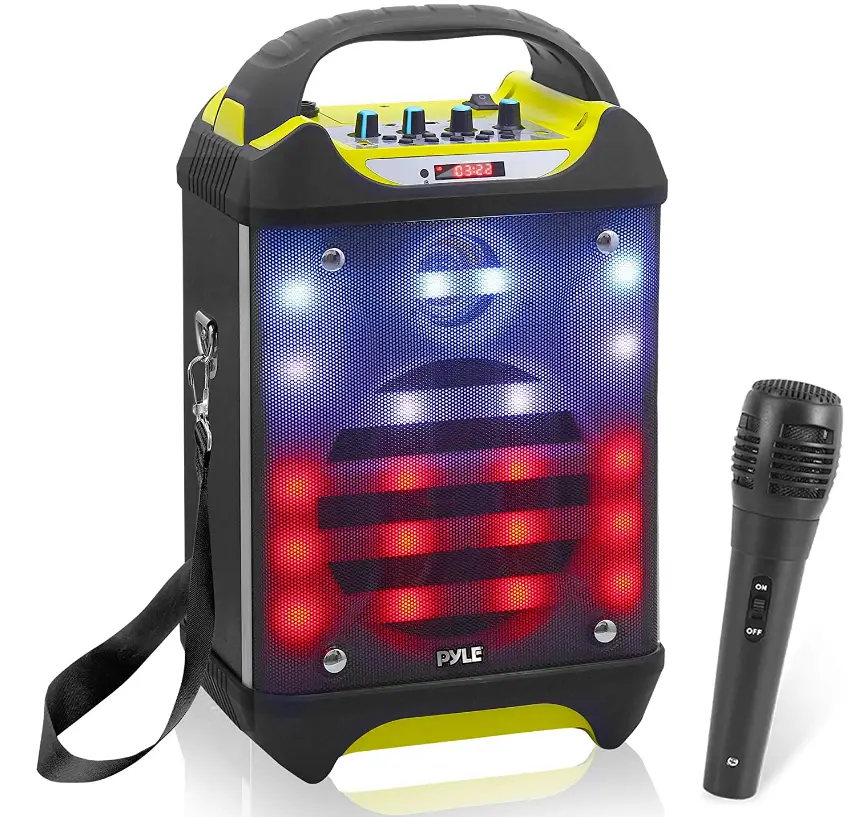
Specifications
- Product Dimensions 2 x 16.1 x 7.3 inches
- Item Weight 93 pounds
- Bluetooth Wireless Range 65’+ Ft.
- Bluetooth Version 0
- Microphone YES
- Speaker Stand Yes
- Maximum USB Flash Drive Support Up to 32GB
- Brand Pyle
Introduction
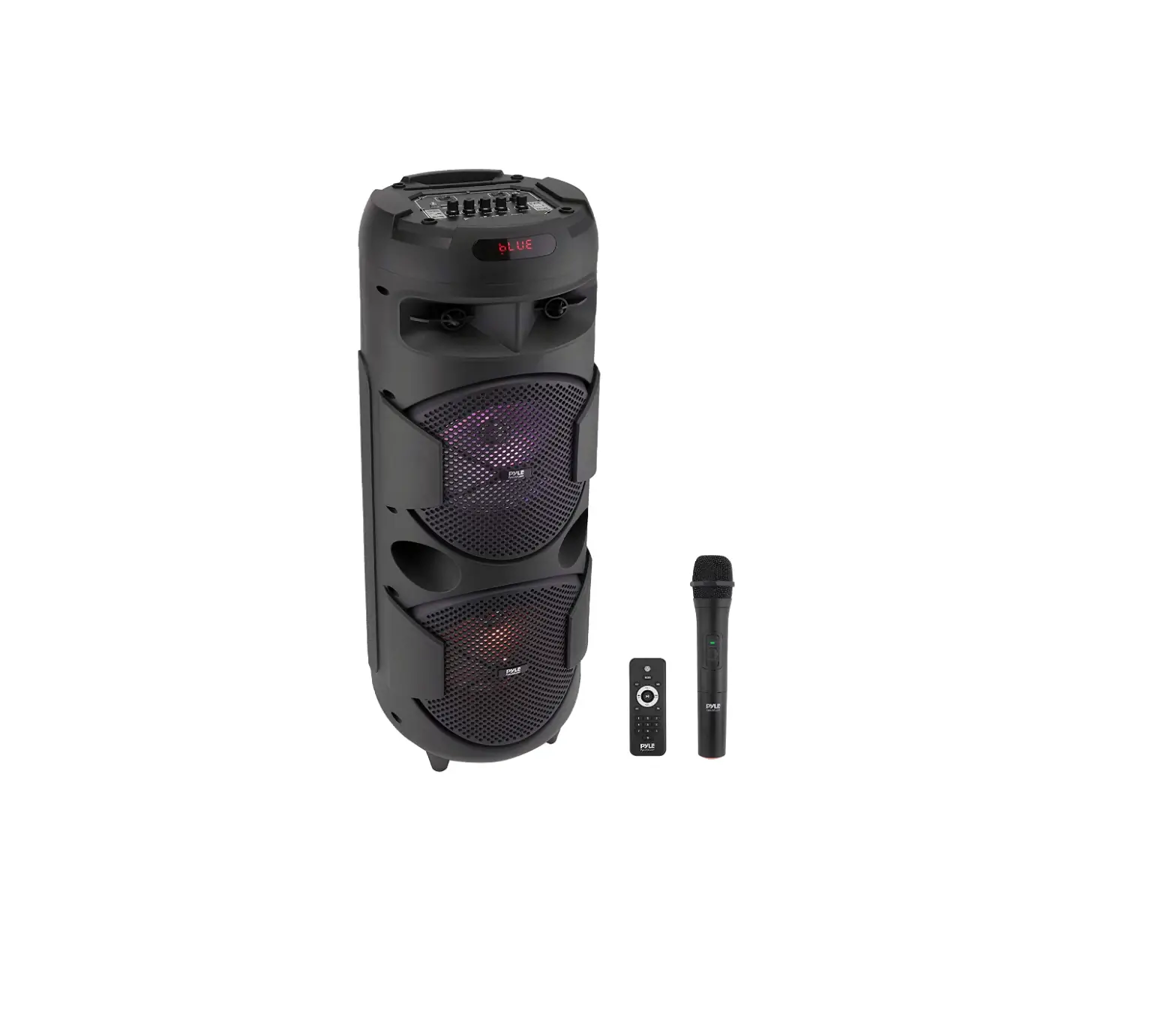
With the built-in Bluetooth and a wireless range of up to 65’+ Ft on this indoor/outdoor speaker system, you can play your favorite song or music from all of your favorites gadgets, like iPhone, Android, etc. Bluetooth 2.0 for computers. This amp speaker and mic combo can record sounds while it is played back through the speaker or with an additional microphone that is supplied, making it ideal for practicing music or singing. For DJ sound, it also features an echo, bass, and treble control.
Features
- Ultra-large magnetic circuit high-sensitivity speaker with high penetrating power, low-frequency shock and perfect medium-/high-frequency representation
- The latest decoding chips support stably playback of MP3 in up to 32GM U disk/TF card.
- FM radio reception – high-quality digital radio with automatic channel search and storage of up to 60 channels.
- 5mm AUX audio input for each connection to a wide range of sound sources.
- Built-in high-capacity battery for consecutive playback of up to 2 hours.
- Connect the microphone, adjustable reverberation, voice and Karaoke function to present outstanding performance.
- Battery with built-in recharging protection to present a long and stable service life.
- Built-in low battery and full recharging indication. Human-oriented use.
- With belt/handle design for best choice of mobile speaker.
- Outputs to earphone or external sound sources.
- Record your favorite FM radio station or other AUX sound source to enjoy the music wherever you like.
- Microphone input recording to act as your personal business assistant.
- With BLUETOOTH function.
Recording
Recording in AUX Mode
Connect a storage device (USB/TF card) and press Mode key to enter AUX mode. Short press Record key to start recording for a time depending on the storage capacity. During recording, the input signal should be in proper strength as you like.
Recording in FM Receiving Mode
Connect a storage device (USB/TF card) and press Mode key to enter FM mode. Select your favorite radio station and short press record key to start recording for a time depending on the storage capacity. During recording, keep the device in a proper location where the radio signal will be received best to ensure optimized recording performance.
Recording via External Microphone
Connect a storage device (USB/TF card) and short press RECORD key to start recording for a time depending on the storage capacity. During recording, tune the “-ECHO+” knob to the minimum. It is noticeable that the microphone should be located a proper distance away from the speaker to prevent any howl-round or noise.
Notes This product starts recording from the time as displayed on the LED screen.
Functional Operations and Features
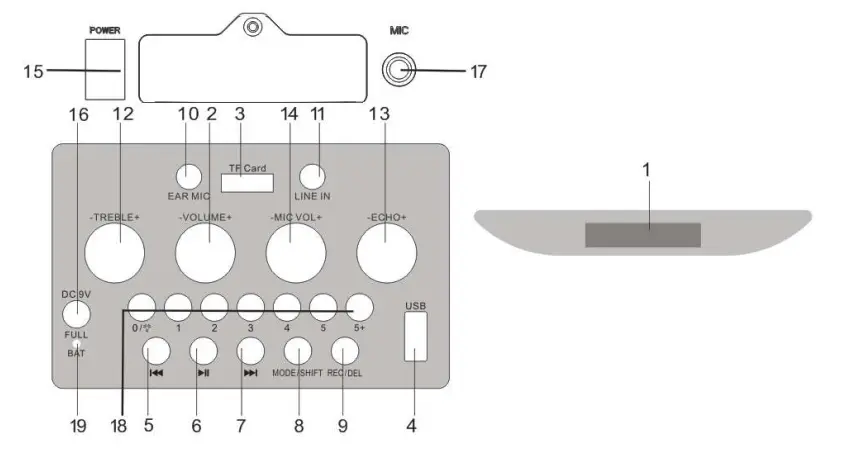
- LED Screen
- Master Volume
In MP3/FM/AUX mode, use it to regulate volume output from the speaker. - TF Port: Read audio files in MP3 format in TF card in capacity up to 32G (FAT32).
- USB Port: Read audio files in MP3 format in USB storage device in capacity up to 32G (FAT32).
- In FM receiving status, short press it to select the previous channel after a full station search has been executed.
- In USB/TF card reading status, short press it to play/pause, or long press it to select one of two playback sequencing modes (All – play all tracks in sequence; ONE – repeat one track). In FM receiving status, long press it to execute a full search (it is recommended to execute at least one full search before using radio receiving function. All founded stations will be saved even in power-off). In AUX input / FM radio status, short press it to toggle between mute and normal volume.
- In USB/TF card reading status, short press it to go to the previous track. In FM receiving status, short press it to select the next channel after a full station search has been executed.
- Mode/SHIFT: short press it to toggle between USB/TF and FM receiving modes. long press it to toggle between recording folder and MP3 folder.
- Recording/DEL: Short press it to enable recording (USB/TF storage device need be connected first). During recording, reverberation should be tuned to the minimum. Long press it to delete a recording file. Recording in AUX or FM mode is available.
- EAR MIC: headphone/MIC Port
- LINE IN: External sound source input port (plug-and-play).
- TREBLE: The control knob of treble
- Reverberation: Microphone reverberation regulating knob.
- Microphone volume: Microphone volume regulating knob.
- Power switch
- DC 9V recharging: DC 9V recharging port.
- Microphone input: Microphone input jack
- Track selection via numeric key. : Short Press “0” keys, choose the numeric key “0”; In MP3 mode, Long press it to toggle between 6 kinds of flash modes/ the flash light switch. In FM/MIC IN mode, Long press, it to control the flash light switch.
- Recharging indicator light: When recharger is connected, the red light turns on. When the device is fully recharged, the blue light turns on.
The Bluetooth pairing operation and related parameters
- ON/OFF: switch the power to ON, press the key “MODE” to enter the mode of Bluetooth, the display screen will show “BLUE”
- Switch on the Bluetooth function of Mobile phone and searching , while the Mobile phone shows “Pyle Audio”, click the connect directly. Password (if needed) is “0000”. After successful pairing, the speaker will send out a voice of prompt.
- Play the music of your mobile phones directly and will give out beautiful voice from speaker.
Frequently Asked Questions
There is no external antenna. The radio sound is decent and comparable to a medium sized transistor radio.
It has Bluetooth, so you can stream the lyrics on your smart phone. Not sure but I think if you have a smart tv you could do the same thing. It was a gift that was for my granddaughter. Now she just has to get it away from her mom. It was a hit.
You can plug another mic into the mic input.
I do not have this item. I returned it because it was not loud enough for the school gym.
Hi, yes you can connect this speaker via Bluetooth or using 3.5 mm cable.
Only treble – no bass – really strange for such a speaker
It has a travel charger that states ‘input 100-240volts AC” Thus I believe its like Cell phones chargers thats good for 100240 volts AC and you would need adapter with pins to use the different pins outlets for each case.
No, It does not have enough range for that and it went out about 1.5 months after I bought it.
Yes the lights can be turned off It’s a great machine We use it with our grandkids
YES
Yes
Very good speakers
There is an input quarter Jack for your microphone but I found it works best with a Bluetooth microphone and I love this little unit I use it for my Singing Telegram’s it is awesome.
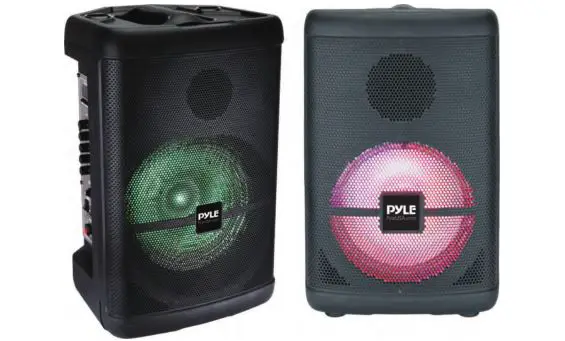
Yes; there is a mode button for the blinking lights. Push this button in for the various patterns. The last push of this button cuts the lights off.
Yes, it does. The PA system comes with a charging cord that fits standard wall outlets. It has a light that indicates when the system is fully charged.