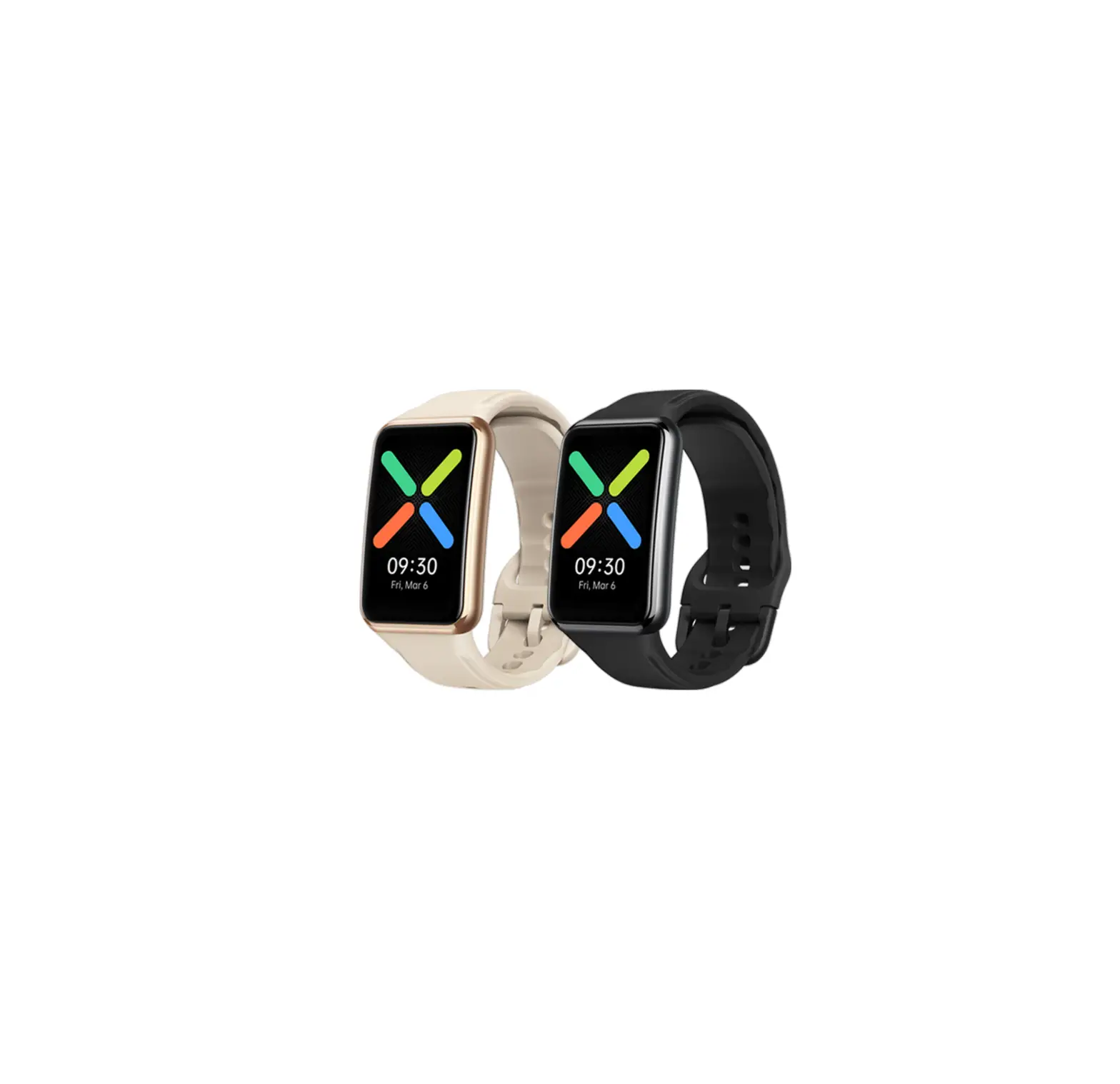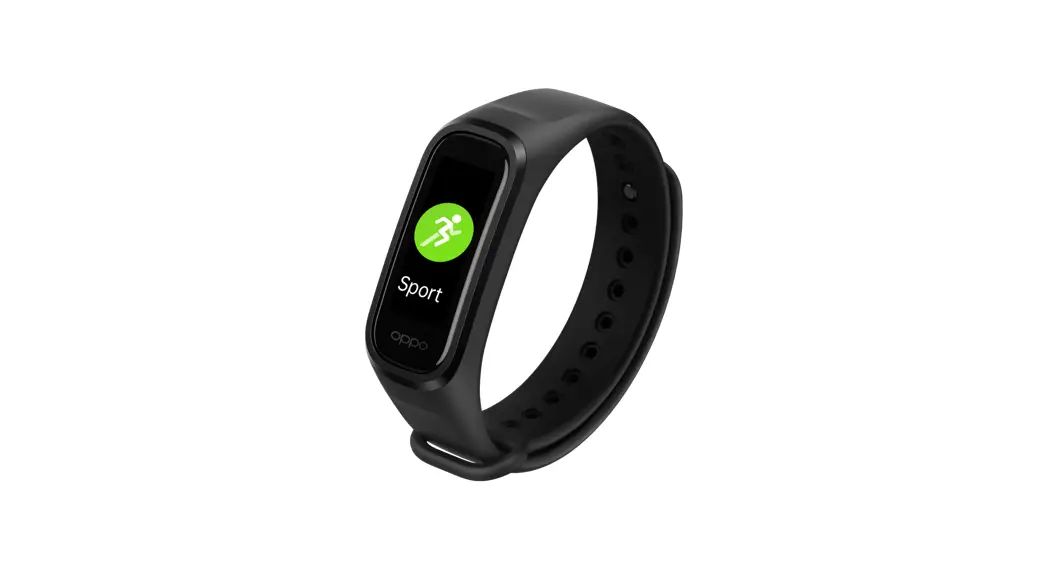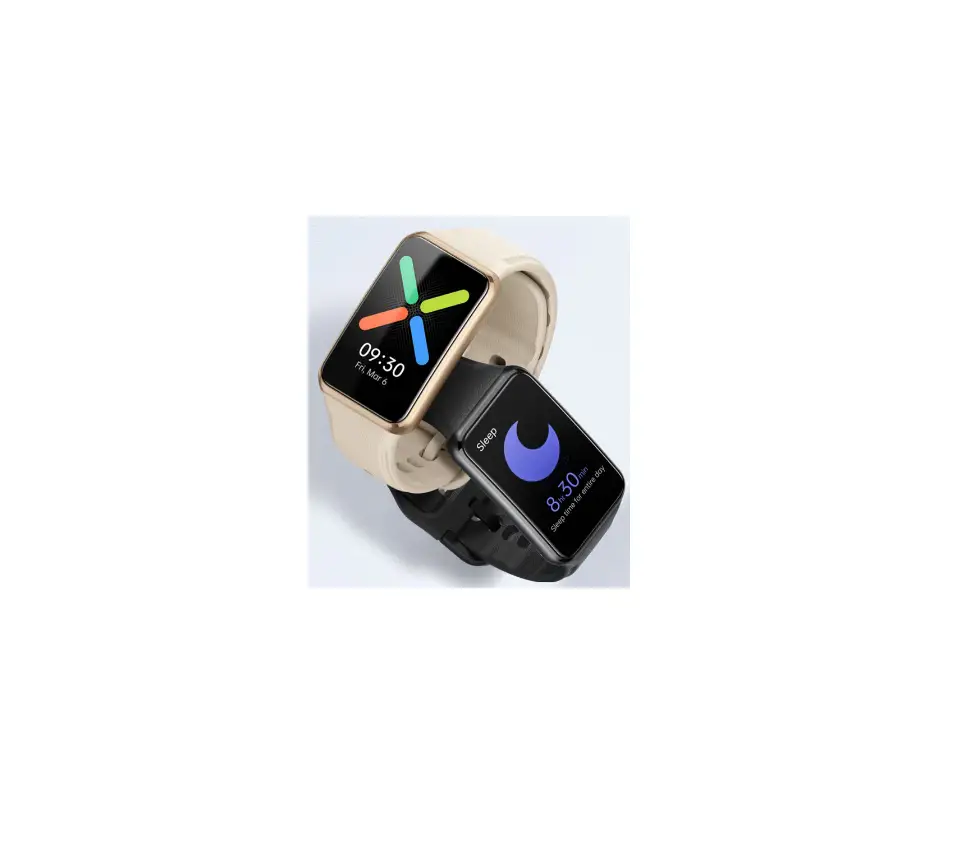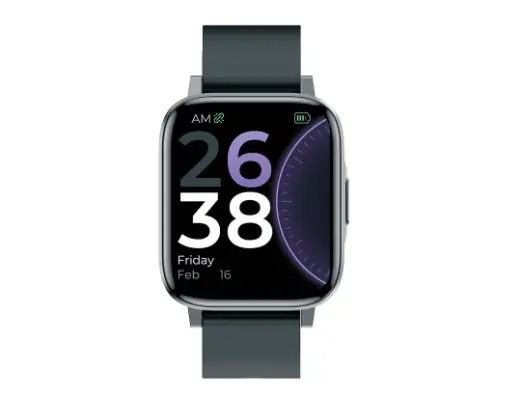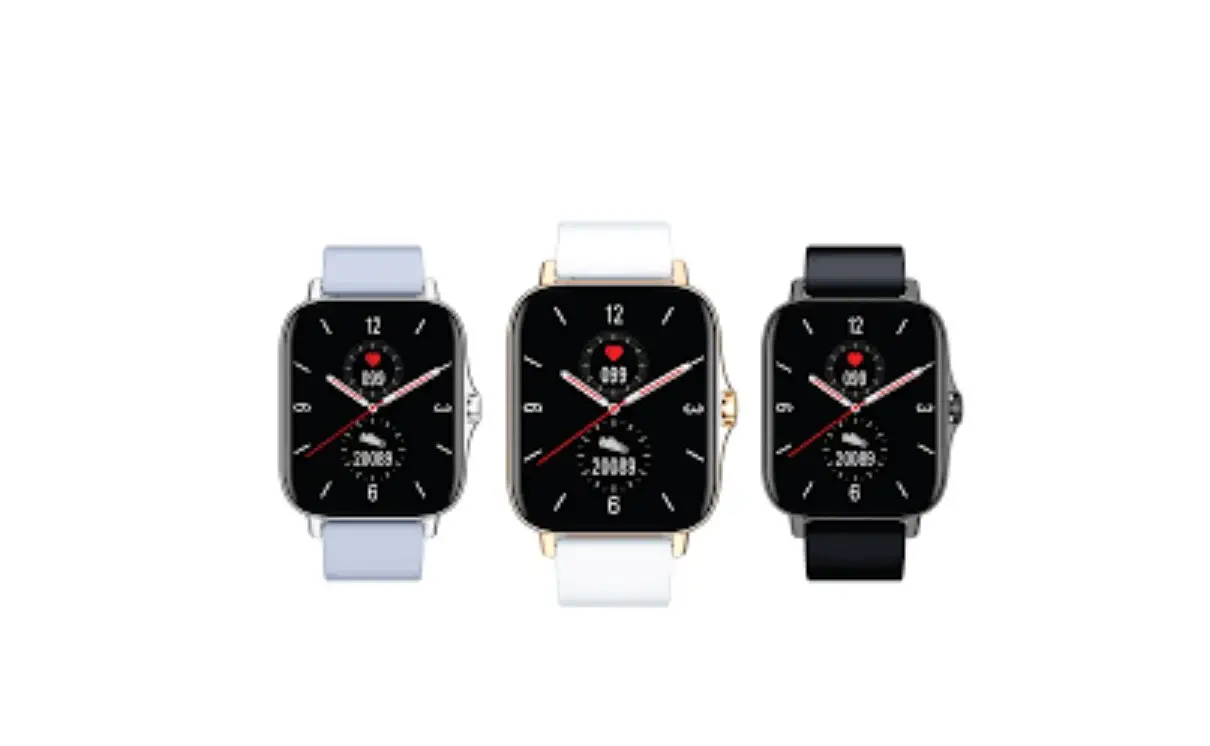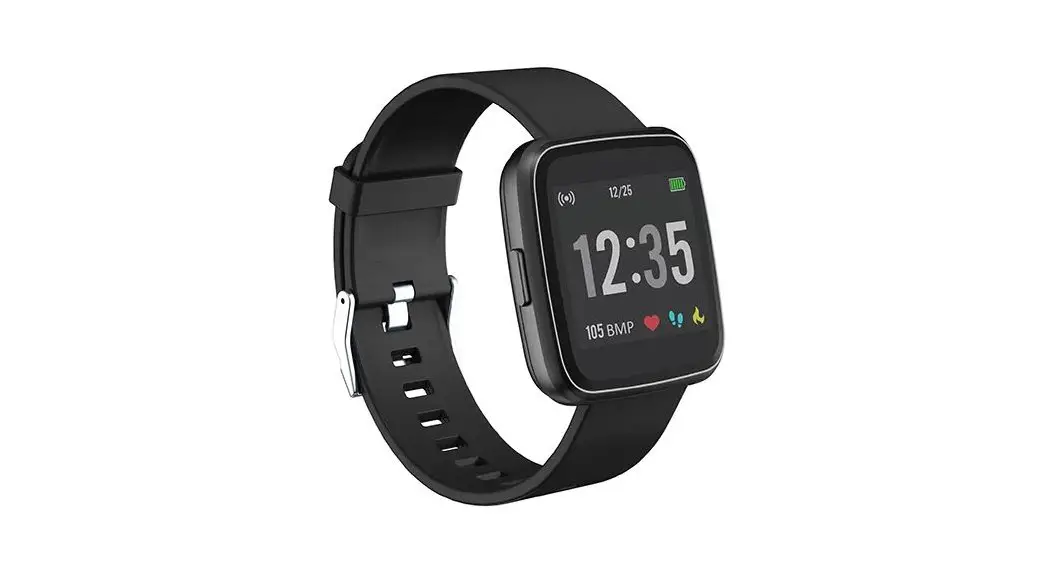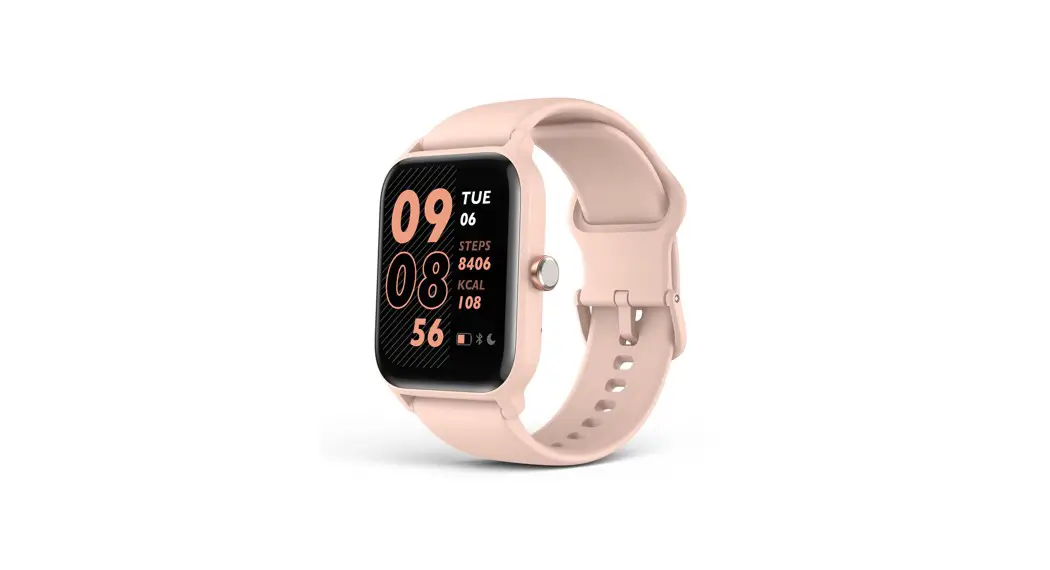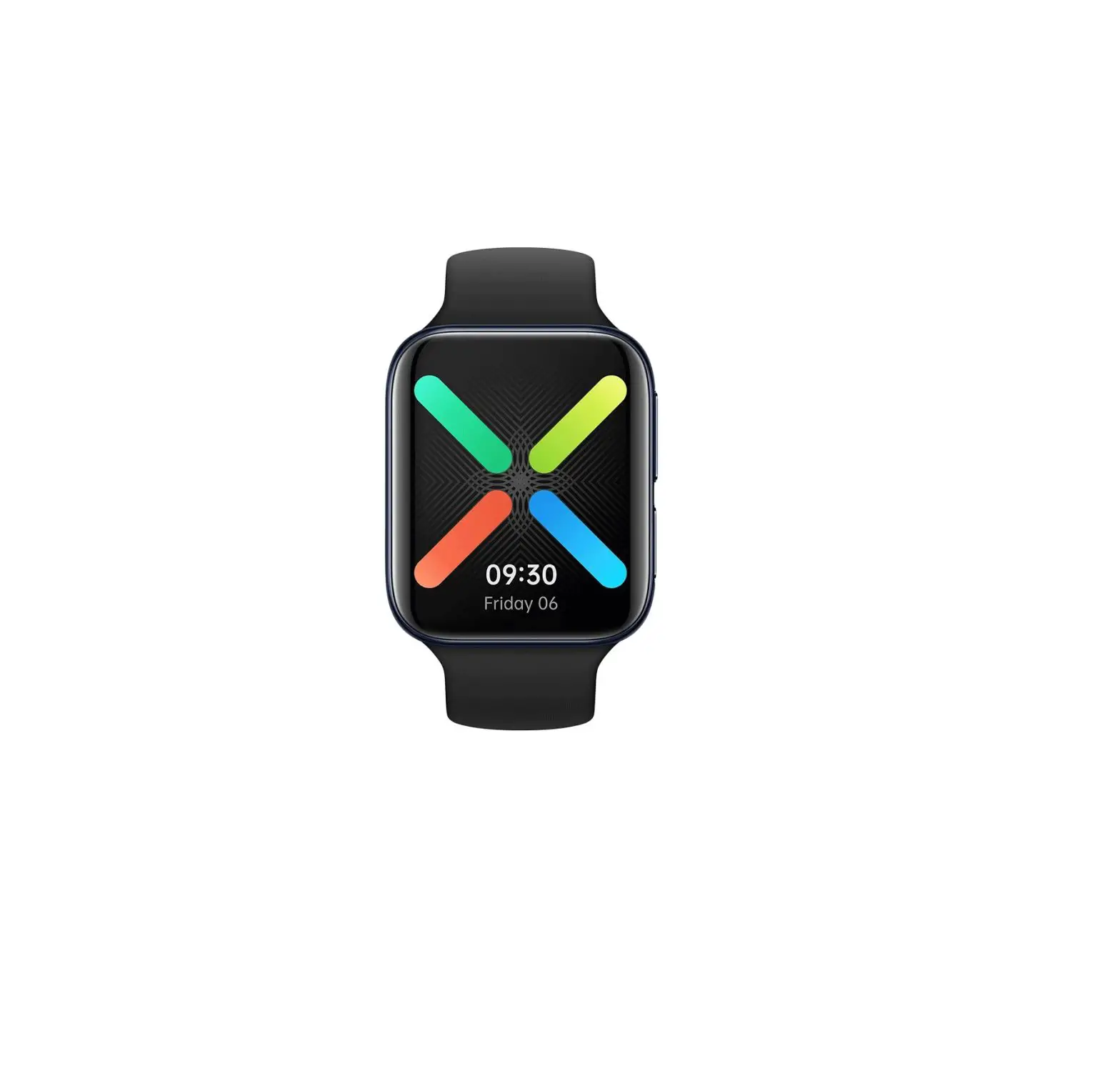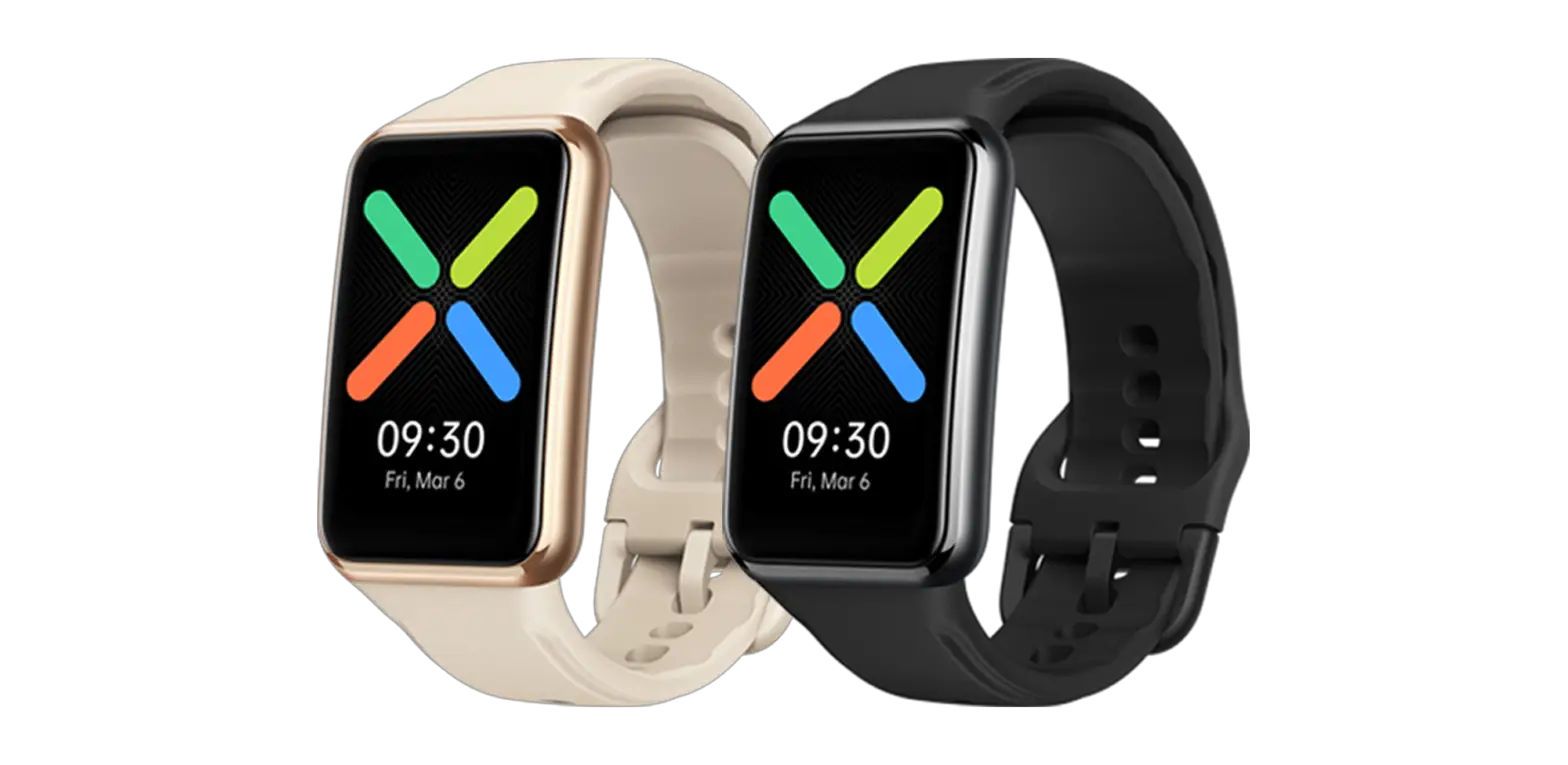
oppo OWWE201 Smart Watch User Guide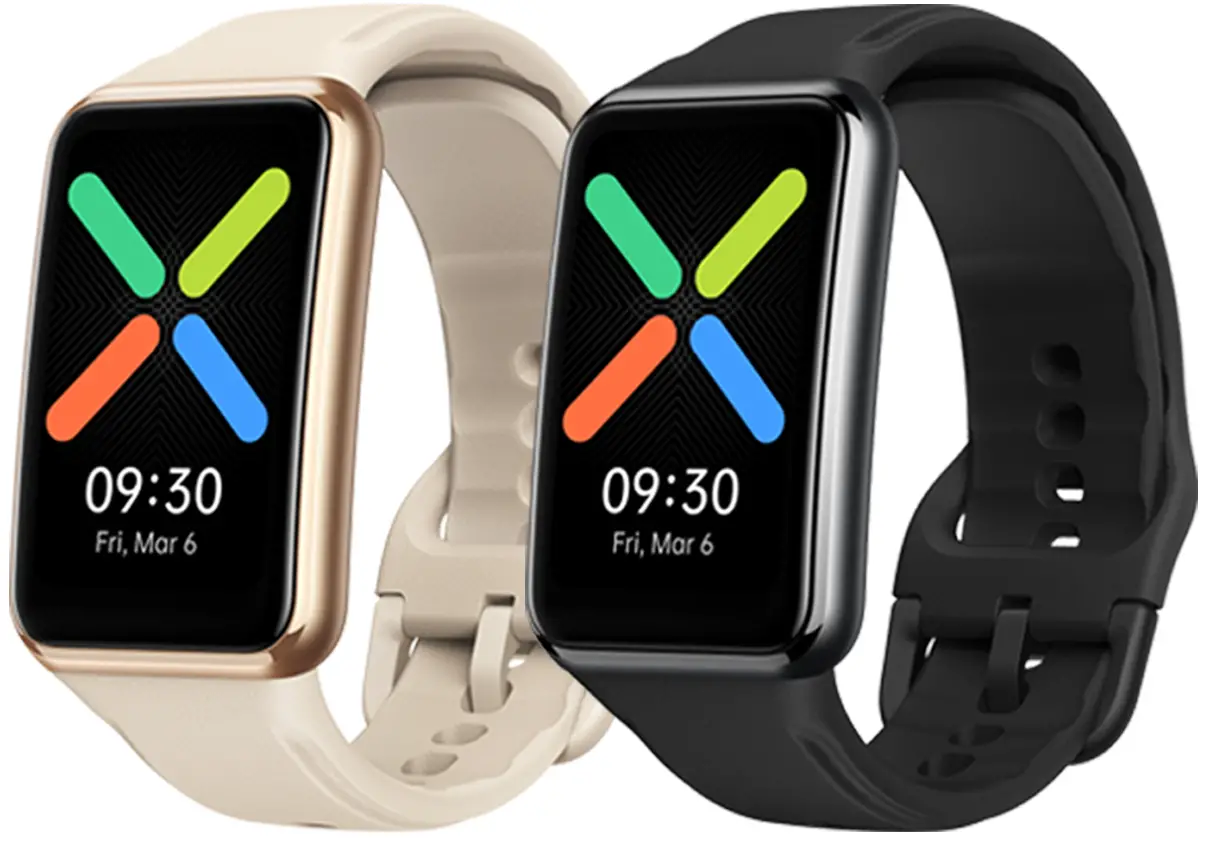
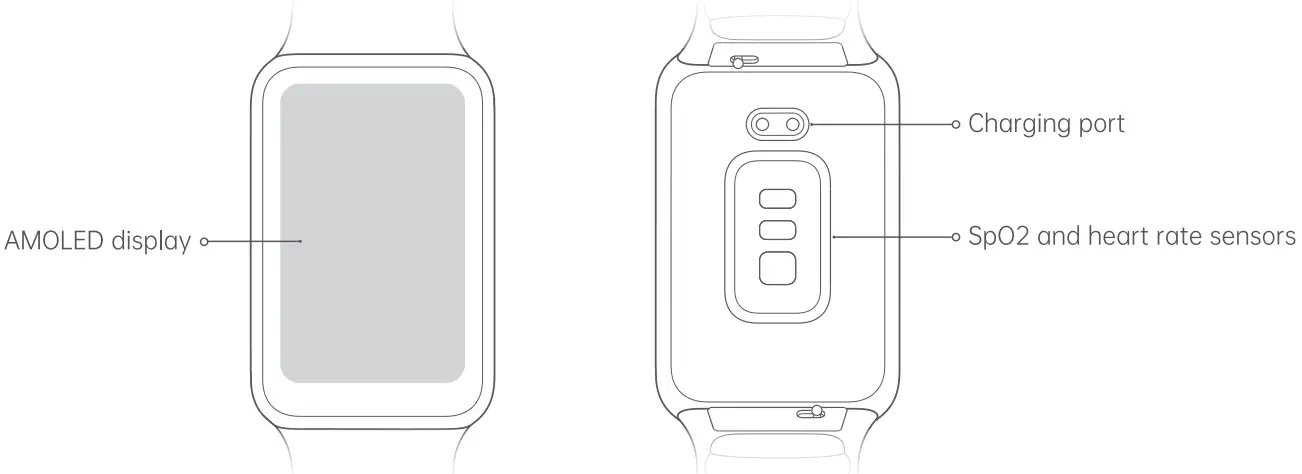
Overview and Package Contents
Charging Base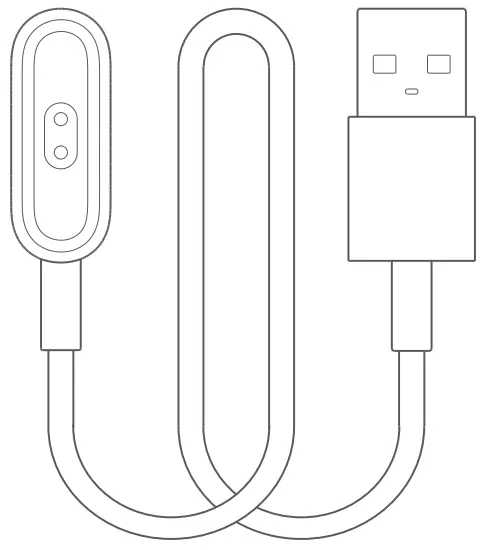
Power on OPPO Watch Free
OPPO Watch Free powers on automatically when you charge it.
Charge OPPO Watch Free
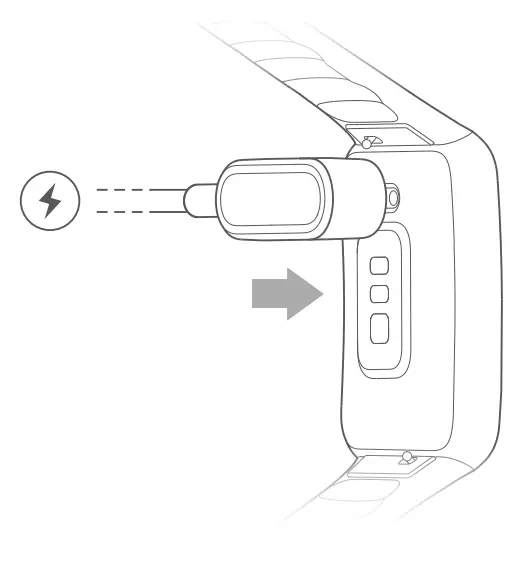
Align the charging port of your watch with the metal pins on the charging base and click your watch into place. The charging icon will then appear on the watch screen when the charging base is connected to a power source.
- Make sure the charging port is clean and dry before charging your watch to prevent risks such as corrosion of the metal pins.
- Charge your watch before its battery is completely drained.
- If you leave your watch unused for a few months, charge it at least every 4 months to avoid over-discharge, which con ruin the watch battery.

Pair with phone
Download HeyTap Health
Use your phone to scan the QR code or go to your phone’s app store to download and install HeyTap Health.
HeyTap Health
Pair OPPO Watch Free
- Charge your watch to power it on and follow the onscreen instructions to go to the pairing screen.
- Open HeyTap Health on your phone, go to the Manage tab, and tap Add. Then, follow the onscreen instructions to complete the pairing.
- Do not connect your watch and phone directly via Bluetooth without using the HeyTap Health app.
- To pair with OPPO Watch Free, your phone needs to run Android 6.0 or later, or iOS 10.0 or later.
- Charge your watch to at least 20% to ensure you have enough battery to complete pairing.
- Throughout the pairing process, keep your phones Bluetamh on and your watch within Bluetooth range.
Operations
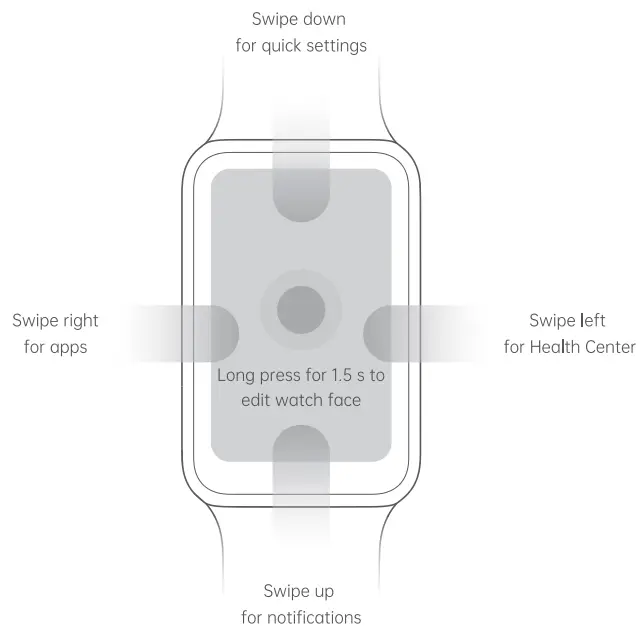
Wear OPPO Watch Free
Wear your watch a finger’s width above your wrist bone. Adjust the strap so that the watch feels snug, but not too tight. Note: Wearing your watch too loose will affect the accuracy of heart rate and Sp02 readings.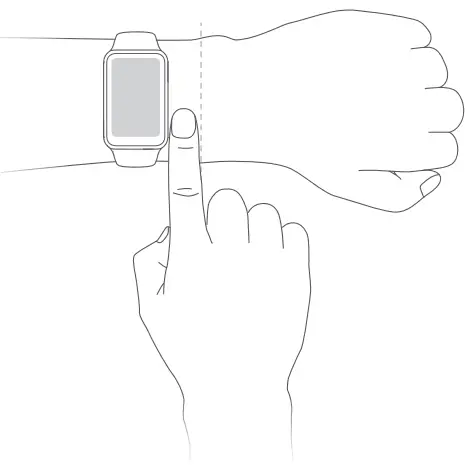
Change the watch strap
Remove strap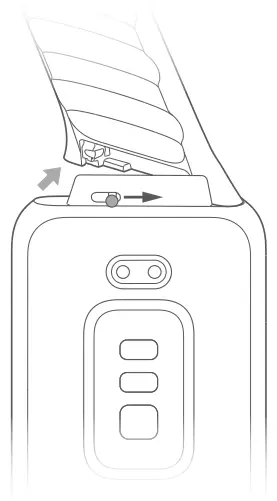
Attach strap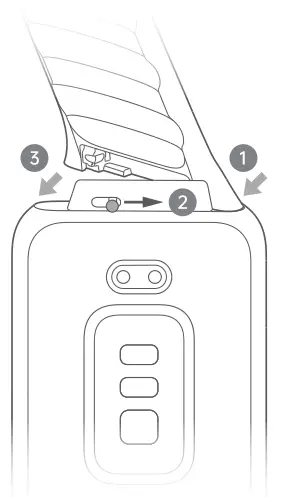
Parameters
| Model | OWWE201 |
| Dimensions | 46.0 x 29.7 x 10.6 mm (11.4 mm including sensors) |
| Display | 1.64-inch AMOLED display |
| Battery type | Rechargeable lithium-ion battery |
| Battery capacity | 235 mAh (Typical), 230 mAh (Rated) |
| Power input | 5 V — 500 mA (Min) |
| Water resistance rating | 5ATM |
| Paired devices | Phones running Android 6.0 or later, or iOS 10.0 or later |
| Bluetooth | BLE 5.0 |
- This product is not a medical device.
- This User Guide is for reference only. The specific functions and appearance of the device may be slightly different.