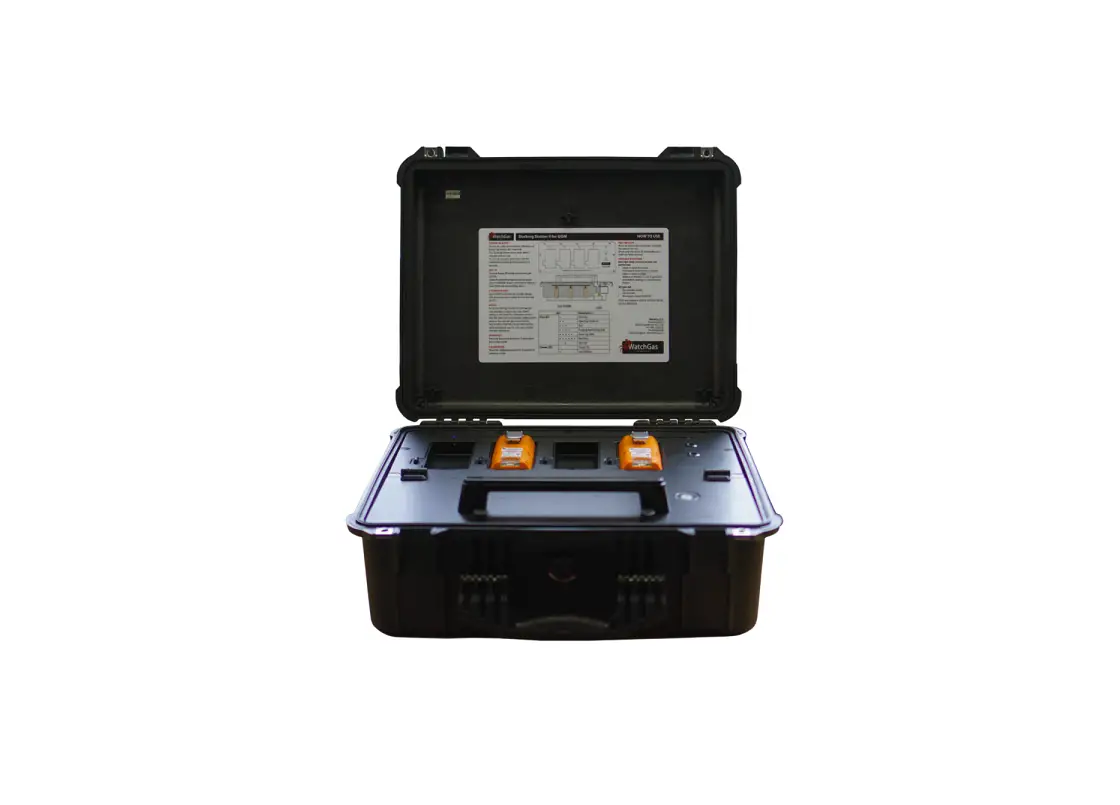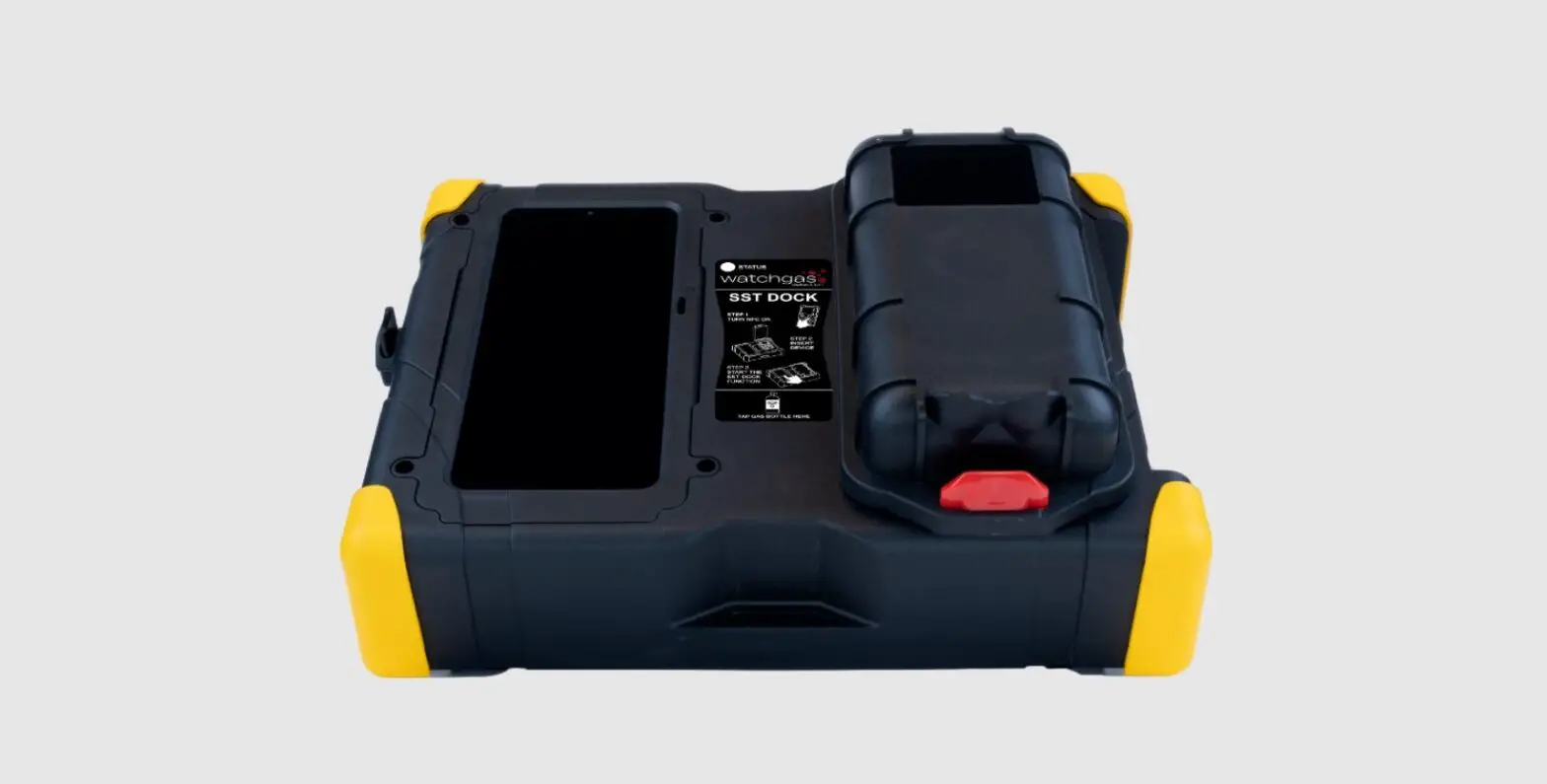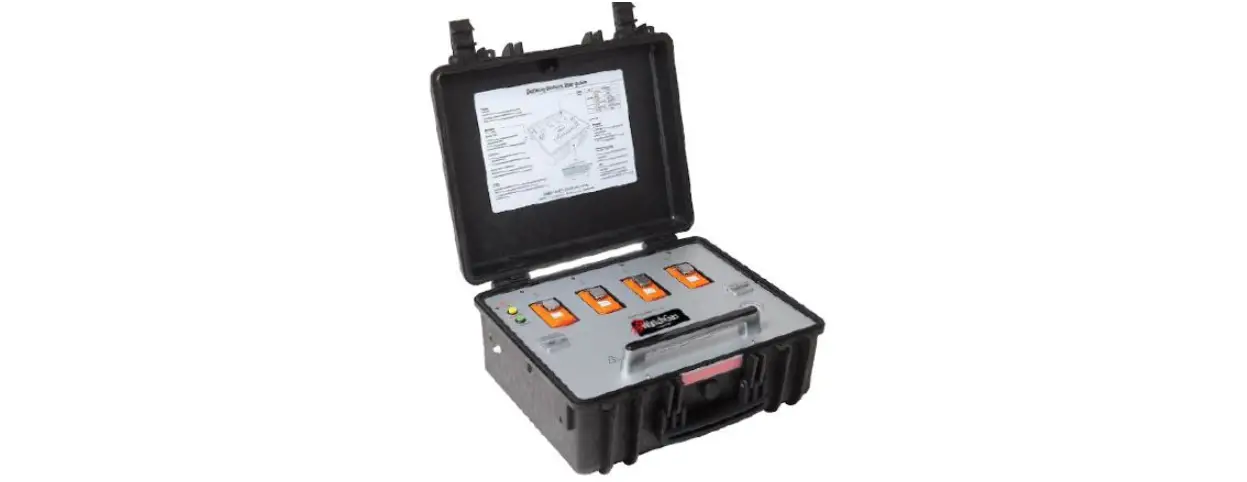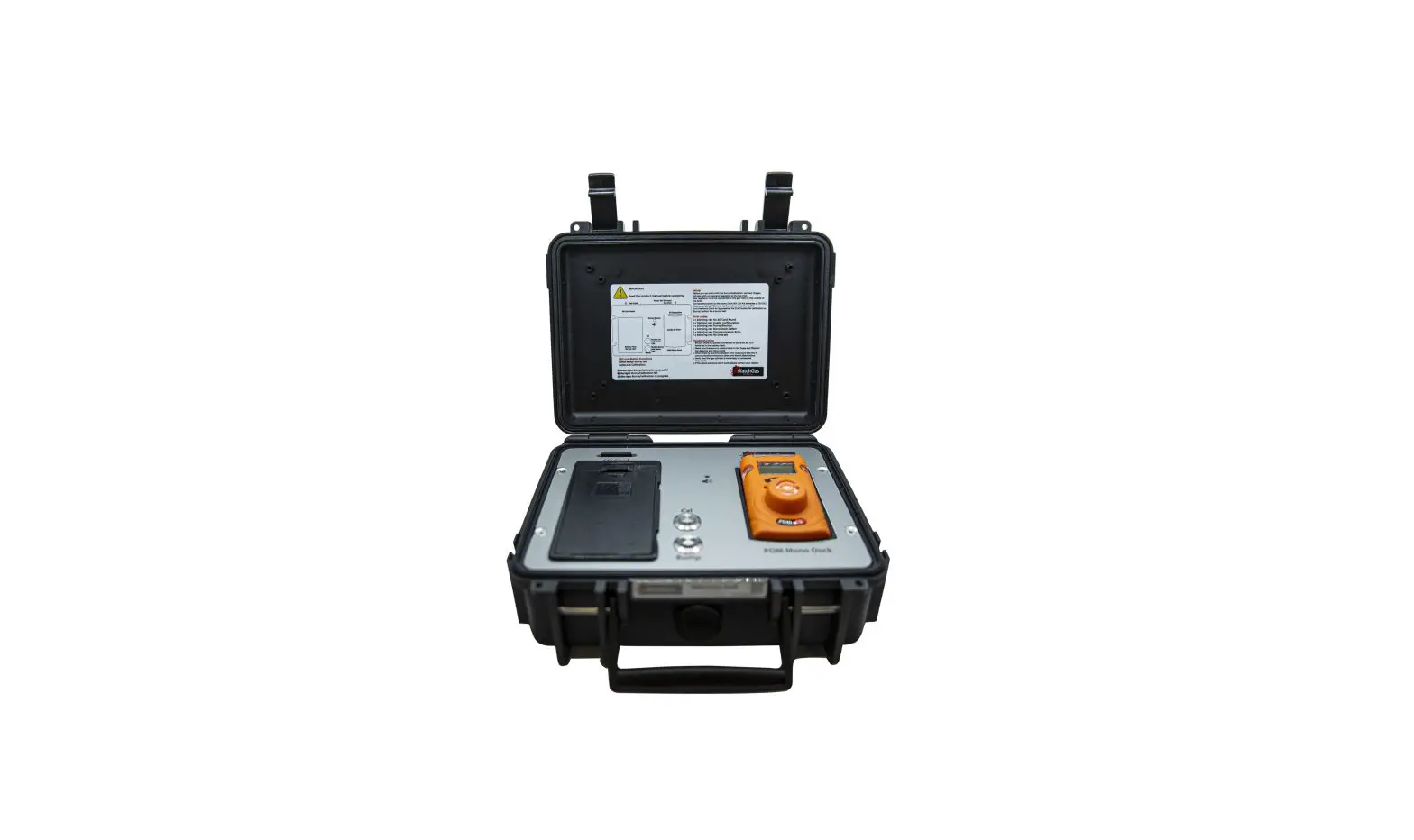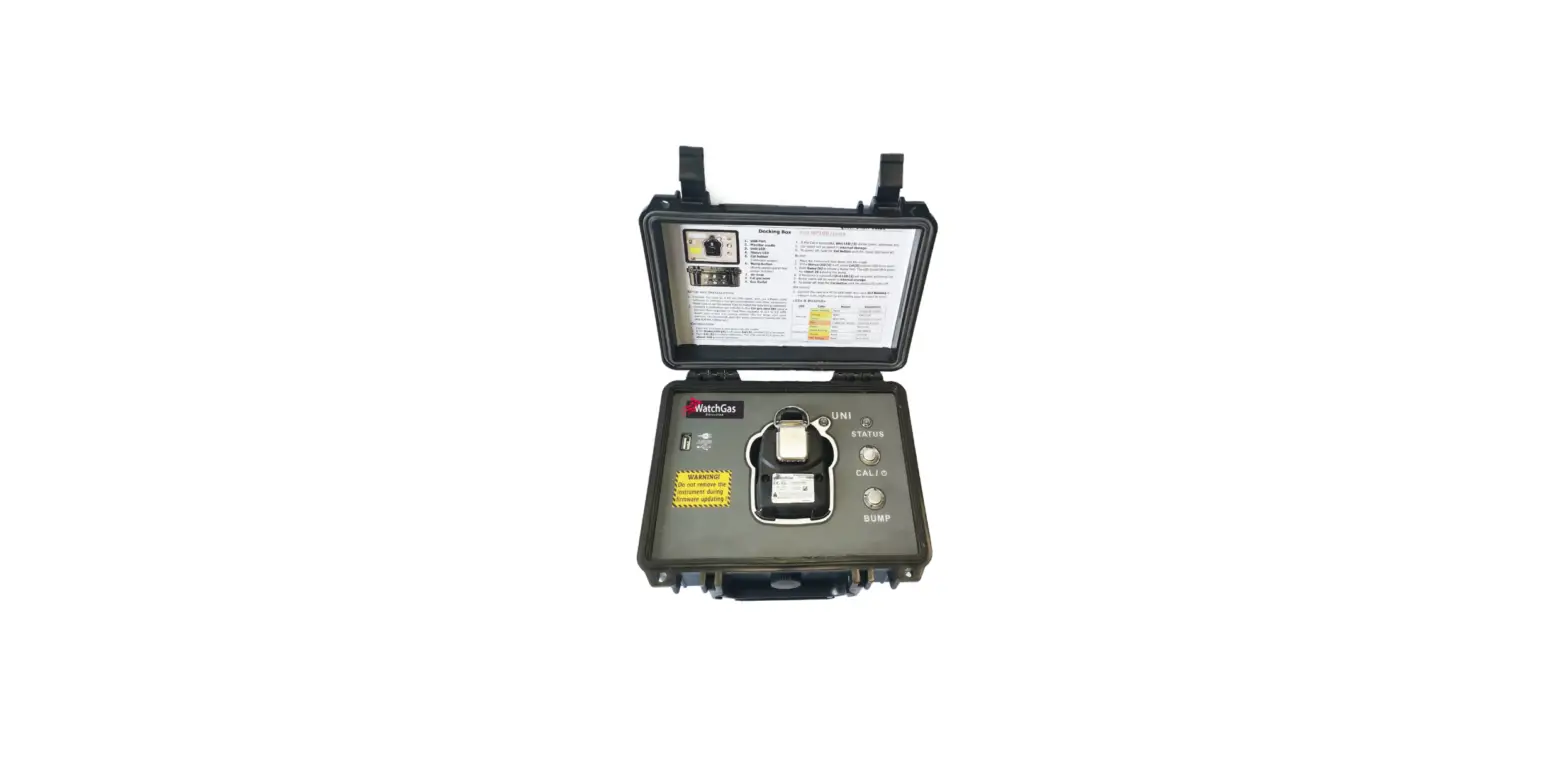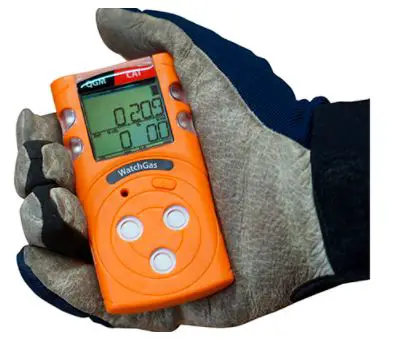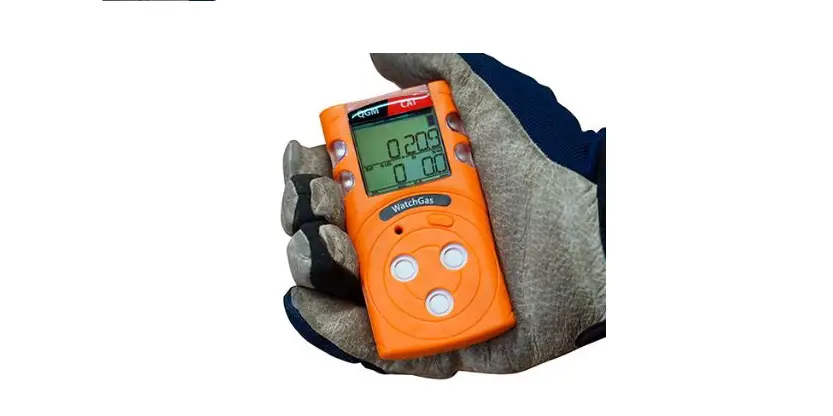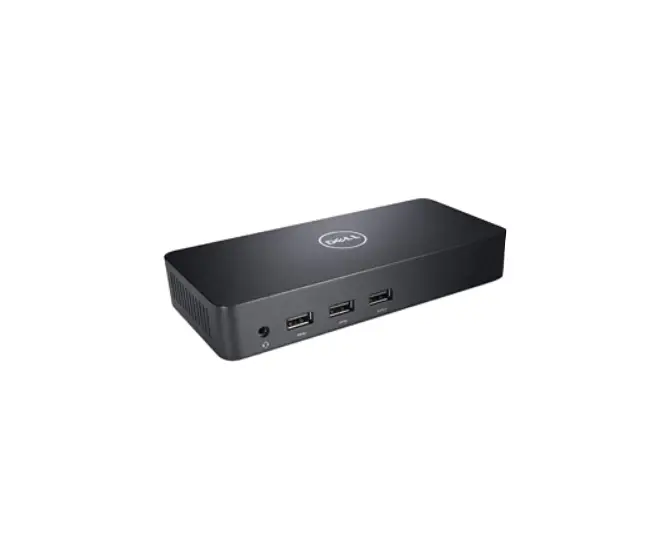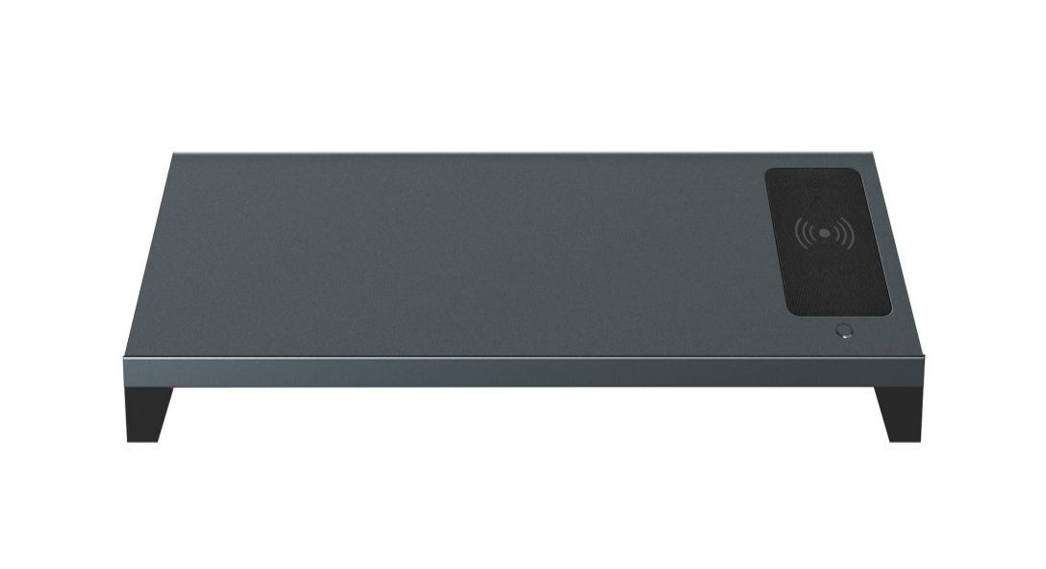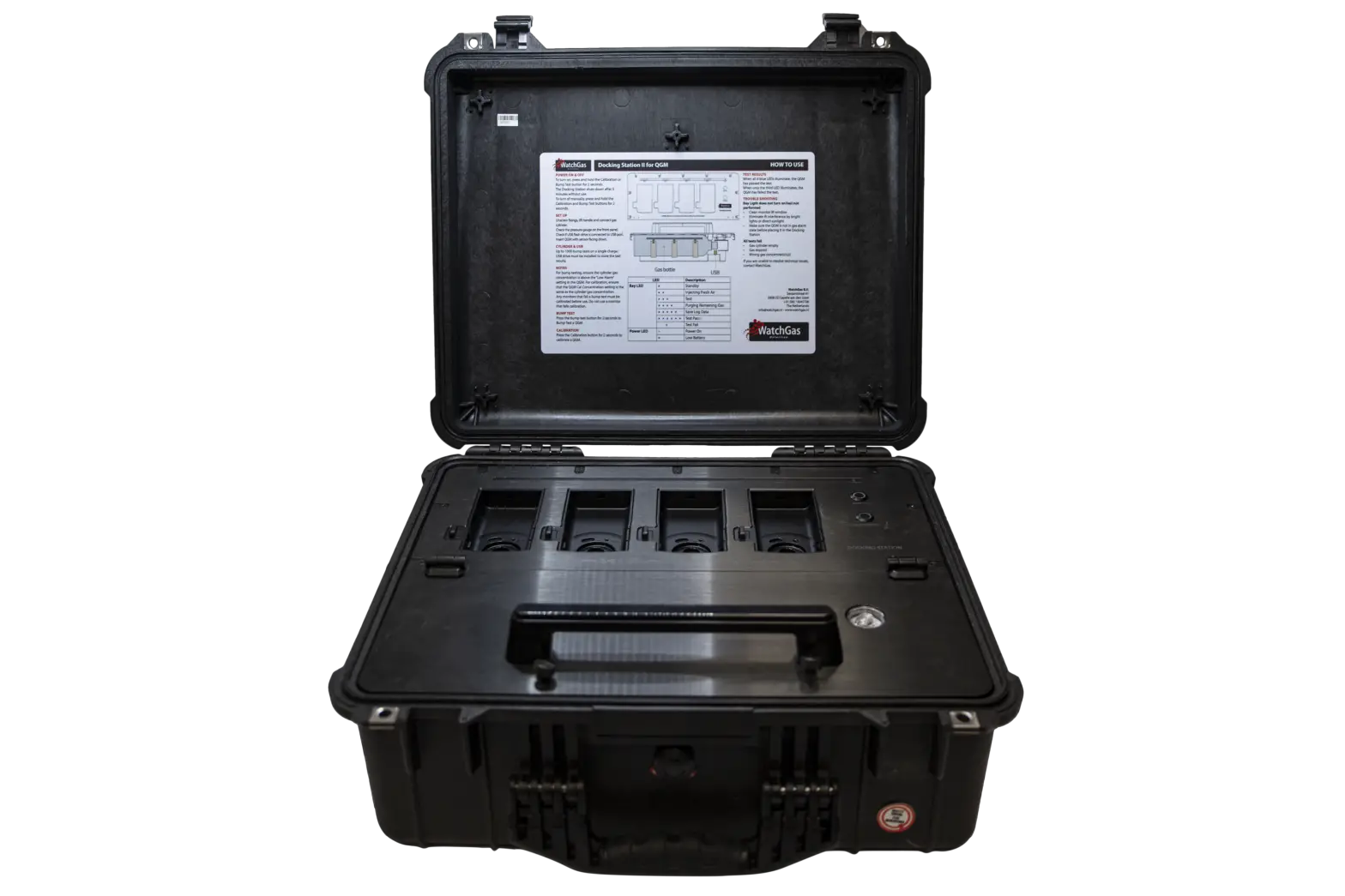
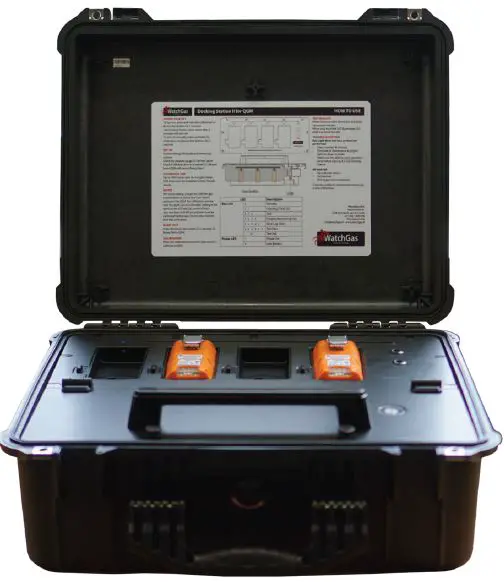
WatchGas QGM Multi Bump and Docking Station
Warning
- Any unauthorized attempt to repair or modify the product, or any other cause of damage beyond the range of the intended use, including damage by fire, lightening, or other hazard, voids liability of the manufacturer.
- Do not use if the device appears to be damaged.
- Use the device in a clean environment, which has no hazardous gases.
- Do not use the expired gas cylinders.
- Ensure to use the certified gas cylinders.
- Ensure gas types and concentrations match with manuals and devices.
- Severe vibration or shock to the device may cause a sudden reading change and cause the device malfunction.
- Do not allow water and liquids to reach this device.
READ THE OPERATION MANUAL BEFORE USE
- Before operation , read the manual carefully and follow all the instructions.
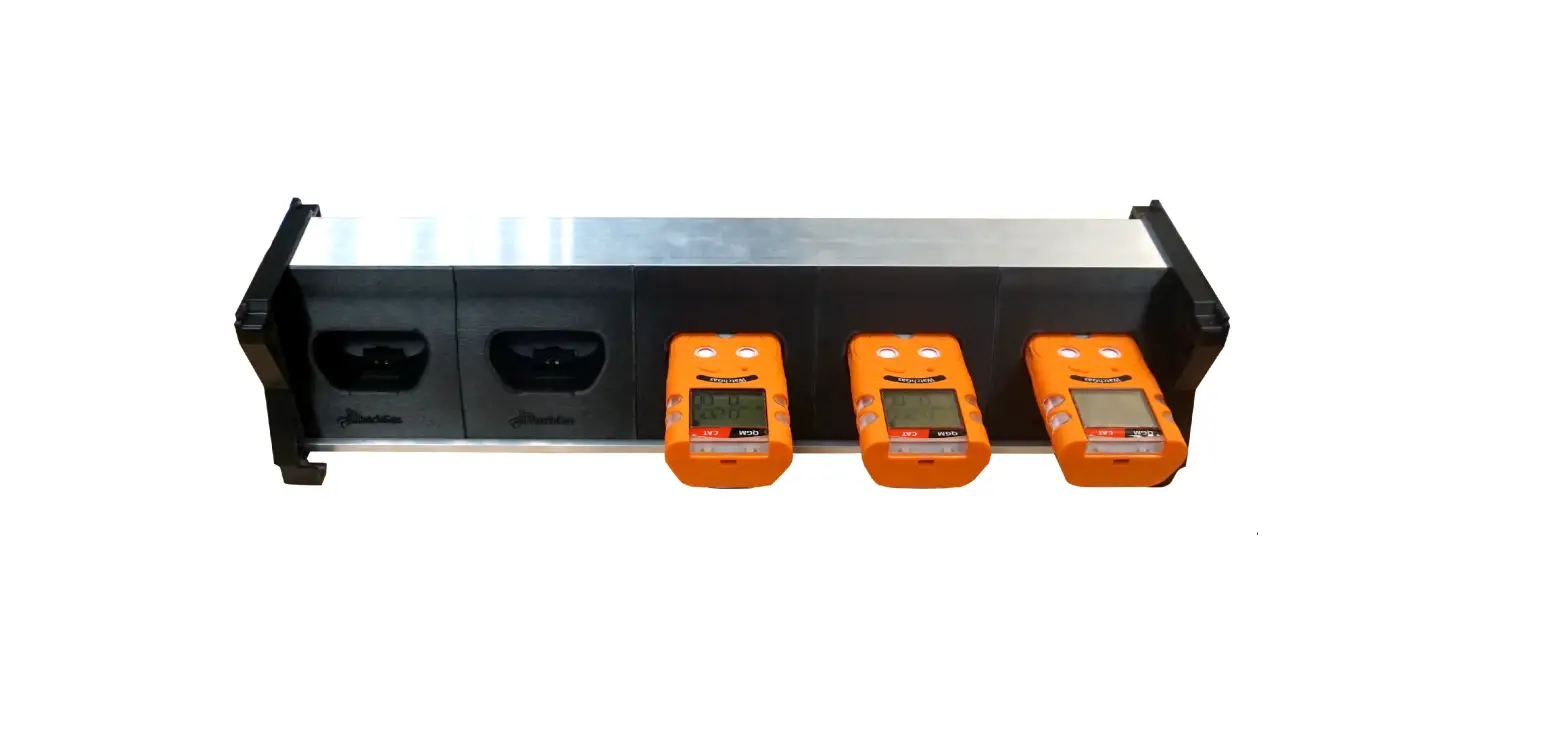
- IR link only works when it is placed at the bay 1 on the docking station.
- The device only operates when the power LED turns green.
- Before upgrading firmware, connect the plug to avoid any data loss and malfunction by unexpected power off. And the file name is fixed as below.
Overview
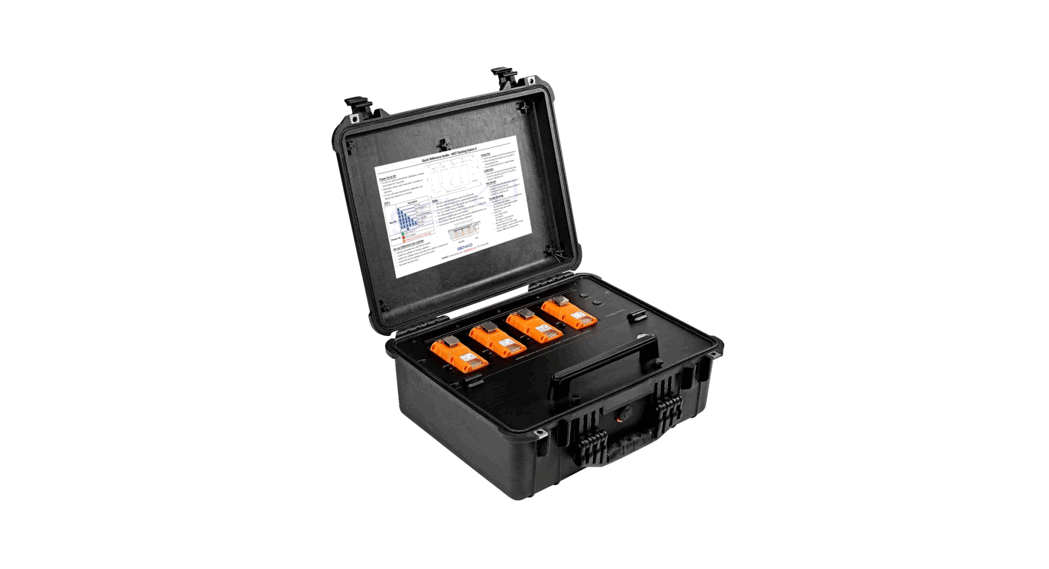
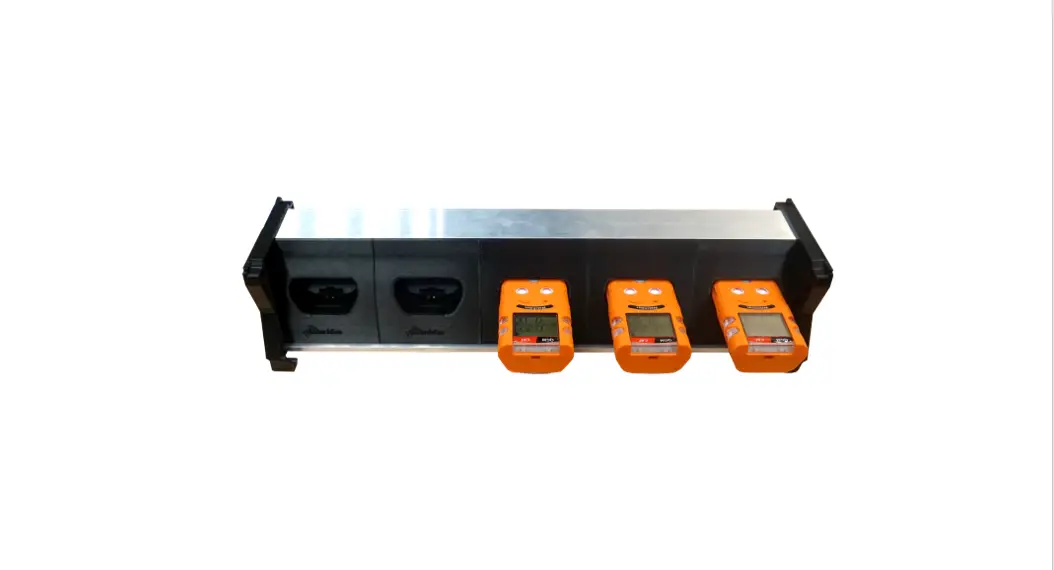
Bump test and calibration are the key features to ensure the safety of devices and users. The QGM Docking Station version II provides bump testing, event management and calibration from a simple to use multi-unit station and gives fleet or safety managers the ability to update configurations on large fleets. It also maintains the all important event logs that demonstrate users are working within company requirements.
KEY FEATURES
- Zero and Span Calibration, Bump Test Function
- Indicate the current status of operation by the Power LED and Unit LED color
- Gas Ventilation system to remove a remained gas
- Save the log events after calibration and bump test
- Enable users to adjust the setting points of Docking station and WatchGas QGM via IR Link or USB
ADVANTAGES
| Gas usage controlled | Lowers the cost of bump testing |
| Manages calibration | Manages calibration and stores the records of log events |
| All data is stored in a USB stick | Simple to transfer the data |
| Rechargeable battery or power | Ideal for in-vehicle or multi-site use |
| Holds up to 4 devices at once | Faster testing of larger fleets |
Specification
| Size | 52.5 x 43.7 x 21.3cm(20.66” x 17.20” x 8.40”) |
| Weight (without gas cylinder) | 11.0kg |
| Operating Temperature | 41 to +104˚F (5 to +40˚C) |
| Warranty | Full 2 years |
| Battery Type | Rechargeable Lithium Ion |
| Battery Life | 1,000 Bump Tests |
| LEDS | 6 Blue LEDs for each unit(unit x 4) , 3-color LED for power , Switch Back Light LED(Yel- low, Green) |
| Memory | USB 8GB Standard |
| Log Capacity | Approximately Up to 5 million tests(8GB, removable USB memory) |
| Tests Performed | Bump Test and Calibration |
| Information Stored | Bump/Cal Logs, Individual Monitor Event Logs, Firmware and Unit Configurations |
| Gases Available | LEL, CO, H₂S and O₂ |
| Unit Compatibility | Works with WatchGas QGM |
| Calibration Gas | Compatible with 58L & 116L cylinders |
| Interface | Ethernet RJ-45(TCP/IP), 10Mb/ |
| Charging Adaptor | DC12.0V, 3A/h |
| Button | Instruction |
| Calibration or Bump Test | To turn on, press either calibration or bump test button for 1 second. (Power Led: Orange -> Green |
| Calibration + Bump Test | To power off, press the calibration and bump test button for three seconds |
| Calibration | To activate the function, press the calibration button for three seconds |
| Bump Test | To activate the function, press the bump test button for three seconds |
Note
IR LINK only works when it is placed into the No.1 bay
The button only works when the power LED turns green
LED Color
| Status | LED Location | Status Color |
| IDLE (Ready to use) | Power LED Status | Green |
| Unit LED Status | – | |
| Recharging | Power LED Status | – |
| Unit LED Status | Blue (Cycling) | |
| No USB inserted Full USB Capacity | Power LED Status | Orange (Blinking for 5 sec.) |
| Unit LED Status | – | |
| Low Battery Power | Power LED Status | Red |
| Unit LED Status | – | |
| Test Progress | Power LED Status | – |
| Unit LED Status | Blue Cycling | |
| Test Result | Power LED Status | – |
| Unit LED Status | Succes: All LED on Fail: Third unit LED will blink | |
| FW Upgrading | Power LED Status | – |
| Unit LED Status | No.6 Blue Color LED blinking |
During the recharging period, the unit LED (Blue) will be cycling. The full charge takes about 4 hours and users can use the bump test for 1,000 times. During recharging, users can use the device.
If USB is not connected and the USB memory is full, the power LED (Orange) is blinking
If the USB is not connected, users can still use the docking station, but log data will not be recorded.
When the battery is drained, power LED (Red) will be on and the device is not working and it will enter the Idle status.
During the upgrading firmware, unit 6 LED (Blue) will be turned on and flashing for 2 minutes.
Main Operation Procedure
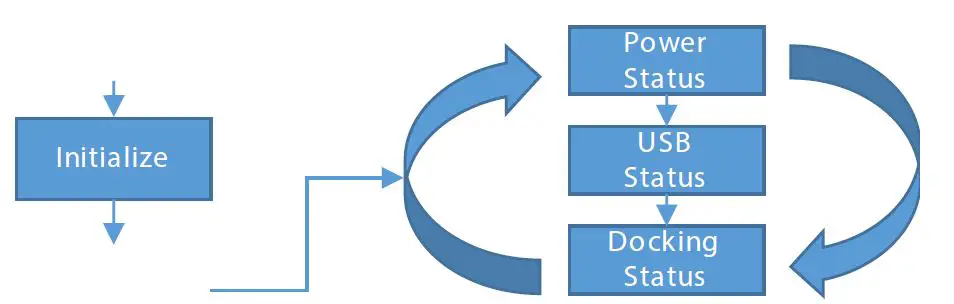
When the device is on, the power LED will turn from orange to green.
portant event logs that demonstrate users are working within company requirements
Calibration or Bump Test
To initiate the calibration or bump test, press the button. And, the power LED will turn orange. The device will decide if the configuration will be loaded on the QGM, based on if the configuration check box is marked or not.
When the device enters the test procedure, the light will turn green and the unit LED will turn blue as the following procedures.
- Unit 1 LED : Check if the device is connected
- Unit 2 LED : Initiate Air Pump
- Unit 3 LED : Initiate Bump or Calibration
- Unit 4 LED : Initiate Air Pump
- Unit 5 LED : Save Log events
To cancel the test, press the button one time.
When the test is completed successfully, the all unit LED will turn blue and when the unit fails, the third LED (blue) will flash.
To communicate with PC, connect IR link with the no.1 Bay.
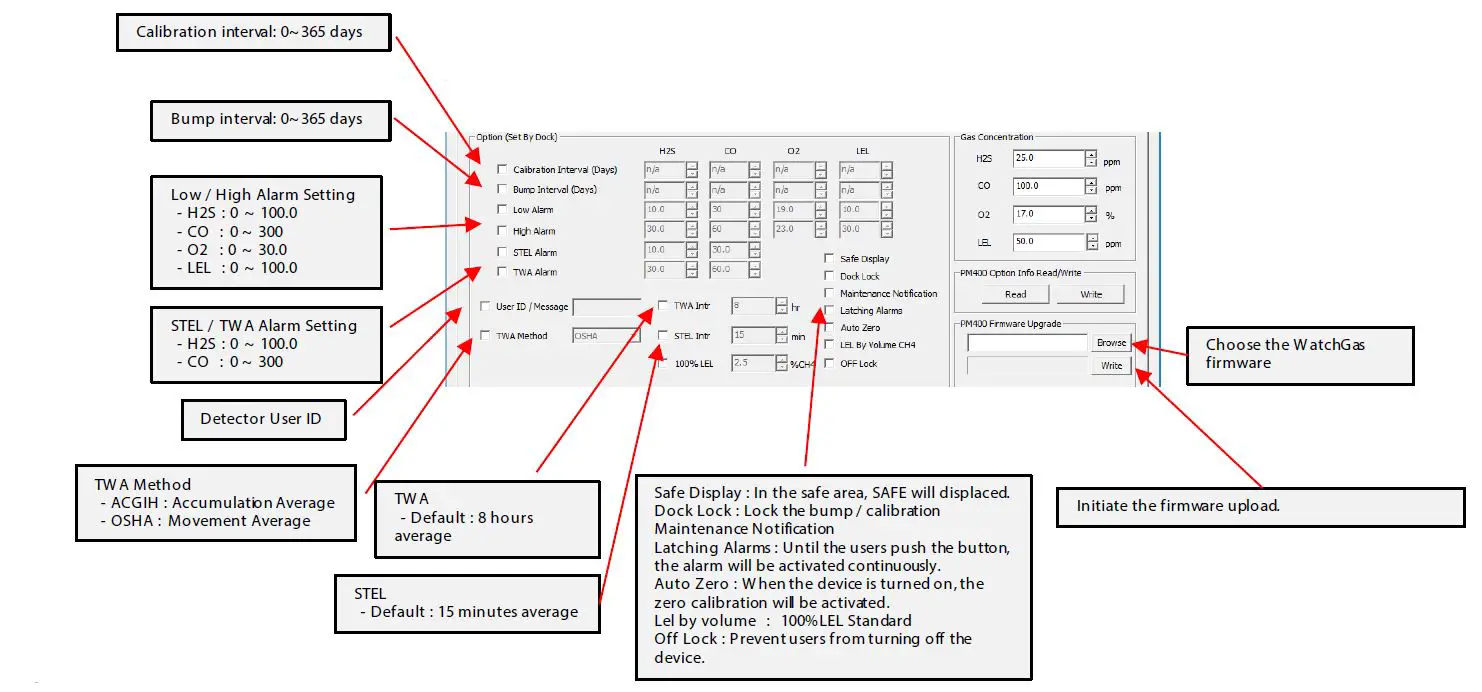
PC Program Configuration
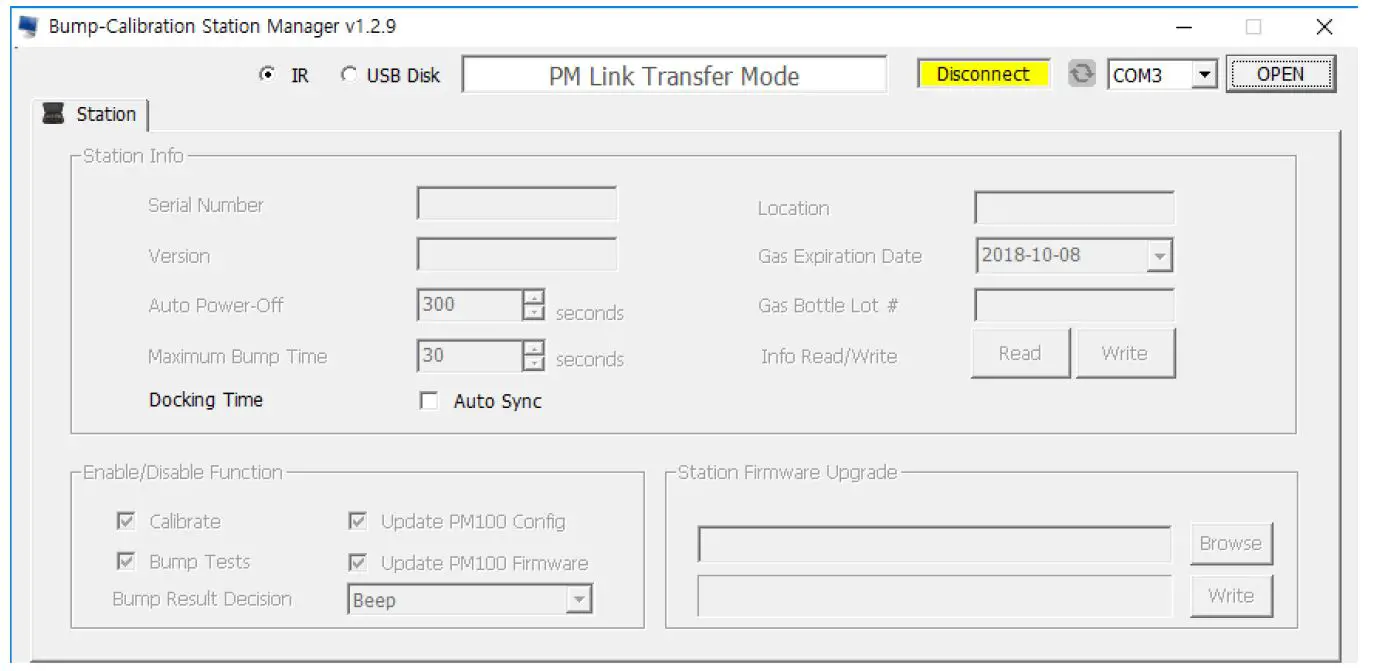
CONFIGURATION
Limited Warranty
WatchGas warrants this product to be free of defects in workmanship and materials-under normal use and service for two years from the date of purchase from the manufacturer or from the product’s authorized reseller.
The manufacturer is not liable (under this warranty) if its testing and examination disclose that the alleged defect in the product does not exist or was caused by the purchaser’s (or any third party’s) misuse, neglect, or improper installation, testing, or calibrations. Any unauthorized attempt to repair or modify the product, or any other cause of damage beyond the range of the intended use, including damage by fire, lightening, water damage or other hazard, voids liability of the manufacturer.
In the event that a product should fail to perform up to manufacturer specifications during the applicable warranty period, please contact the product’s authorized reseller or WatchGas service center at +31 (0)85 01 87 709 to repair/return information.
WatchGas B.V.
Sextantstraat 61
2901 ZZ Capelle aan den IJssel
+31 (0)85 01 87 709
The Netherlands
[email protected] – www.watchgas.eu
All rights reserved. No part of this publication may be reproduced, distributed, or transmitted in any form or by any means, including photocopying, recording, or other electronic or mechanical methods, without the prior written permission of the publisher, except in the case of brief quotations embodied in critical reviews and certain other noncommercial uses permitted by copyright law. For permission requests, contact WatchGas B.V.