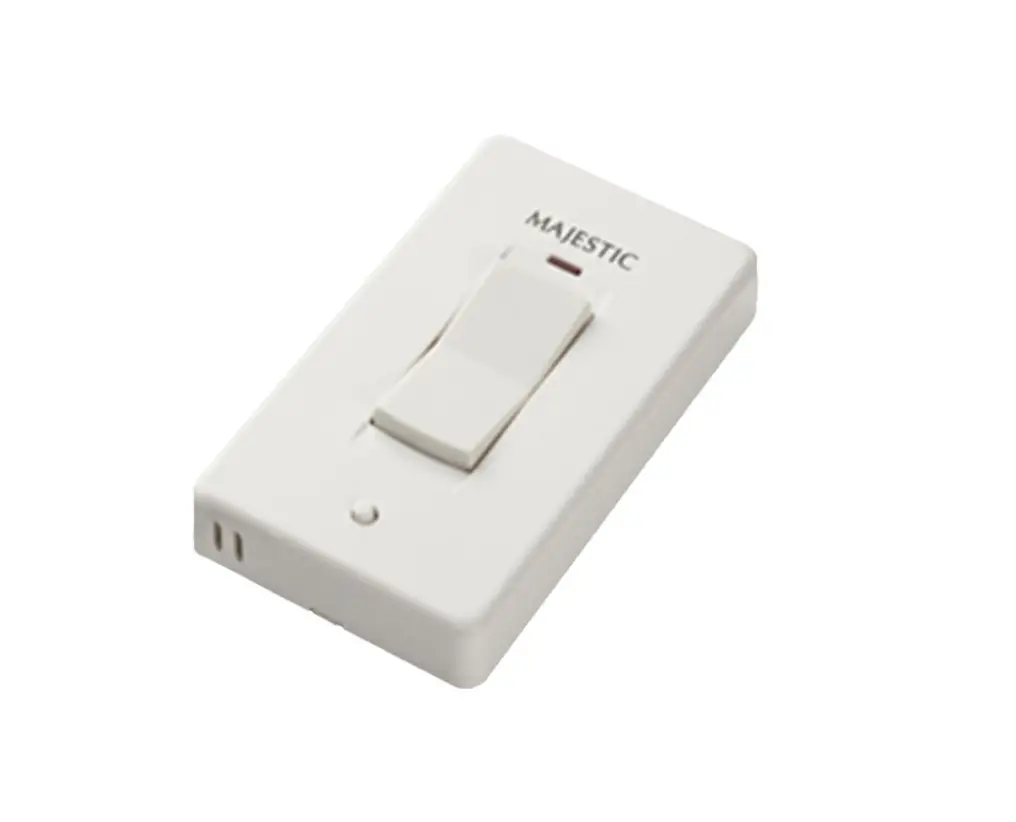
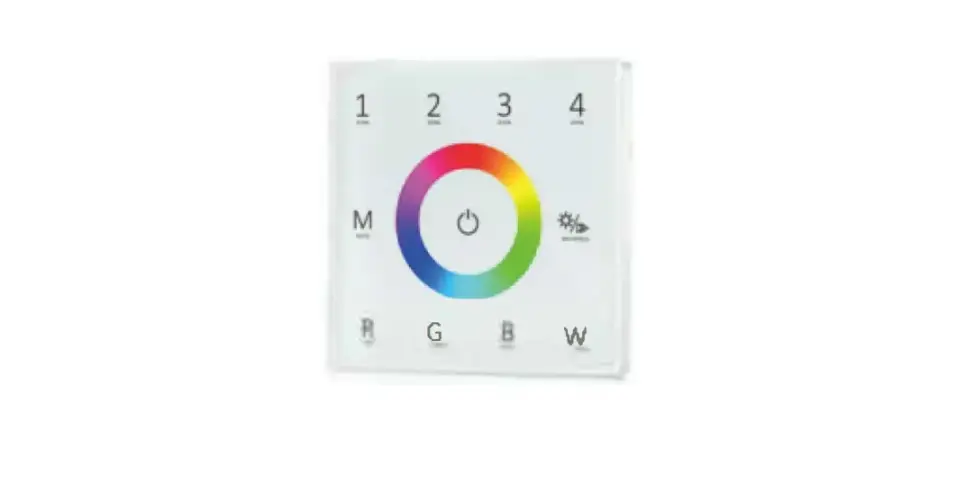
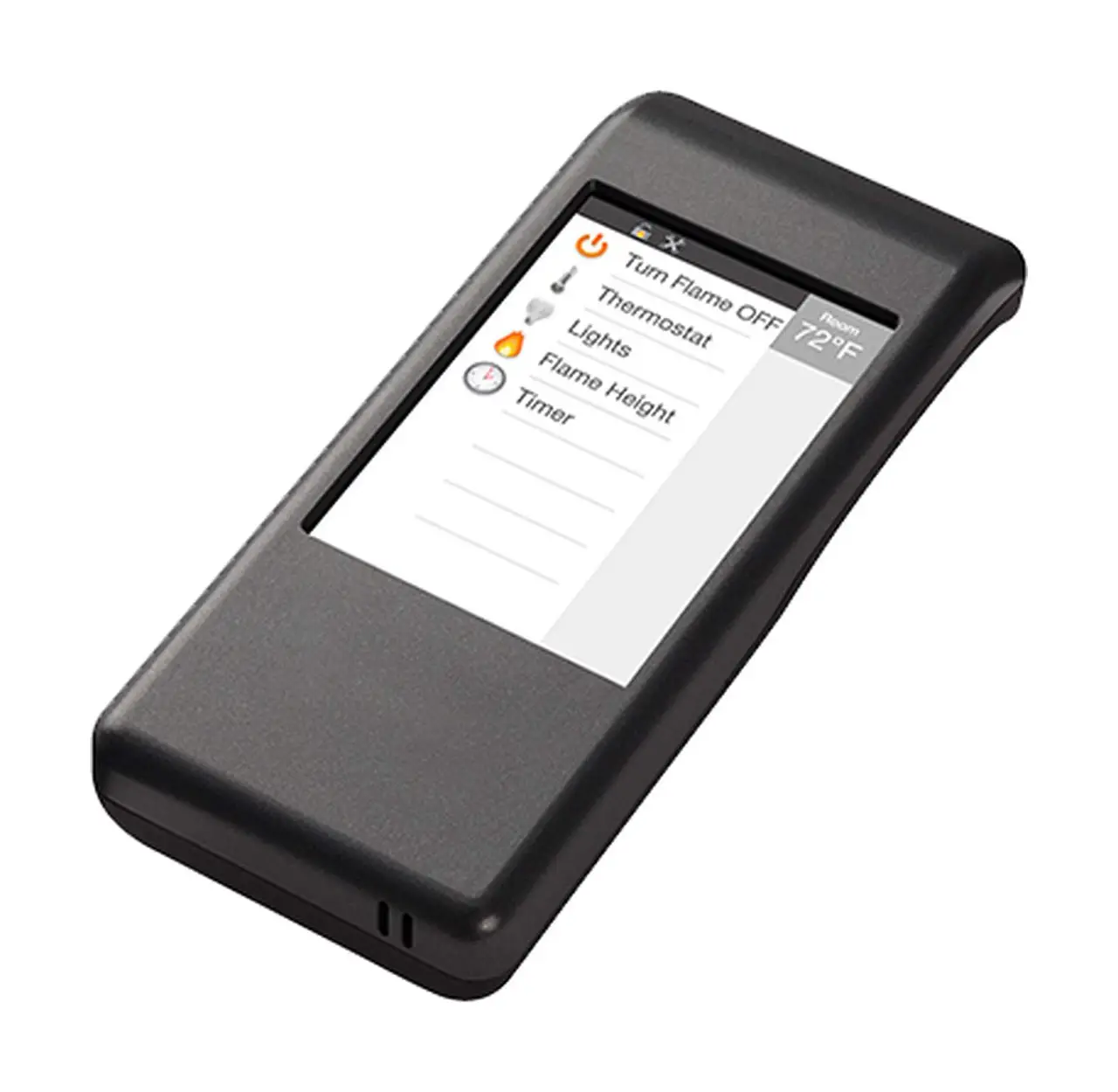
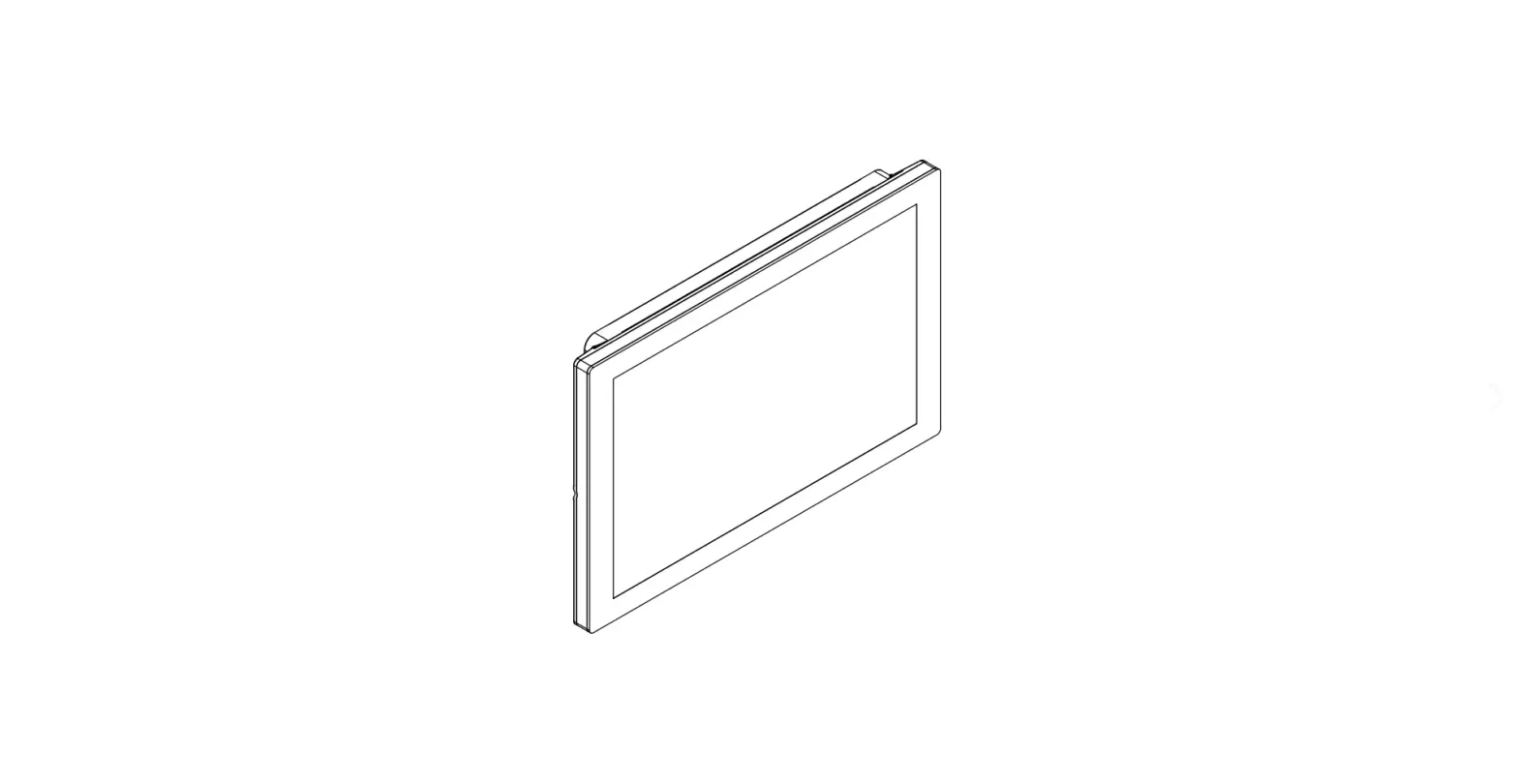
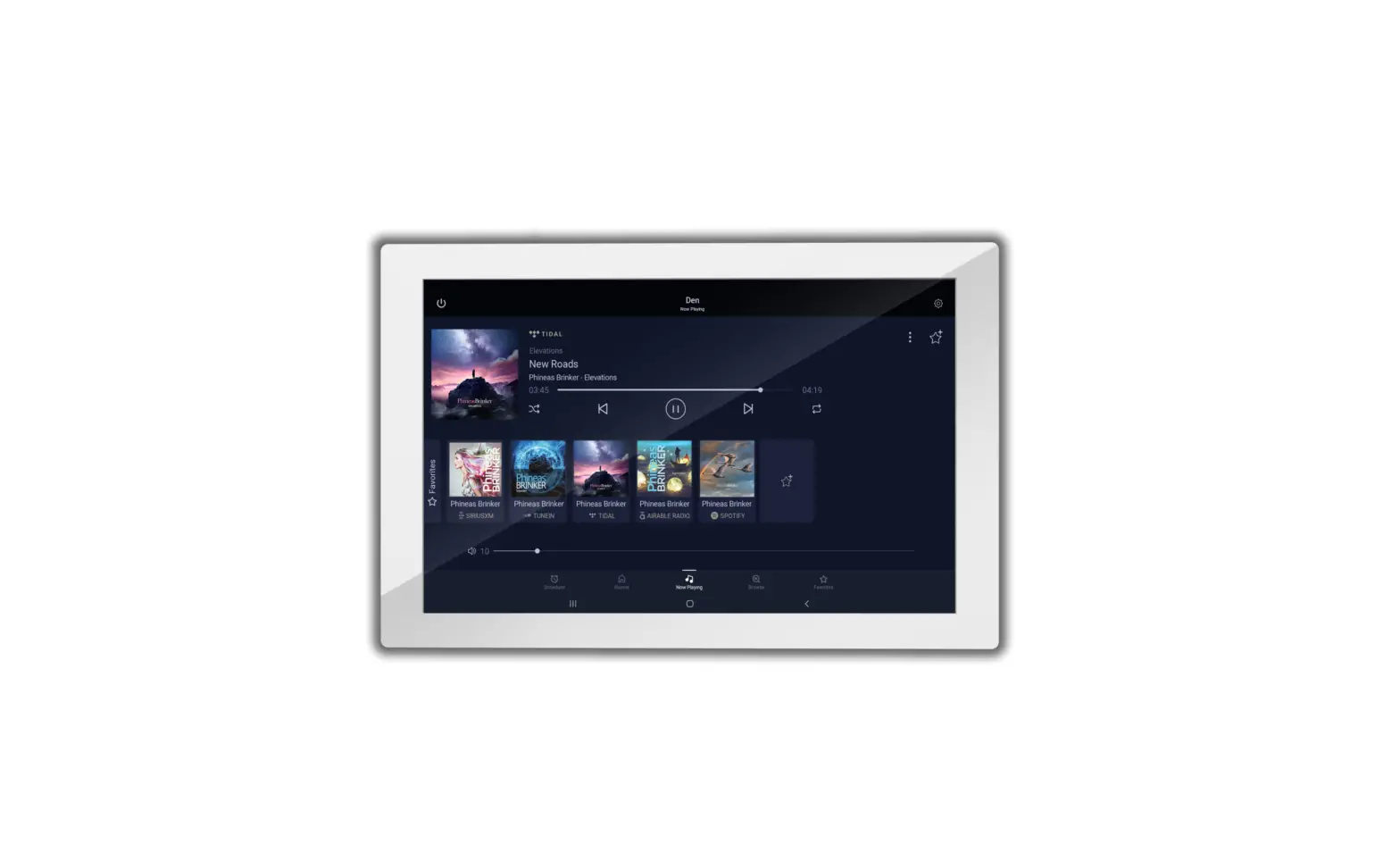
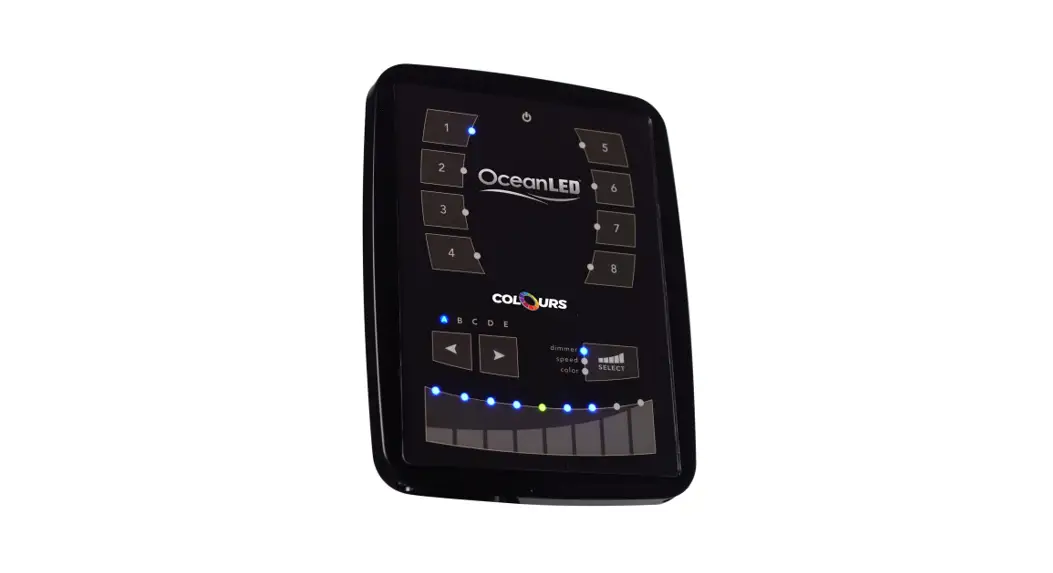
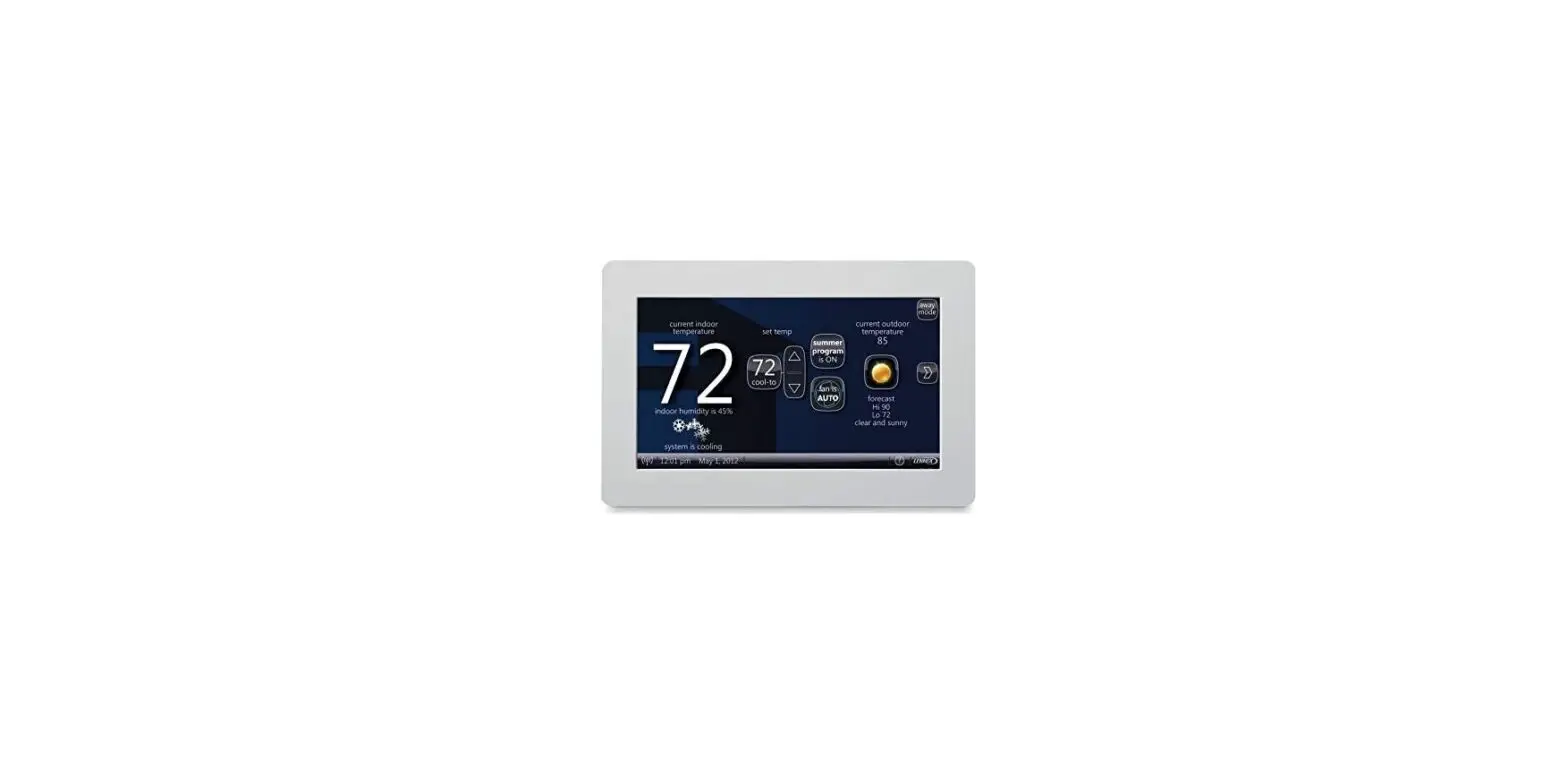
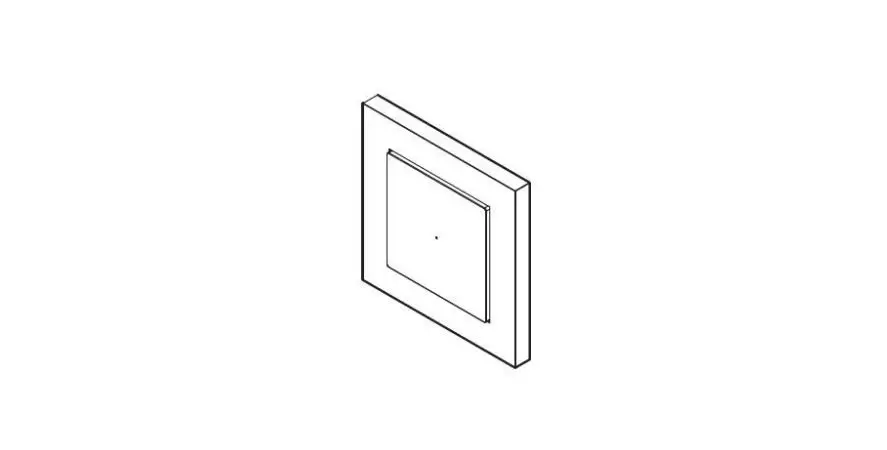
MF-PRO-V2-WTC Optional Wireless Wall Mounted Touch Control for Landscape Pro V2 Series
Product Information:
Product Name: Optional Wireless Wall Mounted Touch Control for
Landscape Pro V2 Series
Part Number: MF-PRO-V2-WTC
Contact Email: [email protected]
Product Website: modernflames.com
Product Usage Instructions:
Install Option #1 Battery Powered:
- Select a suitable location within 20 feet of the fireplace and
in the same room for best performance. - Separate the wall touch control assembly (attached with
magnets) from the metal bracket. - Attach the metal bracket to the furniture or low-voltage box
using the included screws. Ensure low profile screws are used for
glass security. - Insert two AAA batteries into the wall touch control assembly,
paying attention to the polarity. - Install the wall touch control assembly on the bracket. The
assembly will be secured by magnets. - Pair the wall control with the fireplace by following the
pairing instructions on page 13 of the user manual.
Install Option #2 Wired:
- Ensure the circuit breaker to the fireplace is turned OFF.
- Locate the access point on the right side of the firebox and
insert the low-voltage cable. - Gain access to the inside of the fireplace and locate the main
PCBA. Remove the front glass and access panel screws to reveal the
main PCBA. - Route the remaining cable to the desired location for wall
touch control installation, avoiding any potential damage to the
cable. - Separate the wall touch control assembly (attached with
magnets) from the metal bracket. - Attach the metal bracket to the furniture or low-voltage box
using the included screws. Ensure low profile screws are used for
glass security. Pull the cable through the opening once
completed. - Insert slack into the cavity and install the wall touch control
assembly on the bracket. The assembly will be secured by
magnets. - Pair the wall control with the fireplace by following the
pairing instructions provided.
OPTIONAL WIRELESS WALL MOUNTED TOUCH CONTROL FOR LANDSCAPE PRO V2 SERIES
Part# MF-PRO-V2-WTC Owner/Installation Guide
07-00042
modernflames.com
Assembly, Parts & Hardware List
What’s in the Box
o WTC instruction guide
o WTC assembly (PCBA with glass magnets adhered) P/N: 01-00141-1
o WTC Metal wall mounting bracket P/N: 02-00743
o AAA batteries (not sold separately)
o Optional WTC 12 VDC Harness 13ft length P/N: 01-00141-2
o Hardware kit: Image is example only (not sold separately) #6×1/2″ Flat Head Screws (x4) #6×1″ Flat Head Screws (x4)
02
Note: color and finish of items will vary.
Installation and Assembly
Install Option #1 Battery Powered
1 Select a suitable location where you would like to install the wall touch control (WTC). NOTE: It must be within 20 feet of the fireplace and recommended in the same room for best performance. Example
2 Separate the wall touch control assembly (attached with magnets) from the metal bracket.
03
Installation and Assembly
3 Level and cut clearance hole for wall control. a. If WTC is to be installed into furniture, the inside of included mounting bracket will be used to mark and cut a clearance hole for the wall controls components. Ensure the bracket is level prior to marking and cutting the hole. b. If installed into an existing plaster wall a 2-gang low-voltage old work box (not included) can be used for installing the touch control. Follow the low voltage old work box manufacturer’s instructions for installing it into the wall.
(Example of hole cut)
(Example of 2-gang low-voltage box)
04
Installation and Assembly
4 Attach the metal bracket to the furniture or the low-voltage box with the included screws. NOTE: If other screws are to be used, they must be low profile screws or glass will not secure to the bracket.
5 Insert two (AAA) batteries paying attention to the polarity on the board. Note: Installing batteries incorrectly can damage WTC. Batteries cannot be used with wired application or damage to WTC will occur.
Image is example only
05
Installation and Assembly
6 Install the WTC assembly on the bracket. The assembly will be secured by magnets.
7 Pair the wall control with the fireplace following the pairing instructions on page 13.
06
Installation and Assembly
Install Option #2 Wired
1 Select a suitable location where you would like to install the wall touch control (WTC). It is required that this be done prior to finishing the wall, in order to run the cable to the fireplace from the desire location. NOTE: The included cable is 13 feet long so it is recommended the WTC is installed within 10 feet of the fireplace for ease of installation. The cable can be cut and extended up to 20 feet, but it is recommended that the WTC be in the same room for best performance. If doing so, the extension cable should be no smaller than 26 AWG. It is also recommended the extension be soldered onto cables to ensure reliability of the connection.
Example
2 Ensure the circuit breaker to the fireplace is OFF.
07
Installation and Assembly
3 Locate the access point on the right side of the firebox and insert the low-voltage cable.
Access point
4 Gain access to the inside of the fireplace and locate the main PCBA. There is an access panel at the top of viewing area. Front glass must be removed to gain access to main PCBA. – Access panel screws along edge. – Qty varies by fireplace size.
PCBA is inside the cover
08
Installation and Assembly
5 Locate the previously inserted low-voltage cable and plug it into PCBA. The connection on the board is labeled “12V+”. Do not force connection, if it is not going in rotate 180° and reinsert. Ensure to leave a few inches of slack for serviceability. Connection on board
6 Route the remaining cable to where the WTC will be installed. Take into consideration the location of the cable so the cable is not damaged when the wall is finished.
7 Separate the wall touch control assembly (attached with magnets) from the metal bracket.
09
Installation and Assembly
8 Level and cut clearance hole for wall control. a. If WTC is to be installed into furniture, the inside of included mounting bracket will be used to mark and cut a clearance hole for the wall controls components. Ensure the bracket is level prior to marking and cutting the hole. b. If installed into an existing plaster wall a 2-gang low-voltage old work box (not included) can be used for installing the touch control. Follow the low voltage old work box manufacturer’s instructions for installing it into the wall. c. If installed into an unfinished framed wall a 2-gang low-voltage new work box (not included) can be used for installing the touch control. Follow the low voltage new work box manufacturer’s instructions for installing it into the wall. Ensure the cable can be reached.
(Example of hole cut)
(Example of 2-gang low-voltage box)
10
Installation and Assembly
(Example of new construction box)
9 Attach the metal bracket to the furniture or the low-voltage box with the included screws. NOTE: If other screws are to be used, they must be low profile screws or glass will not secure to the bracket. Pull cable thru opening once completed.
11
Installation and Assembly
10 Connect the low-voltage cable into the wall touch control connection in the rear. The connection on the back is labeled “DC12V”. Do not force connection, if it is not going in rotate 180° and reinsert. Ensure to leave a few inches of slack for serviceability. Note: Do not use batteries when using in wired configuration connection. Using batteries may cause damage to the wall touch control, the fireplace, and/or batteries.
11 Insert slack into cavity and install the WTC assembly on the bracket. The assembly will be secured by magnets.
12
Installation and Assembly
12 Pair the wall control with the fireplace following the pairing instructions.
Before beginning, read pairing instructions in their entirety. Locate and familiarize yourself with the manual touch controls on the fireplace and your wall touch control (WTC). Ensure the WTC has a battery installed or is connected to the 12V DC supply from the fireplace.
1. On the fireplace touch controls, long press the on/off button for 3 seconds until a fast double beeping tone is heard from the fireplace. The fireplace power indicator will also flash 3 times in 1 second. This places the fireplace in RF pairing mode. 2. Within 5 seconds of hearing the double beeping tone, on the WTC, press the power button repeatedly until another beeping tone is heard along with the indicator lights flashing. This is the fireplace acknowledging that it has paired. An additional tone may also be heard; this is simply the fireplace completing the pairing mode. NOTE: · Pairing must be done within 5 seconds or the fireplace will time out of pairing mode. · After the initial double beep is heard, do not long press the power button on the remote/pairing device to pair as this may not be successful. Pressing the power button repeatedly is required to ensure the signal is sent from the remote/pairing device to the fireplace. · To clear any paired remotes/devices from the fireplace, locate the reset button on the fireplace, then long press the reset button for 3 seconds. A beeping tone will indicate that the codes have been cleared. Once cleared, a new remote or wall touch control now can be paired. This will also un-pair any APP that was paired to the fireplace.
13
Installation and Assembly
Functionality/Operation
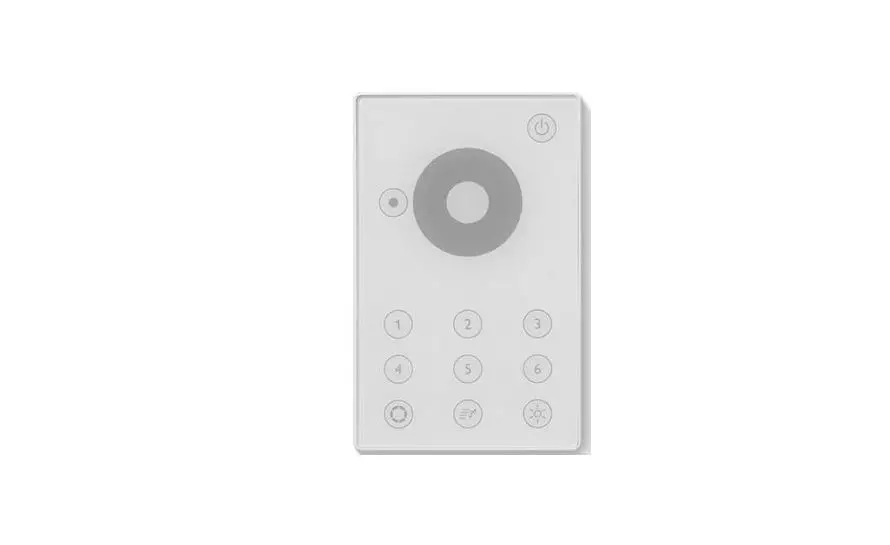
Power – This will cylcle the fireplace on and off. Upon cycling power on, the fireplace will return to the settings it had when it was cycled off. Heat – This will cycle the fireplace heater On Low/On High/ Off this will be displayed on Digital Display as “LO” “HI” “HO” this will time out after 10 seconds.
Timer – Pressing the Timer will cycle the set times indicated by the display screen. Times will be 0.5H, 1H, 2H, 3H, 4H. Upon reaching this time the fireplace will power off. Demo Modes – Cycles all zones throuh various demo modes. Modes- 7 color gradient/fade, 3 color gradient/fade, Single color Red, Green, or Blue gradient/fade, 7 color jump, 3 color jump. The brightness Slider will be used while using any zone settings. This will adjust the brightness of only the current zone selected.
Up Arrow – Used to raise thermostat setting. Down Arrow – Used to lower thermostat. Pressing the up & down arrows and holding will allow the thermostat to change from fahrenheit to celcius and vice versa. Modern Flames – Reset Flame, Ember Bed, Down lighting, & Flame Speed to Modern Flames Orange & Standard speed.
Flame – This is a zone setting. Pressing this button will keep it highlighted. During this time the RGB slider can be used to change the color and the brightness slider can be use to change the brightness. Pressing the button again will confirm these settings and exit the settings for that zone. If no user input is detected for 10 seconds, the zone will automatically confirm and exit. Ember Bed – This is a zone setting and acts in the same way as the Flame zone. Long Press will turn log set ON/OFF. (If applicable). Downlight – This is a zone setting and acts in the same exact way as the Flame Zone Flame Speed – Cycles flame speed between 4 speed. Speeds- Slow, Medium, Standard, fast.
The RGB Slider will be used while using any zone settings. This will adjust the color of only the current zone.
Digital Read out – Displays heat setting, thermostat setting, and timer setting during use. Fades out when not in use. Note: The thermostat sensor is located on fireplace and not on the WTC. Reading will be of the temperature read around the fireplace.
14
DO NOT RETURN TO STORE! CALL US FIRST
For immediate help with installation, product information or if your product arrives damaged,
please call our toll free number at: 1-877-246-9353
(Monday – Friday, 8:00AM – 5:00PM, AZ Mountain Time)
Or email us at: [email protected]
OUR STAFF IS READY TO PROVIDE ASSISTANCE
15
Thank you for choosing Modern Flames, we appreciate all our customers and hope you have many years of enjoyment
of our products.
Take a look at our other products from our RPG Brands family of companies
GrandCanyonGasLogs.com
For all your indoor, outdoor gas fireplaces & fire feature products.
Wildfireoutdoorliving.com
For all your outdoor living products,
such as grills, refrigerators and accessories.
FCC CAUTION
06192023
This device complies with part 15 of the FCC Rules. Operation is subject to the following two conditions: (1) this device may not cause
harmful interference, and (2) this device must accept any interference received, including interference that may cause undesired operation.
Any changes or modifications not expressly approved by the party responsible for compliance could void the user’s authority to operate the equipment.
NOTE: This equipment has been tested and found to comply with the limits for a Class B digital device, pursuant to Part 15 of the FCC Rules. These limits are designed to provide reasonable protection against harmful interference in a residential installation. This equipment generates, uses and can radiate radio frequency energy and, if not installed and used in accordance with the instructions, may cause harmful interference to radio communications. However, there is no guarantee that interference will not occur in a particular installation.
If this equipment does cause harmful interference to radio or television reception, which can be determined by turning the equipment off and on, the user is encouraged to try to correct the interference by one or more of the following measures: — Reorient or relocate the receiving antenna. — Increase the separation between the equipment and receiver. — Connect the equipment into an outlet on a circuit different from that to which the receiver is connected. — Consult the dealer or an experienced radio/TV technician for help.
The device has been evaluated to meet general RF exposure requirement. The device can be used in portable exposure condition without
restriction.
16
07-00042
modernflames.com
 Grand Canyon Gas Logs
 Electric Fireplaces - Modern Fireplaces - Modern Flames
 Wildfire Outdoor Living – Cook With Fire