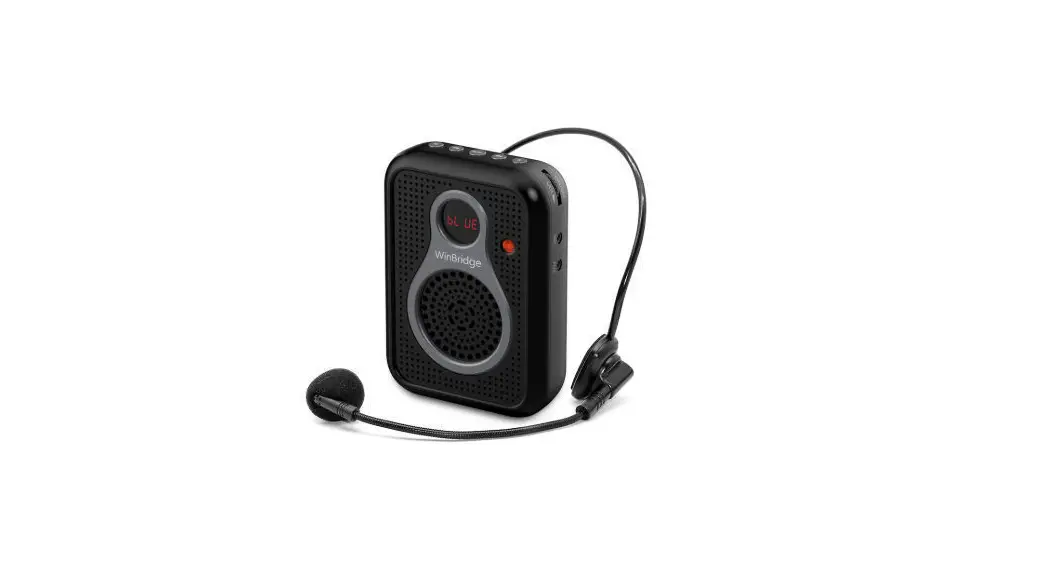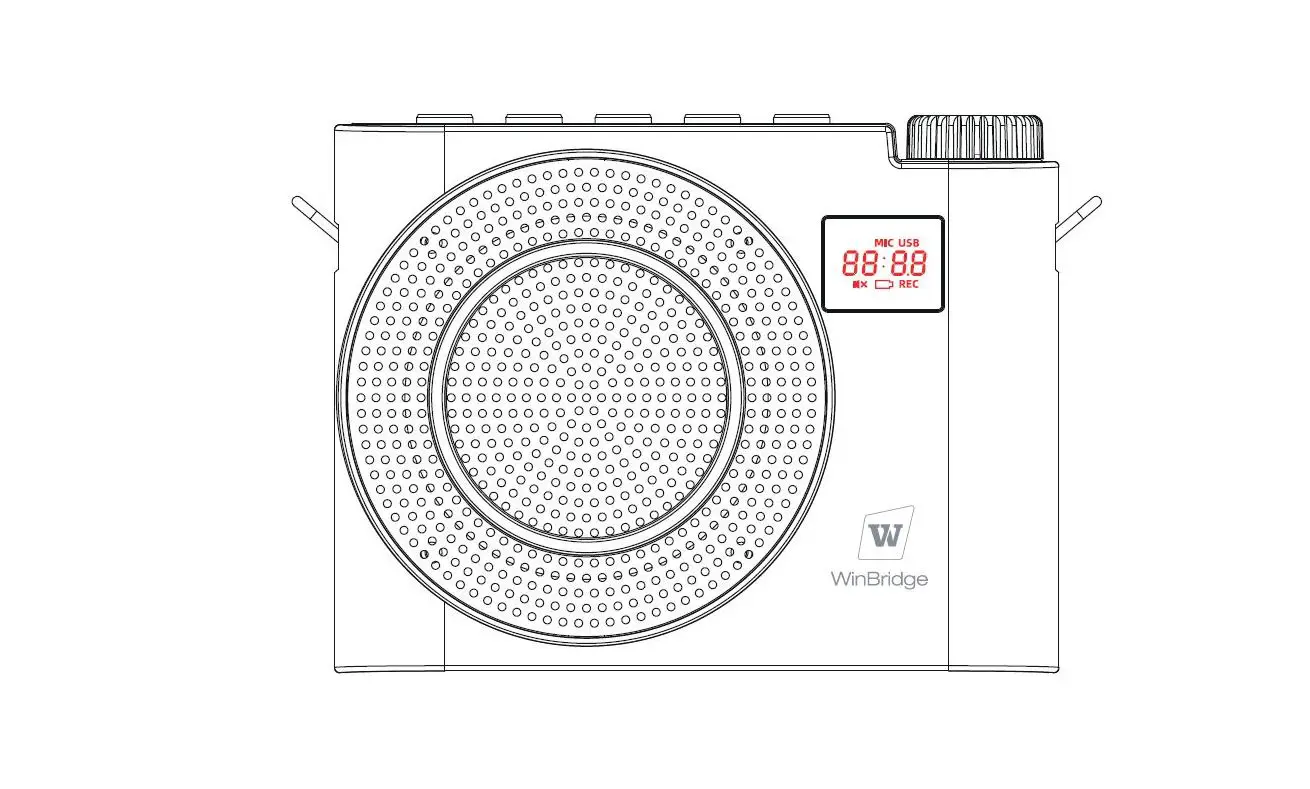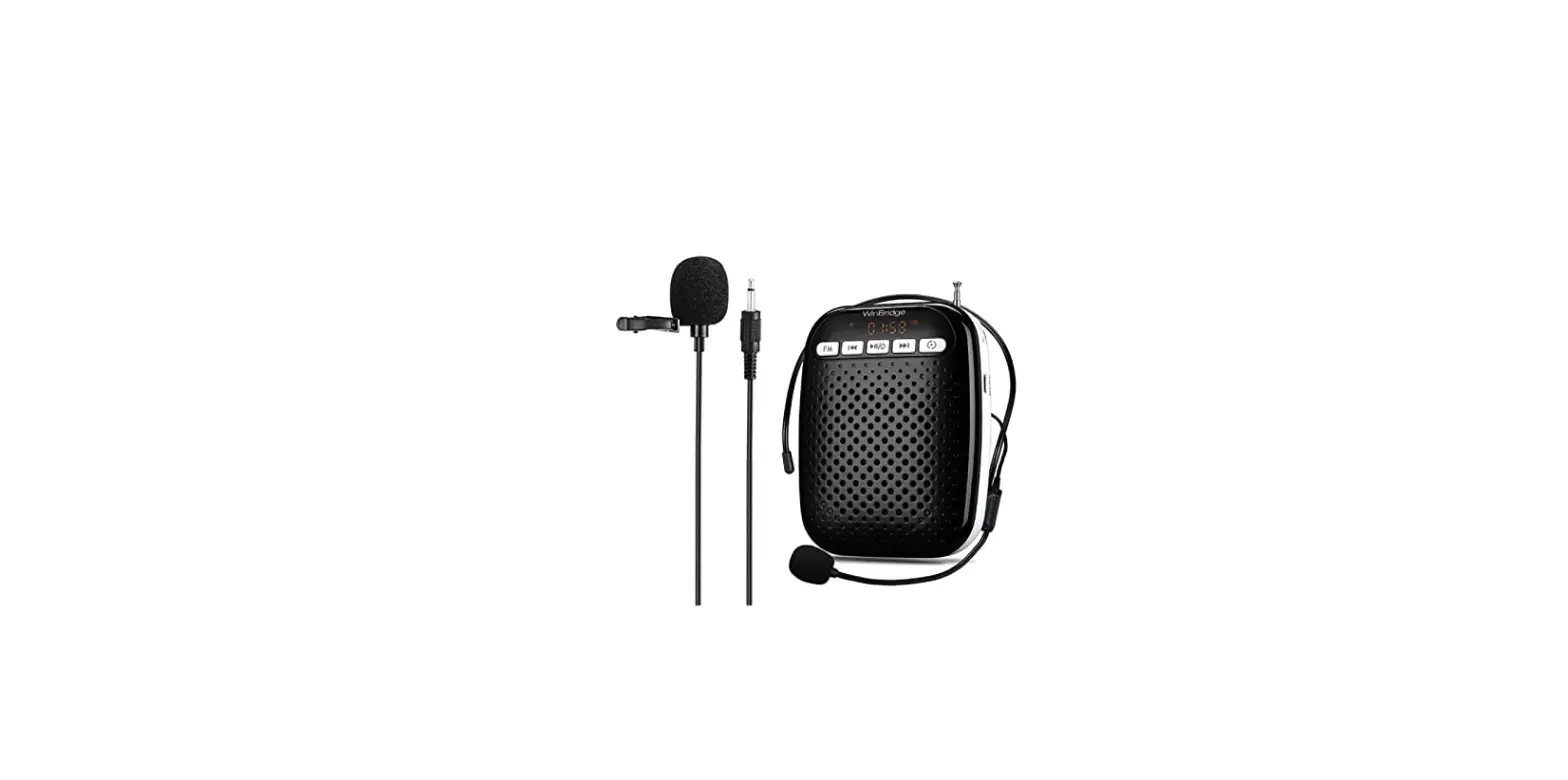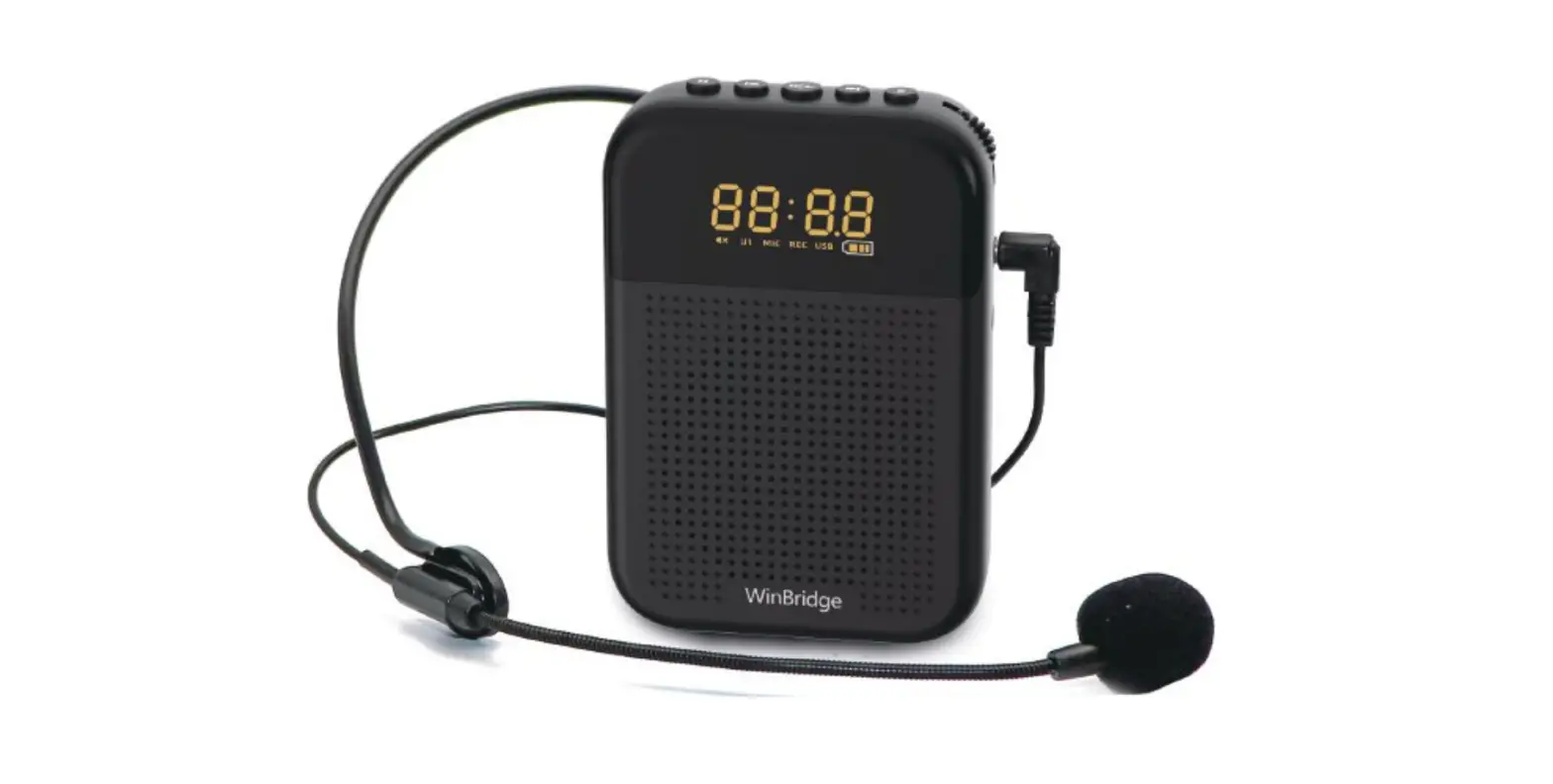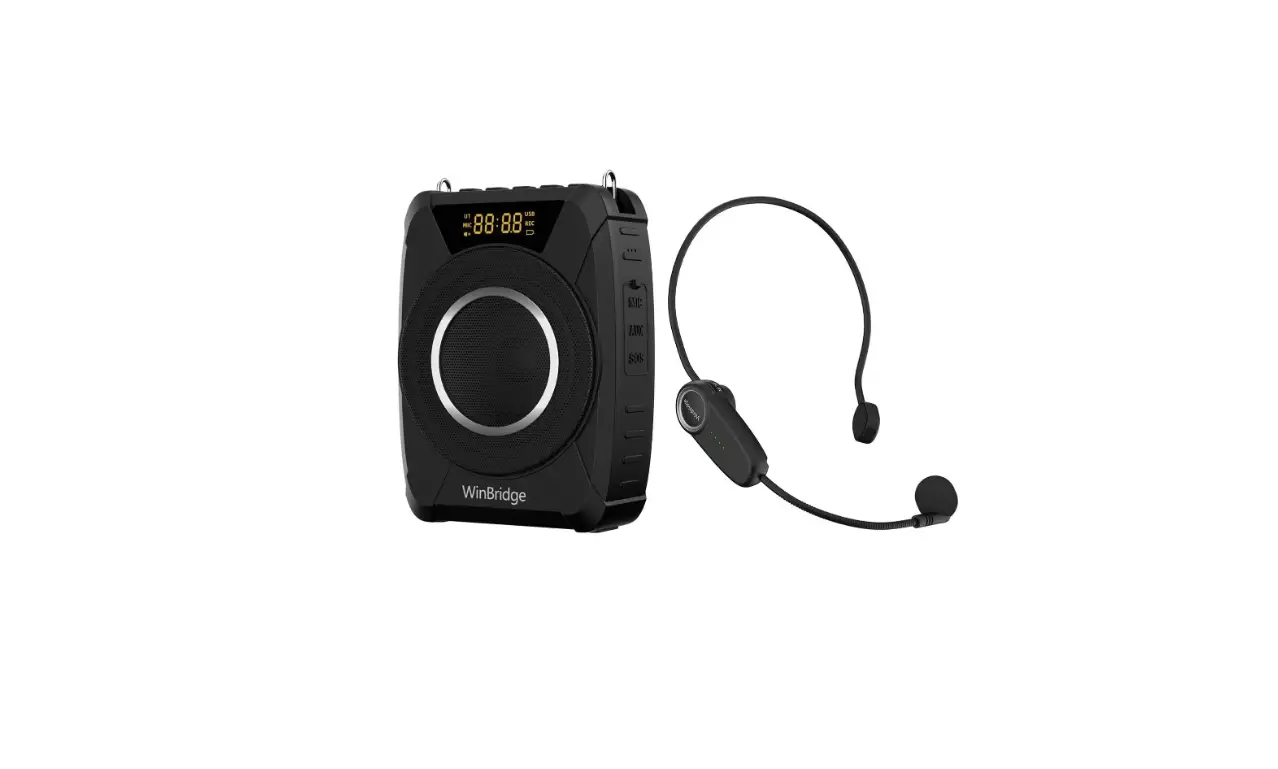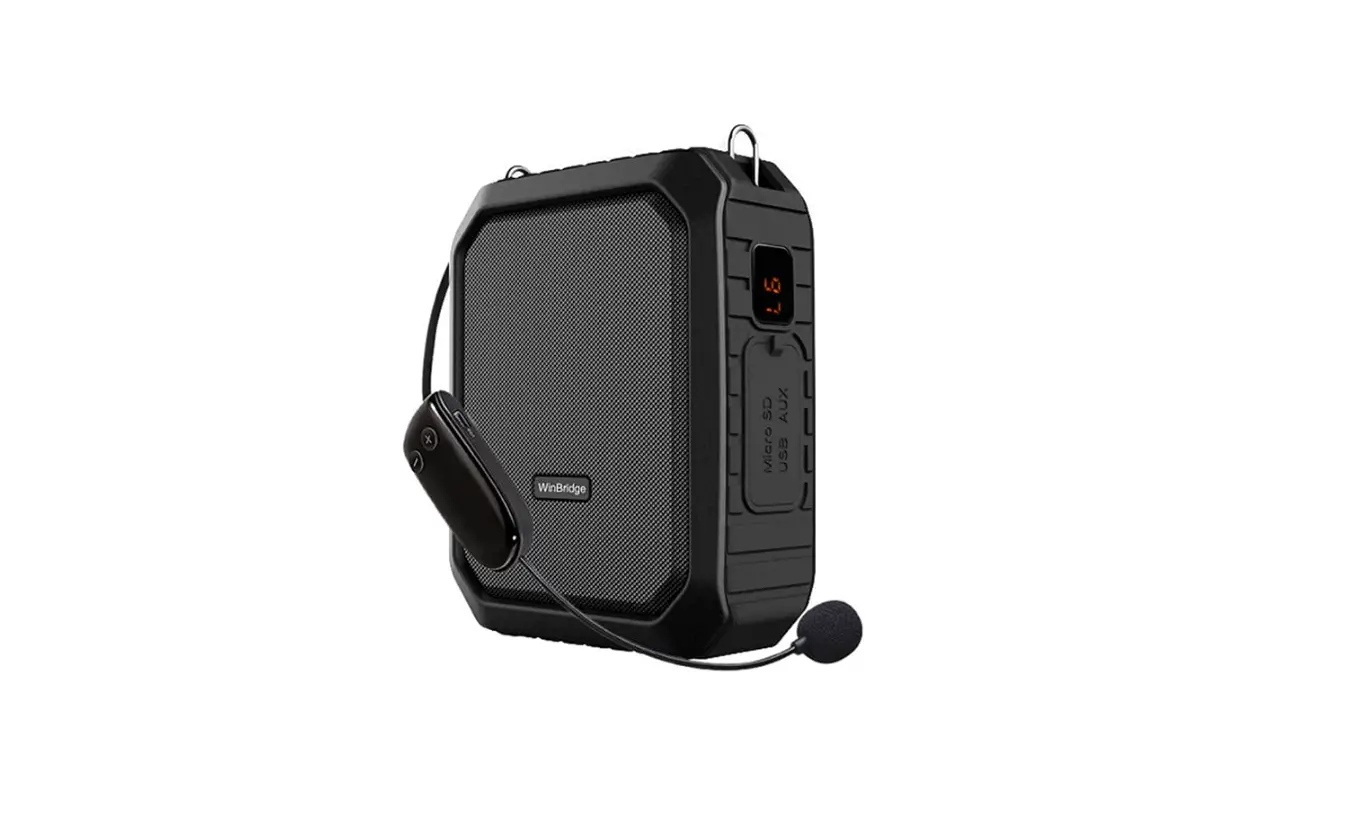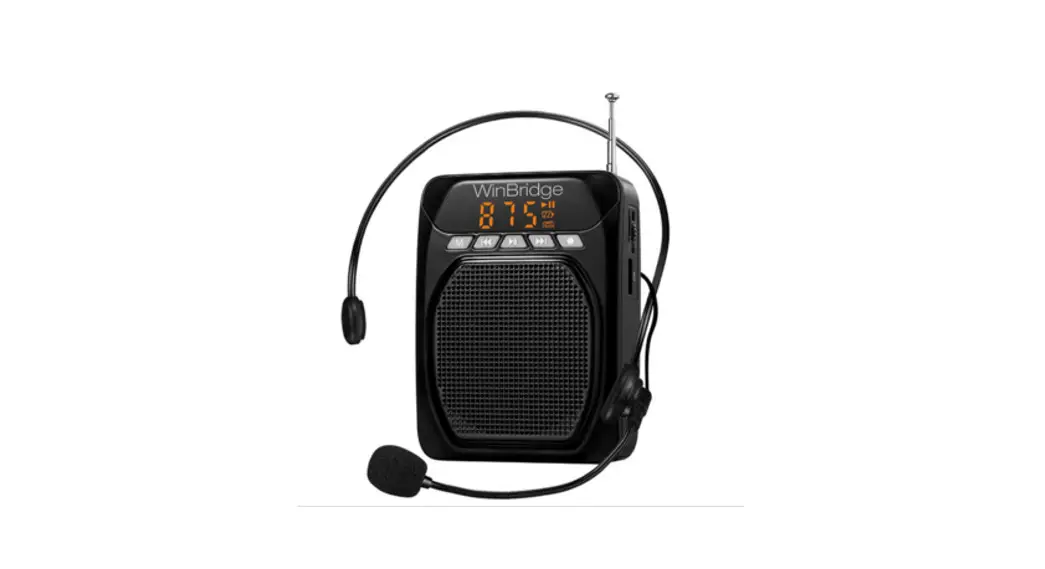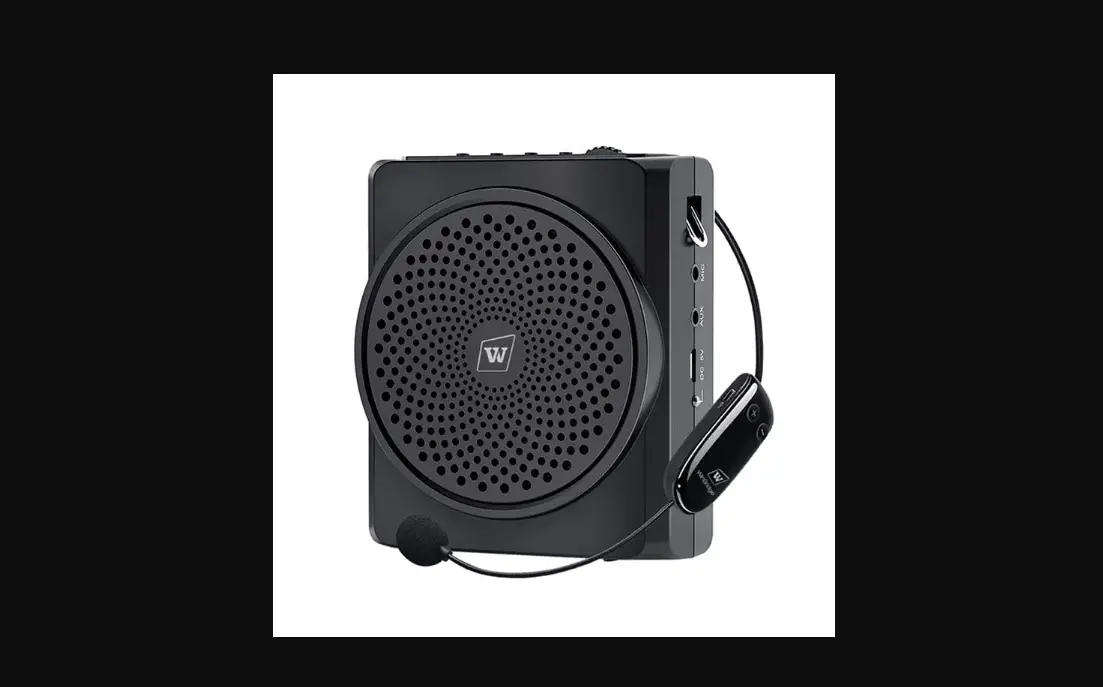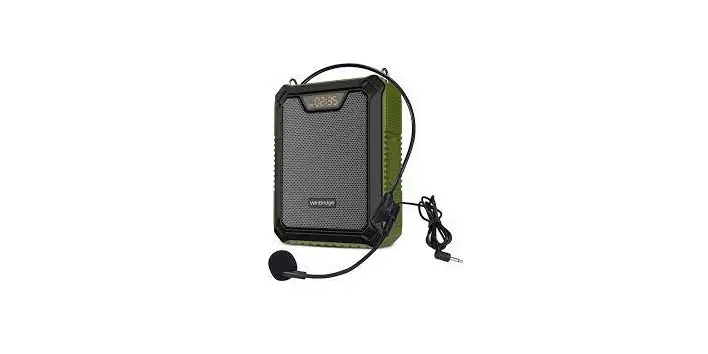
WinBridge S92 Plus Wireless Voice
Amplifier Speaker User Manual
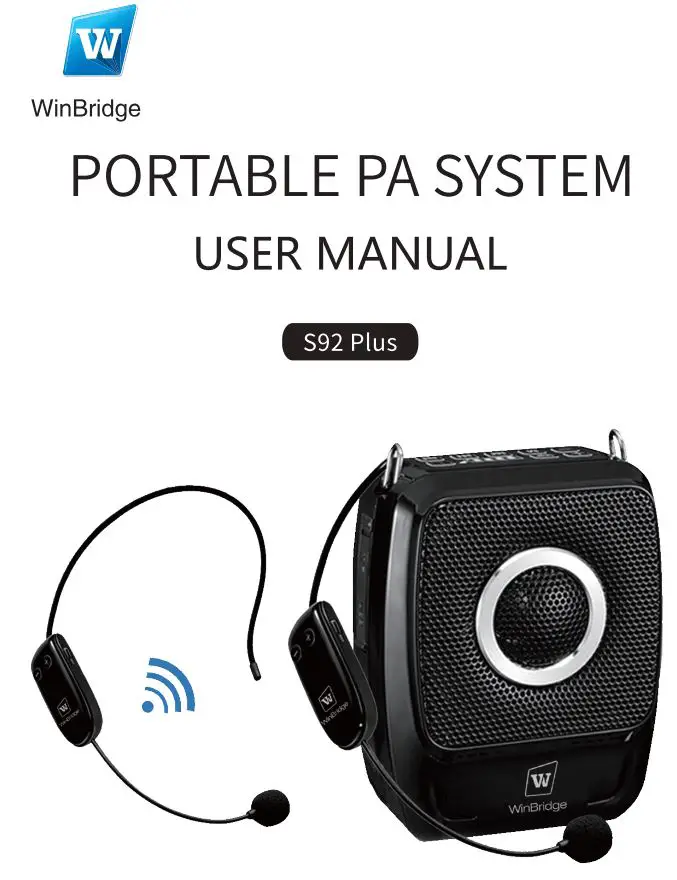
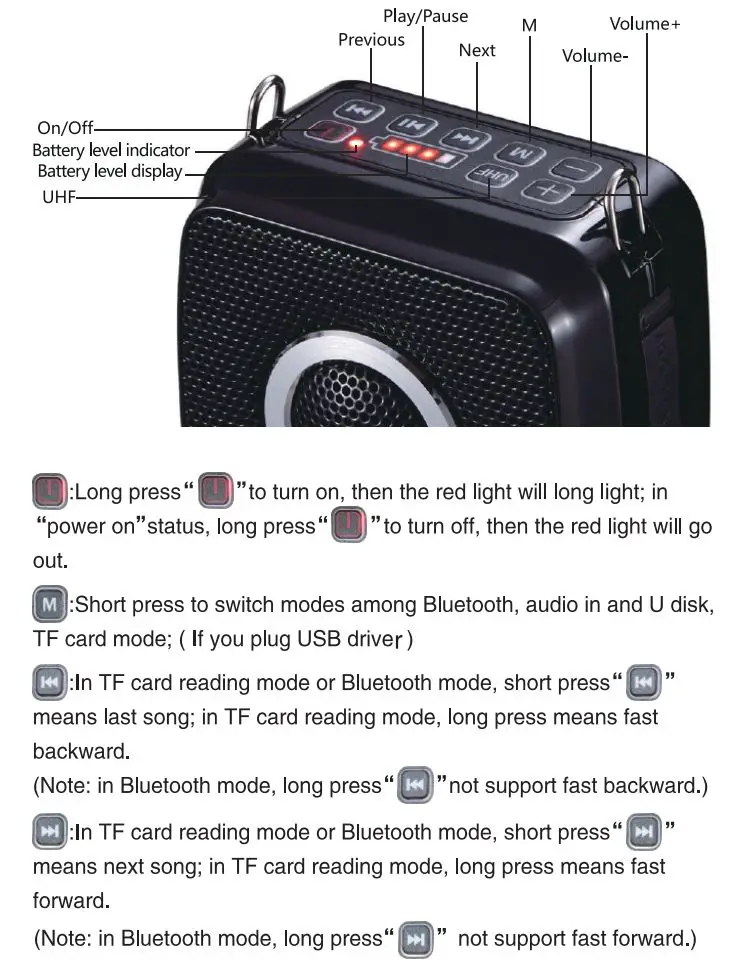
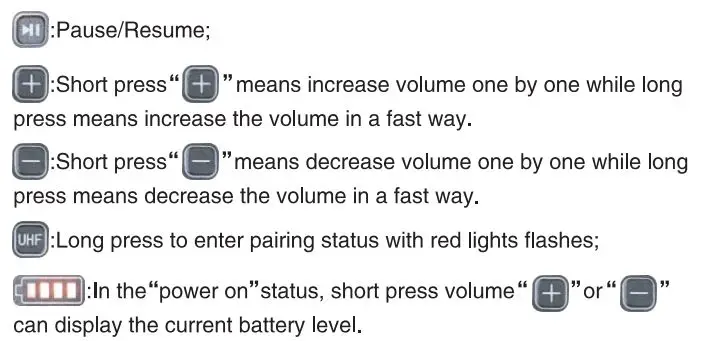
Function Illustration (Wireless MIC)
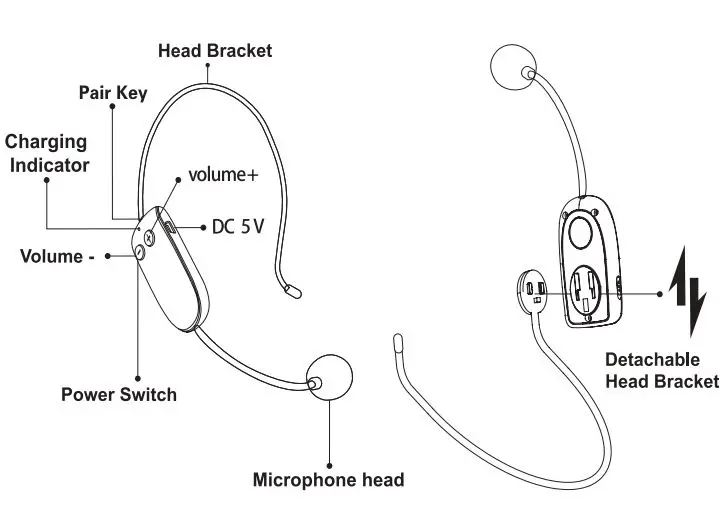
How to disassemble the wireless mic
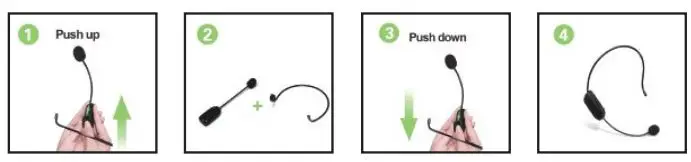
How to Pair U8 Wireless Headset Microphone with Speaker?
- Turn on US wireless microphone with Blue light becomes constantly lights.

- Turn on the UHF wireless voice amplifier, then long press “UHF” key and the red indicator light will flash, which means the device has enter into the UHF wireless pairing status;

- Do a press on the small silicone button ~ on the microphone until red light on the speaker from flashing to constantly red, it means they paired successfully.
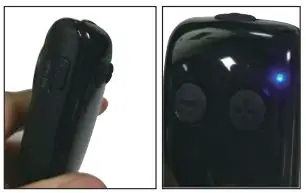
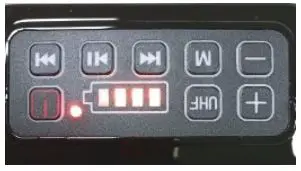
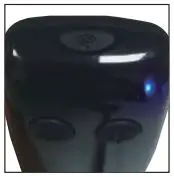
Noted: Please pair another U8 headset mic according to above steps.
And please pair each microphone one by one.
Noted: long press wifi key on the U8 microphone will disconnect with speaker automatically. Please refer above steps to re pair manually.
Noted: Paired successfully, then short press “UHF” key of voice amplifier, you can pause UHF wireless amplification mode. Short press again, you can turn on the UHF wireless amplification mode.
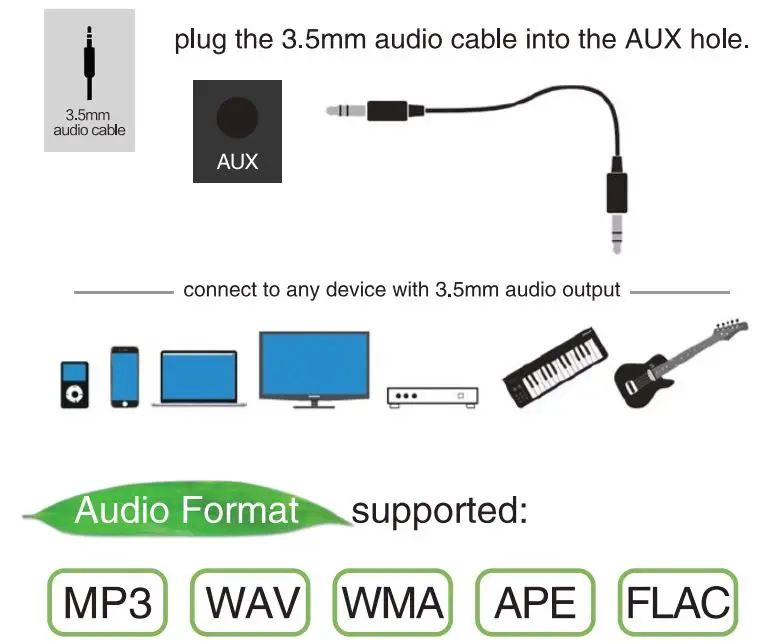
How to Play Aux
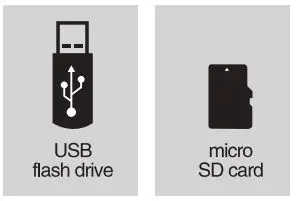
How to Play USB drive or TF card
Just connect a USB drive or TF card, then speaker will play music automatically. Please make sure your USB or TF card have music files.
How to Play Music
- Click
 button to switch to Bluetooth mode with voice prompt: Bluetooth waiting for connection;
- Turn on Bluetooth device and search named “S92” to pair.
 button to switch to Bluetooth mode with voice prompt: Bluetooth waiting for connection;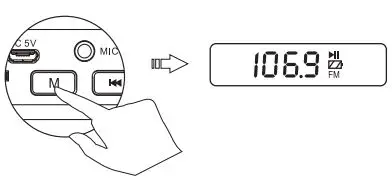
HOW TO CHARGING SPEAKER
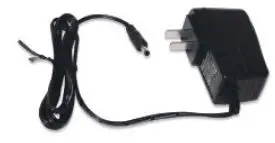
Charging speaker with DC 9V plug included.
In charging status: the indicator  flashes while charging;
Fully charged: the indicator turn on solid lights after charged fully.
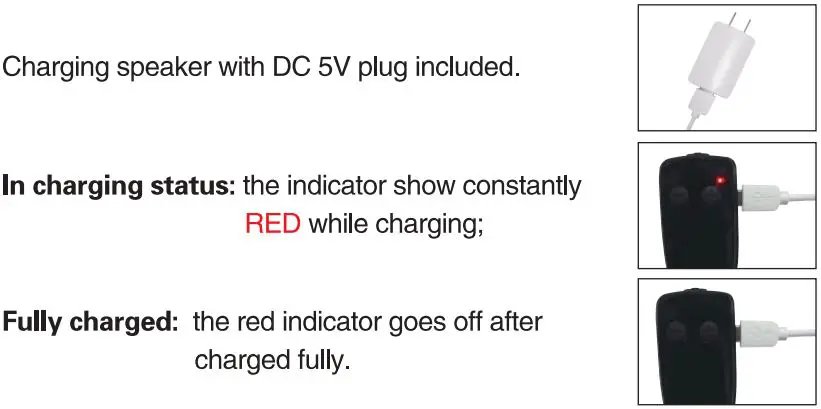
HOW TO CHARGING US MICROPHONE
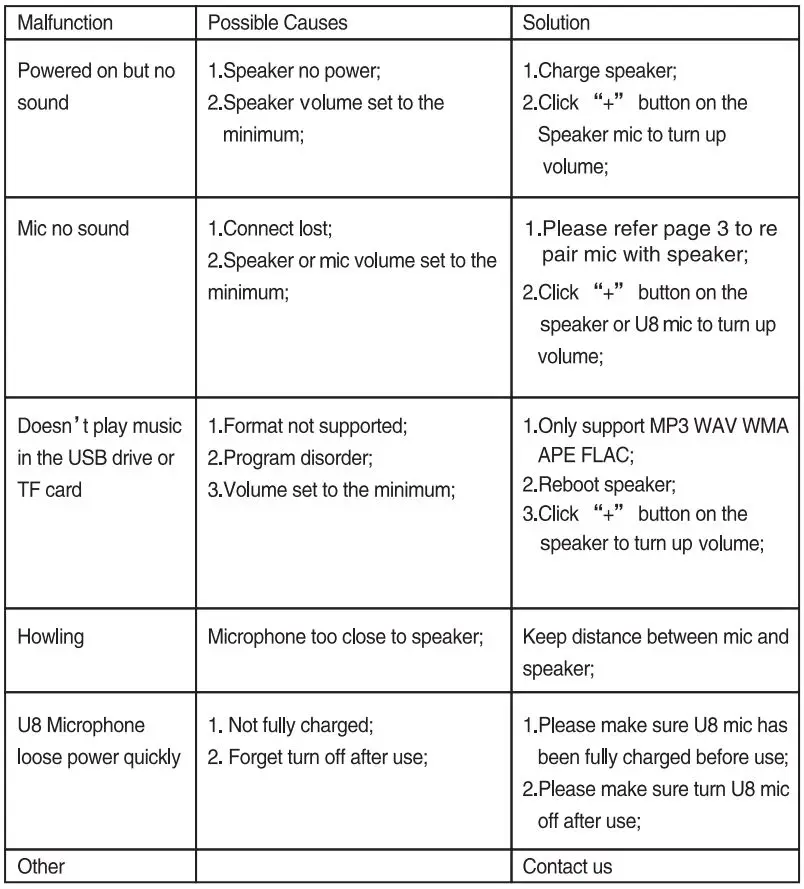
TROUBLESHOOTINGS
Package included:
- 1 * main machine
- 1 * waistband
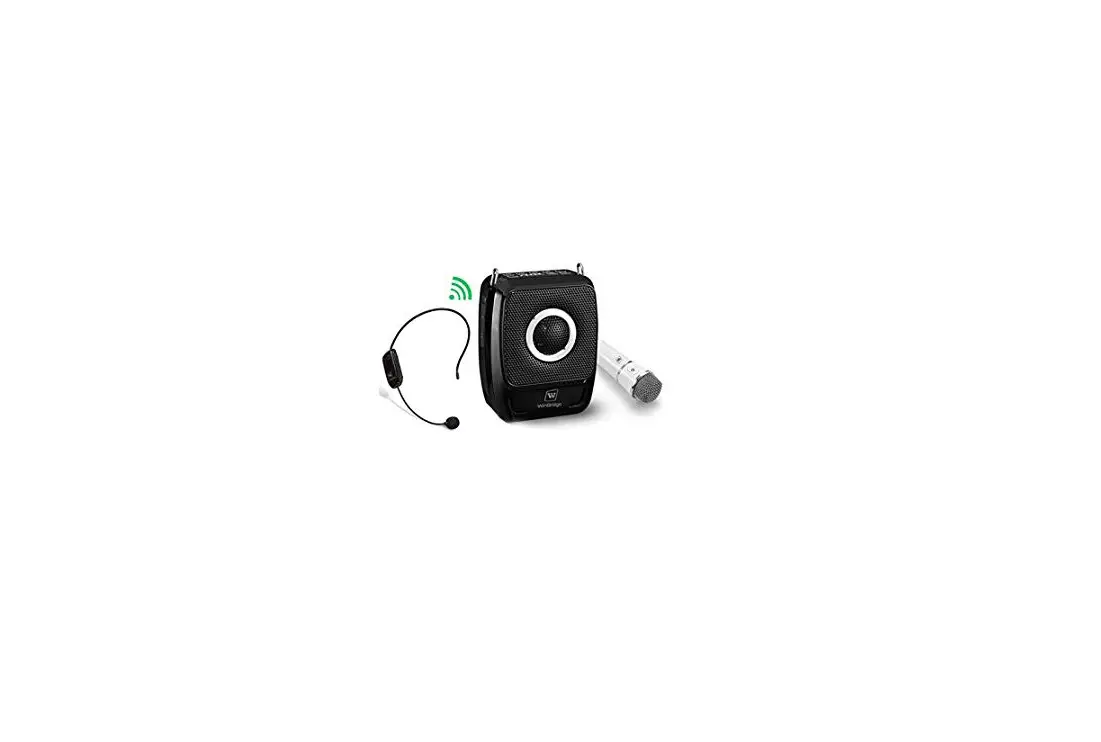
- 2 * wireless headset microphones
- 1 * DC 9V charger
- 1 * DC 5V adapter
- 1 * USB charging cable
- 1 * 3.5mm audio cable
- 1 * User manual
 After-sale service
WinBridge provide one year warranty and lifetime technical support.
[email protected]
http://www.winbridgepower.com

Please be confident that seller support is just a mail away from you in case you find any difficulty. Kindly do not hesitate to write back to us if you need any clarification or any kind of support.