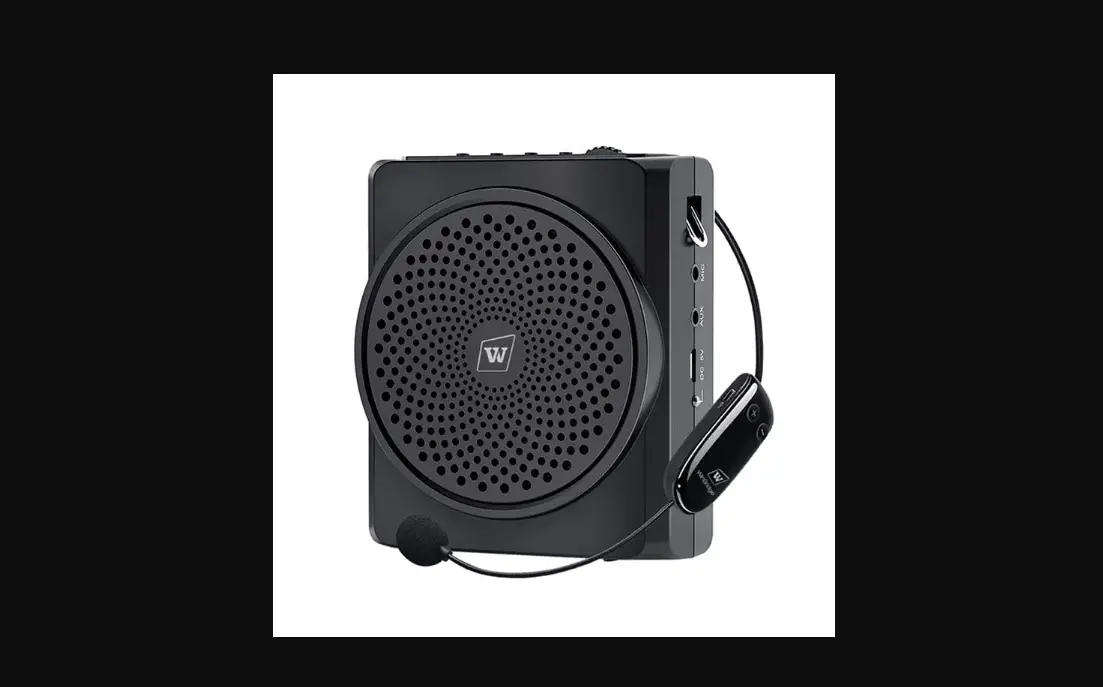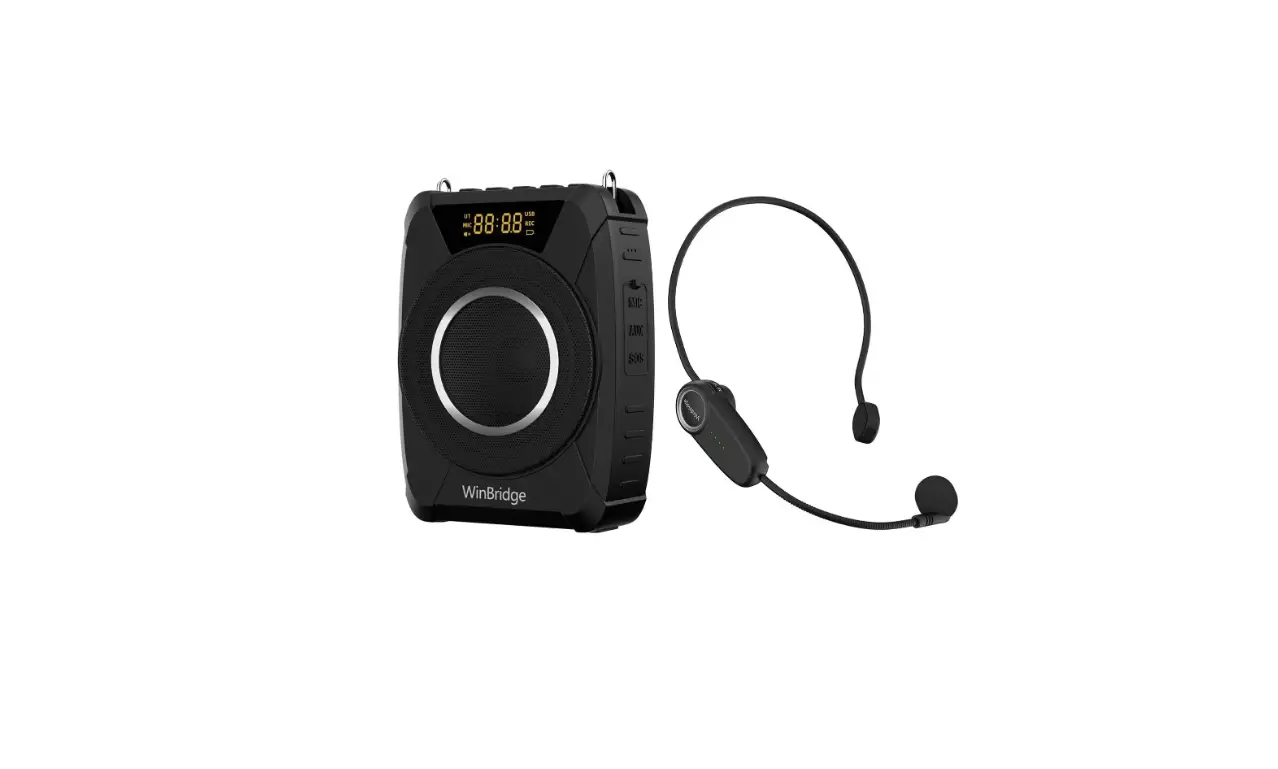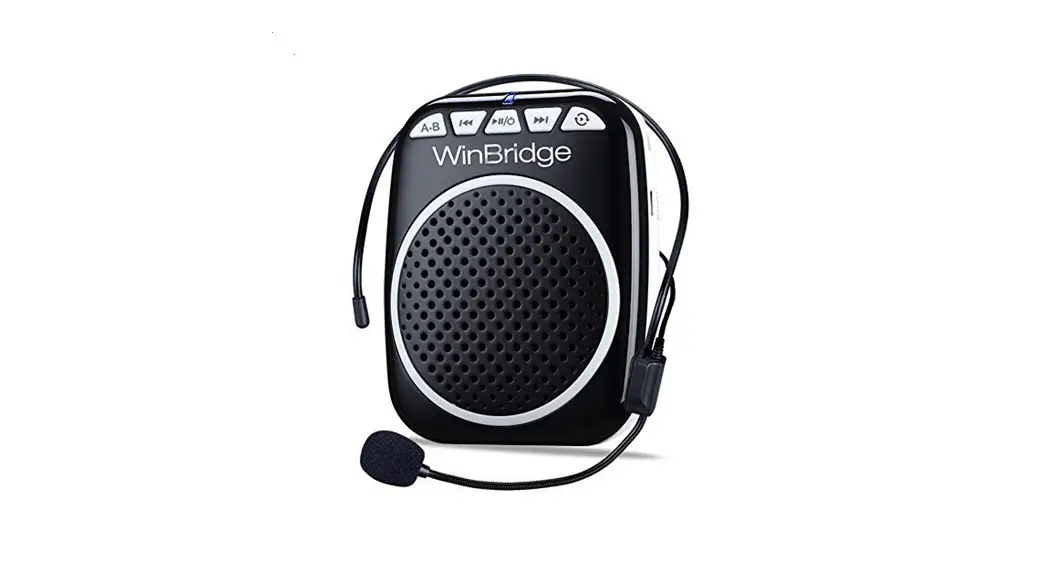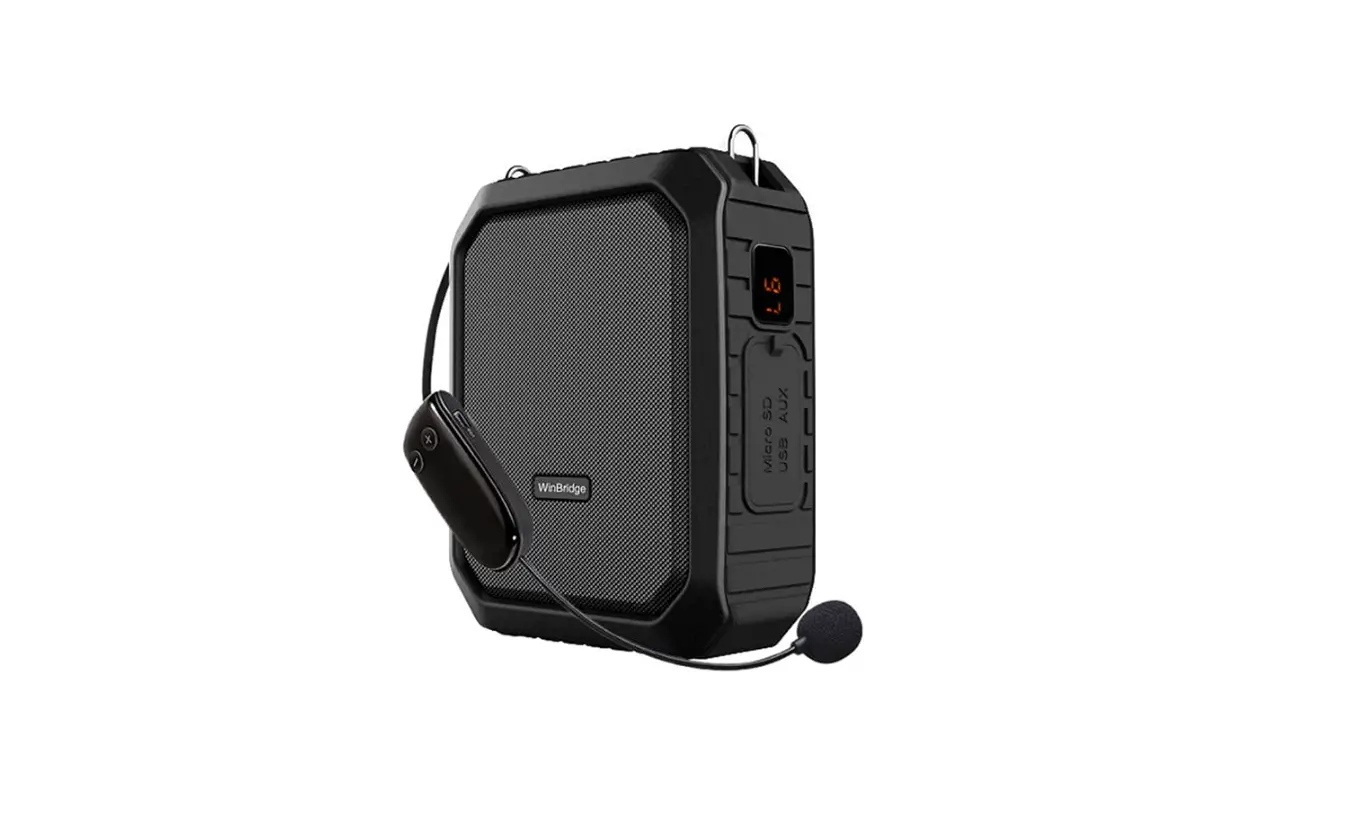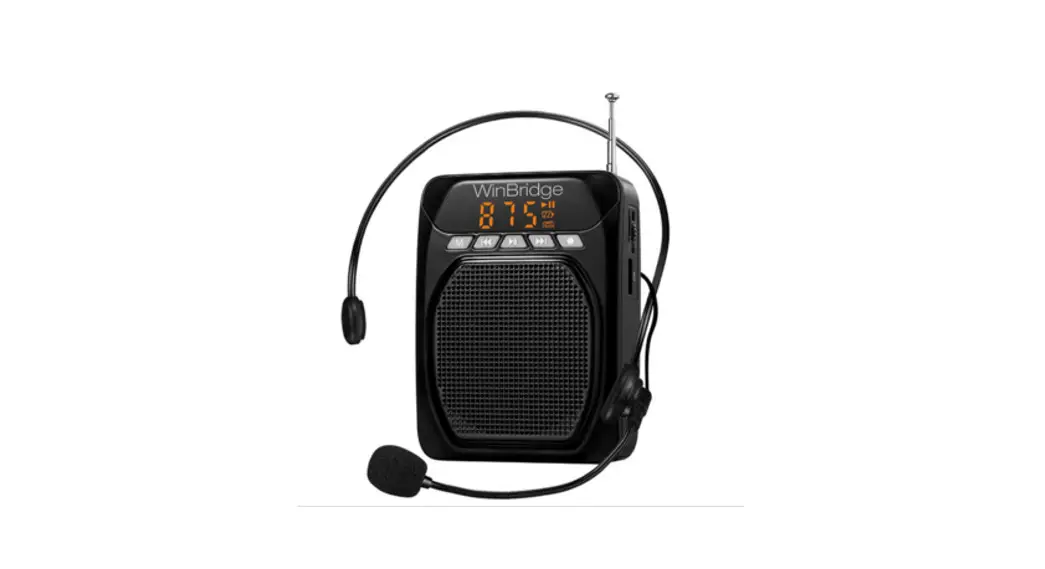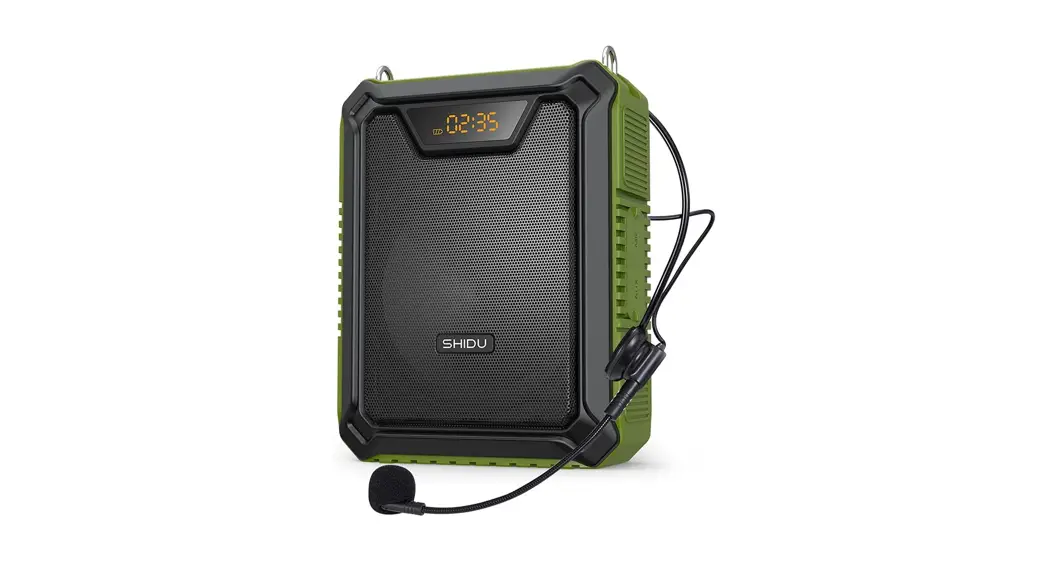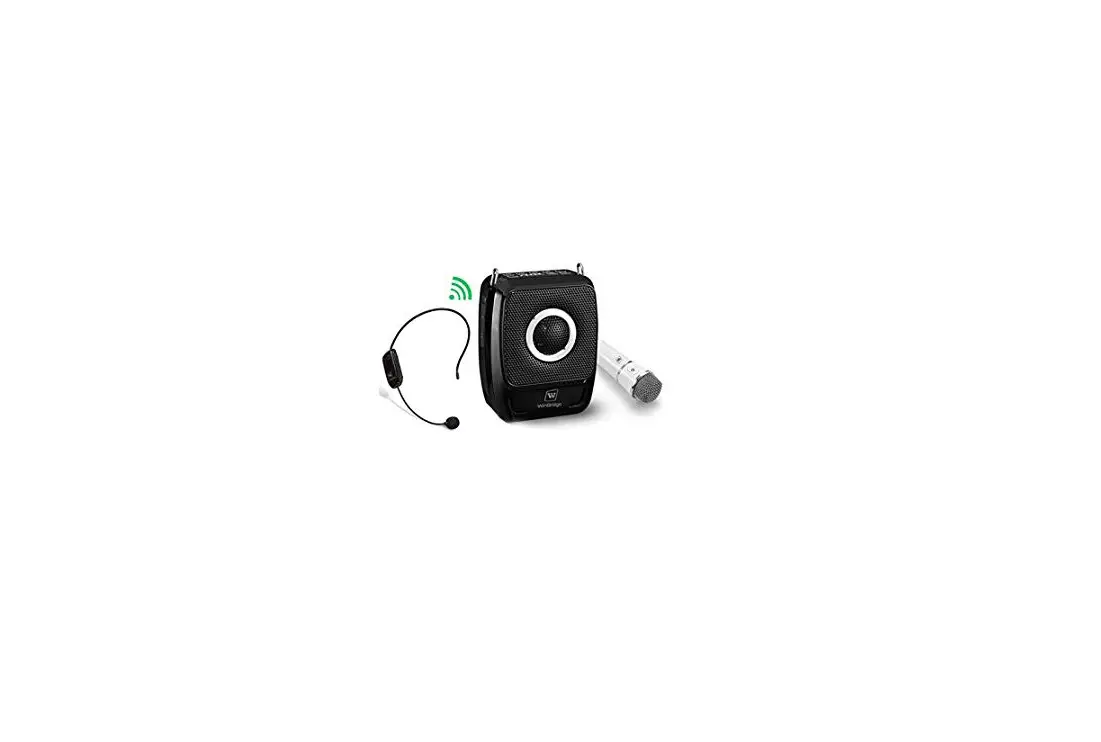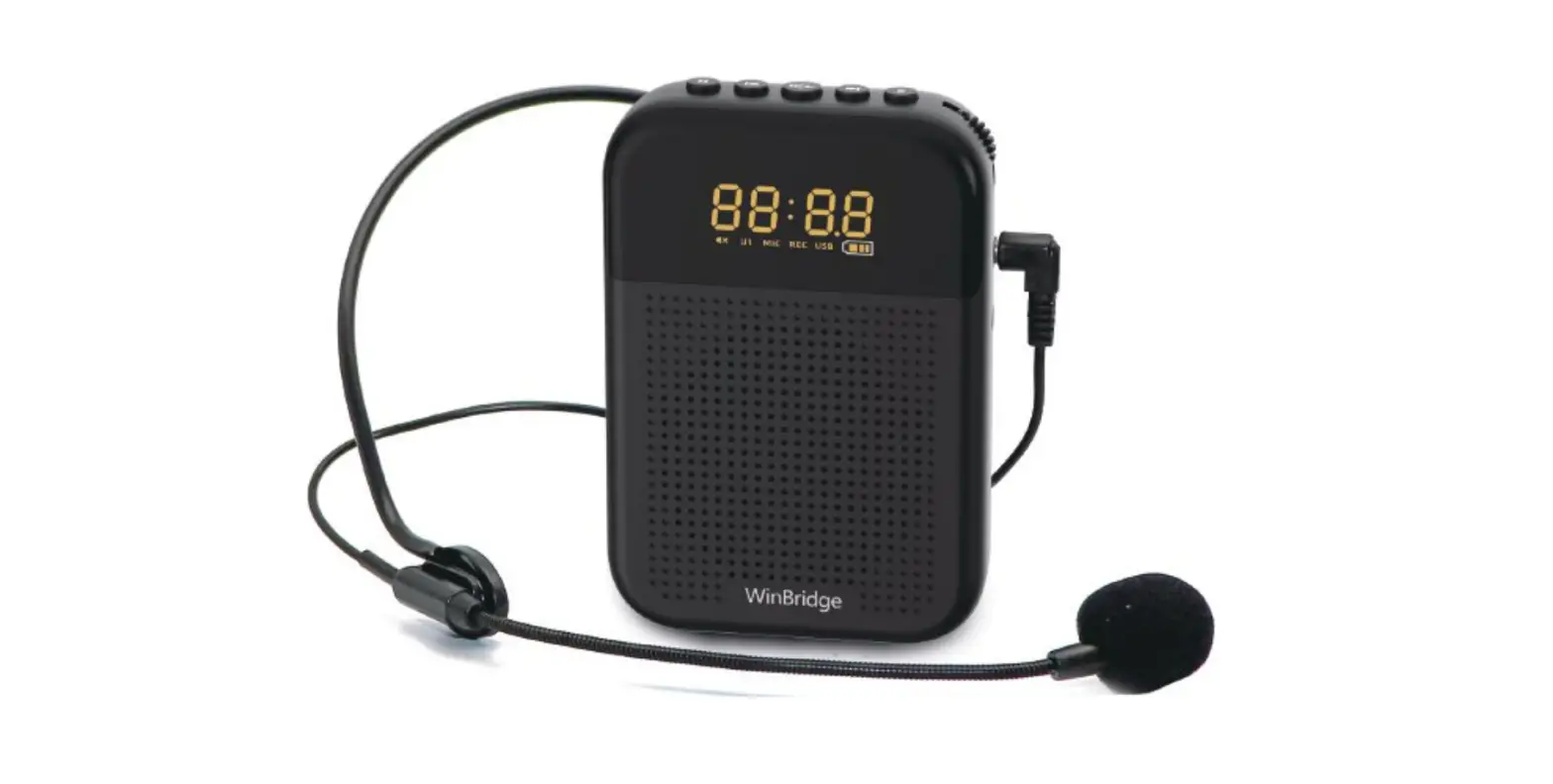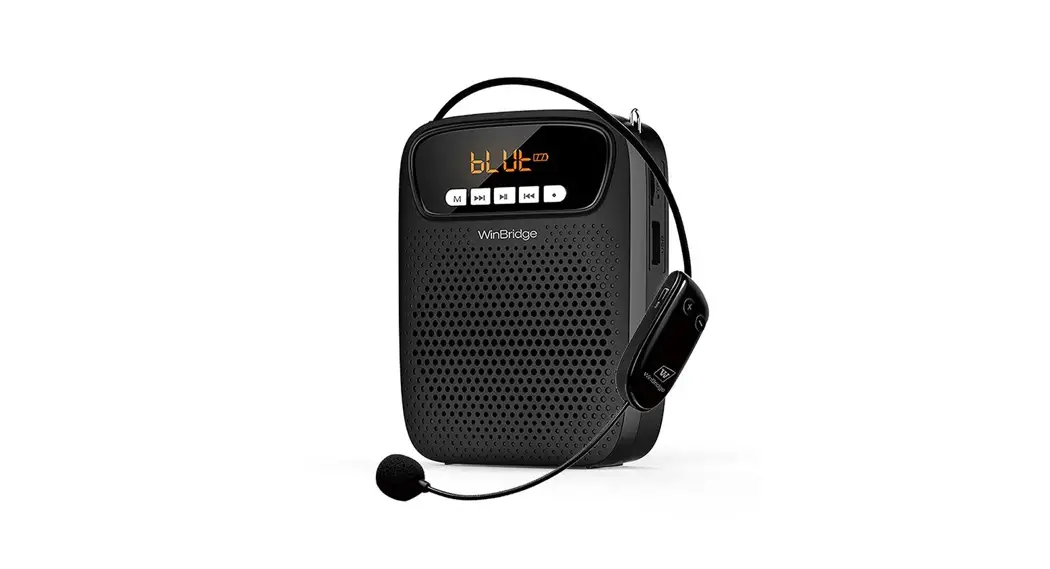

S278 UHF
Voice Amplifier User Manual
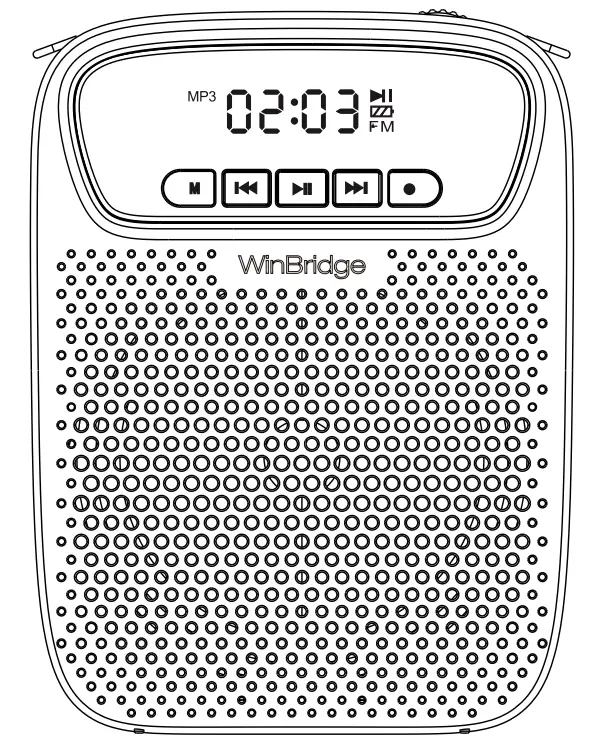
Please read the instruction carefully before using it.
Features:
- WINDRIDGE original sound amplification system, maximum output power 15W;
- Adopt advanced UHF wireless transmission technology;
- Support Tws, Bluetooth, TF card, USB disk, AUX to play audio.
Function Illustration
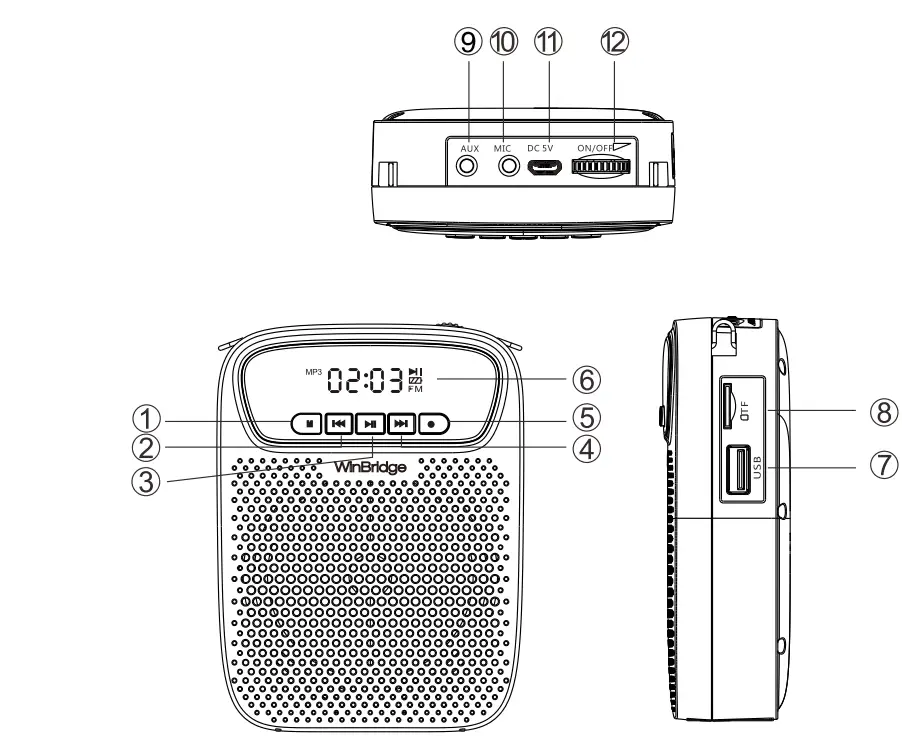
 Mode Key
Short press the” M ” button to switch modes among Battery mode, Bluetooth mode, UHF mode, TF Card, and USB mode.- Previous
Long press for fast reverse, short press to go to the previous song;
 - Play/Pause
Short press to pause and press again to play.
 - Next
long press for fast forward, short press to go to next song;
 - Recording
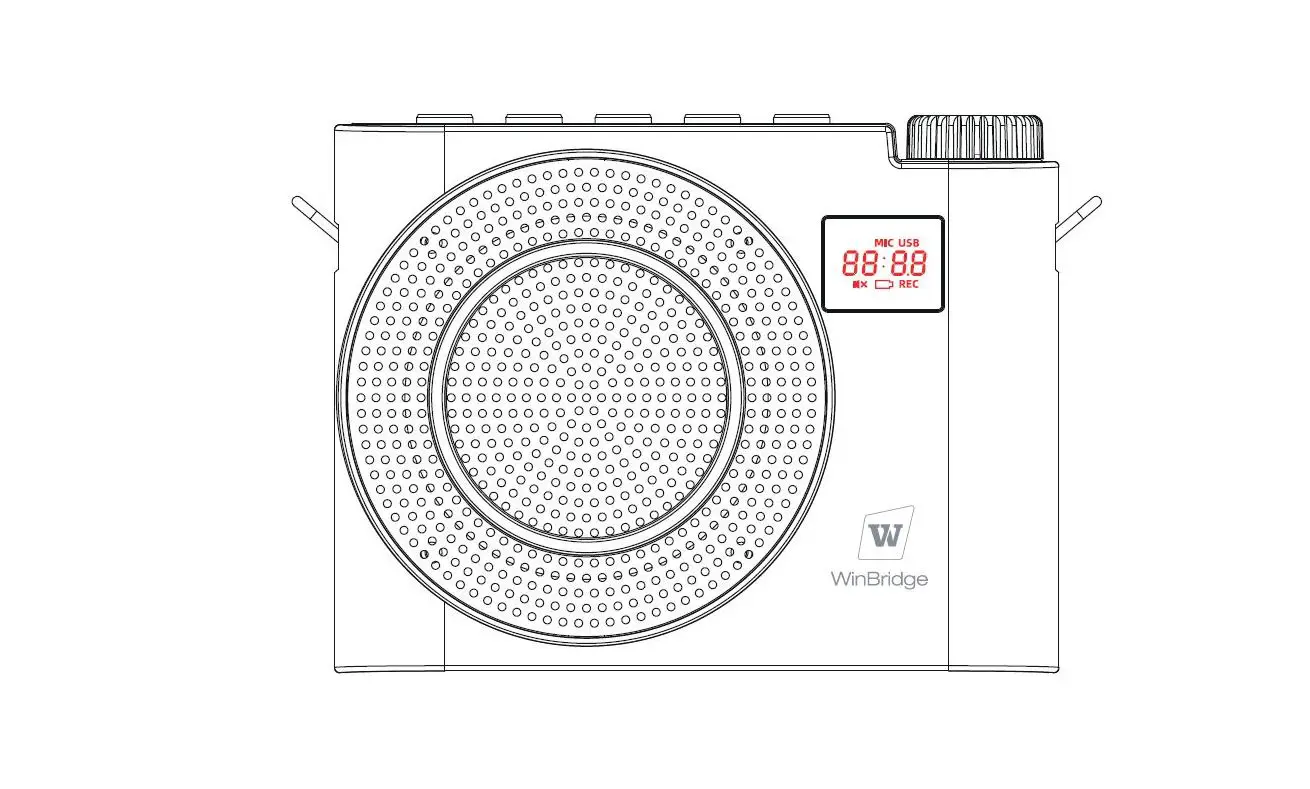
- Digital display-screen
- USB slot (reading and storing data )
- TF card slot(reading and storing data )
- AUX slot (support 03.5mm jack)
- MIC slot (support 03.5mm wired MIC )
- DC 5V charging slot
- Power switch/volume control
 Mode Key
Scroll the wheel key to “ON” to turn on the amplifier, and the LCD screen will light with the sound of ” crack ” . And scroll to” ON ” continuously to increase volume; Scroll to “OFF” continuously to decrease volume till turn off.
Heatest Mic Function IIIustration
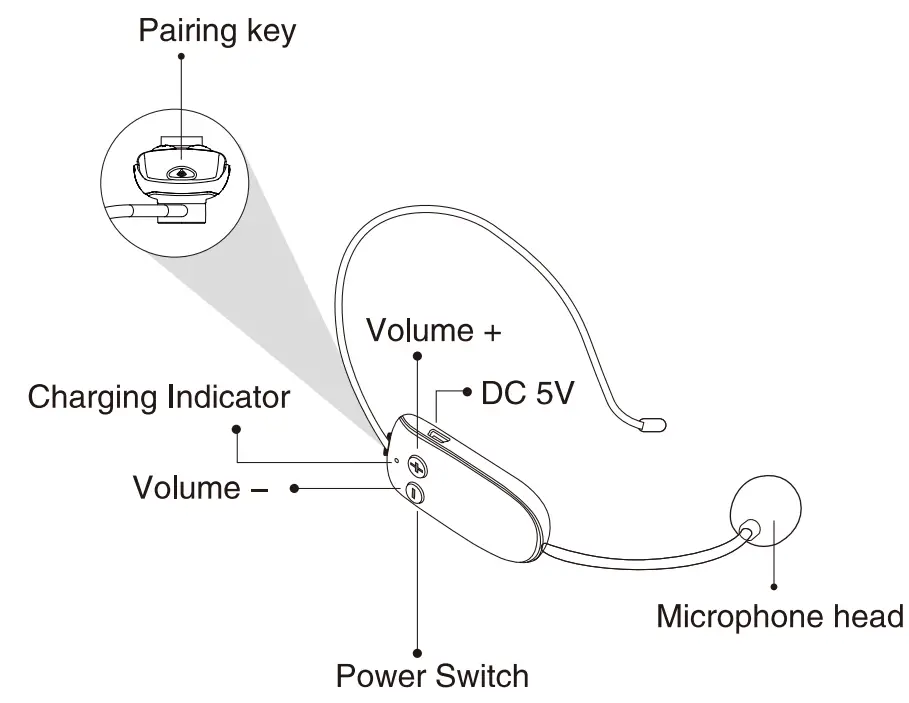
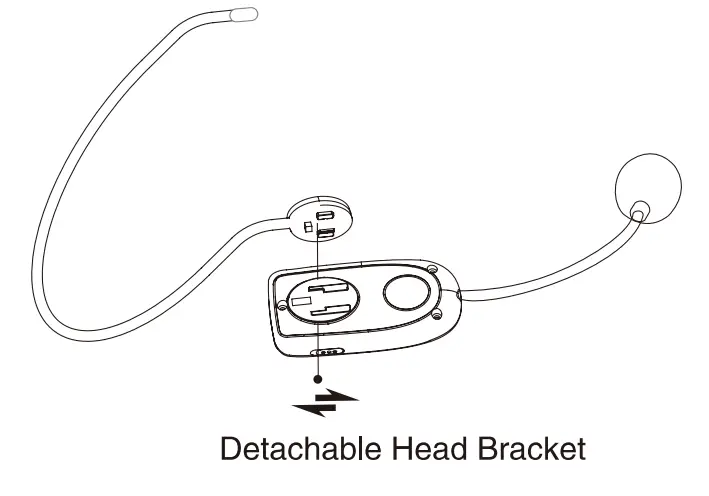
- Switch ON /OFF
Turn on the UHF wireless microphone with the blue battery indicator is on. Turn off the UHF wireless microphone with the blue battery indicator goes out. The wireless microphone factory selling have been paired successfully, you can use it directly. If the microphone has no sound or the microphone is disconnected, you need to pair it manually. - How to Pair Wireless Microphone with Speaker
Step1: Turn on the wireless headset microphone with blue indicator lights.
Step2: Turn on speaker, short press M button to switch to UHF mode, then long-press M button again for about 3 seconds to enter UHF pairing mode with voice prompt: “UHF is waiting for connection”.
Step3: Do a press on the small silicone wifi button” ” on the mic until the speaker prompt:” UHF is connected”, then your voice will be amplified.
Noted:
- The voice amplifier and microphone will disconnect when long-press the” ” key on the Headset microphone or long-press M button on the speaker. Please refer above steps to repair manually.
- In UHF mode, short press the” + ‘ or ” – ” button on the microphone will turn up/down the volume.
Charging instructions of wireless microphone:
When the blue light on the microphone flashes, it means that the battery is low and you need to charge the microphone.
HOW TO CHARGE THE MICROPHONE?
In charging status: the indicator shows red while charging. Fully charged: the red indicator goes off after being charged fully.
Operation Description
1. TF card/ USB flash disk
Insert TF card/ USB to the corresponding port, the amplifier will automatically play audio; press [kyl, IX>0 to choose audio. 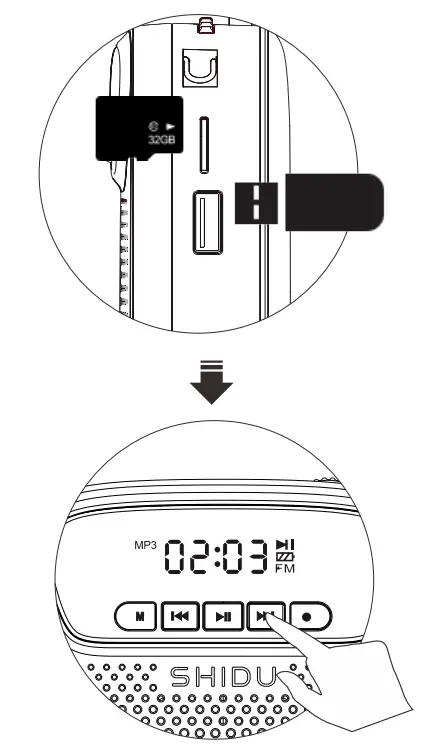
2. Recording
A. Connect with a wireless mic or plug 3.5mm wired MIC into ” MIC ” port, to record by the short press  , with a voice prompt ” start recording “, then short press again with a voice prompt “play recording”.
(Noted: Please make sure TF card/USB is inserted.)
B. In recording mode: the recorded files will be saved automatically in TF card or USB flash disk.
C. Short press or to play the last or next recorded files.
D. During recording files playing, short press to pause, then long-press to delete recording files. And the screen will show ” dELL “.
Noted:
- TF card or USB driver is NOT included
- Please use standard MIC to record properly
- If you want to delete the recorded file, please note that you should unplug the wired microphone first
3. AUX Input 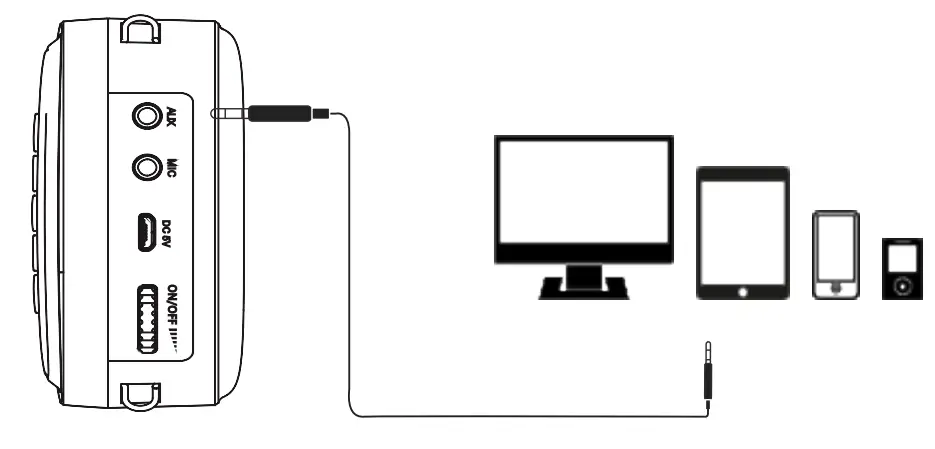
Connecting amplifier to the external audio device (computer/ cellphone/MP3/MP4) via AUX cable, the amplifier will play music in above devices when LCD screen shows “LINE” with prompt voice “Audio In mode”
4. How to connect with Bluetooth
Click l’, to switch to Bluetooth mode with a screen shows  and there will be voice prompts:
Bluetooth is waiting for connection
Turn on the Bluetooth device and search name ‘ S278 UHF ” to pair.
5. TWS Function ( two speakers required 1
Step: Turn on two S278UHF voice amplifiers, click the button to enter Bluetooth mode. Then long press key in one of the voice amplifiers to enter waiting mode, the Bluetooth indicator in the other one stops flashing which means these two voice amplifiers are connected successfully.
Step2: Turn on your phone or Bluetooth device and search name ” S278 UHF ” to pair.
Step3: Long press key to quit TWS connecting.
6. How to charge the speaker
- Use the included DC 5V power adapter to charge the speaker’s internal rechargeable battery.
- Plug adapter into 110-220 AC outlet. Connect the cable end into the DC 5v power input on the speaker.
- It will normally take 3-5 hours to fully charge the battery.
- When charging is required, there is a voice prompt “Low battery, please charge “, the battery indicator will blink while charging. It will stop blinking when the battery is fully charged.
- Recharge the battery within 48 hours of the ” low battery ‘voice prompt. In order to extend the life of the internal battery, please charge it regularly even if the system is not being used.
- It is suggested that you charge the internal battery an additional 1-2 hours after fully charged to extend its life.
- Please DO NOT overcharge the battery by leaving the system plugged in continuously. This will reduce the life of the internal rechargeable battery and could cause overheating.
specification
| Output power | ≤15W | Frequency response | 200Hz-18KHz |
| Speaker Impedance | 40 | Working temperature | -10t-45t |
| Charging Voltage | DC, 5V–1A | Charging time | 3H-4H |
| Music mode time | 4H- 6H (medium volume) | Amplify time | 6H-8H |
( Remarks: The headset can be used for 3 to 4 hours after fully charged )
Package includes:
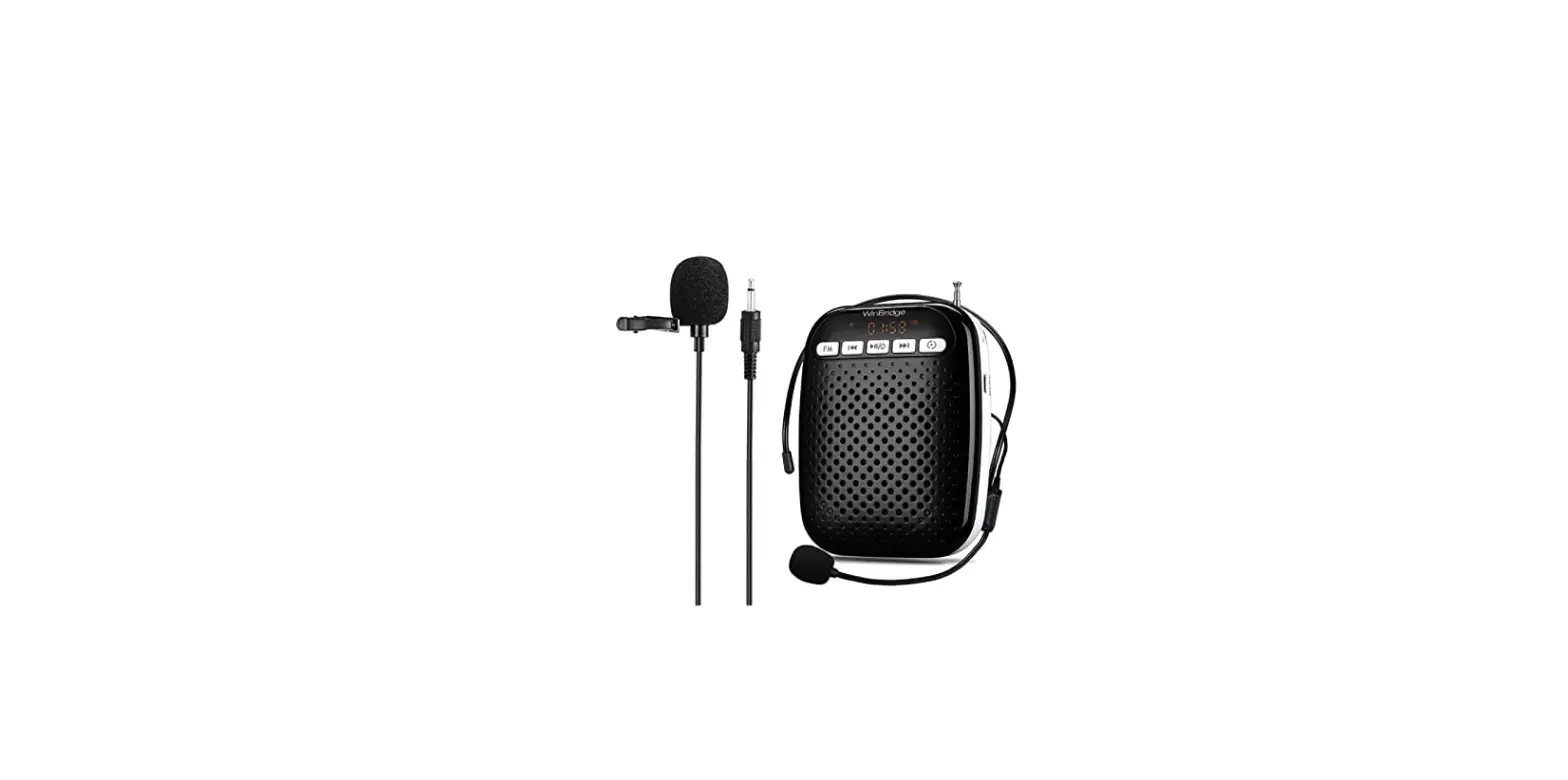
- 1* main machine
- 1* waistband
- 1* wired microphone
- 1 * USB cable
- 1* user manual
After-sale service
We will provide one year warranty and lifetime technical support. Please be confident that seller support is just a mail away from you in case you find any difficulty. Kindly do not hesitate to write back to us if you need any clarification or any kind of support.
Email: [email protected]
Official site:www.wwinbridge.com