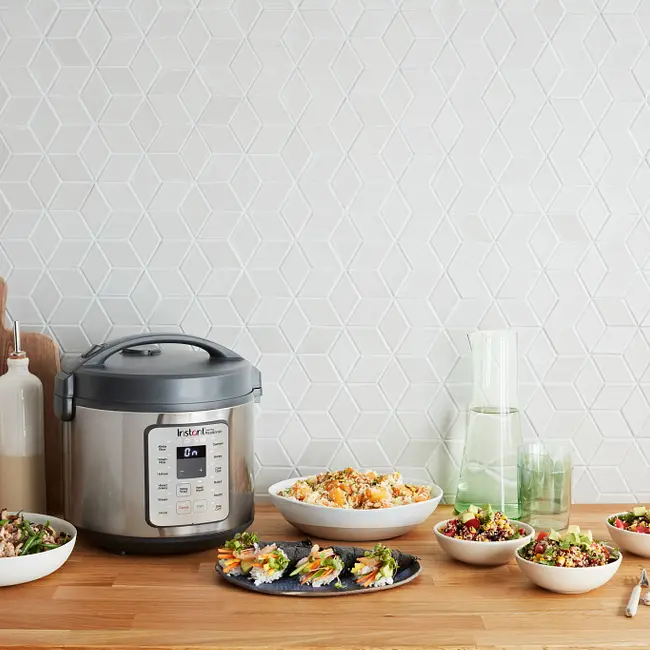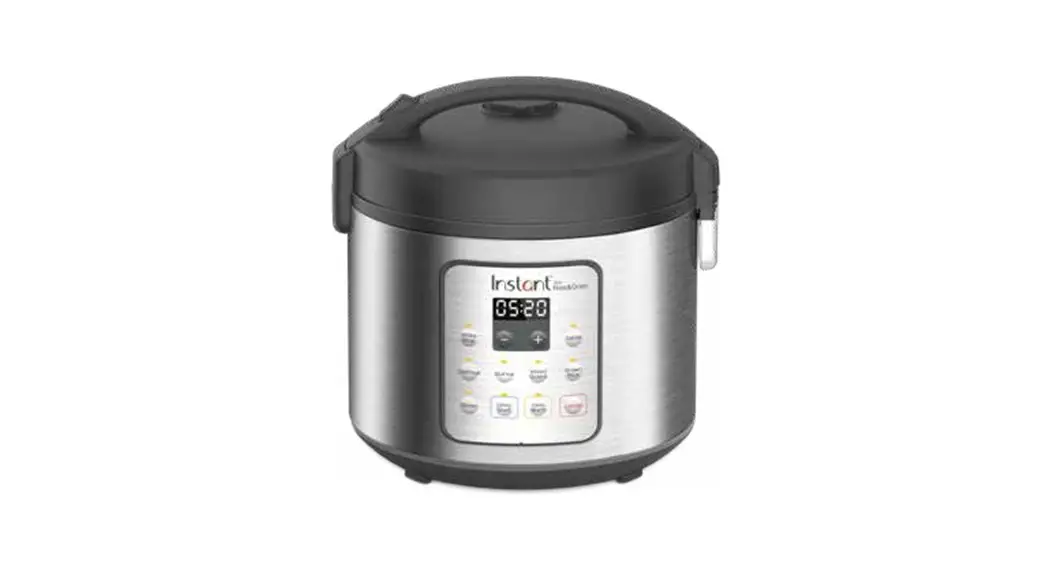

ZEST™
Rice & Grain Cooker
Welcome
Initial Setup
Product Overview
Getting Started
More Controls & Smart
Programs Support & Contact Information
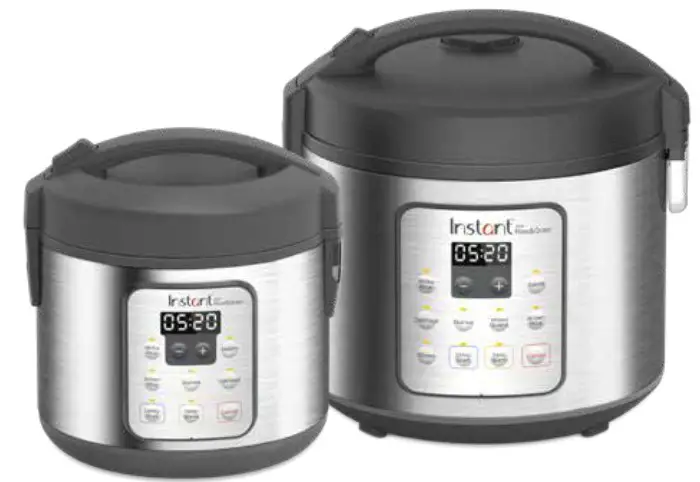
Getting Started Guide Full manual and instruction videos available at instantappliances.com
Register your product today at instantappliances.com/support/register
Welcome to the world of Instant cooking.
Thank you for welcoming us into your kitchen. Having families ourselves, we developed the Instant™ Zest™ to allow busy families and professionals alike to cook healthy, delicious meals more easily and in less time.
We have partnered with chefs, authors and bloggers to compile a collection of recipes that we hope you enjoy!
Happy cooking,
 Robert J. Wang
Founder & Chief Innovation Officer
Download the Instant Pot App
- Original Recipes
- New User Tips
- Getting Started Videos

Initial Setup
- Remove all packaging material from in and around the cooker, and verify that all parts are accounted for.
- Place the cooker on a stable, level surface, away from external heat sources.
- Read all Important Safeguards in the included Safety, Maintenance & Warranty booklet before use. Failure to do so may result in property damage and/or personal injury.
- Follow Care & Cleaning instructions in the included Safety, Maintenance & Warranty booklet to wash the cooker before first use.
- Do not remove safety warning stickers from lid or rating label from back of cooker base.

 Never use the cooker on a stovetop. Do not place the appliance on or in close proximity to a hot gas or electric burner, or a heated oven. Heat from an external source will damage the appliance.
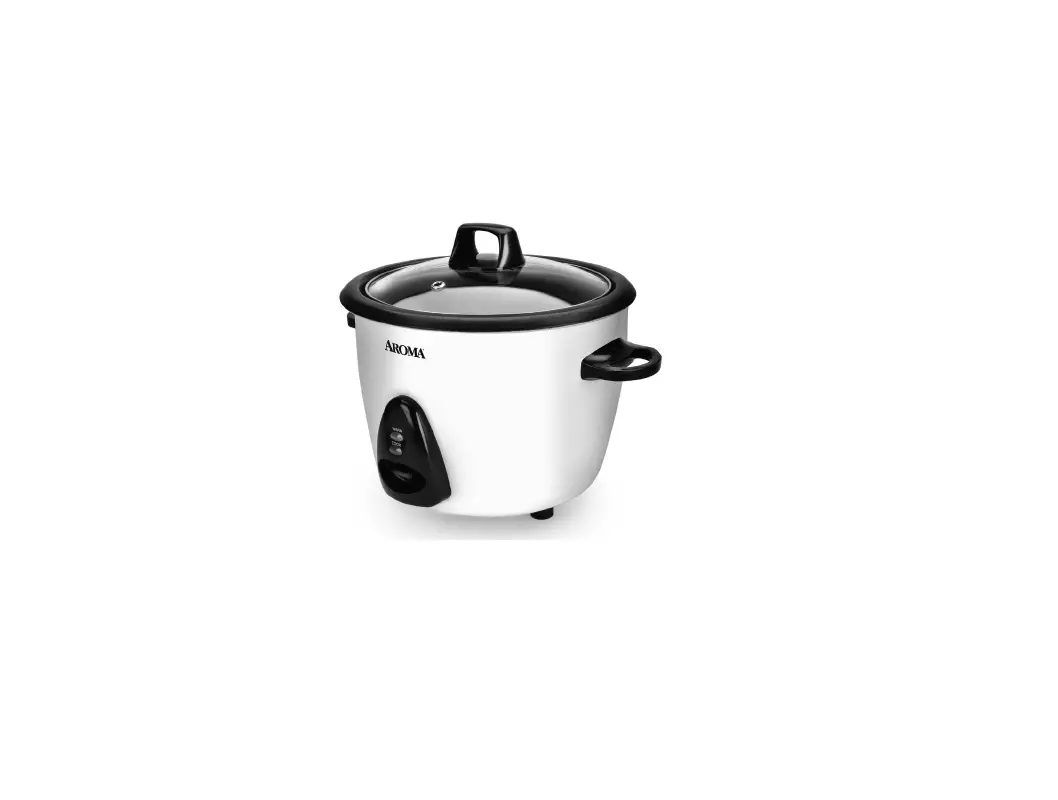
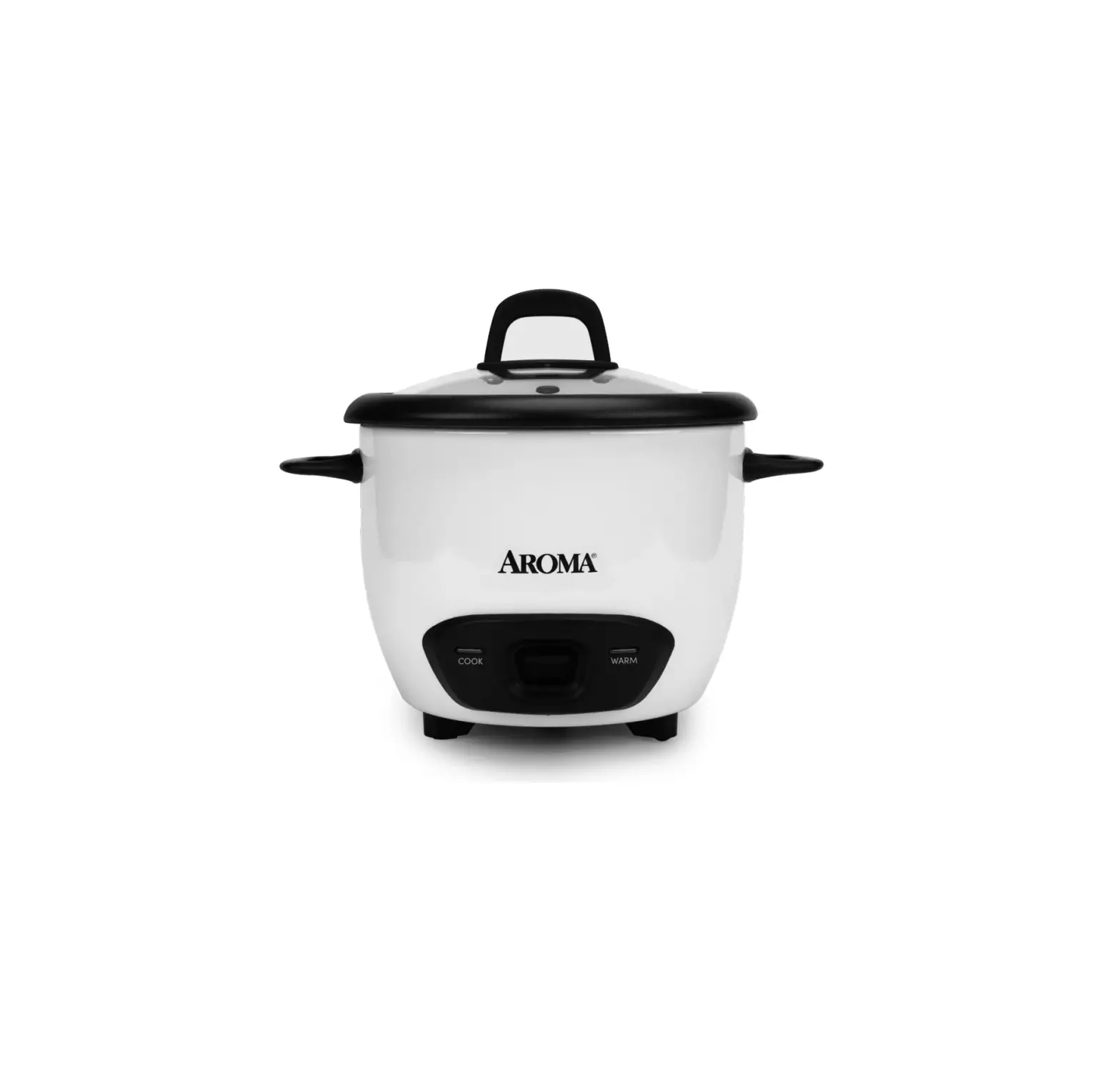
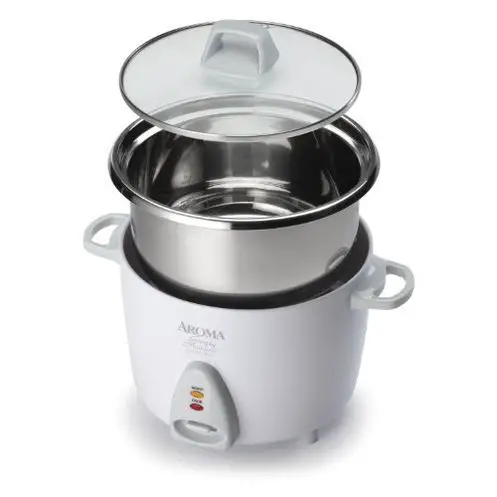
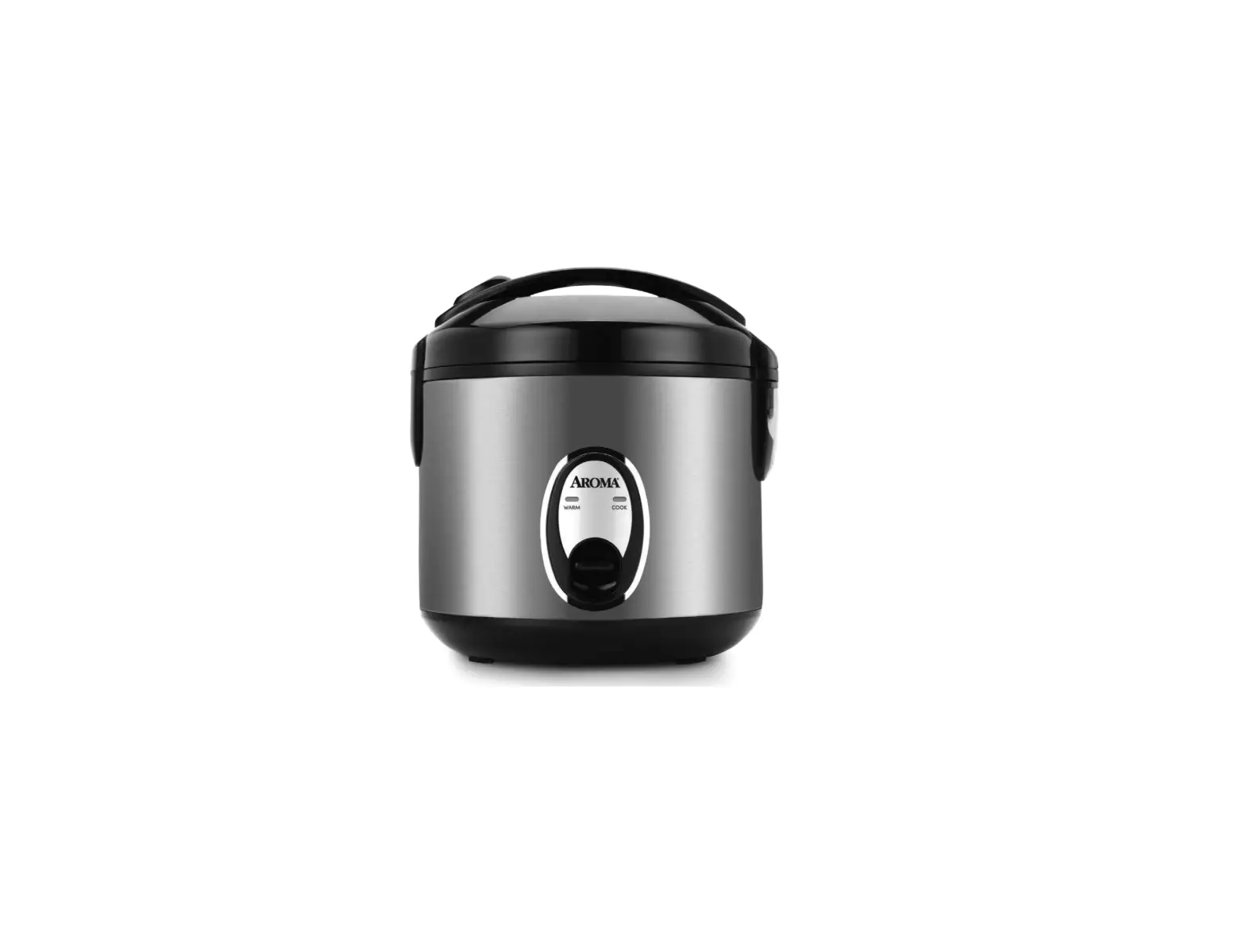
Product Overview
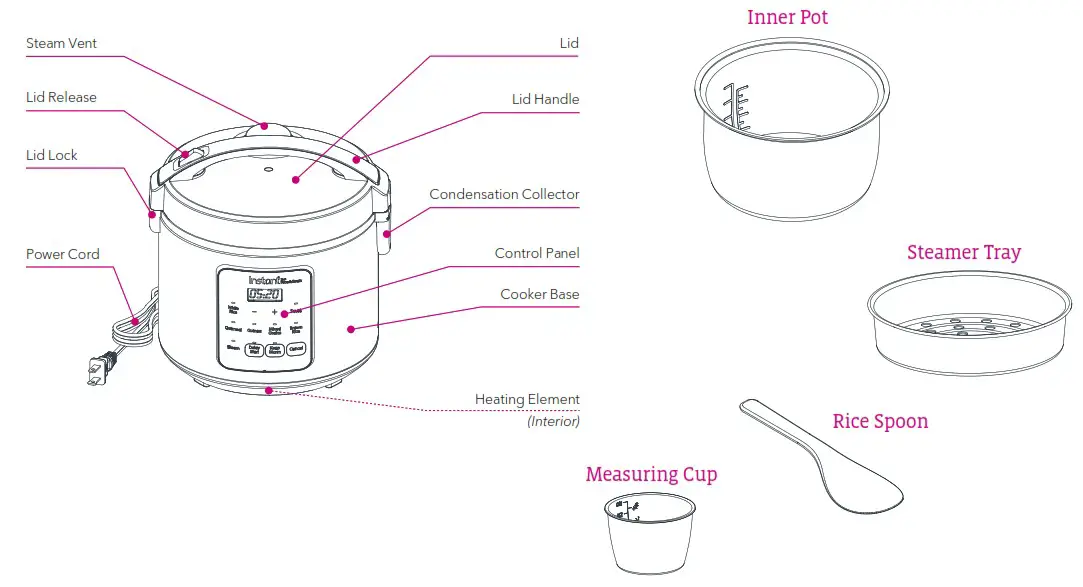
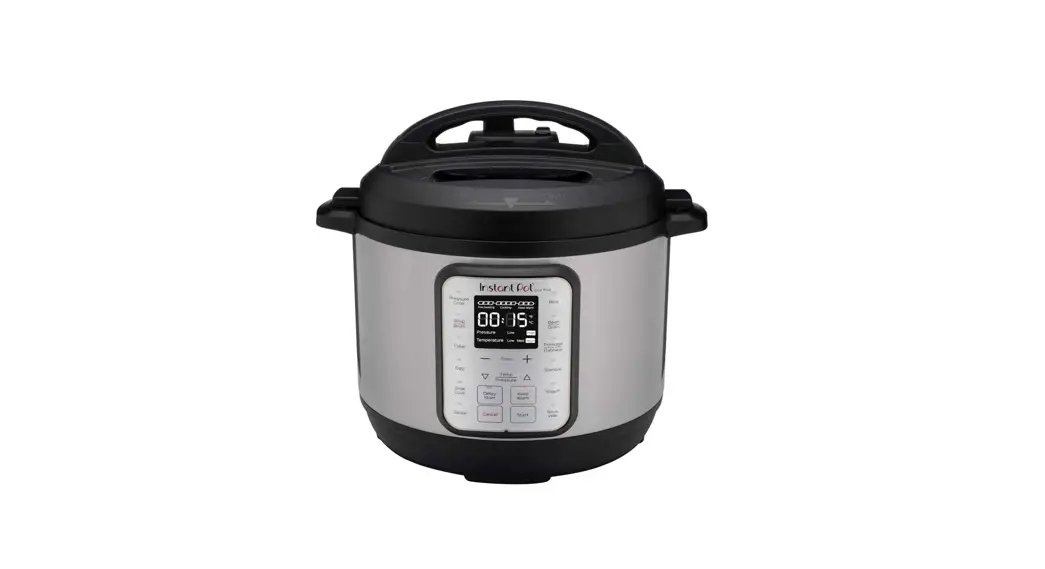
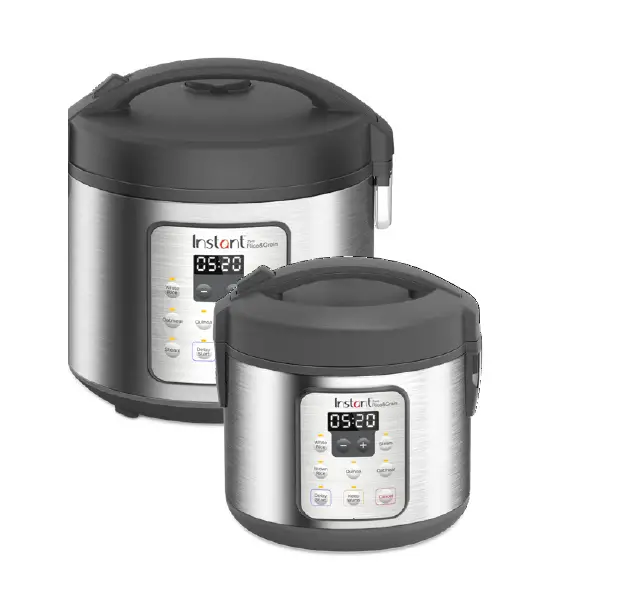
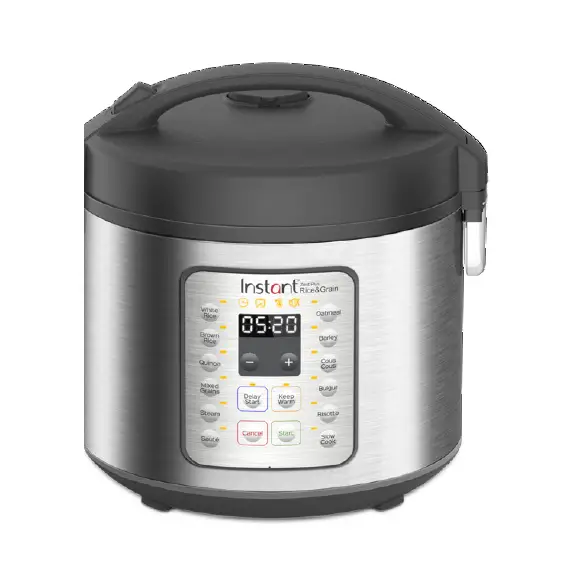
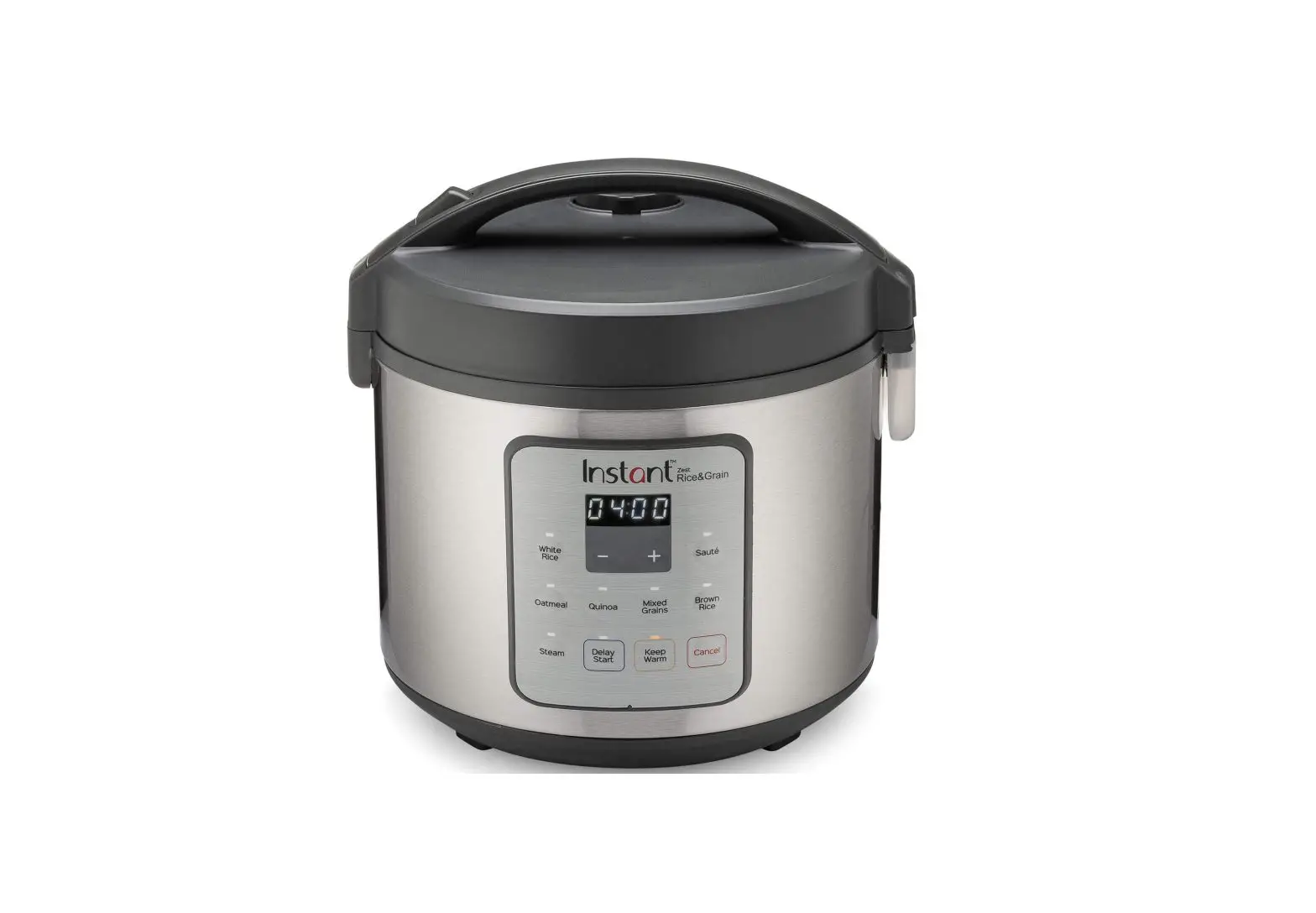
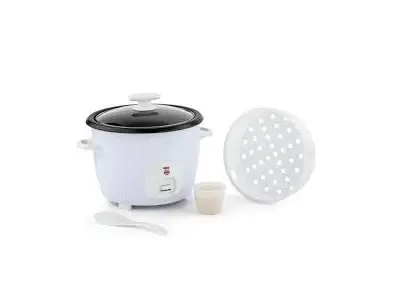
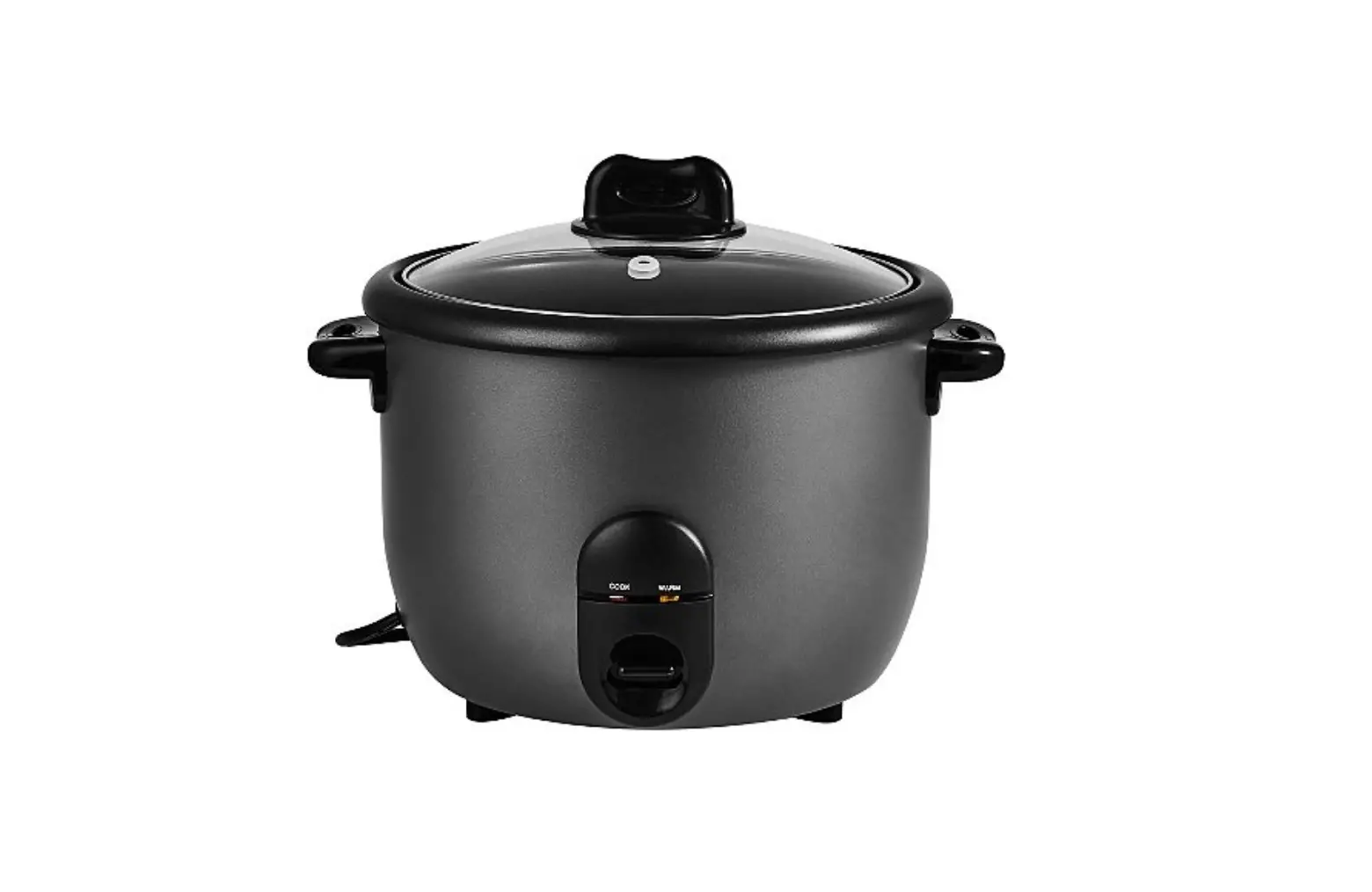
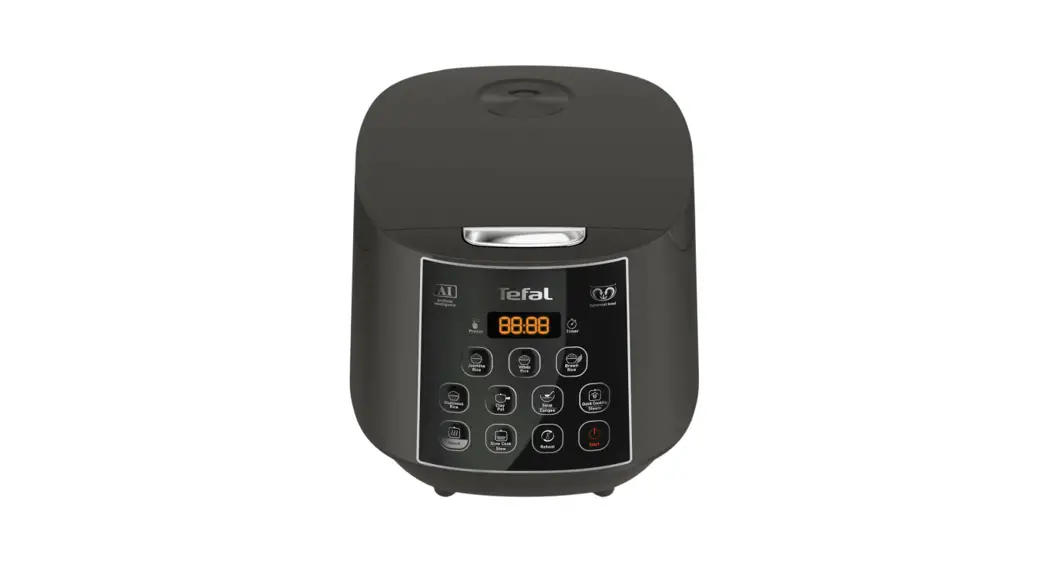
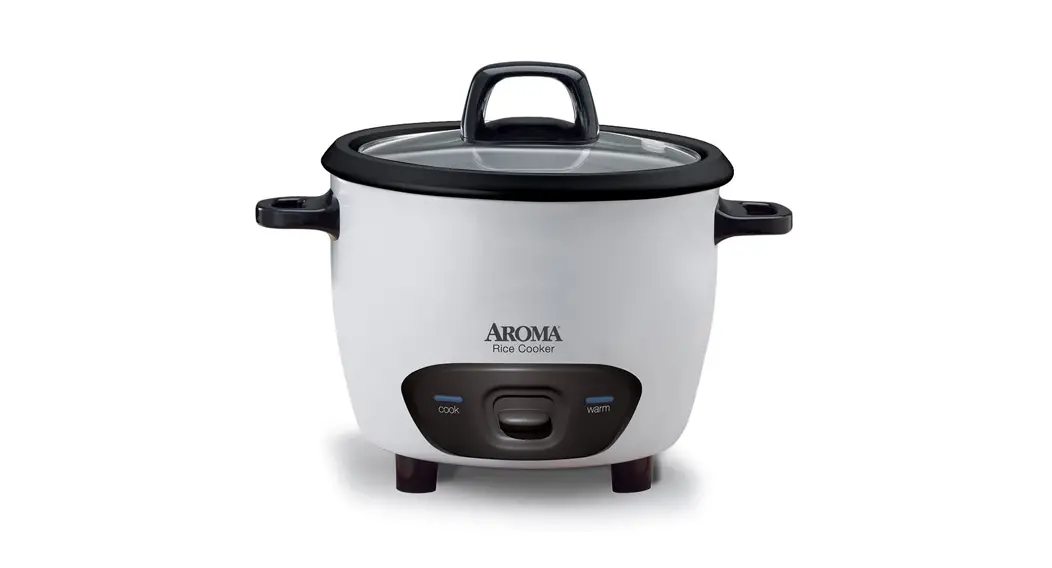
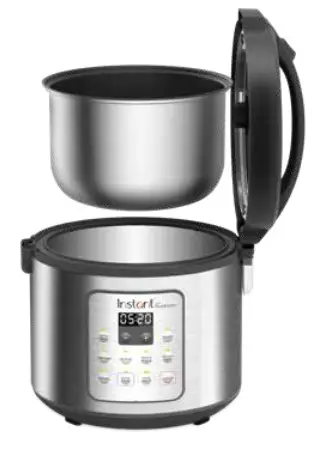
Images are for reference only. Please refer to actual product. The models shown here may not be representative of all models in the Zest series.
For a complete list of colors and/or sizes, visit instantappliances.com
Getting Started

| 1. Press the lid release button on the lid handle down, then open the lid. | 2. Remove the inner pot from the cooker base. |
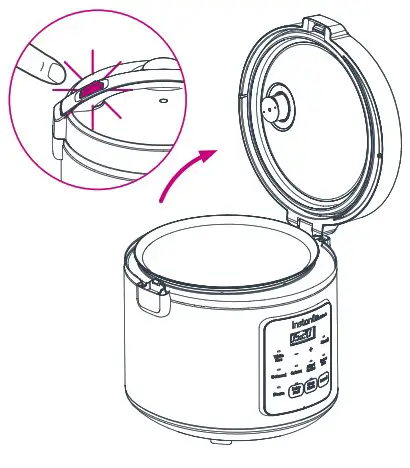 Note: The lid cannot be removed from cooker base. Note: The lid cannot be removed from cooker base. | 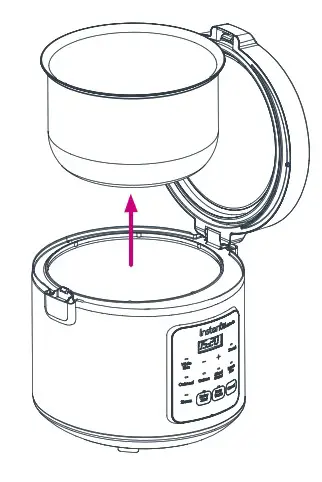 |
| 3. Add grain and cooking liquid to the inner pot, according to your recipe. | 4. Insert the inner pot into the cooker base. |
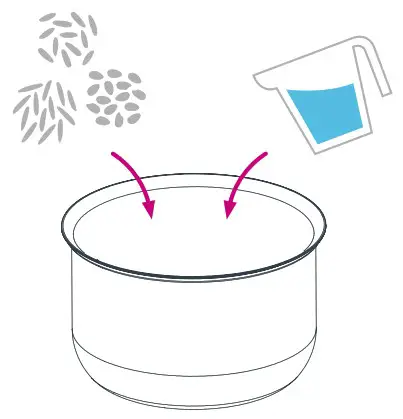 | 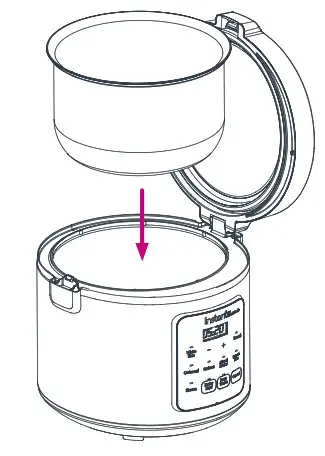 |
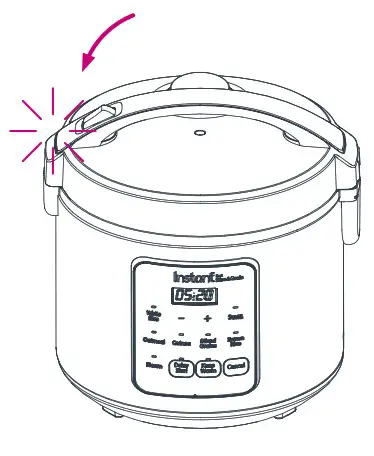
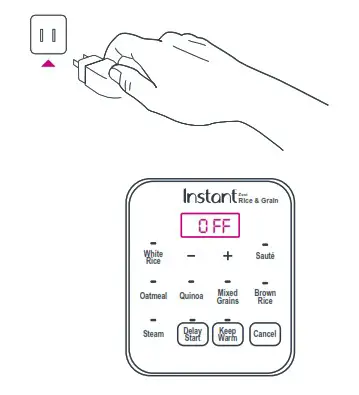
| 5. Close the lid. It clicks to indicate that it is closed correctly. | 6. Connect the power cord to a 120V power source. The cooker is in Standby, and the display indicates “OFF”. |
 |  |
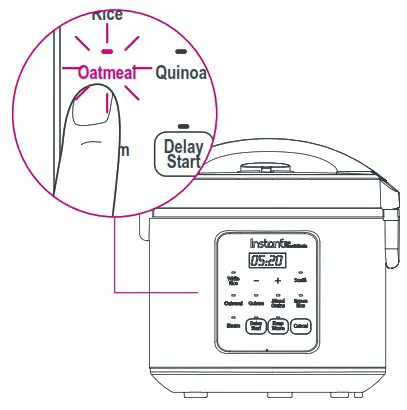
| 7. Select a Smart Program. | 8. If applicable, use – /+ to manually adjust the cook time. |
 | 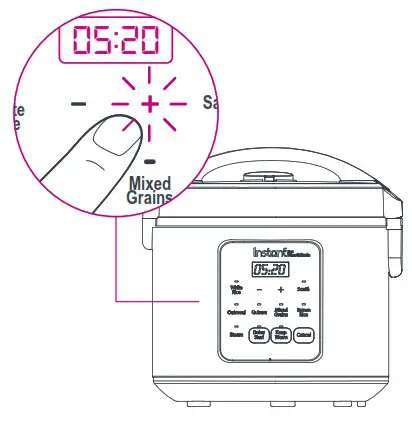 Note: All Smart Programs except Steam, Sauté and Oatmeal will automatically set the cook time based on the volume of grain in the inner pot. |
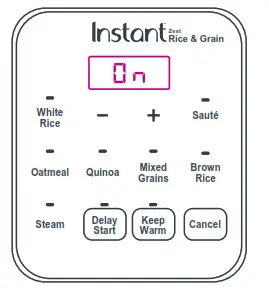
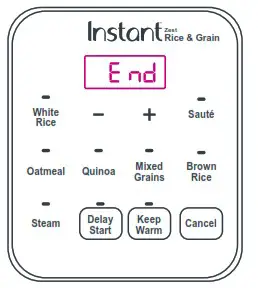
| 9. 5 seconds after making your selection, the cooker will begin heating. Display indicates “On” for automated programs. For manually adjusted programs (Sauté, Steam, Slow Cook, Oatmeal) the countdown time is displayed. | 10. When the Smart Program completes, the cooker will go to Keep Warm and display “End”. To cancel this function, press Cancel at any time. |
 |  |
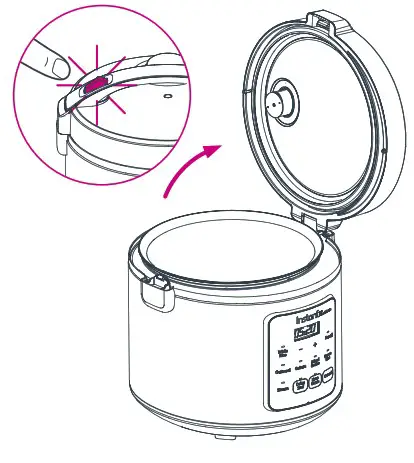
| 11. When ready, press the lid release on the lid handle down, then carefully open the lid. | |
 |  |
More Controls
Cancel
Press to stop a Smart Program at any time. Cooker returns to Standby and displays “OFF”.
Delay Start
Postpone cooking up to 24 hours. Select a Smart Program and press Delay Start to turn the setting on. Use –/+ to set the number of hours and minutes before cooking will begin. After a few seconds cooker will beep and Delay Start will begin counting down. There is no Delay Start function on Sauté program. (Zest 20C only).
Keep Warm
Setting is on by default on all Smart Programs. Once Smart Program is selected, press Keep Warm to turn the setting off.
For further information on controls and Smart Programs, refer to the full User Manual online at instantappliances.com
Smart Programs

| Smart Program | Grain: Water Ratio | Estimated Cook Time |
| White Rice | 1 cup: 1 ½ cups | 25 – 60 minutes |
| Brown Rice | 1 cup: 2 cups | 40 – 90 minutes |
| Oatmeal | 1 cup : 3 cups | 20 – 90 minutes |
| Quinoa | 1 cup: 1 ½ cups | 30 – 60 minutes |
| Steam | N/A | 5 – 60 minutes |
| Mixed Grains (Zest 20C only) | 1 cup: 2 cups | 40 – 90 minutes |
| Smart Program | Temperature | Estimated Cook Time | Notes |
| Sauté (Zest 20C only) | Low / High | 1 – 30 minutes | Do not close the lid when using Sauté. To switch between ”Lo“ and ”Hi“ press the Sauté button before pressing Start. |
| Manual Keep Warm | Low / High | up to 12 hours | To switch between ”Lo“ and ”Hi“ press the Keep Warm button before pressing Start. |
Note: Cooking times and ratios are recommendations only. Follow a trusted recipe.
For the complete cooking timetable, visit instantappliances.com
Enjoy time well spent with the Instant family of small appliances.

Register your product today at: instantappliances.com/support/register
Instant Brands Inc.11 – 300 Earl Grey Dr., Suite 383Ottawa, Ontario K2T 1C1 Canada
Contact Customer Care:
1-800-828-7280
[email protected]
instantappliances.com/#Chat
instantappliances.com
store.instantappliances.com
 Instant® Kitchen & Home Appliances Homepage | Instant Home