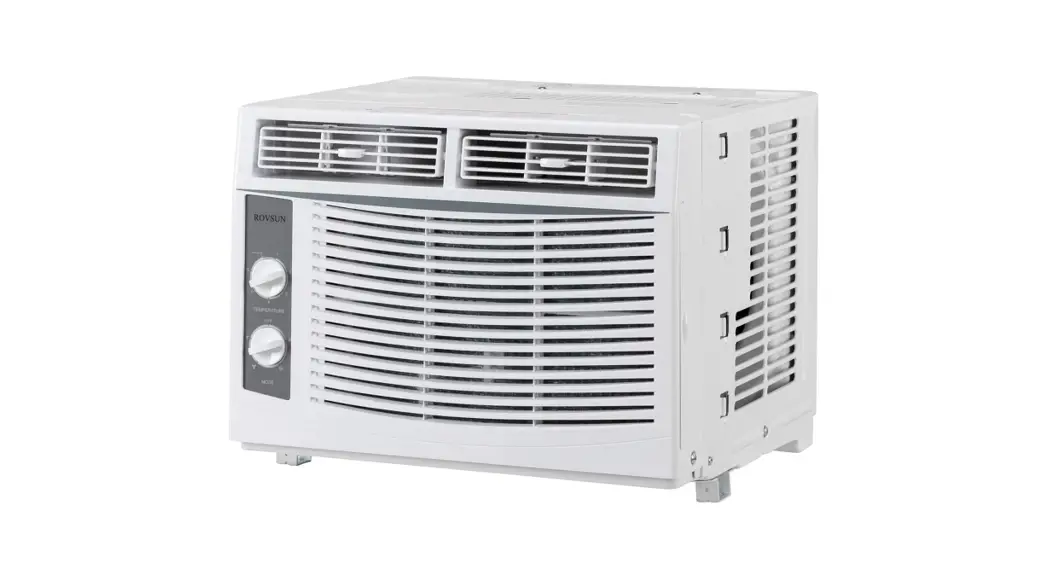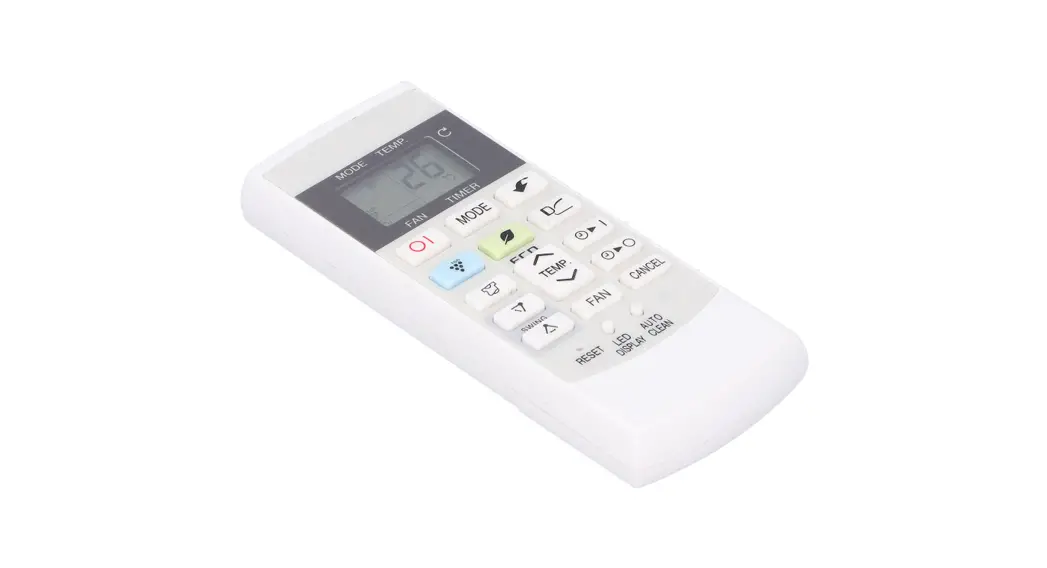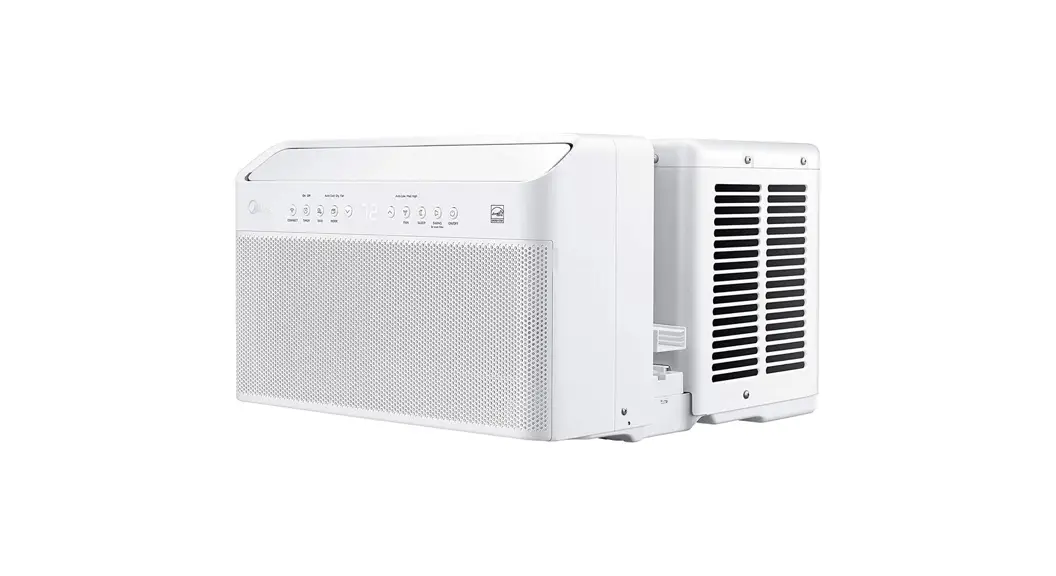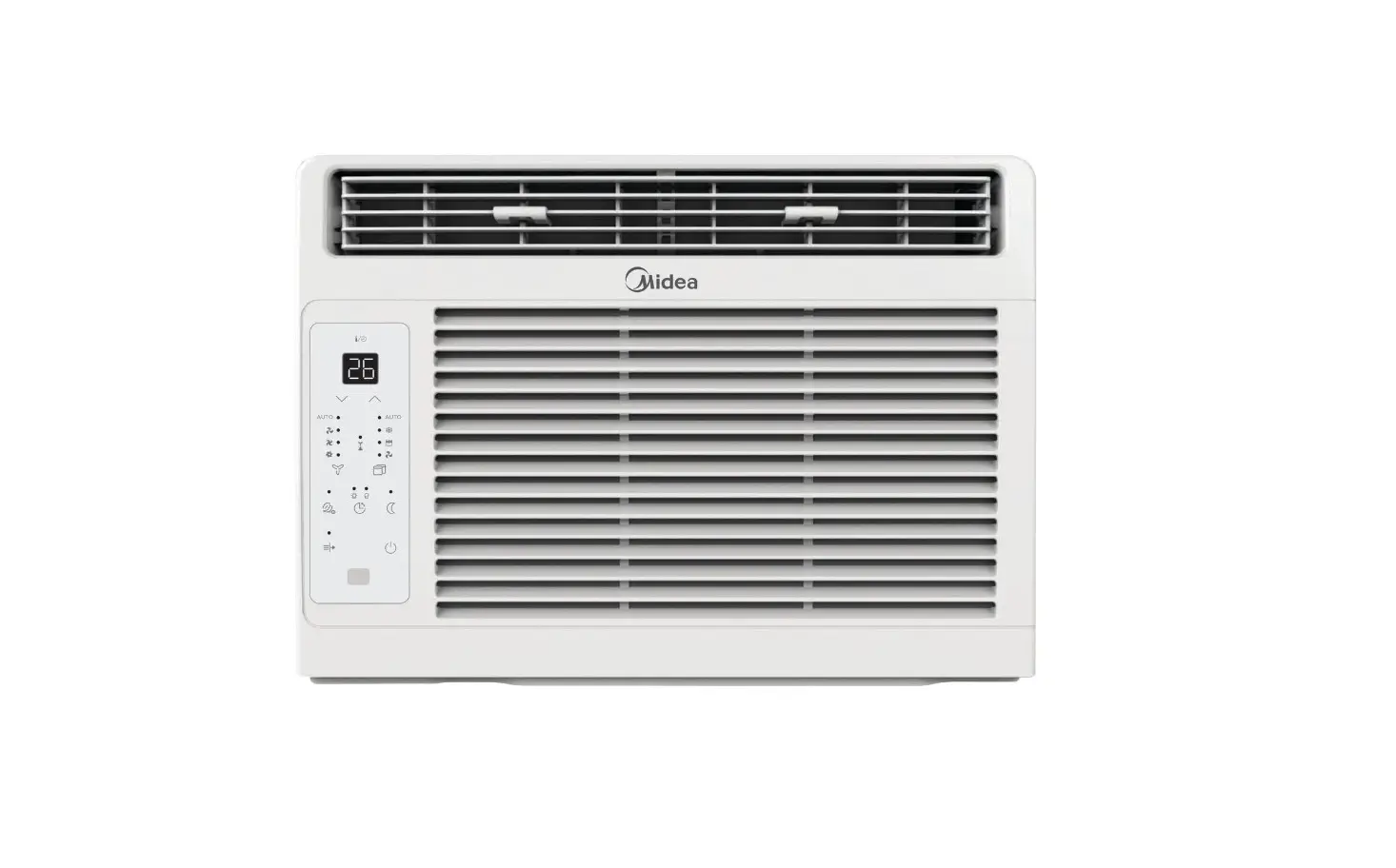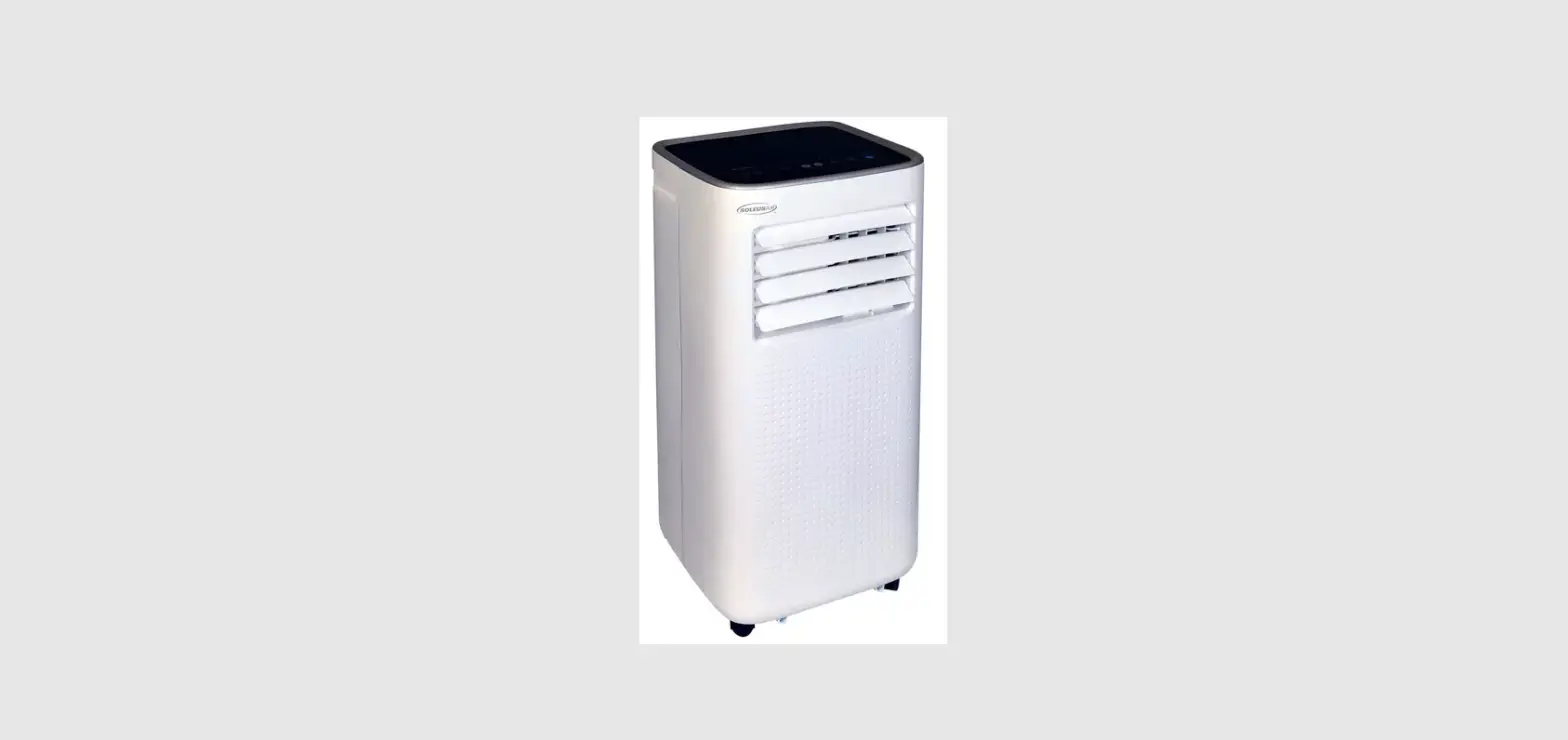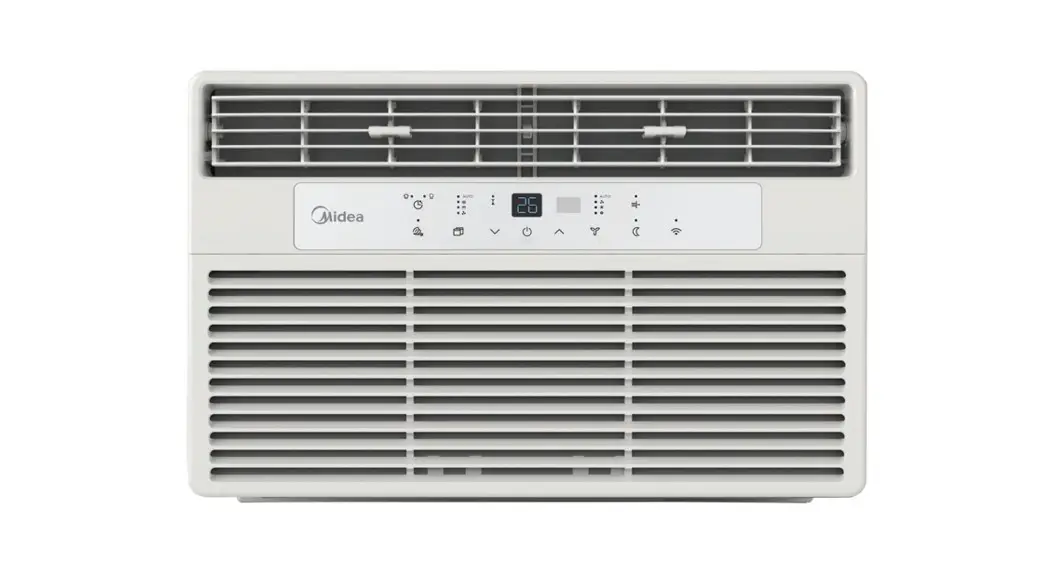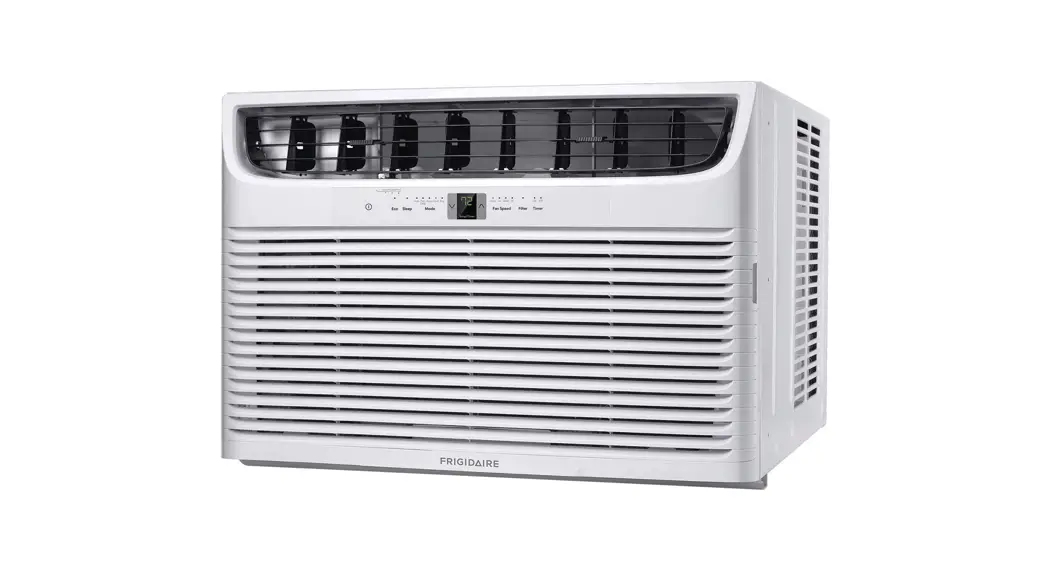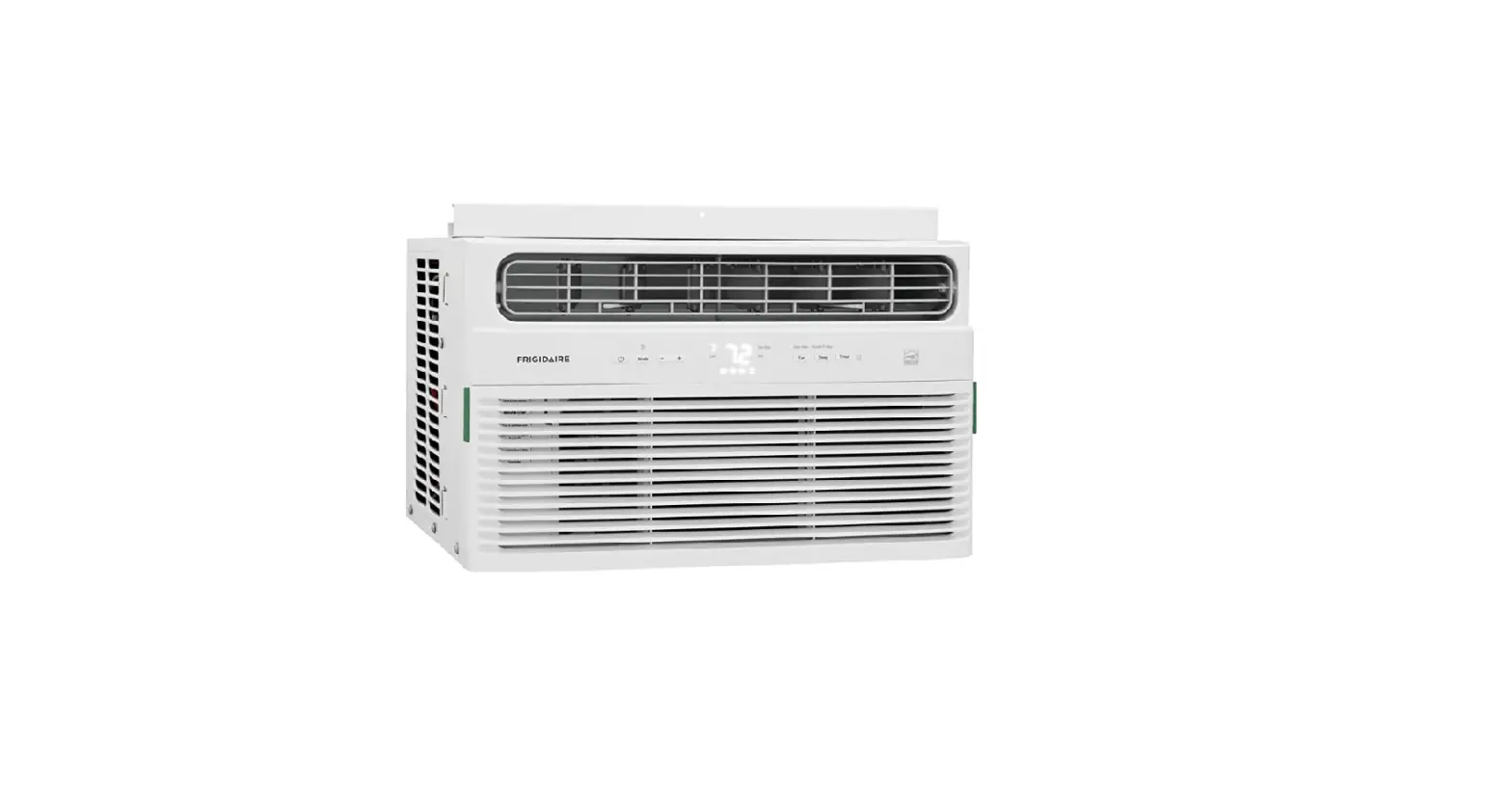
SOLEUSAIR V40226 Energy Star Window Air Conditioner with Remote and WiFi Control

DOWNLOAD AND REGISTER
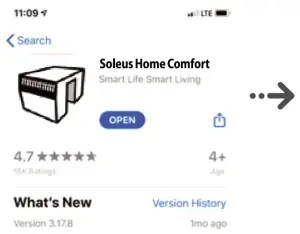
- Search and download Soleus Home Comfort from the App Store or Android Store

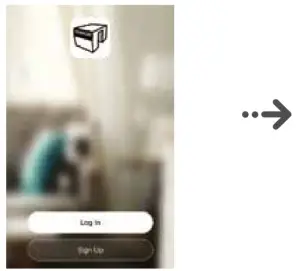
- Open Soleus Home Comfort and sign up for a new account

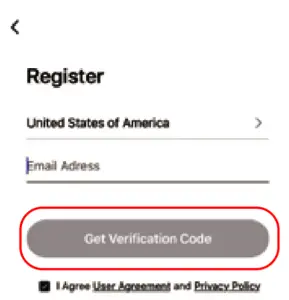
- Put email address and click the Get Verification Code button (Email will be sent with confirmation instructions)

LOGIN AND CHOOSE DEVICE
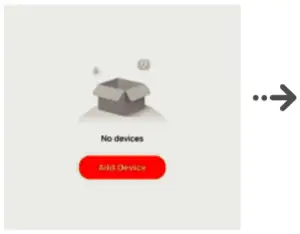
- Click Add Device
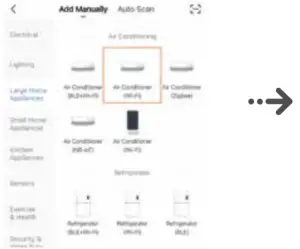
- Choose Large Home Appliances and Air Conditioner

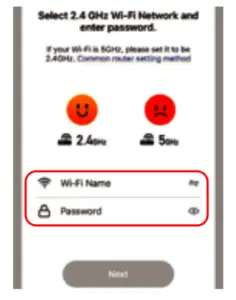
- Enter your Wi-Fi name and Password

FINISH SETUP
- DEVICE MUST BE TURNED OFF BEFORE PARING.
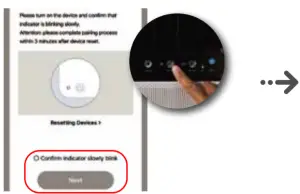
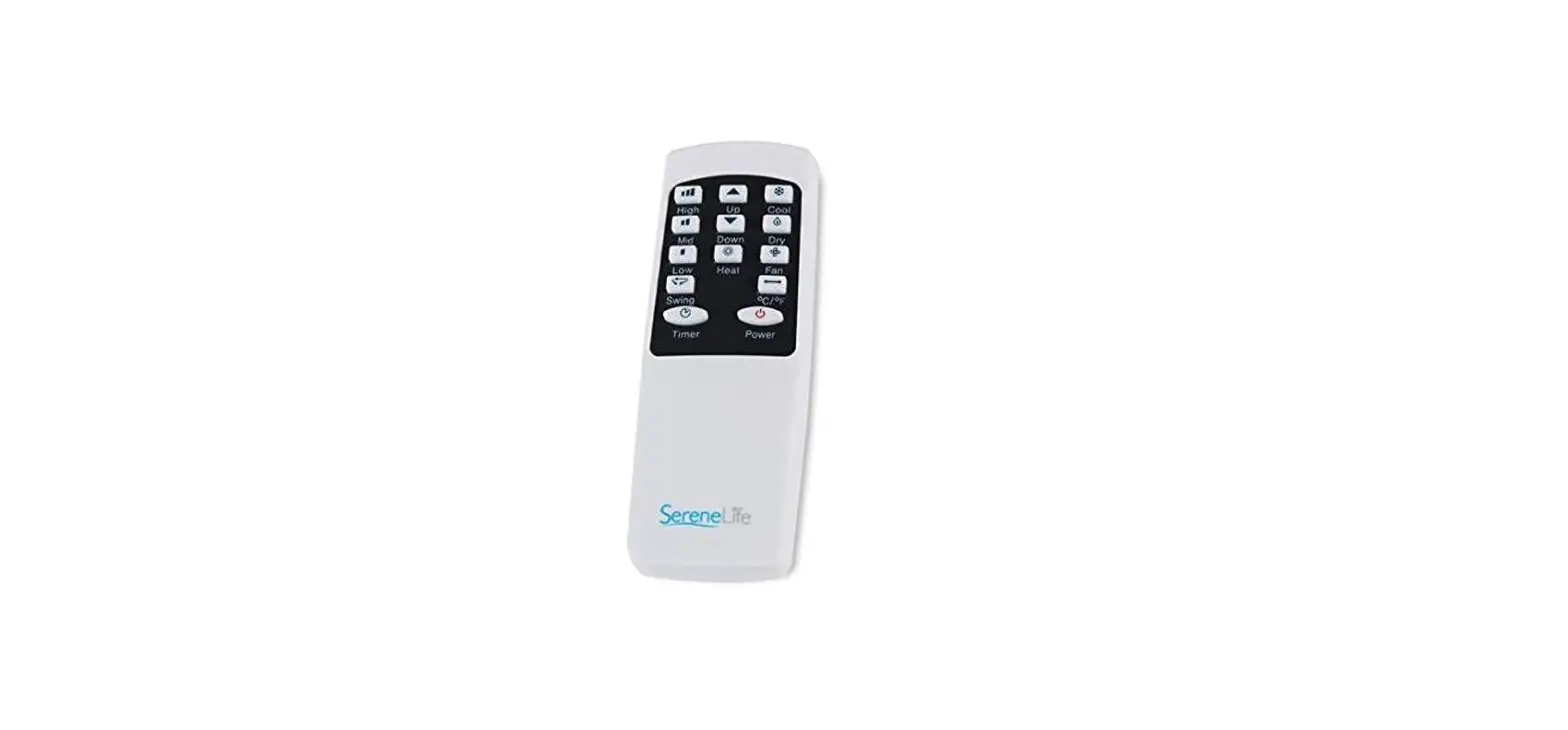
Push and hold the Timer button over 3 seconds until the Wi-Fi indicator is flashing on the unit.
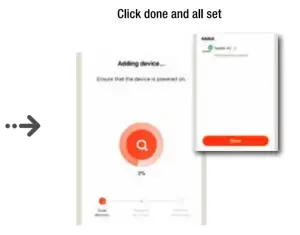
- Click done and all set