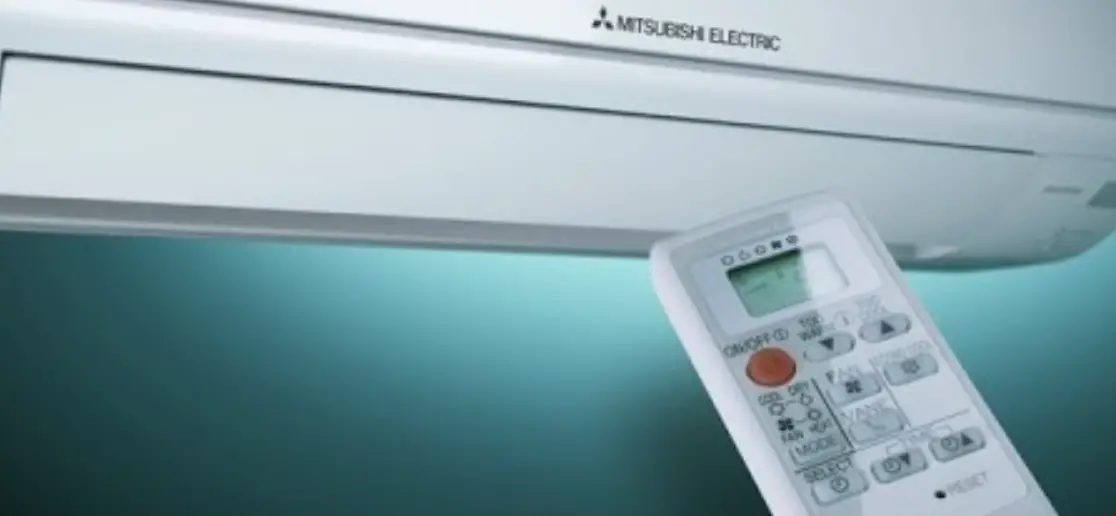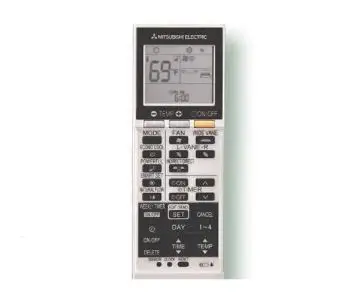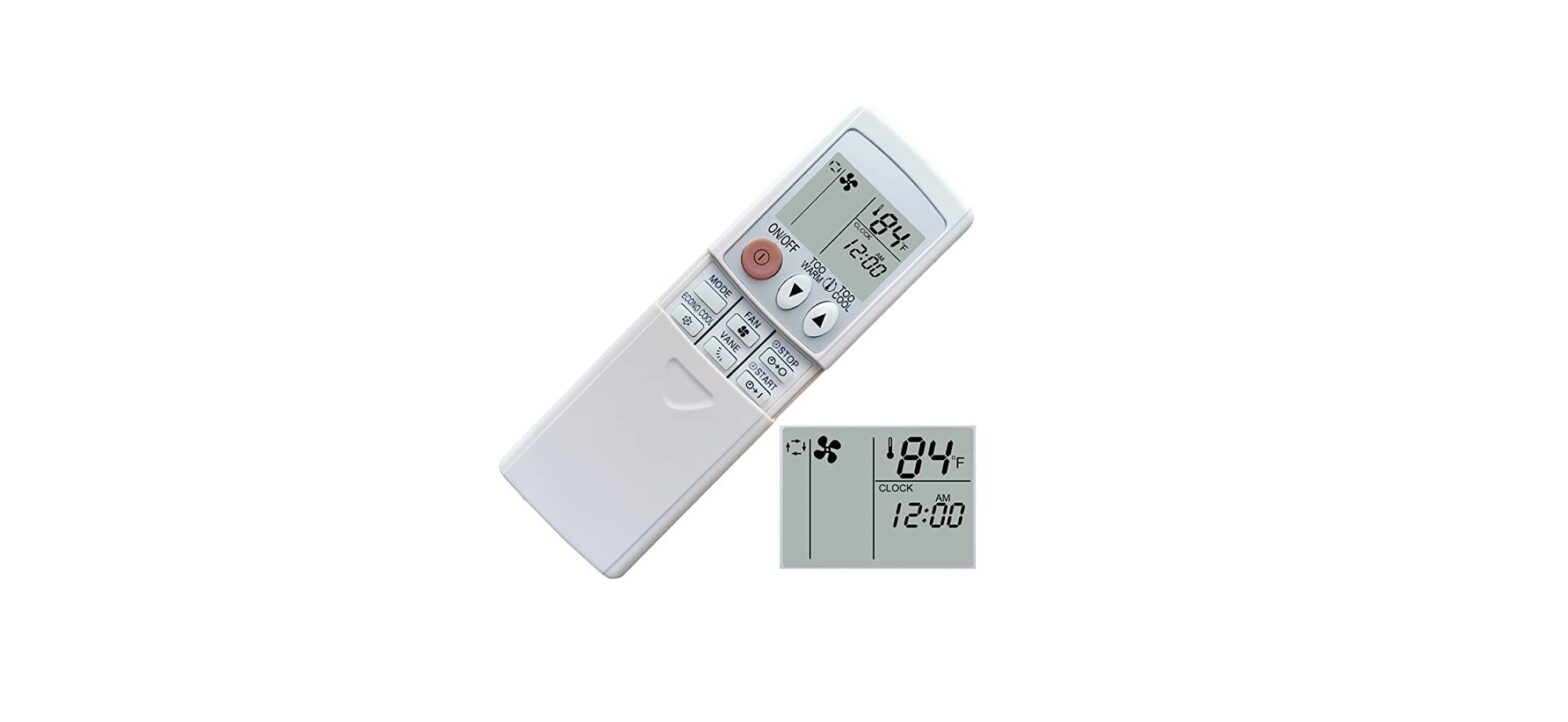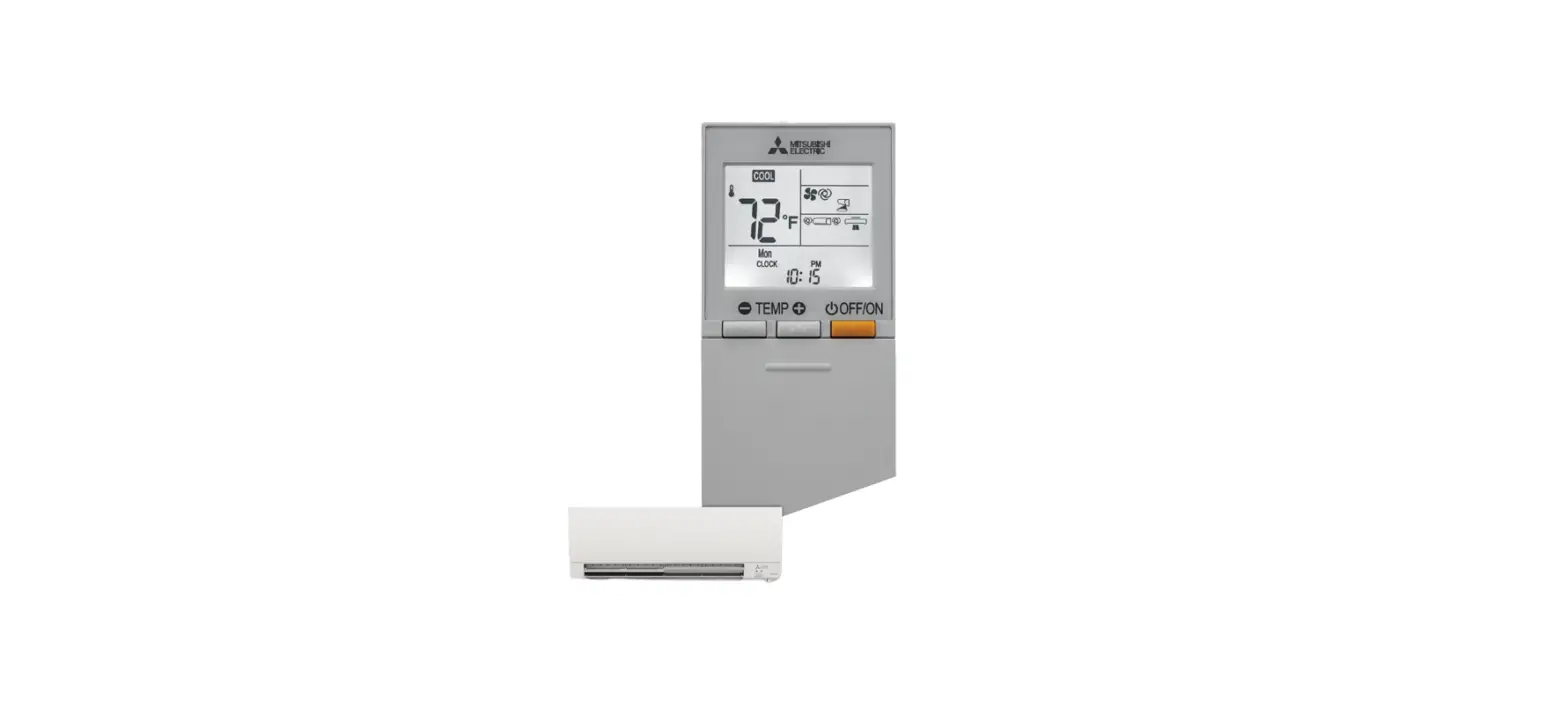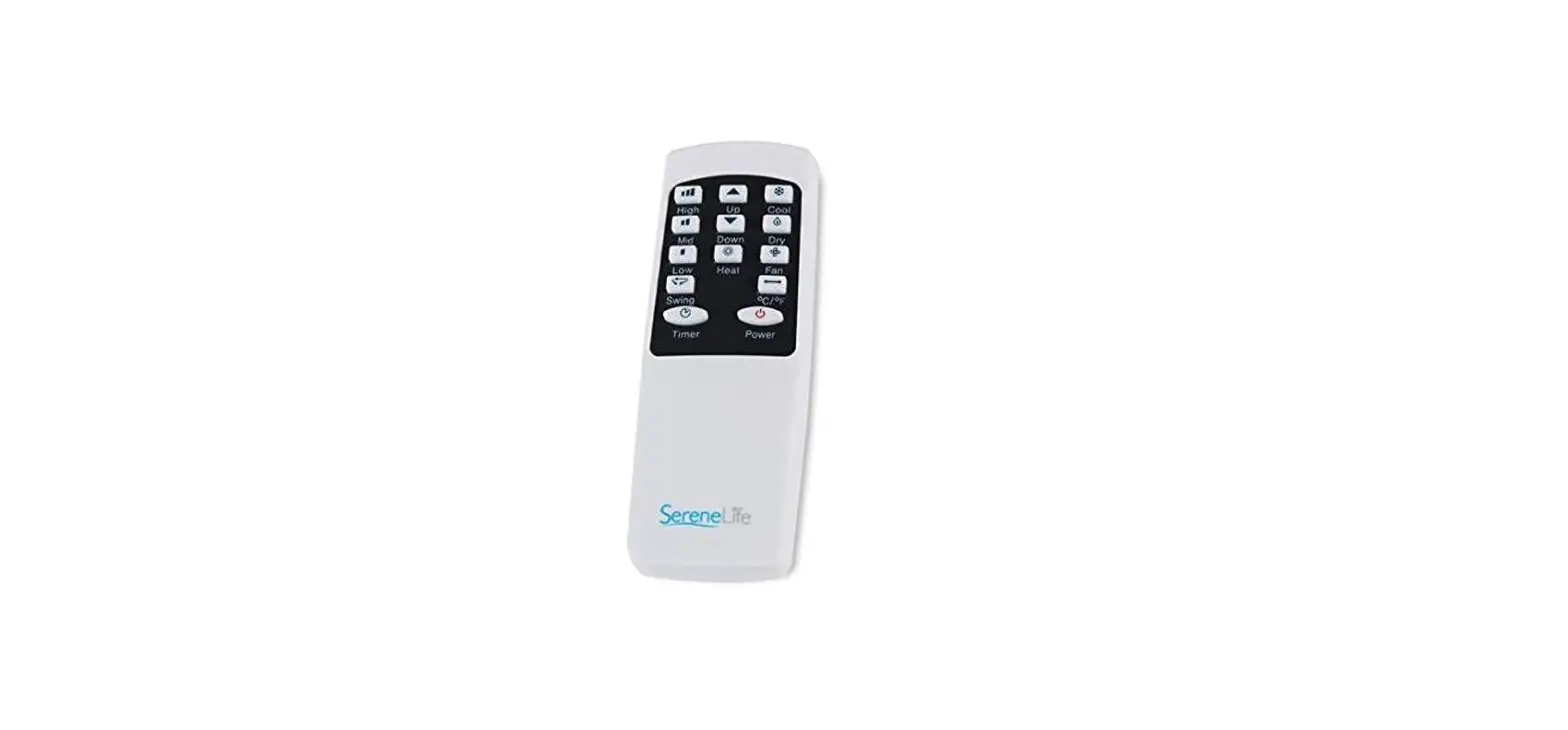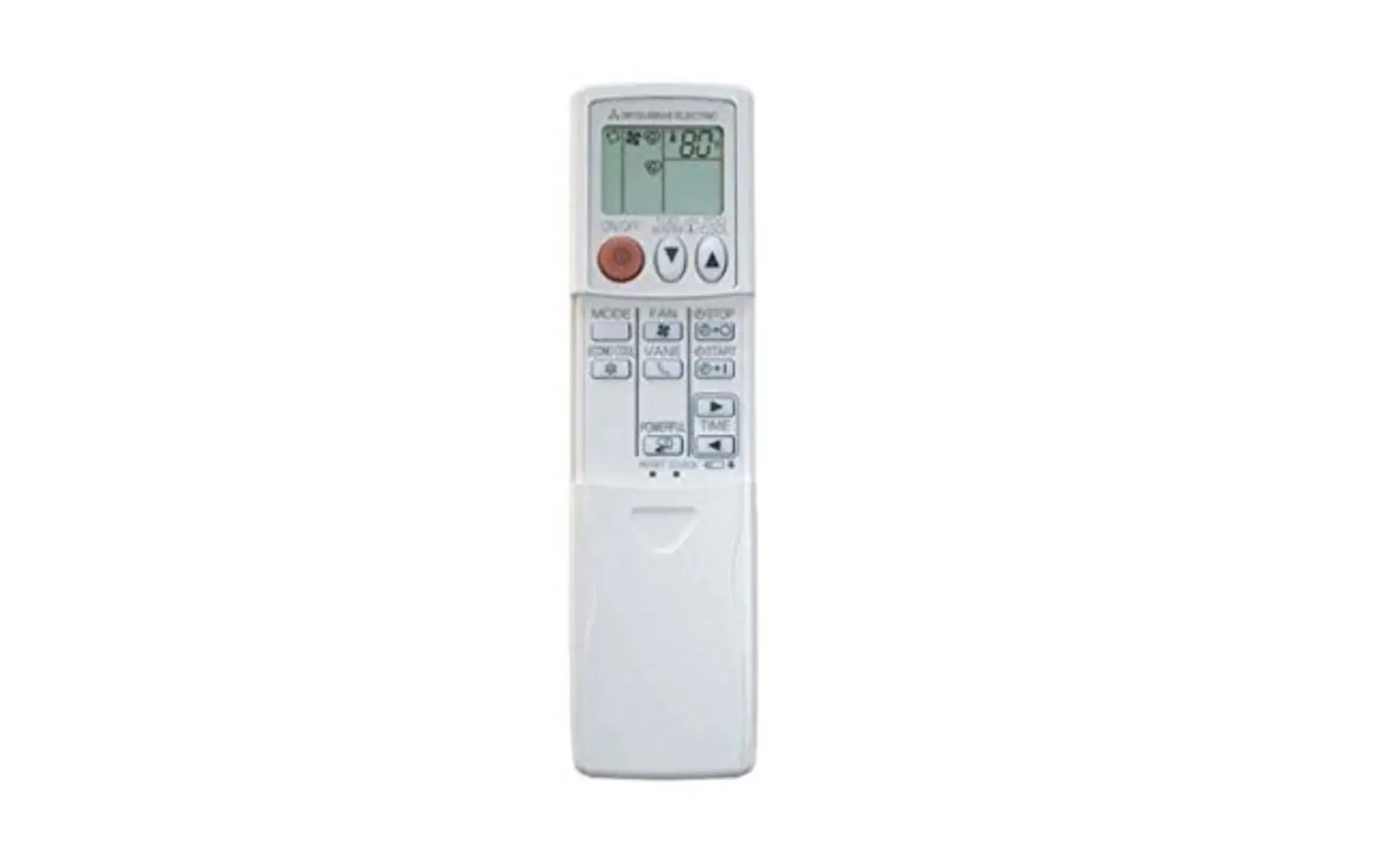
Remote Control
User Guide
MSZ-GL 18 Model
MSY-GL 18 Model
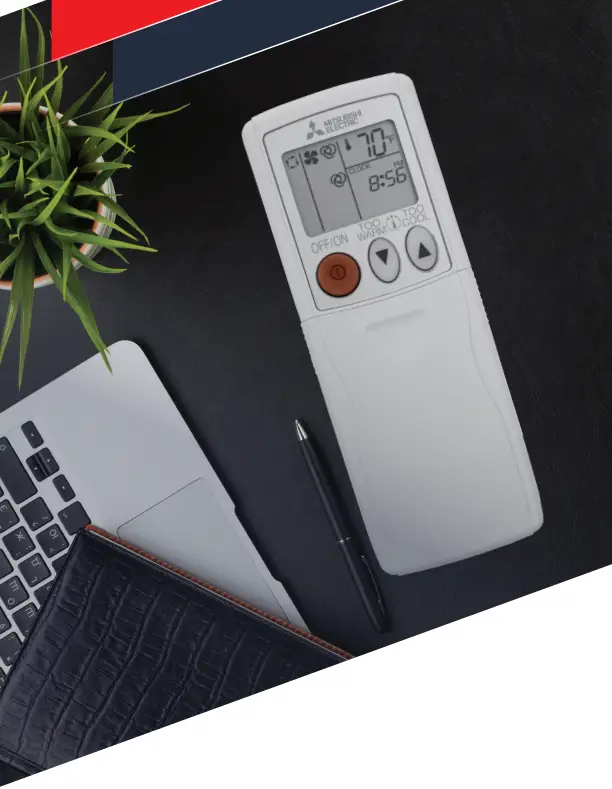
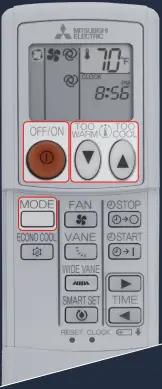
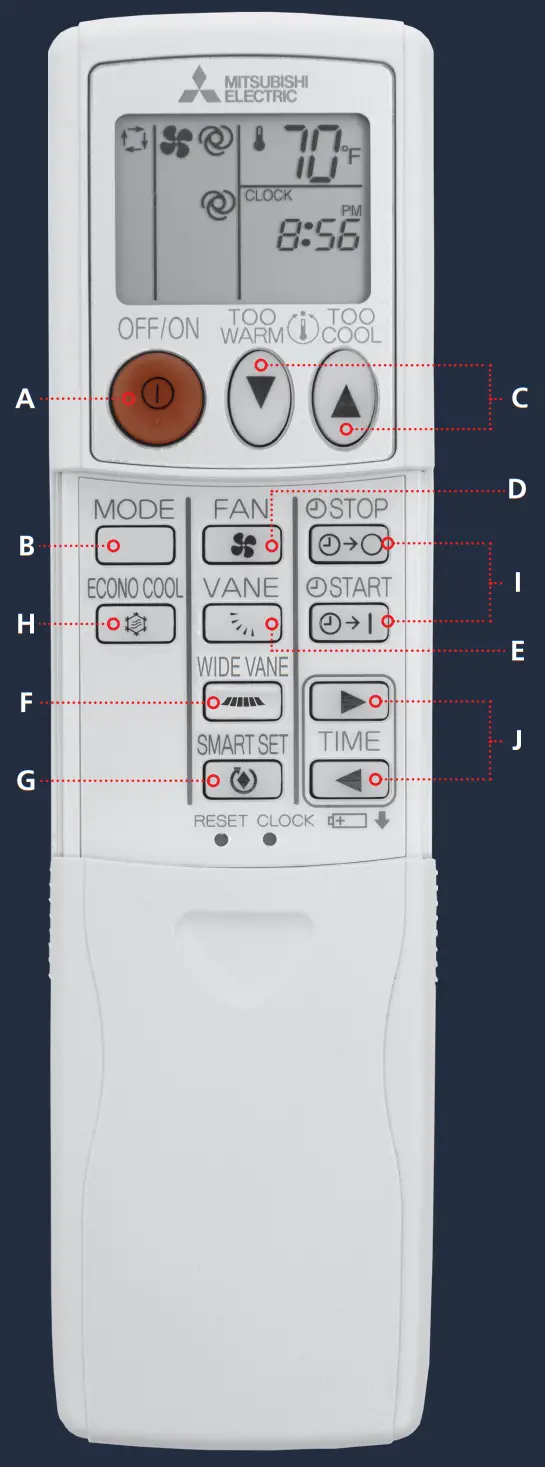
A-C
Selecting Operation Modes
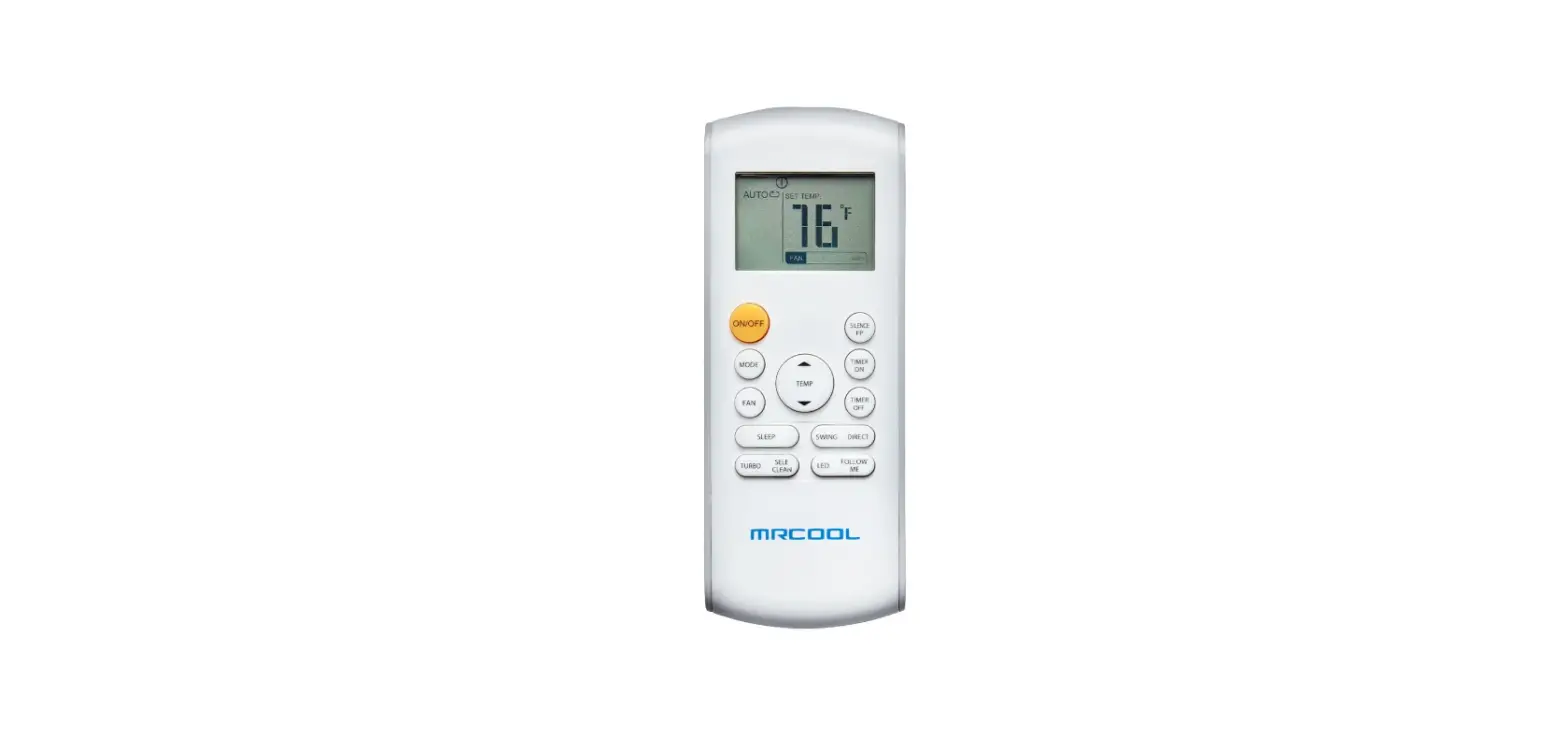
A Press  to start/stop the operation.
B Press  to select operation mode. Each press changes mode in the following order:

C Press  or
or  to set the temperature. Each press raises or lowers the temperature by 1° F (1° C).
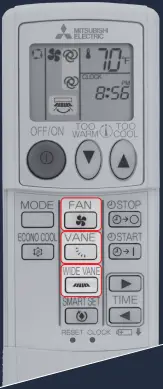
D-F
Fan Speed and Airflow Direction
D Press  to select fan speed. Each press changes fan speed in the following order:

- Two short beeps are heard from the indoor unit when set to AUTO.
- Use higher fan speed to cool or heat the room quicker. It is recommended to lower the fan speed once the room is cool/warm.
- Use lower fan speed for quiet operation.
E Press  to select airflow direction. Each press changes airflow direction in the following order:

- Two short beeps are heard from the indoor unit when set to AUTO.
F Press  to select horizontal airflow. Each press changes airflow direction in the following order:

Airflow Direction Modes
 The vane is set up to the most efficient airflow direction.
 The vane moves up and down intermittently.
 For efficient cooling, select direction 1. For heat, select direction 5. If direction 4 or 5 is selected during COOL/DRY, the vane moves upward after 30 mins to 1 hour to prevent condensation from dripping.
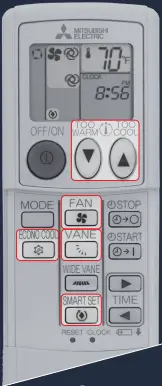
G
Smart Set Operation
G Press  during COOL, ECONO COOL, or HEAT mode to select SMART SET mode.
Set temperature, fan speed, and airflow direction.
- The same setting is selected for the next time by pressing
 .
. - Two settings can be saved. One for COOL/ ECONO COOL and one for HEAT.
- Select the appropriate temperature, fan speed, and airflow direction according to your room.
- Normally, the minimum temperature setting in HEAT mode is 59° F (16° C). However, during SMART SET operation only, the minimum temperature setting is 50° F (10° C).
Press again to cancel SMART SET operation.
- SMART SET operation also is canceled when the MODE button is pressed.
What is SMART SET?
A simplified set back function enables the recall of a preferred (preset) setting with a single push of the  button. Press the button again and you can go back to the previous setting.
Examples of Use
- Low Energy Mode:
Set the temperature 4° F (2° C) to 6° F (3° C) warmer in COOL and cooler in HEAT mode. This setting suitable for unoccupied room, and while you are sleeping. - Saving Frequently Used Settings:
Save preferred setting for COOL/ECONO COOL and HEAT. This enables to select your preferred setting with a single push of the button.
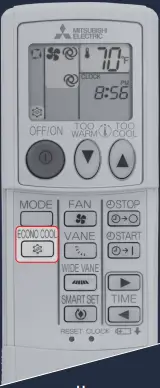
H
ECONO COOL Operation
H Press  during COOL mode to start ECONO COOL operation.
- The unit performs swing operation vertically in various cycles according to the temperature airflow. Set temperature is set 4° F (2° C) higher automatically.
Press again to cancel ECONO COOL operation.
- ECONO COOL operation is also canceled when the VANE button is pressed.
What is ECONO COOL?
Swing airflow makes you feel cooler than stationary airflow. Even though the set temperature is moved 4° F (2° C) higher, automatically. As a result, you can save energy and remain comfortable.
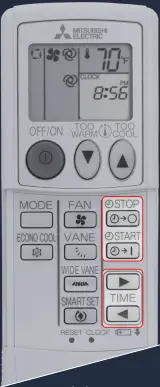
I-J
Timer Operation
I Press  or
or  during operation to set the timer.
ON Timer: the unit turns on at the set time.
OFF Timer: the unit turns off at the set time.
- ON and OFF timers can be set together.
- mark indicates the order of the timer operations.
- Make sure that the current time is set correctly.
J Press  forward and
  backward to set the time of timer.
- Each press changes the set time 10 minutes forward/backward.
- Set the timer while
 or
or  is blinking.
 or
or  is blinking.
Press or to cancel timer.
Multi-system Operation
Two or more indoor units can be operated by one outdoor unit. When several indoor units are operated simultaneously, cooling and heating operations cannot be done at the same time. When COOL is selected with one unit and HEAT with another or vice versa, the unit selected last goes into standby mode.
MITSUBISHI ELECTRIC
TRANE HVAC US
© 2021 Mitsubishi Electric Trane HVAC US LLC. All rights reserved.
Mitsubishi Electric, Lossnay, and the three-diamond logo are trademarks of Mitsubishi Electric Corporation. CITY MULTI, kumo cloud, kumo station and H2i are registered trademarks of Mitsubishi Electric US, Inc. Trane and American Standard are registered trademarks of Trane Technologies plc. All other product names mentioned herein are trademarks or registered trademarks of their respective owners.
ENERGY STAR and the ENERGY STAR mark are registered trademarks owned by the United States Environmental Protection Agency.
Use of the AHRI Certified® mark indicates a manufacturer’s participation in the certification program. For verification of certification for individual products, go to www.ahridirectory.org.
Specifications shown in this brochure are subject to change without notice. See complete warranty for terms, conditions and limitations. A copy is available from Mitsubishi Electric Trane HVAC US LLC.
Printed in the USA ME_RS_1794-GL18_6-21
 Mitsubishi HVAC - Heating & Air Conditioning Systems | Mitsubishi Electric
 ahridirectory.org