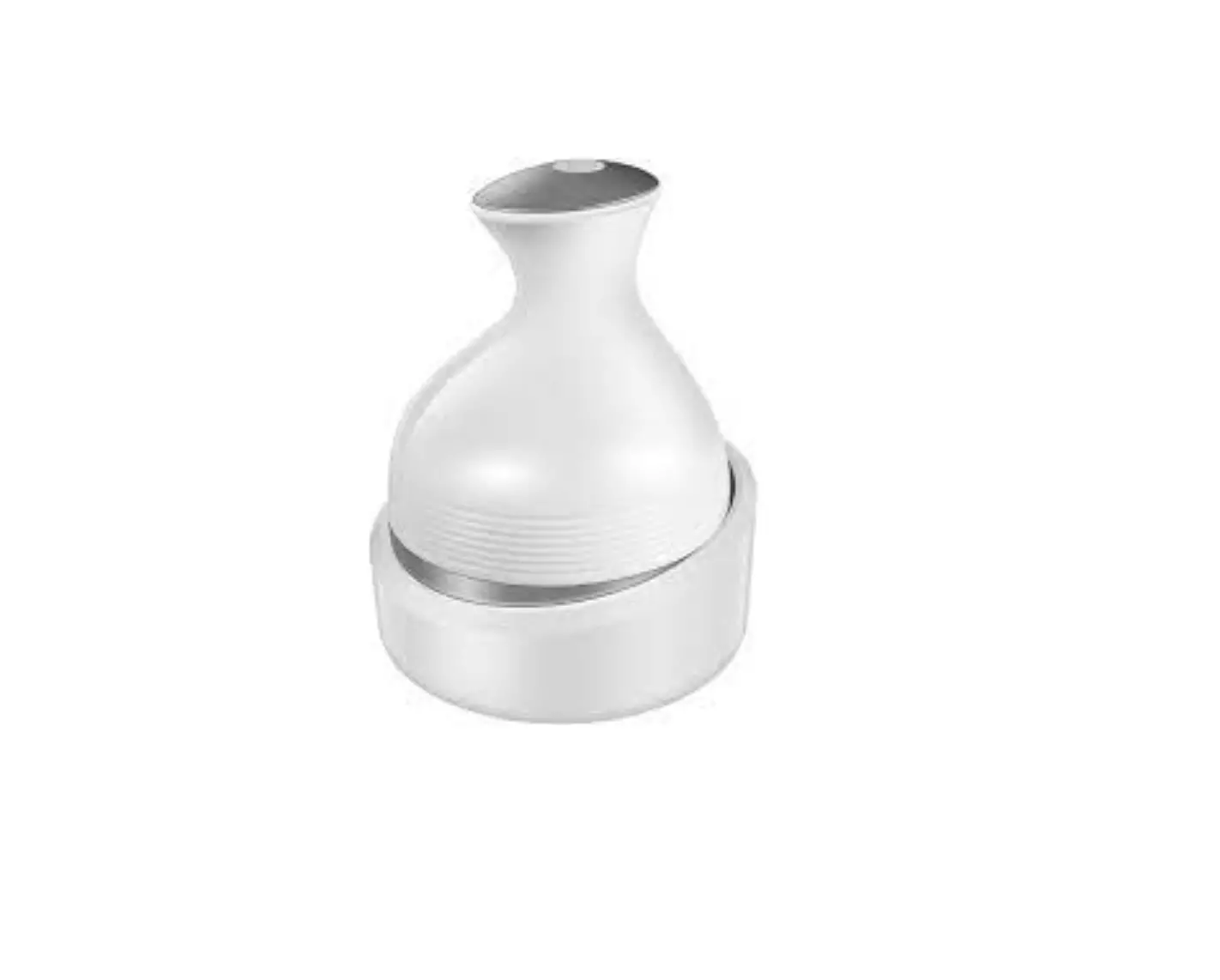
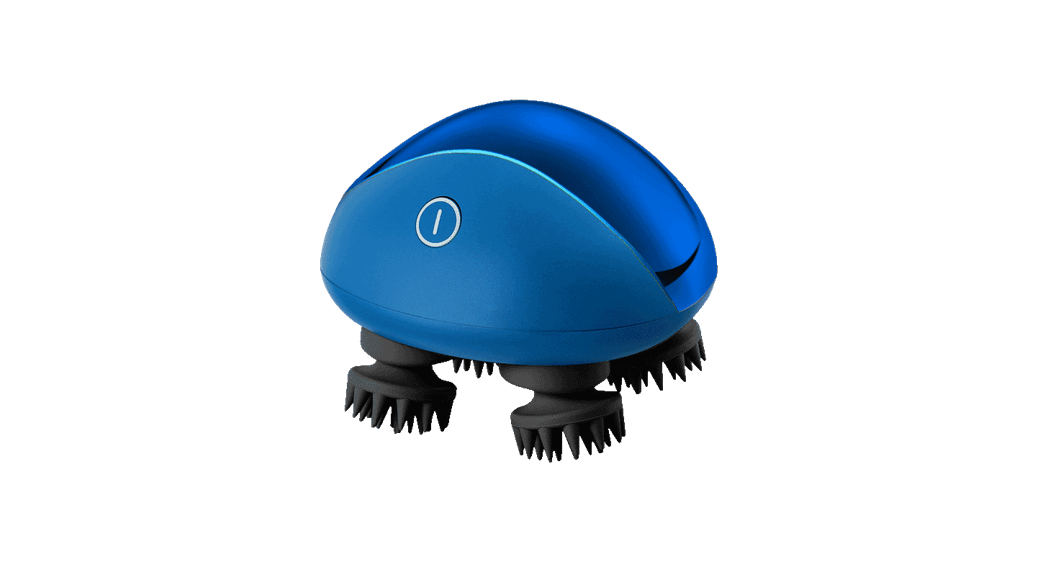
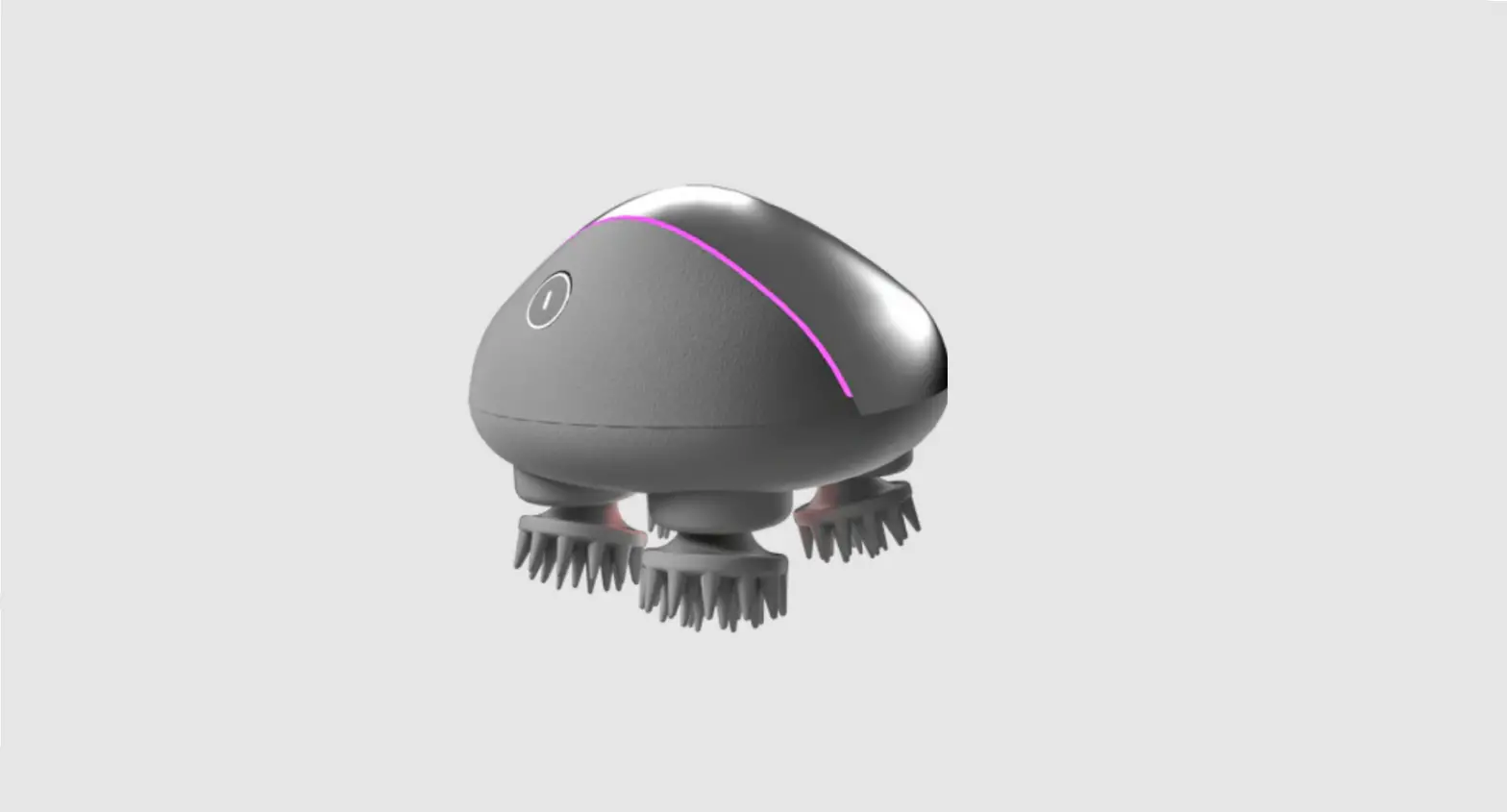
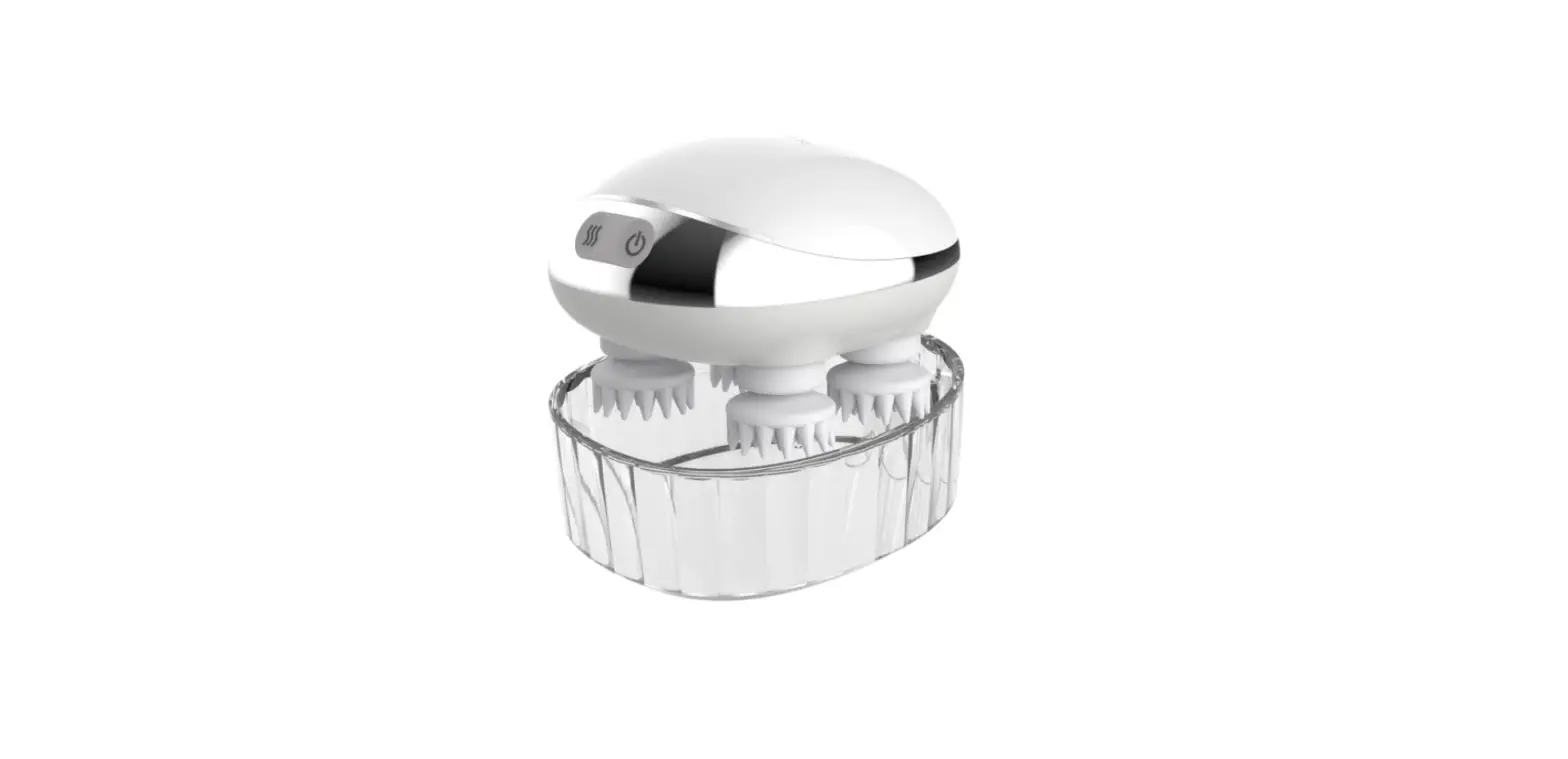
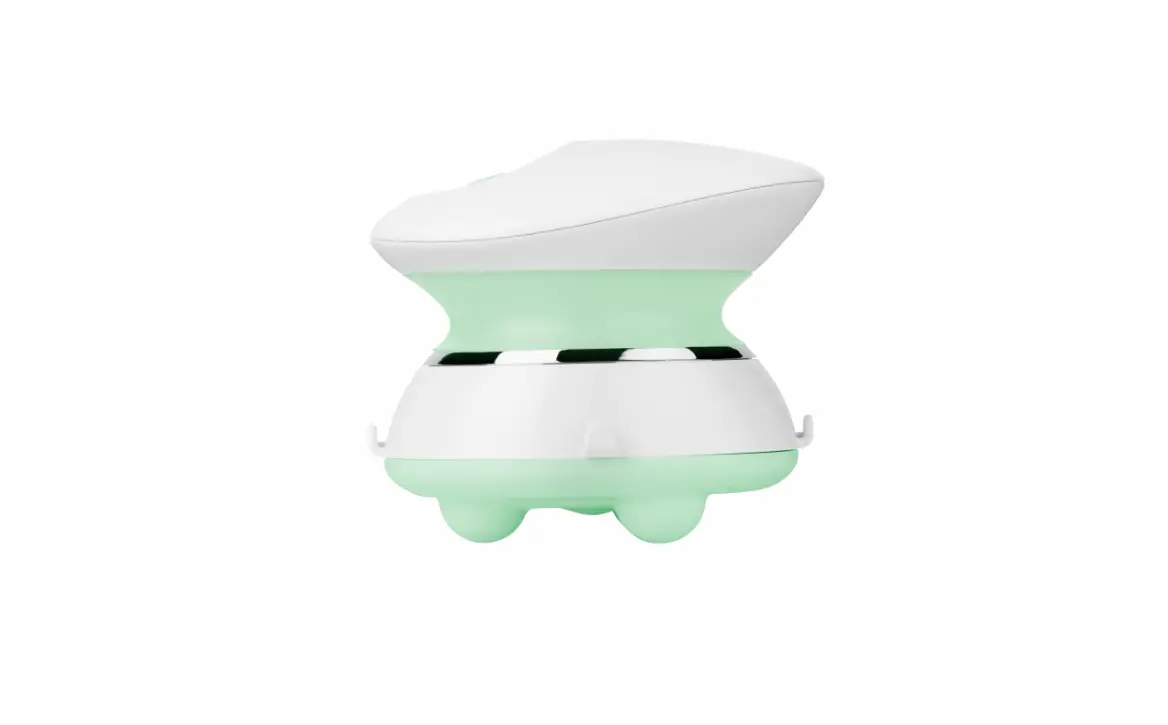
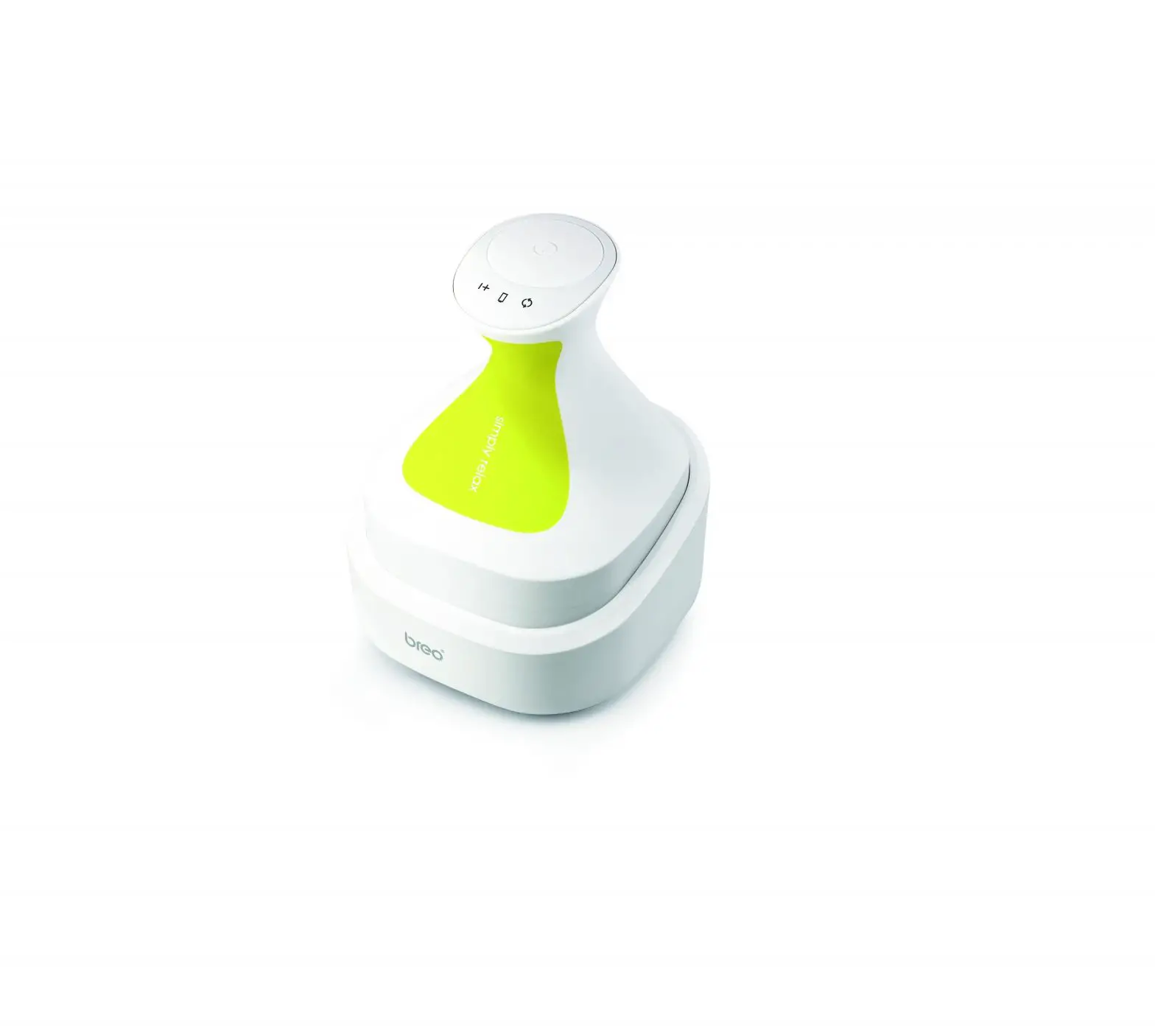
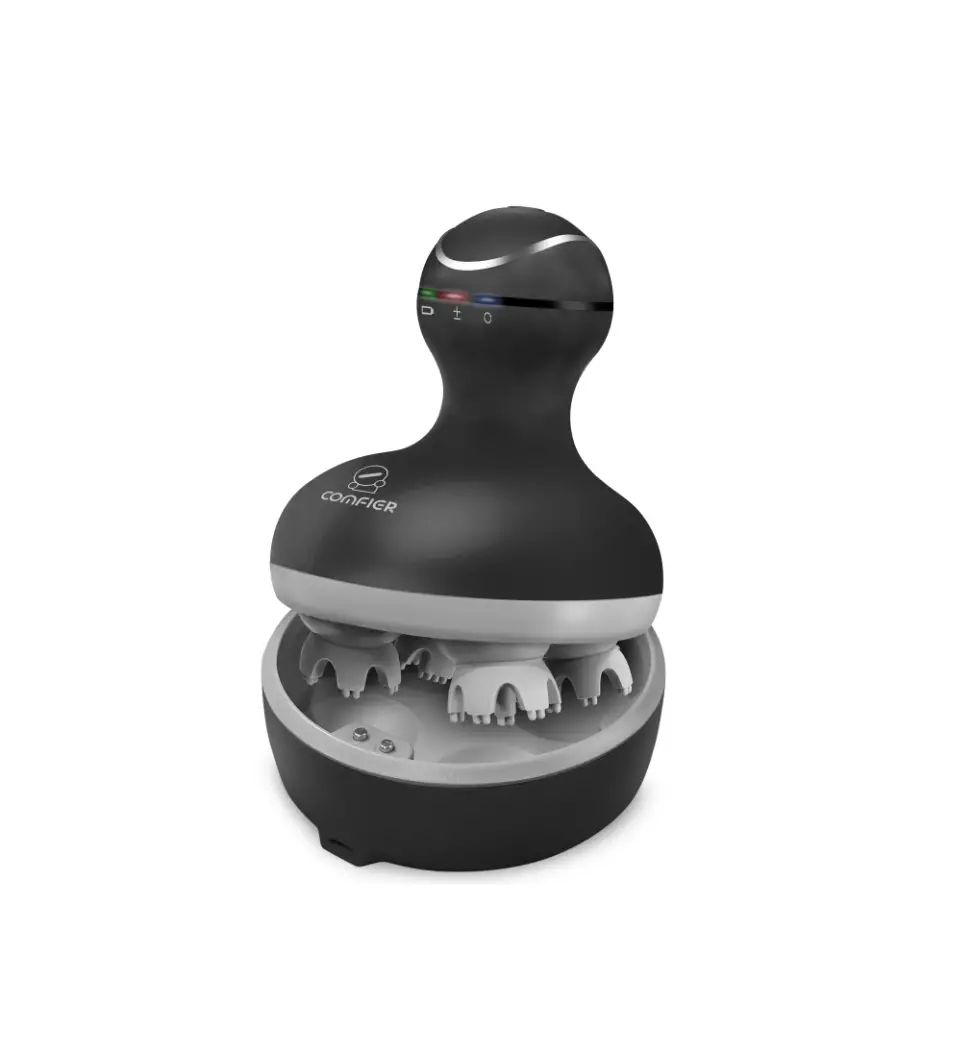
SL-49A1 Handheld Mini Scalp Massager
Product Information
- Product Name: Mini Scalp Massager SL-49A1
- Technical Data:
- Model: SL-49A1
- Product Input:
- Rated Power: 5W
- Features:
- 3 massage modes
- Charging cable included
- IPX7 waterproof
- 3D head massage
Product Usage Instructions
- Safety Instructions:
- Do not use the massager if it is damaged.
- If you have a malignant tumor or undergoing treatment, do not
use this massager. - The massager cannot be started if there is an issue.
- If the massager produces slight noise, it is normal due to its
internal mechanism.
- To start the massage, press and hold the power button for a few
seconds. - To adjust the speed, short press the power button. There are
different modes available – strong mode and regular mode. - Use the massage head to gently massage your scalp or other
areas of your body.
- Connect the provided USB cable to any USB charger or portable
power bank. - Before charging, ensure that the charging port, charging
terminal, charging line, and product shell are dry. - The product will be in sleep mode while charging. It takes
approximately 2 hours to fully charge. - The machine does not work when it is being charged.
- Refer to the manual for cleaning instructions.
- Contact the manufacturer for warranty information.
- Contact information for FCC compliance: 2750 Carpenter Road,
Suite 1B, Ann Arbor, 48108, Tel: 734-709-6982, Email:
[email protected], Website: www.snailax.com
Use & care manual MINI SCALP MASSAGER SL-49A1
Safety Instructions
SNAILAX. damaged.
2
Safety Instructions
have a malignant tumor
treatment this massager.
Can not start the massager
The massager
Massager slight
noise
internal mechanism
3
Instruction
5. 3 massage modes 6. Charging cable 7. Ipx7 waterproof 8. 3D head massage
Contents
Technical data
Model:
Product Input:
Rated Power:
5W
4
Instructions for use
to massage.
massage head
heads head and other
5
Instructions for use
LONG PRESS SHORT PRESS The speed is:
mode Strong mode
6
Battery Charging
Connect the USB cable to any USB charger, it can be plugged in the portable power bank, mobile phone
Before charging, ensure that the charging port, charging terminal, charging line and product shell are dry. The product will be in sleep mode when charging.
7
Battery Charging
1.Normally it takes about 2 hours to fully charge. 2.The machine does not work when charging.
8
Notes and Maintenance
Notes to clean it.
Maintenance
9
Warranty
use. 10
Warranty
1)
OR 2) Tel: 734-709-6982 Email:
11
FCC STATEMENT
NOTE: This equipment has been tested and found to comply with the limits for a Class B digital device, pursuant to Part 15 of the FCC Rules. These limits are designed to provide reasonable protecon against harmful interference in a residenal installaon. This equipment generates, uses and can radiate radio frequency energy and, if not installed and used in accordance with the instrucons, may cause harmful interference to radio communicaons.However, there is no guarantee that interference will not occur in a parcular installaon. If this equipment does cause harmful interference to radio or television recepon, which can be determined by turning the equipment off and on, the user is encouraged to try to correct the interference by one or more of the following measures: · Reorient or relocate the receiving antenna. · Increase the separaon between the equipment and receiver. · Connect the equipment into an outlet on a circuit different from that to which the receiver is connected. · Consult the dealer or an experienced radio / TV technician for help. This device complies with Part 15 of the FCC Rules. Operaon is subject to the following two condions: (1) this device may not cause harmful interference, and (2) this device must accept any interference received, including interference that may cause undesired operaon. WARNING: Changes or modificaons to this unit is not expressly approved by the party responsible for compliance could void the user’s authority to operate the equipment.
2750 Carpenter Road, Suite 1 B, Ann Arbor, 48108
Tel:734-709-6982 [email protected]
www.snailax.com
 Snailax Massager | Buy Snailax Shiatsu Neck & Back Massager | Shop Shiatsu Massage Mat & Cushion at Snailax.com