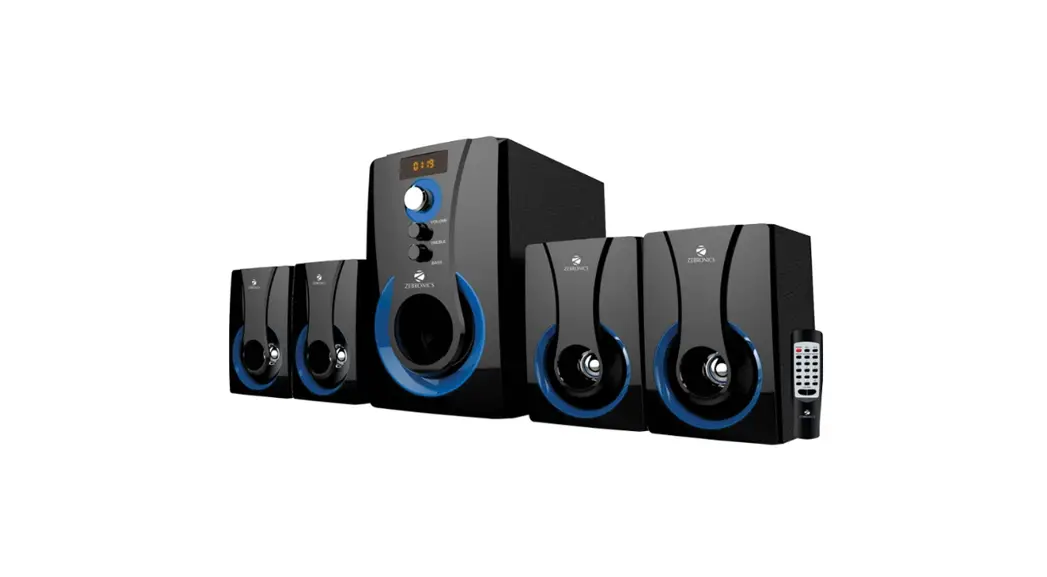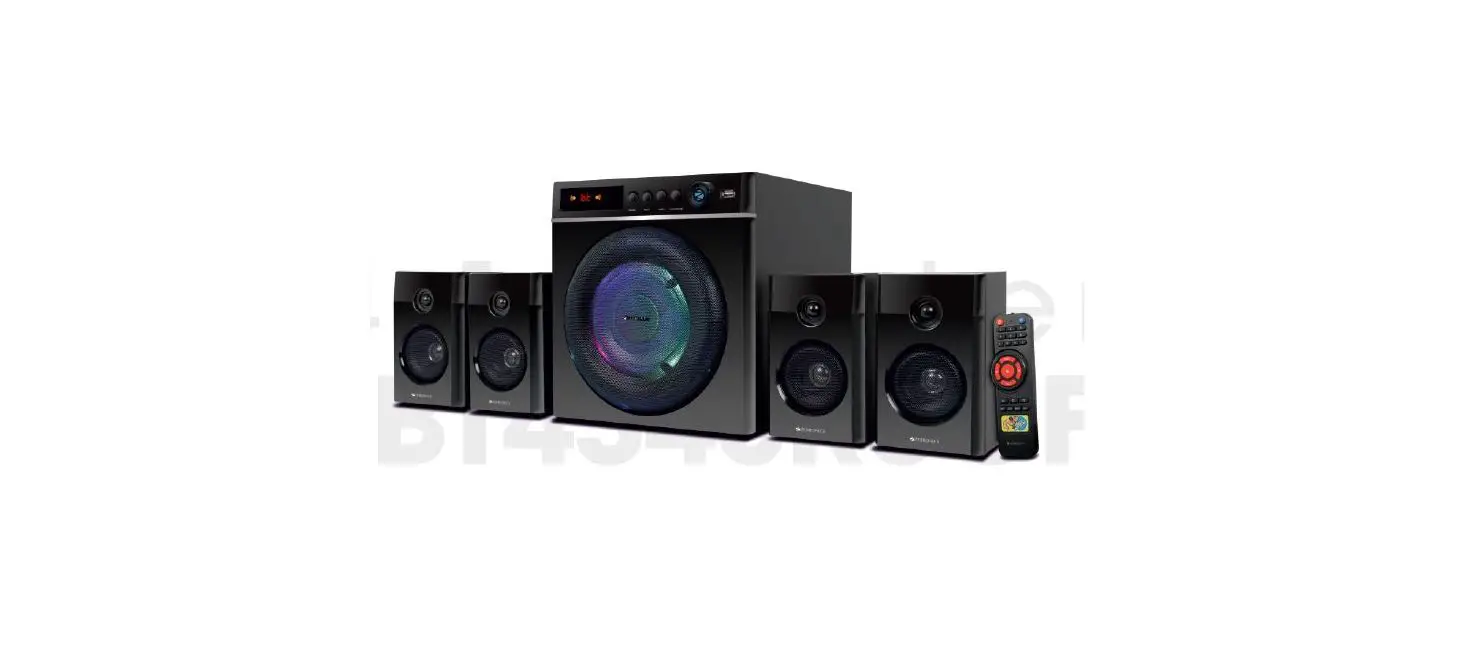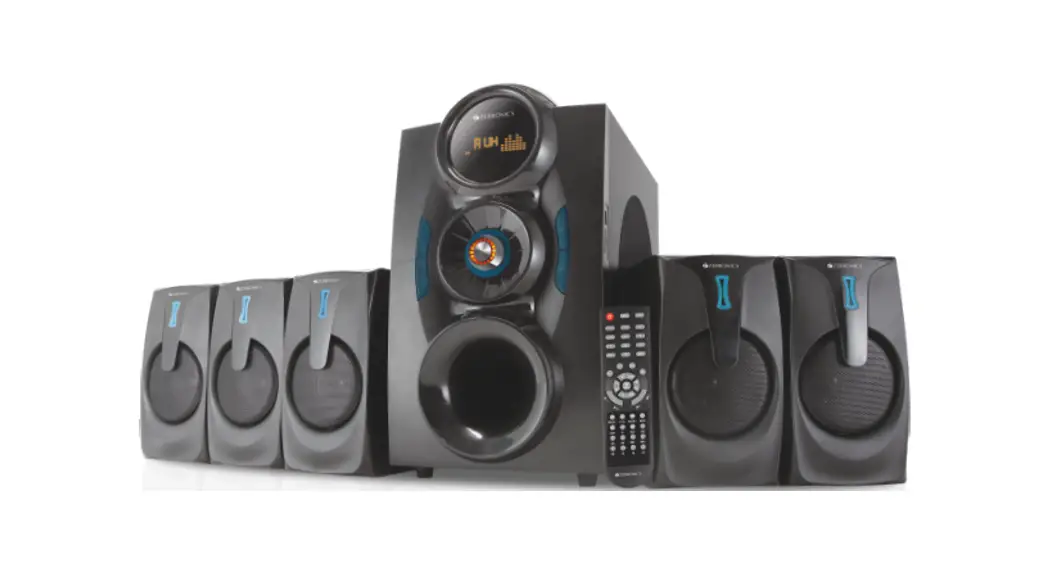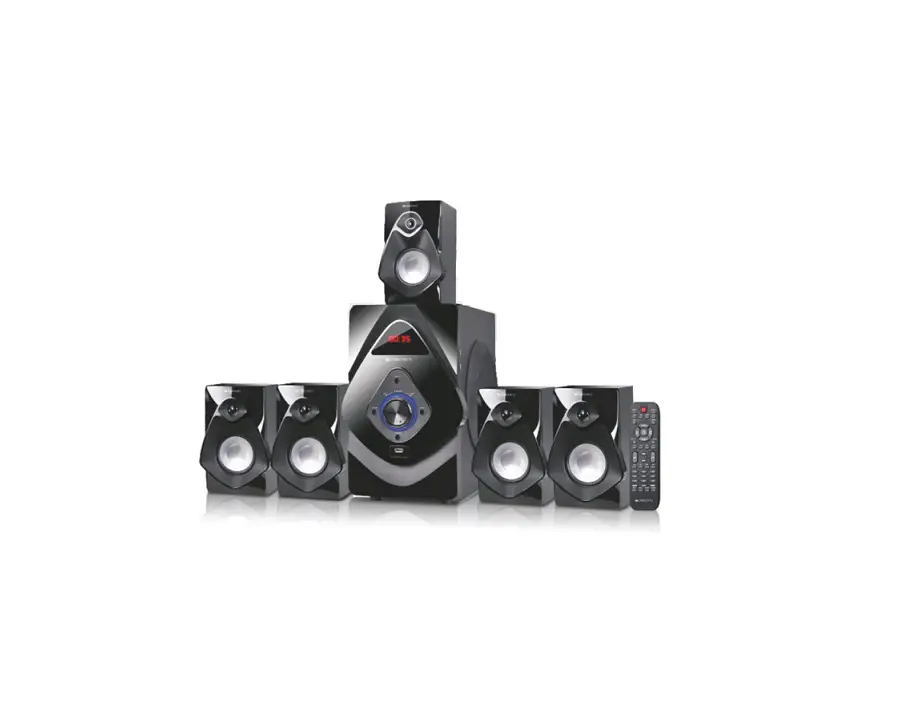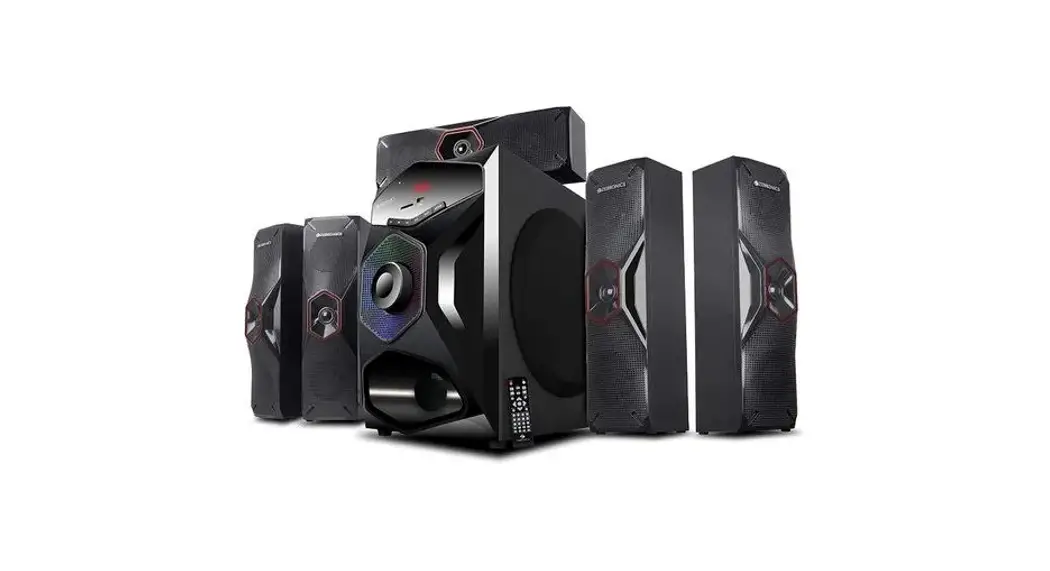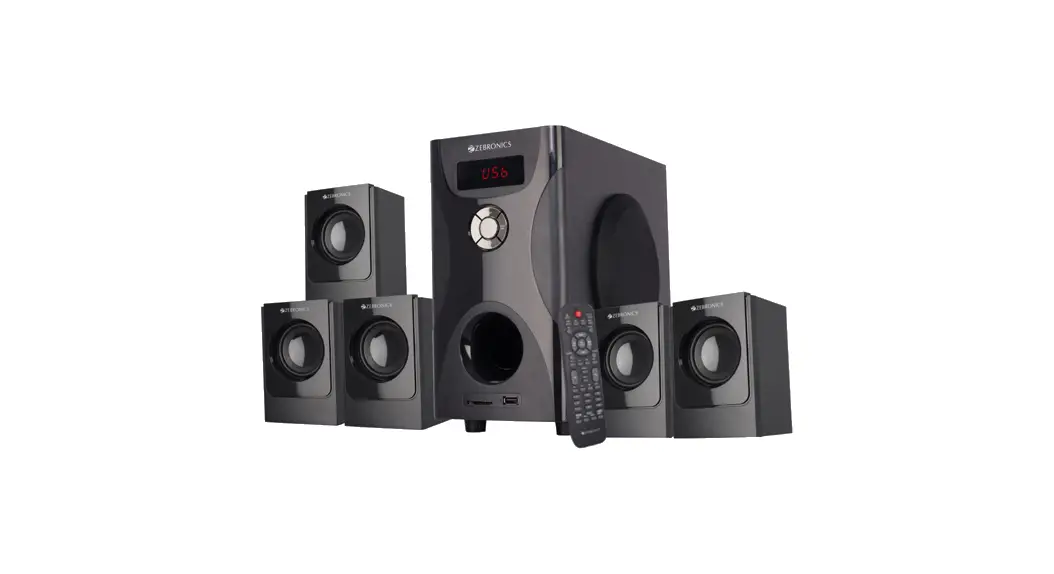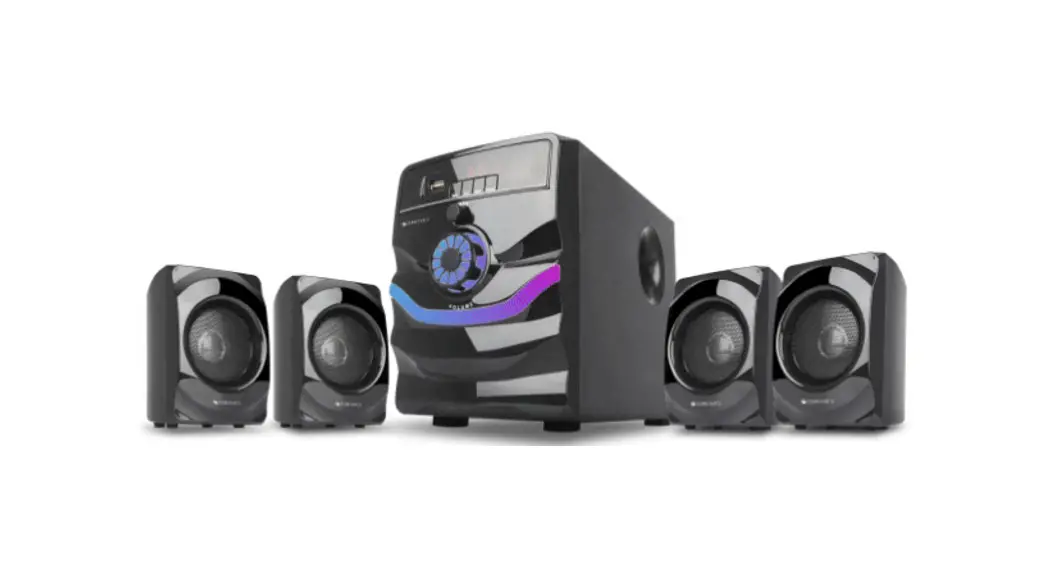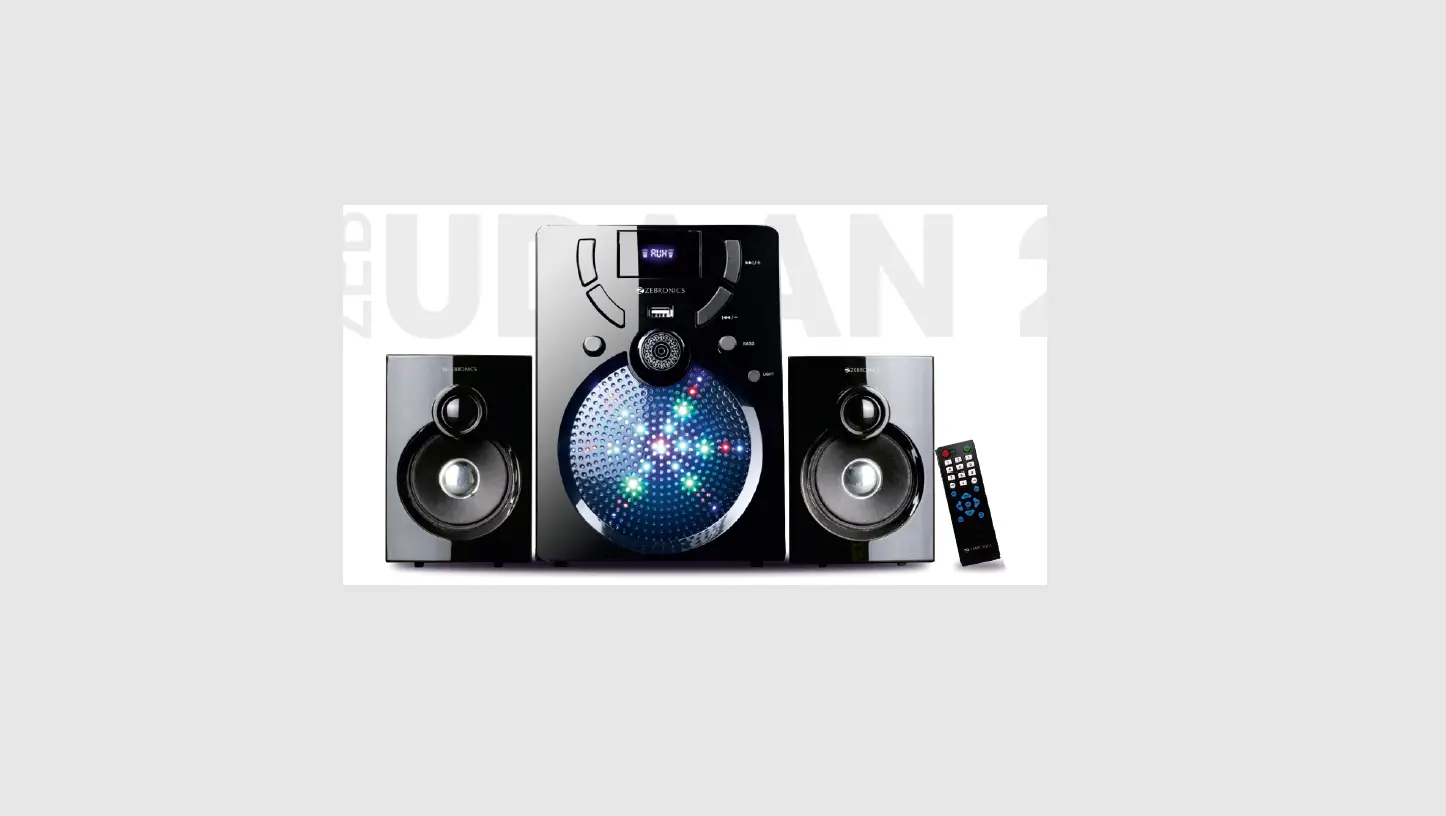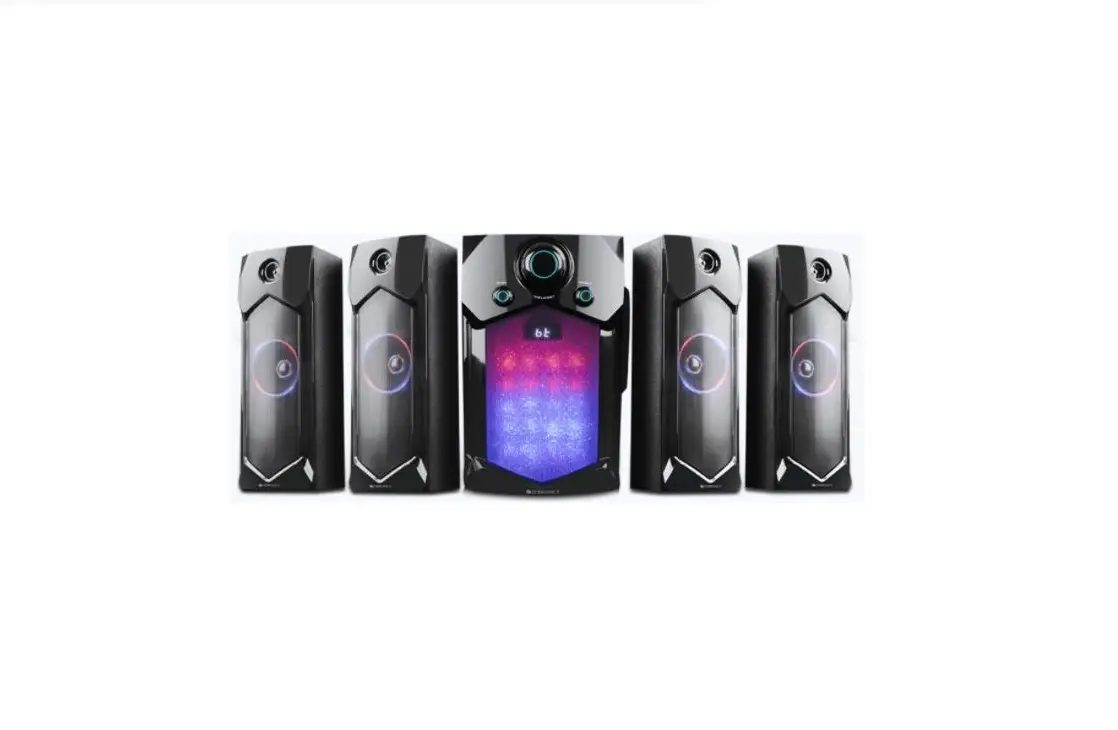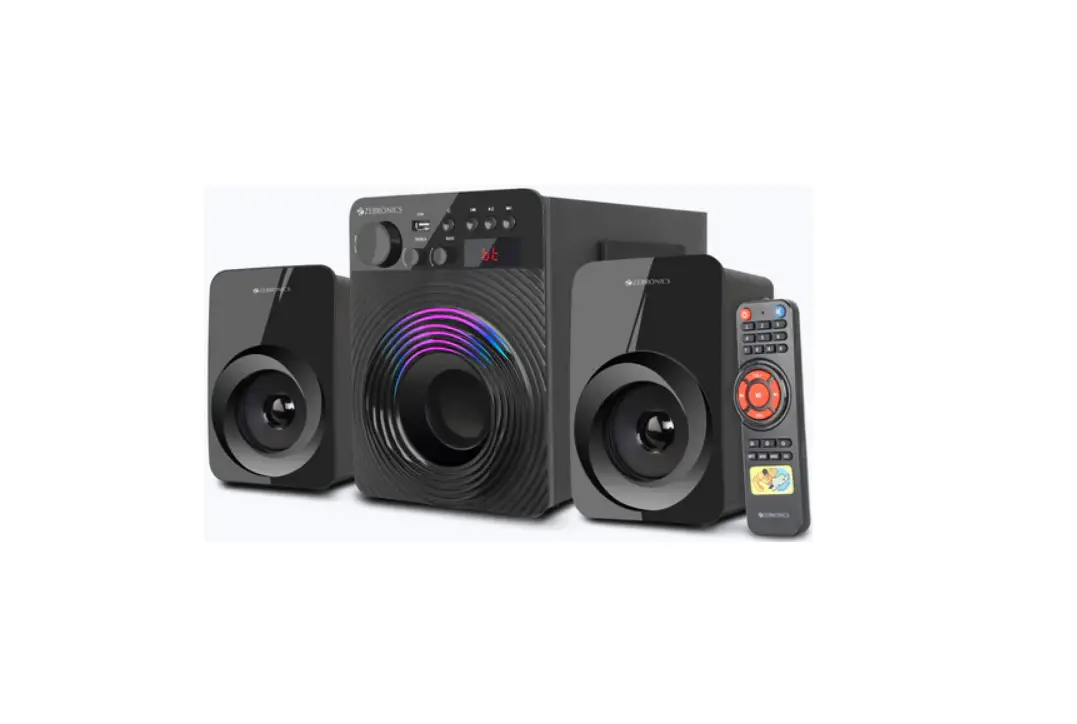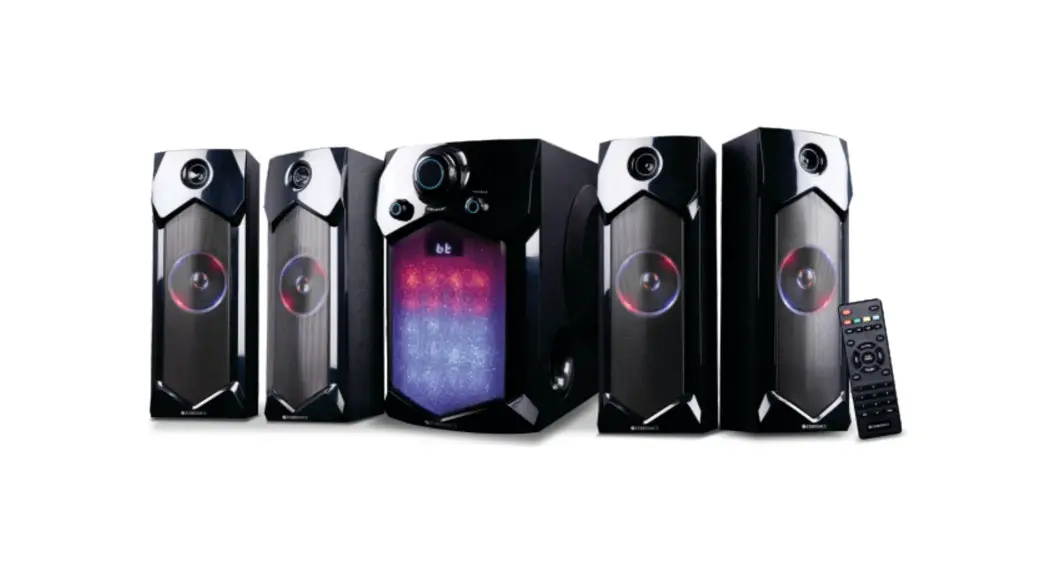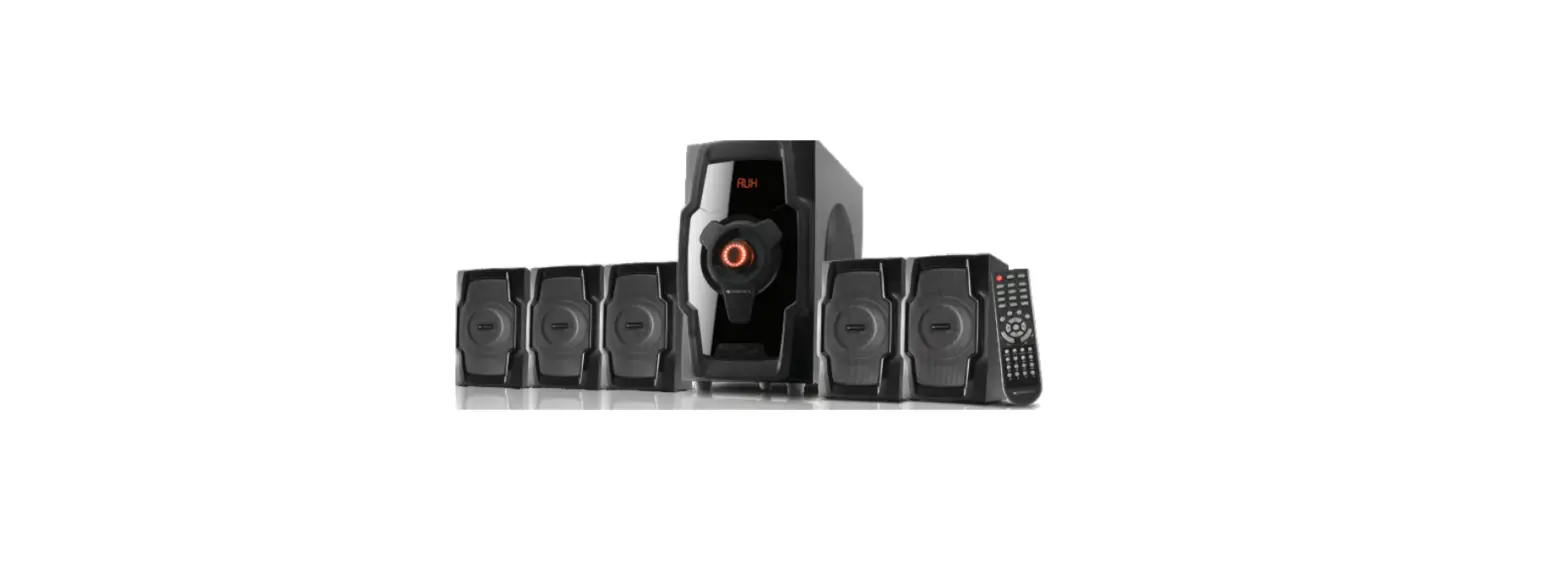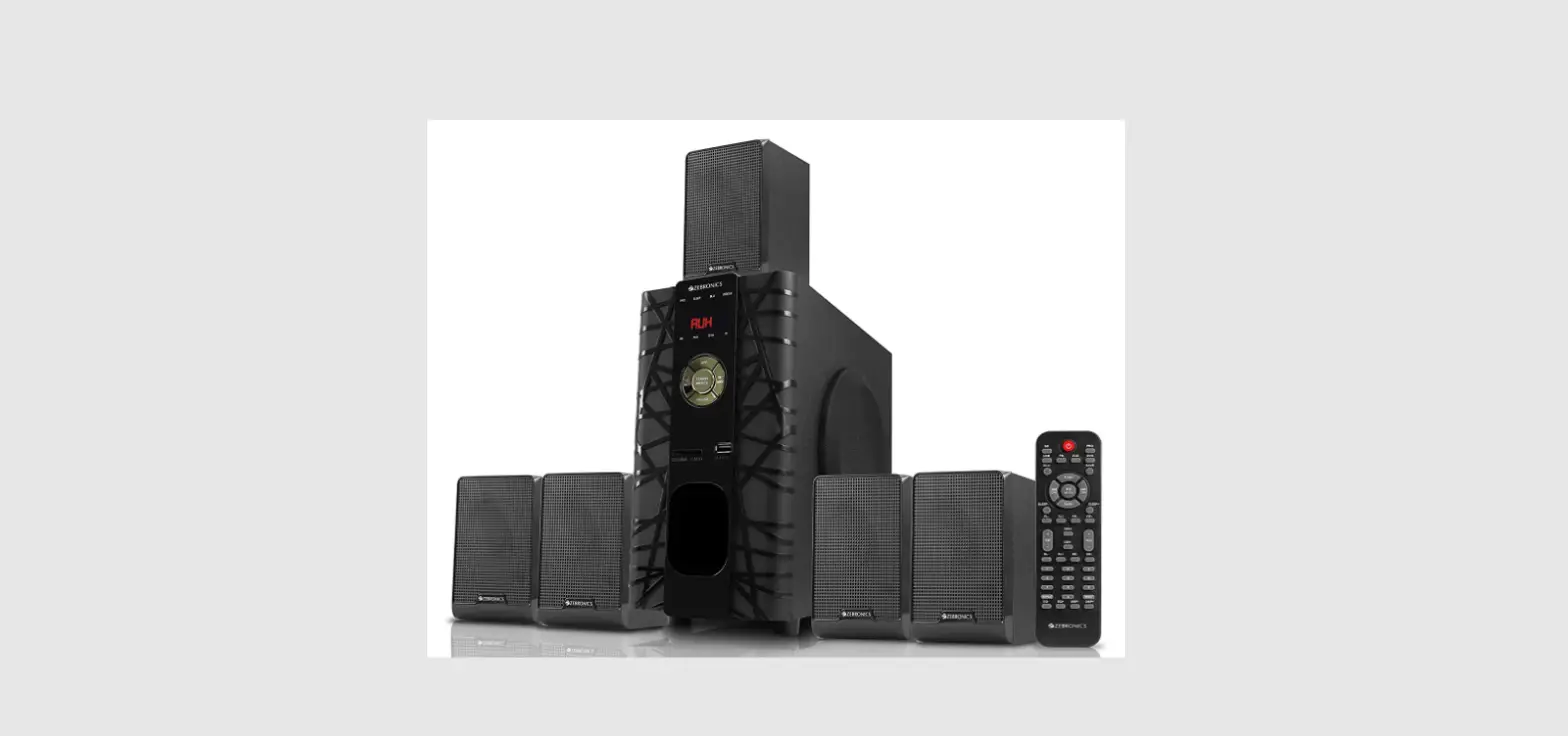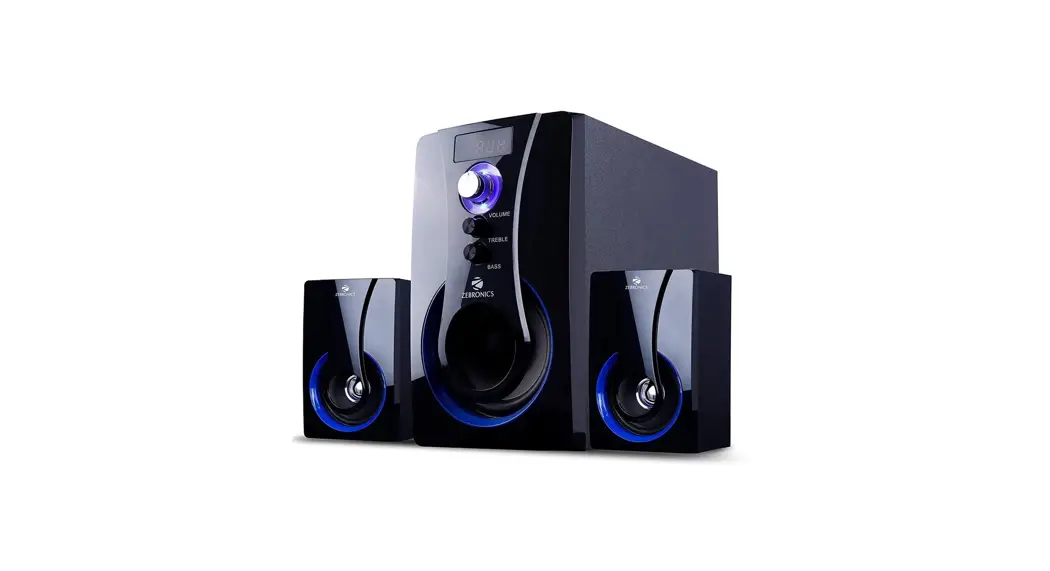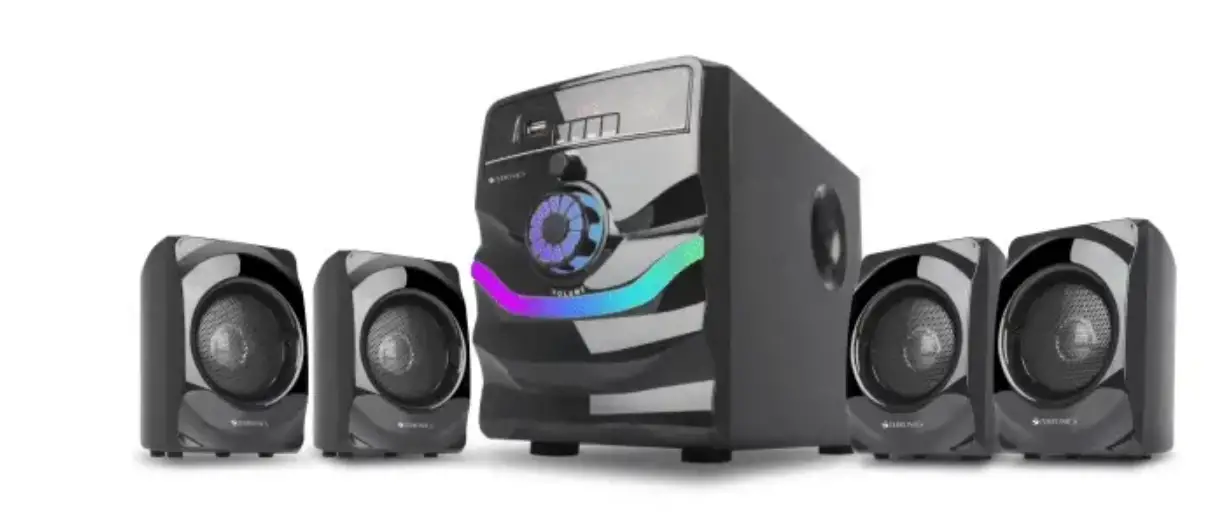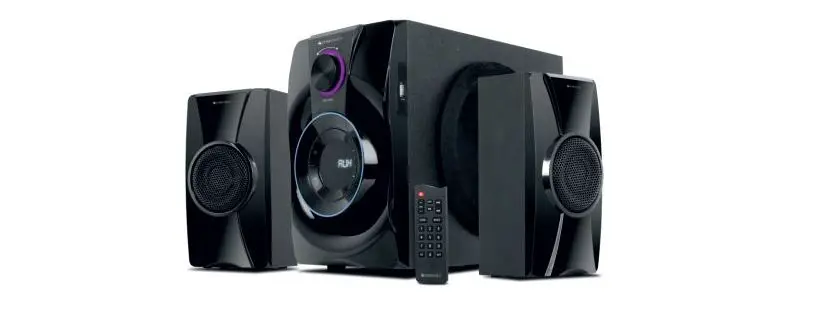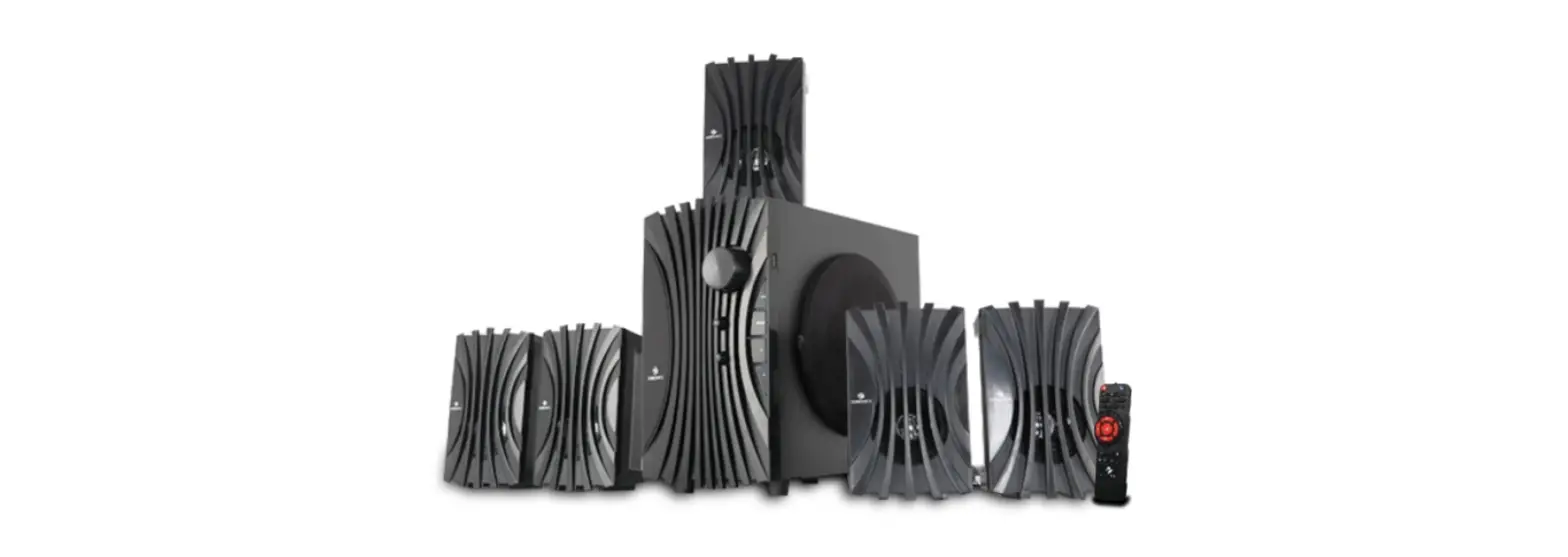

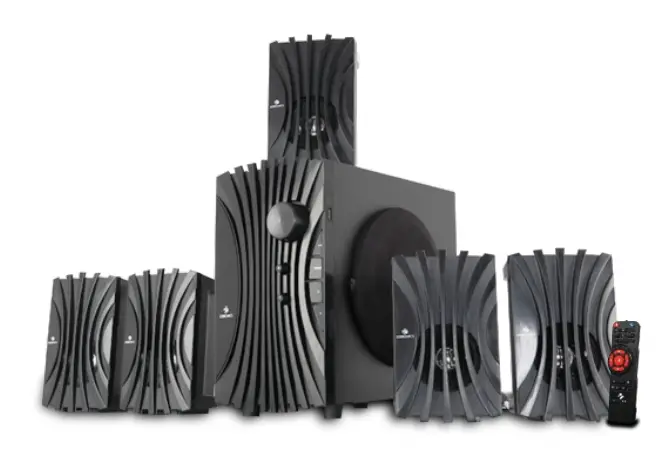
ZEBRONICS Zeb-Twist 5 5.1 Channel Speaker
INTRODUCTION
Thank you for purchasing ZEB-TWIST 5 Speaker. Please read this user manual carefully before Operation & save it for future reference.
Note:
- Avoid the use of this speaker at the hightemperature and high humidity environment.
- Avoid self-disassemble of speaker, or it will result in the failure of warranty.
Features
- Wireless BT/USB/FM/AUX
- LED Display
- 13.33cm Subwoofer
- Remote control
- Volume, bass and treble adjustment
- Stylish design
- Wall mountable
Specification
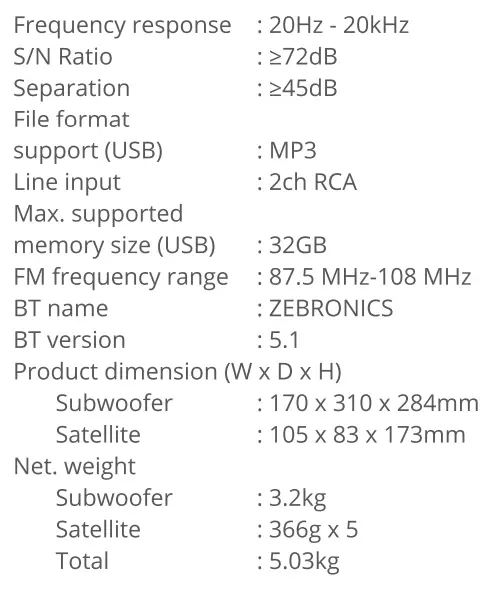
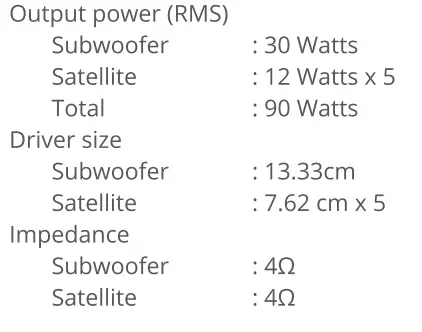
Control description
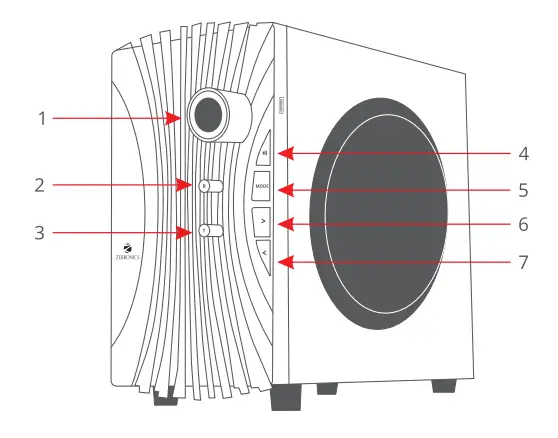
- Master volume control
- Bass control
- Treble control
- Play/Pause/Scan
- Mode change
- Next Song/FM channel+
- Previous track/FM channel-
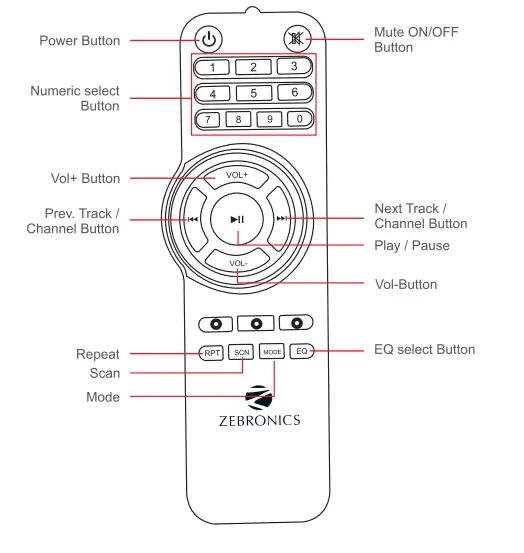
Remote control
General instruction
Bluetooth connectivity
Switch the Speaker to BT mode, Scan for nearby BT devices in your mobile. Tap on BT name”ZEBRONICS”toconnect. USBmode Insert the USB pen drive to the speaker. The speaker will detect the USB & audio from it will be played automatically.
FM Radio
Switch the speaker to FM mode. In FM Mode, Long press the Play/Pause key to scan the available FM channels. Once the scanning is done, the speaker will start playing the first scanned channel. The next and Prev. buttons can be used to change the FM channels.
AUX-IN
The speaker can be connected to an audio device using audio cable. Connect the one end of the cable to the speaker &connect the other end of the cable to an audio source. The songs from the audio source can be heard through the speaker.