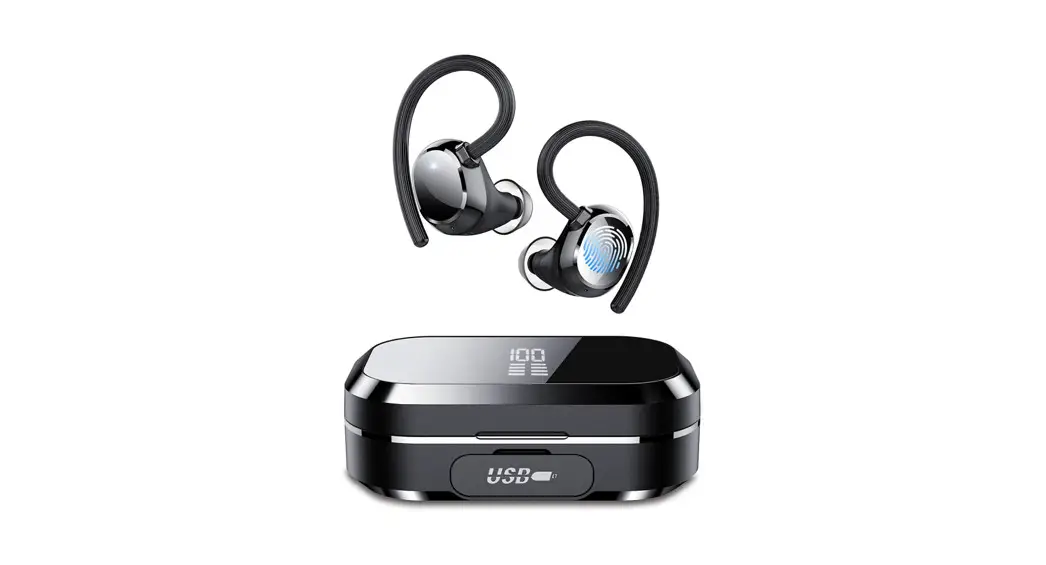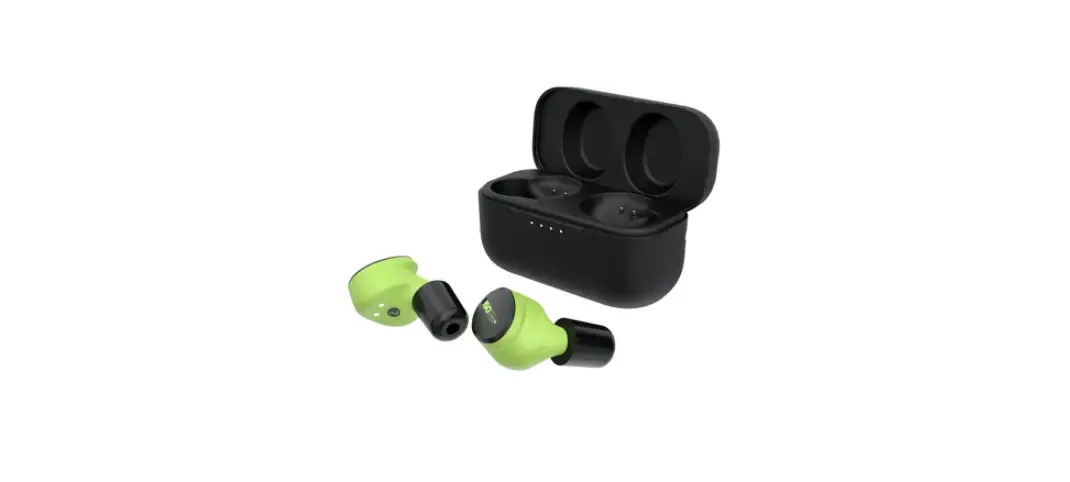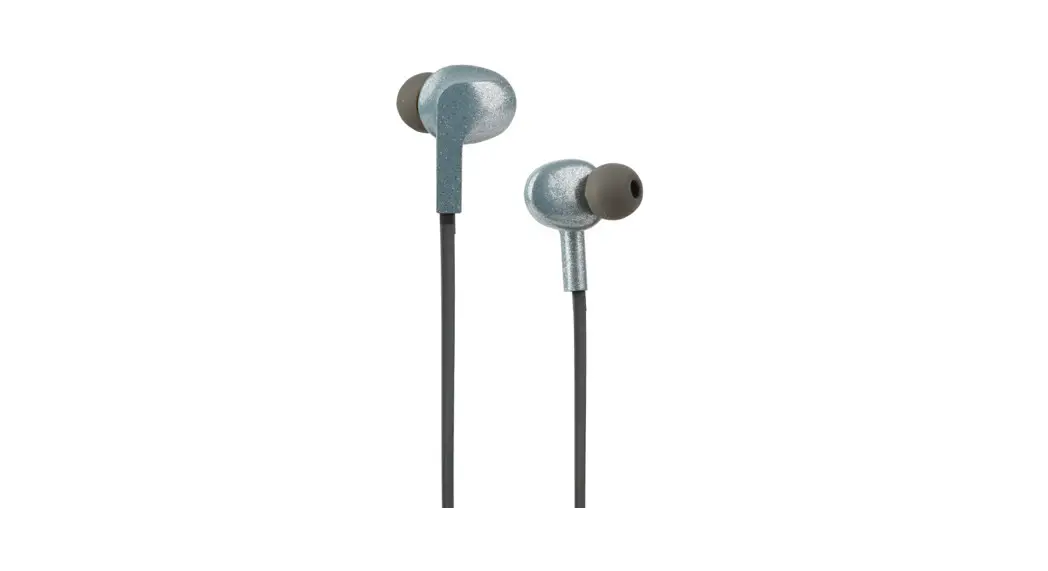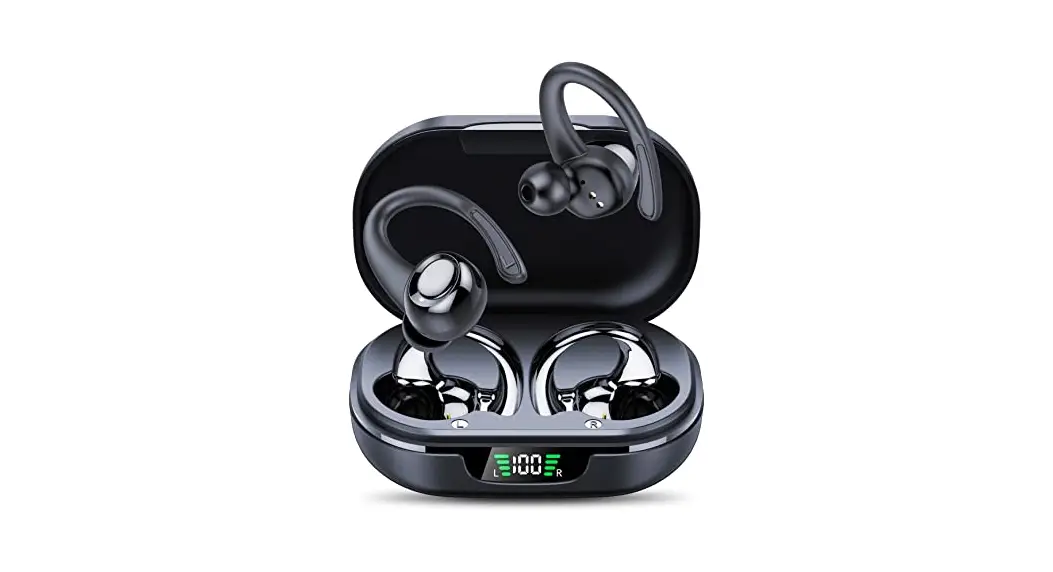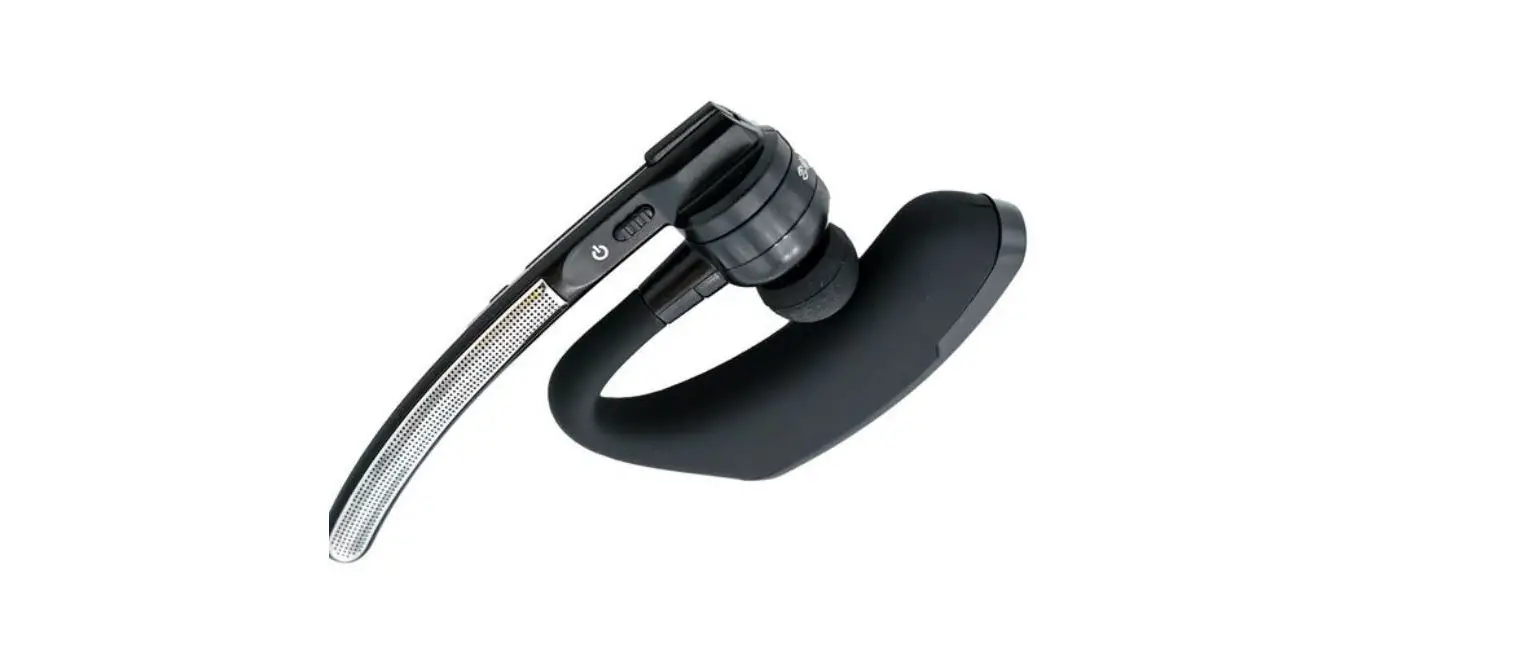

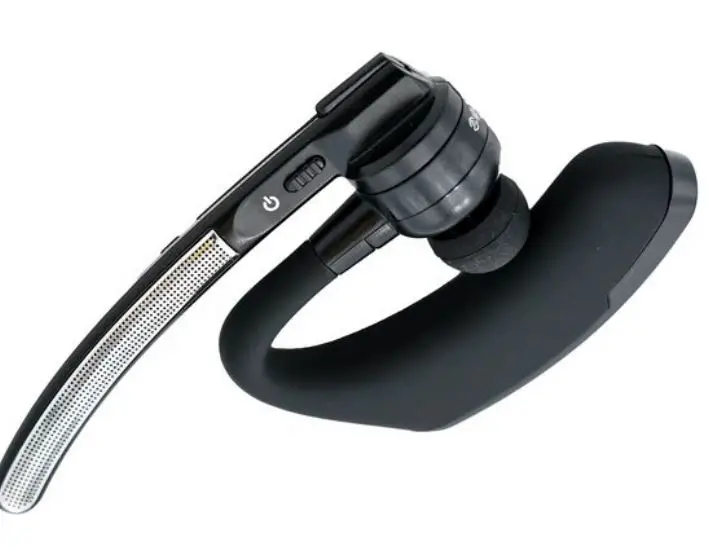
CQRADIOS Bluetooth Handsfree Earpiece
Description
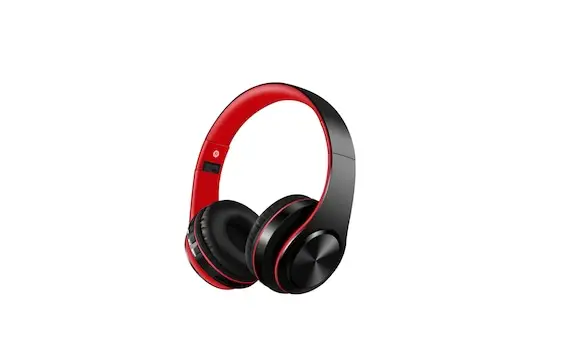
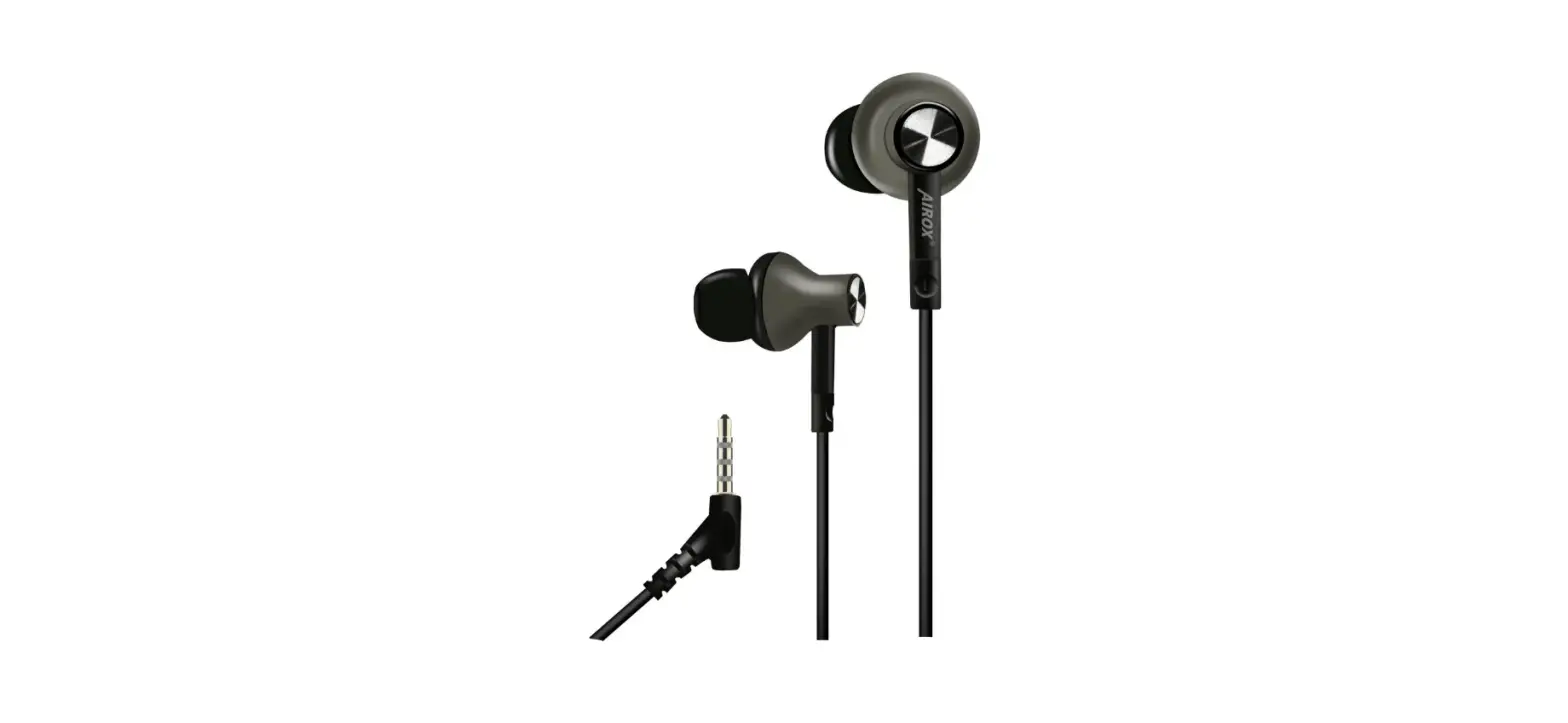
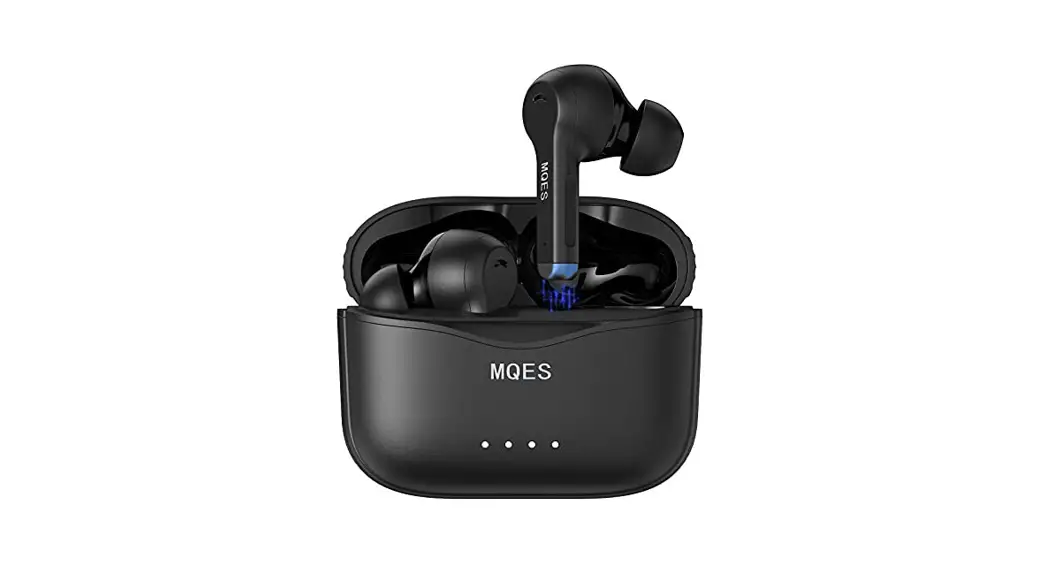
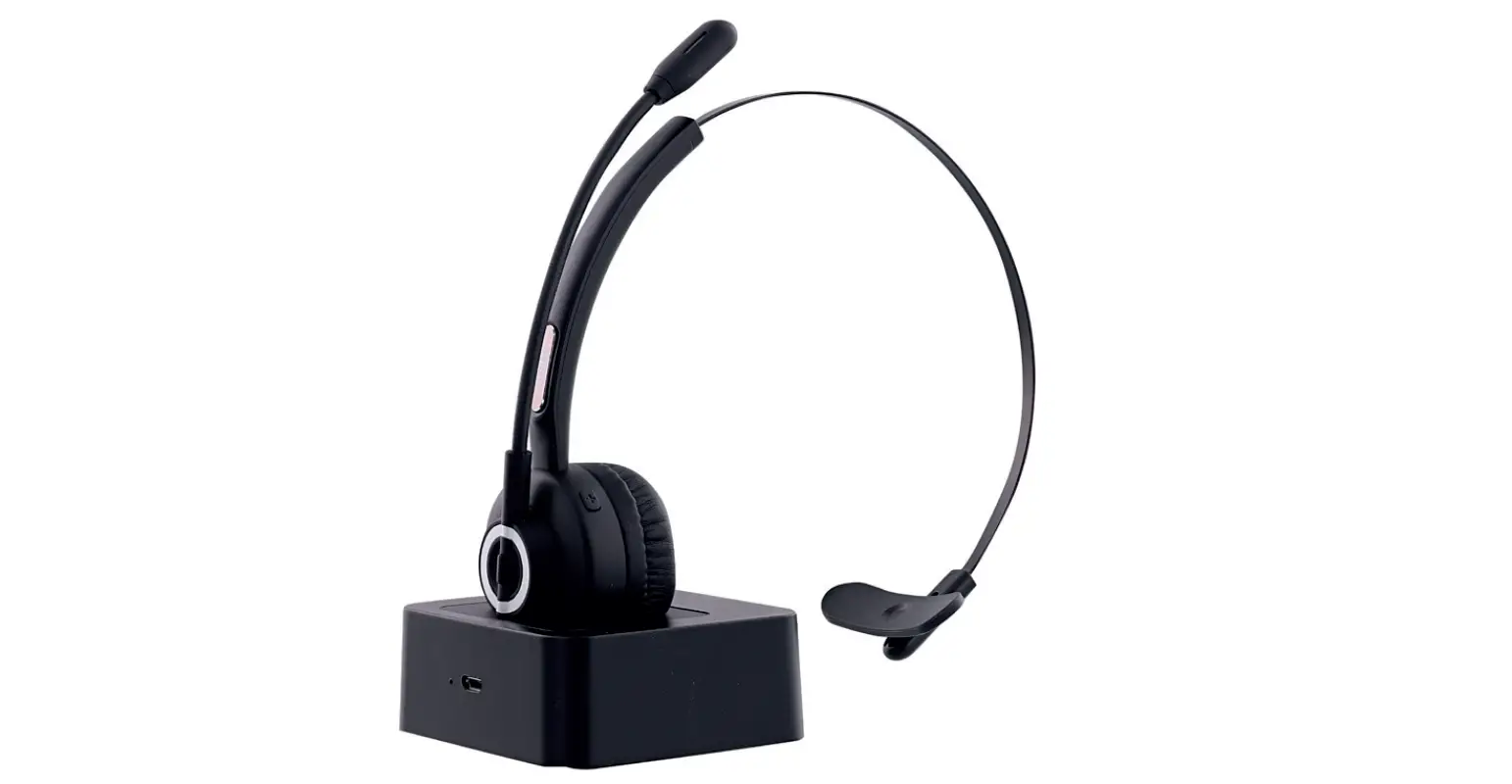
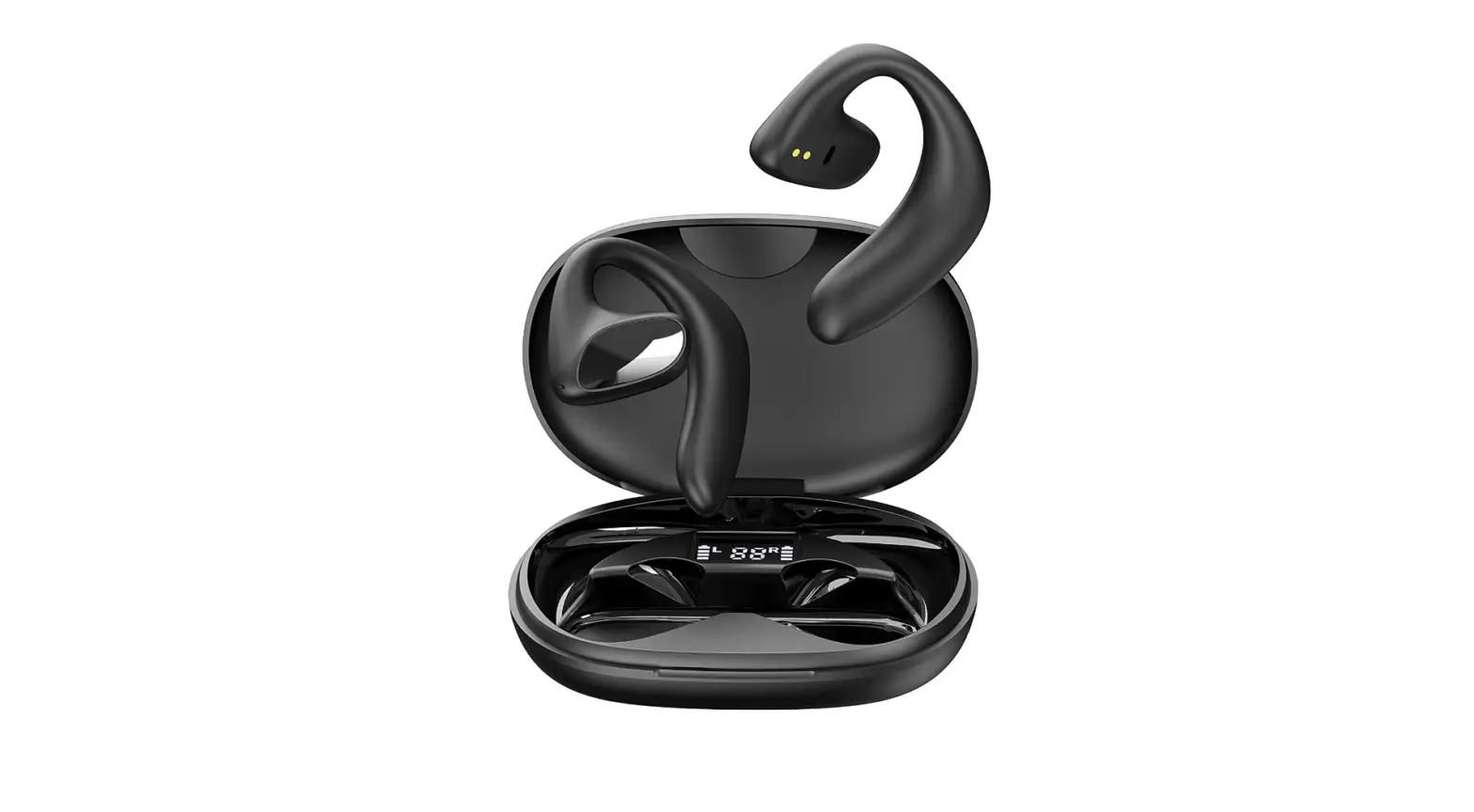
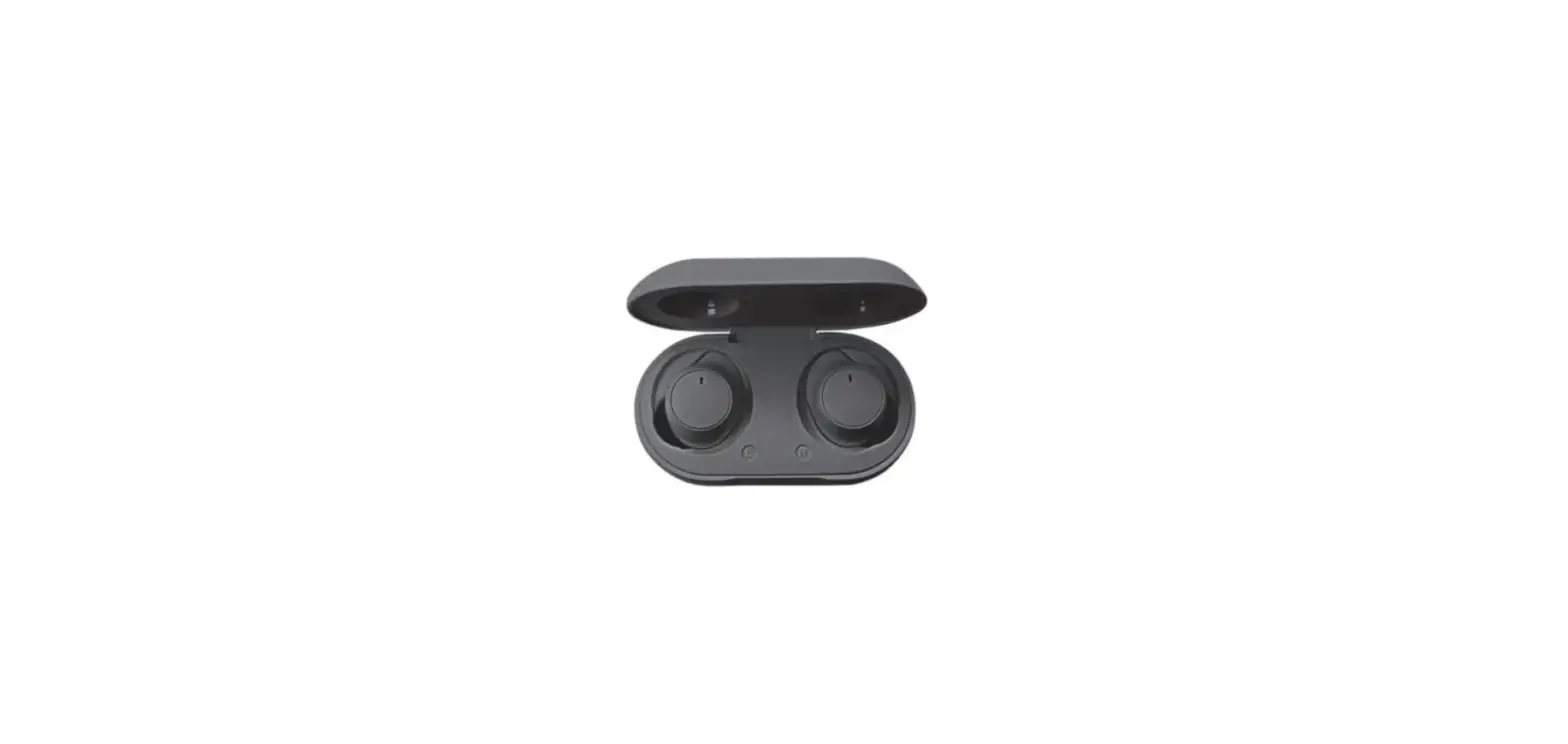
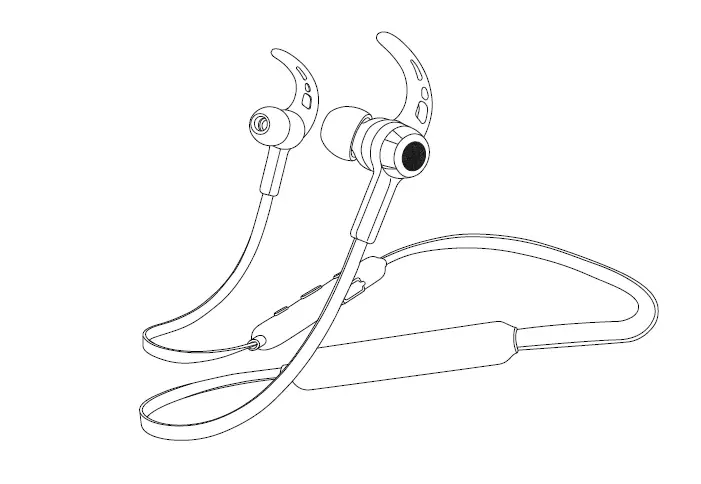
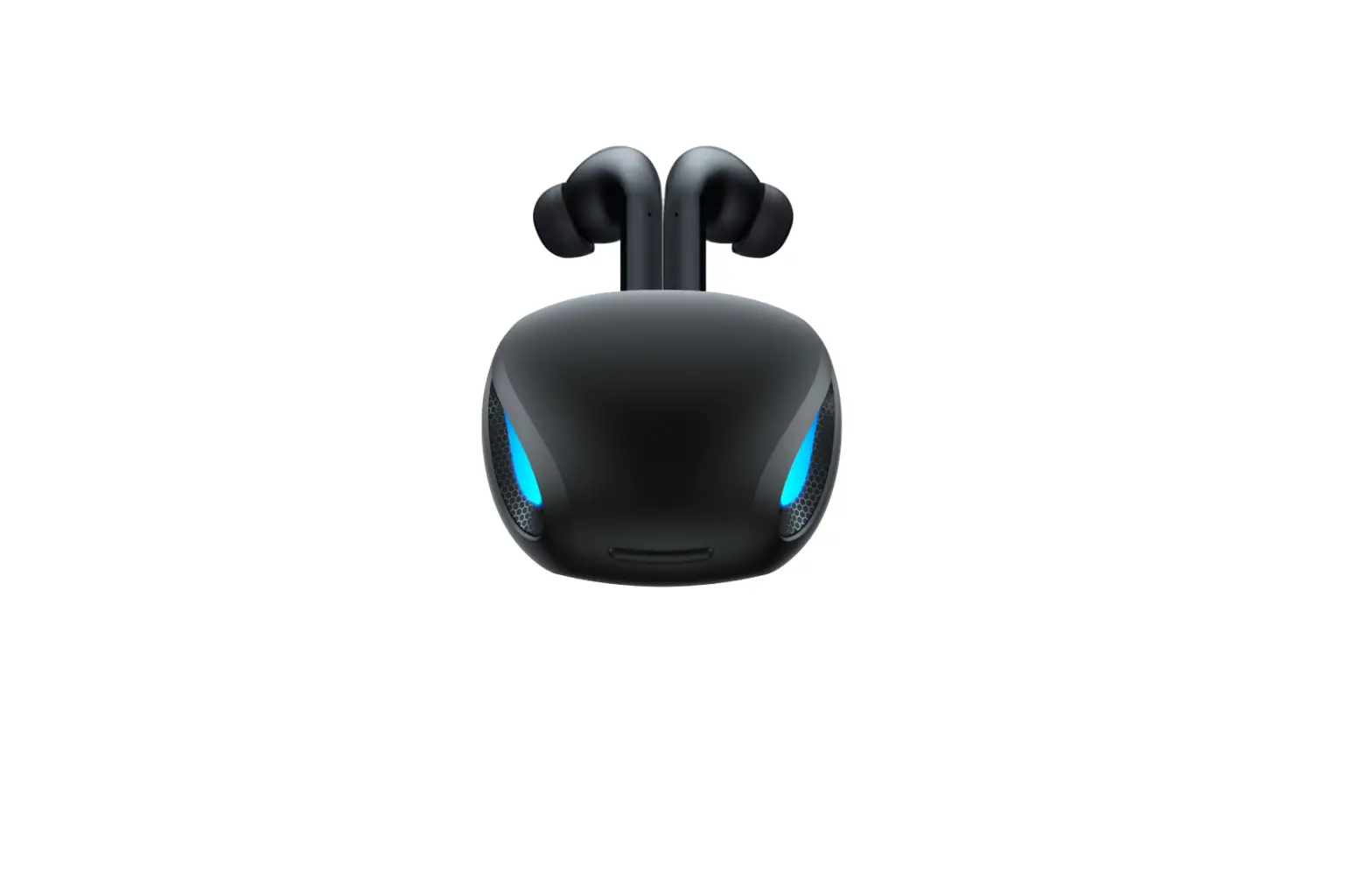
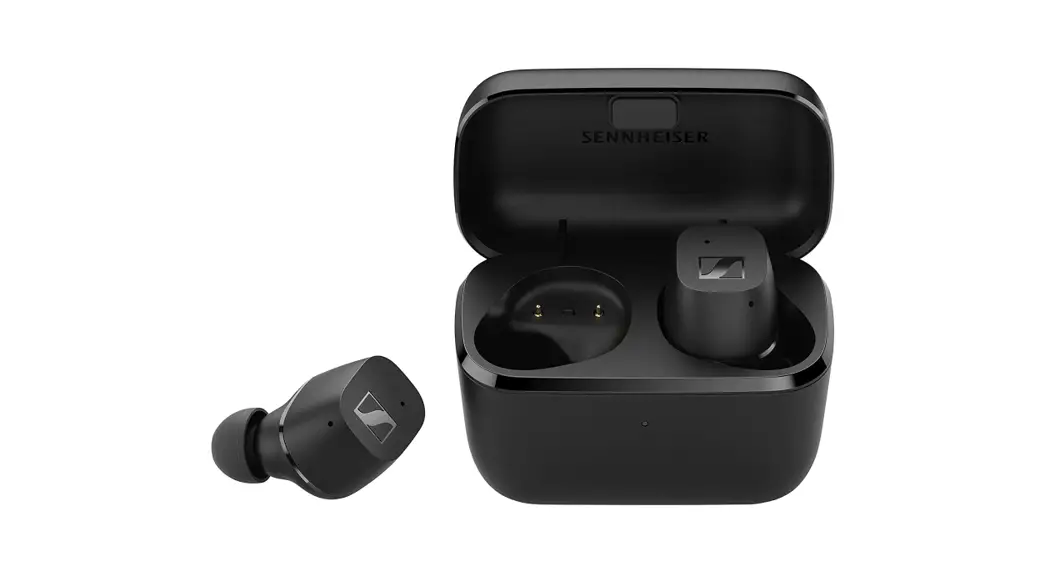
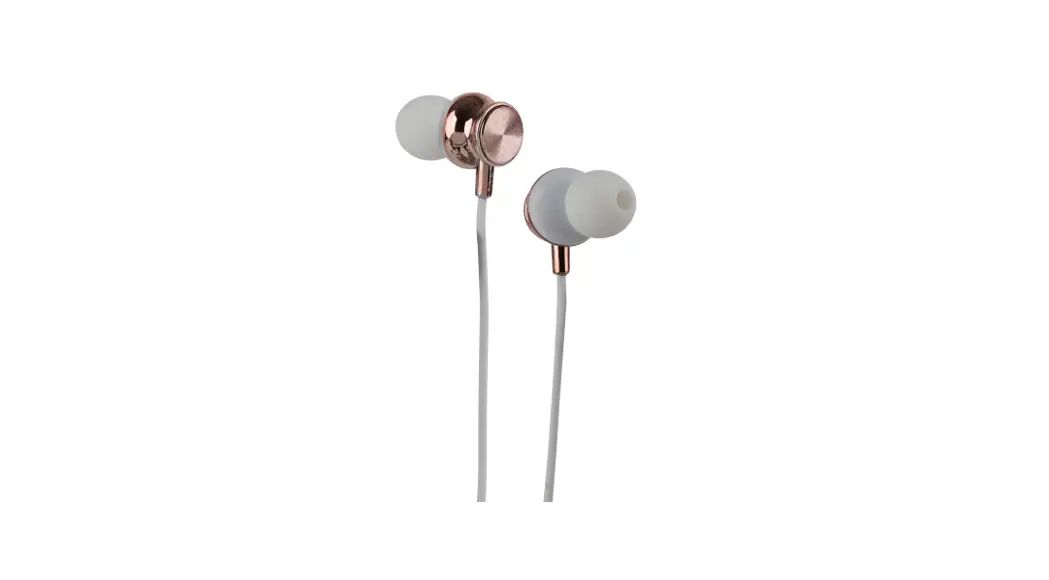
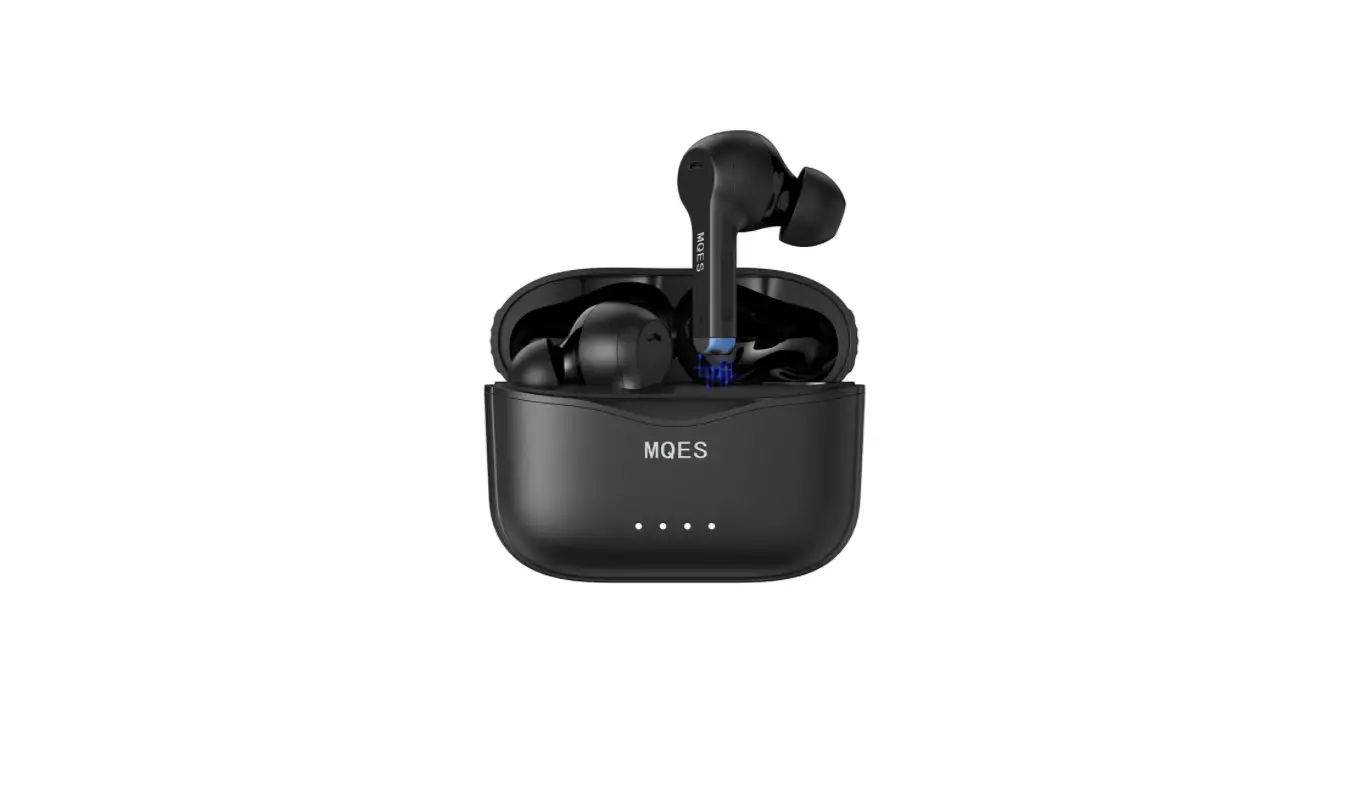
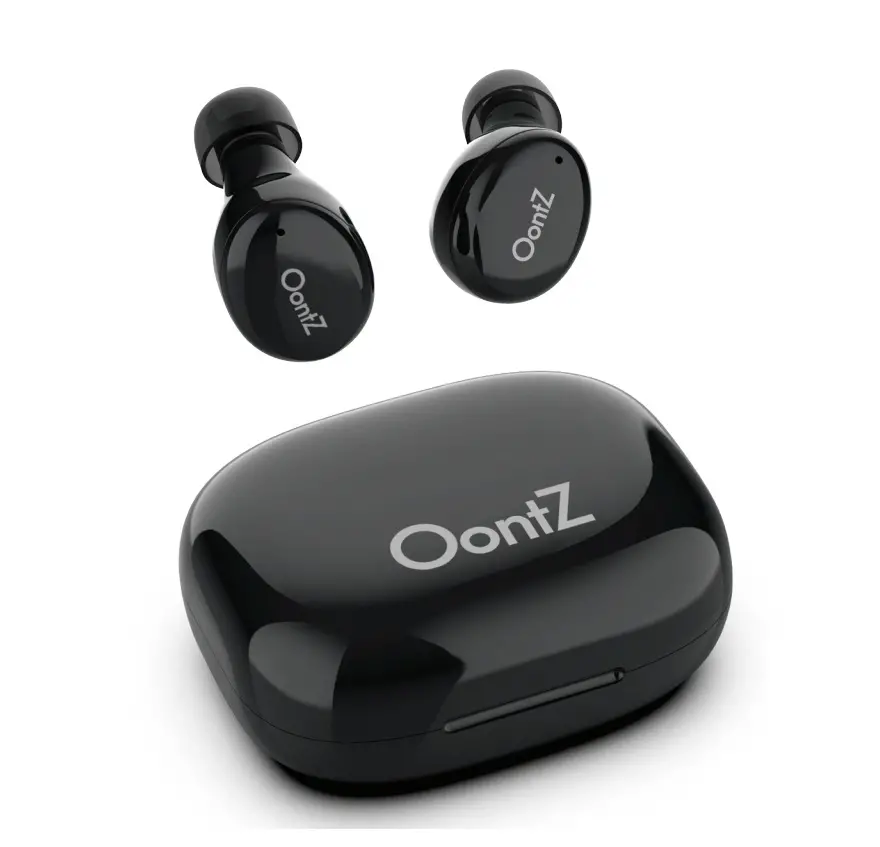
This is a Bluetooth handsfree earpiece is designed to work with the Anytone ATD878UV Bluetooth radio. These Bluetooth wireless earpieces receive audio and include an integrated PTT. These units can also be used with the remote PTT Bluetooth button that is supplied with the handheld radio. Once paired, the user can push the Bluetooth PTT and speak on the earpiece.
CONFIGURATION INSTRUCTIONS
- Enter Menu Screen
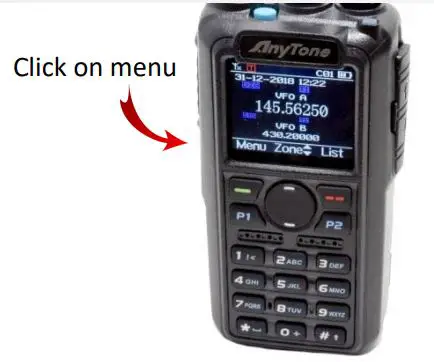
- Select Bluetooth
Highlight “Bluetooth,” then select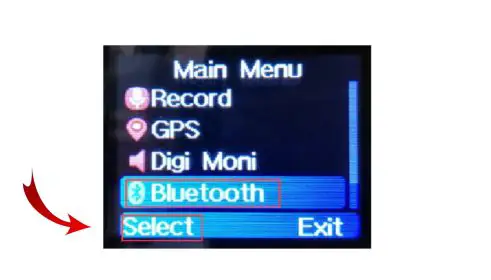
- Turn Bluetooth ON
Select BT ON/OFF then turn Bluetooth ON by selecting “Bluetooth ON.”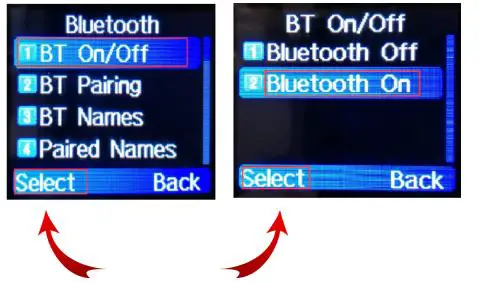
- Turn earpiece ON
Press the ON button. The unit will automatically enter the pairing mode.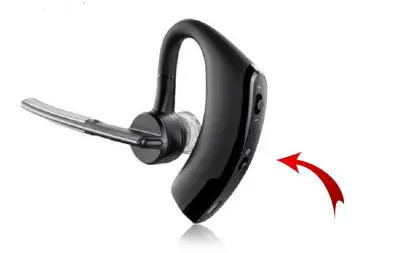
- Initiate Pairing
Start the pairing process on the radio to detect the earpiece.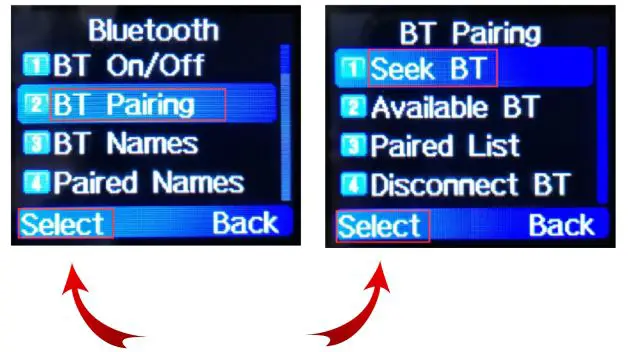
- Earpiece selection
Highlight the earpiece “Q8″ and press select.
A pairing and connected messages will be displayed if the pairing is successful.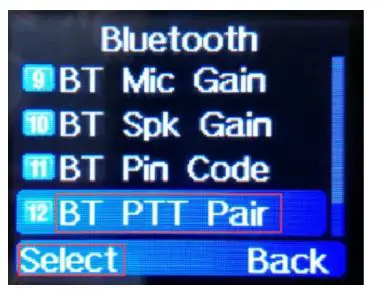
- PTT button pairing
After the earpiece is paired, press the back button to return to the Bluetooth selection menu, next pair the Bluetooth PTT button if it Is not already paired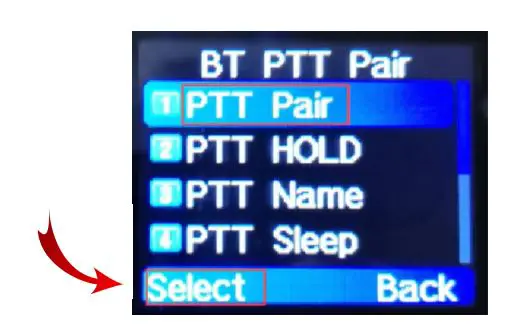
- PTT button pairing
Start the pairing process on the radio to detect the earpiece.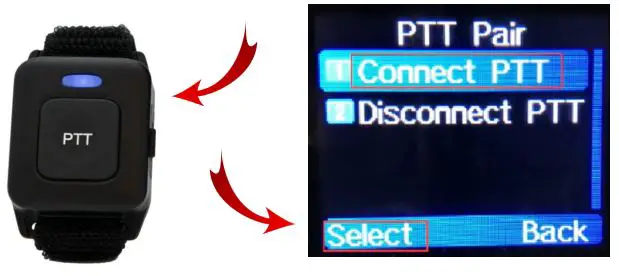
- Connect to PTT
Press the Bluetooth PTT for a few seconds to initiate pairing (fast flash / red-blue), then highlight the “Connect PTT” and press Select on the radio.
 CQRadios