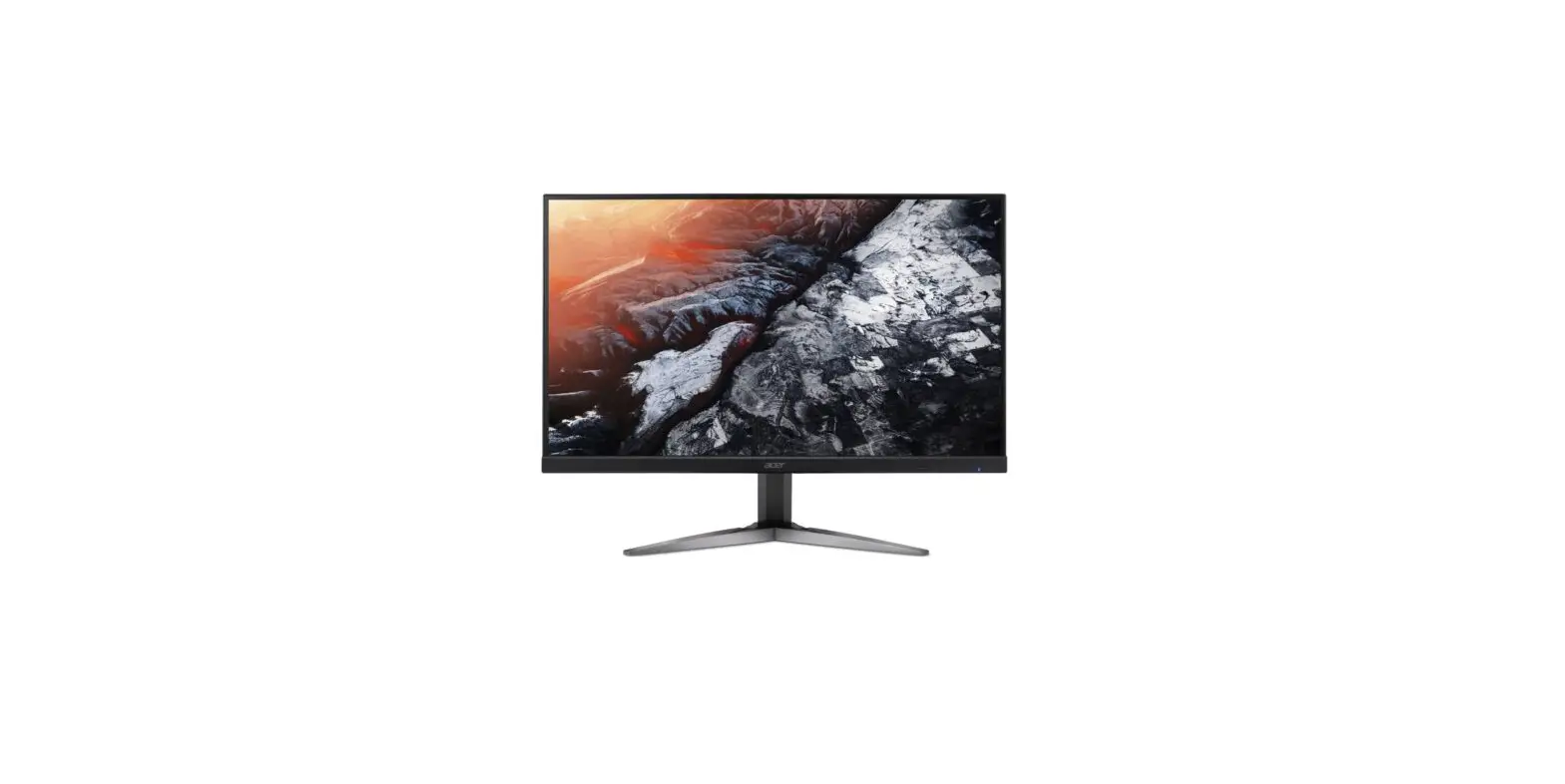
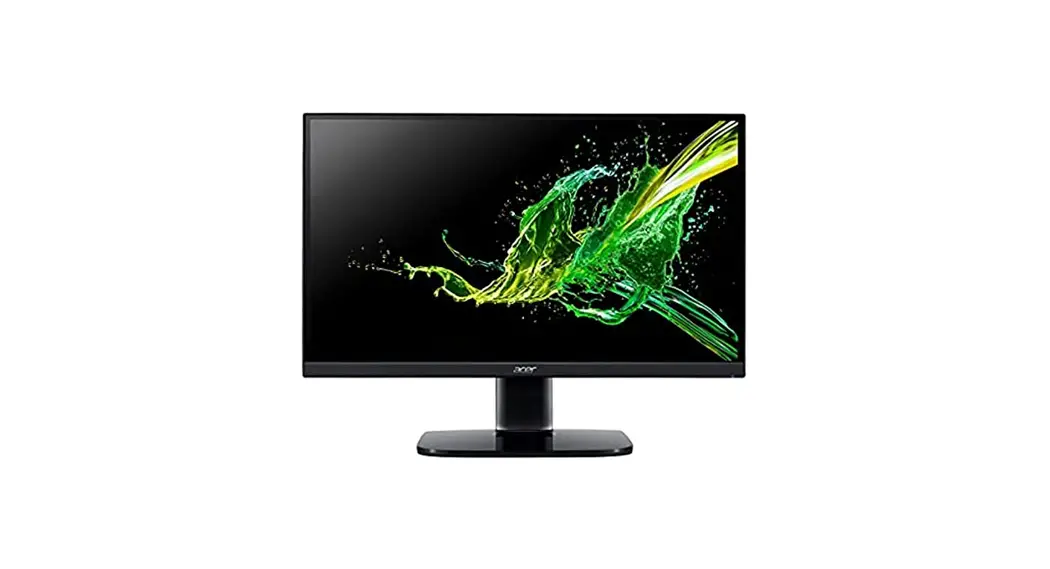
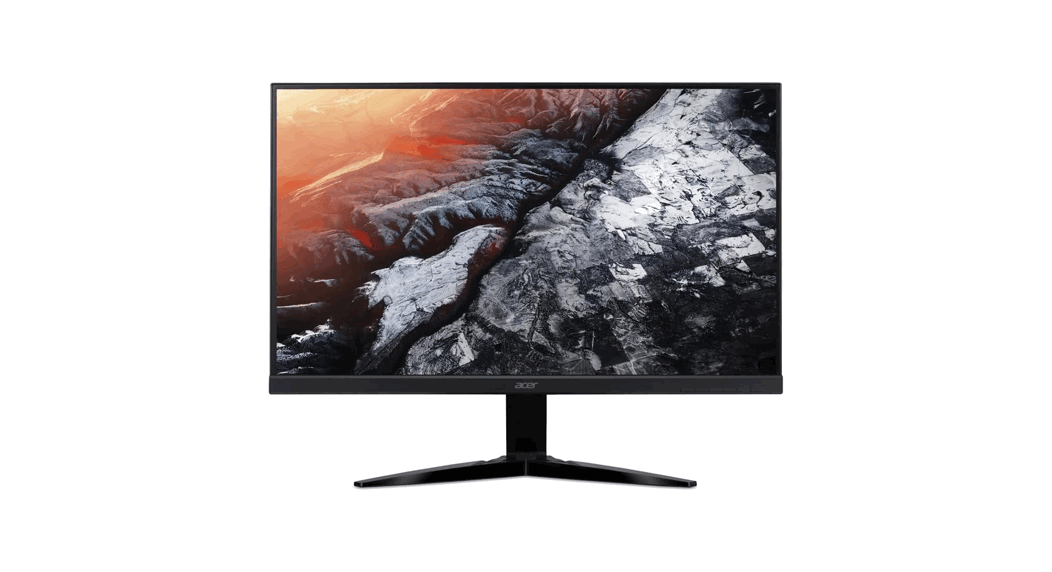
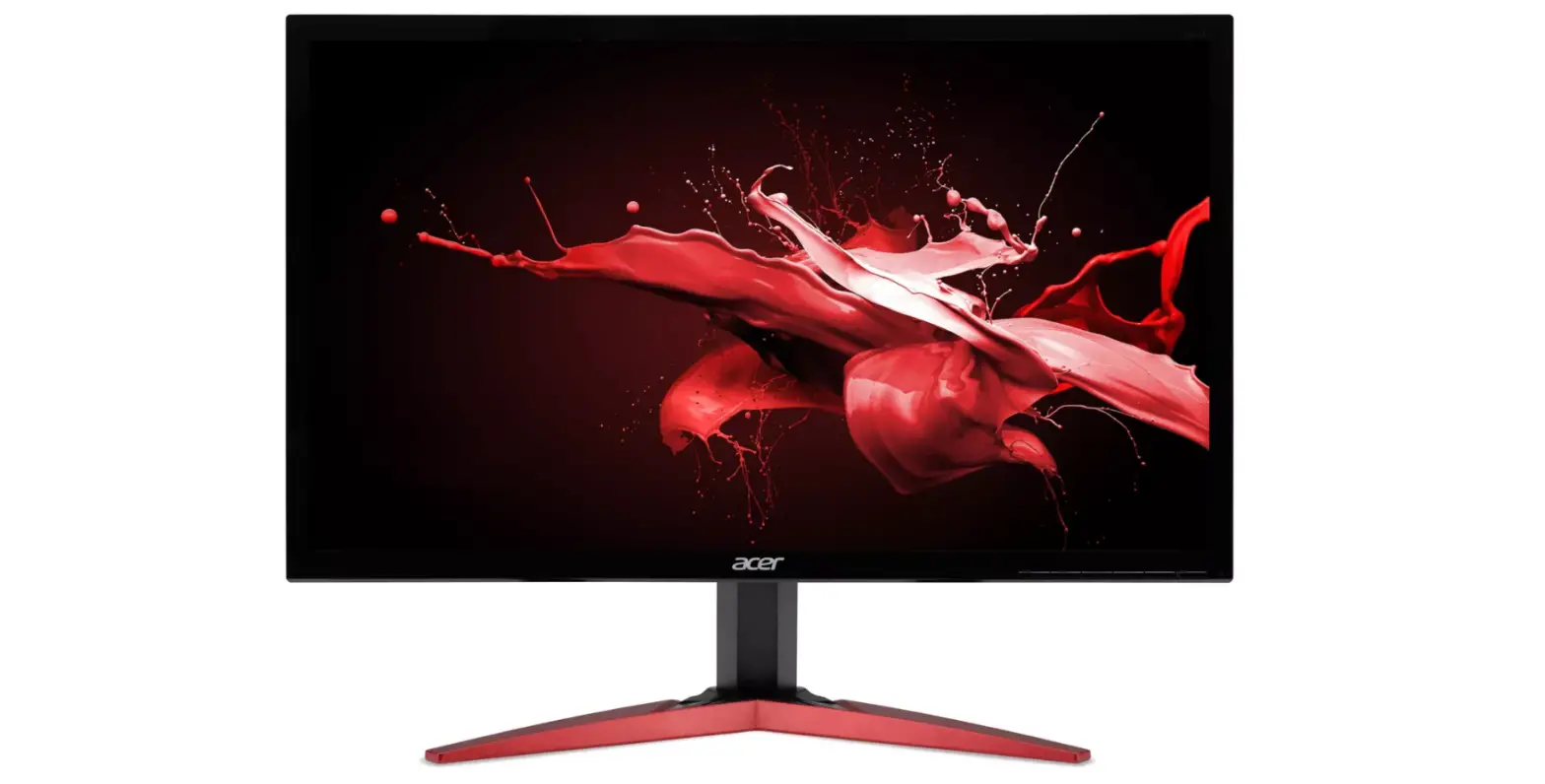
K273 27 Inch IPS Full HD LCD Monitor
ACER Monitor_K273
LIFECYCLE EXTENSION GUIDE
Contents
- Safety Notice
- Important Safety Notice
- Exploded Diagram
- Wiring connectivity diagram
- Mechanical Instruction
- Assembly and Disassembly Procedures
Safety Notice
Any person attempting to service this chassis must familiarize
with the chassis and be aware of the necessary safety precautions
to be used when serving electronic equipment containing high
voltage.
Important Safety Notice
The ACER S190HQL is certificated to meet RoHS Directive and
Lead-Free produced definition. Using approved critical components
only is recommended when the situation to replace defective parts.
Vender assumes no liability express or implied, arising out of any
unauthorized modification of design or replacing nonRoHS parts.
Service providers assume all liability. Using Lead-Free solder to
well mounted the parts.
Exploded Diagram
The exploded diagram is not provided.
Wiring Connectivity Diagram
The wiring connectivity diagram is not provided.
Mechanical Instruction
The following tools are required to disassemble the product to a
point where components and materials requiring selective treatment
can be removed:
- Working table
- Screw-driver
- Knife
- Glove
- Cleaning cloth
- ESD protection
Assembly and Disassembly Procedures
Disassembly Procedure
- Pull the base & neck assembly out
- Unscrew four screws
- Separate hooks between MID_FRAME and R/C
- Pull up the Rear Cover and pull out all connectors
- Unscrew screws on main shielding and disassemble AL tape
- Separate SPK from MID_FRAME and LVDS & Backlight FFC from
LCM - Unscrew two hex nuts and seven screws and remove main board
PCBA from main shielding - Remove connecter cable and separate main board and power board,
separate mylar and shielding - Unscrew eleven screws and separate MID FRAME and LCM
- Separate lens from MID frame
- Unscrew two screws and disassemble key board from rear cover
and separate navi key & cable - Separate wall-mount BKT and display key from rear cover
- Unscrew the screw and separate base & neck assembly
Assembly Procedure
- Assembly main board into shielding, use screw to fix. Assembly
main board on LCM. - Insert 30 pin LVDS FFC to LCM,
- Lock the shielding on panel with screw. (in red circle)
- Use Al tape to fix shielding (tape in blue circle).
- Insert 10 pin back light FFC to panel and main board, use
yellow tape to fix. (Tape in red circle). - Insert 10 pin back light FFC and 30 pin LVDS FFC to main board.
Use yellow tape to fix. - Tape AL tape to fix FFC. (Tape in red circle).
- Assembly middle frame with LCM and fix screw (in red
circle) - Lock middle frame screw (in red circle)
- If with speaker model, assembly speaker on middle frame, and
assembly speaker cable on main board. (red and white cable is on
left side, yellow and black is on right side.) - Tape speaker cable with acetate cloth tape (in yellow circle)
and yellow tape (in blue circle). - Insert key board FFC on main board
- Assembly rear cover, and push around the surrounding to
assembly well. - Lock the screw on rear cover (in red circle).
Product Usage Instructions
To use the ACER Monitor_K273:
- Place the monitor on a working table.
- Connect the monitor to a power source.
- Press the power button to turn on the monitor.
- Adjust the monitor settings, such as brightness and contrast,
as desired. - To disassemble the monitor, follow the disassembly procedure
provided in the manual. - To assemble the monitor, follow the assembly procedure provided
in the manual.
Note: When disassembling or assembling the monitor, make sure to
use the required tools and follow the safety precautions provided
in the manual.
ACER Monitor_K273
LIFECYCLE EXTENSION GUIDE
1
Contents
Important Safety Notice…………………………………………………………………. 3 1. Exploded Diagram …………………………………………………………………….. 4 2. Wiring connectivity diagram ………………………………………………………. 6 3. Mechanical Instruction ………………………………………………………………. 7 4. Assembly and Disassembly SOP ……………………………………………….. 8 5. Troubleshooting ……………………………………………………………………… 16 6. FRU List………………………………………………………………………………….. 20
Safety Notice Any person attempting to service this chassis must familiarize with the chassis and be aware of the necessary safety precautions to be used when serving electronic equipment containing
high voltage – 2 –
3
Important Safety Notice
ACER S190HQL
1
Product Announcement: This product is certificated to meet RoHS Directive and Lead-Free produced definition. Using approved critical components only is recommended when the situation to replace defective parts. Vender assumes no liability express or implied, arising out of any unauthorized modification of design or replacing nonRoHS parts. Service providers assume all liability.
Qualified Repairability: Proper service and repair is important to the safe, reliable operation of all series products. The service providers recommended by vender should being aware of notices listed in this service manual in order to minimize the risk of personal injury when perform service procedures. Furthermore, the possible existed improper repairing method may damage equipment or products. It is recommended that service engineers should have repairing knowledge, experience, as well as appropriate product training per new model before performing the service procedures.
NOTICE: ! To avoid electrical shocks, the products should be connect to an authorized power cord, and turn off the master power switch each time before removing the AC power cord. ! To prevent the product away from water or exposed in extremely high humility environment. ! To ensure the continued reliability of this product, use only original manufacturer’s specified parts. ! To ensure following safety repairing behavior, put the replaced part on the components side of PWBA, not solder side. ! To ensure using a proper screwdriver, follow the torque and force listed in assembly and disassembly procedures to screw and unscrew screws.
! Using Lead-Free solder to well mounted the parts.
! The fusion point of Lead-Free solder requested in the degree of 220°C.
– 3 –
1. Exploded Diagram
4
2. Wiring connectivity diagram
5
3. Mechanical Instruction
Tools Required List the type and size of the tools that would typically can be used to disassemble the product to a point where components and materials requiring selective treatment can be removed. Tool Description:
– working table – Screw-driver – Knife – glove – cleaning cloth – ESD protection
6
4. Assembly and Disassembly Procedures
Disassembly Procedure
Step. 1 Pull the base & neck assembly out
Step.2 Unscrew four screws
Step.3 Separate hooks between MID_FRAME and R/C
7
Step 4. Pull up the Rear Cover and pull out all connectors
Step.5 Unscrew screws on main shielding and disassemble AL tape Step.6 separate SPK from MID_FRAME and LVDS & Backlight FFC from LCM Step.7 Unscrew two hex nuts and seven screws and remove main board PCBA from main shielding.
8
Step.8 Remove connecter cable and separate main board and power board, separate mylar and shielding Step.9 Unscrew eleven screws and separate MID FRAME and LCM Step.10 Separate lens from MID frame Step.11 Unscrew two screws and disassemble key board from rear cover and separate navi key& cable
9
Step.12 Separate wall-mount BKT and display key from rear cover Step.13 Unscrew the screw and separate base & neck assembly
10
Assembly Procedure
Step1. Assembly main board into shielding, use screw to fix. Assembly main board on LCM.
Step2. Insert 30 pin LVDS FFC to LCM, Step3. Lock the shielding on panel with screw. (in red circle)
11
Step4. Use Al tape to fix shielding (tape in blue circle). Step5. Insert 10 pin back light FFC to panel and main board, use yellow tape to fix. (Tape in red circle).
Step6. Insert 10 pin back light FFC and 30 pin LVDS FFC to main board. Use yellow tape to fix.
K273-
12
Step7. Tape AL tape to fix FFC. (Tape in red circle). K273 –
Step8. Assembly middle frame with LCM and fix screw (in red circle) Step9. Lock middle frame screw (in red circle)
13
Step10. If with speaker model, assembly speaker on middle frame, and assembly speaker cable on main board. (red and white cable is on left side, yellow and black is on right side.)
Step11. Tape speaker cable with acetate cloth tape (in yellow circle) and yellow tape (in blue circle).
Step12. Insert key board FFC on main board
K273-
14
Step13.Assembly rear cover, and push around the surrounding to assembly well. Step14. Lock the screw on rear cover (in red circle).
15
5. Troubleshooting
5.1 Test flow for abnormal machine:
Start
Check DC Power is 19V?
Y
Key’s LED indicator is light
or blink?
light
BLACK screen but a little light?
N
AC
power?
Check adaptor
blink
No input signal
Power cord plug into AC source
Re-insert 30pin LVDS cable between LCM and main board
Still BLACK screen?
N Check Main board
5VD_REG,3V3D_REG on main board is normal?
Y LCM broken
END
16
5.2 key debug flow:
Key Debug
Replace keyboard
N
Key works?
Check U12 works
Y
END
5.3 Panel debug flow (bmiix&bii):
LCM power Debug
Disconnect LVDS cable
Y
Check LCM power (R82) 5V ok?
N
Check Q1 pin2 is 5V?
N
N
Y
Check Q2 pin2
N
is high?(2.4V)
Y
Check U12 works
Replace Q1
Replace panel Check set is ok?
Y END
17
5.4 LED backlight debug flow
LED driver Debug
Check Net 19V_BLD is 19V?
Y BU3 is damaged?
N BD4 is damaged?
N BR31 is open?
N Check BU5 pin5N
is high ? Y
Backlight on?
Replace FB36 N
Y
Reassemble BR67
FB36 is open?
N
Y Replace BU3 Y
Y Replace BD4
Y
Replace BR31
Y
Open BR67 N
Check NET BL_CTRL level is high?
N
Check U12 works
Replace BU5
Y
END
18
6. FRU (Field Replaceable Unit) List
19