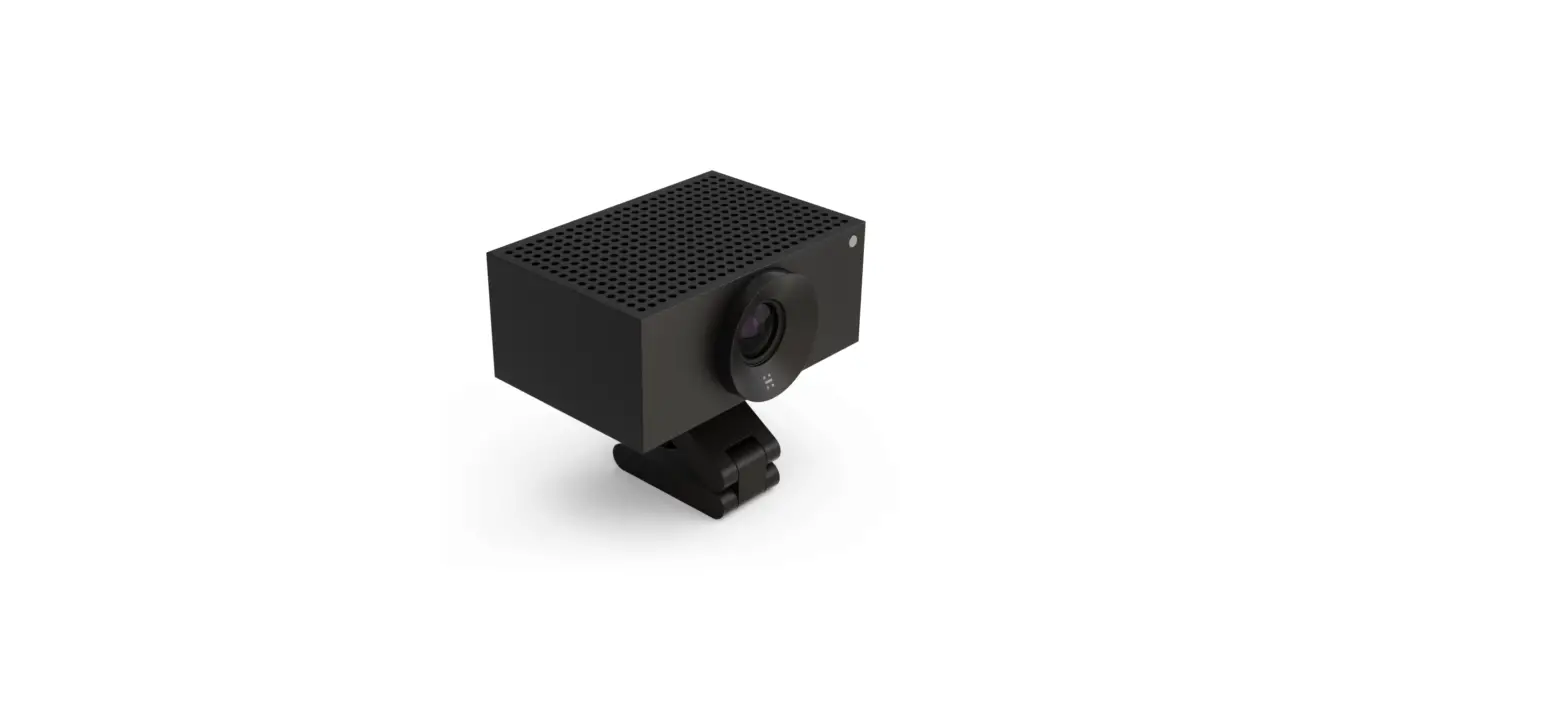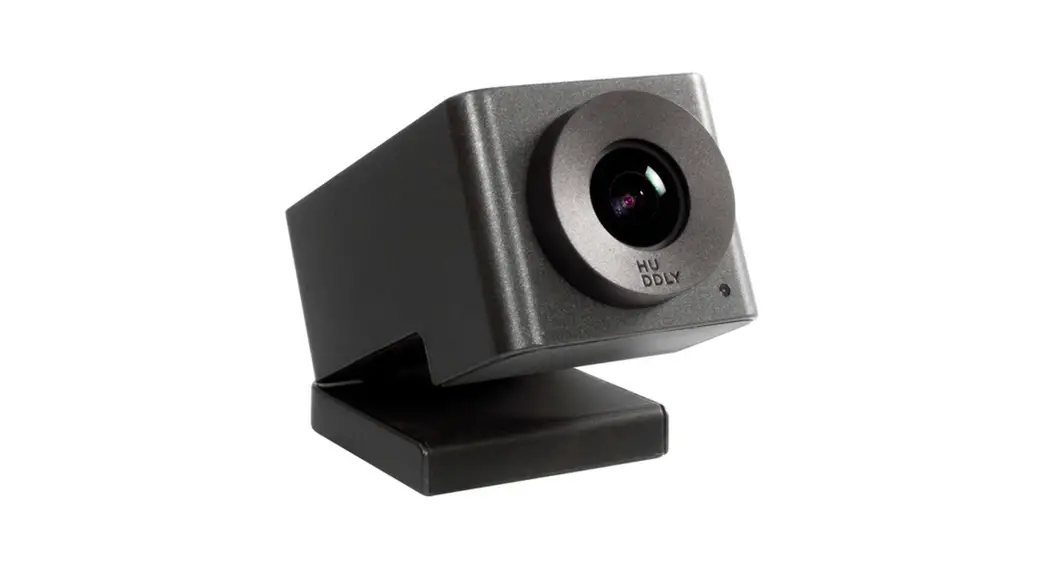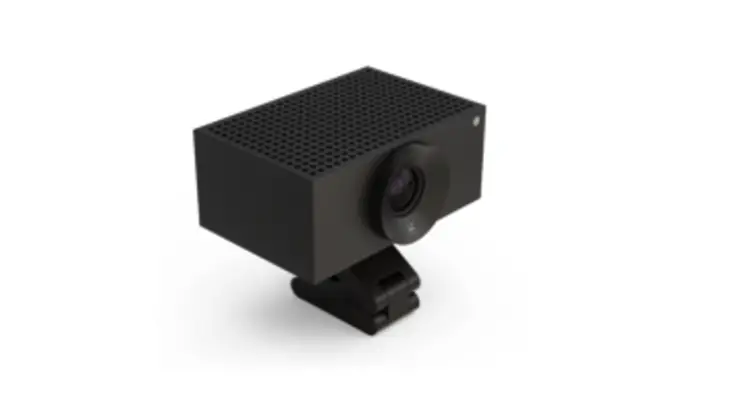

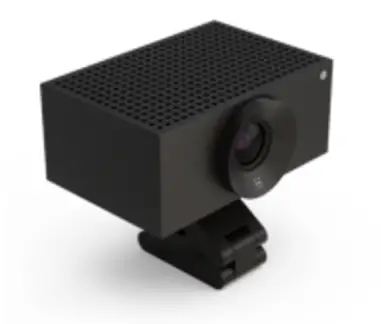
huddly L1 Video Conferencing Camera
Overview
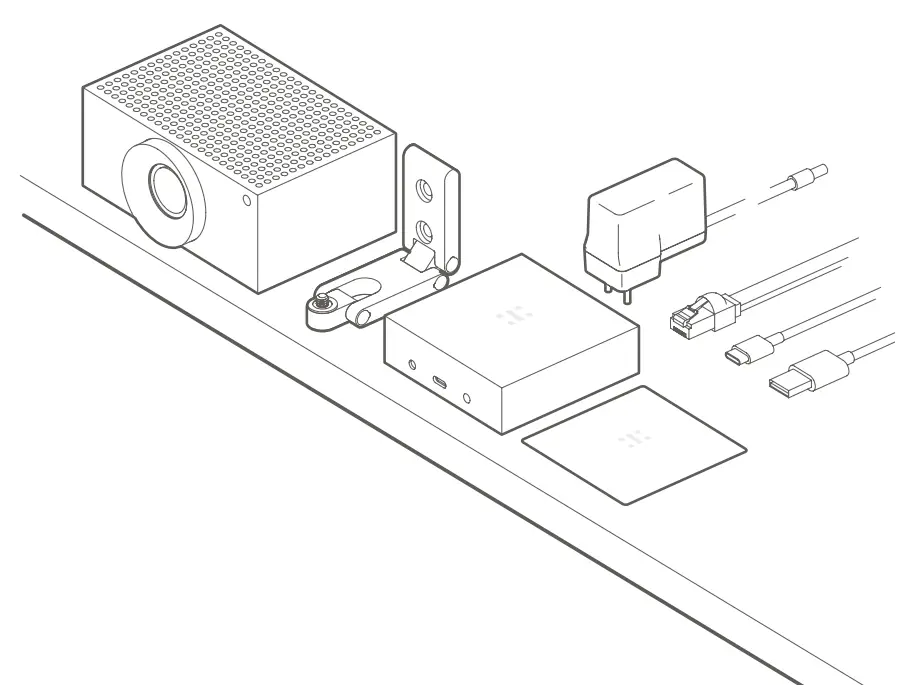
Regional Power Plug
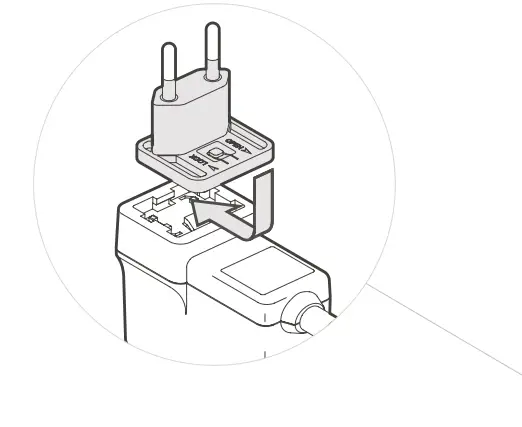
Make sure to use the correct electrical plug for your region. Four (4) alternatives are included with this product. Please consult the “Product and Compliance Information” document at huddly.com/compliance to determine the correct one for you.
Connection
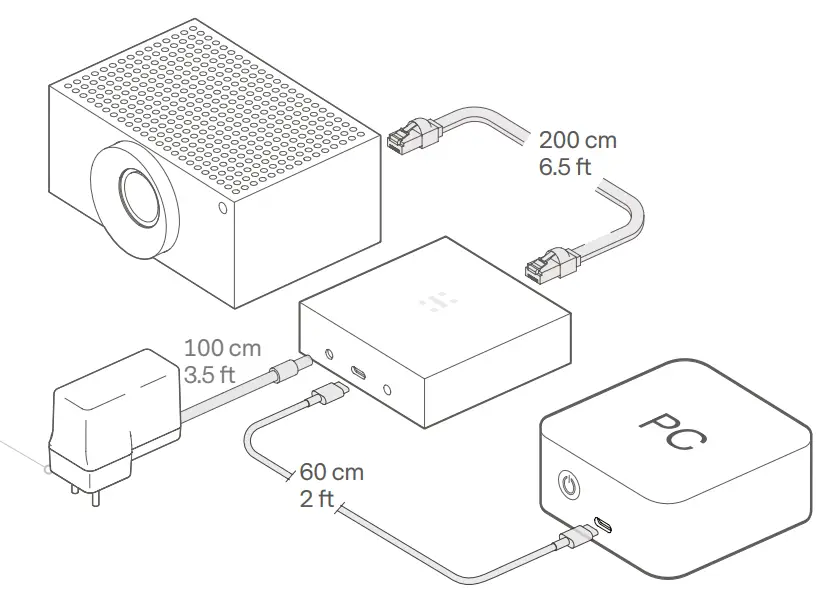
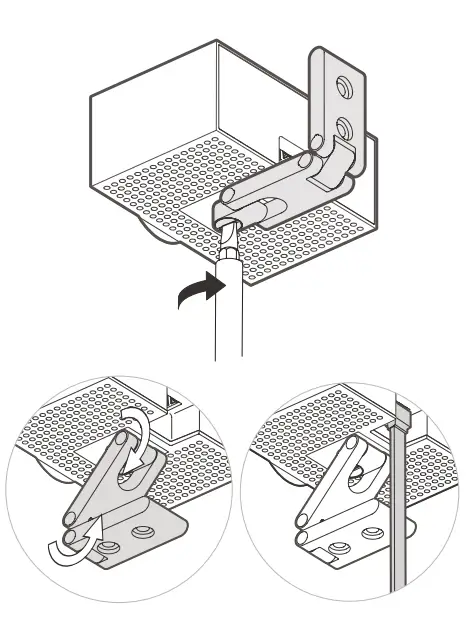
Adapter Mounting
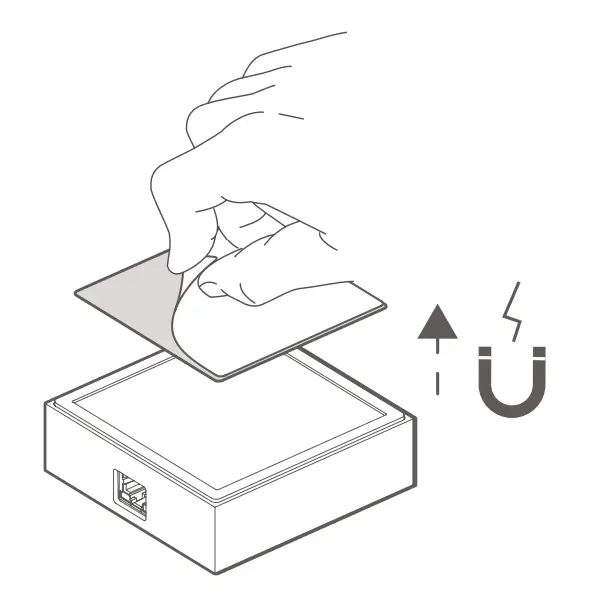
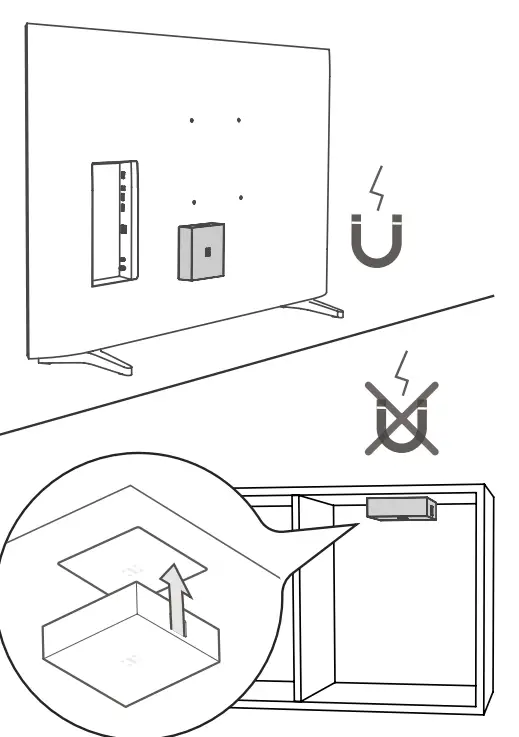
Wall Mounting
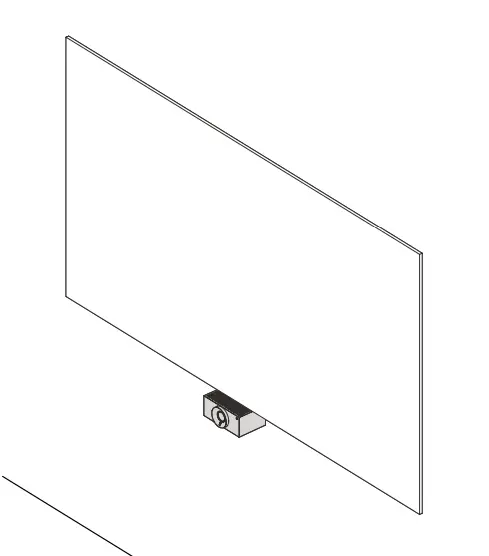
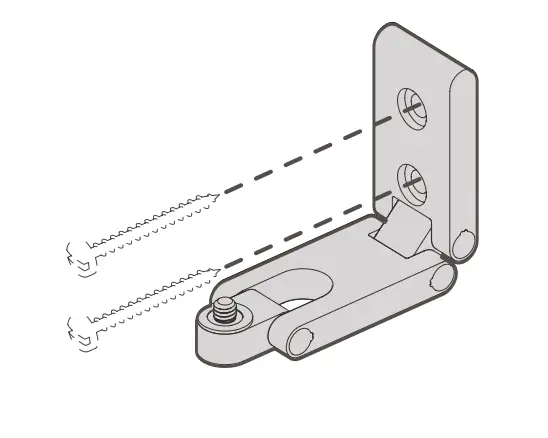
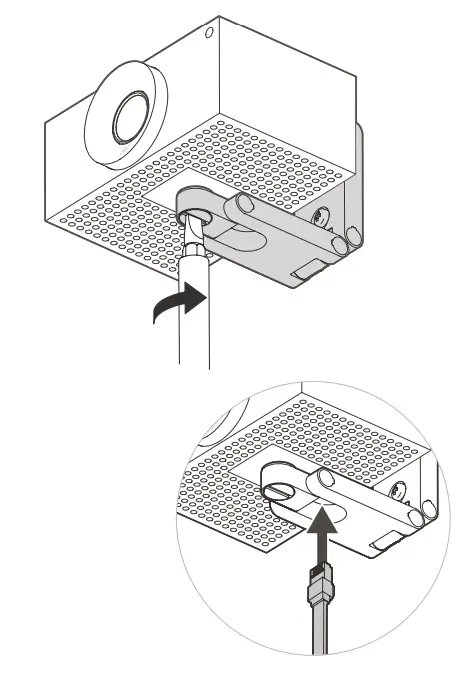
Shelf Mounting
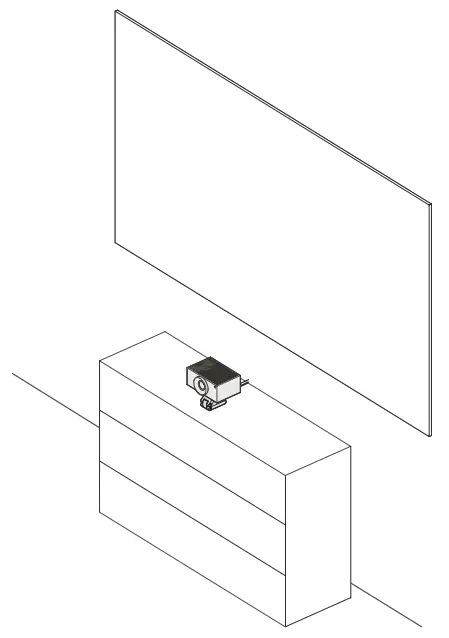
Finish the Setup
Almost there! To finish the setup visit : huddly.com/setup
For regulatory compliance information and other information that might be relevant for usage of this product in your country, please visit: www.huddly.com/compliance
 Huddly | Huddly
 Safety and regulatory compliance information | Huddly