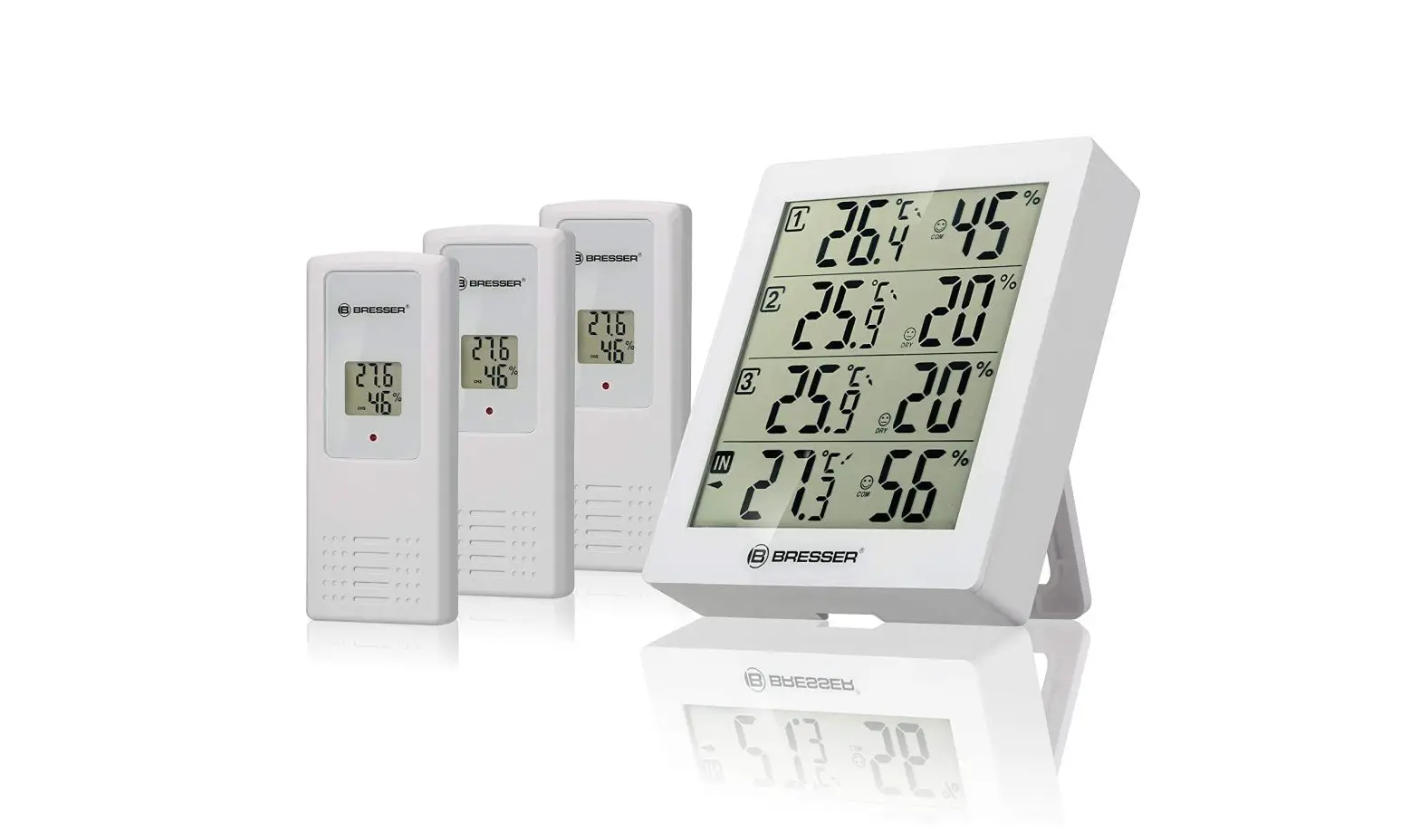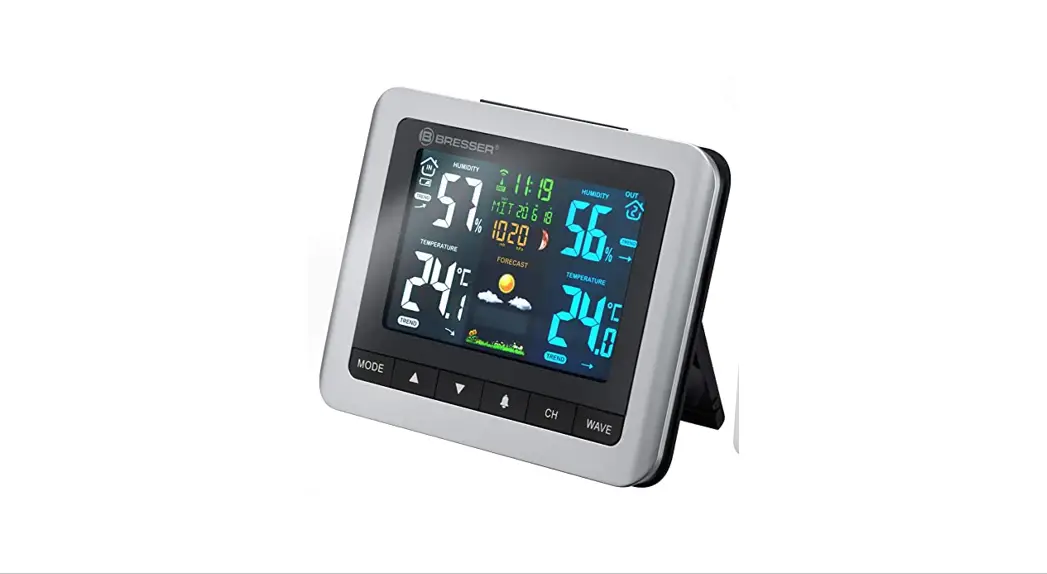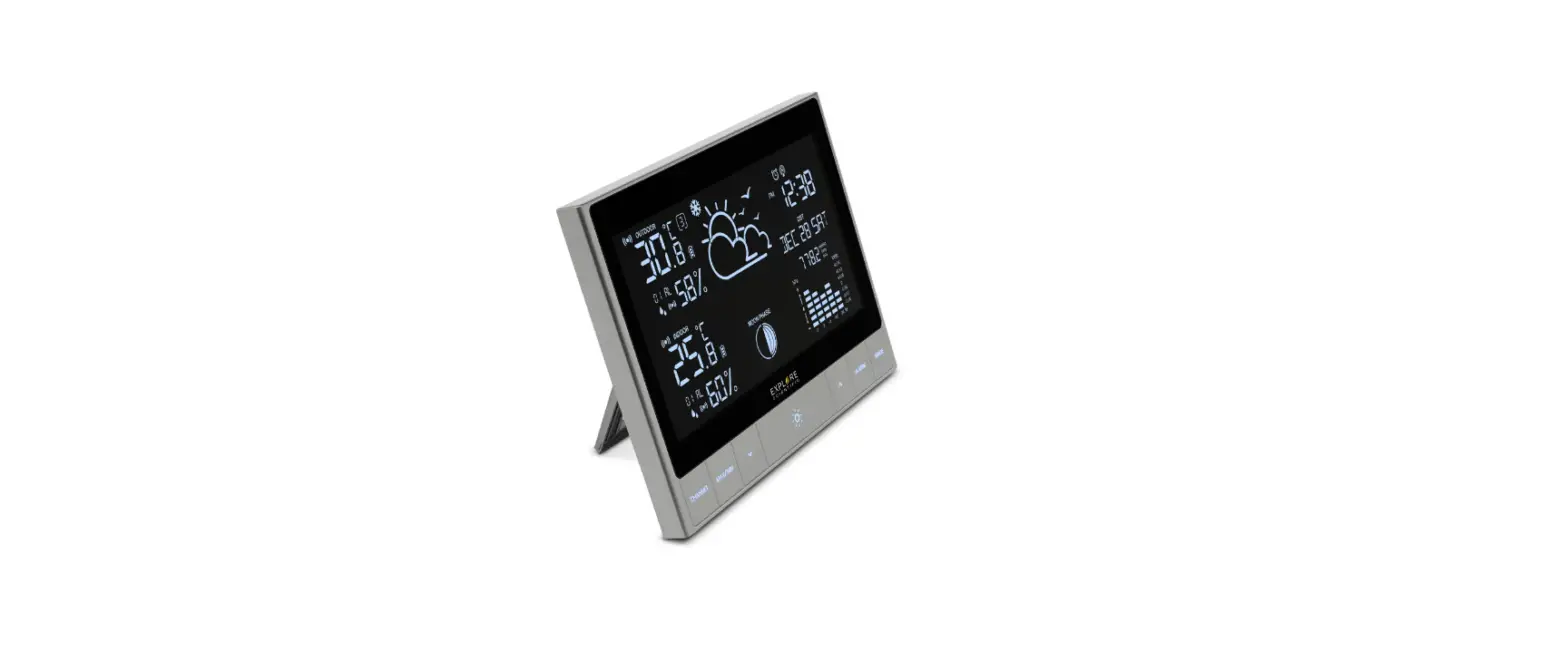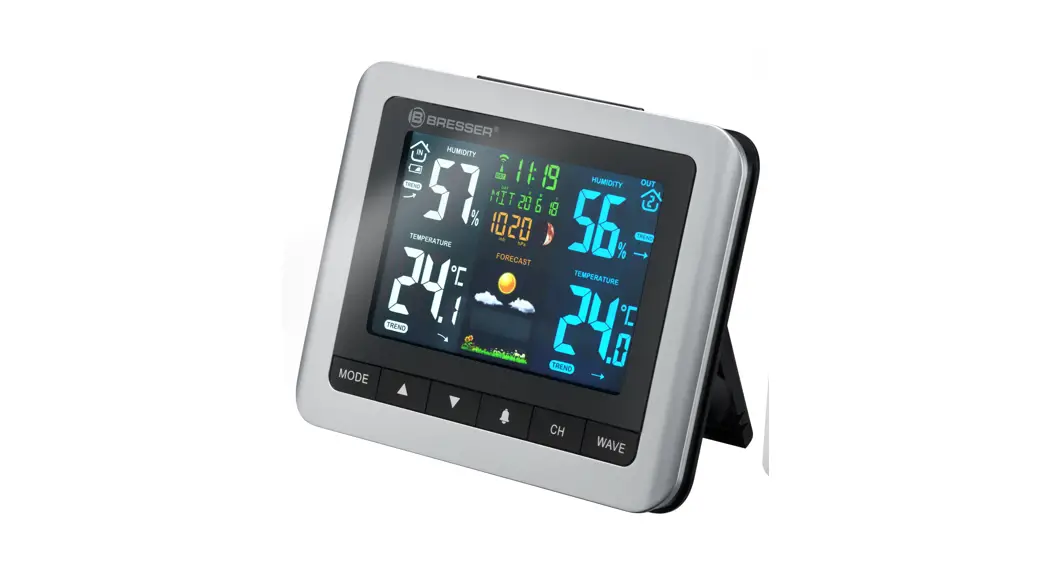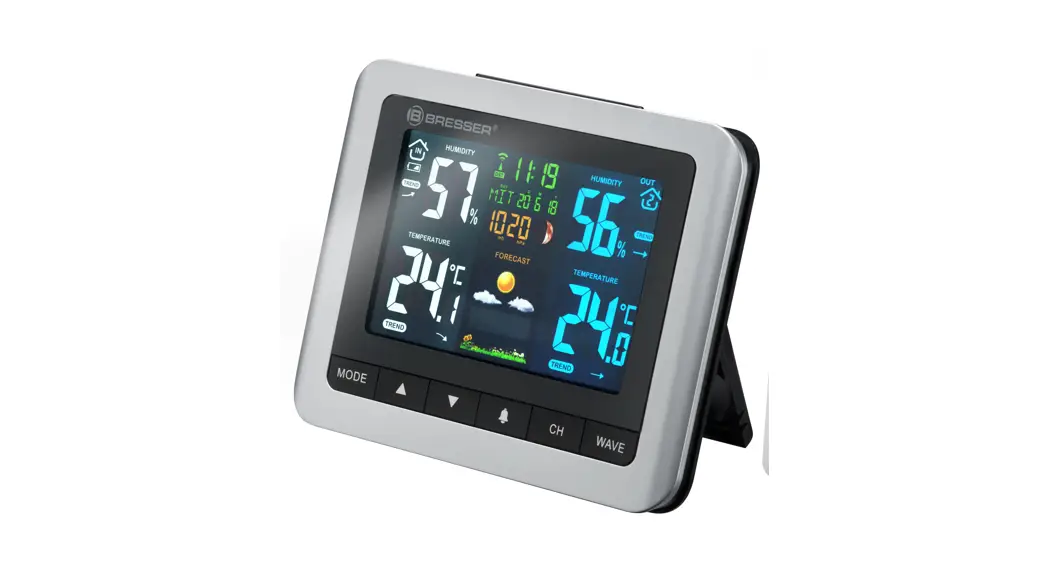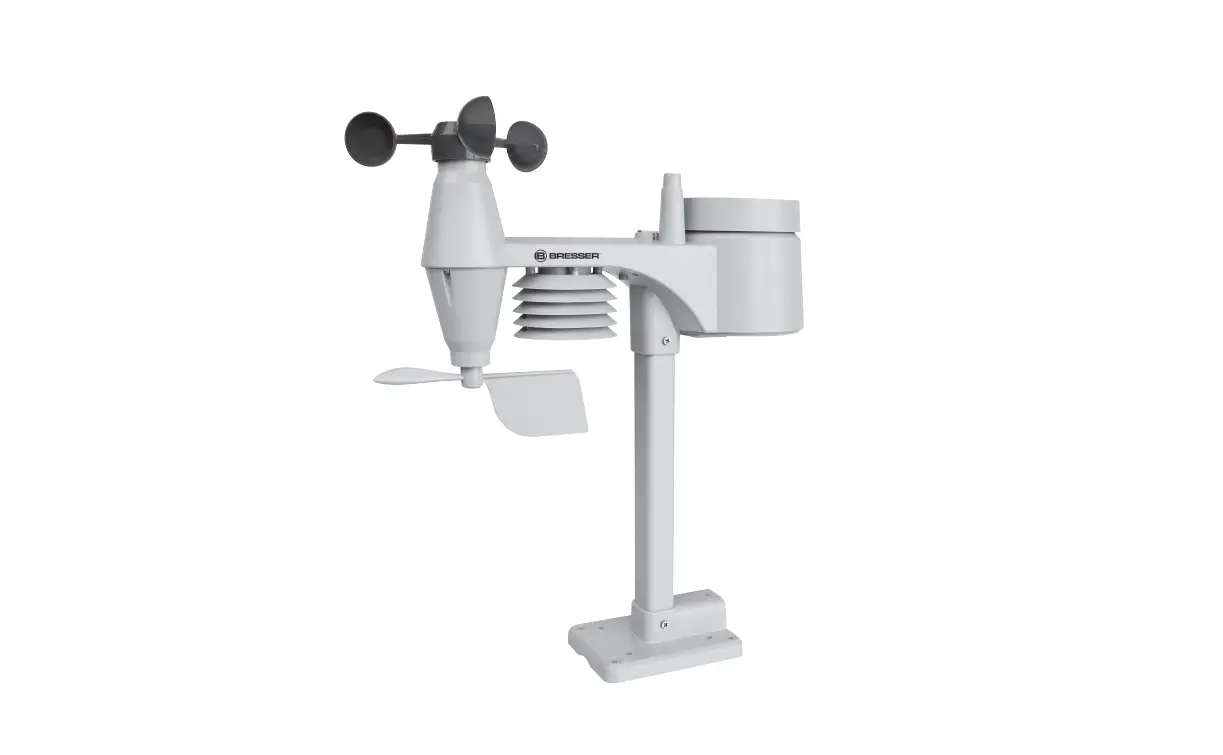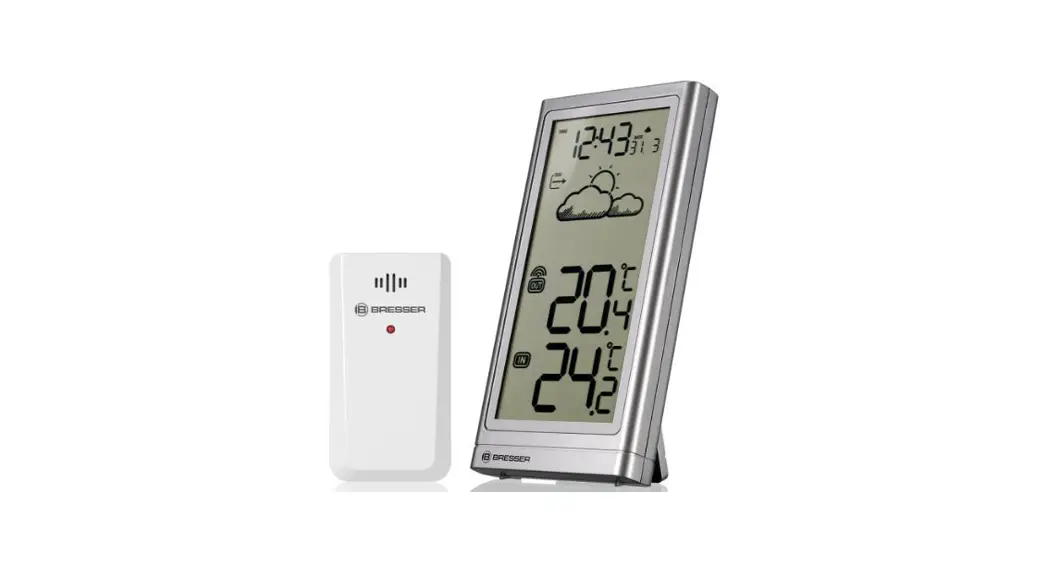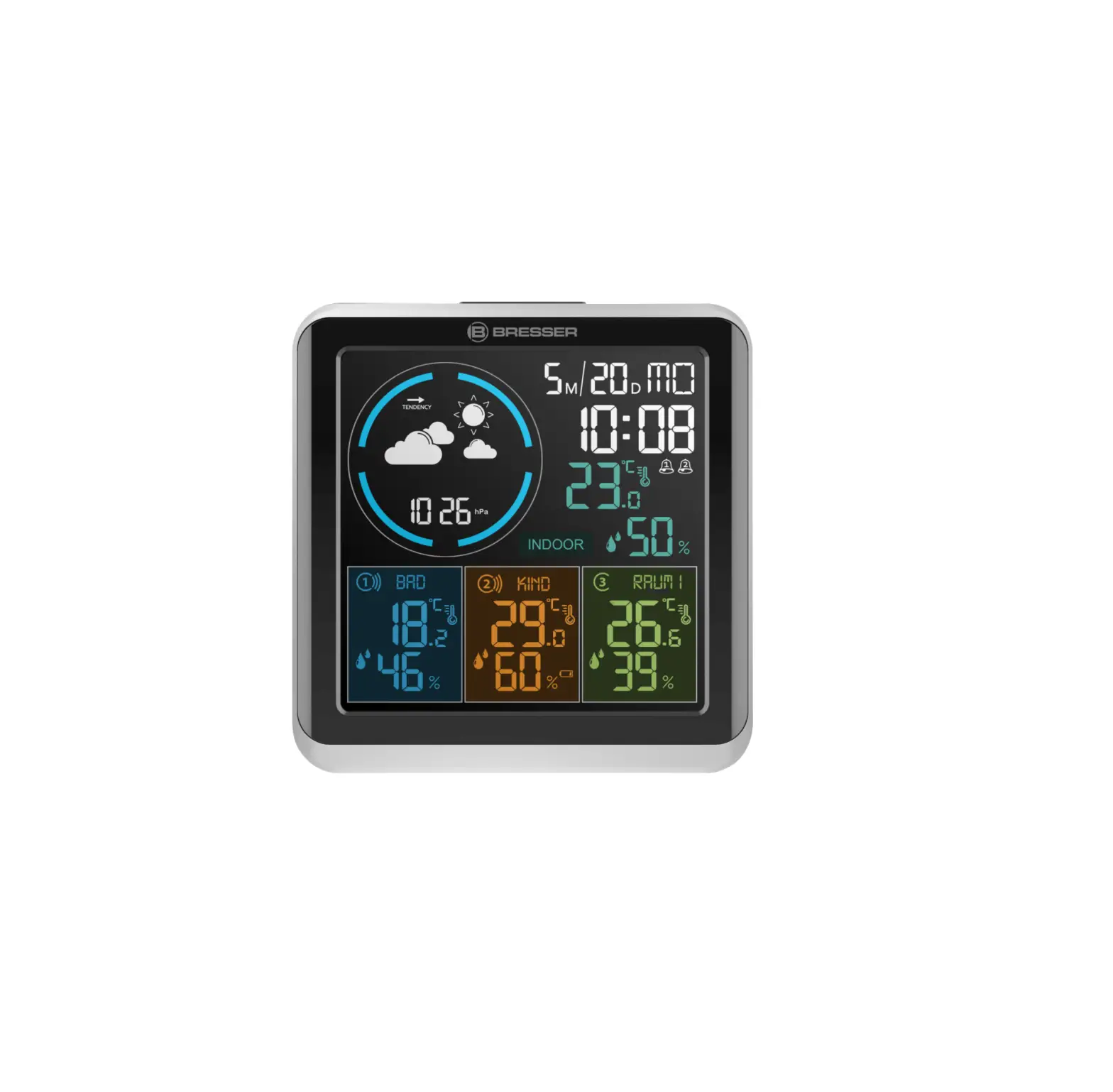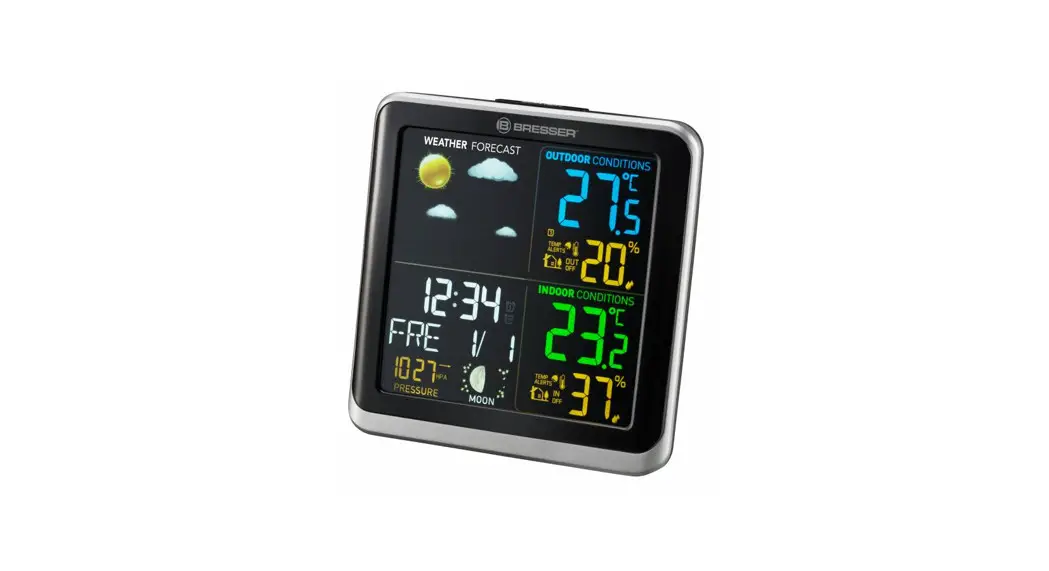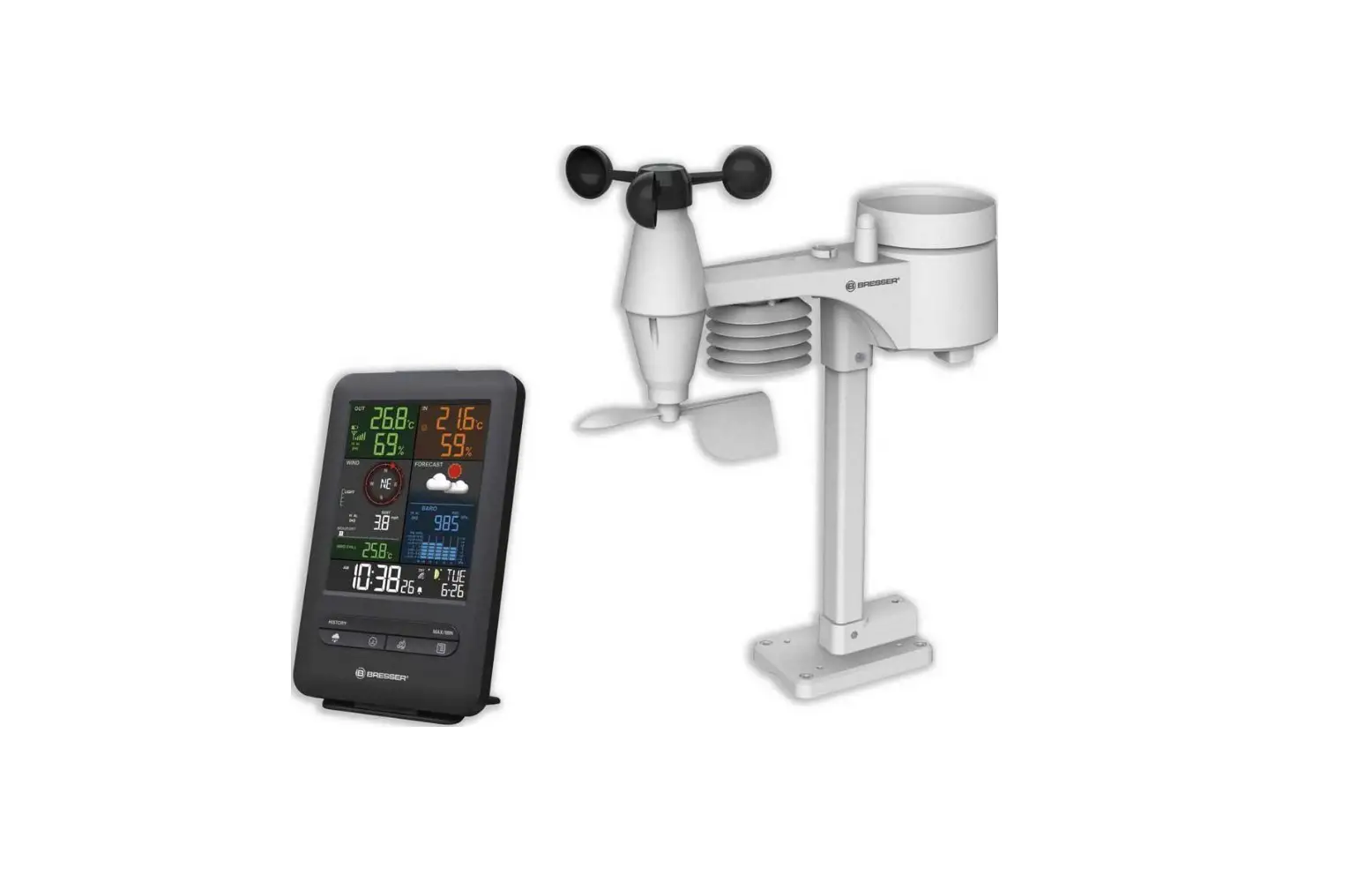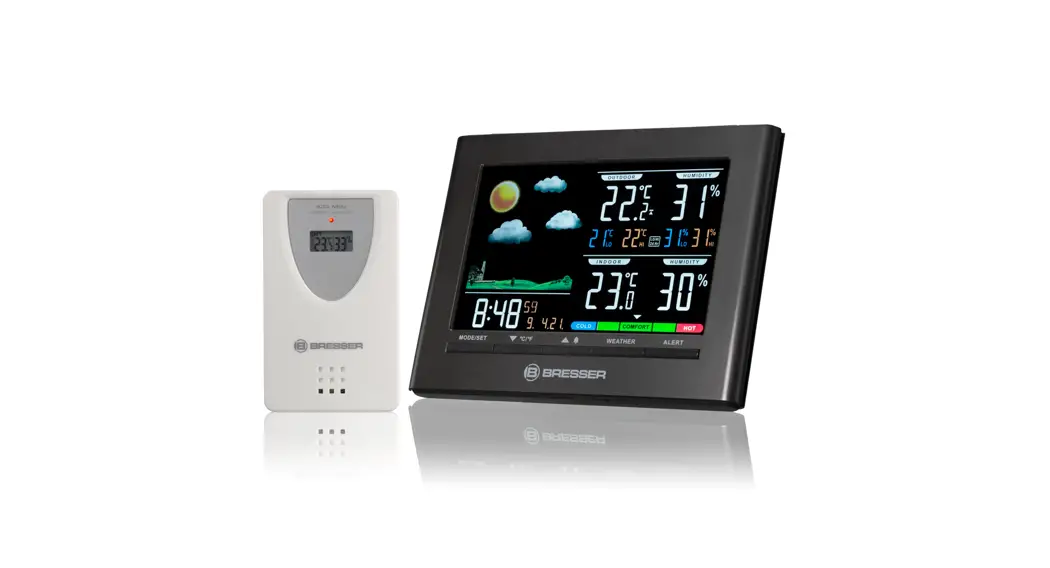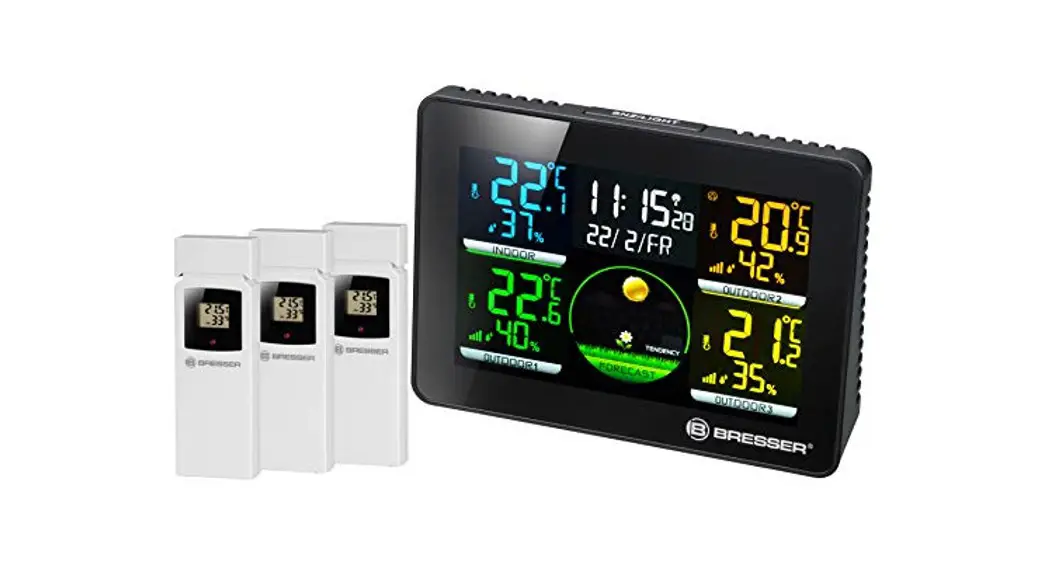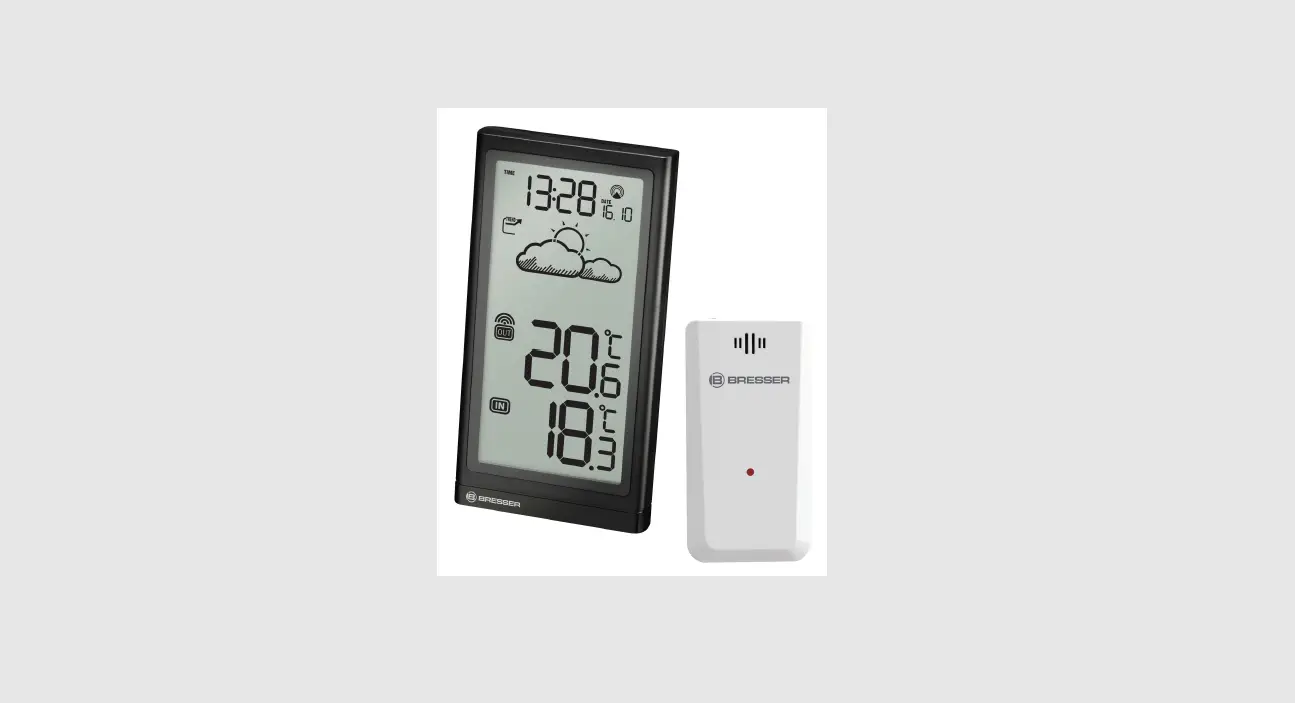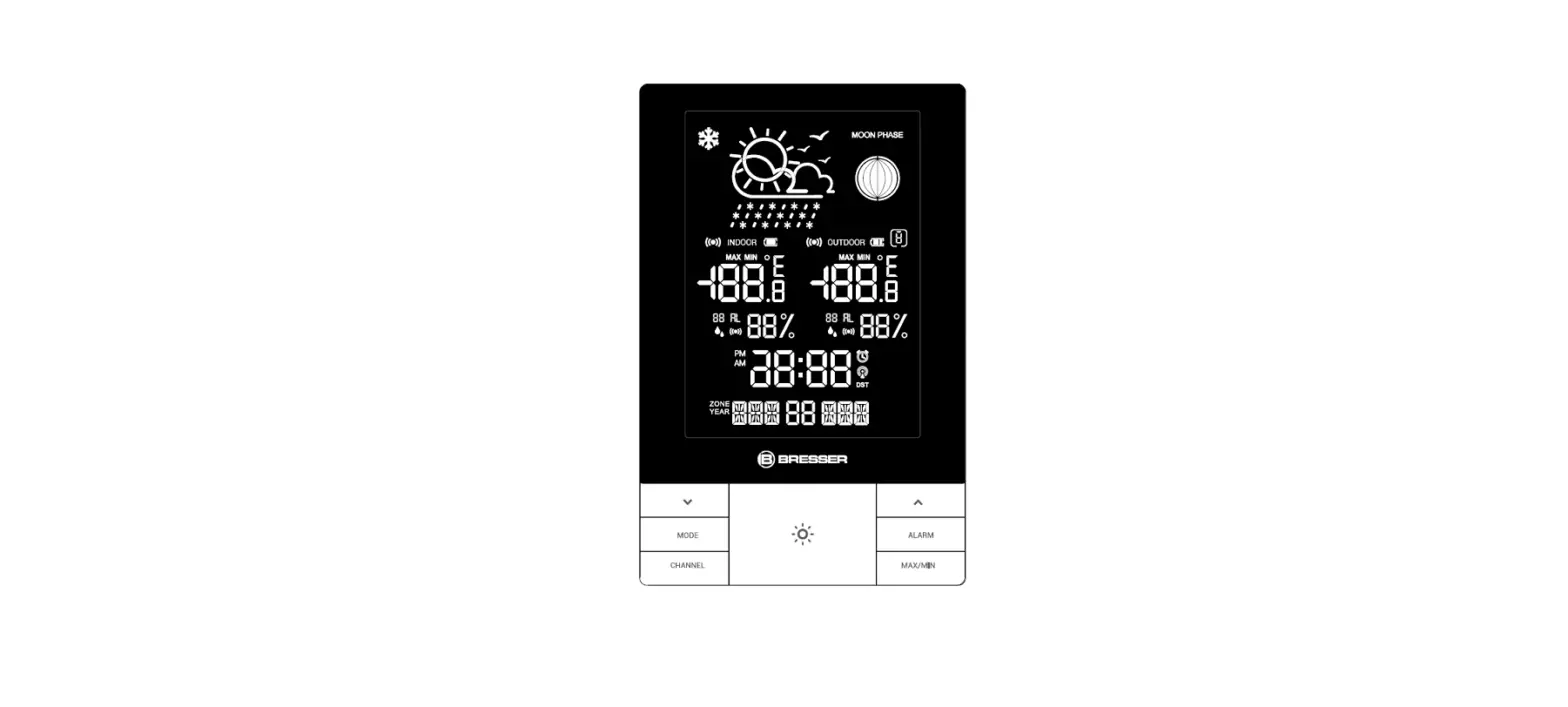

BRESSER 7004310 Crystalvision Weather Station
ABOUT THIS INSTRUCTION
- These operating instructions are to be considered a component of the device.
- Please read the safety instructions and the operating instructions carefully before use.
- Keep these instructions for renewed use at a later date. When the device is sold or given to someone else, the instruction manual must be provided to the new owner/user of the product. The device is intended only for indoor use.
GENERAL WARNINGS
- Risk of electric shock — This device contains electronic components. Only use the device as described in the manual; otherwise, you run the risk of an electric shock.
- Choking hazard — Children should only use the device under adult supervision. Keep packaging material, like plastic bags and rubber bands, out of the reach of children, as these materials pose a choking hazard.
- Risk of chemical burn — Keep batteries out of the reach of children! Make sure you insert the bateries correctly. Leaking battery acid can lead to chemical burns. Avoid contact of battery
acid with skin, eyes and mucous membranes. In the event of contact, rinse the affected region immediately with a plenty of water and seek medical attention. - Risk of fire/explosion — Do not expose the device to high temperatures. Use only the recommended batteries. Do not short-circuit the device or batteries, or throw them into a fire. Excessive heat or improper handling could trigger a short-circuit, a fire, or an explosion.
- Do not disassemble the device. In the event of a defect, please contact your dealer. The dealer will contact the Service Centre and can send the device in to be repaired, if necessary.
- Use only the recommended batteries. Always replace weak or empty batteries with a new, complete set of batteries at full capacity. Do not use batteries from different brands or with different capacities. The batteries should be removed from the unit if it has not been used for a long time.
SCOPE OF DELIVERY
Weather station, Outdoor sensor, Operating instruc-tions, 5V/1A USB adapter, 5x AAA batteries.
BEFORE YOU BEGIN
- We recommend using alkaline batteries. If temperatures regularly fall below 0°C (32°F), we recommend using lithium batteries.
- Avoid using rechargeable batteries. (Rechargeable batteries cannot maintain correct power require-ments.)
- Insert batteries before first use, matching the polarity in the battery compartment. 3x AAA Batteries are required for the Weather station and 2x AAA Batteries are required for the Outdoor sensor.
PRODUCT OVERVIEW
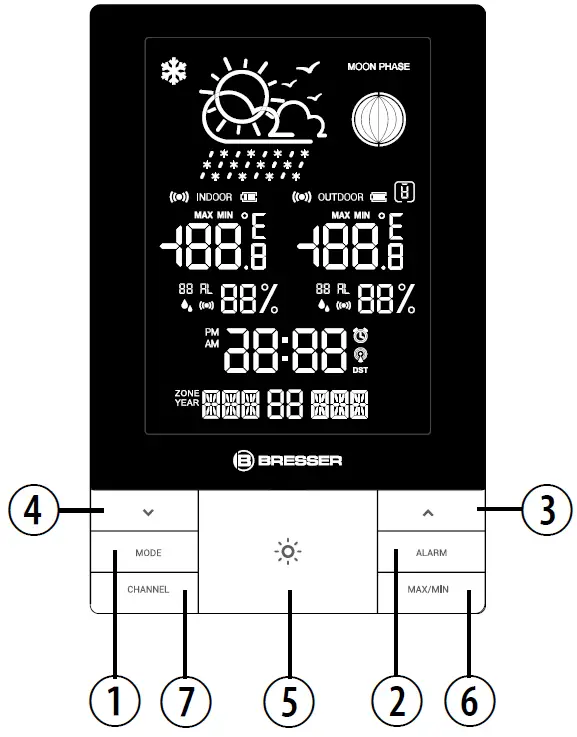
- Press [ MODE ] to view time and alarm, press and hold to enter time and date setting.
- Press [ ALARM ] to turn on/off alarm time, press and hold to enter alarm setting.
- In setting mode, press [
 ] to increase one unit, press and hold to increase rapidly. In non-setting mode, press and hold to turn on/off RCC.
 - In setting mode, press [
 ] to decrease one unit, press and hold to decrease rapidly. In other modes, press to turn on/off the Upper and lower temperature and humidity alarm. Hold to enter the Upper and lower temperature and humidity alarm setting.
 - Press [
 ] to activate the backlight for 10 seconds or to activate the snooze function to delay the alarm by 5 minutes. When connected to the adapter, the backlight can be set to 4 levels of brightness.
 - Press [ MAX/MIN ] to view temperature MAX/ MIN, press and hold to clear max/min memory.
- Press [ CHANNEL ] to view 3 channel outdoor sensor temperature and humidity, press and hold to initialize outdoor sensor channel.
- Wall Mount
- Battery compartment
- Table stand
- USB Power In

 ] to increase one unit, press and hold to increase rapidly. In non-setting mode, press and hold to turn on/off RCC.
 ] to decrease one unit, press and hold to decrease rapidly. In other modes, press to turn on/off the Upper and lower temperature and humidity alarm. Hold to enter the Upper and lower temperature and humidity alarm setting.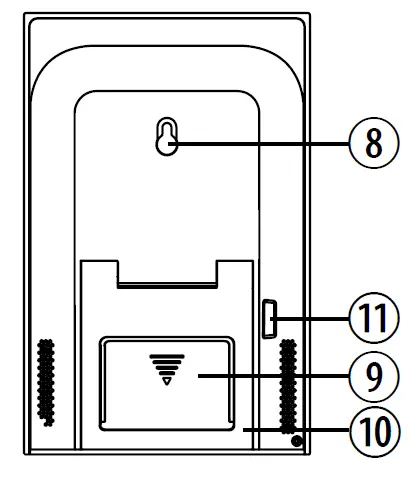
OUTDOOR SENSOR
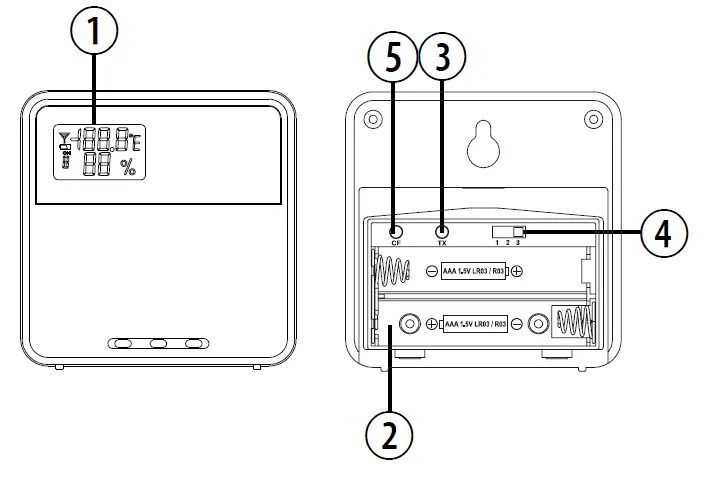
- Outdoor temperature & humidity LCD display
- Battery compartment
- TX (Transmit temperature and humidity signal during the sensor initiation search)
- Channel switch
- C/F switch
| BUTTON MODE | MODE | ALARM | MAX/MIN | CHANNEL | ||||
|
Standard mode |
PRESS | Toggle between time and alarm display |
Turn Alarm on/off |
|
Turn on/off temperature and humidity alarm | Toggle the display among current, maximum and minimum recording of temperature and humidity | 1. Adjust backlight brightness with adapter 2. Turn on backlight for 10 seconds with batteries 3. SNOOZE 5 minutes when alarm is ringing |
Toggle between outdoor sensor channel 1-3 |
| HOLD | Enter into time setting | Enter into alarm setting | Turn RCC on/off | Enter temperature and humidity alarm setting | Clear the max/ min memory records. |
| Initiate outdoor sensor search | |
| Time OR Temperature and humidity setting mode |
PRESS | Confirm setting |
|
Increase |
Decrease |
| 1. Adjust backlight brightness with adapter 2. Turn on backlight for 10 seconds with batteries |
|
| HOLD | Quick Increase | Quick Decrease | ||||||
|
Alarm setting mode |
PRESS |
|
Confirm setting |
Increase |
Decrease |
| 1. Adjust backlight brightness with adapter 2. Turn on backlight for 10 seconds with batteries |
|
| HOLD | Quick Increase | Quick Decrease | ||||||
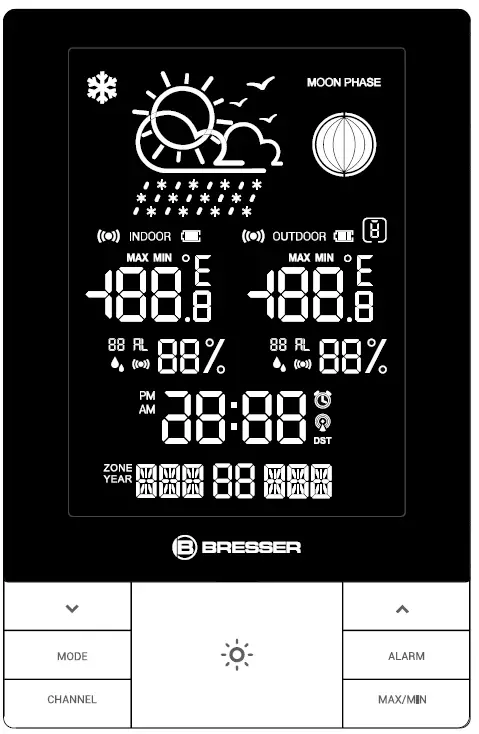
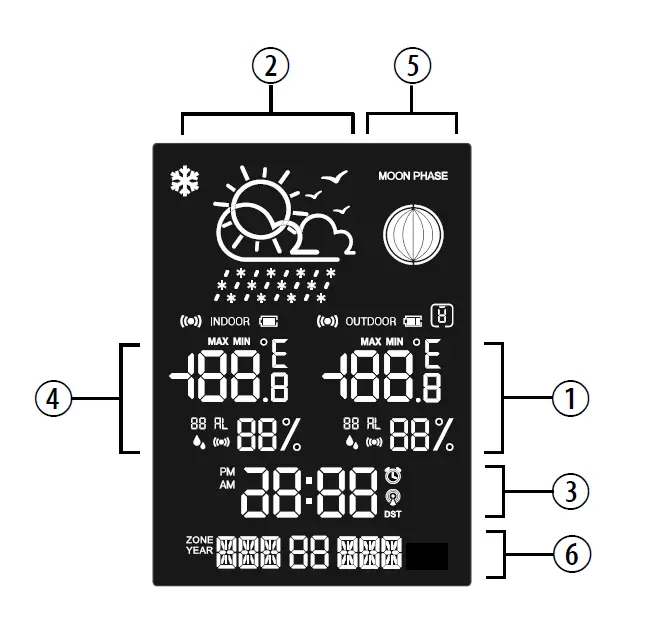
LCD DISPLAY
- Outdoor Temperature & humidity
- Weather forecast
- Time
- Indoor Temperature & humidity
- Moon phase
- Date & Week

GETTING STARTED
INSERT BATTERIES
- Remove the battery door from the back.
- Insert 3x AAA (LR03)/1.5V batteries. Please ensure the polarities (+/-) of the batteries match upon installation.
- Reattach the battery door.
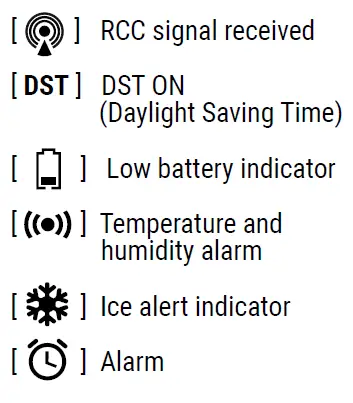
NOTE: Replace batteries when [ ] displays, or when the display is dim
OUTDOOR SENSOR
The main unit can receive data from up to 3 outdoor sensors. 1 Sensor is included with delivery
- Remove the battery door from the back.
- Insert 2x AAA (LR03)/1.5V batteries. Please ensure the polarities (+/-) of the batteries match upon installation.
- Select a channel, then press TX.
- Reattach the battery door.
- Place the sensor within 30 m (98 ft) of the main unit using the table stand or wall mount.
TO SEARCH FOR A SENSOR:
The main unit will automatically search for a new sensor after the batteries are installed. To manually initiate a outdoor sensor search, press and hold [ CHANNEL ].
NOTE: The transmission range may vary depending on many factors. You may need to experiment with various locations to get the best results
CLOCK
CLOCK RECEPTION
- When you insert or replace the batteries, RCC (atomic) reception is initiated. To manually start RCC (atomic) reception press and hold the [] button.
- The receiving process duration is 7 minutes.
- During receiving process, the RCC (atomic) signal symbol shows: [
 ] and the backlight is at a low level.
 - If the RCC (atomic) receiving process is successful, a completed RCC (atomic) symbol [ ] will be shown in the display and the date and time will be set automatically. If it fails within 7 minutes, RCC (atomic) setting will quit automatically. If that happens, press and hold the [ ] button to re-initiate RCC (atomic) receiving
NOTE: The interference from the power adapter will affect RCC (atomic) reception. It is recommended to place the power adapter at least 1m away from the console to get the best RCC (atomic) reception
 ] and the backlight is at a low level.
SET THE CLOCK MANUALLY
- Press and hold [ MODE ] button to enter into time and date setting.
- The setting parameter will flash.
- Press [ ] button once, the figure will increase 1 unit. Press and hold the [ ] button, the figures will increase rapidly.
- Press [ ] button once, the figure will decrease 1 unit. Press and hold the [ ] button, the figures will decrease rapidly.
- Press [ MODE ] button to confirm setting and enter to next parameter.
- Sequence of setting:
EU/AUS Version
12/24h format Hour Minute Year Month Day Language Time zone Key tone on / off Temperature unit (°C/°F) Exit
 - If there is no action in 20 seconds, the setting will be saved and you will exit the setting mode
 Hour
Hour ALARM
SETTING/ADJUSTING ALARM TIME
- Press and hold [ ALARM ] to enter alarm setting mode.
- The setting parameter will flash.
- Press [ ] or [ ] button to set the desired data.
- Press [ ALARM ] button to confirm setting and exit.
- Alarm will turn on automatically when alarm setting is finished.
TURN ON/OFF ALARM
Press the [ ALARM ] button to turn on/off the alarm.
OPERATION
- At the set alarm time, alarm signal rings.
- During the alarm, press the [ ] button to delay the alarm by 5 minutes.
- If you do not press any button to stop the alarm, it will automatically turn off after 2 minutes.
- To stop the alarm, press [ ALARM ] or any other button, except for SNOOZE.
- The alarm will start again at the next alarm time, unless you switch off the alarm function by pressing the [ ALARM ] button until the alarm is set to off.
WEATHER FORECAST
This device forecasts the next 12-24 hours of weather within a 30-50 km (19-31 mile) radius with a 75% accuracy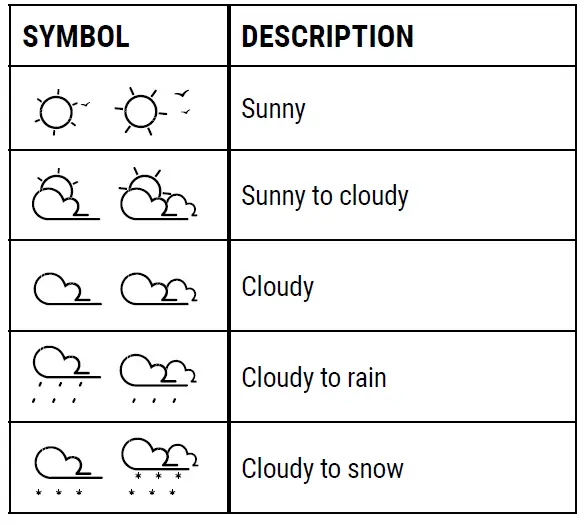
MOON PHASE
The phase of the moon depends on the current date. It is automatically calculated and the following symbols are displayed 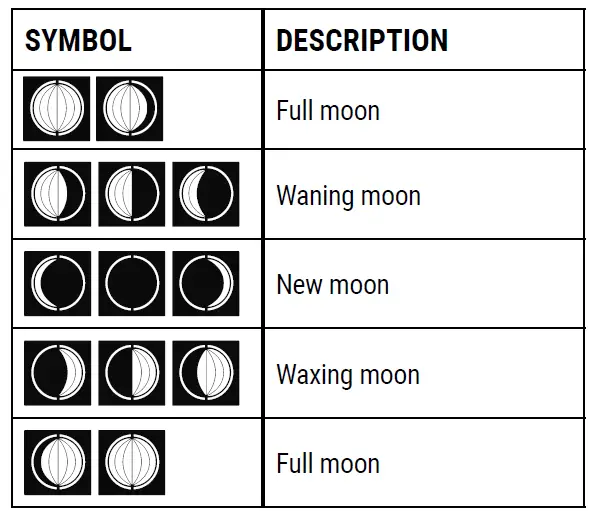
LANGUAGE
- Press and hold [ MODE ] button to enter time setting, press [ MODE ] to enter language setting.
- Sequence of setting weekday language:
EU/AUS Version
German (GER) English (ENG) Italian (ITA) French (FRE) Netherlands (NET) Spain (ESP) Danish (DAN)Symbol GER ENG ITA FRE NET ESP DAN Monday MON MON LUN LUN MAA LUN MAN Tuesday DIE TUE MAR MAR DIN MAR TIR Wednesday MIT WED MER MER WOE MIE ONS Thursday DON THU GIO JEU DON JUE TOR Friday FRE FRI VEN VEN VRI VIE FRE Saturday SAM SAT SAB SAM ZAT SAB LOR Sunday SON SUN DOM DIM ZON DOM SON
TEMPERATURE AND HUMIDITY
The indoor temperature is displayed in the center on the left of the screen. To receive outdoor temperature you can connect up to 3 outdoor sensors to the main unit.
- Press the [ CHANNEL ] button to toggle between Channel 1-3. MAX/MIN MEMORY
- To toggle between current, minimum and maximum records for the selected sensor press [ MAX/MIN ] repeatedly. To clear records, press and hold [ MAX/MIN ] in max/min interface.
NOTE: When the indoor temperature is lower than-5 °C (23.0 °F), the screen displays LL.L. When the temperature is higher than 50 °C (122.0 °F), the screen displays HH.H.
TEMPERATURE AND HUMIDITY ALARM SETTING
- Press and Hold [ ] enter to set temperature and Humidity alarm.
- The setting parameter will flash.
- Press [ ] or [ ] button to set the desired data.
- Press [ MODE ] button to confirm setting and enter to next parameter.
- Sequence of setting: Indoor upper temperature limit Indoor lower temperature limit Indoor upper humidity limit Indoor lower humidity limit outdoor upper temperature limit outdoor lower temperature limit outdoor upper humidity limit outdoor lower humidity limit
TEMPERATURE AND HUMIDITY ALARM OPERATION
- Press [ ] to on/off temperature and Humidity alarm.
- When the measured temperature or humidity is greater than the set upper limit or lower than the set lower limit, the station will give an alarm
ICE ALERT
If the channel 1 sensor falls between -2°C to 3°C (28°F to 37°F), the ice alert indicator [ ] will display, and will disappear once the temperature is out of this range.
BACKLIGHT
- Press [ ] to activate backlight for 10 seconds.
- When connected to the adapter, the backlight can be set to 4 levels of brightness
SPECIFICATIONS
- MAIN UNIT:
- Dimensions
- 120 x 29 x 183 mm (L x W x H)
- Weight
- 268 g (Exclude batteries)
- Power:
- 3x AAA (LR03) 1.5V batteries
- 5V/1A USB Adapter
- Dimensions
- TEMPERATURE:
- Indoor temperature display range: -14°C to +50°C (14°F to 122°F)
- Outdoor temperature display range: -20°C to +60°C (-4°F to 140°F)
- HUMIDITY:
- Indoor/outdoor humidity range: 20% – 95% RH
OUTDOOR SENSOR
- Dimensions: 60 x 20 x 60 mm (L x W x H)
- Weight: 45 g (Exclude batteries)
- Transmission range: 30 m (98 ft)
- Temperature range: -20°C to 60°C (-4°F to 140°F)
- Signal frequency: 433 MHz
- Maximum transmission power: under 10mW
- Power: 2x AAA (LR03) 1.5V batteries
EC DECLARATION OF CONFORMITY
- Hereby, Bresser GmbH declares that the equipment type with part number: 7004310 is in compliance with Directive: 2014/53/EU.
- The full text of the EU declaration of conformity is available at the following internet address: www.bresser.de/download/7004310/CE/7004310_CE.pdf
UKCA DECLARATION OF CONFORMITY
Bresser UK Ltd. has issued a „Declaration of Conformity“ in accordance with applicable guidelines and corresponding standards. The full text of the UKCA declaration ofconformity is available at the following internet address: www.bresser.de/download/7004310/UKCA/7004310_UKCA.pdf
Bresser UK Ltd. Suite 3G, Eden House, Enterprise Way, Edenbridge, Kent TN8 6HF, Great Britain
Warning: Changes or modifications not expressly approved by the party responsible for compliance could void the user’s authority to operate the equipment.
NOTES ON CLEANING
- Remove the batteries before cleaning.
- Only use a dry cloth to clean the exterior of the device. To avoid damaging the electronics, do not use any cleaning fluid.
- Protect the device from dust and moisture
DISPOSAL
- Dispose of the packaging materials properly, according to their type, such as paper or cardboard. Contact your local waste-disposal service or environmental authority for information on the proper disposal.
- Do not dispose of electronic devices in the household garbage!
- As per the Directive 2002/96/EC of the European Parliament on waste electrical and electronic equipment and its adaptation into German law, used electronic devices must be collected separately and recycled in an environmentally friendly manner
In accordance with the regulations concerning batteries and rechargeable batteries, disposing of them in the normal household waste is explicitly forbidden. Please make sure to dispose of your used batteries as required by law — at a local collection point or in the retail market.
Disposal in domestic waste violates the Battery
Directive. Batteries that contain toxins are marked with a sign and a chemical symbol.
- battery contains cadmium
- battery contains mercury
- battery contains lead
WARRANTY & SERVICE
EU Version
The regular guarantee period is 5 years and begins on the day of purchase. You can consult the full guarantee terms and details of our services at www.bresser.de/warranty_terms.
Would you like detailed instructions for this product in a particular language? Then visit our website via the link below (QR code) for available versions.
Alternatively you can also send an email to [email protected] or leave a message on +49 (0) 28 72 – 80 74-220*. Please always state your name, precise address, a valid phone number and email address, as well as the article number and name.
Number charged at local rates in Germany (the amount you will be charged per phone call will depend on the tariff of your phone provider); calls from abroad will involve higher costs.
MANUAL DOWNLOAD:
http://www.bresser.de/P7004310
SERVICE AND WARRANTY
http://www.bresser.de/warranty_terms
Bresser GmbH Gutenbergstraße 2 46414 Rhede · Germany www.bresser.de
Bresser UK Ltd. Suite 3G, Eden House Enterprise Way, Edenbridge, Kent TN8 6HF, Great Britain rrtümer und technische
Errors and technical changes reserved.
Manual_7004310__Funk-Wetterstation-ClimateTemp-NDV_de-en-it-fr-es-nl_BRESSER_v012022
 Bresser | Startseite | Expand Your Horizon mit BRESSER
 Bresser | Startseite | Expand Your Horizon mit BRESSER