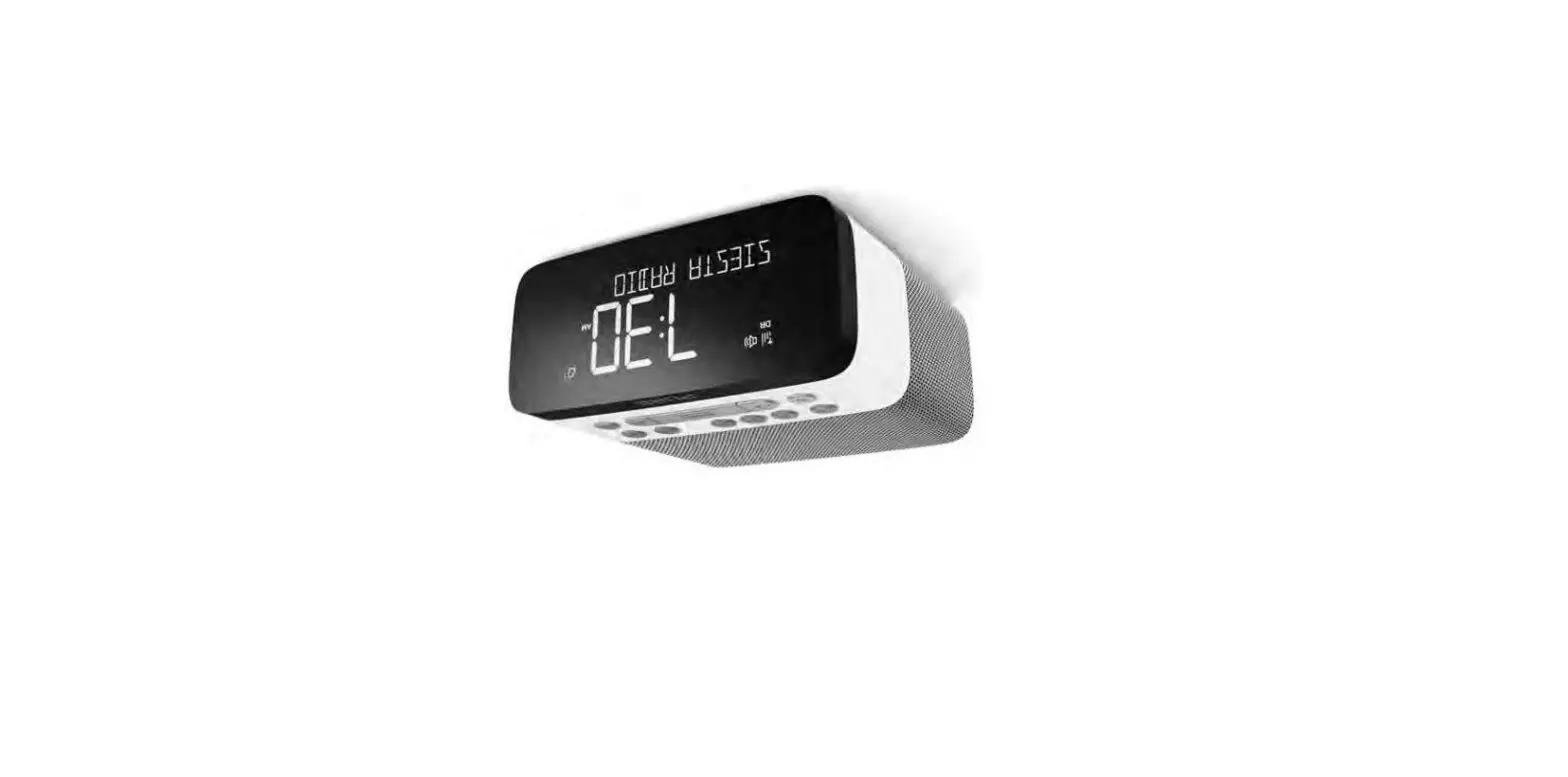

PURE 1852599 Siesta Rise Radio Alarm Clock
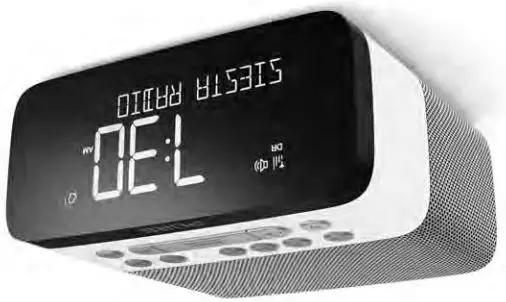
Overview
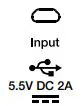
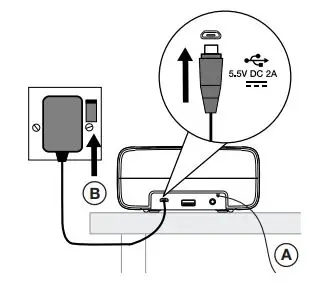
USB power connector
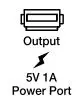
USB connector for charging phone or tablet
Stereo headphone socket

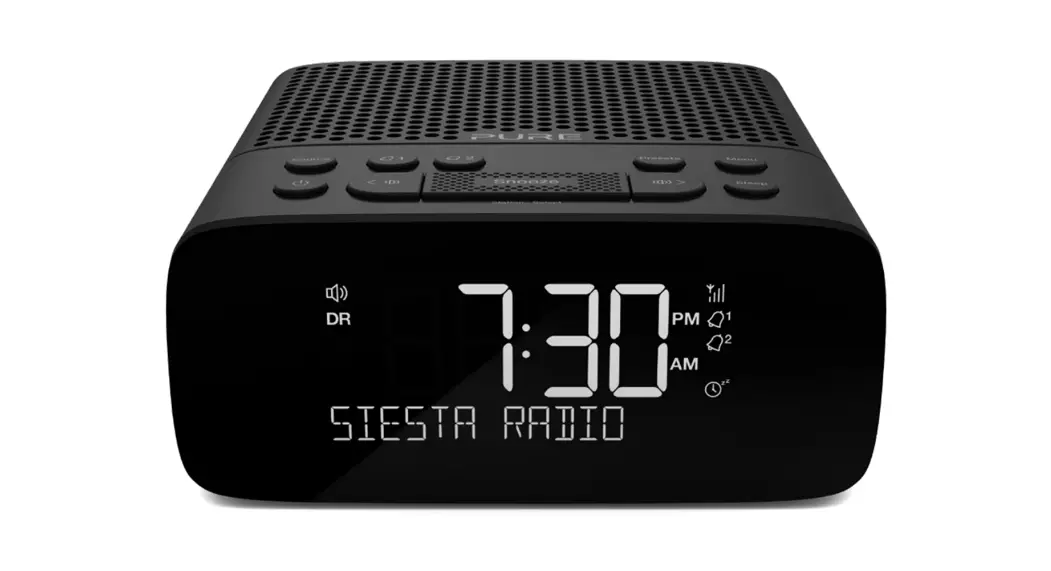
Top panel controls
Switch between digital radio, FM radio and Bluetooth

Set and adjust alarms

Set and recall presets

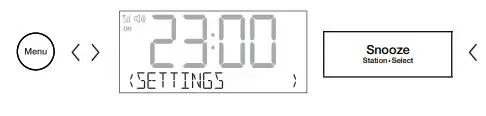
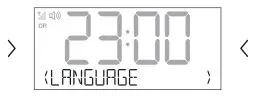
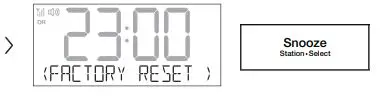
Choose language and other settings

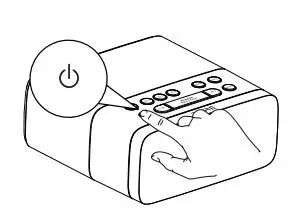
Switch Siesta between on and standby

Press to adjust volume, change radio stations and select menu options
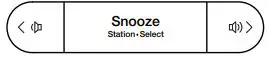
Set and adjust sleep timer
Quick setup
Position aerial (A) and connect power (B)
Push ( ) to switch on
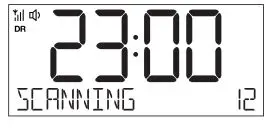
Wait for Autotune to complete
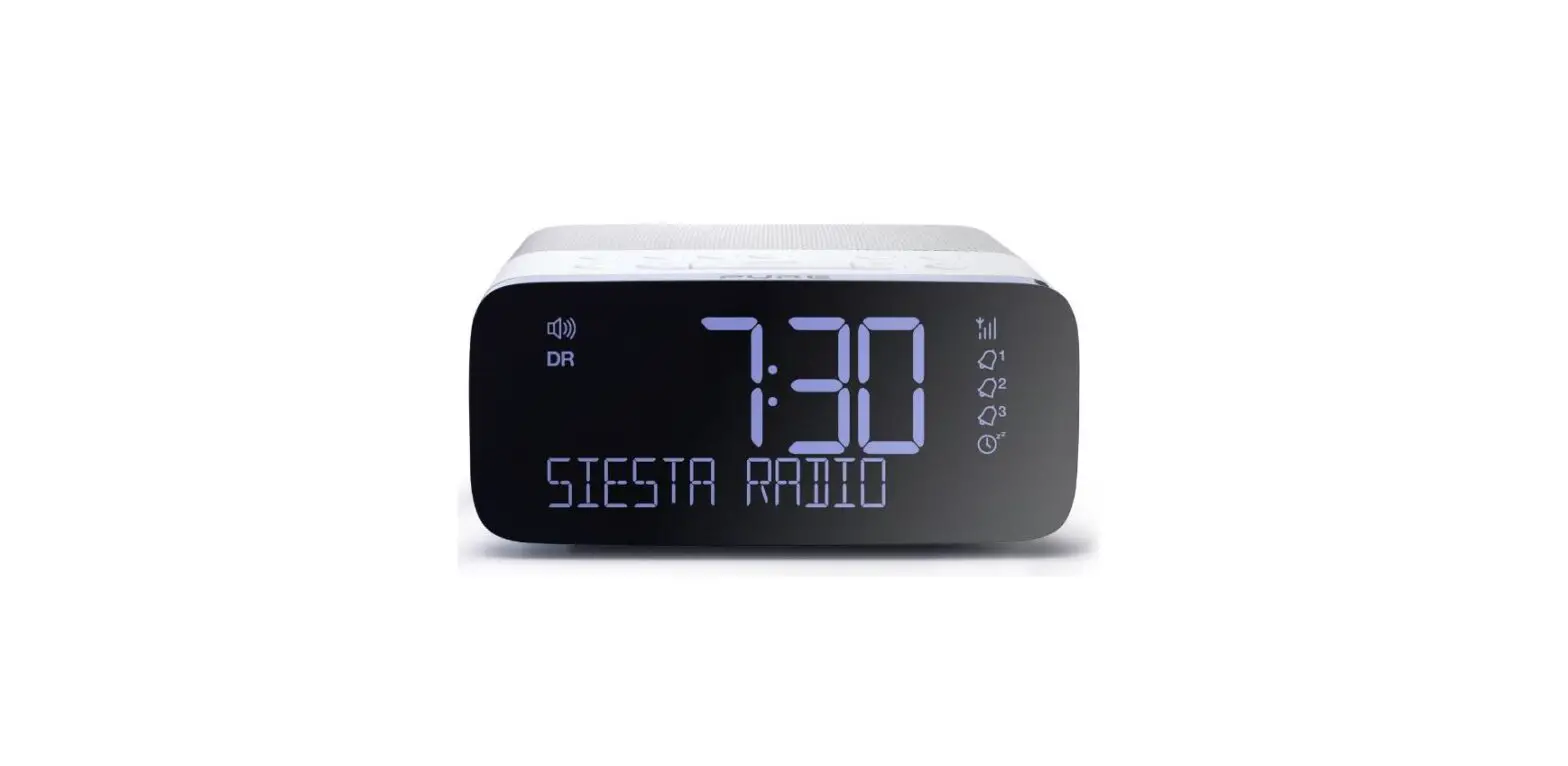
Display
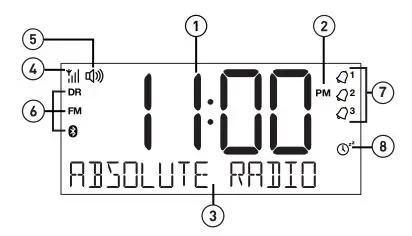
- Time
- AM/PM indicator
- Station name/information/menu options
- Signal strength
- Volume
- Digital radio Bluetooth
- Alarms Kitchen timer
- Sleep timer
Basic options
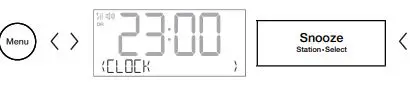
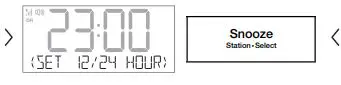
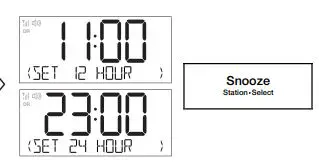
Change time format
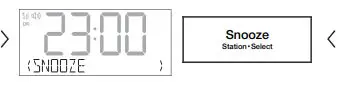
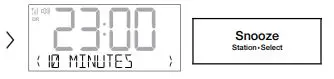
Set snooze time between 5 and 59 minutes

Warranty information
Pure International Limited warrants to the end-user that this product will be free from defects in materials and workmanship in the course of normal use for a period of three years from the date of purchase. This guarantee covers breakdowns due to manufacturing or design faults; it does not apply in cases such as accidental damage, however caused, wear and tear, negligence, adjustment, modification or repair not authorized by us. Please visit www. pure. com/register to register your product with us. Should you have a problem with your unit please contact your supplier or contact Pure Support at the address shown on the rear of this manual.
Radio
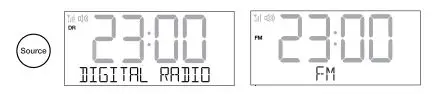
Press Source to select digital or FM radio
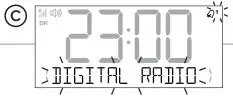
Change radio station
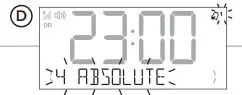
Presets
Store
Bluetooth
Press Source to select Bluetooth On your Bluetooth device, switch Bluetooth on and connect to your Siesta

Sleep timer

Alarm setup
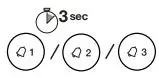
Hold down alarm button 1/2/3 for 3 seconds
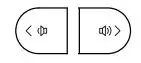
Press to scroll through and adjust options as shown below (steps A-G)
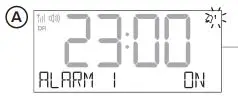
Turn alarm on or OFF
Set alarm hour and minutes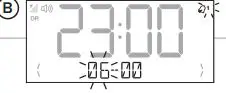
Set alarm type
Select ‘Last used’ or a preset station (radio alarm only)
Switching an alarm on or oFF

Press Alarm buttons to toggle alarms on or oFF
Snoozing a sounding alarm
Autotune

Specifications
- Radio Digital and FM radio
- Frequencies DAB/DAB+, FM radio 87.5-108 MHz
- Bluetooth -Frequency range: 2402<2480 MHz -Maximum power: -6.29 dBm (EIRP)
- Power 100-240V AC to 5.5V (2A) DC Micro USB external power adapter
- Input connectors 5.5V (2A) Micro USB power adapter socket (also for software updates)
- Output connectors USB-A (1A) socket for charging phone or tablet, 3.5mm headphone socket
- Software version v1.0
- Aerial Wire aerial attached
 PURE SUPPORT
 Pure - Keep on discovering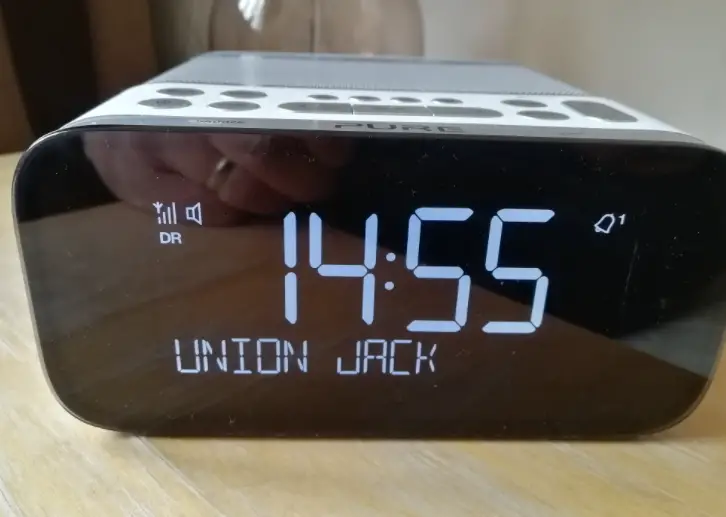
![Emerson Alarm Clock [cks1507 W/ Radio] User Manual](https://static-data1.manualsee.com/1/img/275/8730/2020/10/Emerson-Alarm-Clock-CKS1507.png "Emerson Alarm Clock [cks1507 W/ Radio] User Manual")