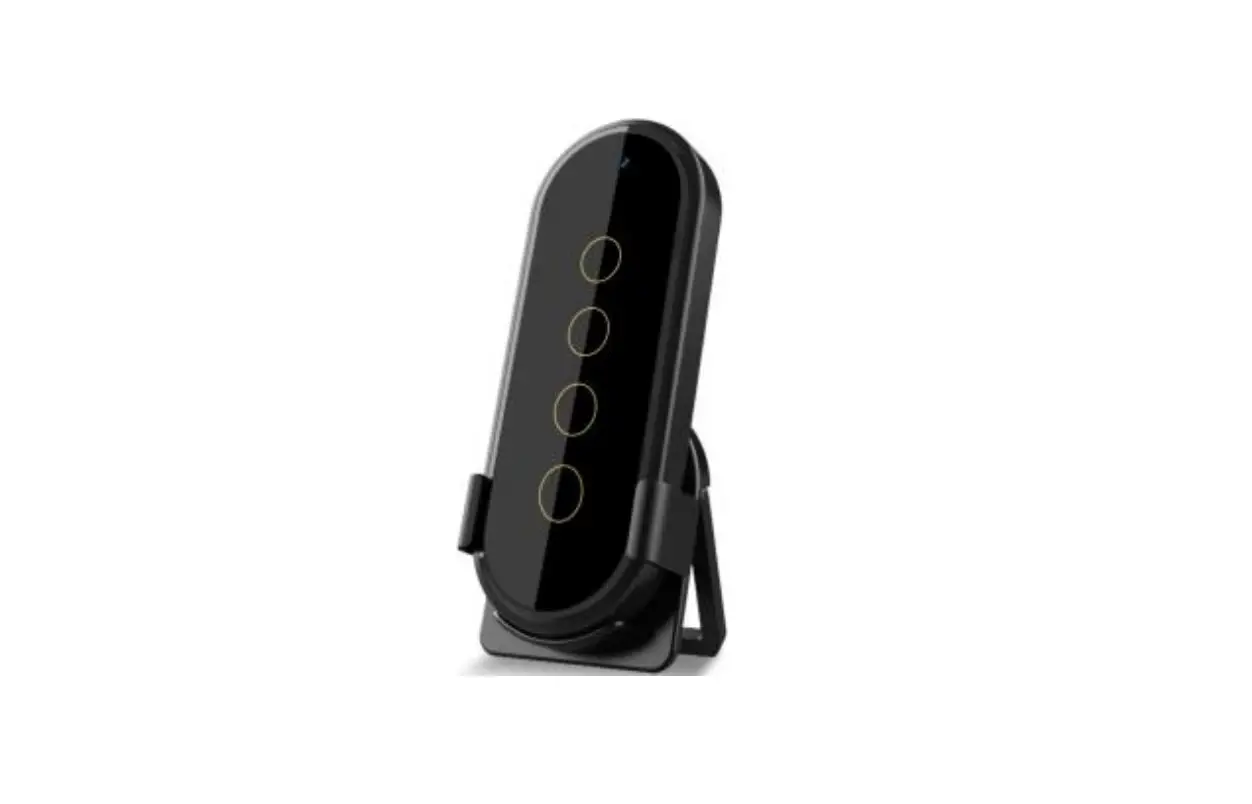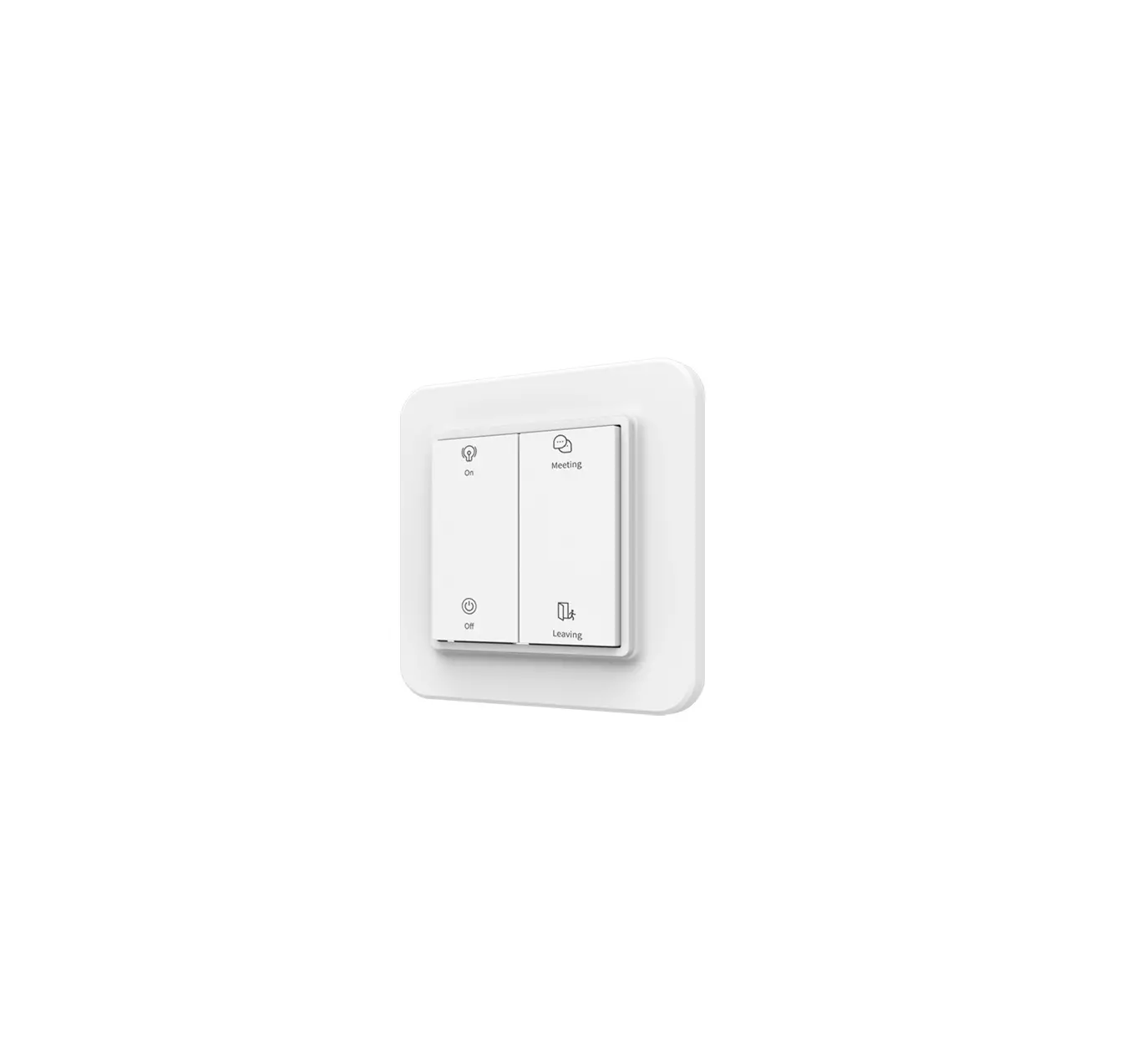
iEBELONG EE2454-Z Zigbee Green Power Switch
Introduction
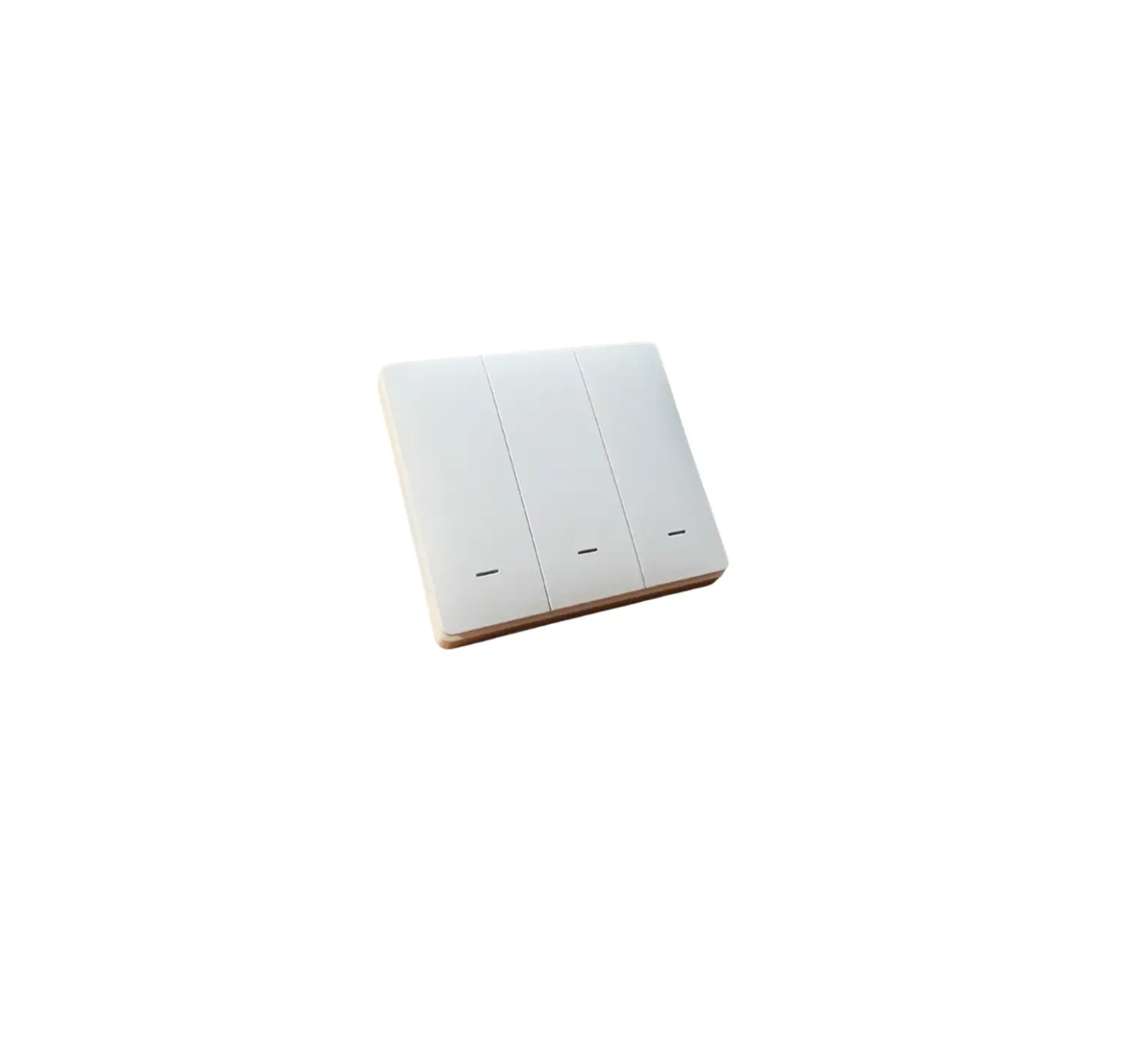
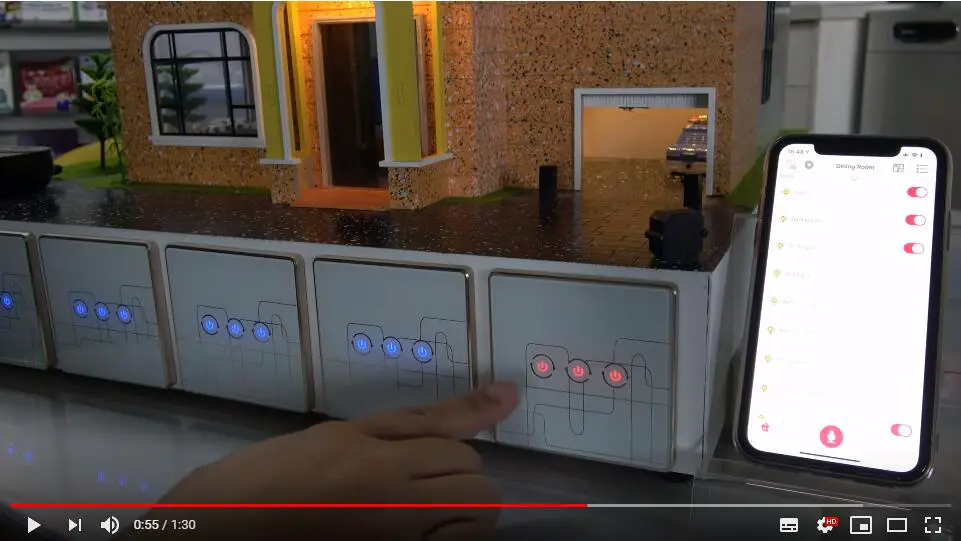
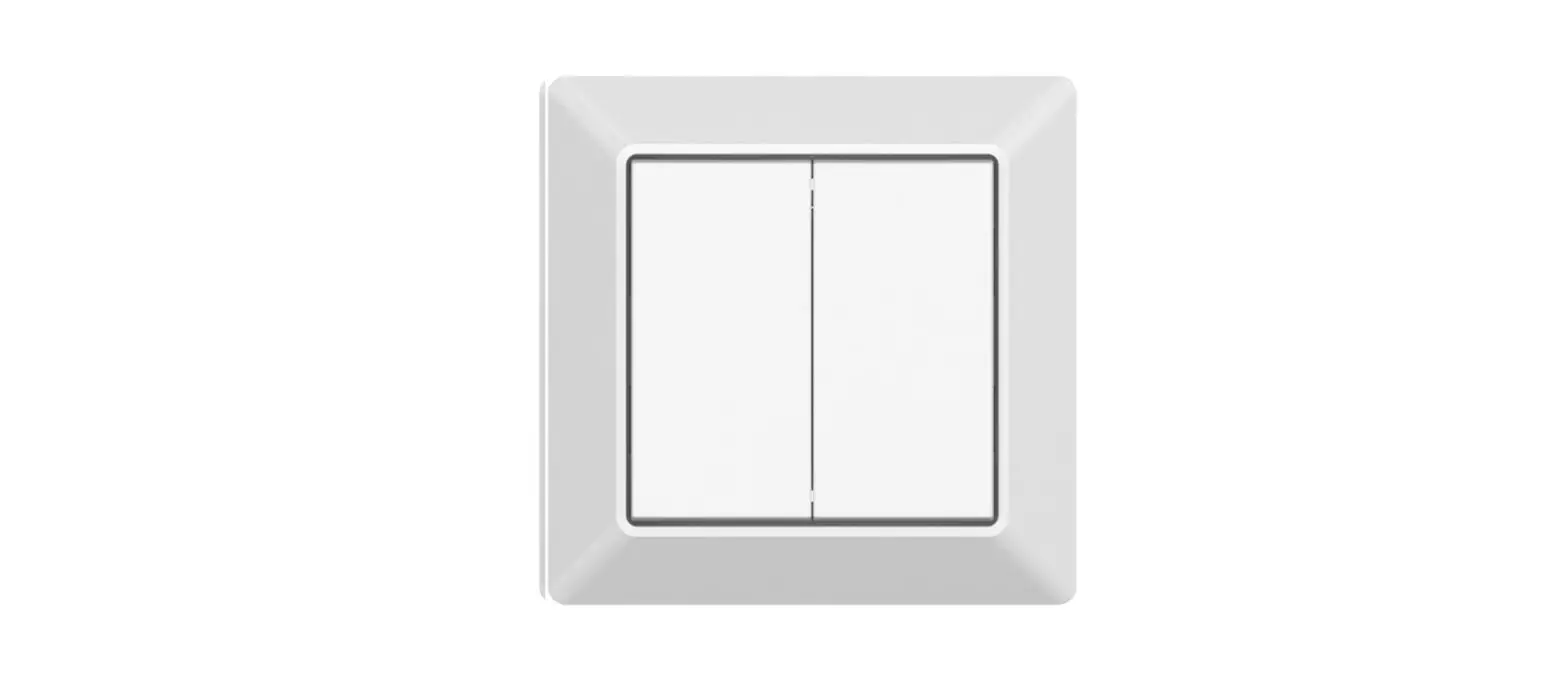
The wireless switch generates electricity with kinetic energy technology, no battery and no wire are required. Its supports standard Zig bee 3.0 Green Power. With the bridge of TUYA Zig Bee gateway, the switch will work with all intelligent devices from TUYA Platform, such as lamps and lanterns, curtain motor, etc.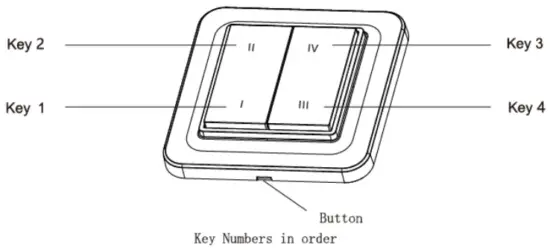
Parameters
Model: EE2454-Z
Number of keys: 4
Communication protocol: Zigbee 3.0
Control distance: 20m (Indoor)
Method of use: Work under TUYA Zig Bee gateway
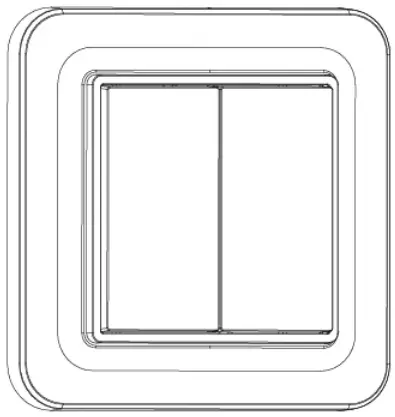
Product size: l86*W86*H17mm
Type: Push button
Power supply: Self-power
Working Frequency: 2.4GHz
Operating Temperature: -2o·c – + so·c
Channel: 11 – 26
Note: the wireless distance was measured in the laboratory. It has slight change by environmental factor during actua l use.
Method of pairing
The wire less switch will be linked to TU YA gateway through Smart app (Both wired & wireless gateways are available). When above operation is completed,user can set different scene controls as requested from the app
Please follow below steps for the Network configuration:
Step 1:
Add Zig Bee gateway to APP, then enter -Device Information” Interface, Find out the channel which Gateway is in (channel range : 11-26)
Step 2:
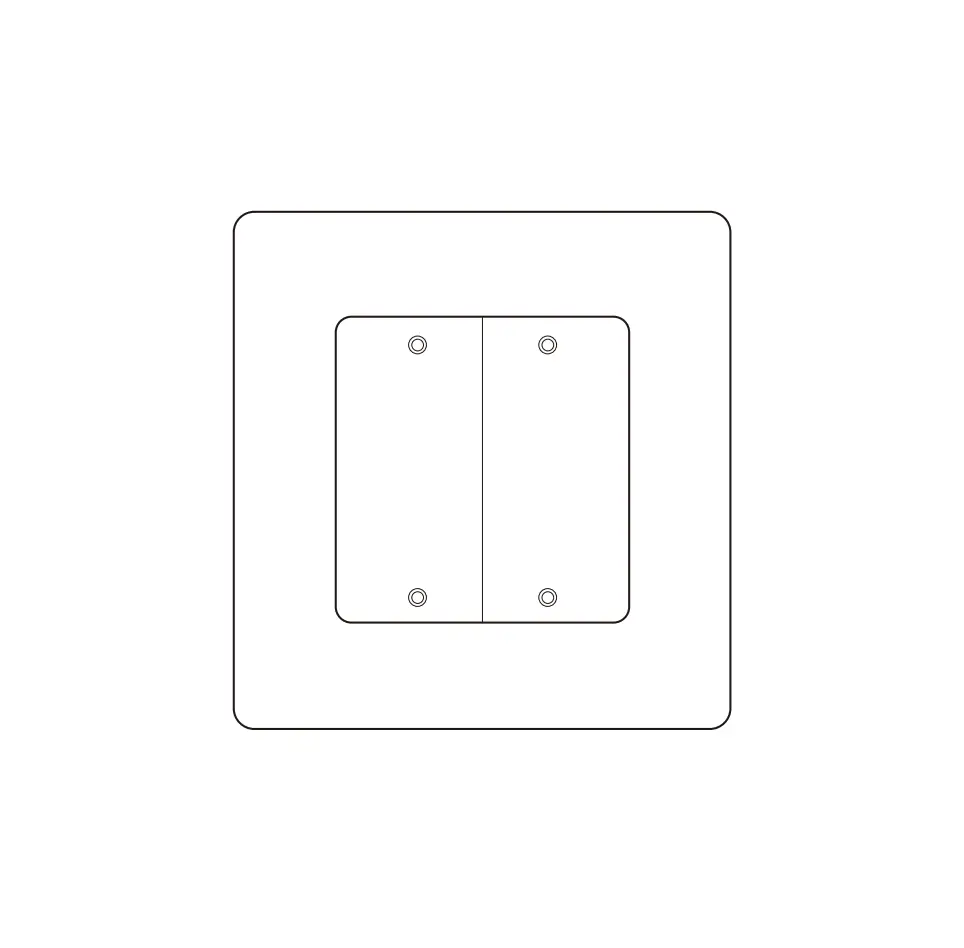
Take the keys off from switch:
① Push in the middle to open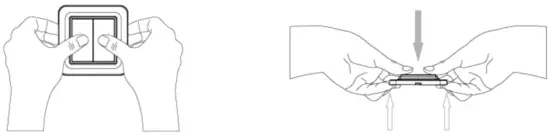
② Take the keys off from switch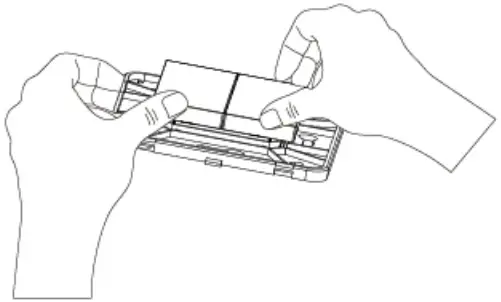
Step 3:
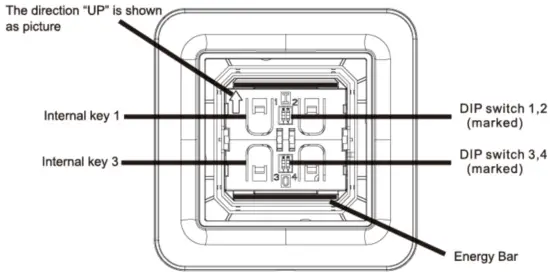
Follow the channel of gateway, make the switch in same channe l. Adjust the DIP button with the tool provided. For more operation of DIP switch, please see below:
- Dip switch and internal keys (no panel):
- Datasheet for Channel and DIP switch ( i push up, ! pull down)
| DIP switch 1 | D1Pswitch2 | DIPswitch3 | DIPswitch4 | |
Channel 11 | ↑ | ↑ | ↑ | ↑ |
Channel12 | ↑ | ↑ | ↑ | ↑ |
Channel 13 | ↑ | ↑ | ↓ | ↓ |
Channel 14 | ↑ | ↑ | ↓ | ↓ |
Channel 15 | ↑ | ↓ | ↑ | ↑ |
Channel 16 | ↑ | ↓ | ↑ | ↑ |
Channel 17 | ↑ | ↓ | ↓ | ↓ |
Channel 18 | ↑ | ↓ | ↓ | ↓ |
Channel 19 | ↑ | ↑ | ↑ | ↑ |
Channel20 | ↑ | ↑ | ↑ | ↑ |
Channel21 | ↑ | ↑ | ↓ | ↓ |
Channel22 | ↑ | ↑ | ↓ | ↓ |
Channel23 | ↑ | ↑ | ↑ | ↑ |
Channel24 | ↑ | ↓ | ↑ | ↑ |
Channel25 | ↑ | ↓ | ↓ | ↓ |
Channel26 | ↑ | ↓ | ↓ | ↓ |
Note: The default channel is 26
Step 3:
Clink the Sub-Device from gateway page, press internal key 1 and key 3 at the same time, trigge r the ·energy bar• to get wireless switch paired
Feature setting
After Zig bee switch is linked to the gateway, set wireless switch to work under different kinds of scenes. (4 gang are supported). For example: press key 1 to open the indoor light and curtain at the same lime.
The setup steps are below:
Step 1:
Enter the switch interface, select the keys required (App supports 4 buttons), and then cl ick” Add in intelligence-.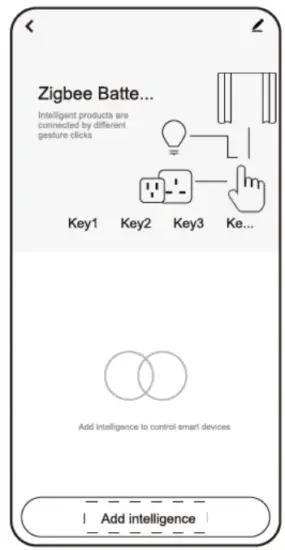
Step 2:
Enter the page of MC reate Intel ligence”, set the function which shou ld be performed, like open the curtain. Then Click “save”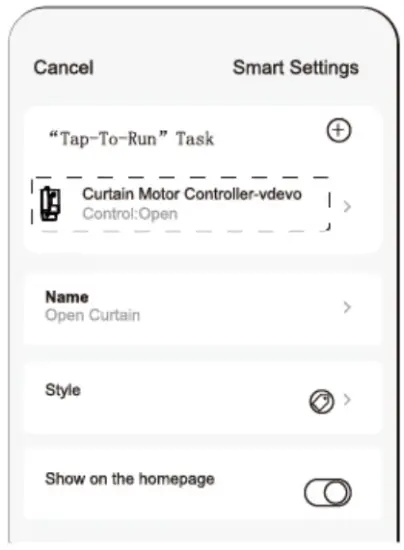
Step 3:
Select the scene that was set from Choose Smart (fo r example: open the curtain),and then click ·save”.
Now the wireless switch functions to control curtain defined.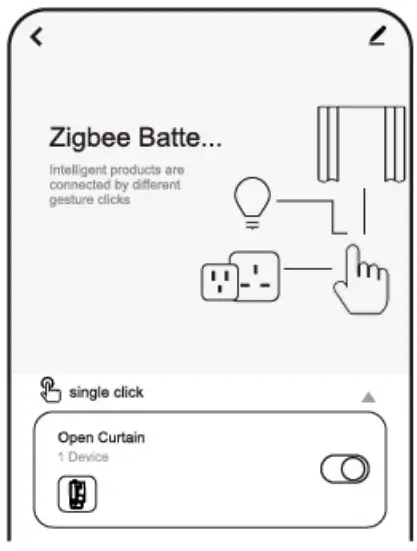
Note: follow the above operation, the wireless switch can control all the devices (wifi/zigbee lightings, wifi/zigbee curtain motor) from TUYA platform.
Erase the pairing
Enter the interface of wireless switch, click the button in top right comer, choose -remove the device’, to remove the switch.
Installation
Method 1: Stick the wireless switch to the clean places (Glass, marble, tile surface) with adhesive tape attached, which helps to fix.
① P1acethetwo-facedadhesivetape onthebacil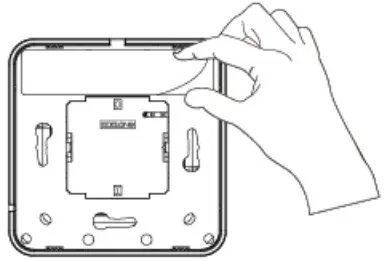
③ Sticktheswitchontotheceansurface
Method 2. Take the key frame off from the switch, fix the back cover of the switch to the switch box or the expansion ru bber by screw driver, put the key frame back to the switch.
① Putinthemiddletotakeoffthekeyframe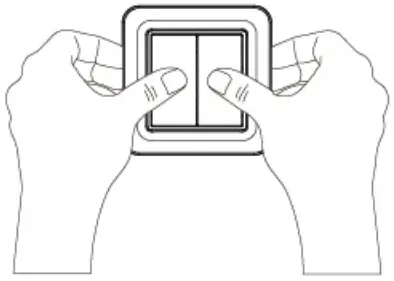
② Fixthebackooveroflheswtichtotheswitchbox ortheexpansionrubber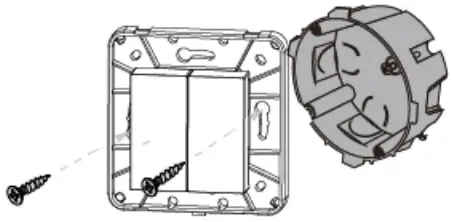
③ Putthekeyframebaciltotheswitch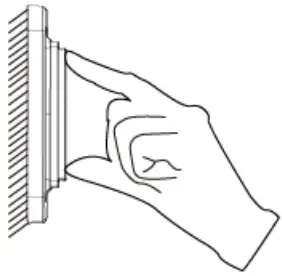
CERTIFICATE
INSPECTED