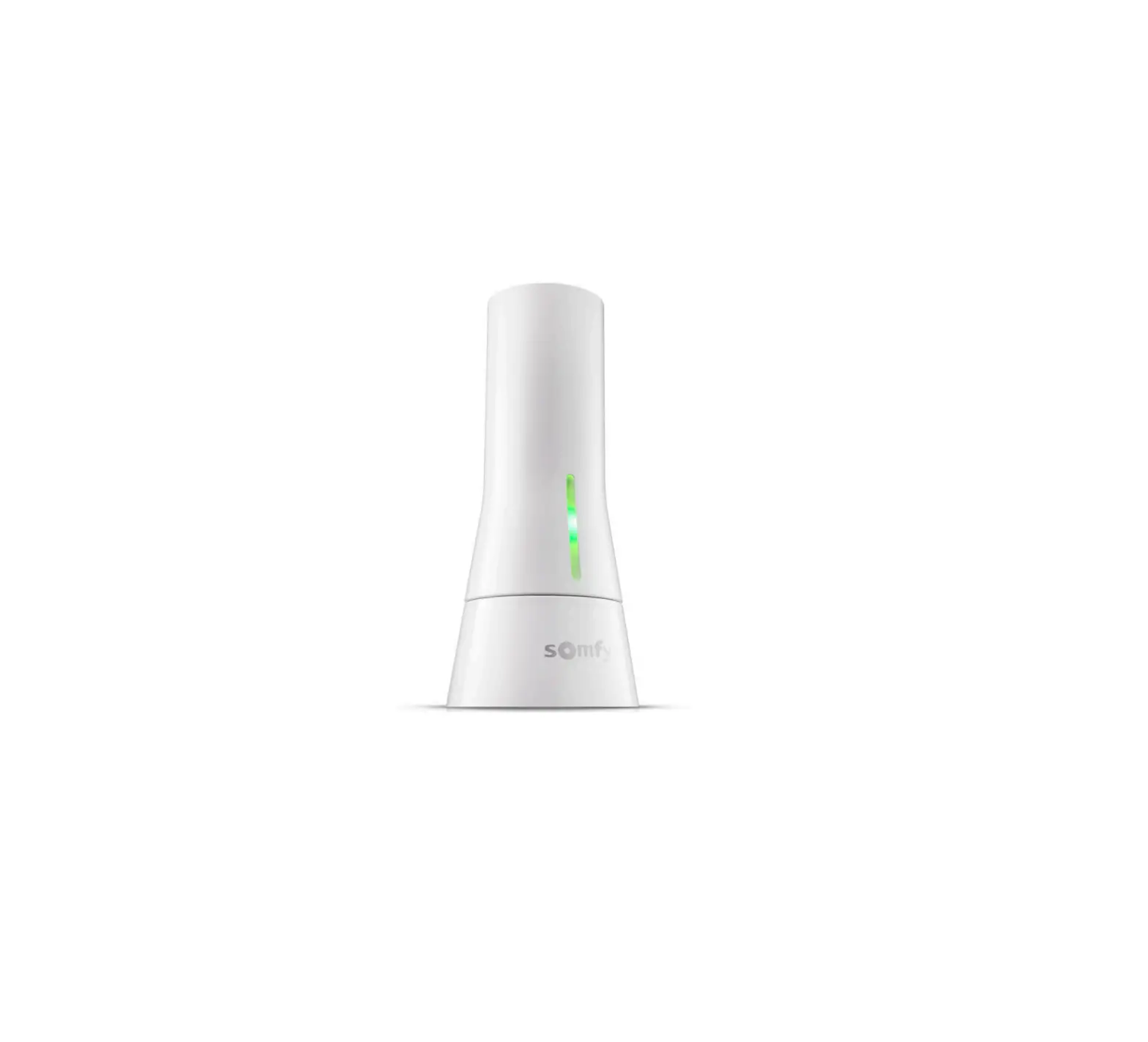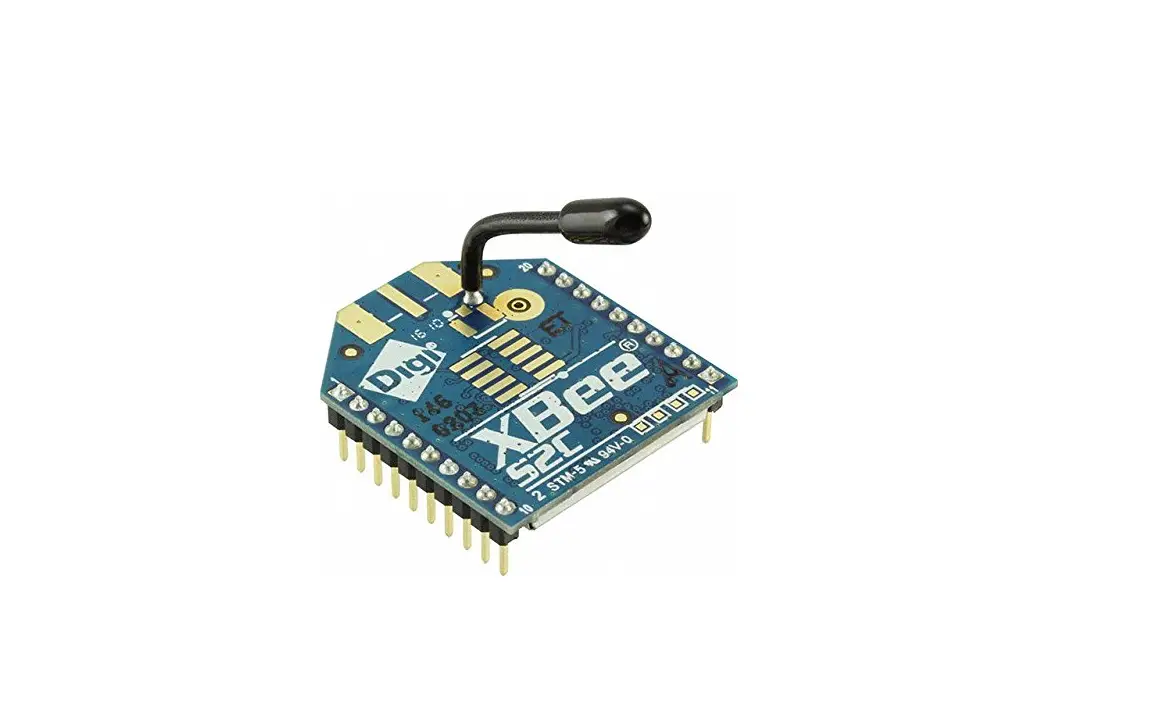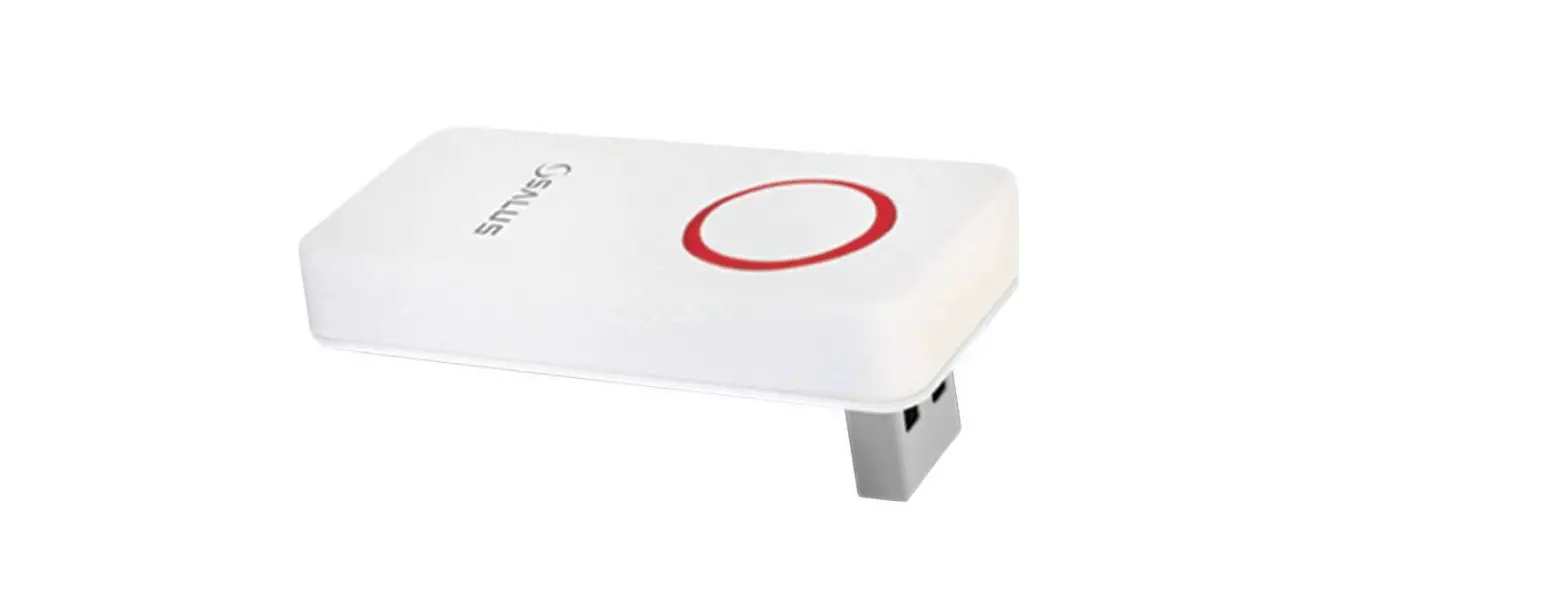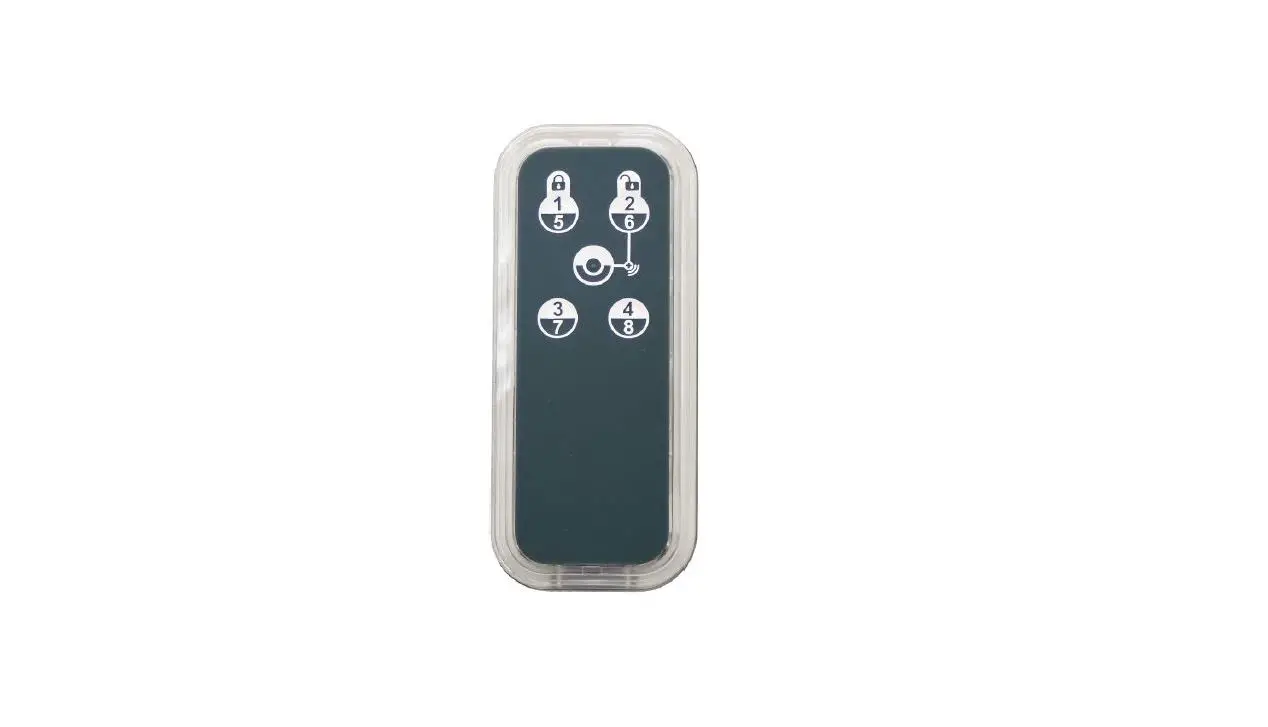
 Technology Pte GZR02 Gravio Zigbee Receiver 2
Instruction Manual
Product overview
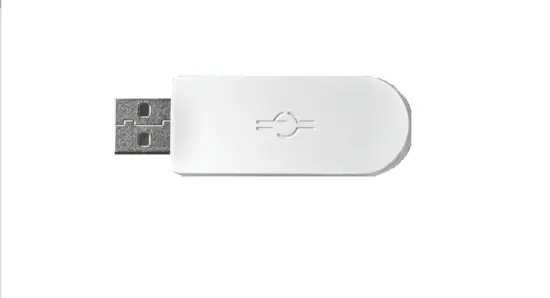
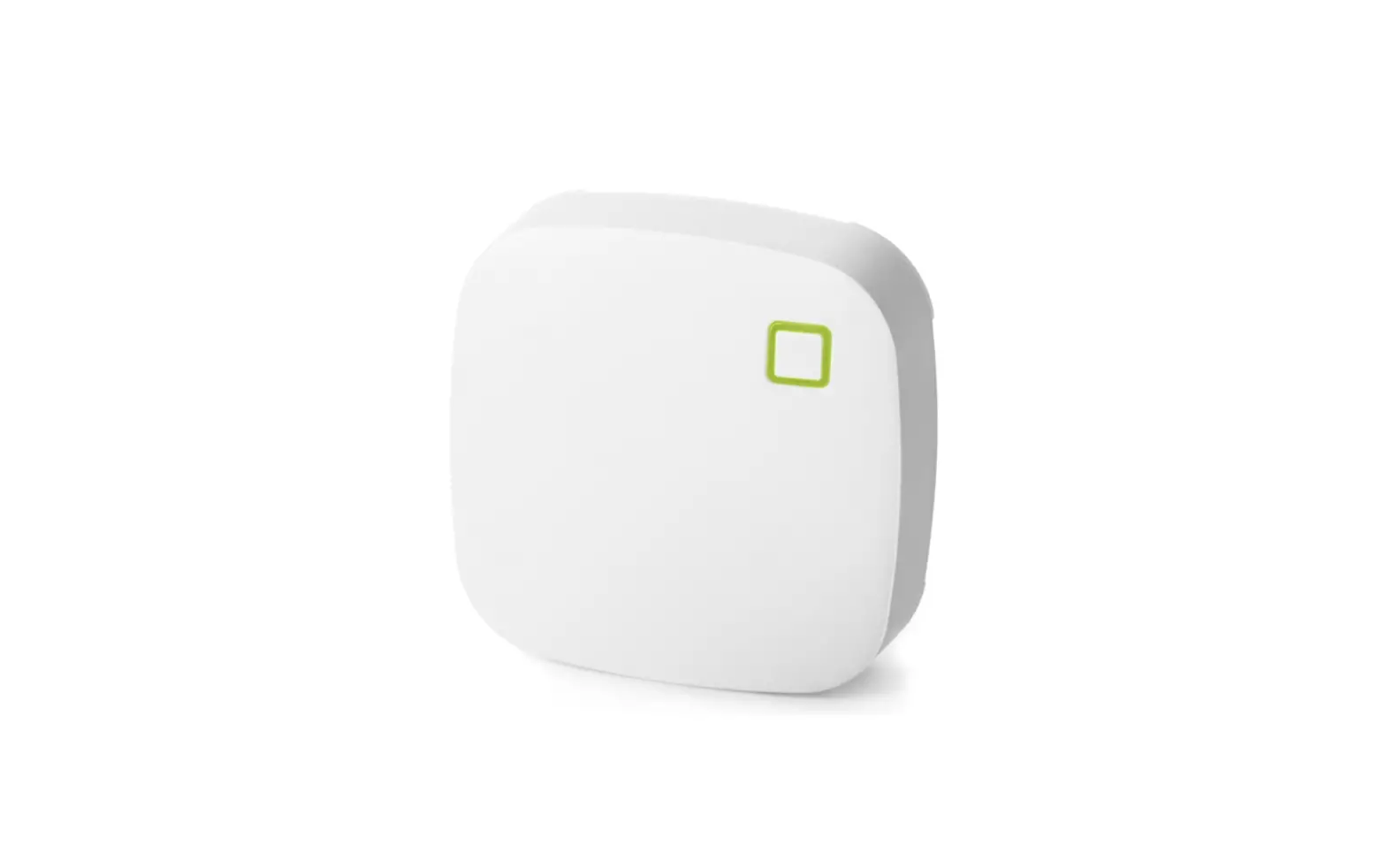
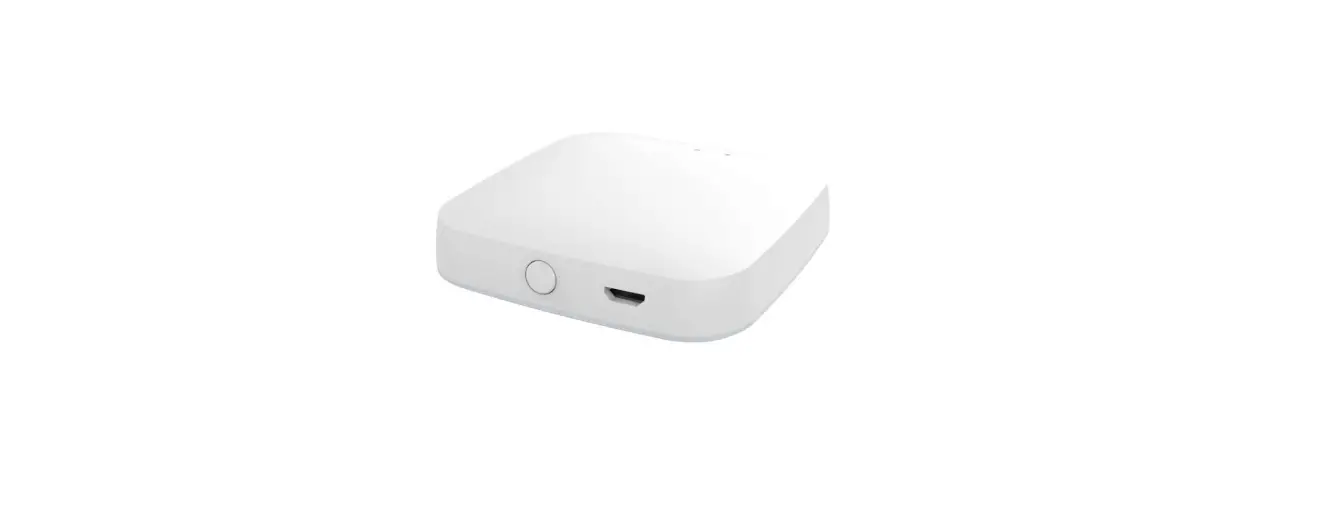
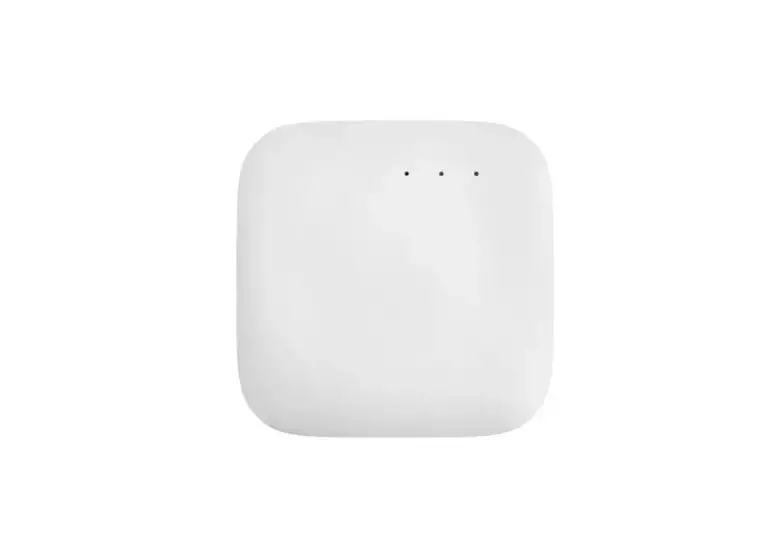
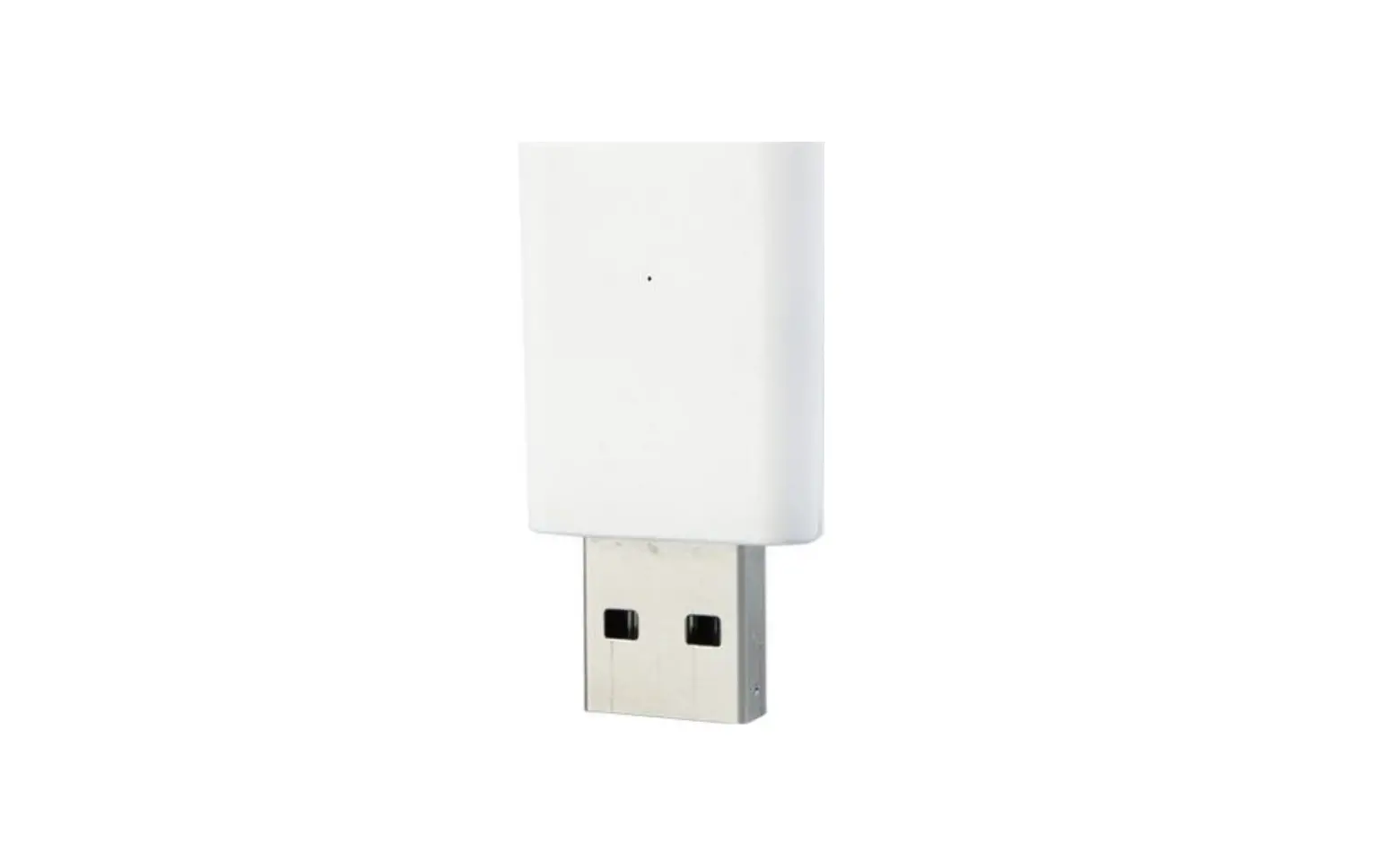
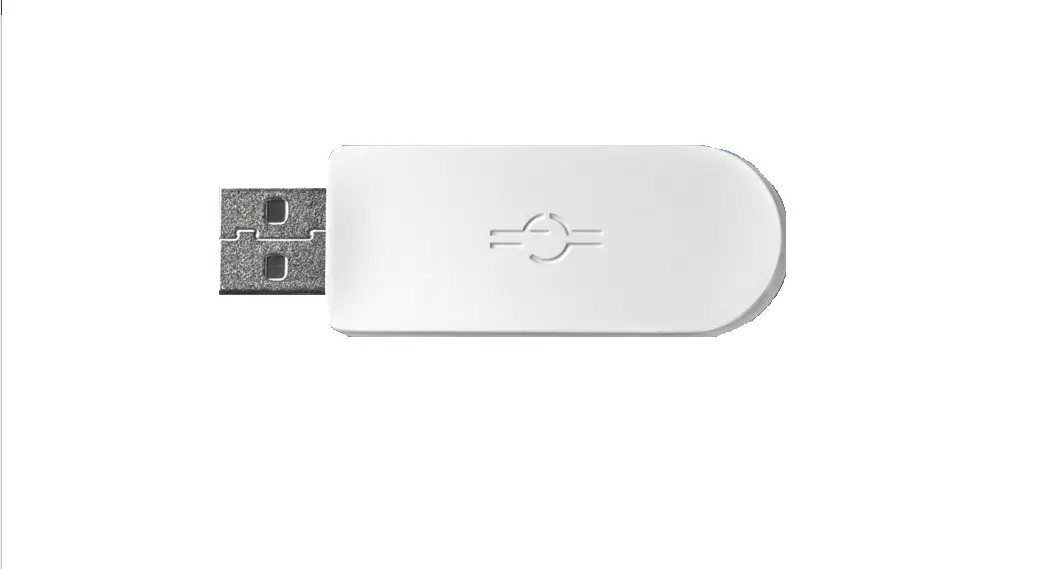
Gravio Zigbee Dongle 2gen is a wireless command transmitter based on the ZigBee protocol. It can interact with the wireless sensor in hex code based on the serial protocol and issue commands. This device supports operating systems such as windows10/mac/Linux. Gravio Zigbee Dongle 2gen adopts a USB forward and reverse insertion design, and can be inserted into the USB interface on either side for normal use. You can send and receive information by using serial port software such as com. Complete the instructions. 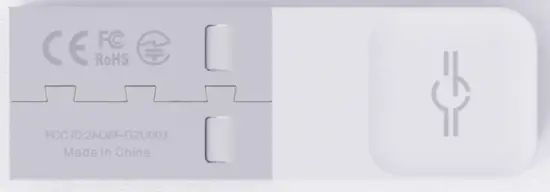
Gravio Zigbee Dongle 2gen is based on the certification-free protocol of organizations such as well. It can be used without a driver on windows10/mac/Linux, just plug in the USB-A interface.
Plug 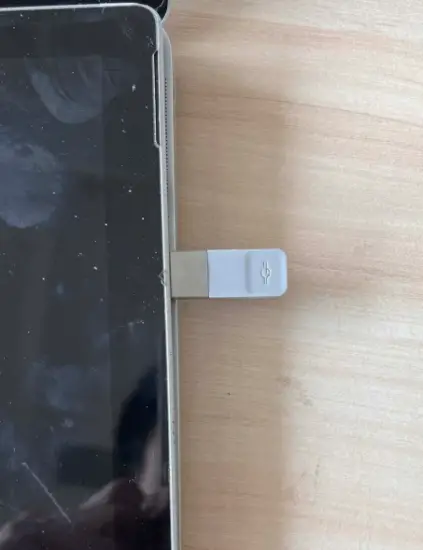
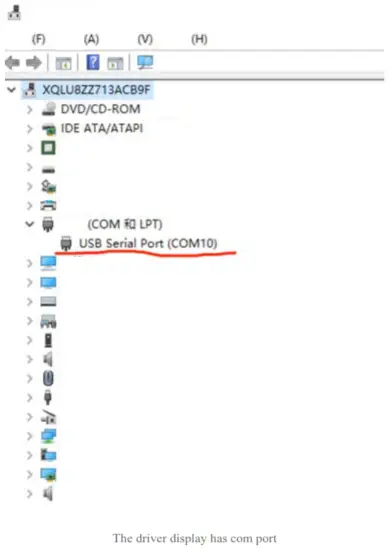 After inserting the device, windows10 will automatically load the driver and open the hardware manager. This interface appears. This means your device is ready to go.
Instructions for use
First open the serial debugging assistant, such as sitcom, set the baud rate to 115200, and open the serial port after 8N1. Send the command in hex:
>> send : 00 00 01 00 00 AA
>>receive : 00 01 01 08 02 00 03 AA 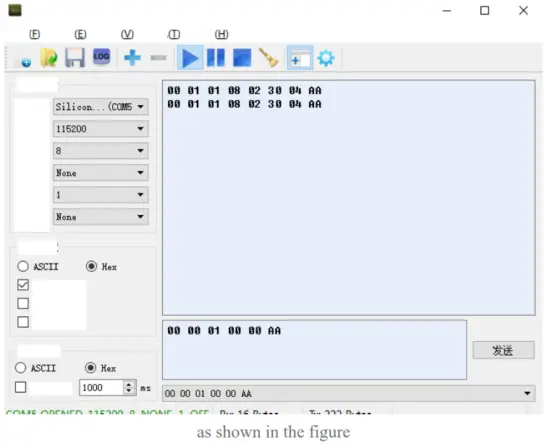 Scan to build a zigbee network
>> send : 00 00 03 00 00 AA >> receive : 00 01 03 08 01 00 AA
Read current network information
>> send : 00 00 04 00 00 AA
>> receive : 00 01 04 08 0E 36 3F 32 FE FF 9F FD 90 01 01 C0 76 0F 13 AA
Open to allow devices to access the network
>> send : 00 00 10 00 01 FF AA >> receive : 00 01 10 08 01 00 AA
Sensor support :
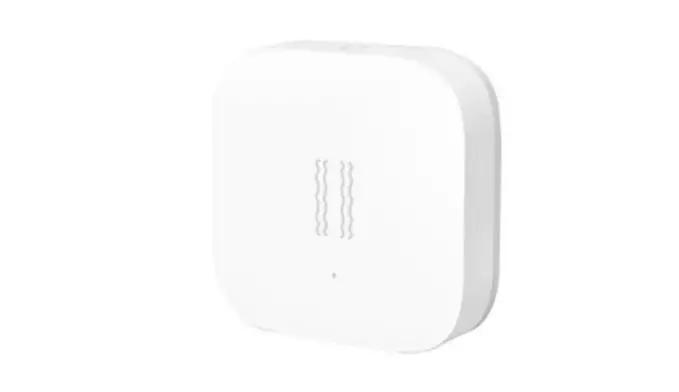
Door and Window Sensor
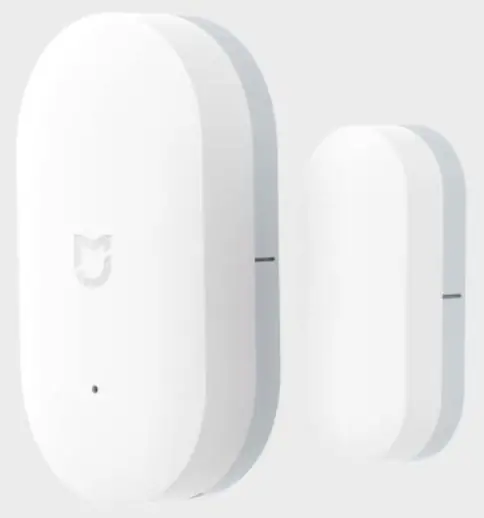 near >> 00 1C 01 18 10 F9 68 04 02 00 8D 15 00 01 06 00 01 00 00 10 00 AA
Far away>> 00 1D 01 18 10 F9 68 04 02 00 8D 15 00 01 06 00 01 00 00 10 01 AA
Wireless Mini Switch

press : 00 38 01 18 11 09 67 B0 02 00 8D 15 00 01 12 00 01 55 00 →21 01 00 AA
>> long press : 00 39 01 18 11 09 67 B0 02 00 8D 15 00 01 12 00 01 55 00 21 10 →00 AA
>> Long press release : 00 3A 01 18 11 09 67 B0 02 00 8D 15 00 01 12 00 01 55 00 21 11 →00 AA
Temperature and Humidity Sensor
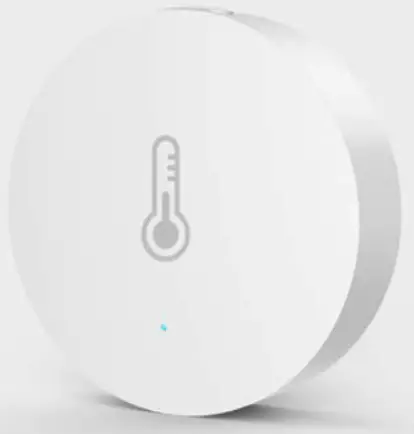 This temperature and humidity sensor supports reporting temperature values, relative humidity, and atmospheric pressure, so there are three types of reported data:
>> send : 00 40 01 18 11 6F FA 3C 02 00 8D 15 00 01 02 04 01 00 00 29 BD 0A AA
>> send : 00 41 01 18 11 6F FA 3C 02 00 8D 15 00 01 05 04 01 00 00 21 02 22 AA
>> send: 00 42 01 18 1A 6F FA 3C 02 00 8D 15 00 01 03 04 03 00 00 29 F2 03 14
→00 28 FF 10 00 29 7D 27 AA
Temperature and Humidity Sensor
(model: WSDCGQ01LM) >> send : 00 5A 01 18 11 06 AF 39 02 00 8D 15 00 01 02 04 01 00 00 29 B3 0A AA
>> send : 00 5B 01 18 11 06 AF 39 02 00 8D 15 00 01 05 04 01 00 00 21 3C 21 AA
Door and Window Sensor
(model: MCCGQ11LM) 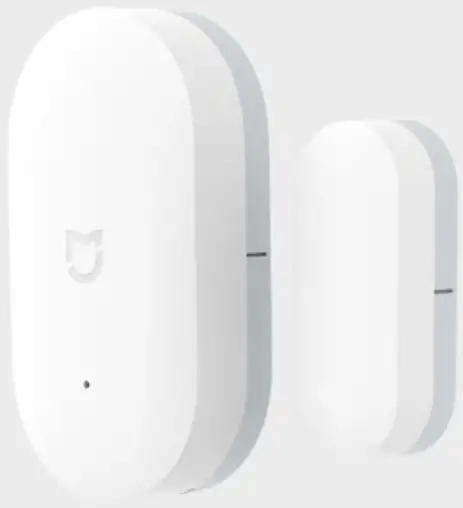
>> near send : 00 33 01 18 10 F9 68 04 02 00 8D 15 00 01 06 00 01 00 00 10 00 AA
>> far away : 00 34 01 18 10 F9 68 04 02 00 8D 15 00 01 06 00 01 00 00 10 01 AA
static post: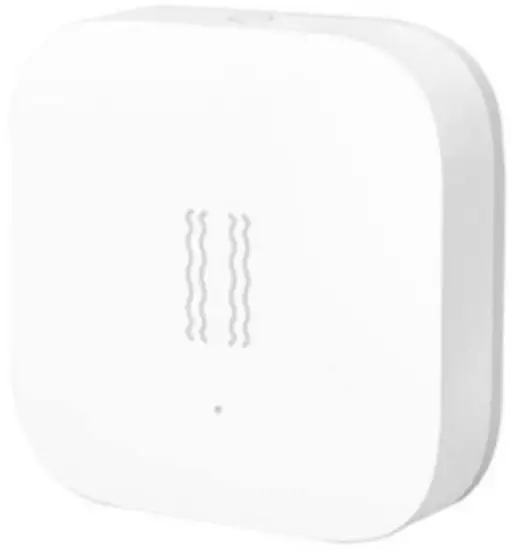
There are three types of data reported by the static post, as follows:
>> send data : 00 7A 01 18 15 FB 3B B2 02 00 8D 15 00 01 01 01 01 08 05 25 8A FF →1A 04 F9 00 AA
>> send data : 00 7C 01 18 16 FB 3B B2 02 00 8D 15 00 01 01 01 02 55 00 21 02 00 →03 05 21 06 00 AA
>> send data : 00 7E 01 18 11 FB 3B B2 02 00 8D 15 00 01 01 01 01 55 00 21 01 00 →AA
FCC Warning Statement
Changes or modifications not expressly approved by the party responsible for compliance could void the user’s authority to operate the equipment. This equipment has been tested and found to comply with the limits for a Class B digital device, pursuant to Part 15 of the FCC Rules. These limits are designed to provide reasonable protection against harmful interference in a residential installation. This equipment generates uses and can radiate radio frequency energy and, if not installed and used in accordance with the instructions, may cause harmful interference to radio communications. However, there is no guarantee that interference will not occur in a particular installation. If this equipment does cause harmful interference to radio or television reception, which can be determined by turning the equipment off and on, the user is encouraged to try to correct the interference by one or more of the following measures:
‐‐ Reorient or relocate the receiving antenna.
‐‐ Increase the separation between the equipment and receiver.
‐‐ Connect the equipment into an outlet on a circuit different from that to which the receiver is connected.
‐‐ Consult the dealer or an experienced radio/TV technician for help.