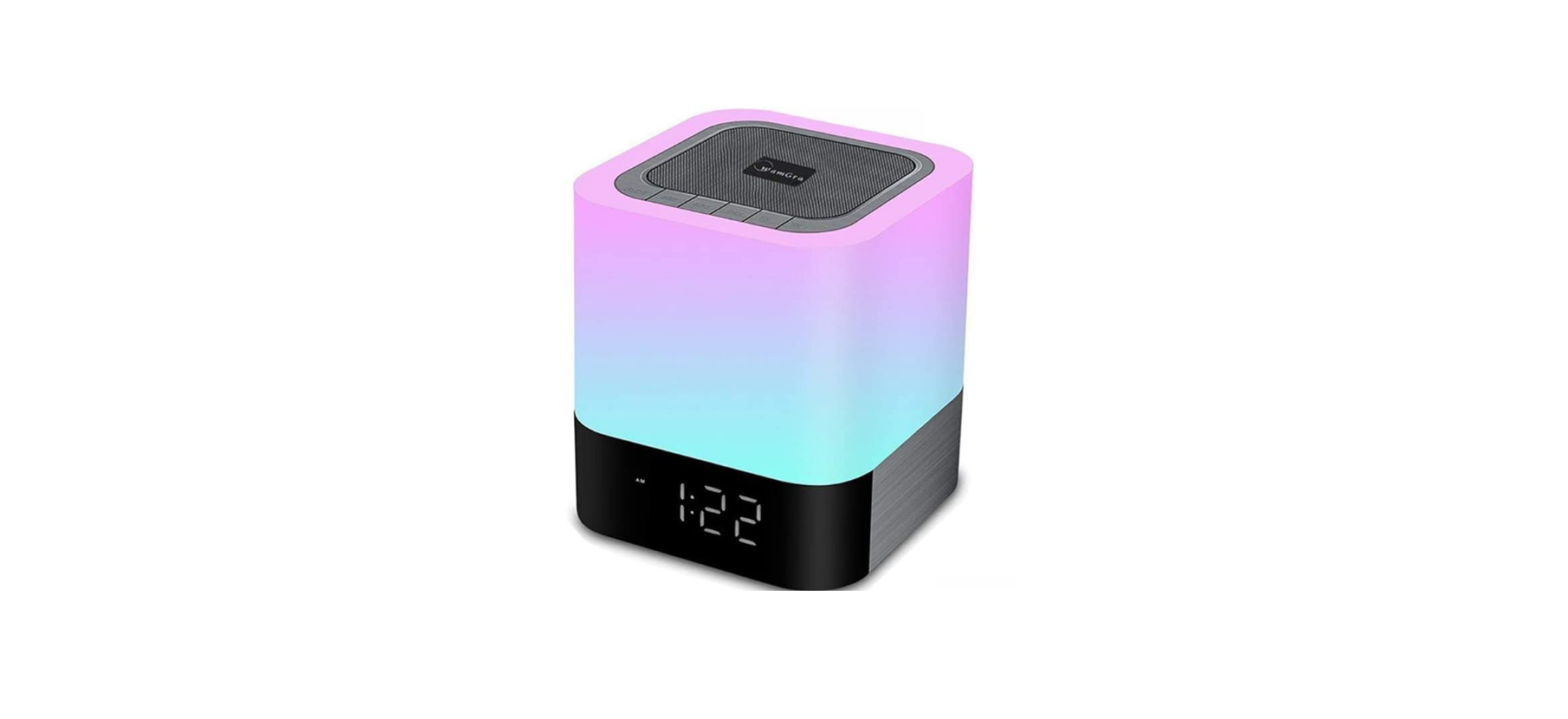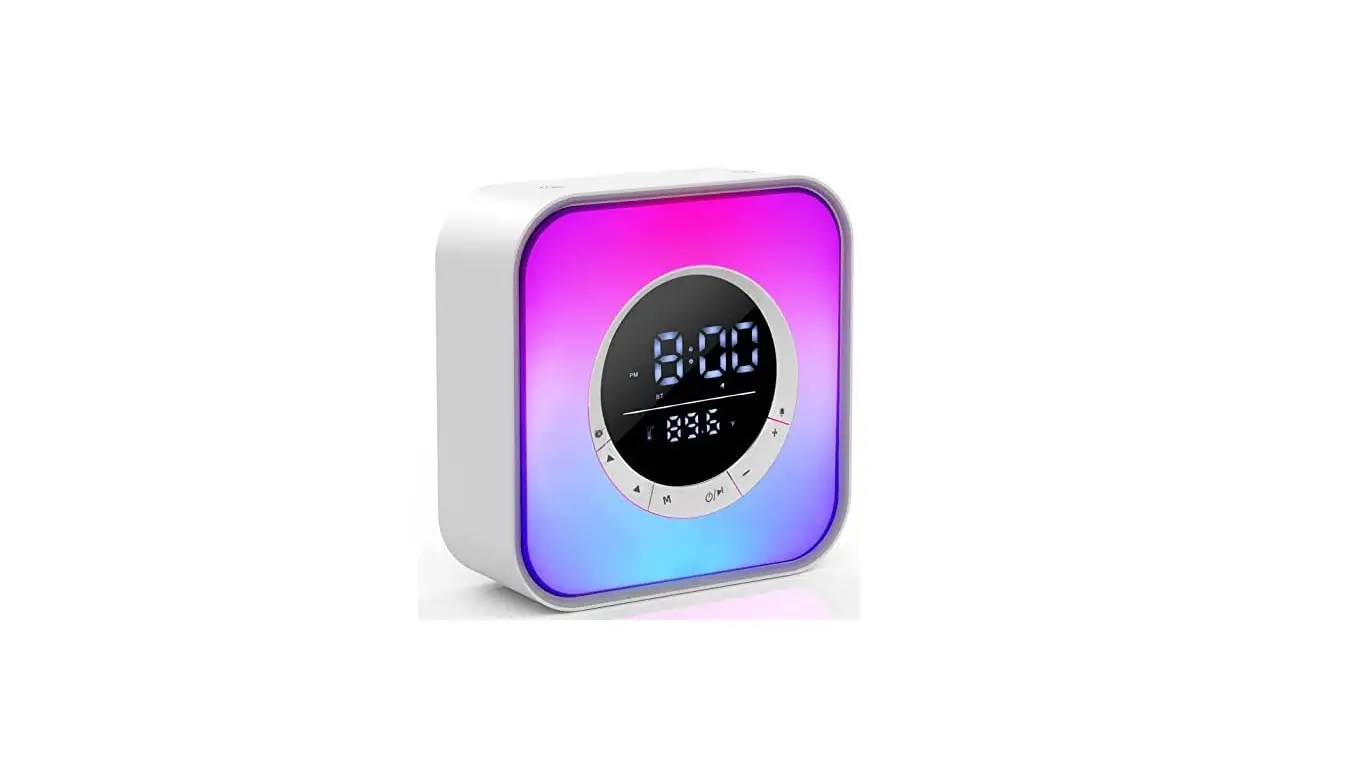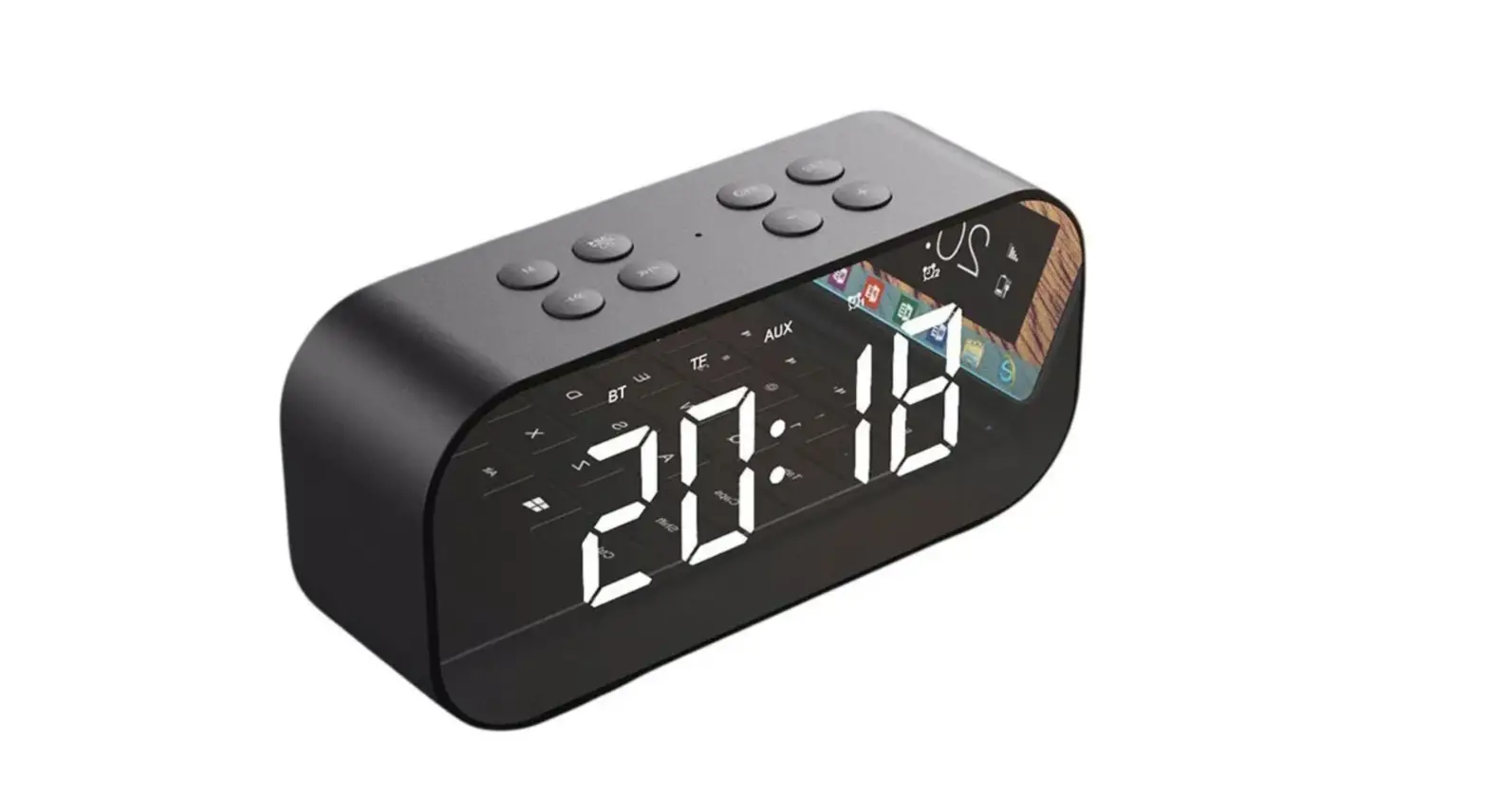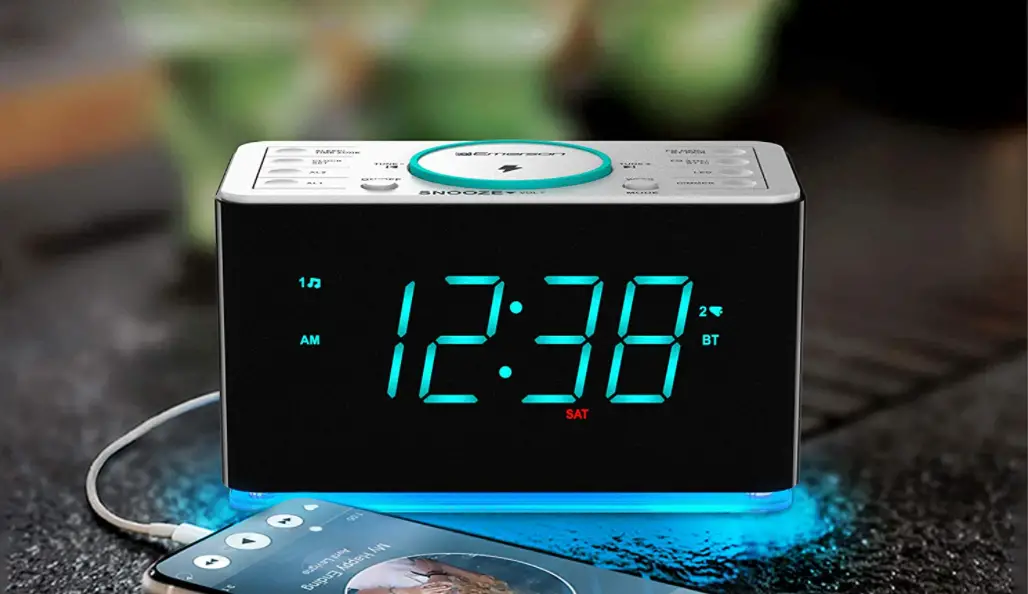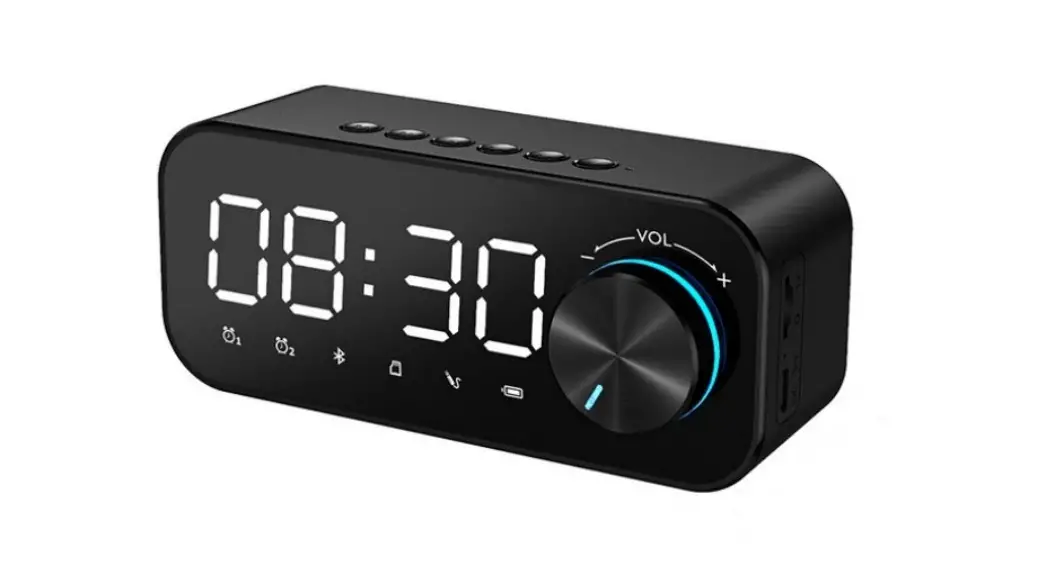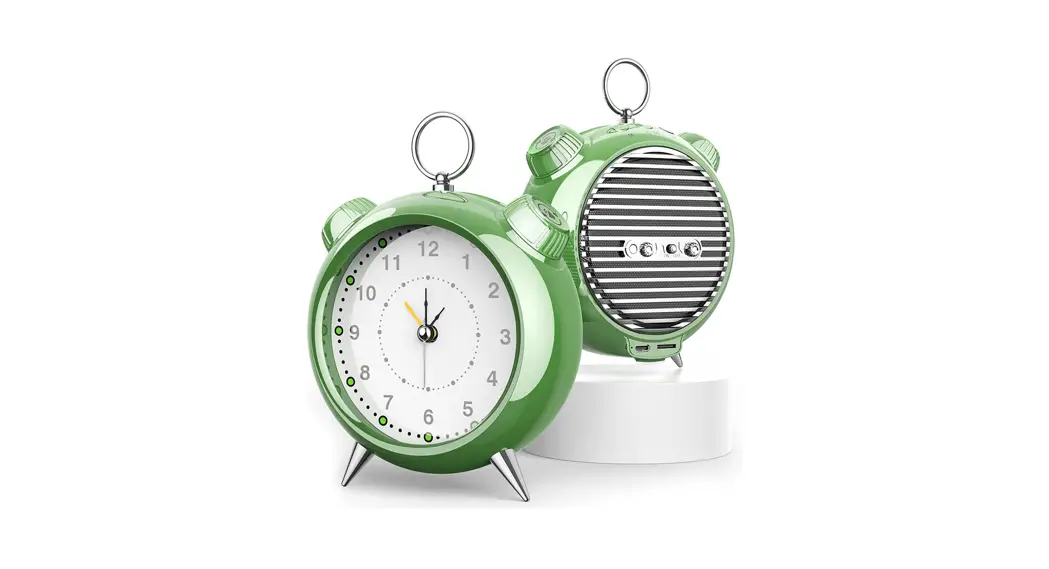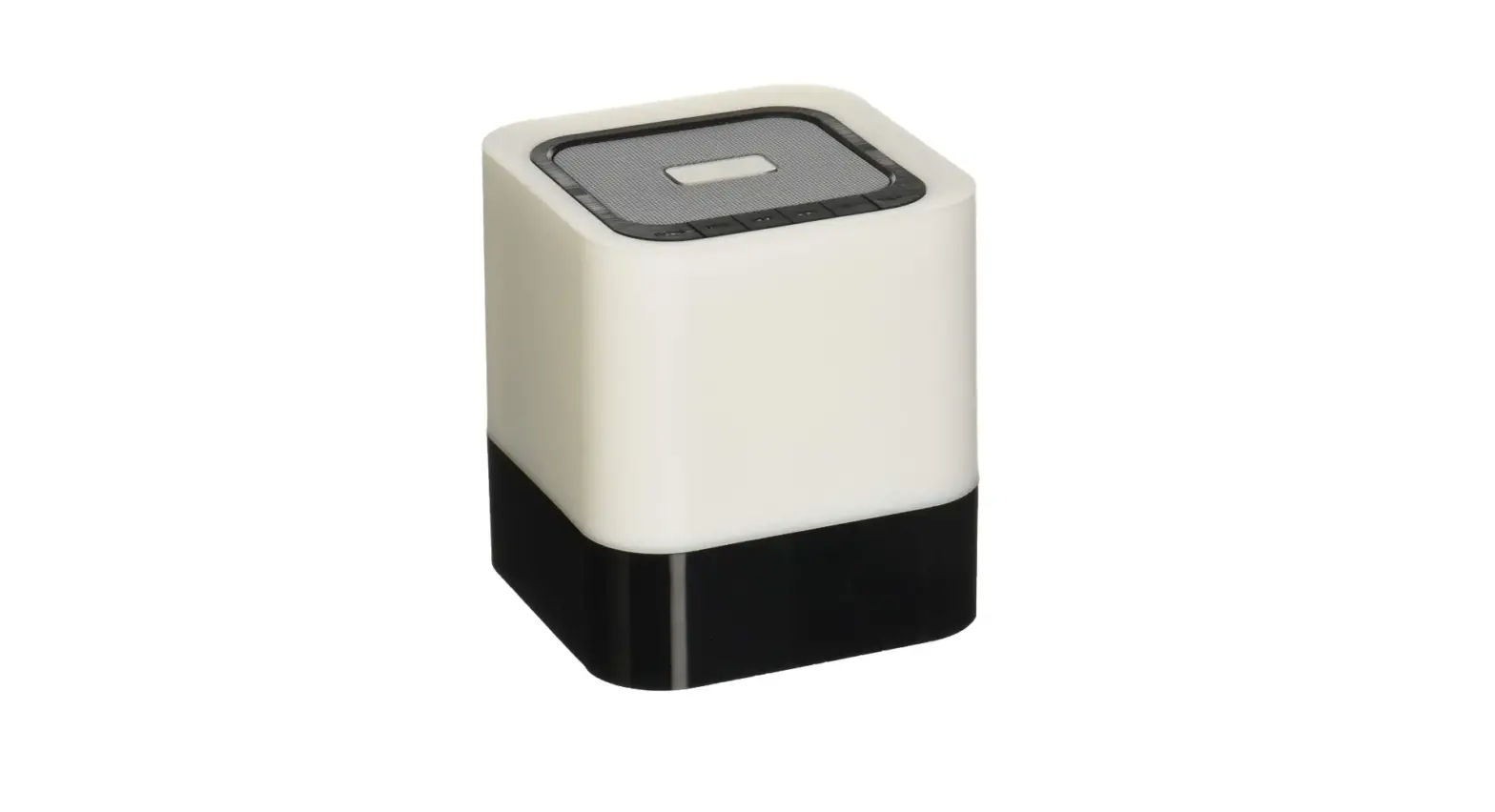
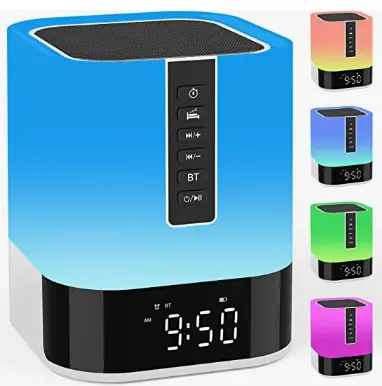
AFEXOA DY28S Night Light Bluetooth Speaker Alarm Clock
Product Overview Operation Instruction

 Operation Instruction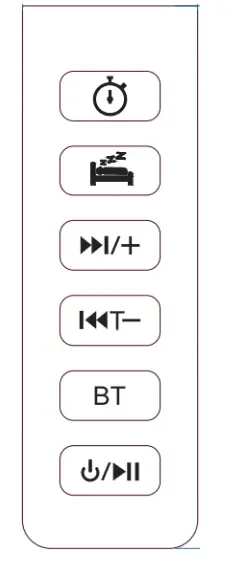
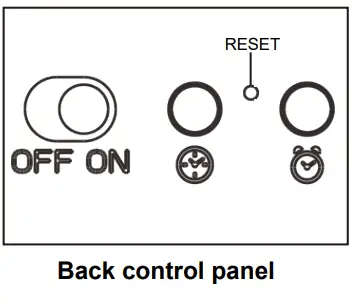
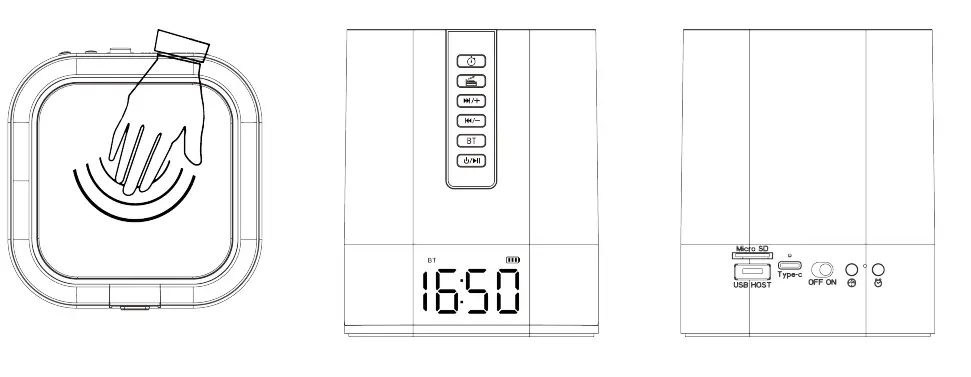
- KEY: Press to enter the Timer Mode .
- KEY: Press to enter or quit Sleep Helper Mode .
- KEY: Short press to increase the volume. Long press for 2 seconds to play the next music.
- KEY: Short press to decrease the volume. Long press for 2 seconds to play the previous music.
- KEY: Press to enter the Bluetooth Mode. When inserted TF card/U disk, press the “ ” key to exit or re-enter TF card /U disk player mode.
- 6.“ ” KEY: Short press to play/pause music in Bluetooth Mode, MP3
Mode and Sleep Helper Mode;
Short press ” “key to answer or hang up the call in Bluetooth Mode.
Long press for 2 seconds to enter Standby Mode.
When the device is in Standby Mode, touch the Speaker Mesh or press the “ ”/ “ ” key to turn on the device. - KEY: Short press to enter the“12/24H” setting. Long press for 2 seconds to enter the Time Setting Mode.
- KEY: Short press to show alarm time and adjust the alarm on or off . Long press for 2 seconds to enter the Alarm Setting Mode.
- Speaker Mesh ” : Touch Speaker Mesh to select a light mode.
When the alarm goes off, touch the Speaker Mesh to perform the snooze function. - Power On/Off ”KEY: Toggle the switch to power the device on or off.
- Reset” KEY: Poke this small hole to restore all settings of the device.
Device power supply and Charging instructions
- (USB 5V) power supply.
- Built-in Lithium Rechargeable Battery(Not removable).
- Charge the lithium battery in the device with a USB cable, red LED indicator will light up.
After about 5 hours, the green LED indicator lights up when full capacity is reached. - If the device has not been used for more than a month, please charge it once a month to keep the lithium battery active.
- If the device is not used for two or three months, to avoid over-discharging the battery or battery leakage problem, please check the lithium battery before use.
- Battery Status Indicator Show


Light Function Instruction
Multiple light modes and 48 different colors are optional, select by touch Speaker Mesh
- Warm White Light–Low Brightness: 30% brightness, gentle lamplight
- Warm White Light–Middle Brightness: 60% brightness, soft lamplight
- Warm White Light–High Brightness: 100% brightness, very bright
- Breathing Light: Multi-colored lights cycle soothingly like the frequency of breathing.
- Colorful Ambient Light: 48 colors light cycle automatically, let you enjoy excellent vision
- Music Light: The light changes color with different volumes and rhythms(Flashes every 2.5 seconds when not playing music)
- Customize 48 Color Lights: In any light mode, the long-pressing Speaker Mesh will automatically cycle through 48 colors of lights, stop holding down to select the current light color.
NOTE: When in music light mode, touch the Speaker Mesh again to turn off the light function.
Bluetooth Mode
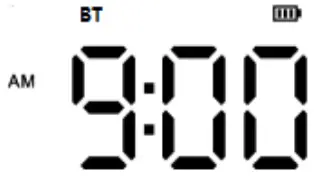
Press the key to enter Bluetooth Mode.
Pressley to play/pause the song.
Short press the key to increase the volume. Long press for 2 seconds to play the next music.
Short press the key to decreasing the volume. Long press for 2 seconds to play the previous music.
Handset and Hands-free MODE
Press the key to answering or hang up the call when there is a call.
How to connect speaker by Bluetooth
First, press the “ BT” key on the device to enter the Bluetooth mode, then turn on the Bluetooth the device in the mobile phone/MID/computer, and select the device name as “DY28S” to connect. Once connected, the user will hear an indicated sound.
- Clock Mode

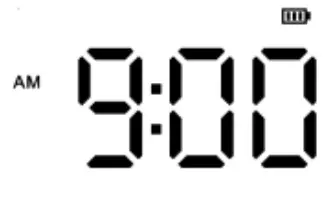
Short press key to change the time format from 12 to 24 hours or 24 to 12 hours; Long press “ ” key for 2 seconds to enter the Time Setting Mode. And then press the “ ”key again to select the flashing digits in sequence (hour/minute), and press “ ” or “ ” to adjust the digits (hour/minute). Finally, press the “ ” key again to confirm the setting. - Alarm Mode

Short press the key to turn on the alarm alert icon or turn off the alarm alert icon;
Long press the key for 2 seconds to enter the Alarm Setting Mode. And press the key again to select the flashing digits in sequence (hour/minute), you can adjust the digits (hour/minute) by pressing a key. Then press the “ ” key to select the volume of the alarm setting. Similarly, press “ ” or“ ” to adjust the volume of the alarm. Finally, press the key again to confirm the setting.
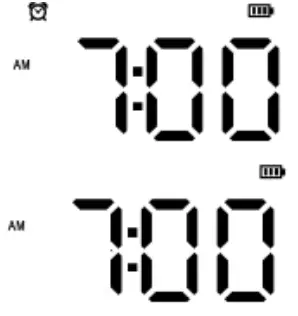
When the alarm goes off and the wake-up light is on, touch the “Speaker Mesh” to turn on snooze function. Then you will get 9mins of snooze time (unlimited snooze times). After 9mins, the alarm will work again.
When the alarm goes off or the snooze function is turned on, you can press any key to stop the alarm function.
When the alarm goes off for 15mins without any operation on it, the alarm function will be stopped automatically.
(* If you need to set your favorite music as the alarm sound, you can create a folder named “Alarm” in the Micro SD card and save the MP3 files of your favorite music into it, and then insert the Micro SD card into the speaker.)
MP3 Player Mode
Inserted TF card/U disk to enter TF card /U disk player mode. When inserting TF card/U disk, press key to play/pause the music. And press the “ ” key to exit or re-enter Short press key to increase the volume. Long press for 2 seconds to play the next music. Short press key to decrease the volume. Long press for 2 seconds to play the previous music.
Sleep Helper Mode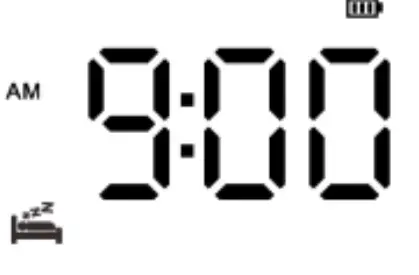 Press key to enter or quit sleep helper mode Press the key to play/pause the song.
Short press the key to increase the volume.
Long press the key for 2 seconds to play the next noise sound or natural sound.
Short press the key to decreasing the volume.
Long press the key for 2 seconds to play the previous noise sound or natural sound.
Noise and natural sound listing
| 1.White Noise-1 | 2. White Noise-2 | 3. White Noise-3 | 4. White Noise-4 | 5. Fan Noise-1 |
|
6. Fan Noise-2 | 7.Vacuum Cleaner Noise |
8. Insect Sound |
9. Lullaby-1 | 10.Water Flow Sound |
| 11.Fire sound | 12. Bird Sound | 13. Lullaby-2 | 14. Wind Sound | 15. Waves Sound |
| 16.Raining Sound |
Timer Mode

Press the key to select the timer time 15 minutes, 30 minutes, 60 minutes, off, four states in turn.
*After 15mins, 30mins or 60mins, the device will go into standby mode and the light mode will be turned off.
*When you use the timer mode again, please do the above procedure.
Specification
| Display | LED | |
| Built in lithium Rechargeable Battery | Playtime: Up to 4-5 hours *Depending on volume level | |
|
MP3 | Output Power | 10W |
| MP3 Bit Rate | 8K bps – 320K bps | |
| Signal Noise Ratio(SNR) | 85dB | |
| Signal Distortion | <0.55% | |
| Music Format | MP3 | |
| Operation Temperature | 0 to 40 Celsius Degree | |
Product appearance, function and specification might change without prior notice.
FAQ
|
No power | Check if the lithium rechargeable battery has power Check if the DC5V plug is inserted correctly |
|
No sound or sound distortion | Check if the volume level is in the zero states.
Check if the music files are damaged. Corrupted music files produce distorted sound and cannot be played. Please keep good music files. Check whether the power of the rechargeable lithium battery is insufficient. |
|
Clock display automatically turns off | The device adopts an automatic power-saving design, and the clock display will turn off if there is no operation within 2 minutes when the power is not connected. The clock display can be turned back on by touching the Speaker Mesh or pressing the “ ”/ “ ” key. |
Just create a folder named “ALARM” in your TF card or USB flash drive, and put the song you want to set as an alarm into this folder.
Yes, there are 4 types of white noise to choose from.
When the alarm goes off, you can press any key to turn off the alarm, which means that the alarm only goes off once. And it will not affect the next use.
If the alarm rings for 15 mins, and there is no any operation, it will stop automatically, and the next ringing will not be affected.
this product does not support the function of FM radio at the moment, but we will seriously consider your suggestion and continue to upgrade and improve this device in the future. Thank you for your strong support to our store!
Just tap the top mesh to turn on snooze function. Snooze time is 9 minutes, and the snooze frequency is unlimited until you turn off the alarm.
press any button to turn off the alarm when the alarm goes off and does not affect the next alarm.
this product does not currently support the function of charging other devices, but we will seriously consider your suggestion and continue to upgrade and improve this device in the future. Thank you for your great support to our store!
Yes, you don’t have to worry about being woken up suddenly.
No, it can only be manually operated and used with Bluetooth.
Short press the alarm button to turn the alarm on or off. When you turn on the alarm, the alarm time you set will flash on the LED screen and a clock icon will appear.
Certainly. When the timer expires, the device will go into standby mode and MP3 player mode will also beturned off.
In the instructions, it states, the way to change the alarm is to save a folder on an inserted Micro SD card and label it “Alarm” . In this folder place an MP3 file of your desired alarm noise.
Yes, you don’t have to worry about being woken up suddenly.