 Yealink W56P/W60P/W76P Quick Guide
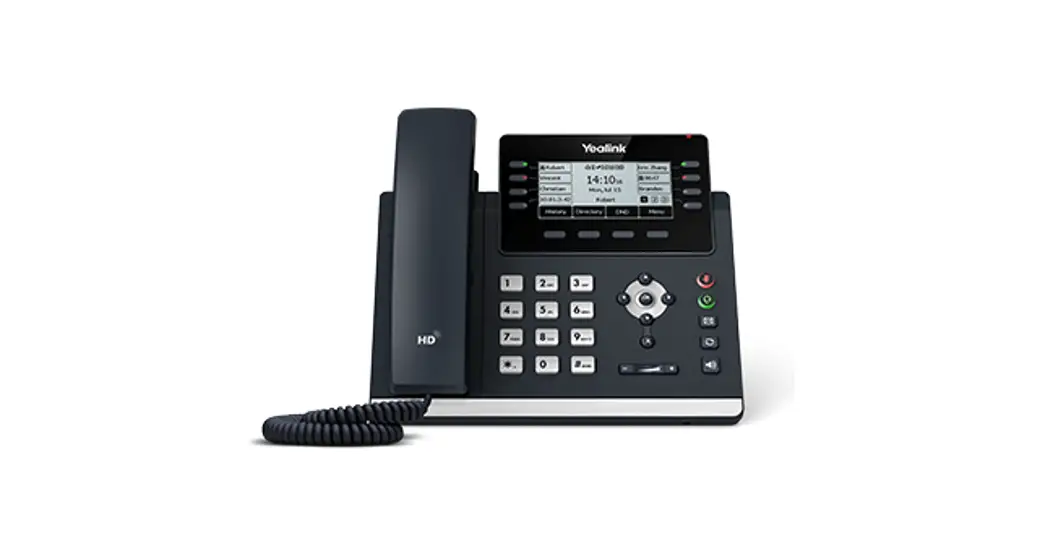
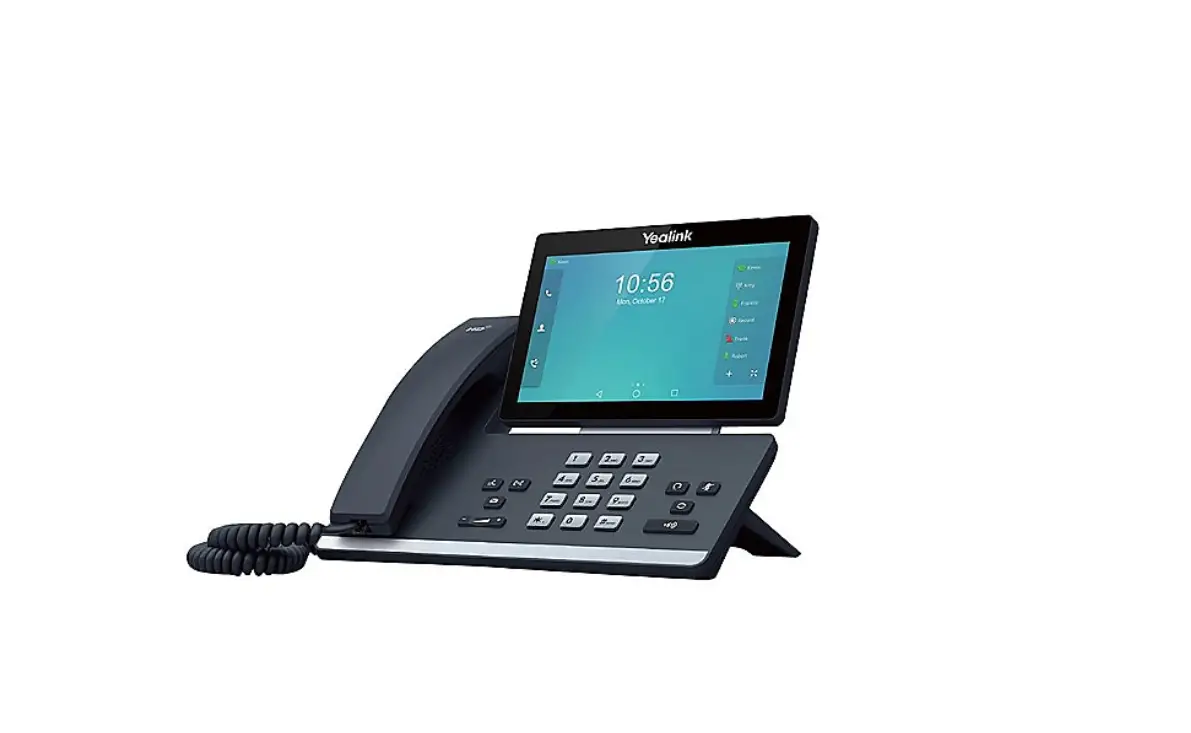
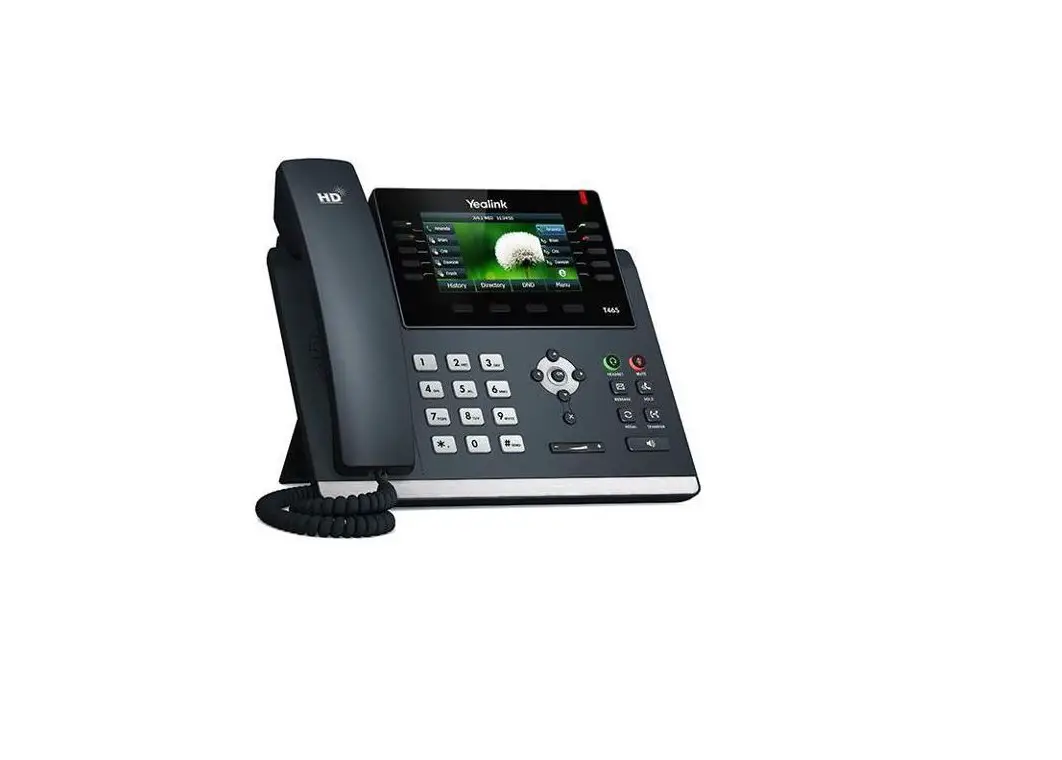
Desk Phone Features
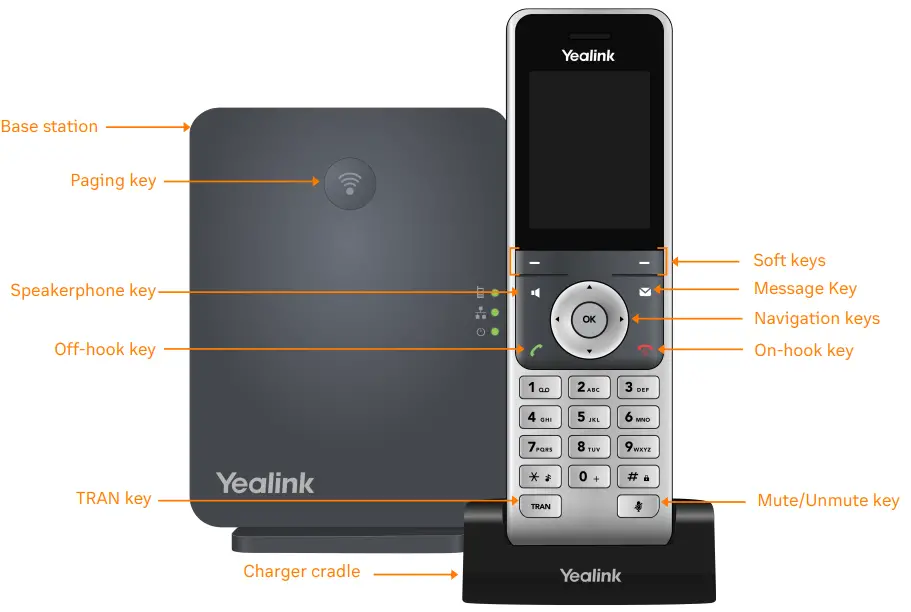
Feature Description
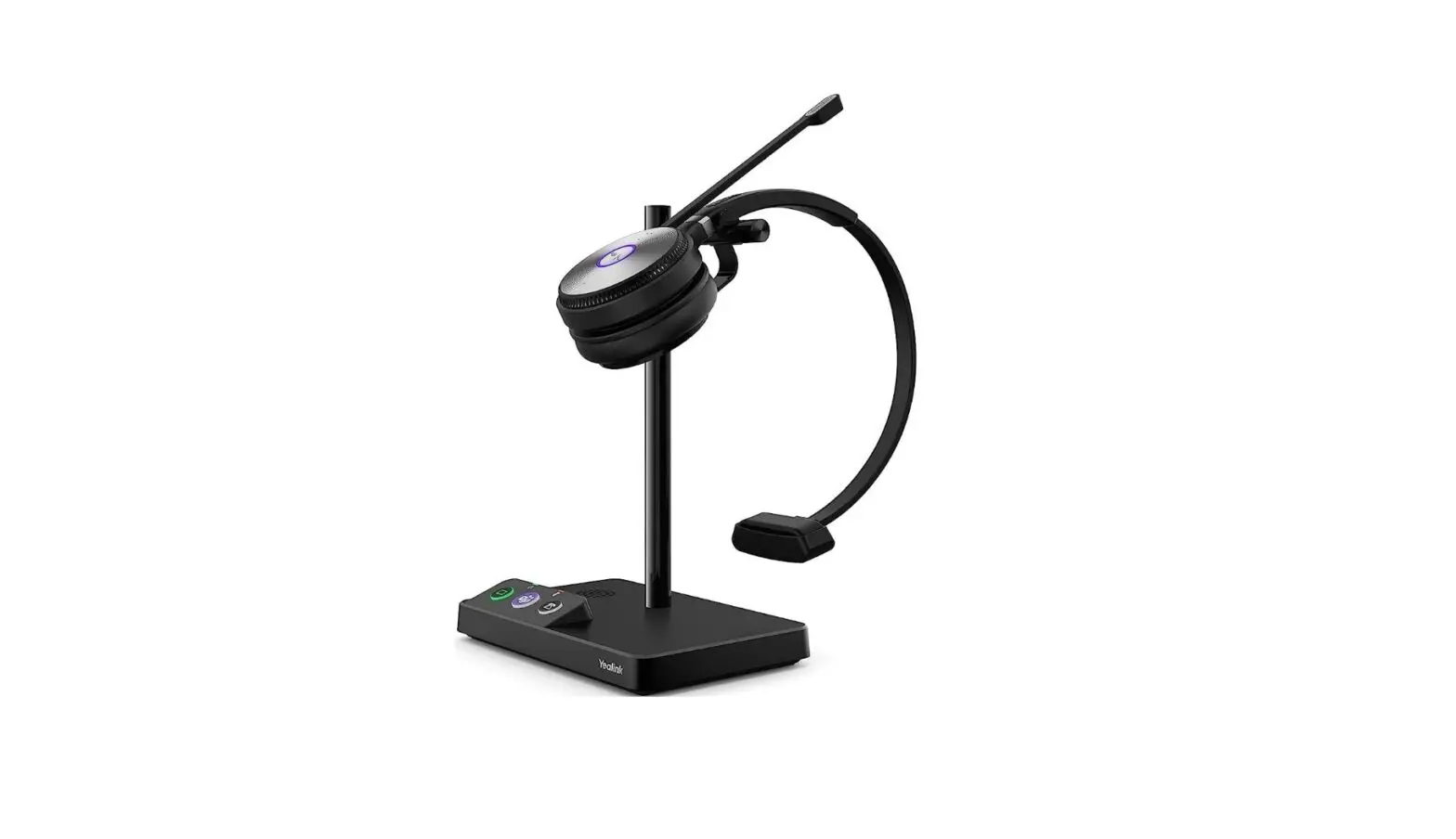
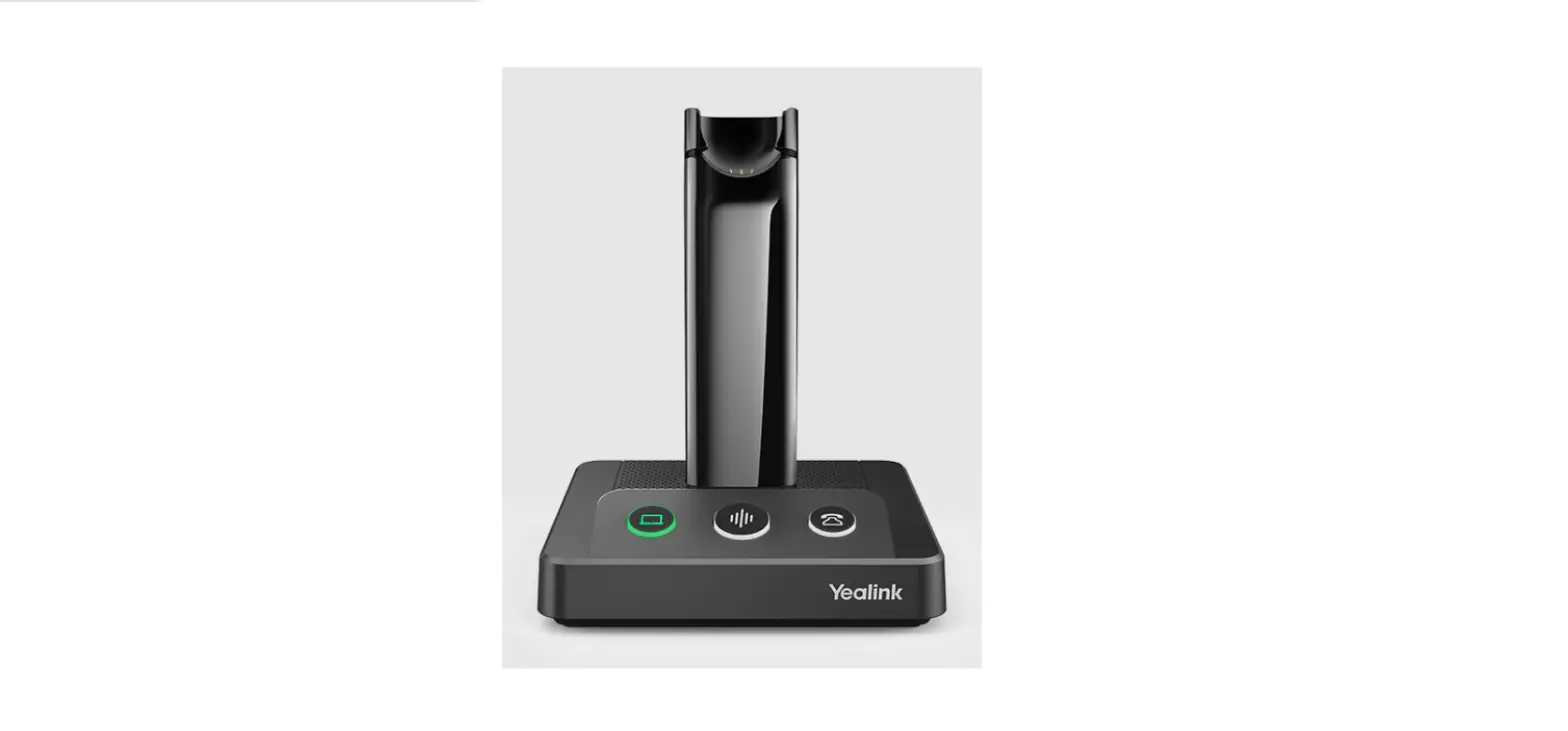
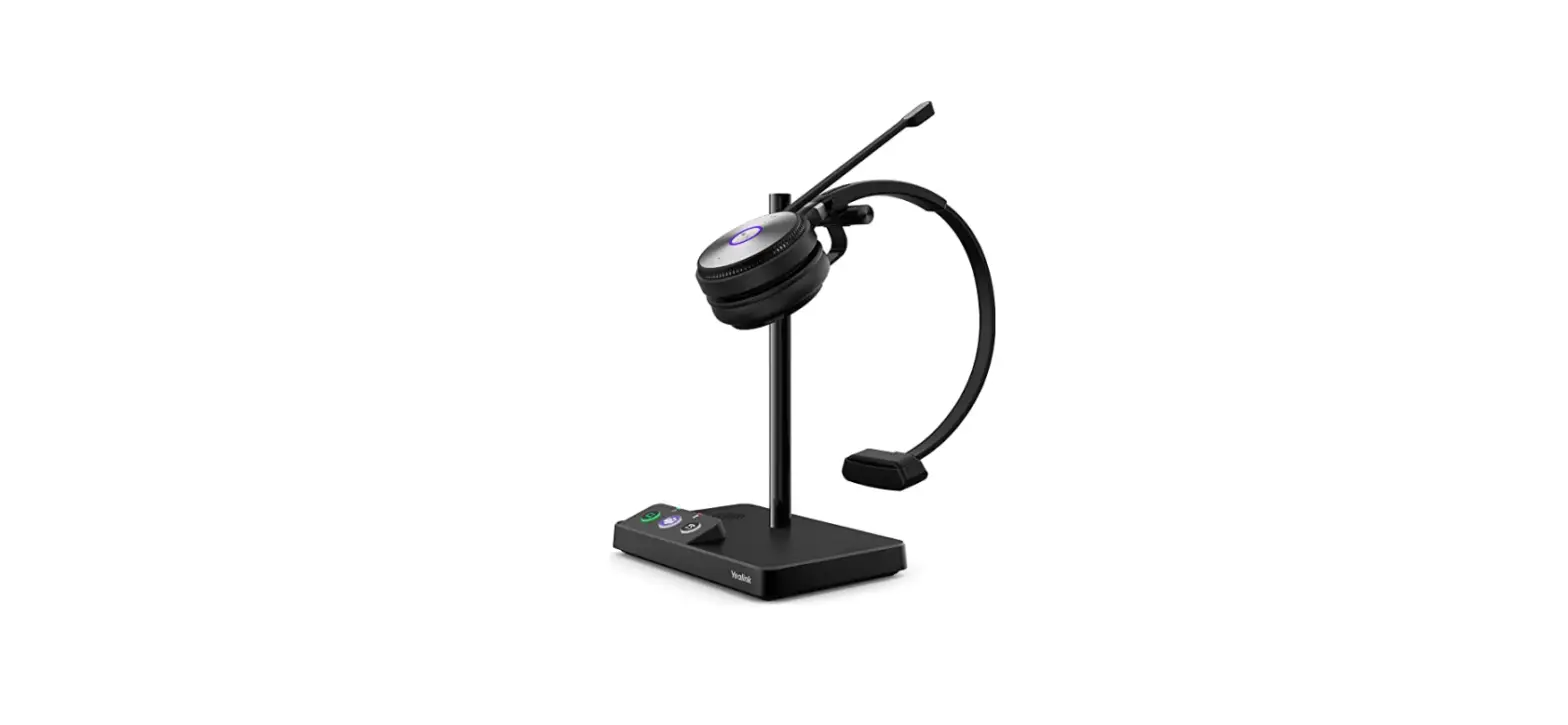
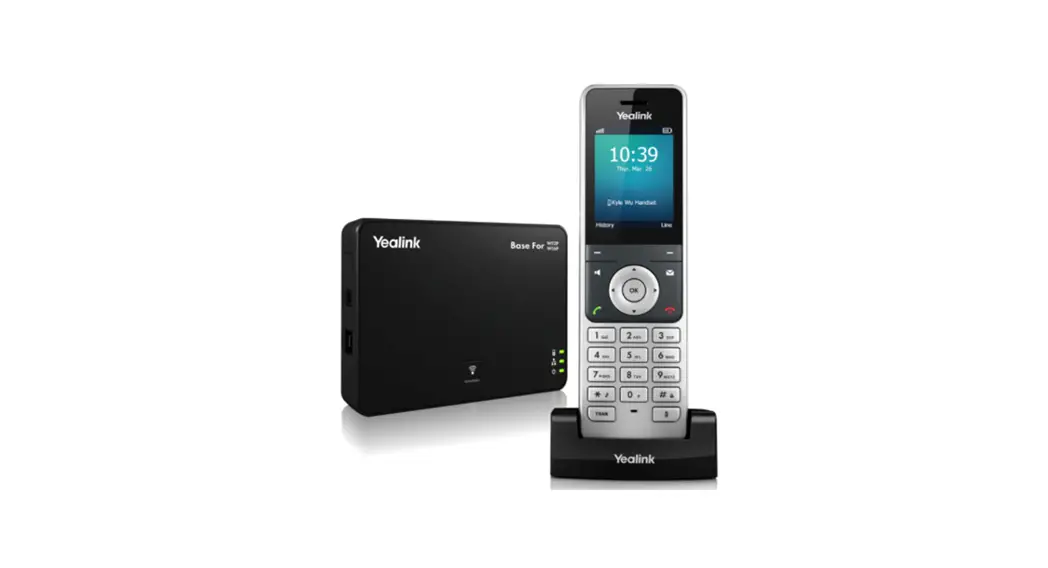
- Base station—shows the registration LED, network status LED, and power indicator LED.
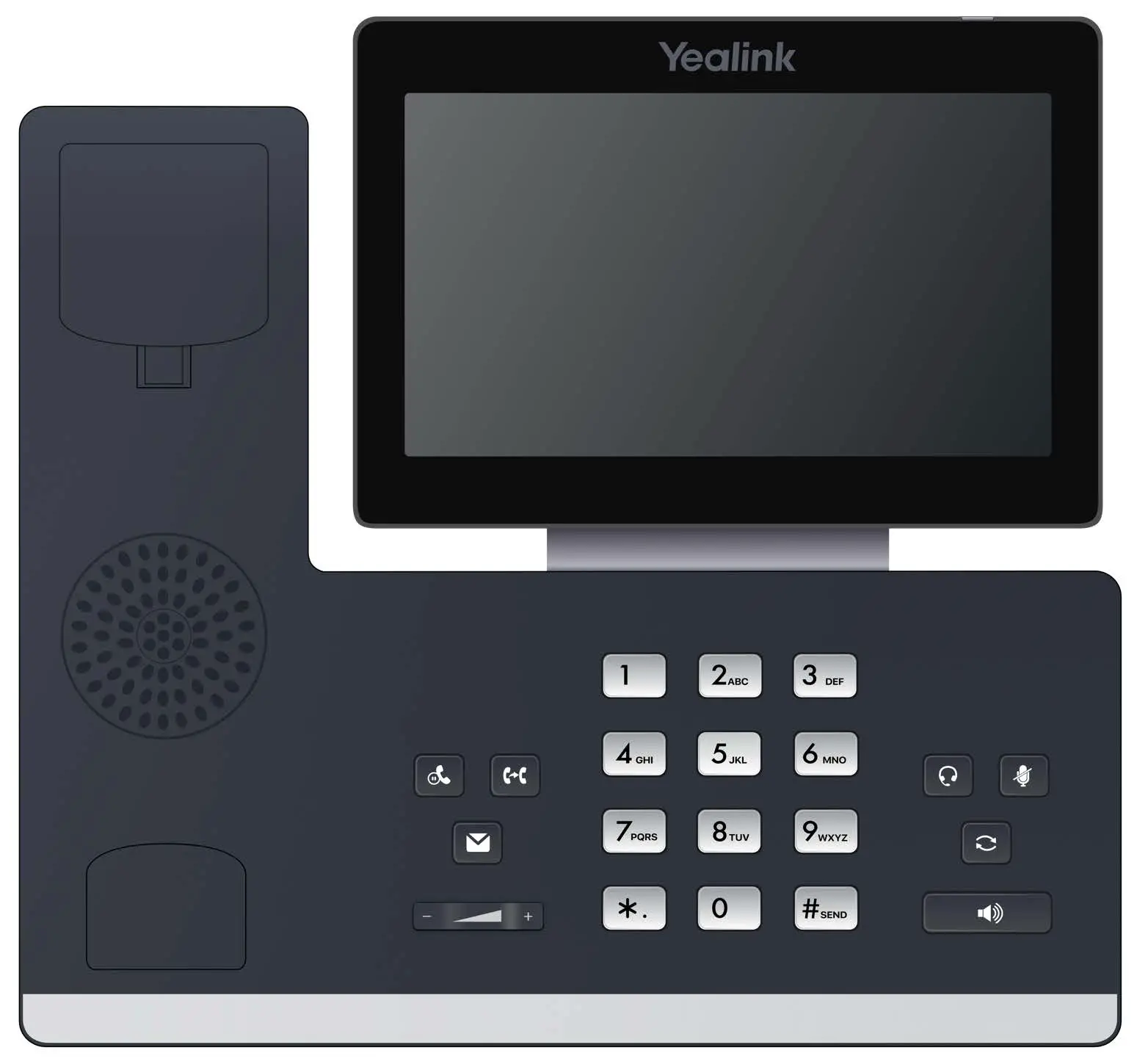
- Paging key—allows you to locate a misplaced handset.
- Soft keys—enables you to select context-sensitive keys that display along the bottom of the screen.
- Speakerphone key—enables you to place and receive calls using the speakerphone.
- Off-hook key—enables you to place a call, answer an incoming call, or access the redial call list.
- On-hook key—enables you to end a call, reject a call, or cancel actions.
- Message key—enables you to access the voicemail or missed call list.
- Hold key—holds an active call or resumes a held call.
- Navigation keys—scrolls through information and options displayed on the phone screen.
- TRAN key—transfer an active call to a contact.
- Mute/Unmute key—mutes audio during calls and conferences.
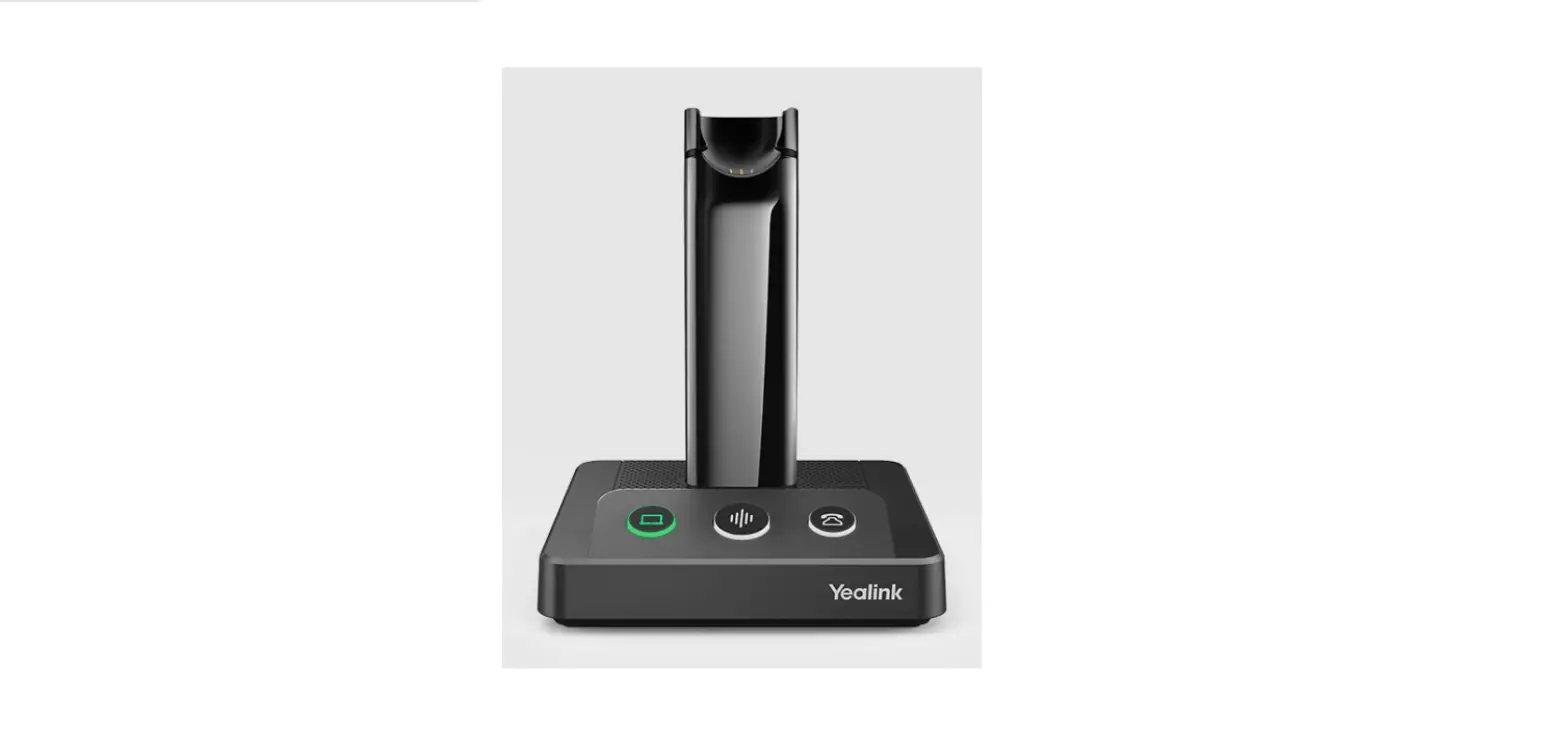
- Charger cradle—charges the handset.
Placing a call
Dial the number and do one of the following:
- Press
 .
. - Press
 .
. - Press
 to use the speakerphone.
 .
. .
. to use the speakerphone.
Answering a call
Options:
- Lift the handset.
- Press to answer a call via speakerphone.
Placing a call on hold
- Press the Options soft key, then select Hold.
Retrieving a held call
- Press the Resume soft key to retrieve a held call.
Starting a conference call
- While on an active call, press the Options soft key, then select Conference.
- Dial the extension of the other party that you would like to add to the call.
- Once the other party answers, press the Conf soft key to merge the two calls.
Transferring a call
Warm Transfer:
- While on an active call, press the Options soft key.
- Use the Navigation key to select Transfer.
- Press .
- Dial the extension or number of the other party and press .
- When the destination party answers, provide the information, and confirm that they would like to take the call.
- Press
 or the Transfer soft key.
 or the Transfer soft key.
Blind Transfer:
- While on an active call, press the Options soft key.
- Use the Navigation key to select Transfer.
- Press .
- Dial the extension of the other party, then press or the Transfer soft key.
Voicemail Transfer
- Press .
- Dial
 followed by the extension number.
 - Press or the Transfer soft key.
 followed by the extension number.
Parking a call
- While on an active call, press
 .
. - Listen to the prompt indicating that the call has been parked. The prompt will also announce the extension where the call is parked.
- Note the park location. Example *802.
To retrieve a parked call, press , followed by the park location.
 .
. followed by the park location.
Paging
- Press
 , then follow the prompt.
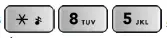 , then follow the prompt.
Initiating an Intercom call
- Press , then follow the prompt.
Recording a call
- While on an active call, press
 to start the recording.
 - Press to end the recording.
 to start the recording.
Hot Desking
- Press the Login soft key then follow the prompt.
- Enter your extension number, then press
 .
. - Enter your voicemail pin, then press.
 .
.© 1999 – 2022 RingCentral. All rights reserved. RingCentral Desk Phones | Yealink W56P/W60P/W76P