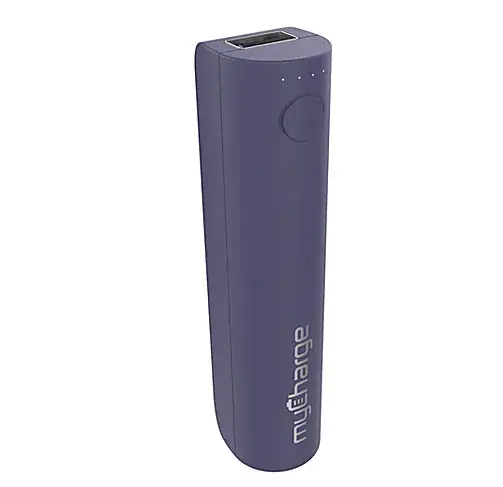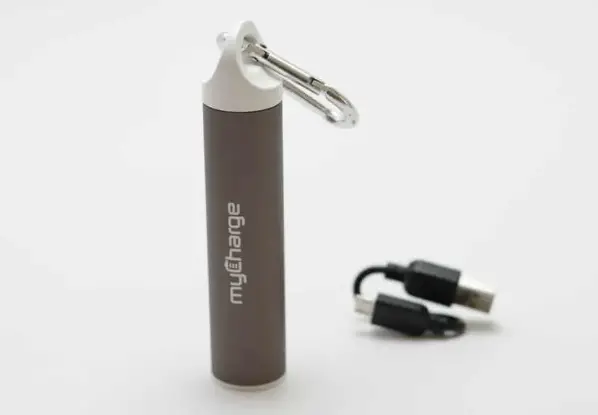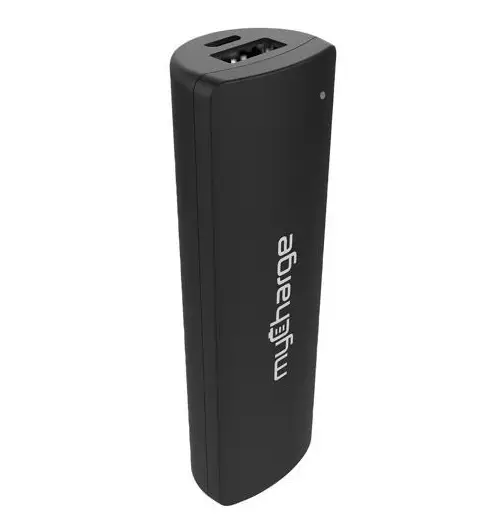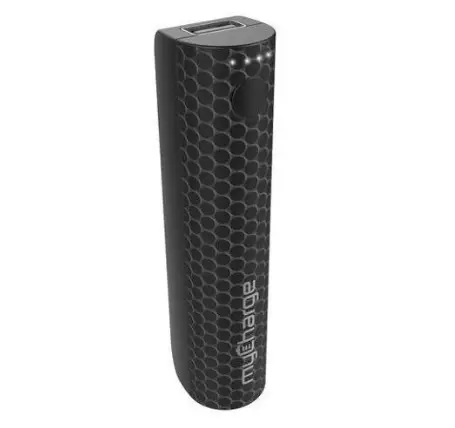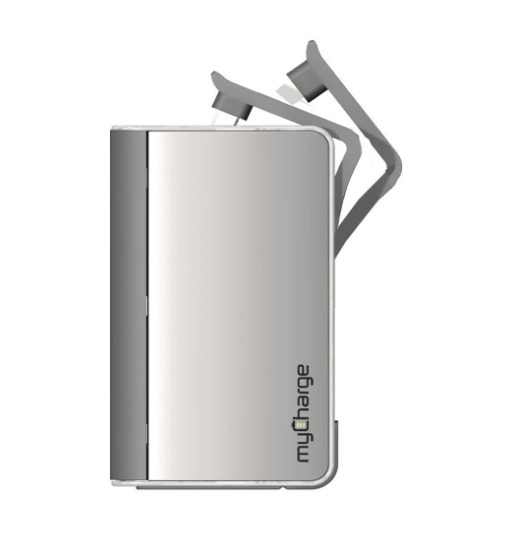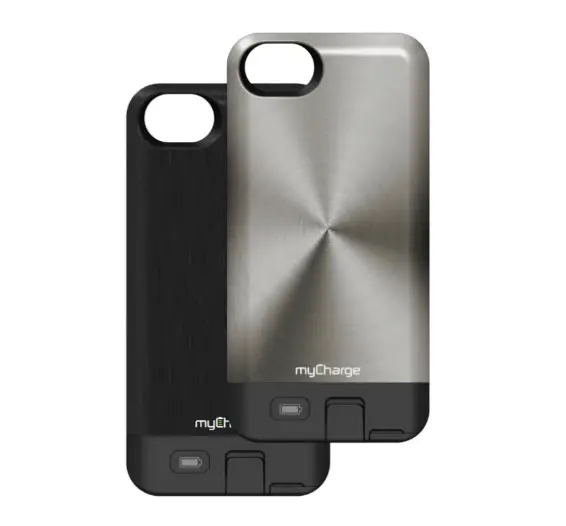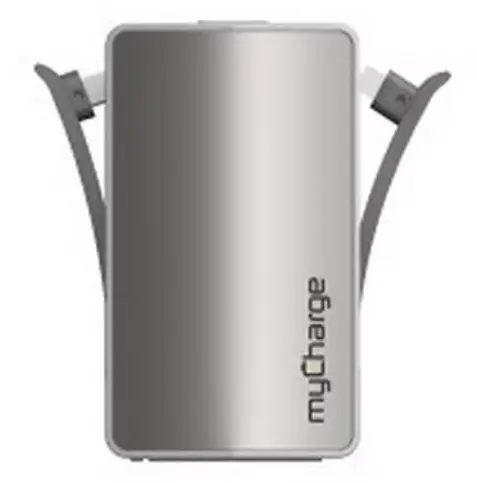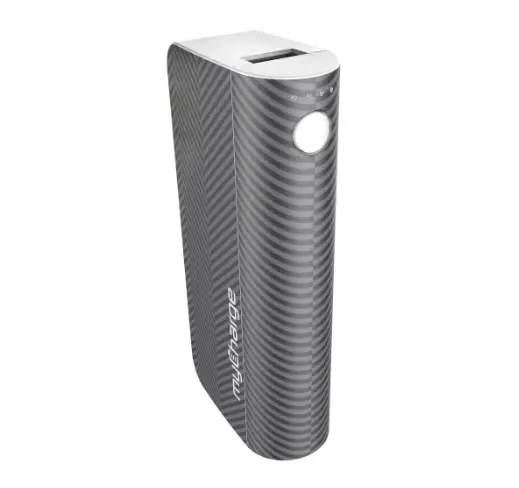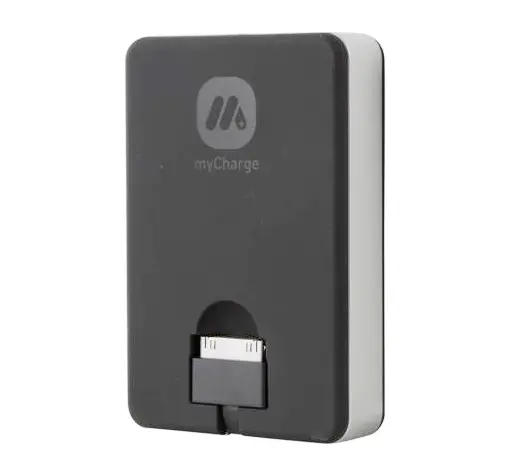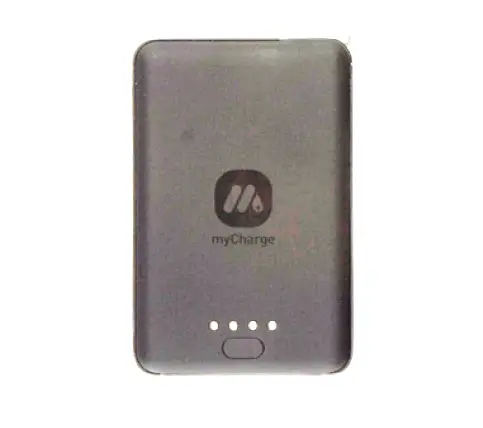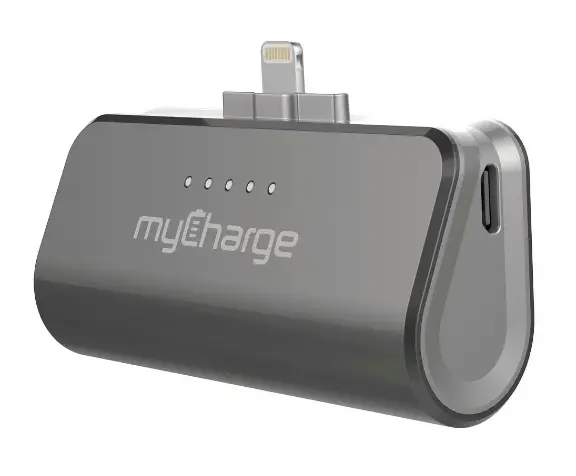
myCharge Style Power SPU20PC, SPU20M00, SPU20NW, SPU20KL, SPU20T, SPU20M01, SPU20KP, SPU20M02
QUICK START GUIDE
REGISTER your Ixoduct at myCherge.com You will be entered to win one of our amazing power gifts!
IN THIS PACKAGE:
- STYLEPOWER
- Quickstart guide
RECHARGING STYLEPOWER
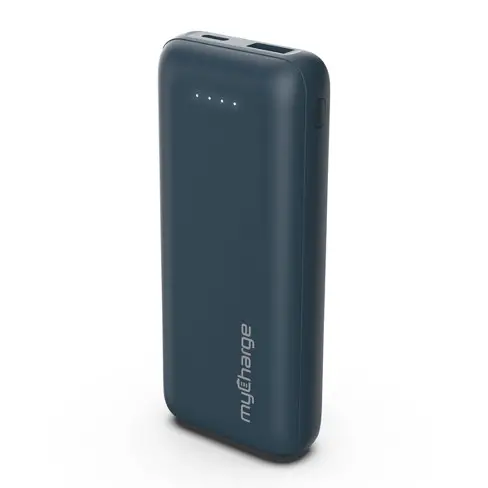
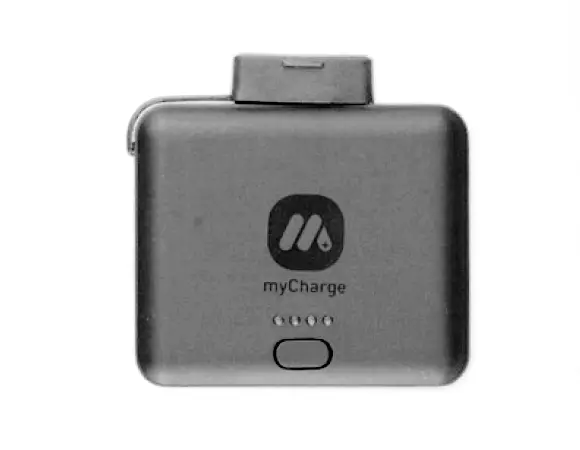
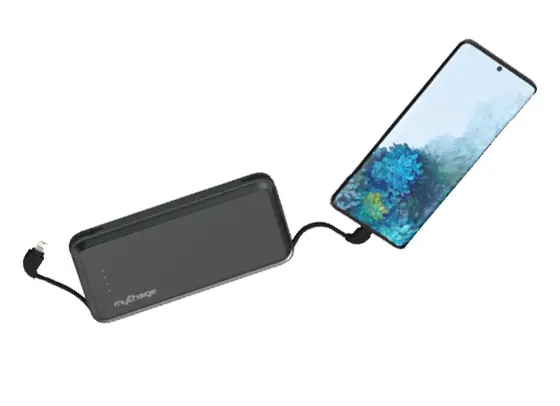
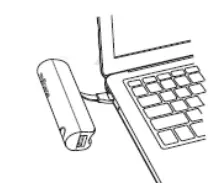
Connect the integrated recharging cable to any USB power source. Fully charged unit shows 4 solid, non-blinking LEDs.
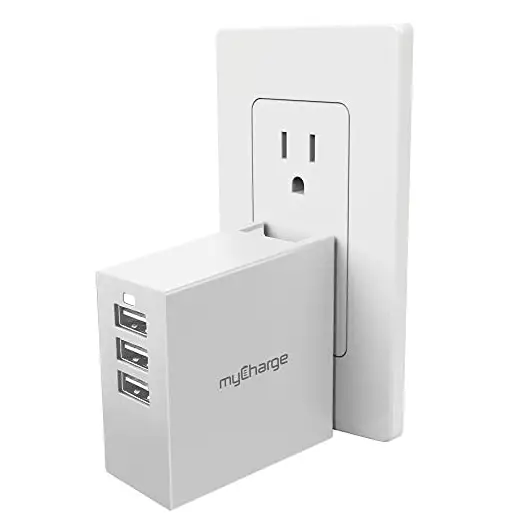
3 ways to recharge: Wall outlet, car, computer
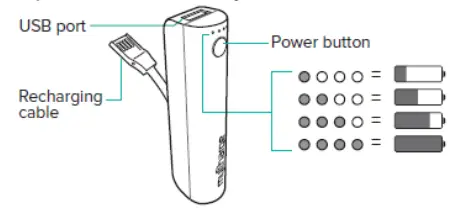
LED INDICATORS
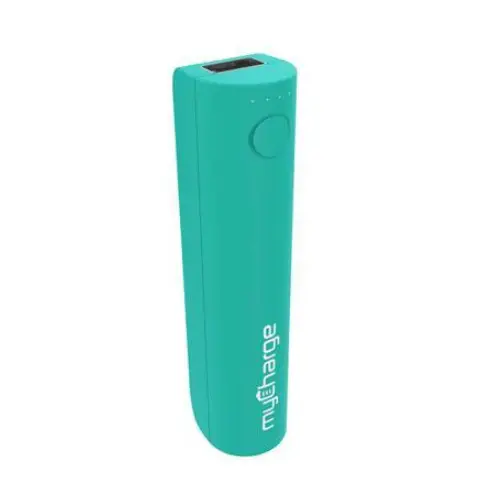
Press power button to see battery level
CHARGING DEVICES
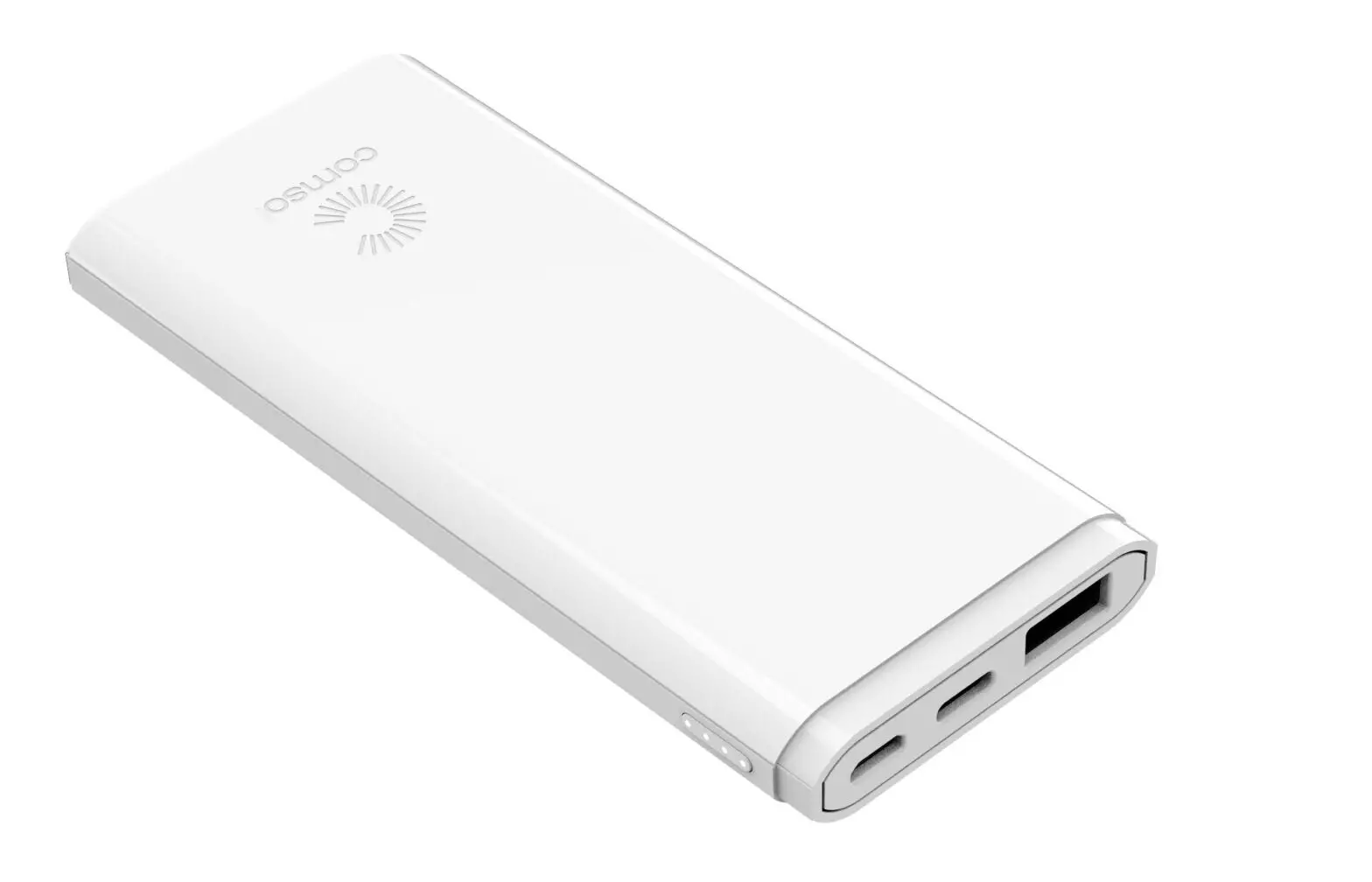
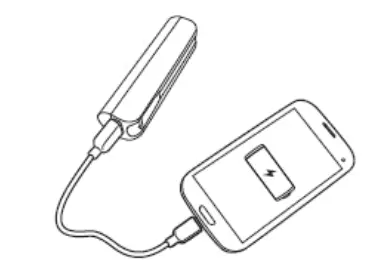
Using your own cable, plug the USB end into the STYLEPOWER and the other end into your device.
Charging should begin automatically — if it doesn’t, press the power button.
DOWNLOAD
myCharge Style Power SPU20PC, SPU20M00, SPU20NW, SPU20KL, SPU20T, SPU20M01, SPU20KP, SPU20M02 User Manual – [Download PDF]