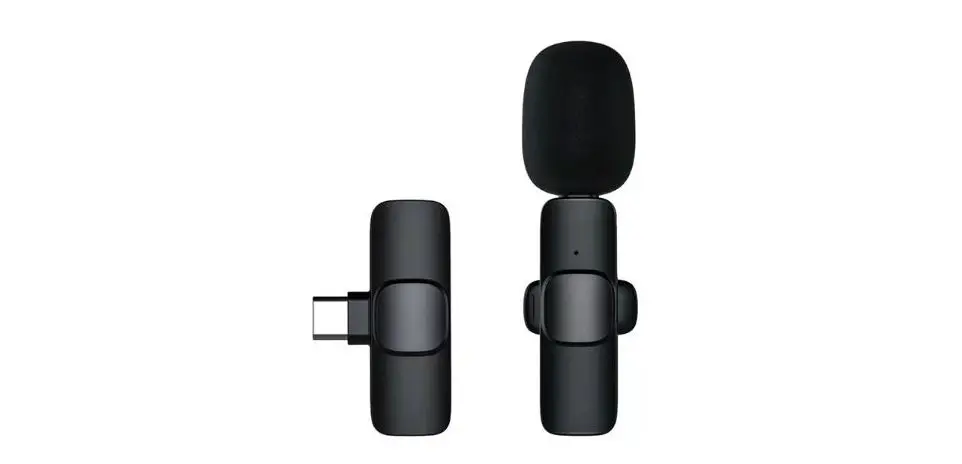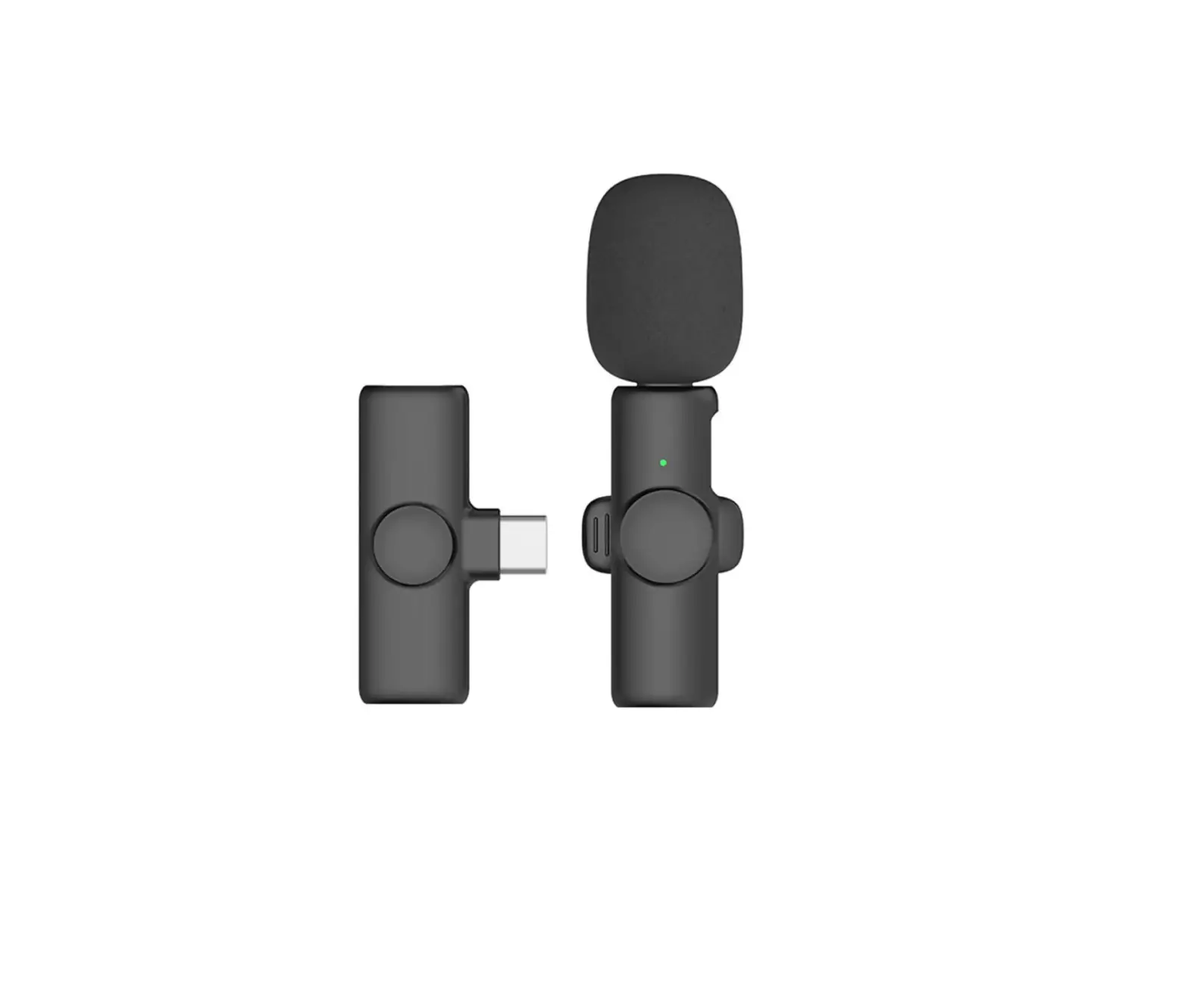
ONOVO K2 2PCS Wireless Microphone
Introduction
Thanks for choosing our product.
This product is a smart wireless microphone that provides professional grade recording. Plug and play, no app required, Multiple uses: it can be used in online live broadcast, video Vlog shooting, program interview, recording, video teaching and other occasions.
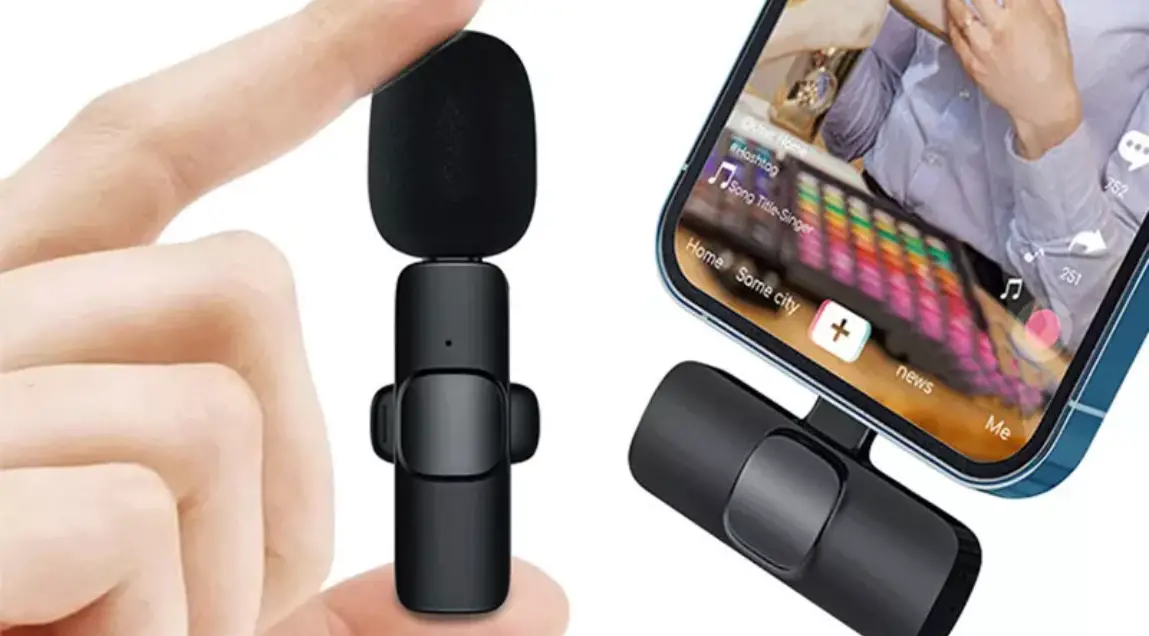
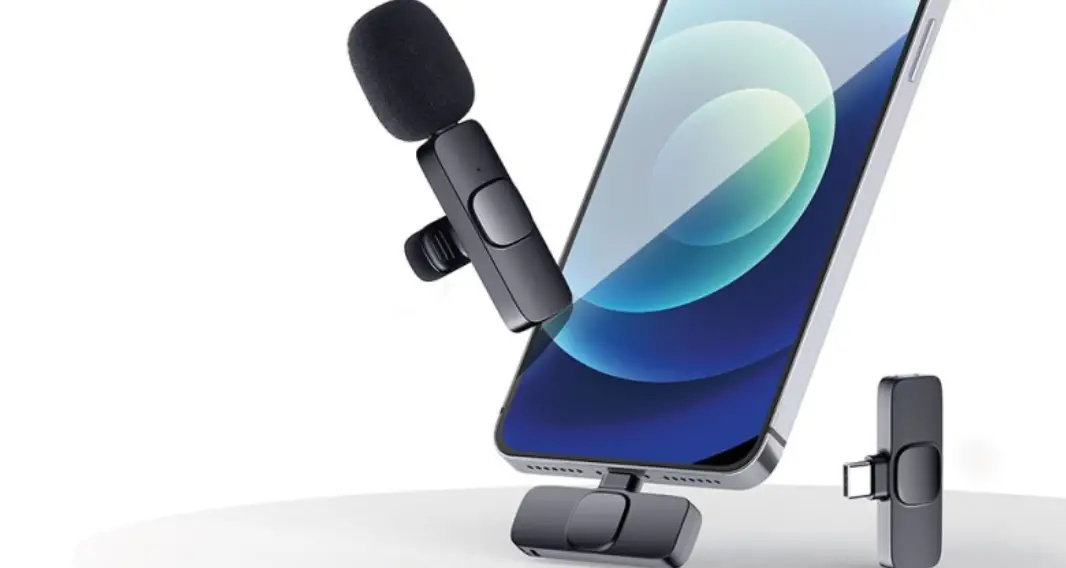
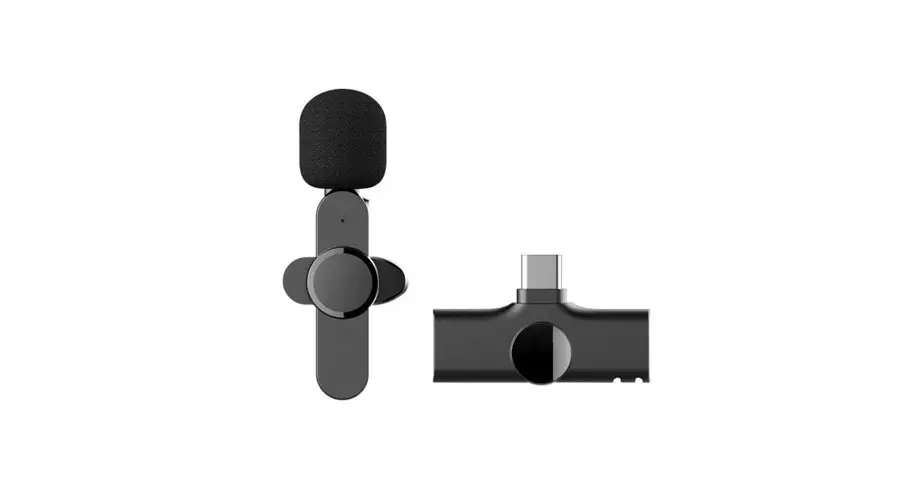
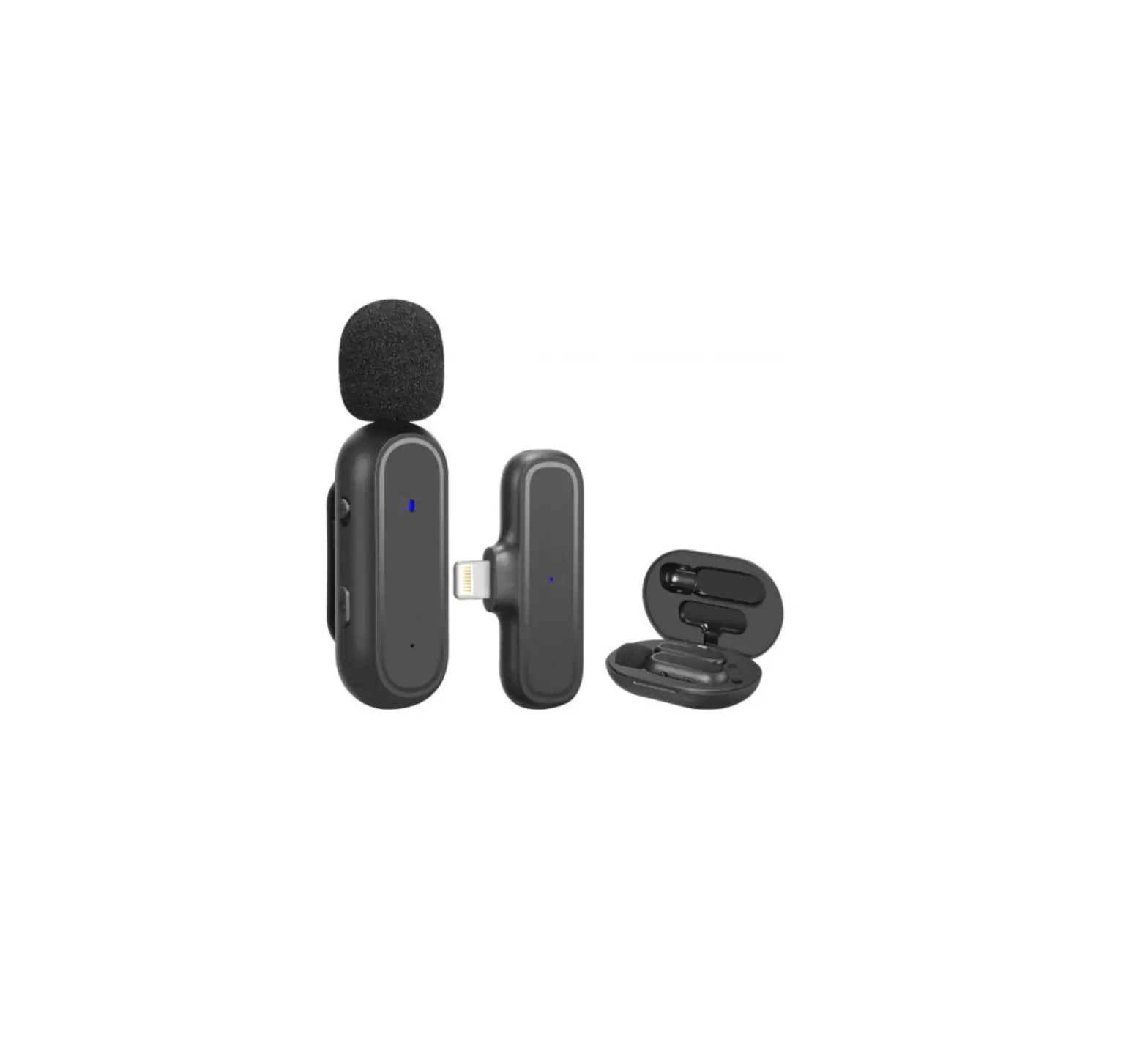
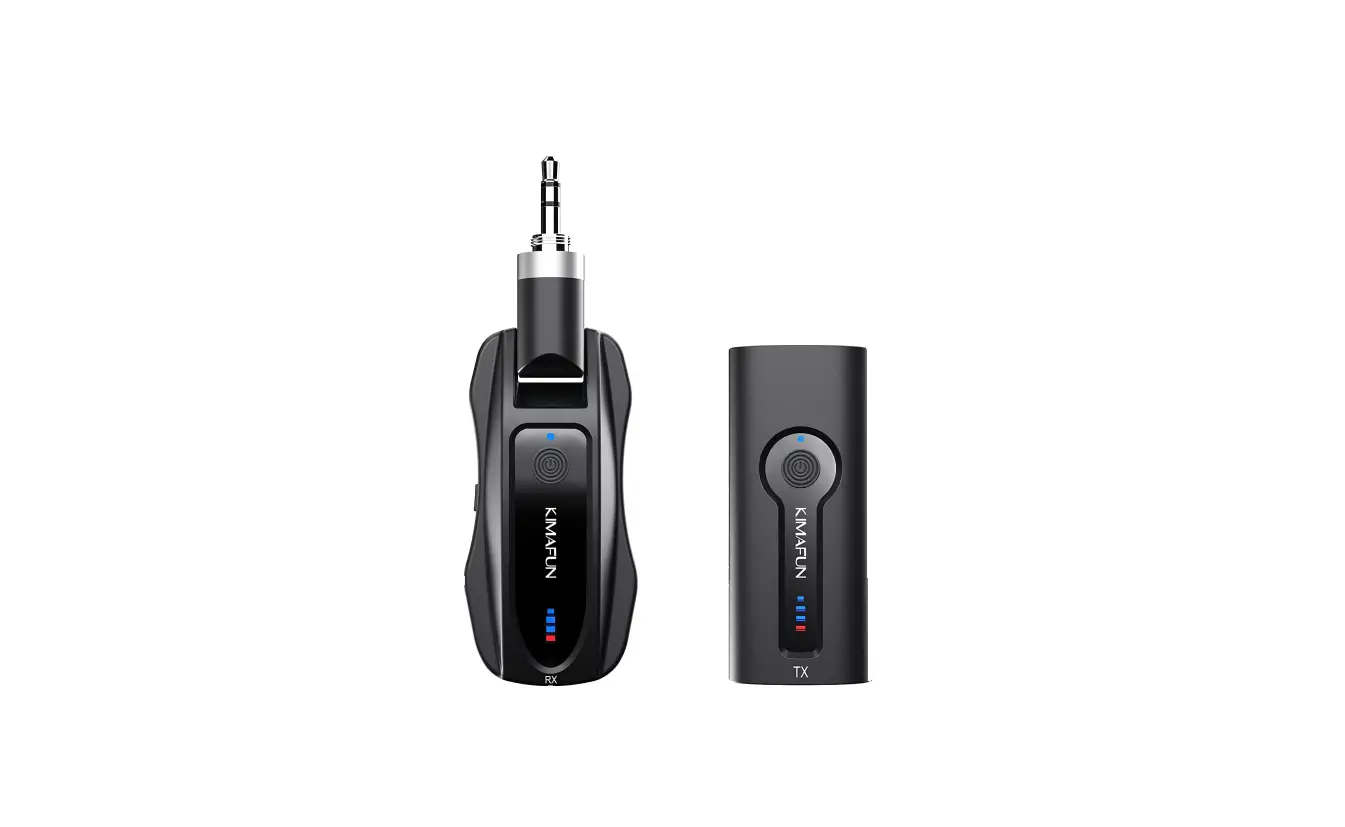
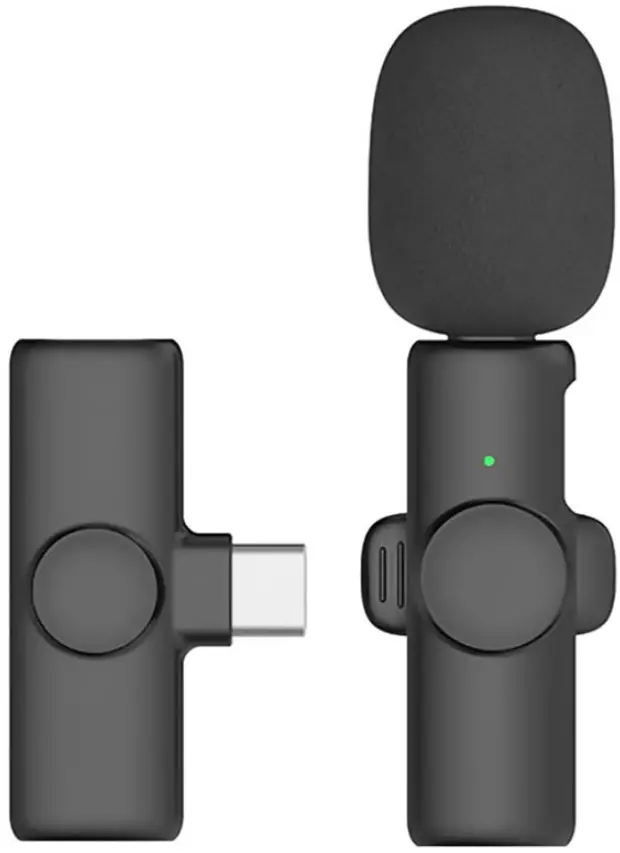
The wireless Microphone consists of two parts, one is Microphone transmitter(Needs to be charged), the other one is receiver(No need to charge)
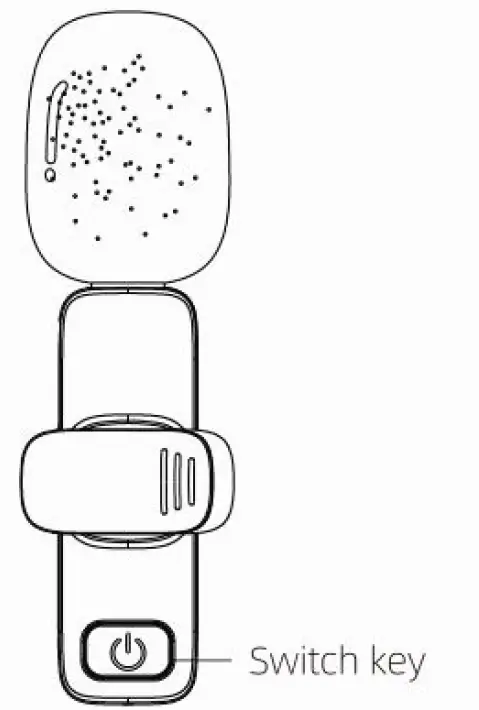
(See as below picture)
(Microphone transmitter)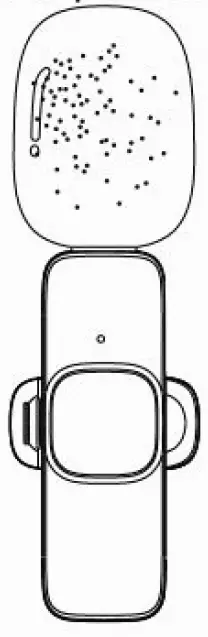
(receiver)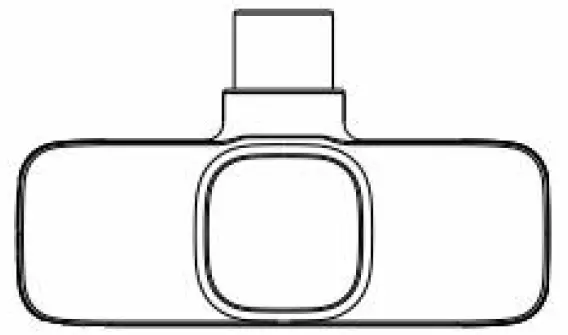
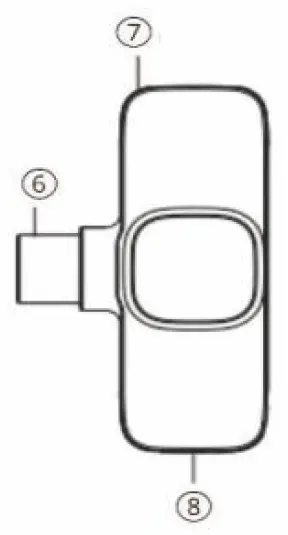
ID Diagram
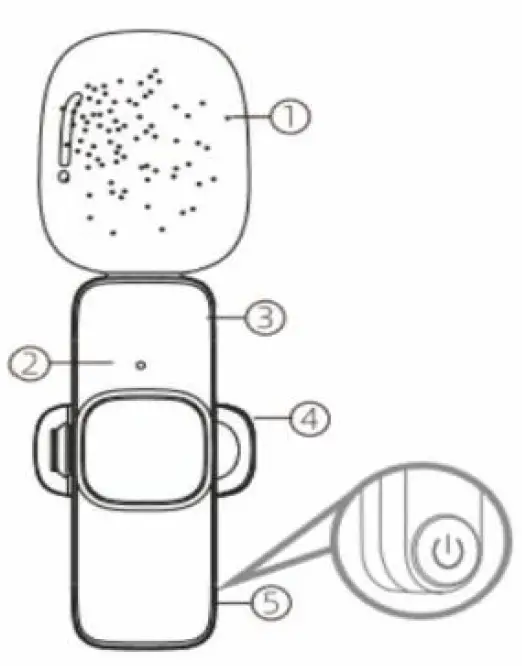
① Windproof net
② Microphone indication light
③ Microphone charging port
④ Clip
⑤ Switch key
⑥ Port to connect the device
⑦ Receiver indication light
⑧Reverse charging port
The function of the above ⑧will be explained specifically later, some Android phones may have incompatibility problems due to the system, please ask your dealer for details.
How to use
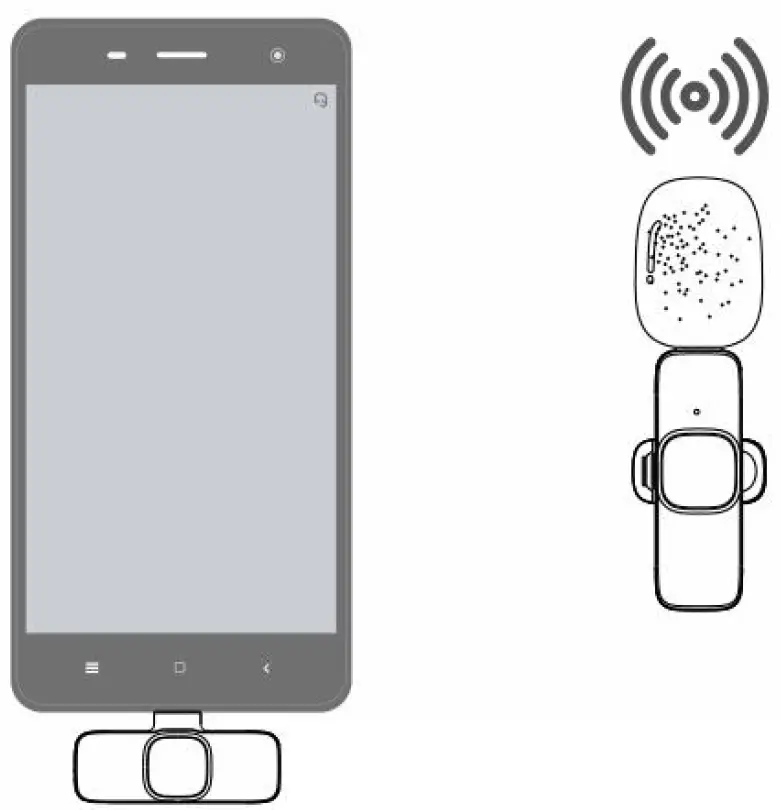
Step 1: Connect the receiver to phone with port, The indication light of the receiver flashes
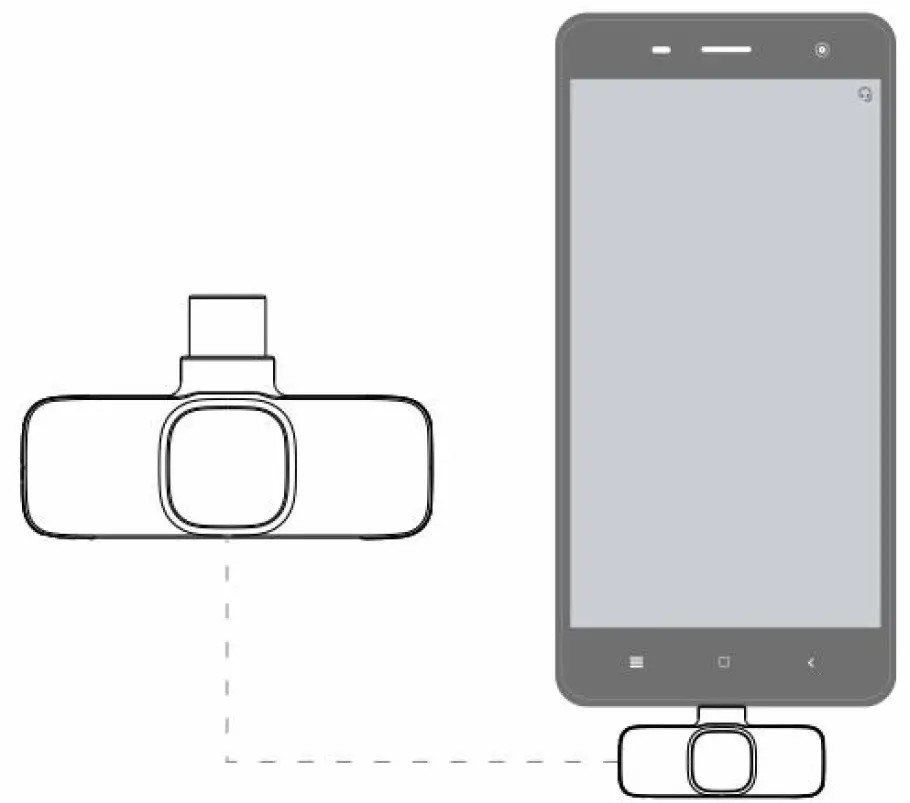
Note: oppo/vivo/iqoo/realme brand mobile phones can be used normally only when they turn on OTG power supply.
Step 2: Press switch key of microphone once, the indication light of microphone turns green, and then power is turned on.
Step 3: It is successfully co1nnected when the indication light of microphone and the receiver both keep on, then open the phone camera, live App or other Apps, and then to use the microphone to receive sound.
Special Note:
For the use of port: there is no battery in receiver, and no need to recharge during live. If the phone is low power during Live, it can be recharged directly through port.
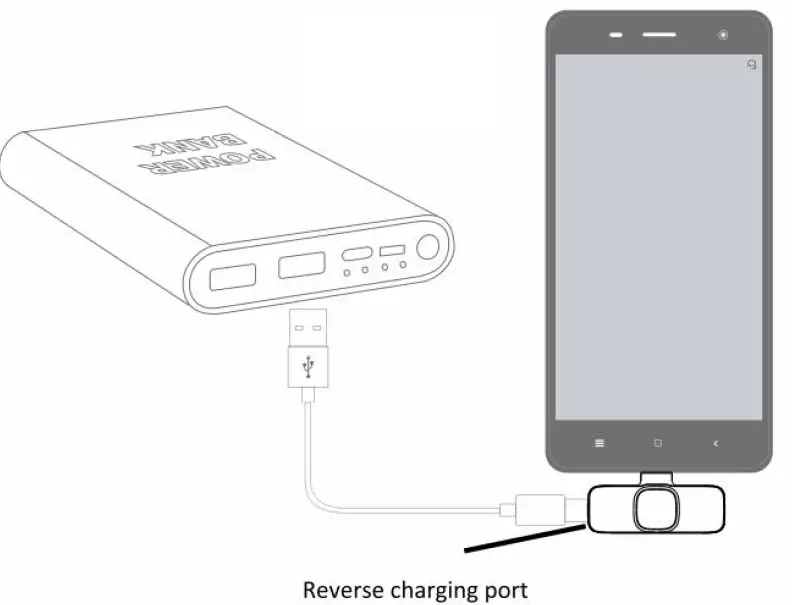
Note: Some models do not have this function, and the real object shall prevail
About UI
Microphone | ||
Operation | Indication light | |
| Power On | Press switch key once | Green light on |
| Power Off | Press switch key for 3S | All lights off |
| Pairing | Red and green lights flash alternately | |
| Paired | Green light keeps on | |
| Pause / Continue | Press switch key once when power on | Green light flashes when pause./ It returns to green when continue |
| low power | When device is on | Red light turns on every 10S |
| Charge | Use type-C cable | Red light on while charging/ Light off after fully charged |
| No connect | Microphone will automatically turn off after 3 minutes of no connection | All lights off |
Receiver | ||
Operation | Indication light | |
| Turn on | Plug into the cellphone | Light on |
| Turn off | Pull off from cellphone | Lights off |
| Pairing | Light flashes | |
| Paired | Light always keeps on | |
Packing List
- Microphone transmitter
- Receiver
- Charging cable
- User manual
Note: The microphone does not produce sound by itself, it only records the sound. It helps to catch your sound off longer distance and to reduce the noise around you.