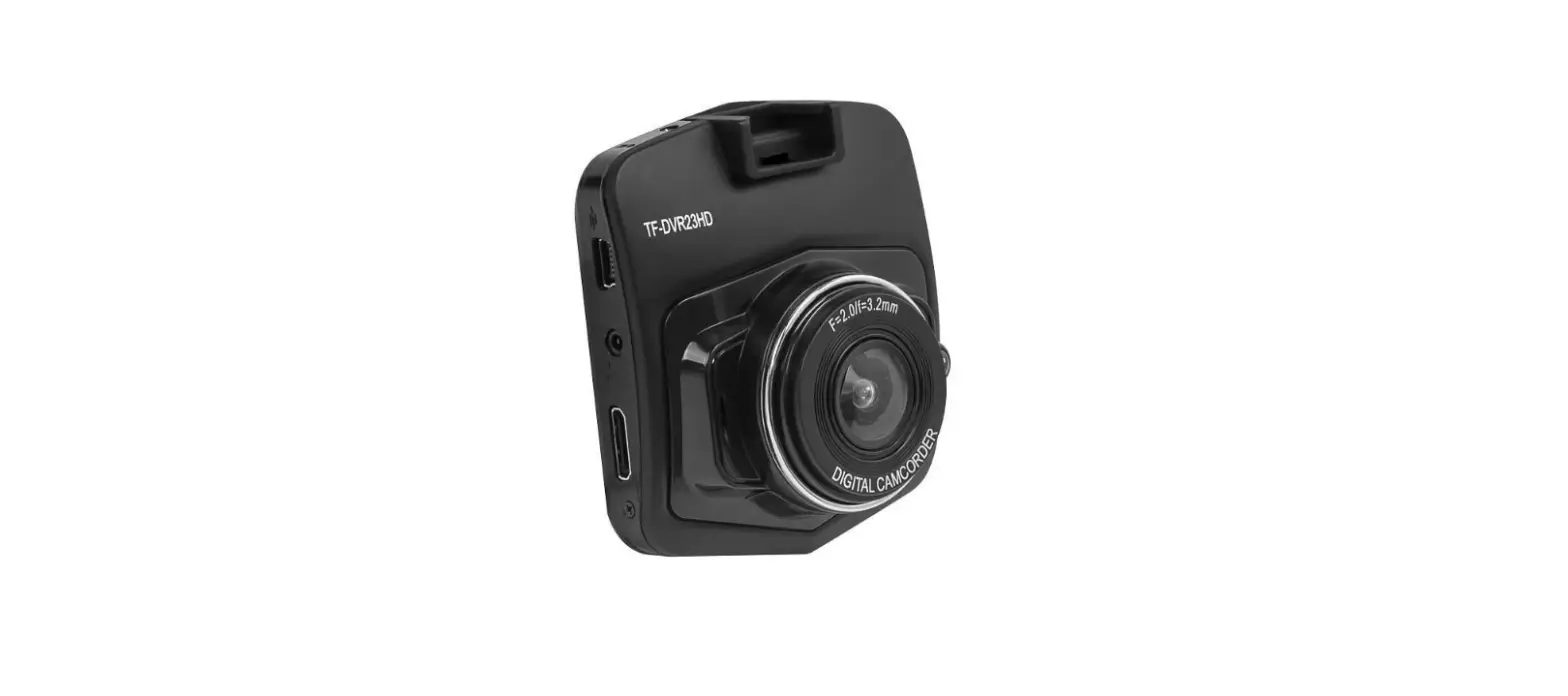
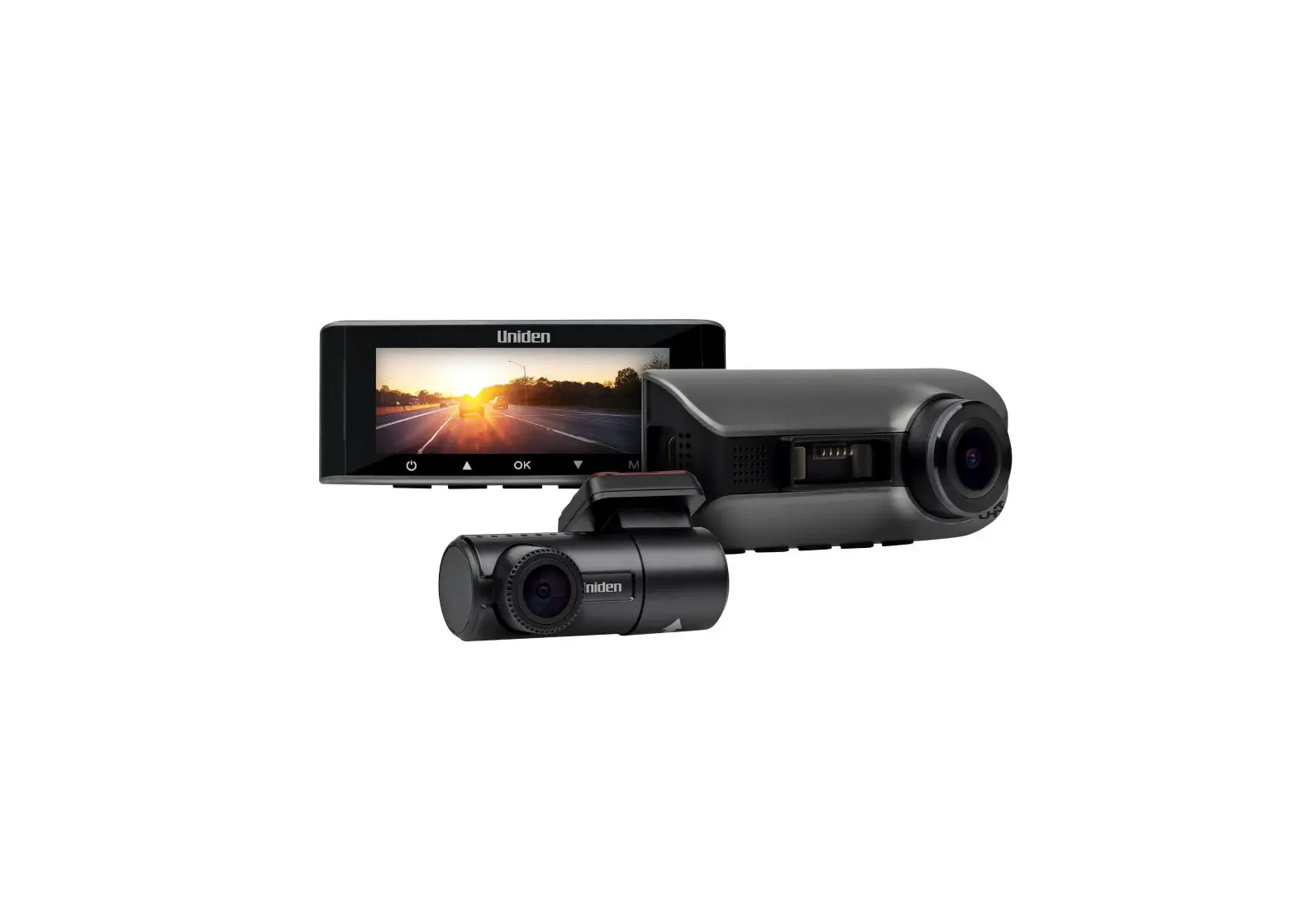
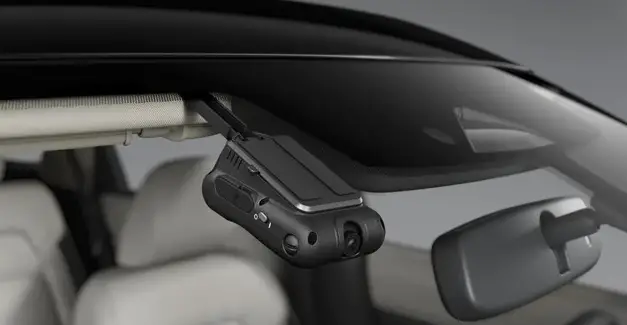
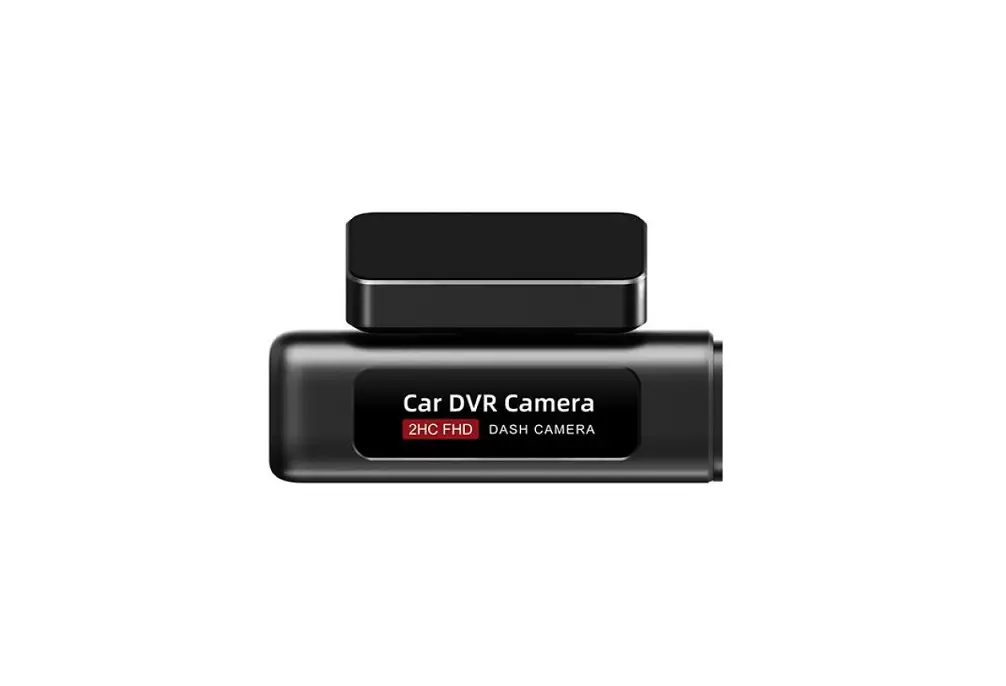
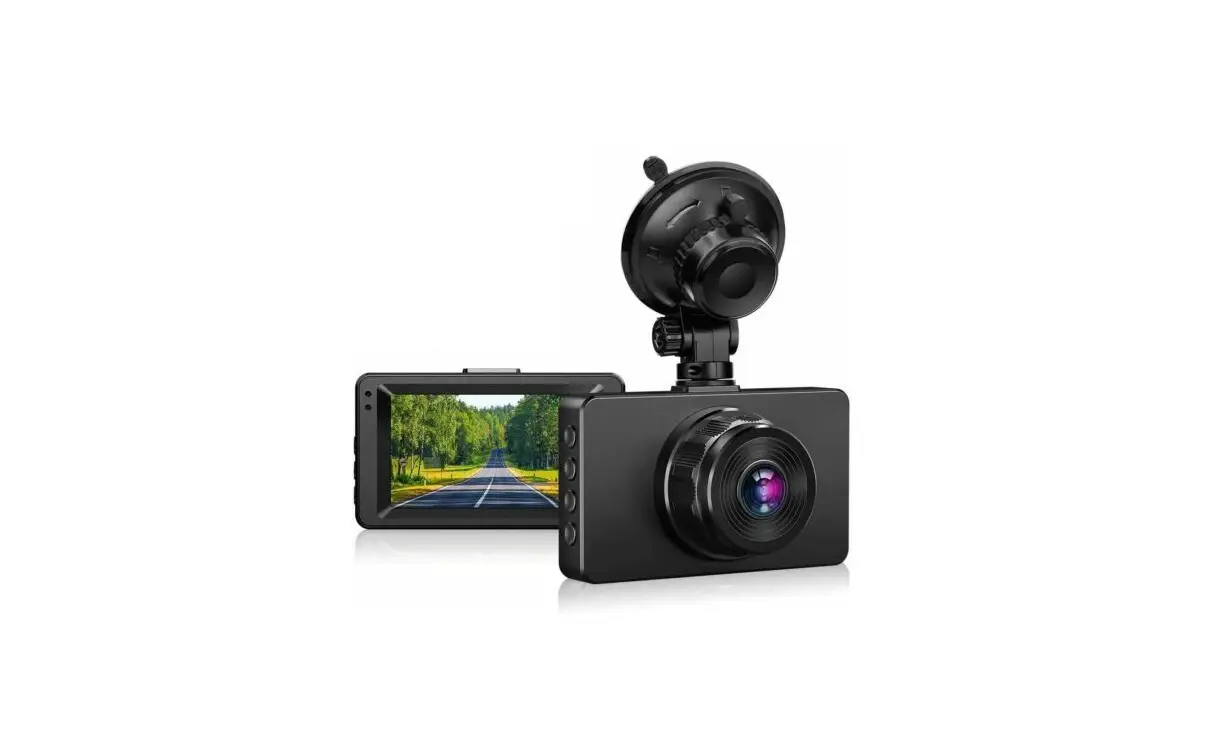
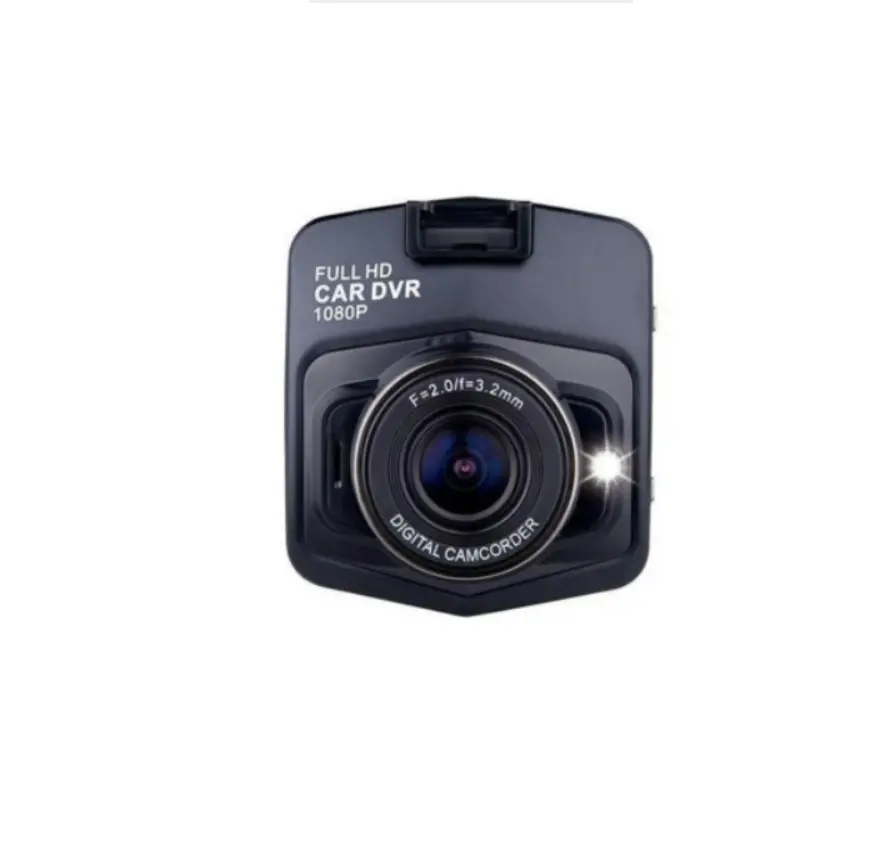
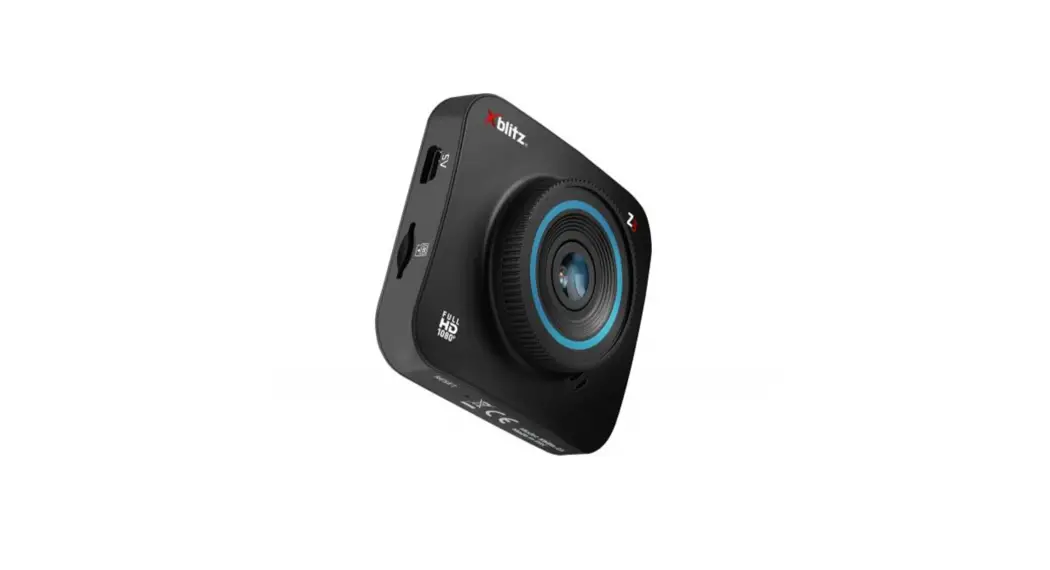
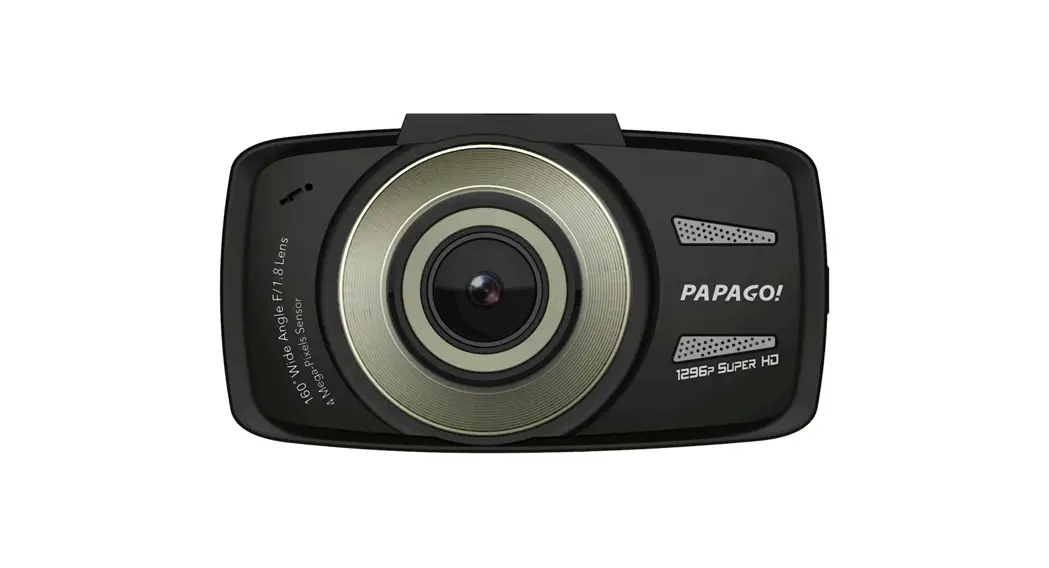
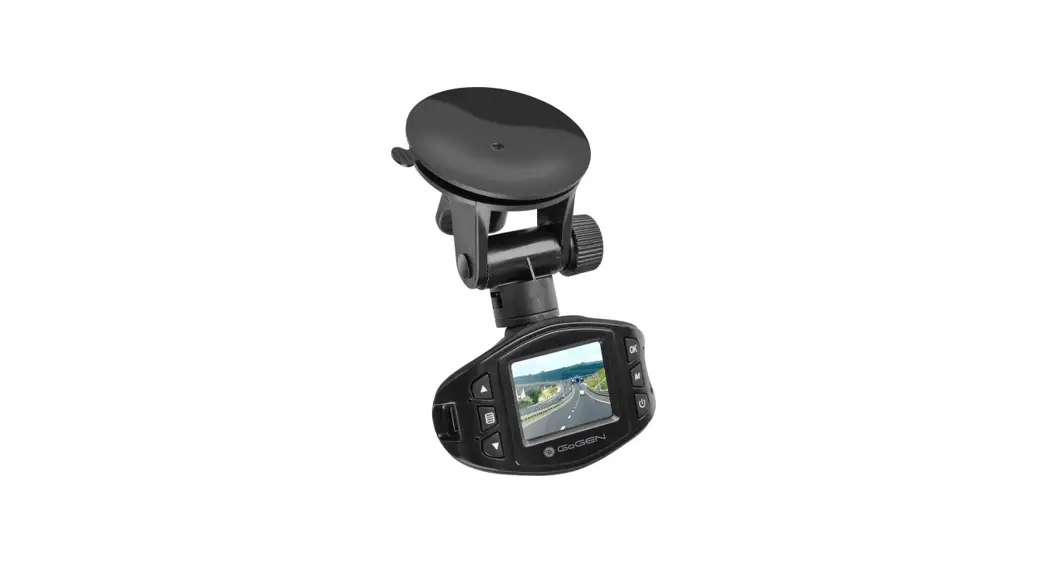
T99Q6 Drive Recorder Dual Camera
Product Information:
The product is a Drive Recorder Dual Camera designed for use
with the Pathfinder or QX60 vehicles. There are two different part
numbers available: T99Q6 5VG0A and T99Q6 5VG0B. The installation
requires an additional accessory service connector, part number
T99F6 4RA0A, which is not included in the kit.
Kit Contents – T99Q6 5VG0B:
- A
- B
- H
- G
- M
- N
Kit Contents – T99Q6 5VG0A:
- A
- G
- B
- H
- C
- D
- E
- J
- K
- P
- Q
- R
- C J
- D E
- K F L
- F L
- M
- N
- P
Additionally, there are some service parts not included in the
kit:
| Item | Qty. | Part Description | Service Part Number |
|---|---|---|---|
| AAA | 1 | Accessory Service Connector | T99F6 4RA0A |
Product Usage Instructions:
Tools Required:
- Flat head Screw Driver
- Nylon Trim Removal Tool
- Electrical tape
- Clean Rag
- Fish Wire
- Scissor
- Masking tape
- Pliers
Installation Cautions:
Trim pieces with witness marks or broken clips should not be
reinstalled. Store removed parts safely. If any problems occur
during installation, please contact the Nissan dealer where you
purchased the product.
Section 1 – Overview:
1.1) SYSTEM: The product is a Drive Recorder
Dual Camera.
1.2) VEHICLE: The accessory service connector
is required for installation.
1.3) D-OPT CONNECTOR LOCATION: The
dealer-option connector locations are specified.
Section 2 – Vehicle Preparation:
CAUTION: Always confirm that the ignition is in
the OFF position before changing the E.S.S. position. If the E.S.S.
is not in Customer Mode, it may result in a loss of normal vehicle
operation, preventing accessory function check.
2.1) Check Extended Storage Switch
Position:
- Put the shift lever in P position for A/T and CVT, or 1st for
M/T. - Apply the park brake.
- Place the ignition in OFF mode.
- Locate the Extended Storage Switch in the cabin fuse
block. - Confirm that the Extended Storage Switch is in the Customer
(In/Engaged) position. - If the ESS is not In/Engaged, proceed to step 2.2.
GENUINE PARTS INSTALLATION INSTRUCTIONS
DESCRIPTION:
Drive Recorder Dual camera
APPLICATION:
Pathfinder or QX60
PART NUMBER(S)
T99Q6 5VG0A or T99Q6 5VG0B – Drive Recorder – Dual Camera Kit
REQUIRED FOR
INSTALLATION:
T99F6 4RA0A , Accessory Service Connector – not included in kit above
KIT CONTENTS: T99Q6 5VG0B
A
B
H G
M
N
KIT CONTENTS: T99Q6 5VG0A
A G
B H
C
D
E
J
K
P
Q
R
C J
D E
K
F L
F L
M
N
P
ADDITIONAL SERVICE PARTS NOT INCLUDED IN KIT ABOVE :
Item
QLty.
Part Description
AAA
1 Accessory Service Connector
AAA
Q
Service Part Number T99F6 4RA0A
04032023_T98Q6 5VG0KII
1 of 27
PART NUMBER(S) T99Q6 5VG0A or T99Q6 5VG0B – Drive Recorder – Dual Camera Kit
REQUIRED FOR
INSTALLATION:
T99F6 4RA0A , Accessory Service Connector – not included in kit above
KIT CONTENTS:
Item Qty. Part Description
Service Part Number
A
1 Drive Recorder – Dual Camera Module
T98Q6 5VG0A
B
Coupler
C
1 Parts Kit
D
12 Cable Tie
E
3
Posi-TapTM Connector
F
9
Foam Tape, black, 60 x 45mm
G
1
Wire Cover(small)
H
1
Harness Assembly- Ignition and Ground
No Service Part Number Available as kit only Kit PN#T98Q6 5VG1B
J
2
Clip(A-pillar) (Pink)
K
2
Tether Clip(A-pillar)(Green)
L
1
Tether Clip(A-pillar)(Black)
M
1
Tether Clip(A-pillar)(Black)
N
1
Tether Clip(A-pillar)(Blue)
P
1
Clip(A-pillar)(White)
Q
1 User Guide
R
1 Installation Instruction website Address
KIT CONTENTS:
Item Qty. Part Description
A
1 Drive Recorder – Dual Camera Module
B
Coupler
C
1 Parts Kit
D
12 Cable Tie
E
3
Posi-TapTM Connector
F
9
Foam Tape, black, 60 x 45mm
G
1
Wire Cover(small)
H
1
Harness Assembly- Ignition and Ground
J
2
Clip(A-pillar) (Pink)
K
2
Tether Clip(A-pillar)(Green)
L
1
Tether Clip(A-pillar)(Black)
M
1
Clip(A-pillar)(White)
N
1 Tether Clip(A-pillar)(Blue)
P
1 User Guide
Q
1 Installation Instruction website Address
TOOLS REQUIRED:
Service Part Number T98Q6 5VG0A
No Service Part Number Available as kit only Kit PN#T98Q6 5VG0A
Flat head Screw Driver
Nylon Trim Removal Tool Electrical tape
Clean Rag
Fish Wire Scissor
Masking tape Pliers
04032023_T98Q6 5VG0KII
2 of 27
INSTALLATION CAUTIONS:
CAUTION
Dealer installation recommended. Instructions may refer to Service Manual. Please read this instruction carefully before installing this product for correct installation. Please DO NOT use or install the part in ways other than what is described. Always use floor, seat and steering wheel protection. Parts utilizing adhesion as method of attachment are to be installed at surface temperature of 15-38° C Posi-TapTM instructions must be specifically followed as described in Appendix A. Apply masking tape as needed to protect areas that may be scratched or damaged by tools. Always remove vehicle parts in the sequence directed. Improper procedure can damage parts. Take care not to scratch or damage any component during the removal or re-installation process.
Trim pieces found to have witness marks or broken clips ARE NOT to be reinstalled. Store removed parts in a safe manner. If a problem occurs during installation, please contact Nissan dealer where you purchased the product.
04032023_T98Q6 5VG0KII
3 of 27
SECTION 1 – OVERVIEW 1.1) SYSTEM
Drive Recorder Dual Camera
1.2) VEHICLE
Accessory Service Connector
Drive recorder-Dual camera
1.3) D-OPT CONNECTOR LOCATION
Dealer-Option Connector Locations
04032023_T98Q6 5VG0KII
4 of 27
SECTION 2 – VEHICLE PREPARATION
CAUTION
Always confirm the ignition is in the “OFF” position before changing the E.S.S. position. If E.S.S. is not in Customer Mode, there will be a loss of normal vehicle operation, preventing accessory function check.
2.1) Check Extended Storage Switch Position a ) Put shift lever in “P” position for A/T and CVT or “1st” for M/T . b ) Apply park brake. c ) Place ignition in “OFF” mode. d ) Locate Extended Storage Switch in cabin fuse block as shown. e ) Confirm Extended Storage Switch is in “Customer” (In/Engaged) position. f ) If ESS is not In/Engaged, then proceed to step 2.2 .
2.2) Changing ESS Position a ) To disengage Customer Mode, pull out in A direction as shown. b ) To engage Customer Mode, press in B direction as shown.
Condition Vehicle is delivered to the dealer Vehicle is being stored at the dealer Vehicle is delivered to customer
Preset 1
2
3
Switch Position Transit (OUT) Transit (OUT) Customer (IN)
Note
2.3) Record Customer Presets a ) Place ignition in “ON” mode. b ) Record the customer radio presets and other presets as required.
4
5
6
7
8
9
10
c ) Place ignition in “OFF” mode.
04032023_T98Q6 5VG0KII
5 of 27
SECTION 2 – VEHICLE PREPARATION
2.4) Disconnect battery terminal a ) Open vehicle hood. b ) Locate negative battery terminal. c ) Loosen nut with 10mm socket. Battery Terminal Nut
CAUTION
Allow 3 min after key off with doors closed for vehicle power to time out.
2.5) Disconnect battery terminal a ) Lift negative battery terminal off stud. b ) Isolate negative battery terminal.
CAUTION
Allow 3 min after negative terminal disconnect before separating any electrical connectors.
04032023_T98Q6 5VG0KII
6 of 27
SECTION 3 – TRIM REMOVAL
a
b
Front of Vehicle
underside of inner kick plate
3.1) Remove RH trim a ) Locate RH inner sill plate assembly.
3.2) Remove RH trim a ) Place fingers at clip which is located at inner rear and front end and pull out with a slight rotating motion until clip is popped loose, then pull up to remove door sill trim panel. Clip
3.3) Remove RH trim a ) Locate RH lower kick trim.
3.4) Remove nut a ) Remove trim fastener from lower kick trim by unscrewing with hand.
Trim Fastener
b ) Disengage and remove lower kick trim clip by pulling toward interior of vehicle as shown.
Clip
04032023_T98Q6 5VG0KII
7 of 27
SECTION 3 – TRIM REMOVAL
3.5) Remove weatherstrip a ) Remove door sill weatherstrip along area as shown.
3.6) Locate RH D-Opt connector a ) Locate Dealer-Option connector taped to main harness bundle. D-Opt Connector
3.7) Locate RH D-Opt connector a ) Carefully tear or cut tape to free Dealer Option connector. b ) Unfold Dealer-Option connector and let hang as shown. D-Opt Connector
04032023_T98Q6 5VG0KII
8 of 27
SECTION 3 – TRIM REMOVAL
3.8) Remove Sun Visor Clip a ) Rotate sun visor clip counterclockwise and remove.
3.9) Remove RH weather strip.
a ) Using a panel removal tool, loosen driver side weather strip and remove from top of the A-pillar to insturment panel.
BLUE
3.10) Remove RH A-pillar Trim a ) Remove RH A-pillar trim by disangaging Apillar Clips. b ) Remove and discard all Clips from A-pillar trim or Vehicle and set A-pillar trim aside to protect from damage.
CAUTION
Exercise caution when removing and installing LH front pillar garnish due to side airbag placement. Do NOT re-use RH front A-pillar clips. Replace with Clip “N” (Blue) Disconnect connector for speaker if equipped.
A-Pillar Clips
04032023_T98Q6 5VG0KII
9 of 27
SECTION 4 – INSTALLATION PROCEDURE
4.1) Install Drive recorder Template a ) Wipe area clean of any dirt. b ) Wipe using alcohol/water solution on a soft non-linting cloth.
c ) Let dry for 30 seconds.
FR camera trim edges
4 masking tapes
20mm 32mm
20mm
4.2) Install location template a ) Using scissors,cut out Drive recorder template from appendix C. b) Line up with FR camera trim edges.
4.3) Install Drive recorder coupler a ) Partially peel away the adhesive liner and align coupler (B) with template. b ) While lightily pressing down on coupler, peel down tape liner completely away. c ) Apply 15lbs. of pressure for 30 Sec. along the coupler to adhere tape to windshield properly.
CAUTION
Use caution when applying pressure as windshield may crack/damage.
4.4) Install Drive recorder Template a ) To verify drive recorder coupler placement, measure all 3 distance as specified in the picture.
CAUTION
Confirm coupler is aligned straight in view from FR passenger seat
04032023_T98Q6 5VG0KII
10 of 27
SECTION 4 – INSTALLATION PROCEDURE
Align all 4
2
1
1
2
4 3
Coupler
3 4
Drive recorder
Slide module down
4.5) Install Drive recorder a ) Remove clear protective film from both cameras. b ) Align 4 tabs on coupler with 4 holes on drive recorder module as specified in picture.
4.6) Install Drive recorder coupler a ) Slide Drive recorder module (A) on installed coupler by sliding from top to bottom of coupler, until “click” is heard.
4.7) Install Drive recorder harness
a ) Plug harness(H) connector into top of the drive recorder, pressing firmly until a “click” is heard. Pull GENTLY on harness to confirm harness is seated completely.
4.8) Install Drive recorder harness a ) Wrap four pieces of foam tape(F) around harness, evenly spaced along headliner as shown. b ) Using a panel removal tool, tuck wire harness between headliner and roof.
Foam Tape (F)
04032023_T98Q6 5VG0KII
11 of 27
SECTION 4 – INSTALLATION PROCEDURE
Clipping hole
4.9) Install Drive recorder Harness a ) Route harness down RH side A-pillar and secure to existing vehicle harness with 5 cable ties.
Cable Tie (D)
CAUTION
Do not use cable tie with airbag and drain tube. Ensure harness is clear from clipping hole.
4.10) Install drive recorder harness a ) Wrap 3 piece of foam tape around harness and feed harness through top of dash near A-pillar. b ) Feed harness from upper dash to lower passenger kick panel area.
Foam Tape (F)
04032023_T98Q6 5VG0KII
12 of 27
SECTION 4 – INSTALLATION PROCEDURE
A-pillar area
Front of Vehicle
4.11) Install Drive recorder Harness
a ) Secure harness with factory harness behind
RH A-pillar and feed harness down.
Cable Tie (C)
Dashdoard
Cockpit area
Front of Vehicle
4.12) Install drive recorder harness
a ) Feed harness from upper dash to lower
driver kick panel area and tuck in between the opening.
04032023_T98Q6 5VG0KII
13 of 27
SECTION 5 – ASC CONNECTION & FUNCTION CHECK
CAUTION
The Accessory Service Connector (AAA) is for use only with Genuine Nissan or Nissan-Approved accessories. Nissan/Infiniti is not liable for loss or damage due to improper installation or installation of non-Genuine or non-Approved accessories.
Accessory Service Connector
AAA
5.1) Connect ASC (AAA) to Drive recorder
5.5) a ) For detailed directions, see
Appendix A – Posi-Tap Procedure.
b ) Additional circuit information is in Appendix B – Mechanization Drawing.
5.2) Connect ASC (AAA) to Drive recorder a ) Using a Posi-Tap (E), connect BLACK Drive recorder lead wire to “GND” (BLACK wire) of the ASC (AAA) as shown.
b ) Using a Posi-Tap (E), connect RED Drive recorder lead wire to “BATTERY” (RED wire) of the ASC (AAA) as shown.
Co) Using a Posi-Tap (E), connect GREEN Drive recorder lead wire to “IGN” WHITE wire) of the ASC (AAA) as shown.
Posi Tap (E)
5.3) Connect ASC (AAA) to Drive recorder a ) Once the ASC is prepared as described in Appendix A, harness with ASC attached should look like this.
04032023_T98Q6 5VG0KII
14 of 27
SECTION 5 – ASC CONNECTION & FUNCTION CHECK 5.4) Connect ASC (AAA) to Drive recorder a ) Plug RH ASC into RH D-Opt connector. D-Opt Connector
5.5) Electrical function check a) Re-connect negative battery cable. b) Turn IGNITION ON.
Power switch to 1 “ON”
Function LED Power LED
5.6) Electrical function check a) Turn “ON” Module b) Listen for “chime” of Drive recorder. c) Confirm Power LED is blinking RED continuously and BLUE LED is solid.
CAUTION
Drive recorder will start recording audio and video once power is applied to module
5.7) Electrical function check
a) If NG,Check harness routing, connections
and Drive recorder Module to identify rootcause.
CAUTION
When diagnosing electrical system problems, first disconnect the accessory connectors and note effect on vehicle system. Continue the investigation with the accessory connector disconnected. Reconnect when the investigation is completed.
04032023_T98Q6 5VG0KII
15 of 27
SECTION 5 – ASC CONNECTION & FUNCTION CHECK
5.8) Install app to verify camera function a ) Search for “mDriveRecorder” smartphone app in Google Play Store or Apple App Store and install on your smartphone.
Drive recorder app icon
In phone Wi-Fi settings, Connect to drive recorder
b ) Turn Drive recorder module ON Ca)mIn Wi-Fi settings of phone look for device
name “MDRIVEXXXXXXXXX” and connect. Default Password is 0123456789.
5.9) Verify Camera view and function a ) Once Wi-Fi is connected, go in Drive recorder app select “Connect to drive Recorder” and then ” Live view”
5.10) Verify Front Camera view and function a ) View of Front camera will be displayed. b ) Confirm you see dash line with minimum interior(dashboard)
Interior Dash line RR glass Window
5.11) Verify In-Cabin camera view and function a ) Tap on camera flip icon on top right corner to see In-cabin camera view.
b ) Confirm you see whole rear glass window.
04032023_T98Q6 5VG0KII
16 of 27
SECTION 5 – ASC CONNECTION & FUNCTION CHECK 5.12) Install app to verify camera function a ) In mobile app tap on “Video list” then tap “download” icon on any video to start download.
5.13) Verify video download a ) Download will start, at this point DONOT switch to different app or screen until download is completed as shown in picture.
5.14) Verify video download a ) Go back to main screen and tap on “Downloaded videos”, from the list play video and confirm its playing
5.15) Factory reset a ) From “Drive recorder setting” scroll down to “Factory Reset” and confirm “RESET”. This should delete all recorded files. Turn OFF vehicle.
04032023_T98Q6 5VG0KII
17 of 27
SECTION 6 – FINAL
6.1) Secure Wire harness a) Bundle excess Mirror harness in loop in area shown. b) Secure the bundle to existing harness with 2 Cable ties.
Cable Tie (D)
CAUTION
Do not cable tie with rear windsheild washer fluid hose
6.2) Secure Wire harness a) Cut excess length from all cable ties with wire cutting pliers. b) Verify all wiring is secure.
Notch 1
Notch 2
Notch 2 Notch 3
Notch 2
FR camera knob
Notch 2
In-Cabin Camera
6.3) Adjust front camera a ) Confirm both In-Cabin camera and Front camera are set to Notch no. 2. b ) if required, Adjust front camera from FR camera knob using flat head screw driver.
6.4) Adjust In-cabin camera a ) if required, Adjust in-cabin camera with hand Moving from bottom – up b ) In cabin Camera setting: In cabin Camera all the way down – Notch 1 Move in-cabin camera up once – Notch 2
6.5) Re-install trim a) Re-Install interior trim that was removed in Section 3- Trim Removal.
04032023_T98Q6 5VG0KII
18 of 27
SECTION 6 – FINAL
CAUTION
Take care not to scratch or damage any component during the removal or re-installation process. Trim pieces found to have witness marks or broken clips should be replaced with new parts.
6.6) Complete checklist: Tighten Negative battery terminal nut to 8 N-m (+/-1) [71 in-lbs (+/-9)] . Verify QRG ( quick reference guide) is placed in glove box. Verify drive recorder have SD card.
Verify re-installed trim parts for proper fit (no gap, waviness, etc.), particularly the door sill weather Insert new A-pillar clip into garnish hole as specified below.
a) Twist the clip 90 degree to insert in the garnish hole as shown. Twist clip back 90 degress so it
locks in the hole.
1
b ) Push clip in the second hole and verify It is clipped properlly as shown
2 3
Verify all windows and sunroof (if equipped), one touch operation and perform the reset procedure if necessary. Refer to the vehicle Service Manual for more details. If this vehicle will be returned to a dealer lot or showroom for an extended period of time, be sure the Extended Storage Switch is placed in the Transit position. See step 2.1 .
Re-program radio presets and other vehicle settings to the recorded settings if necessary.
Remove all tools, templates, and other debris from interior of vehicle. Verify vehicle headliner, seat, steering wheel, center console, carpet, etc. are not soiled.
Verify interior and exterior are not damaged.
04032023_T98Q6 5VG0KII
19 of 27
APPENDIX A – POSI-TAP PROCEDURE
A.1) Installing Posi-TapTM on Accessory Service Connector (AAA)
a ) Identify and confirm ASC wire to be tapped. Check color as well as connector location.
b ) Separate wire from rest of bundle.
A
< 10 mm
B
A.2) Installing Posi-TapTM on ASC (AAA) a ) Remove pierce cap (A) gray side from tap b ) Slide cap around single wire to be tapped c ) Position cap < 10 mm away from heat shrink end of connector d ) Turn tap (B) clockwise until finger “tight”. Then secure to cap (A) with another ¼ turn.
CAUTION
Do not overtighten Posi-Tap, it may damage wire
A.3) Installing Posi-TapTM on ASC (AAA) a ) Inspect Posi-TapTM to ensure correct installation. b ) Wire jacket should be crushed enough to maintain pressure. c ) Confirm tap cap gap is straight and evenly spaced around perimeter.
A.4) Installing Accessory wire into Posi-TapTM
a ) Remove tap bottom (C) red side from tap
B
body (B).
b ) Remove the pre cut insulation from correct
Accessory wire.
c ) Insert wire through tap bottom (C)
d ) Fan out individual wire strands as shown.
C
e ) Insert wire into tap body until it bottoms
f ) Turn tap bottom (C) clockwise until finger
“tight”. Then secure to tap body (B) with
another ¼ turn.
04032023_T98Q6 5VG0KII
20 of 27
APPENDIX A – POSI-TAP PROCEDURE
A.5) Installing accessory wire into Posi-TapTM a ) Confirm tap bottom gap is straight and evenly spaced around perimeter
b ) Gently pull on wire to confirm secure connection.
15 mm A
B
A.6) Accessory wire strain relief a ) Measure 15 mm from point (A). b ) Gently form a loop at point (B) and bend back up towards Posi-TapTM (bend radius 10mm).
c ) Gently form a loop at point (C) and bend back over top of Posi-TapTM and down opposite side (bend radius 10mm).
C
A.7) Accessory wire strain relief a ) Secure accessory wire strain relief to tap body with electrical tape ( 2 revolutions).
A.8) Accessory wire strain relief a ) Once accessory wire strain relief is taped to tap body, it should look as shown.
A.9) Installing Posi-TapTM on ASC (AAA) a ) Repeat steps A.1 – A.8 for all other wires requiring a Posi-TapTM.
04032023_T98Q6 5VG0KII
21 of 27
APPENDIX A – POSI-TAP PROCEDURE
A.10) Securing multiple Posi-TapsTM together a ) Stack Posi-TapsTM in slightly staggered fashion as shown.
b ) Secure tapped circuits together with electrical tape ( 2 revolutions).
A.11) Securing multiple Posi-TapsTM together a ) Once tapped circuits are secured together with electrical tape they should look as shown.
04032023_T98Q6 5VG0KII
22 of 27
APPENDIX A – POSI-TAP PROCEDURE
A.12) Securing multiple Posi-TapsTM together a ) Secure Posi-TapsTM together with electrical tape ( 4 revolutions).
A.13) Securing multiple Posi-TapsTM together a ) Once Posi-TapsTMare secured together with electrical tape they should look as shown.
04032023_T98Q6 5VG0KII
23 of 27
APPENDIX A – POSI-TAP PROCEDURE
A.14) Securing multiple Posi-TapsTM together a ) To prevent any possible noise or rattle issues, use two pieces of Foam Tape (E) to wrap pre-taped Posi-TapsTM.
Foam Tape (E)
A.15) Securing multiple Posi-TapsTM together a ) Once wrapped with Foam Tape (E), taped Posi-TapTM bundle should look as shown.
04032023_T98Q6 5VG0KII
24 of 27
APPENDIX B – MECHANIZATION DRAWING B.1) Figure below applies to the Drive Recorder connected to the RH ASC
IGN
1 ——- white———————————————————————
BAT
2 ——- red ———————————————————————
TAIL_LAMP
3 ——- purple———————————————————————
ROOM_LAMP
4 ——- yellow———————————————————————
BAT_SAVER
5 ——- pink ———————————————————————
FR_DOOR_SW_RH 6 ——- green ———————————————————————
FR_DOOR_SW_LH 7 ——- lt_green———————————————————————
THRU_SIGNAL
8 ——- gray ———————————————————————
SECURITY_INDICATOR 9 ——- blue ———————————————————————
HORN
10 ——- lt_blue———————————————————————
ACC
11 ——- orange———————————————————————
GND
12 ——- black ———————————————————————
Accessory Service Connector (AAA)
BLACK RED
GREEN
Drive Recorder with Dual camera
CONNECTOR PN# T99F6 4RA0A CONNECTOR NAME ACCESSORY SERVICE CONNECTOR CONNECTOR COLOR WHITE
POSI-TAP
LEGEND GRAY – CIRCUIT TAP (PIERCE) SIDE
U
N I
RED – ACCESSORY (INSERT) SIDE
T
Note: Pin location is referenced looking into harness
side of connector with lock tab oriented as
shown.
04032023_T98Q6 5VG0KII
25 of 27
APPENDIX C – LOCATION TEMPLATE
Page Intentionally Left Blank
04032023_T98Q6 5VG0KII
26 of 27
APPENDIX C – LOCATION TEMPLATE
LOCATION TEMPLATE
! CAUTION
Template MUST be printed to scale in both directions. Check printout by using scales below.
25.4 mm [1 INCH]
Align To Edge Of Lane Camera Cover and Headliner.
TAPE
20 mm TAPE
21 mm
32 mm
Align to edge Of lane Camera Cover
TAPE
Align Coupler
TAPE