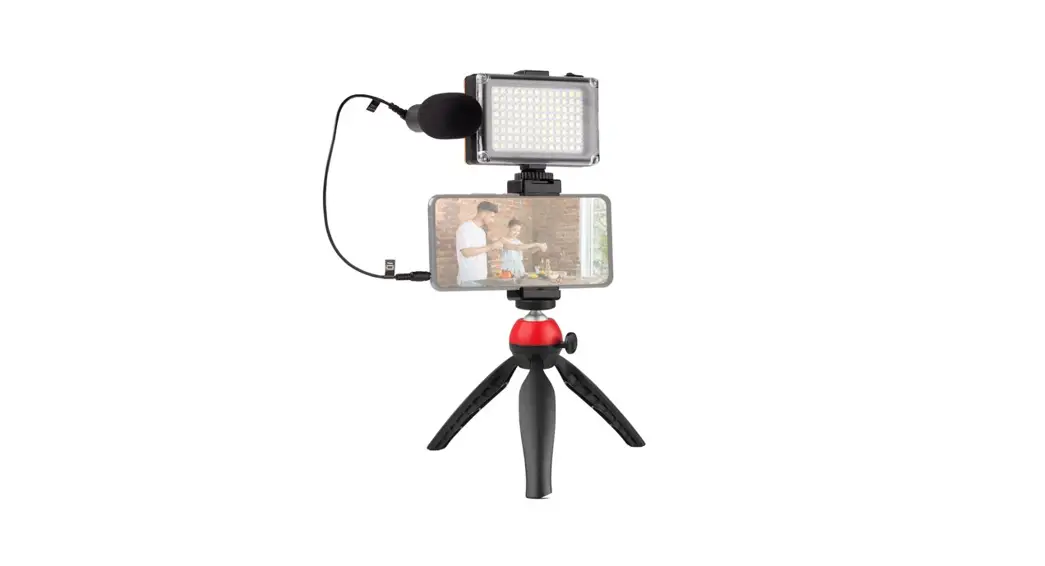

Phone Case Video Light
User Manual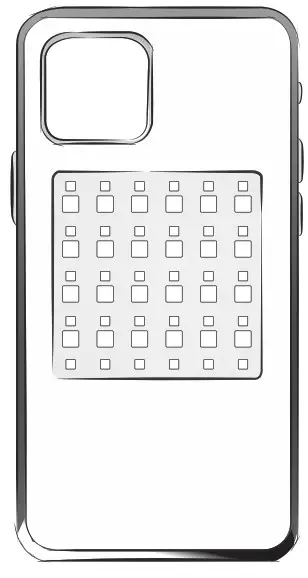
Really thanks for you using this product, please read this manual carefully before use to avoid product damage caused by improper operation.
Functions Introduction
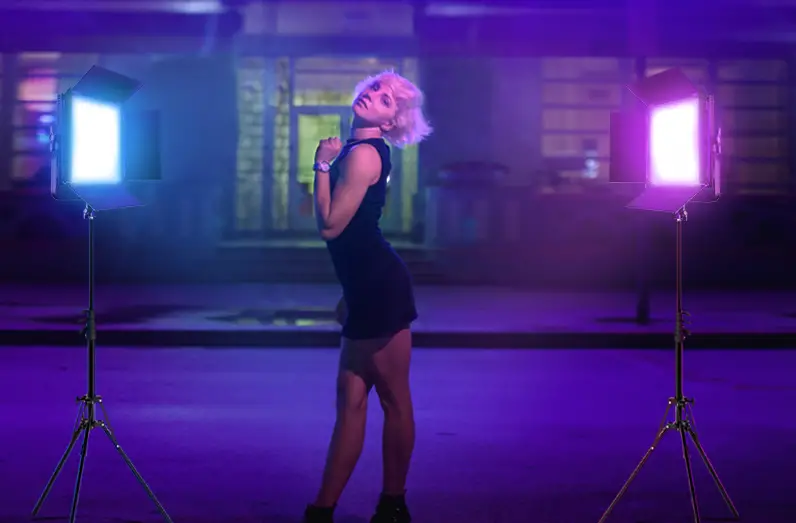
- 360°Full Color Adjustment
- Colorful Light Effects
- Music and Light Sync
- App Wireless Control
- Multiple Device Control
Product Parameters
| Name | Phone Case Video Light |
| Model | Al2 |
| Material | TPU+ABS |
| Size | 149*74*14mm |
| Input | 5V/0.5A |
| Color Temperatur | 3000–6500K/RGBW |
| Consumption | 1.5W (Max) |
| Working Time | …..1.5H |
| Battery Capacity | 600mAh |
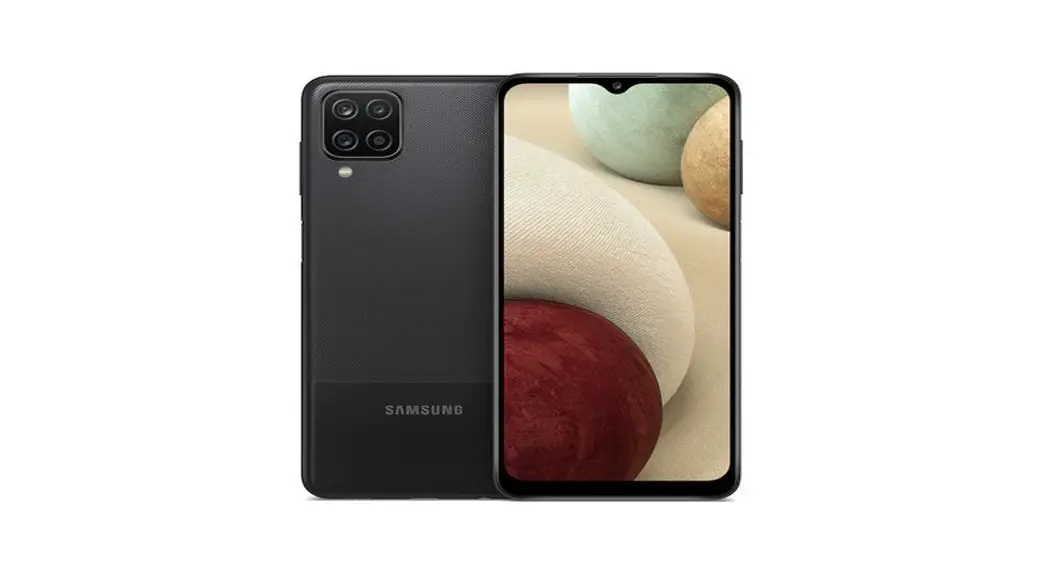
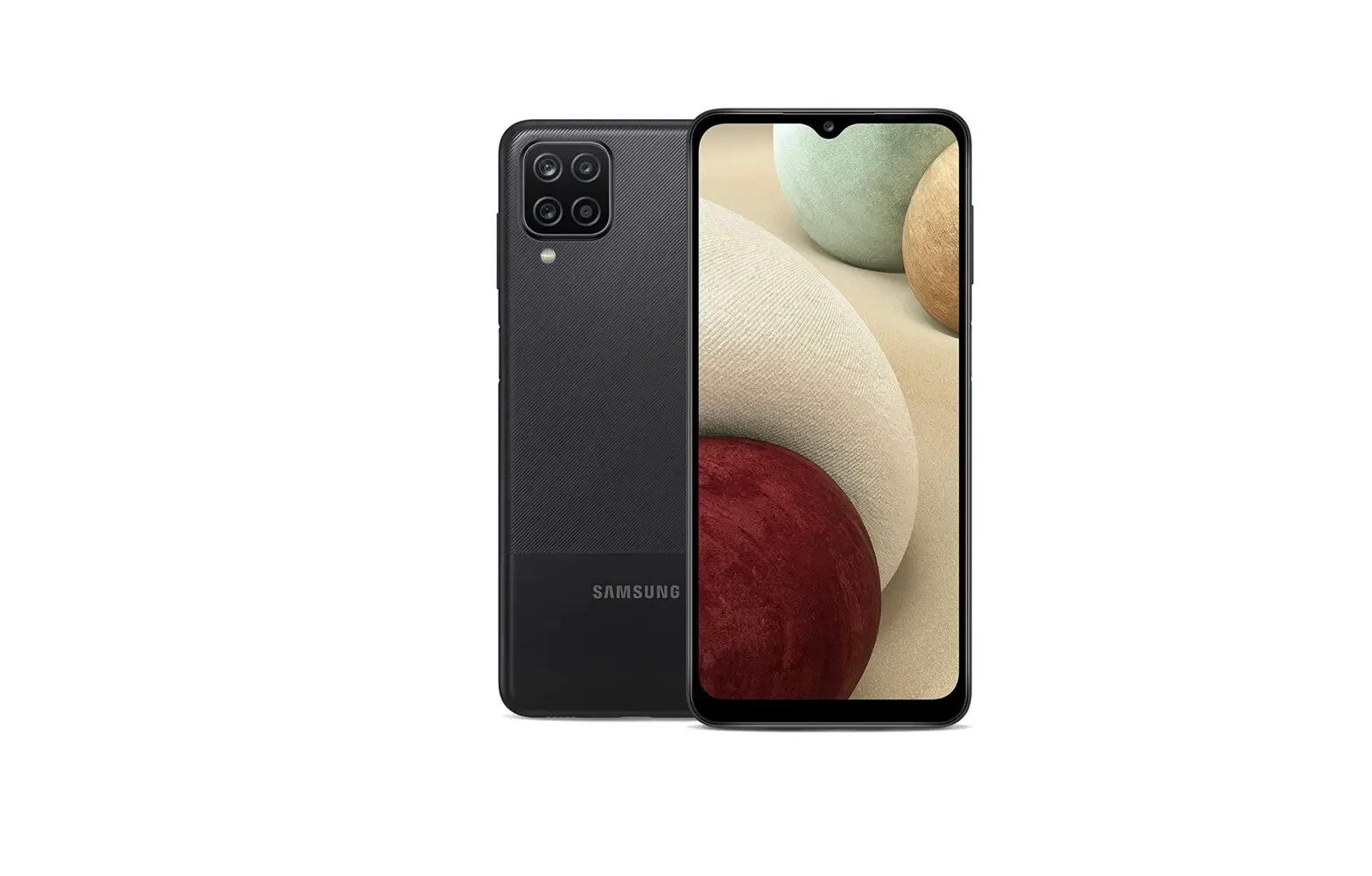
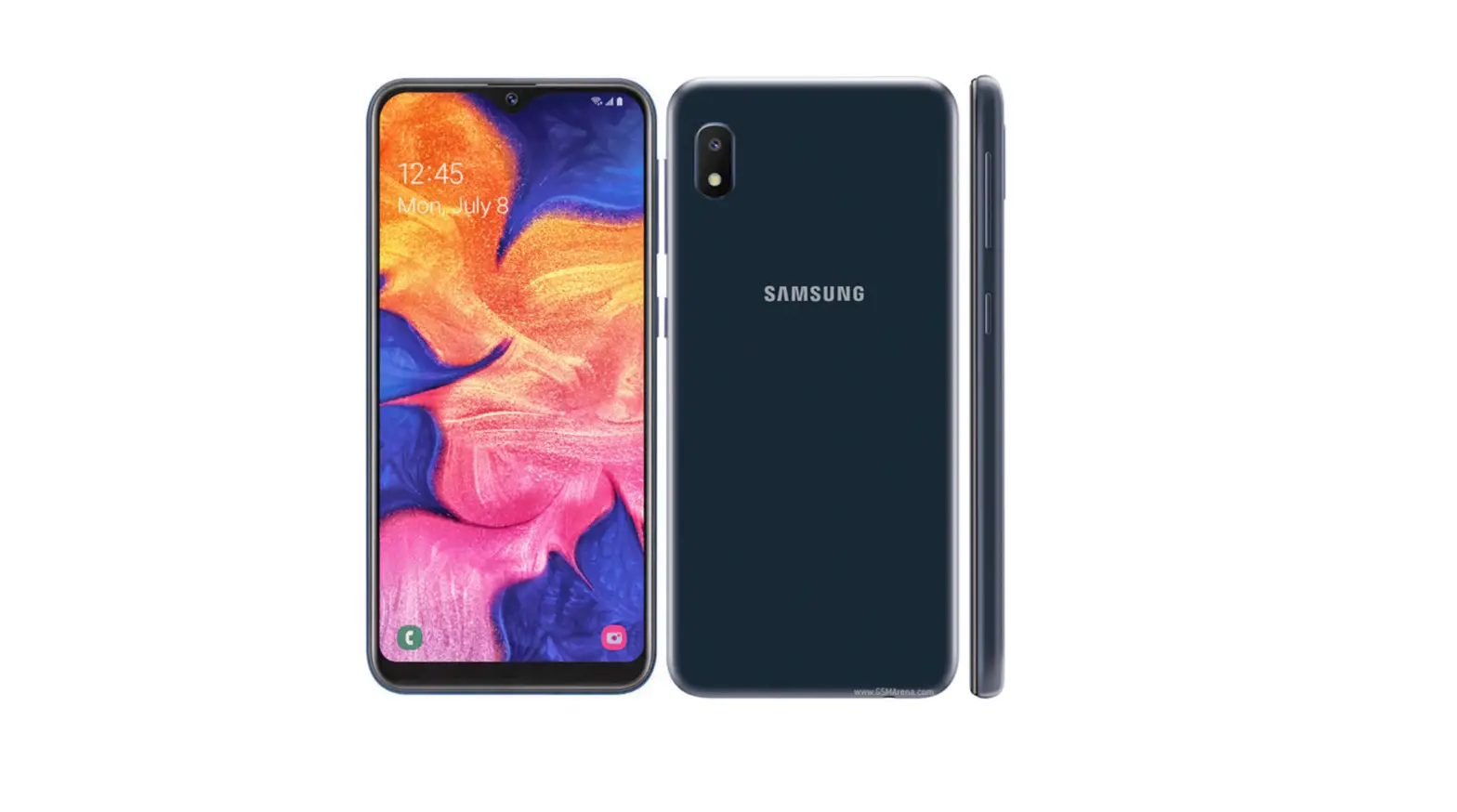
Product Appearance Button Functions
 a. Turn On/Off
 b. Switch Light Color
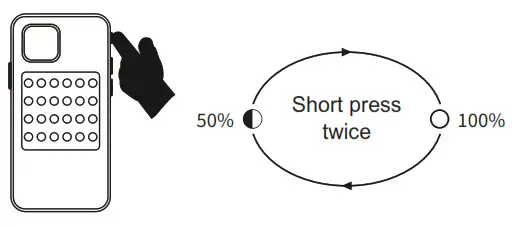
 c. Brightness Adjustment
 APP
APP
a. App Installation
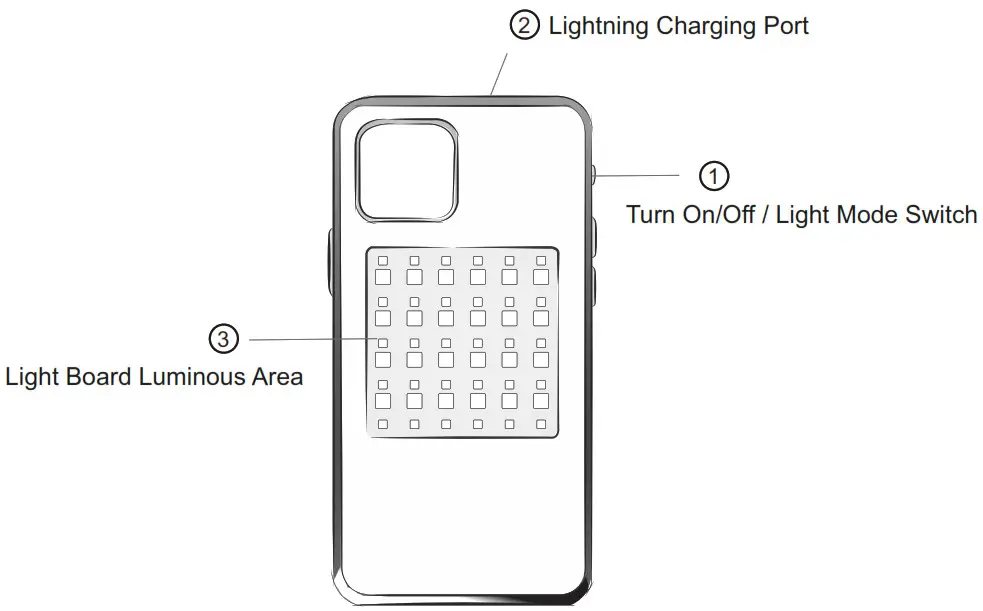 Button Functions
 a. Turn On/Off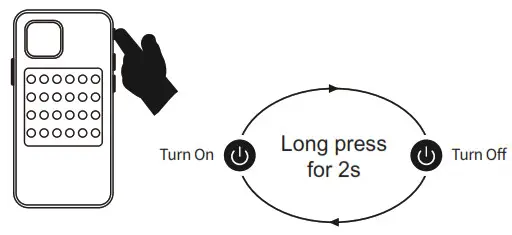
 b. Switch Light Color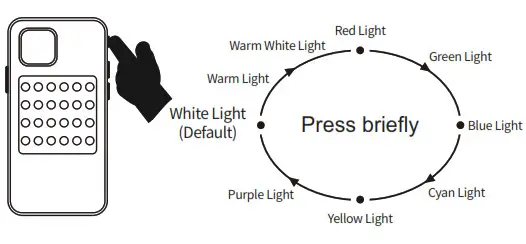
 c. Brightness Adjustment
 APP
APP
a1. Search “Rajdo Smart” or scan the QR to download;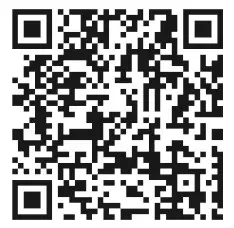
http://www.qrtransfer.com/rajdosmart.html
 b. Add Devices
 b. Add Devices
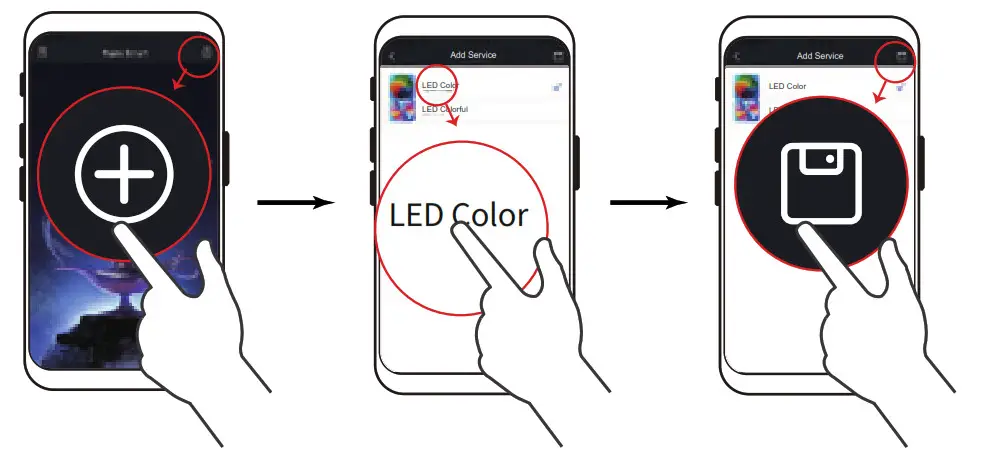
b1. Turn on the video light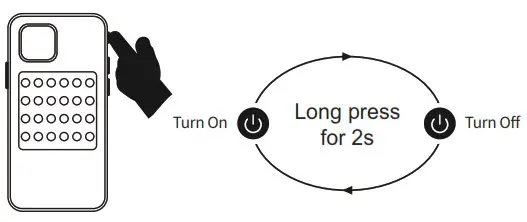 b2. Turn on the Bluetooth of the smartphone and enter the APP, click the “
 ” icon in the upper right corner, select”
  ” icon.
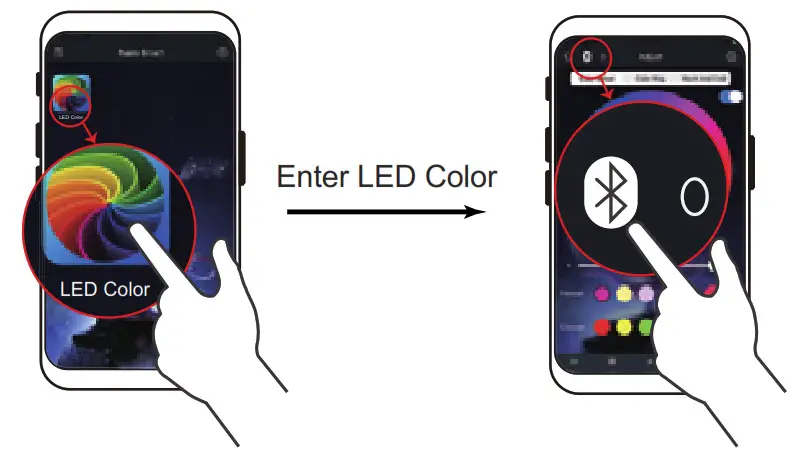
 b3. Enter the LED Color page, click the “
 ” icon in the upper left corner to add the devices.
 b4. Click the search icon “
 ” in the upper right corner, and it displays “not connected”, click on the device until it is in the”bound” device list The red “Connected” indicates that the device is successfully connected.
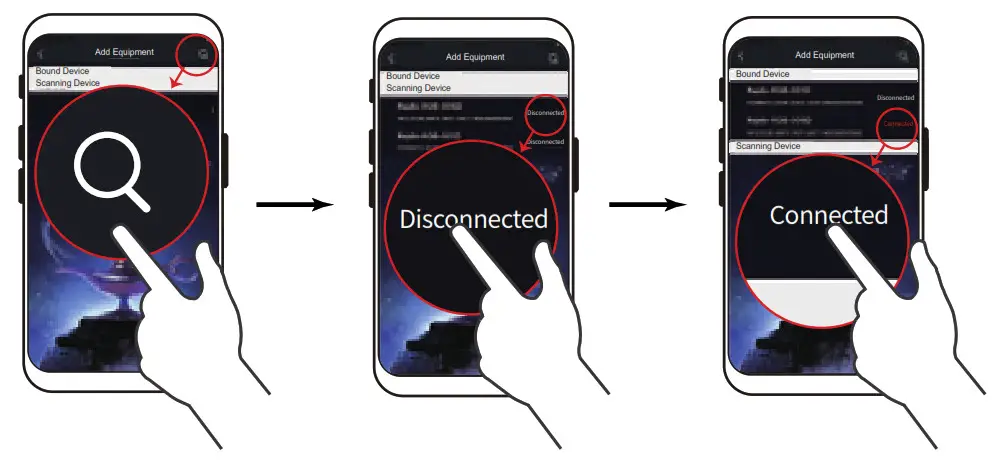 b.5 Click the upper left corner to return to the home page,the number displayed in the upper left corner is the number of devices that have successfully connected to this APP .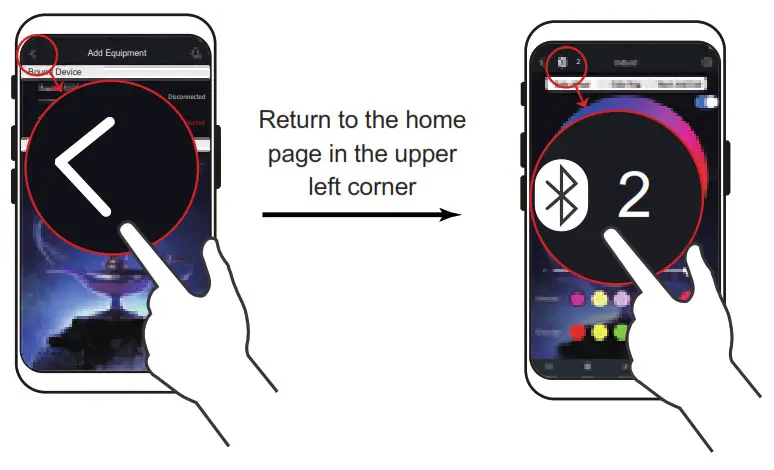
Product List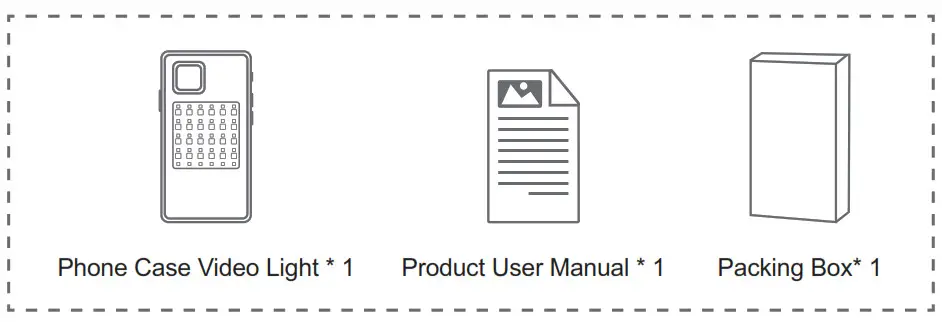 Warning
- The input power of this product is 5V-0.5A, please do not use a power supply that does not conform to the specifications of this product.
- Do not immerse the product or power cord in water to avoid damage to the product.
- Do not disassemble the product shell privately to avoid possible circuit damage or other dangers.
- It is strictly forbidden to disassemble, squeeze, deform, puncture, short-circuit the product, or throw it into the water, fire, or expose to an environment with a temperature higher than 45°C.
FCC Statement
Changes of modifications not expressly approved by the party feeponaibie for compliance could void the user’s authority to operate the equipment.
This equipment has been tested and found to comply with the limits for e Class B digital device, pursuant to Part 15 of the FCC Rules. These limits are designed to provide reasonable Profeckon agent harmful interference in a residential installation. This equipment generates uses and can radiate radio frequency energy and. if not installed and used in accordance with the instructions, may cause harmful interference to radio communications. However. there 1 No guarantee that interference will not occur in a particular installation. If its equipment does cause harmful interference to the radio of television reception, which can be determined by turning the equipment off and on. the user ia encouraged to try to correct the interference by one or more of the following measures:
- Reorient or relocate the receiving antenna.
- Increase the separation between the equipment and receiver.
- Connect the equipment into an outlet on a circuit different from that to which the receiver is connected.
- Consult the dealer or an experienced radio/TV technician for help
This device complies with part 15 of the FOC rules. Operation is subject to the following two conditions
- this device may not cause harmful interference. and
- this device must accept any interference received, including interference that may cause undesired operation.