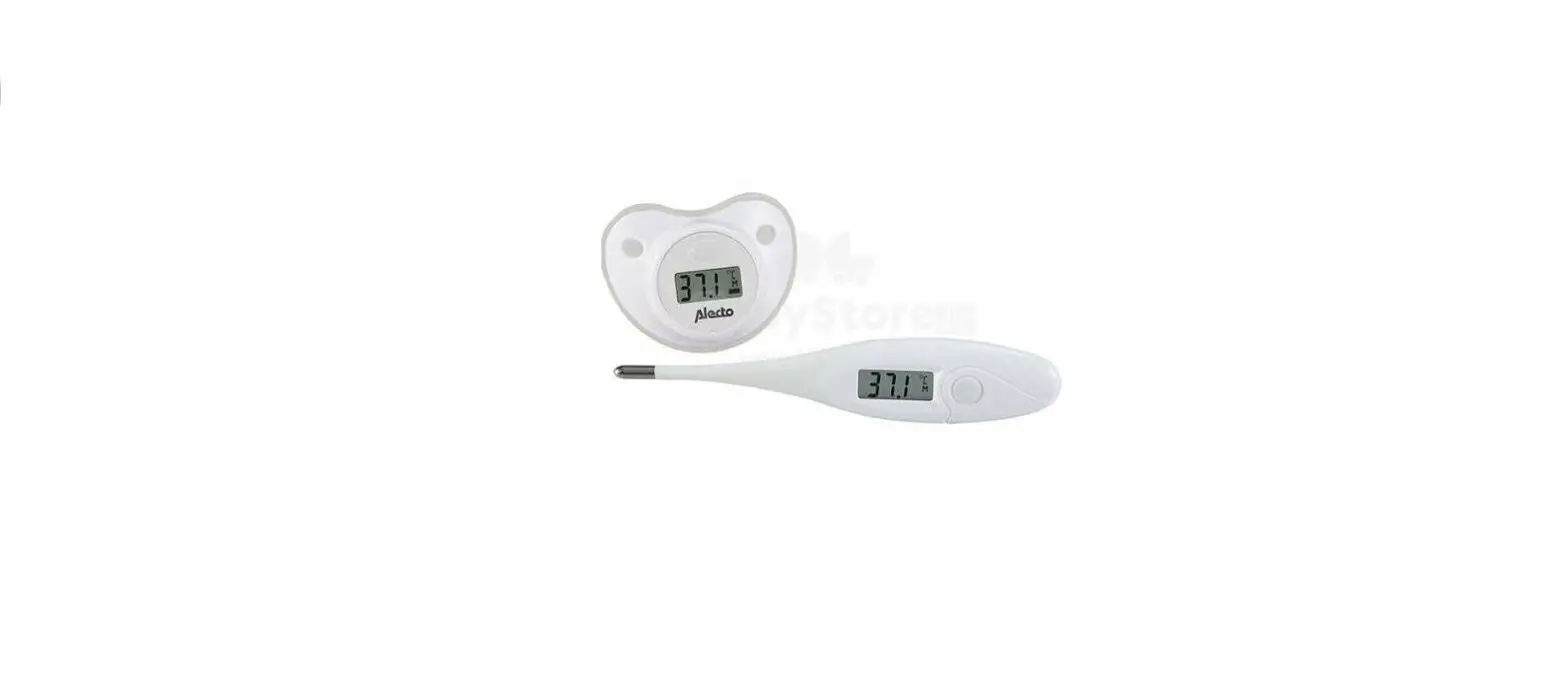

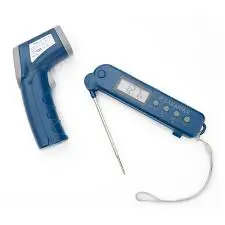
ZAKARIAN Pro Digital Thermometer Set
To my fellow home chefs,
I am incredibly excited to bring new kitchen innovations to your home. With my Pro For Home collection, we have created high-quality products that will deliver pro chef results that are sure to impress. I hope you enjoy them as much as I do.
Cheers,
IMPORTANT SAFEGUARDS
IMPORTANT SAFEGUARDS: PLEASE READ AND
SAVE THIS INSTRUCTION AND CARE MANUAL.
When using electrical appliances, basic safety precautions should be followed, including:
- Do not point the laser of the Infrared Thermometer directly into your eye or the eye of someone else.
- Infrared Thermometer should be protected from the following: Electromagnetic fields, welding equipment, inductive heaters.
- Do not expose the Infrared Thermometer to thermal shock caused by large or abrupt ambient temperature changes. If the ambient temperature changes severely, allow 30 minutes for unit to stabilize before use.
- Do not leave the Infrared Thermometer on top of or near objects of high temperature.
- Do not use solvents on the lens of the Infrared Thermometer.
- Do not submerge the Infrared Thermometer or the Probe Thermometer in water.
- The Probe Thermometer is not designed to withstand high-heat environments and should not be left in a closed oven.
- Be careful when removing the Probe Thermometer from food, as the Thermometer or the metal Probe may be hot.
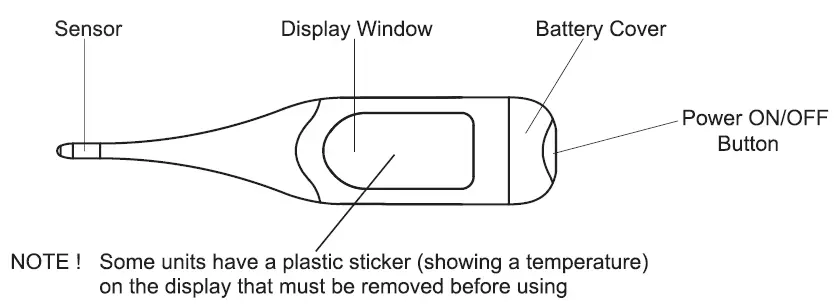
PROBE THERMOMETER: PARTS & FEATURES
FRONT
 BACK
BACK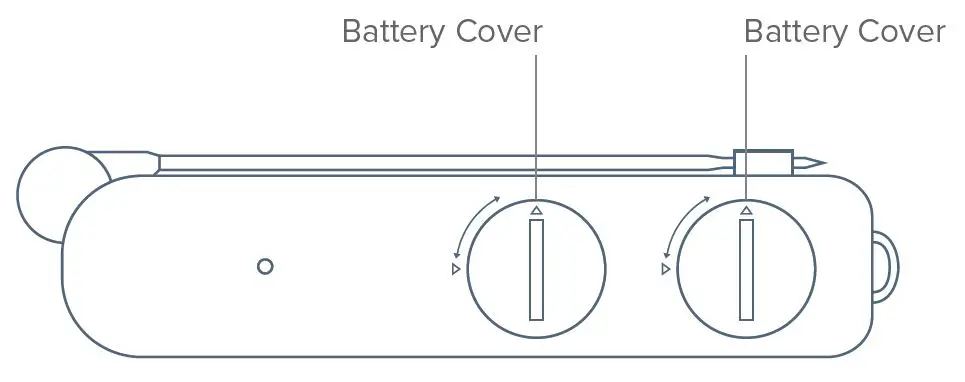 SIDE
SIDE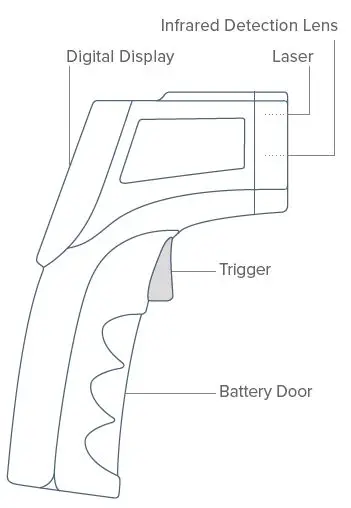 DISPLAY DETAIL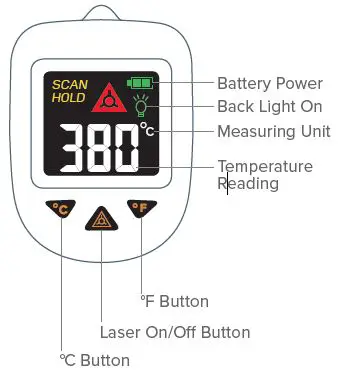
USING YOUR PROBE THERMOMETER
About the Probe Thermometer
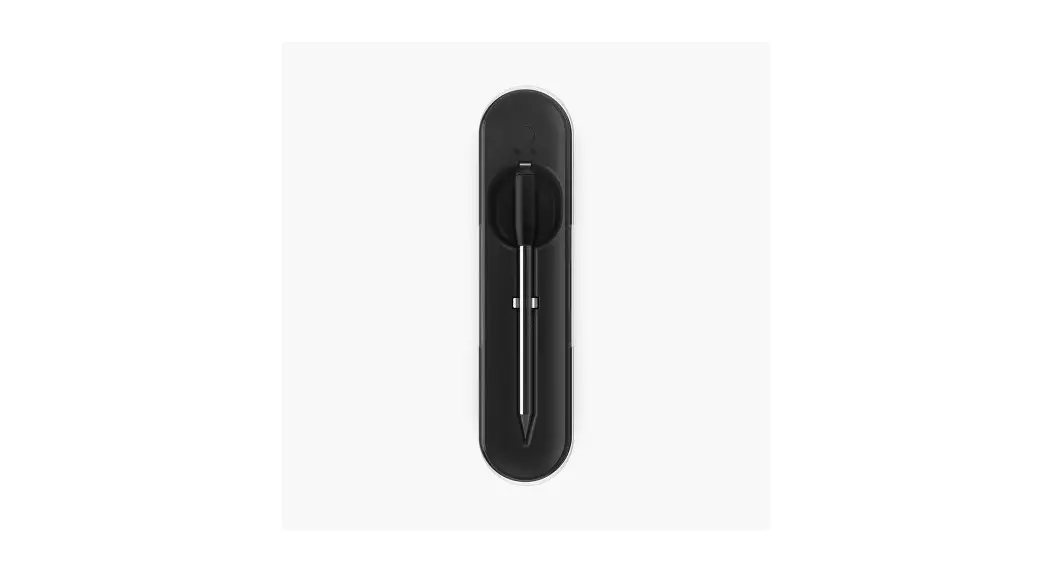
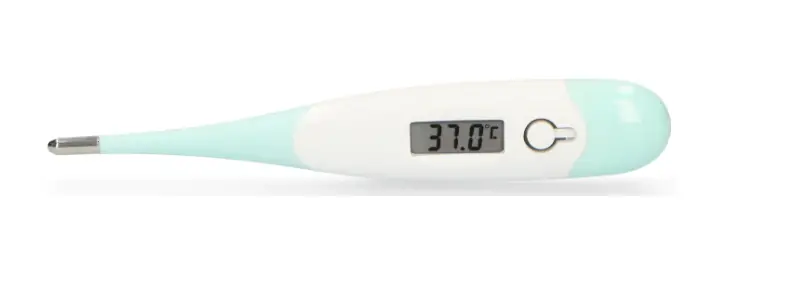
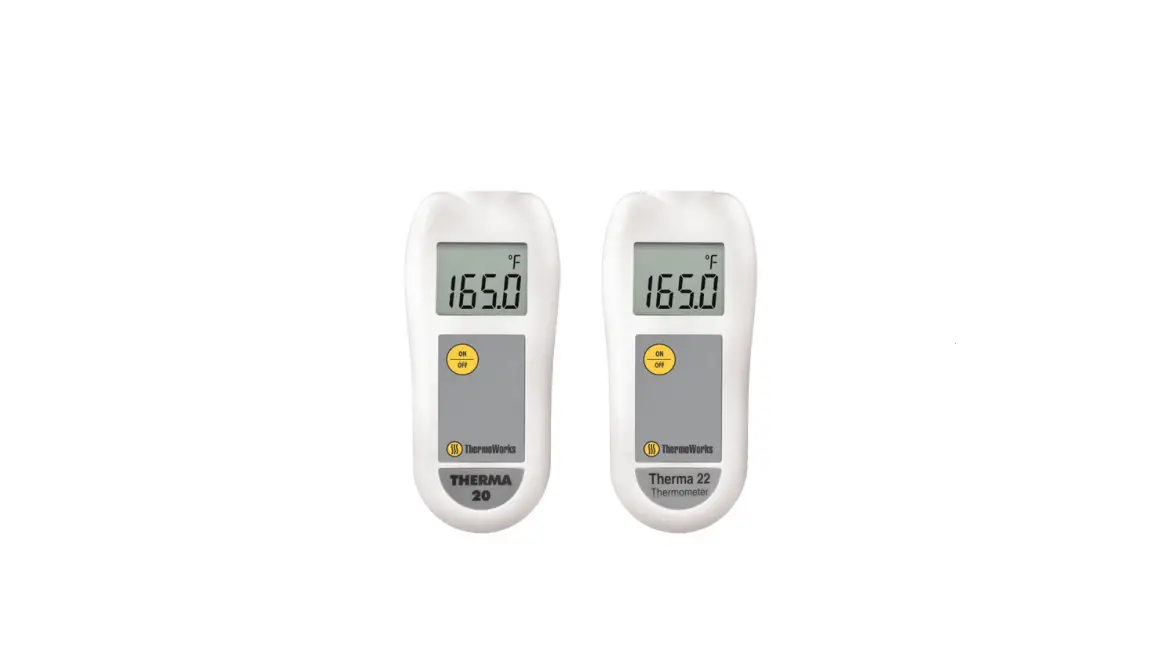
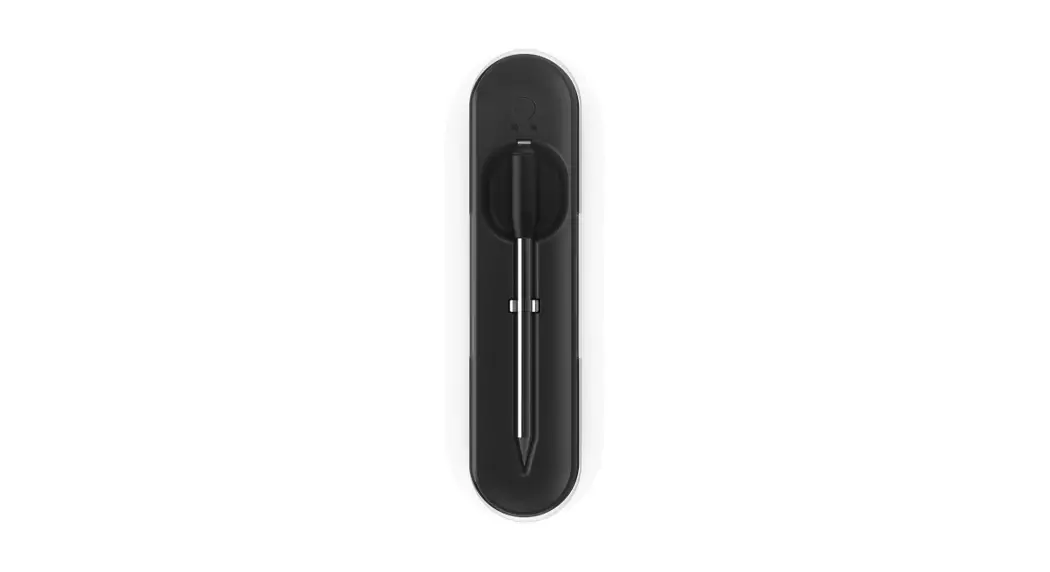
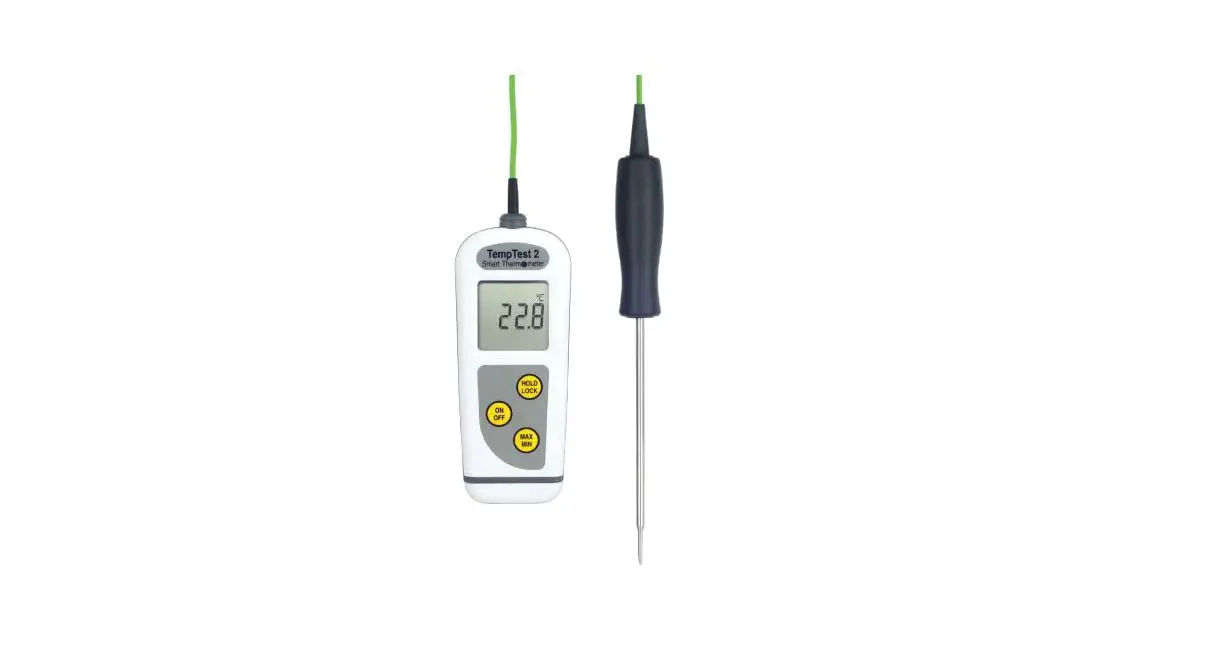
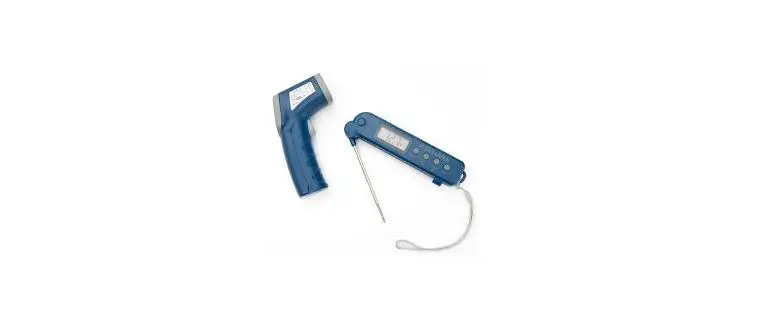
The Geoffrey Zakarian Probe Thermometer can be inserted directly into food to find out the internal temperature and check doneness of meat. The temperature measurement range is from -58°F to 572°F
Setup
Use a coin to turn open battery doors counter-clockwise and insert 2 CR2032 batteries with the positive (+) polarity facing up.
Taking a Measurement
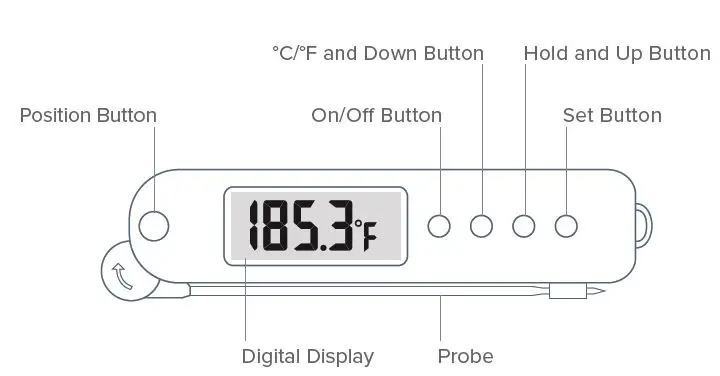
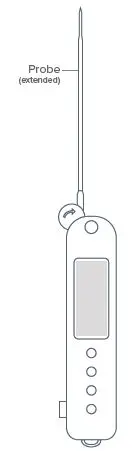
- Press and hold the silver Position Button to unfold the Probe into a straight line. Press and hold the Position Button to fold the Probe when not in use
- Press the Power Button to turn the Thermometer on. Press the °C/°F Button to switch between Celsius and Fahrenheit, depending on your preference.
- Insert the Probe into the food you wish to read the temperature of. You will see the numbers on the display increase gradually as the Probe adjusts. When the number remains steady, this is the temperature of the food.
- Press the Hold Button to hold the current reading data. Press again to return to normal measuring mode.
- When finished, press the Position Button to fold the probe in.
 Setting an Alarm
To set an alarm, press the Set Button. You will see the SET symbol display on the LCD Screen. You can then press the Up and Down Buttons to reach the desired temperature point.
Press the Set Button again to begin measuring. You will hear three beeps when the Probe has reached the desired temperature.
WARNING: The Probe Thermometer is safe to leave in food only when cooking on a stovetop or on an open grill. It should NOT be left in the oven or otherwise heated above 200°F.
 Setting an Alarm
USING YOUR INFRARED THERMOMETER
About the Infrared Thermometer
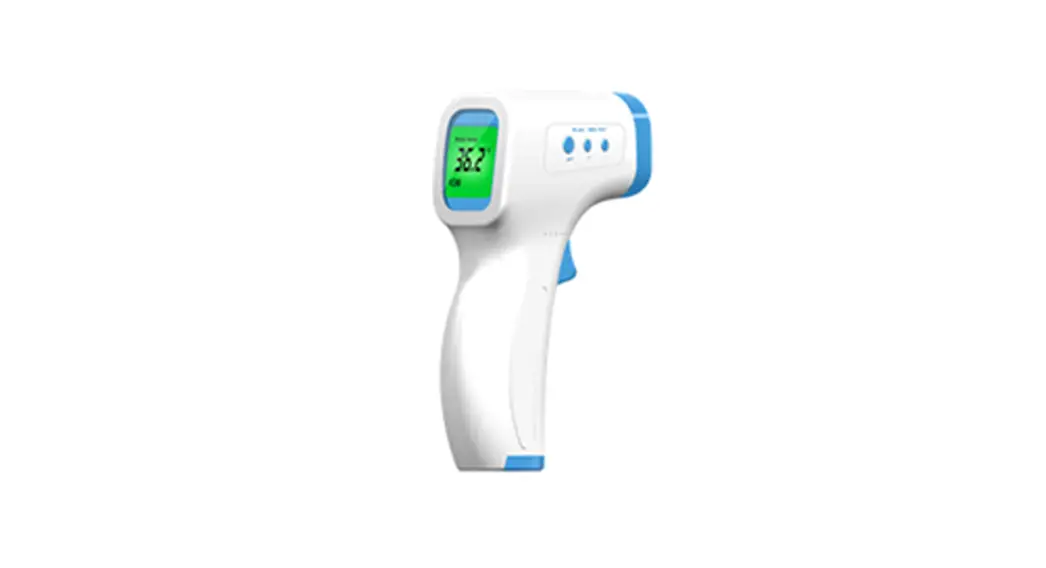
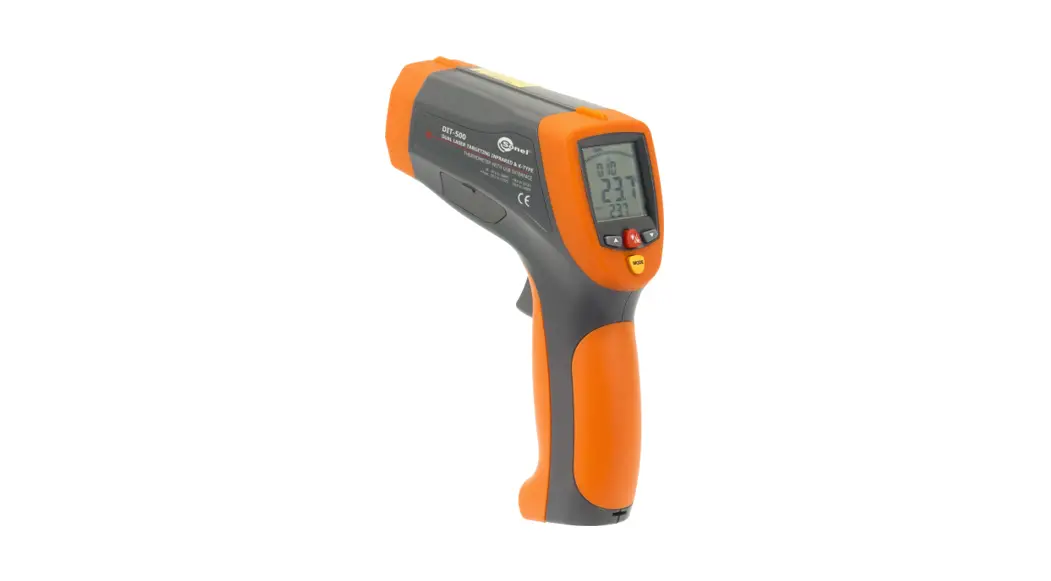
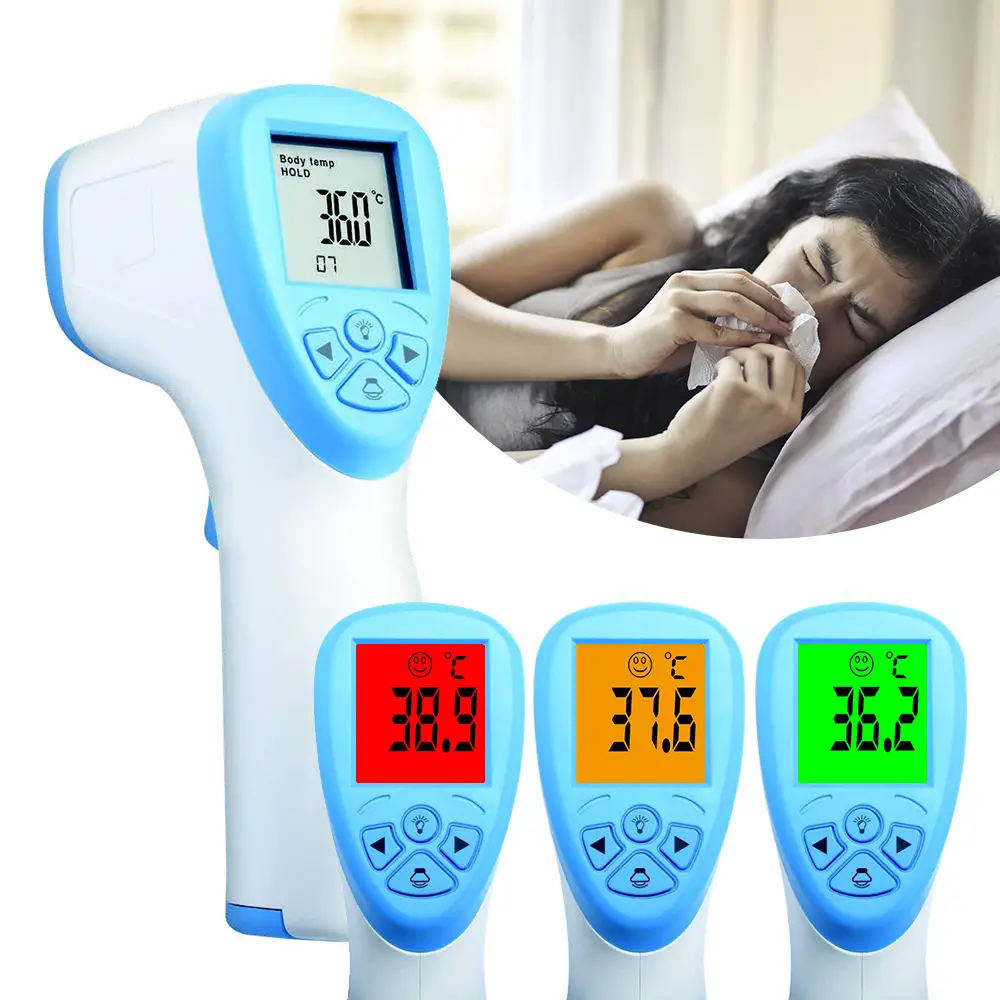
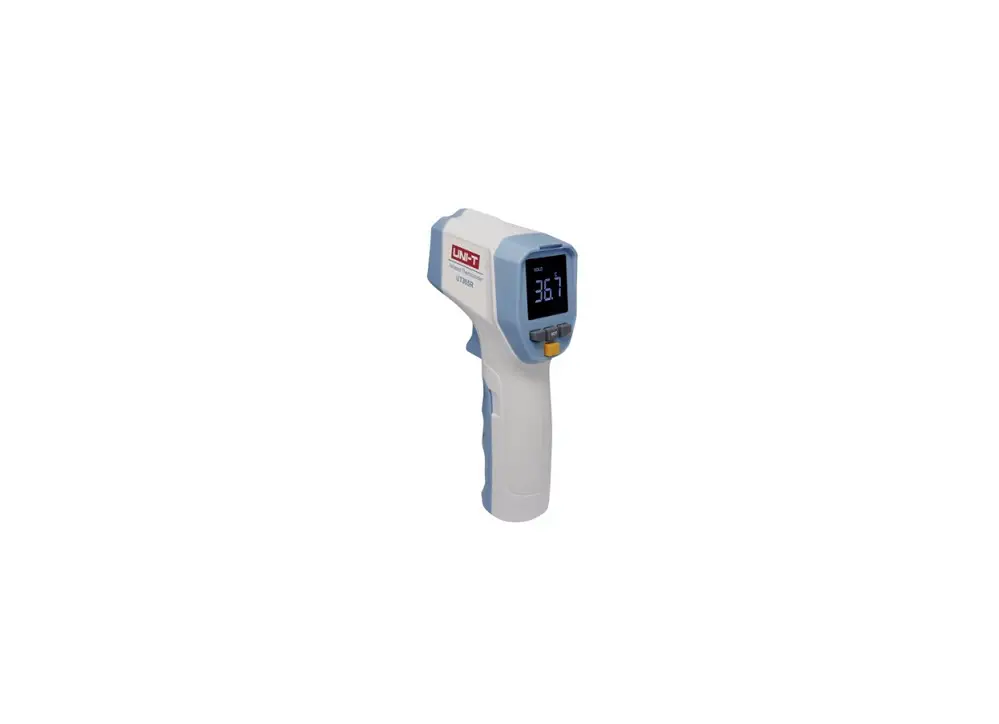
The Geoffrey Zakarian Infrared Thermometer enables you to safely measure the surface temperature of hot, hazardous, or hard to reach objects without contact. The temperature range measured by the Infrared Thermometer is -58°F to 716°F.
Setup
Pull the Battery Door forward to open and install 2 AAA batteries.
Taking a Measurement
- When taking a measurement, point the Infrared Thermometer toward the object to be measured and hold the Trigger down. You will see the temperature display on the Digital Display.
- To turn the Laser on and off, press the Laser Button beneath the Digital Display.
NOTE: The Infrared Detection Lens is the part of the Thermometer actually measuring the temperature, NOT the Laser, which is used for directional purposes only. Do not cover the Infrared Detection Lens or you will not get an accurate temperature reading.
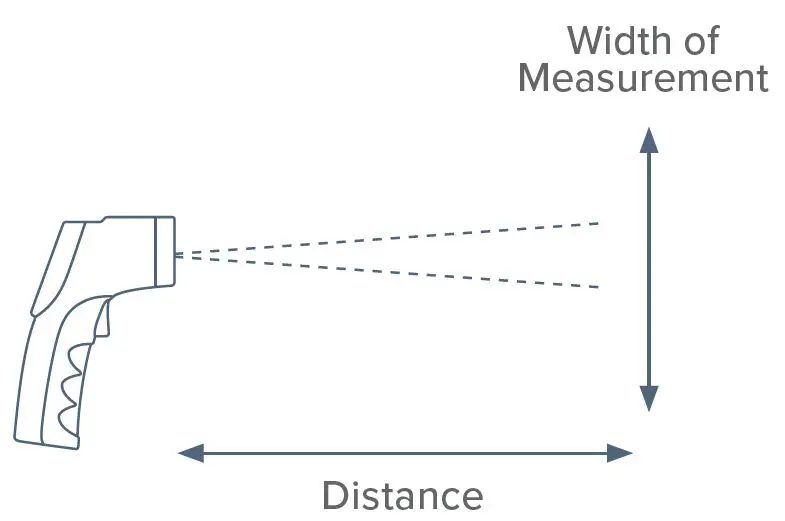
WARNING: DO NOT point the Laser into your eyes or the eyes of someone else. - As the distance between the target and the Thermometer increases, the size of the area you are measuring becomes larger. For a more accurate reading, move the Thermometer closer to the food. (see diagram on left)

CLEANING & MAINTENANCE
Lens Cleaning
To clean the Infrared Detection Lens of the Infrared Thermometer, blow off loose particles using clean compressed air. Gently brush remaining debris away with a moist cotton cloth or lens cleaning cloth.
DO NOT use a solvent to clean the lens.
To clean the Probe Thermometer, wipe down the probe using a damp sponge or cloth, and let dry.
Probe Thermometer Cleaning
Use warm soapy water to clean the probe after each use. To clean the body of the thermometer, wipe clean with a damp cloth.
DO NOT submerge either the Probe Thermometer or the Infrared Thermometer in water.
Important Information Regarding Batteries
For best results, use type alkaline batteries.
Install only new batteries of the same type in your product.
Failure to insert batteries in the correct polarity, as indicated in the battery compartment, may shorten the life of the batteries or cause batteries to leak.
Do not mix old and new batteries.
Do not mix Alkaline, Standard (Carbon-Zinc) or Rechargeable (Nickel Cadmium) or (Nickel Metal Hydride) batteries.
Do not dispose of batteries in fire.
Batteries should be recycled or disposed of as per state and local guidelines.
CUSTOMER SUPPORT & WARRANTY
DREAM TEAM IN YOUR KITCHEN
Chef Geoffrey Zakarian has teamed up with Dash, a leading manufacturer of cookware and kitchen tools, to bring you high-quality professional-grade products specifically designed for home use. This collection provides a combination of innovation, craftsmanship and culinary expertise that will elevate your cooking endeavors.
CUSTOMER SUPPORT
Contact Customer Support regarding repairs to the product. We welcome and value all concerns and questions from our customers. Please do not hesitate to contact us for product support, warranty, and maintenance-related questions directly at: 1-800-898-6970 from 7AM-7PM PT, Monday-Friday, or by email at [email protected].
DASH – 1 YEAR LIMITED WARRANTY
Your Zakarian product by Dash is warranted to be free from defects in material and workmanship for a period of one (1) year from the date of the original purchase when utilized for normal and intended household use. Should any defect covered by the terms of the limited warranty be discovered within one (1) year, Dash will repair or replace the defective part. To process a warranty claim, contact Customer Support at 1-800-898-6970 for further assistance and instruction. A Customer Support agent will assist you by troubleshooting minor problems. If troubleshooting fails to fix the problem, a return authorization will be issued. Proof of purchase indicating the date and place of purchase is required and should accompany the return. You must also include your full name, shipping address, and telephone number. We are unable to ship returns to a PO box. Dash will not be responsible for delays or unprocessed claims resulting from a purchaser’s failure to provide any or all of the necessary information. Freight costs must be prepaid by the purchaser.
Send all inquiries to [email protected].There are no express warranties except as listed above.
REPAIR OR REPLACEMENT AS PROVIDED UNDER THIS WARRANTY IS THE EXCLUSIVE REMEDY OF THE CUSTOMER. DASH SHALL NOT BE LIABLE FOR ANY INCIDENTAL OR CONSEQUENTIAL DAMAGES OR FOR BREACH OF ANY EXPRESS OR IMPLIED WARRANTY ON THIS PRODUCT EXCEPT TO THE EXTENT REQUIRED BY APPLICABLE LAW. ANY IMPLIED WARRANTY OF MERCHANTABILITY OR FITNESS FOR A PARTICULAR PURPOSE ON THIS PRODUCT IS LIMITED IN DURATION TO THE DURATION OF THIS WARRANTY.
Some states do not allow the exclusion or limitation of incidental or consequential damages, or limitations on how long an implied warranty lasts. Therefore, the above exclusions or limitations may not apply to you. This warranty gives you specific legal rights and you may also have other rights, which vary from state to state.
REPAIRS: DANGER! Risk of electric shock! The Geoffrey Zakarian Pro Digital Thermometers are electrical appliances. Do not attempt to repair the appliance yourself under any circumstances.
Contact Customer Support regarding repairs to the device.
Model#: K49831 K49831_IM_20190710_v3 Made in China
Ph: 1-800-898-6970 | Email: [email protected]