 RK-EOS-6 Instruction Manual
For programming information: Wireless Module Programming GuideWireless RAK Programming guide
For general overview: Wireless Module Application Sheet / Wireless RAK Application Sheet
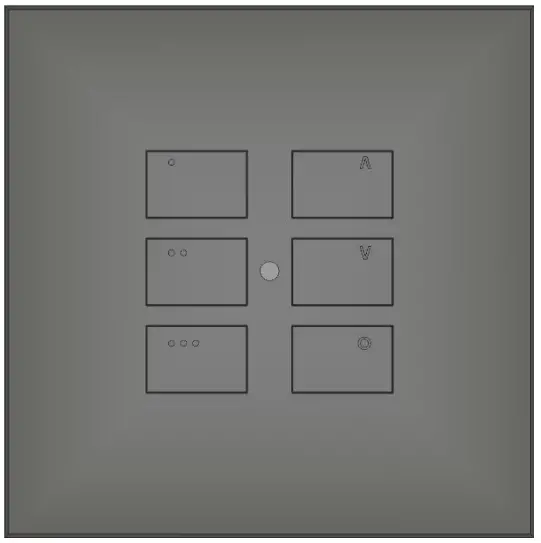
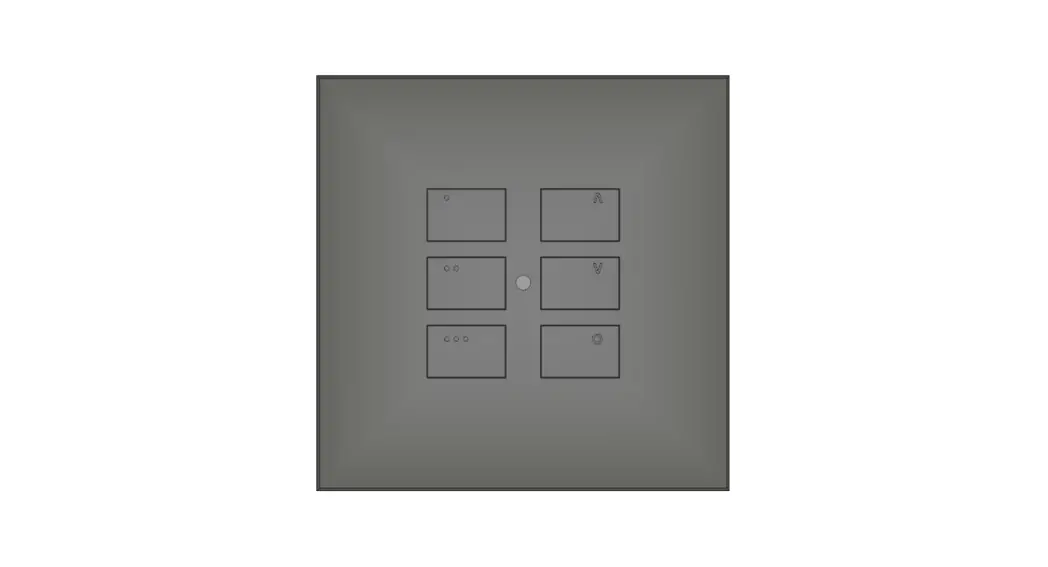
What is the RK-EOS-6?
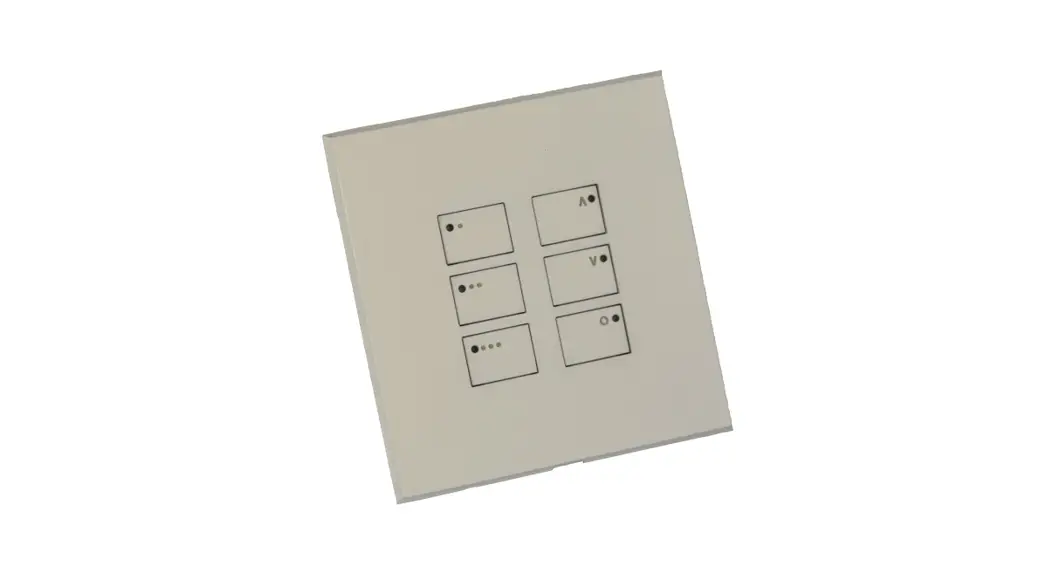
The RK-EOS-6 is a six button keypad for use with Rako wireless systems. The keypad can communicate with all Rako wireless dimmers as well as a Wired system via a WK-HUB.
It will transmit Scene 1-3, Off, Fade Up/Fade Down in a single room before any custom programming is added.
To mount the RK-EOS-6 to the wall a RP-EOS-60-xx is required. This is available in a variety of finishes including:
– Satin Chrome (Silk) – RP-EOS-60-SC
– Polished Chrome – RP-EOS-60-PC
– Antique Brass RP-EOS-60-AB
– Matt Black – RP-EOS-60-MB
– Polished Brass – RP-EOS-60-PB
– Matt Bronze – RP-EOS-60-BM
– White (Matt) – RP-EOS-60-WH
Programming the RK-EOS-6:
To program the RK-EOS-6 the following items are required:
– Laptop running Rasoft Pro on version 3.9.8 or later
– RAMPI NFC programming tool
It is possible to program each button to communicate with any Channel or Room within the Rako system. Commands available include: Scenes, Fades, Toggles, Levels etc.
A more detailed description of how to setup and program the RK-EOS-6 can be found in the Rasoft Pro programming guides:
Section 5 of Wireless Module Programming Guide
Section 6 of Wireless RAK Programming guide
Installation of the RK-EOS-6 using RP-EOS-60-xx:
| Step 1 | 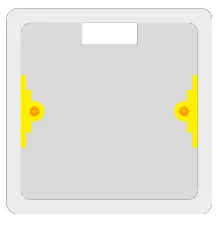 | Install and prepare back-box. NB It is advised that at least a 35mm backbox is used. |
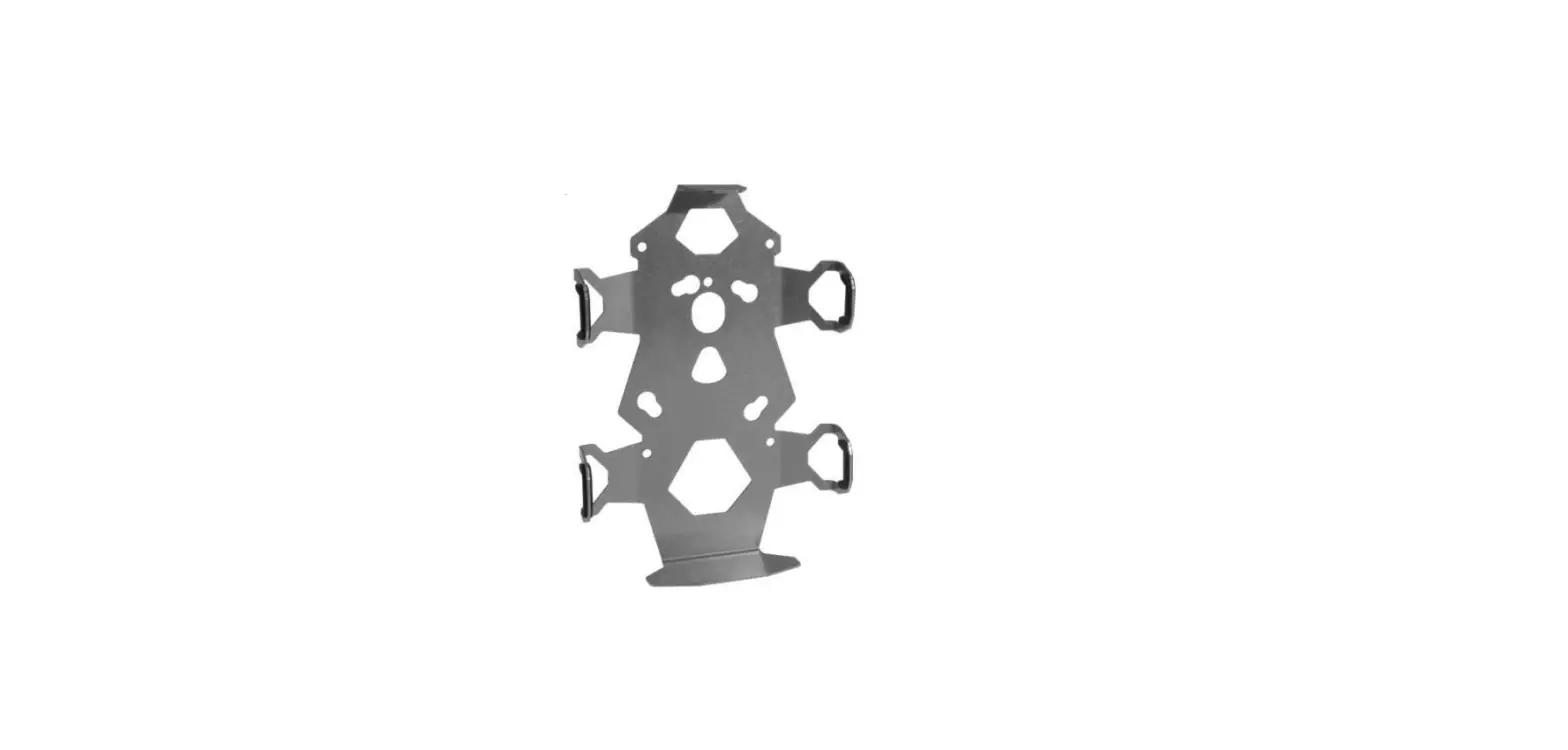
| Step 2 | 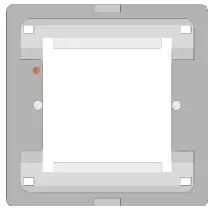 | Screw the grid provided with the RP-EOS-60 into the backbox. |
| Step 3 | 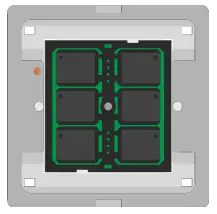 | Insert the RK-EOS-6 into the grid NB It is not possible to program the RK-EOS-6 once inserted into the grid. |
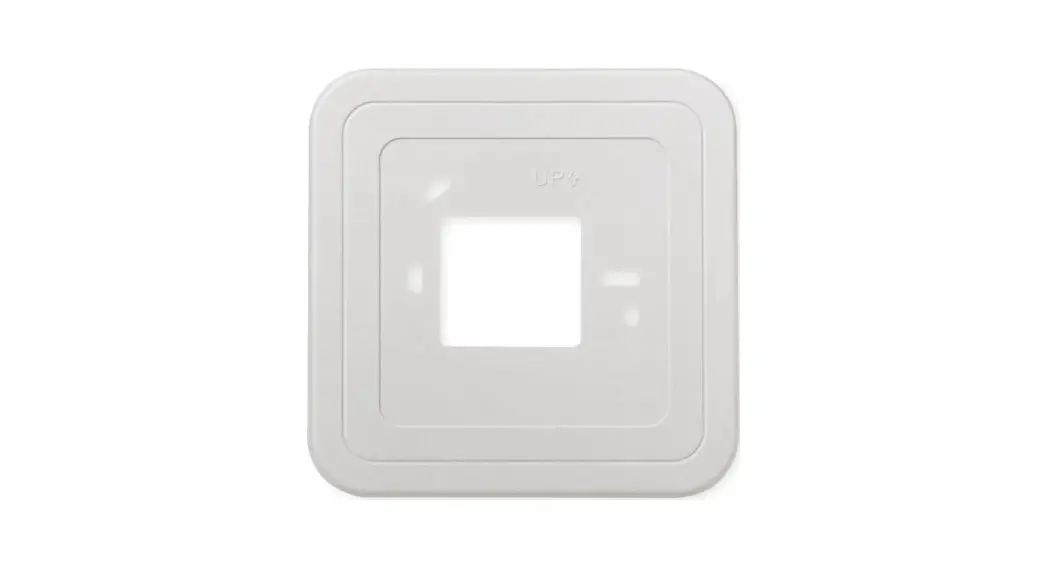
| Step 4 | 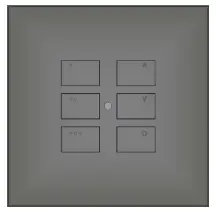 | Clip the face plate to the grid to complete installation. |
Rako thanks you for having purchased a Rako product and hopes that you are pleased with your system. Should for any reason you need to contact us please contact us via our website www.rakocontrols.com or by phoning our customer help line on 01634 226666.
RK-EOS-6
Manual Version 1.0.0
 Smart Lighting Controls | Rako Lighting Solutions