 PROJECTOR SERIES
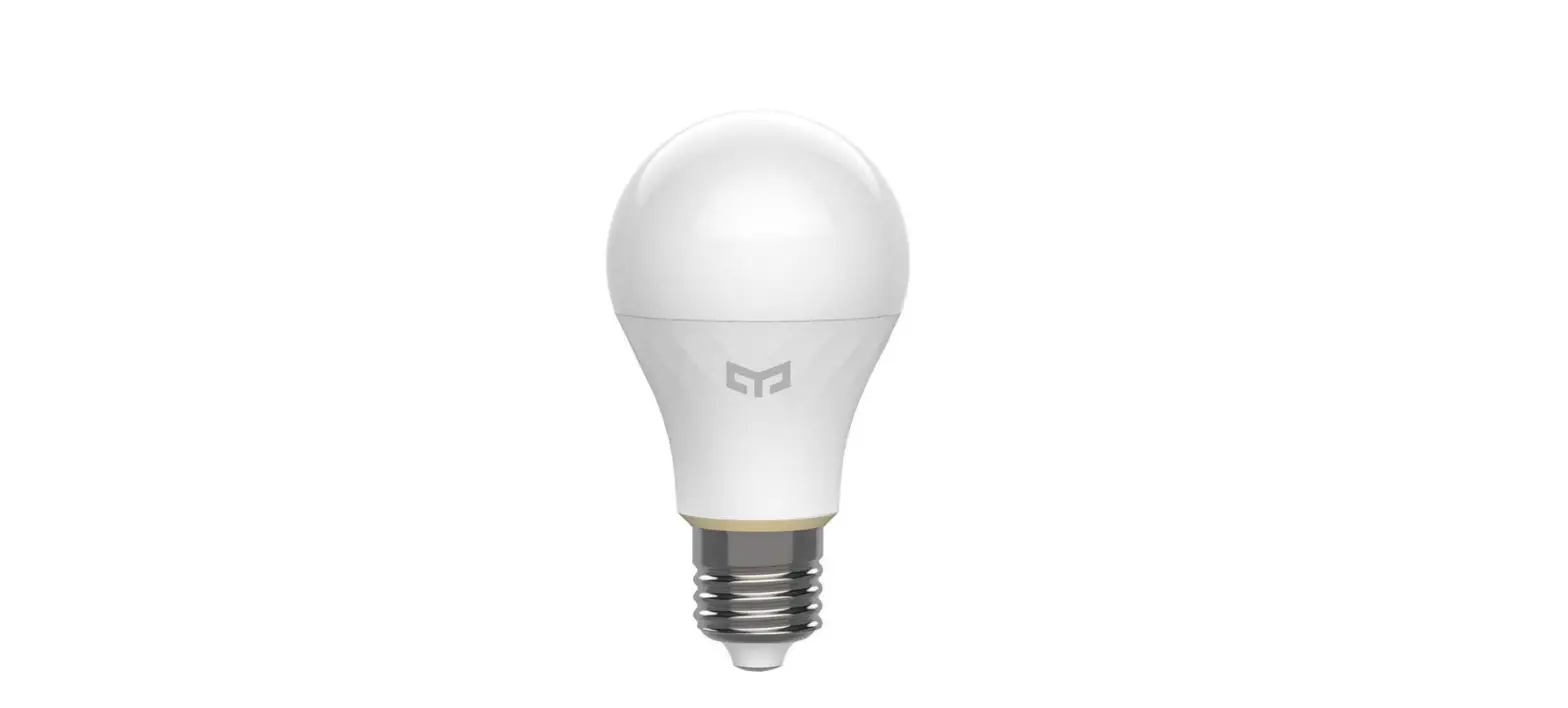
LED BULB MANUAL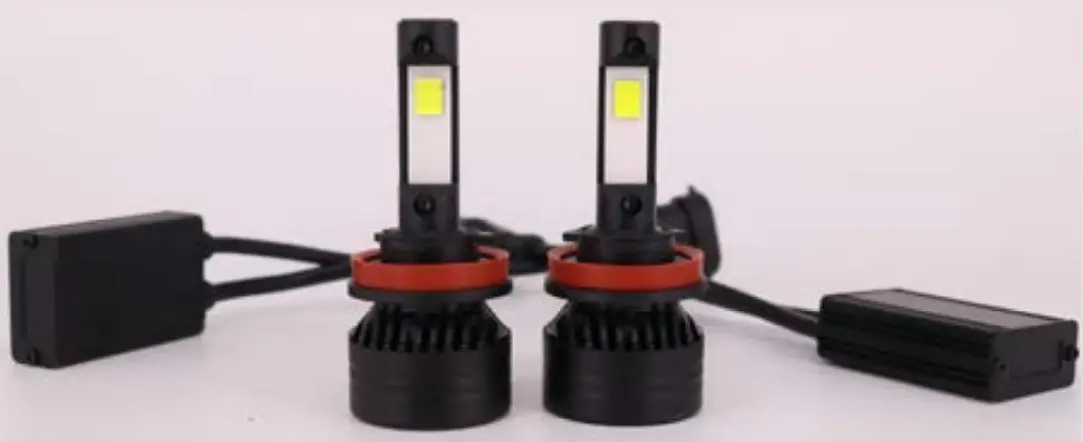
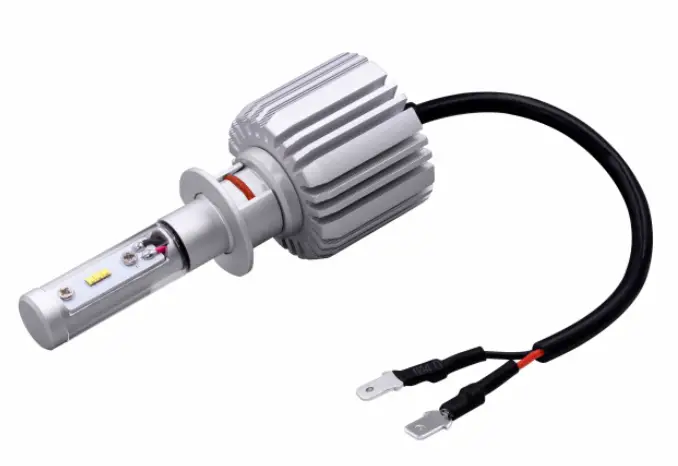
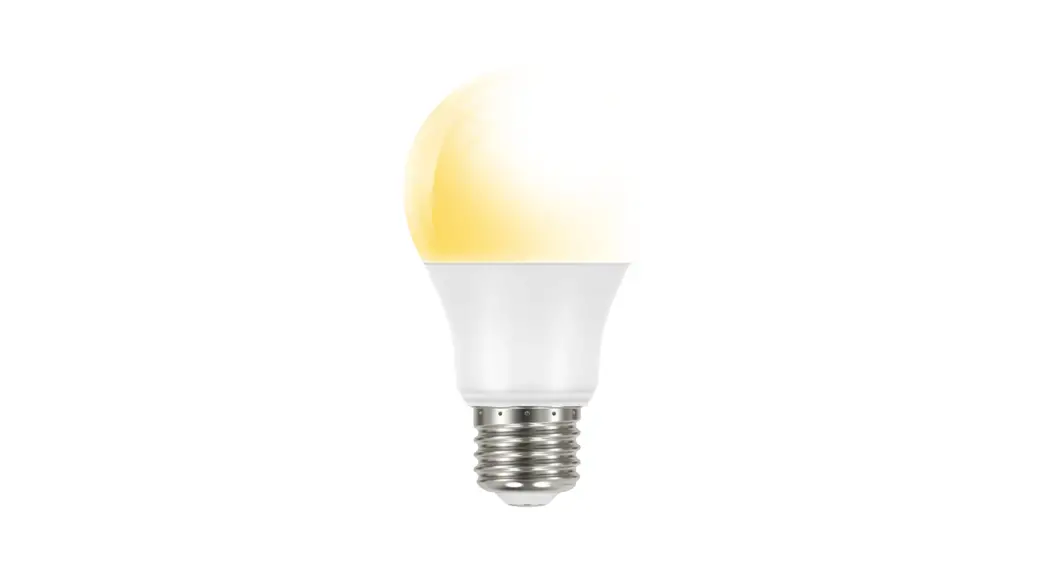
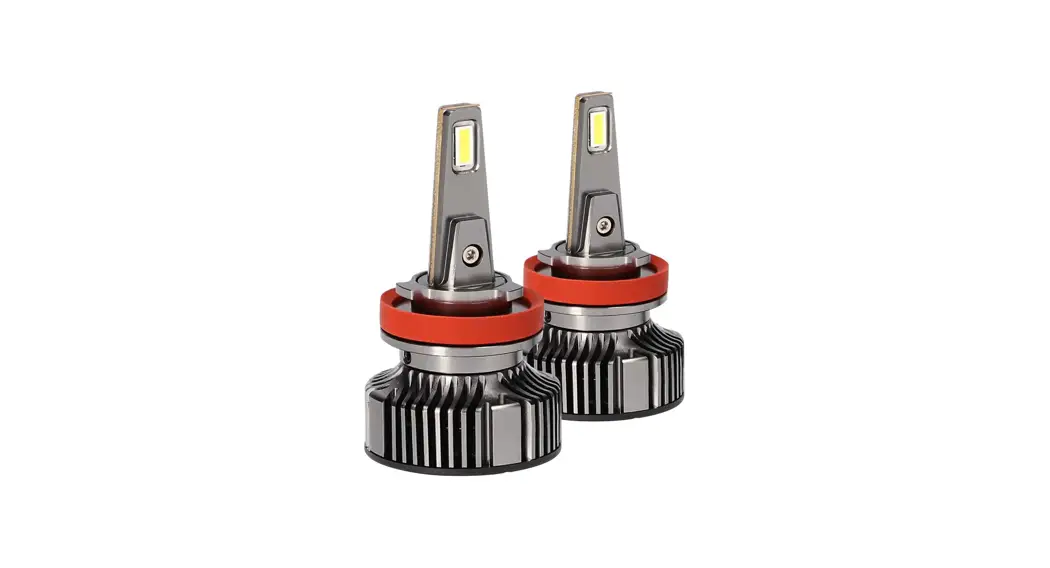
Projector Series LED Bulb
Remove factory bulb
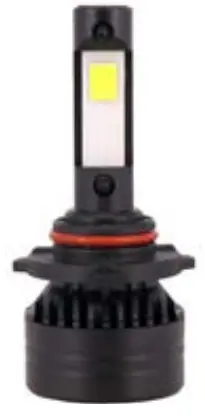
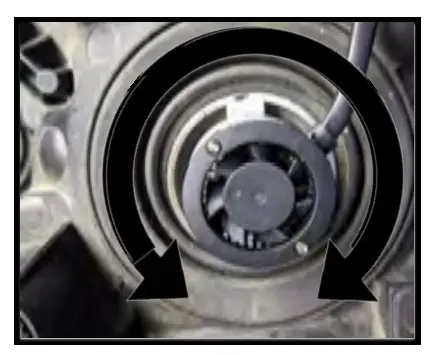
Install new bulb
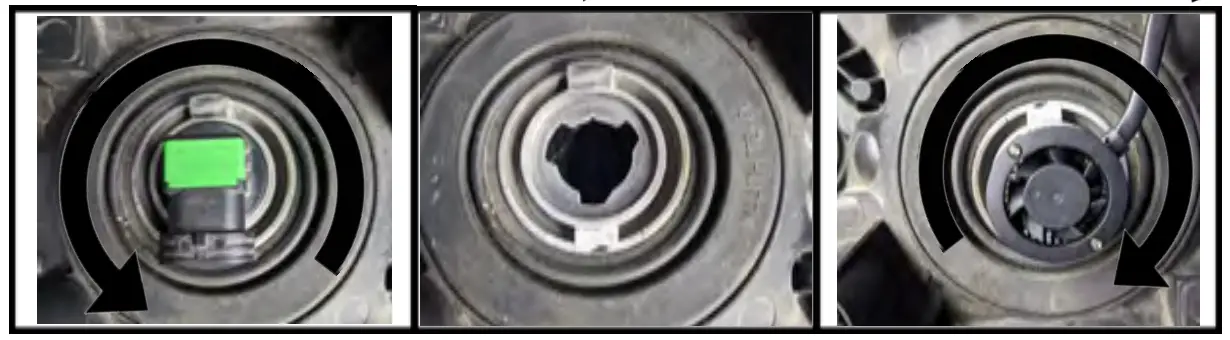
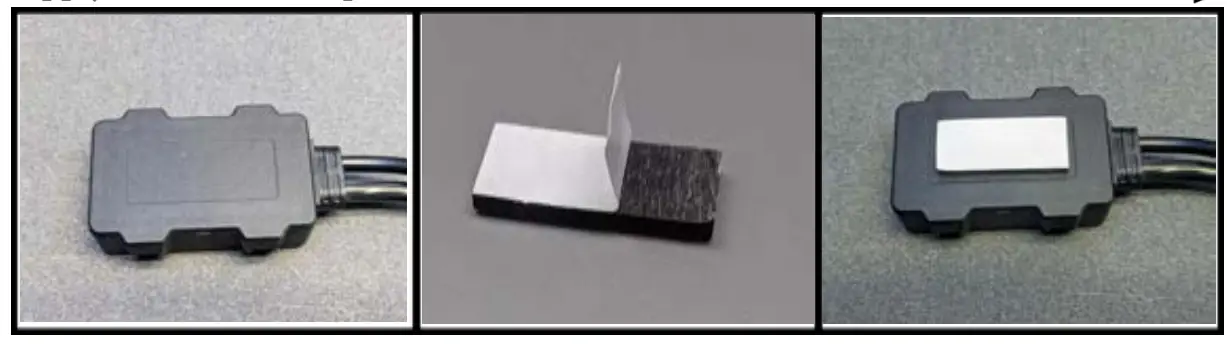
*Lock mechanism may be different depending on model Apply double sided tape
NOTE: Some vehicles may require a Canbus adapter to stop flashing/pulsating of bulbs or a lamp out messages in the instrument cluster. These can be purchased separately at your local Heise retailer.
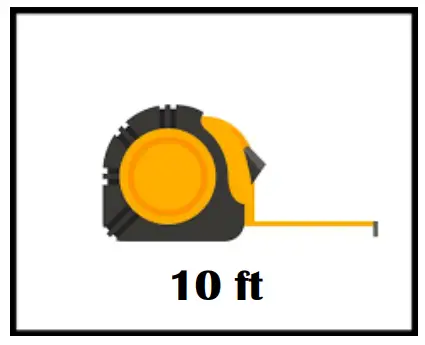
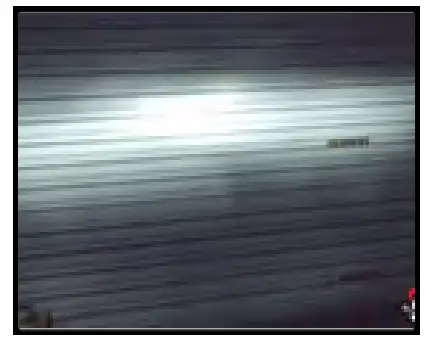
- Set vehicle on a level surface, 10 feet back from a wall or garage door

- Turn the bulb and watch the pattern on the wall change.

- When the pattern becomes crisp, with a sharp top line and no hot spots in the field stop rotating

Visit us online for full installation videos

NOT FOR USE ON PUBLIC ROADS
WARNING: THIS LIGHTING PRODUCT IS SOLD FOR OFFROAD USE
ONLY.. This product should not be used on the road.
Keep your original factory bulbs so that you can replace them for use on public roads. Keep the box that the new bulbs came in to store the bulbs and be sure to handle them with care when removing and re-installing.
386.257.2956 HeiseLED.com
 Heise LED Lighting Systems | Torture Tested Lightbars and More