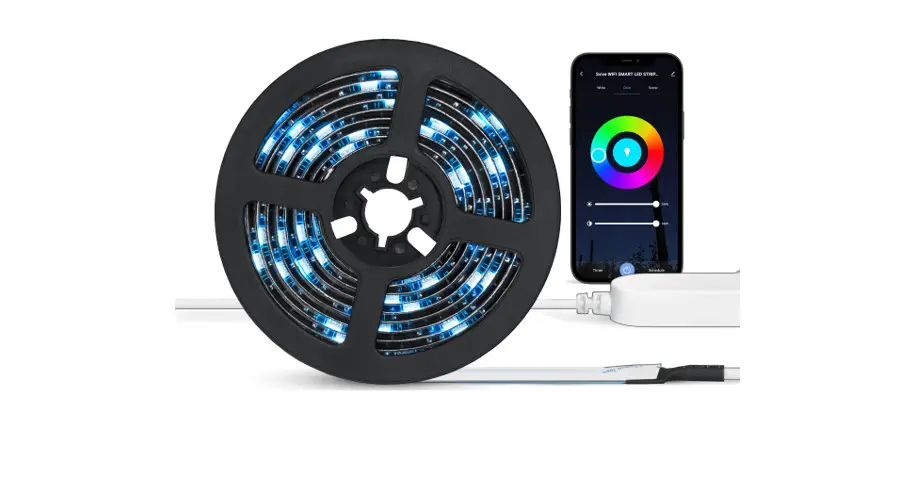

AURORA
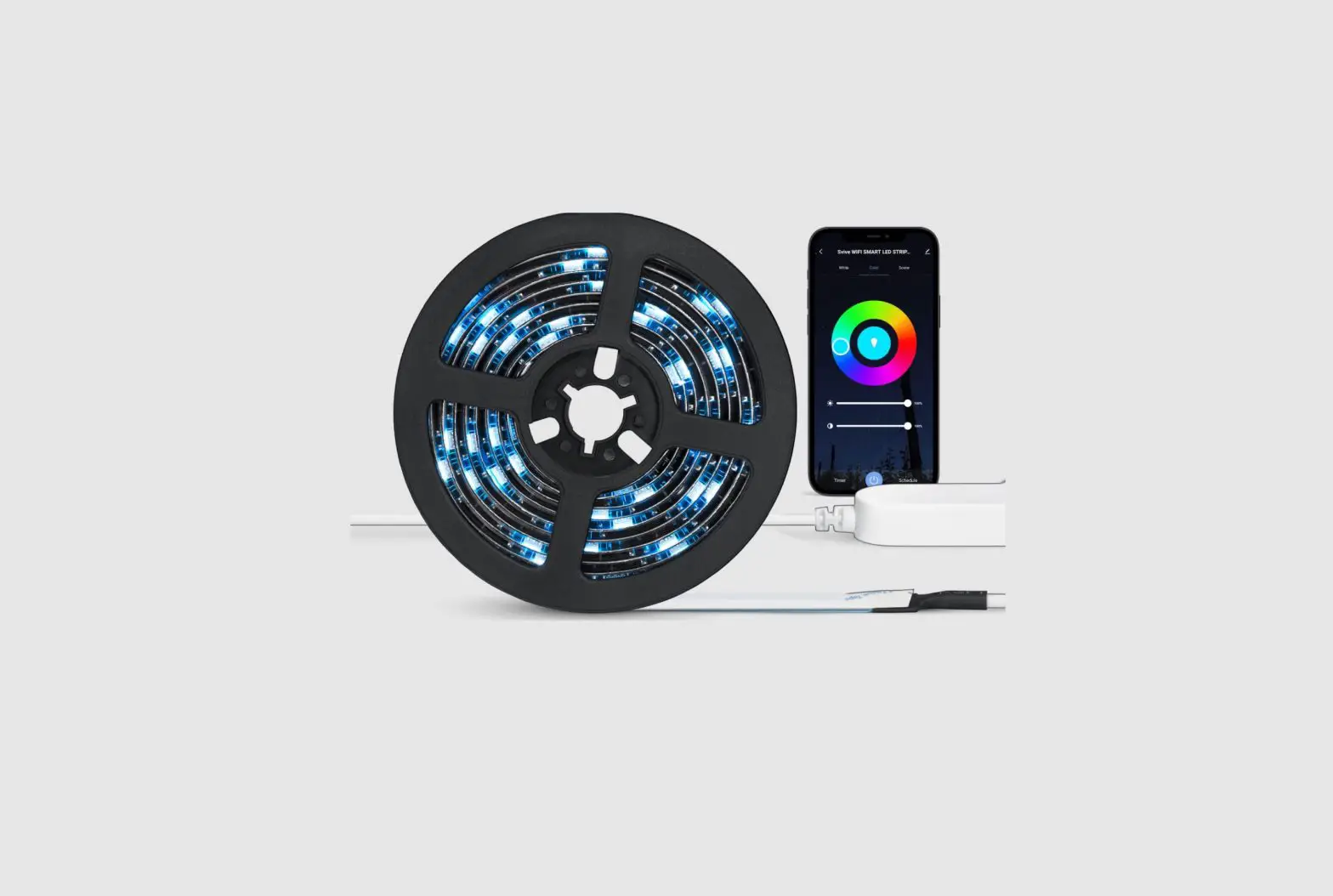
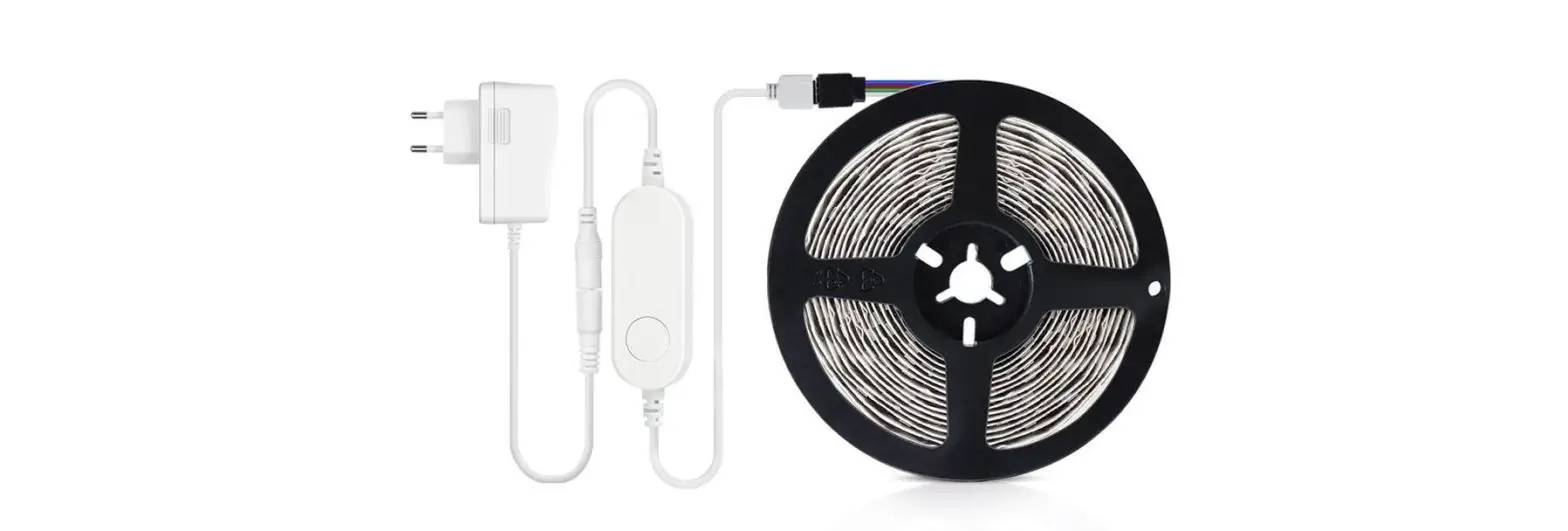
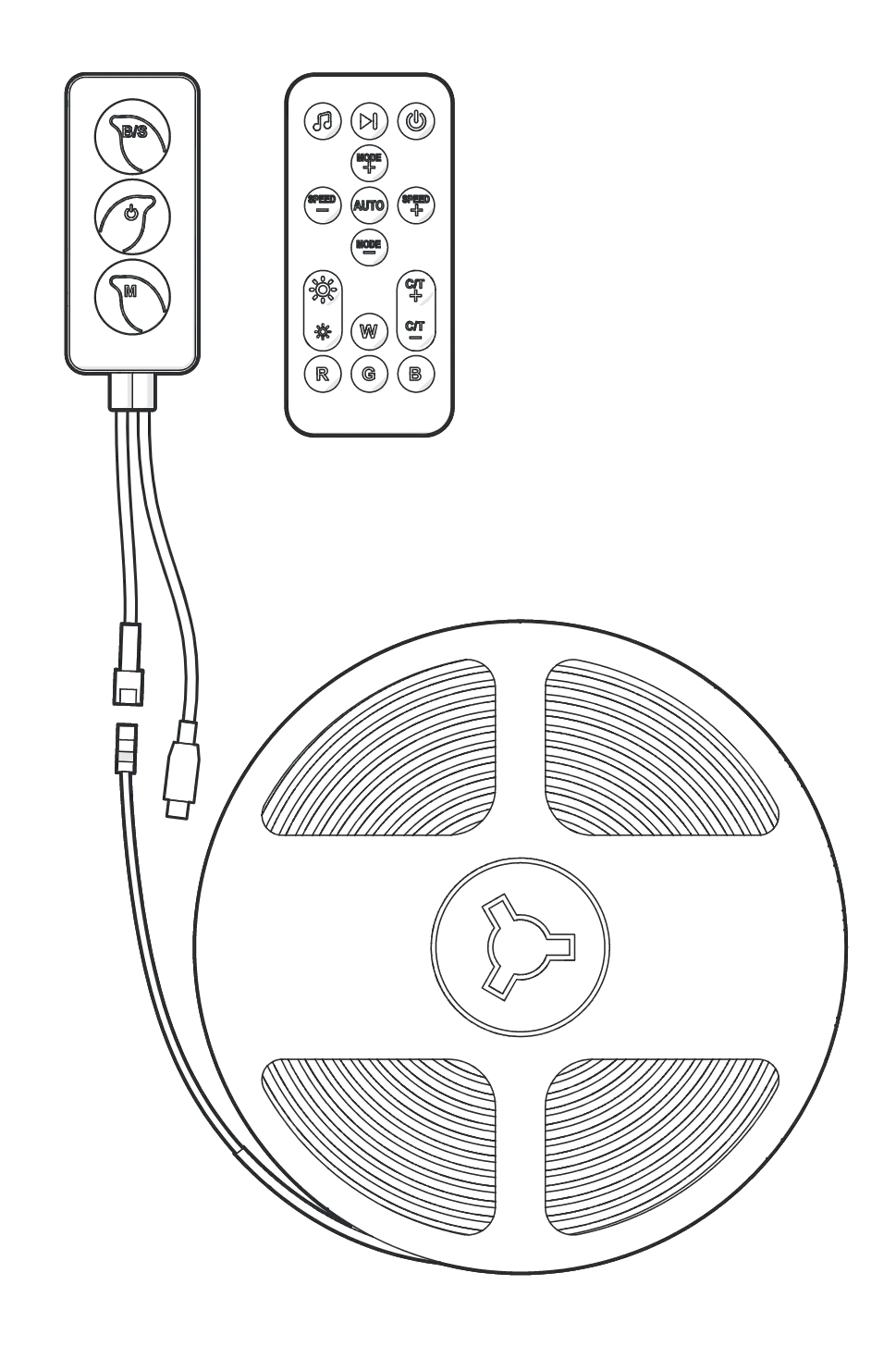
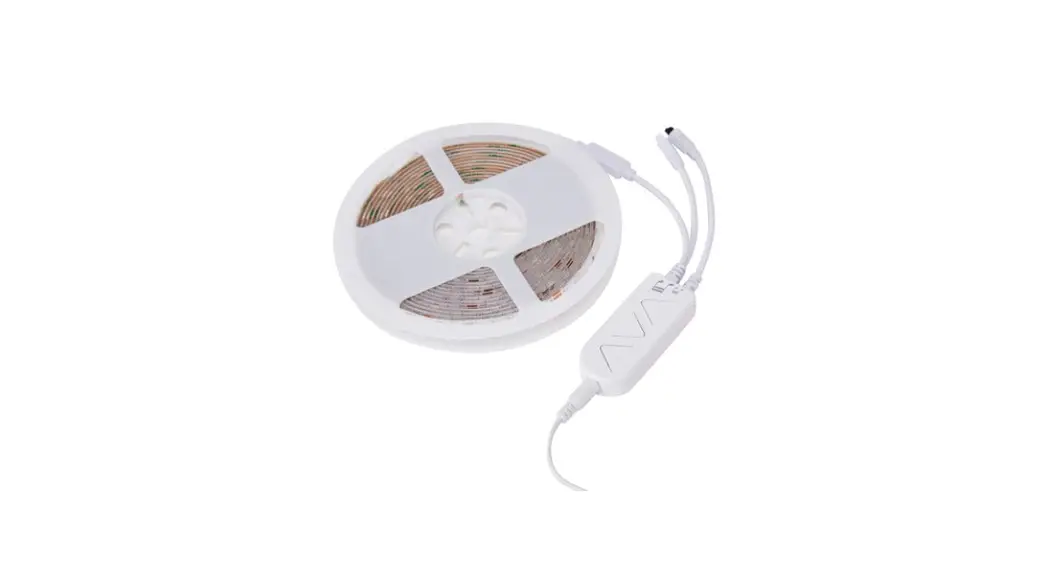
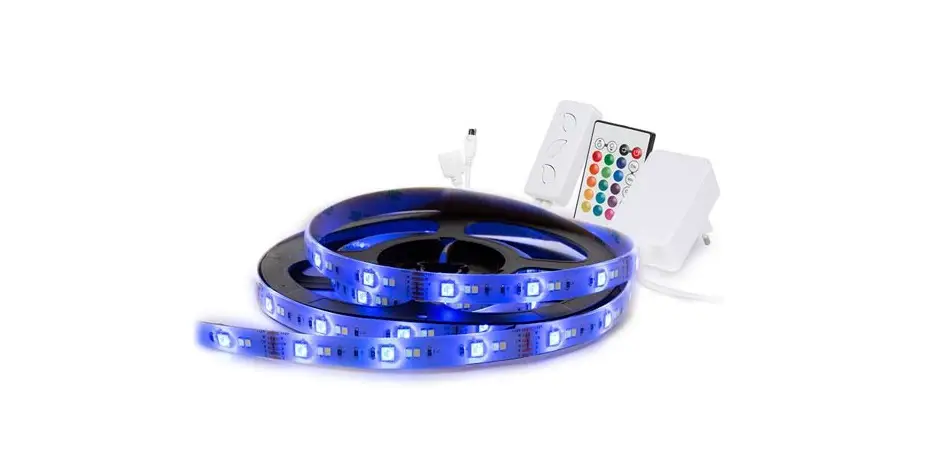
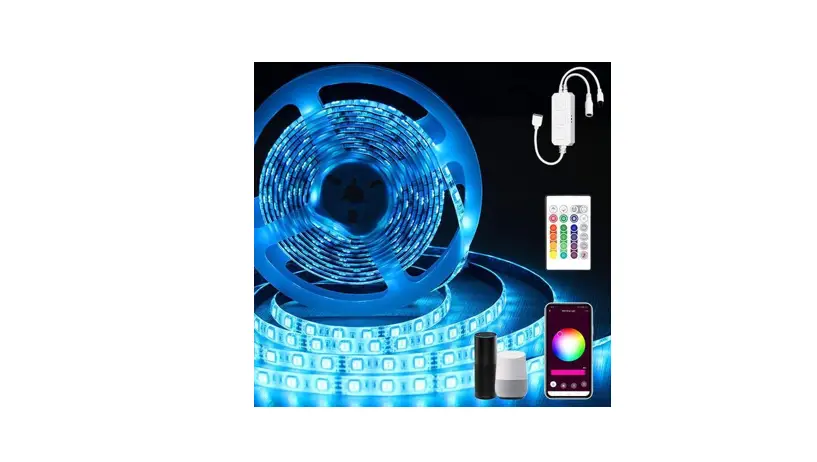
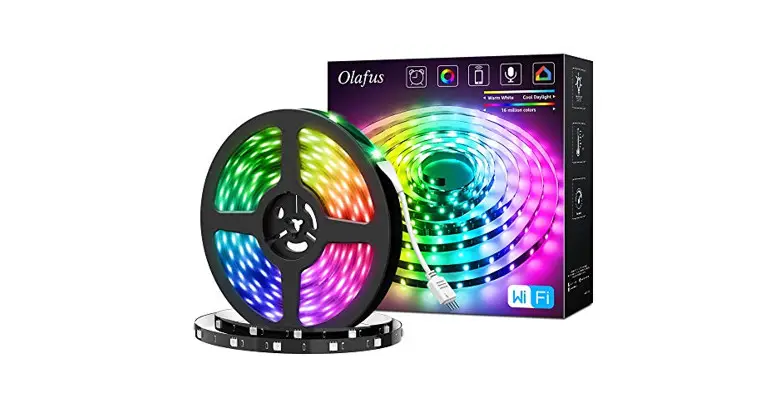
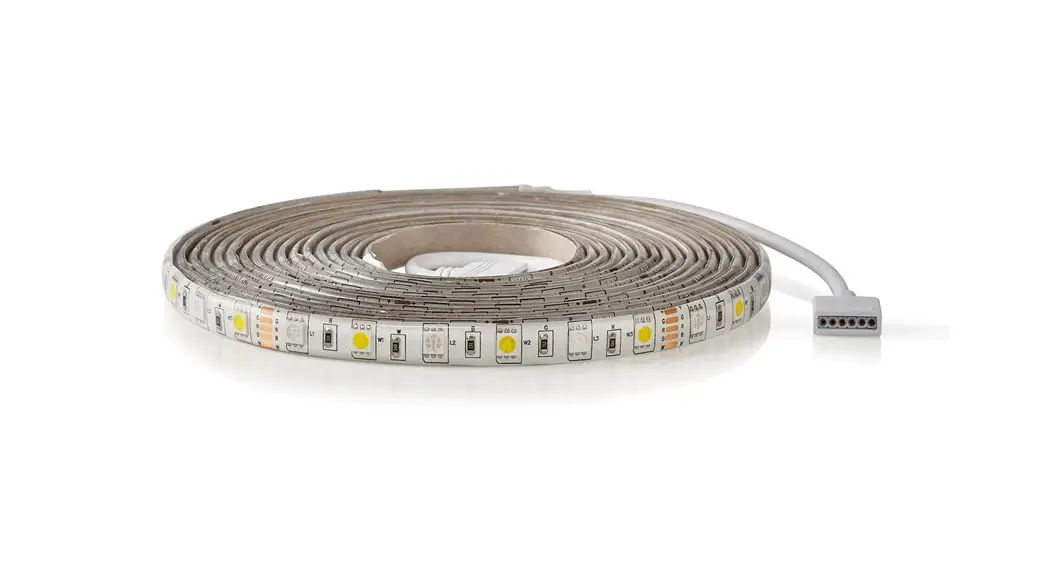
WIFI SMART LED STRIP 2M
Instruction Manual
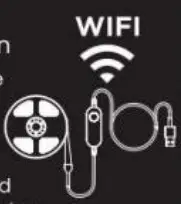
1) Before you begin Make sure your mobile device is running: iOS 8.1 & higher or Android 4.4 & higher
Verify your network and ensure your mobile device is connected to a: 2.4 GHz WIFI channel
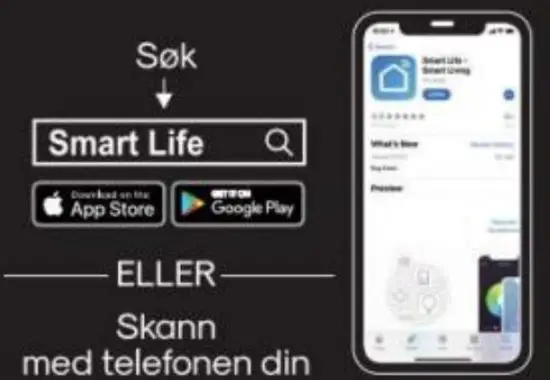
2) Download the Smart Life app
• App store
• Google Play
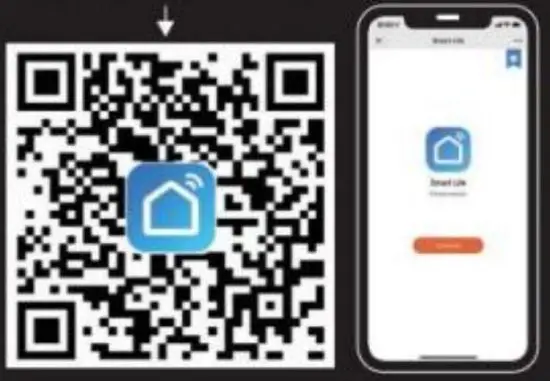
• OR Code (scan from next page)
3) Register/Login
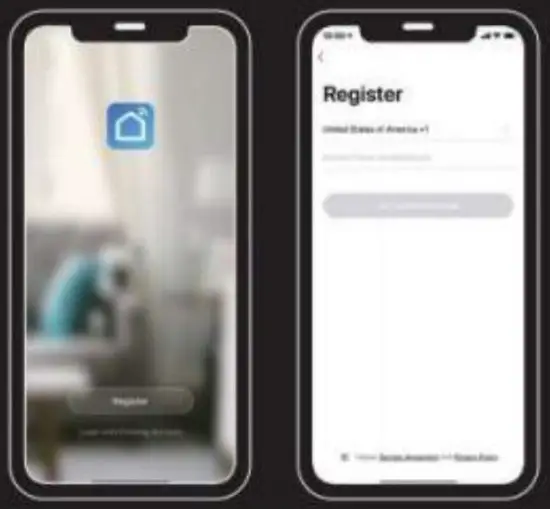
- Launch the SMART LIFE Application To register, enter your mobile phone number or email address.
- Create a password and log in to the App. or log in if you already have an account.

4) Setup your product
- Power on your strip light.
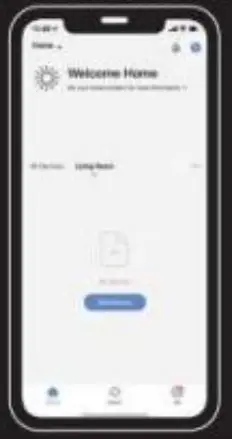
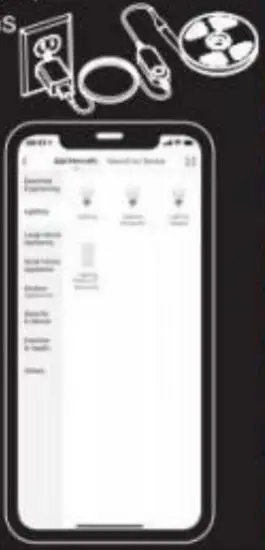
- Click on Add Device or
- Select your product type
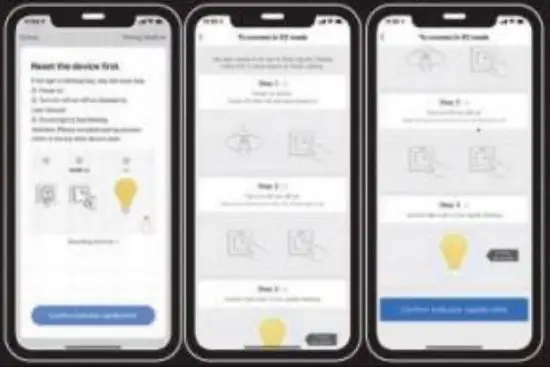
- Click on “CONFIRM” when the strip light flashes rapidly.
- Follow the instructions within the App.
- You’re good to go!
 |  |
5) Reset
In case your plug is not flashing follow these steps.
- Click on ‘Resetting Devices’
- Follow steps 1 to 3 until the plug flashes.
STEP 1: Power on device, power off after 10 sec. and the power on
STEP 2: Hold the reset button for 5 sec. (Wimp to ‘Marva’ not too six. turn oft altar Ilipt won)
STEP 3: Confirm the strip fight is now rapidly flashing. Then press ‘Confirm indicator rapidly
6) Setup Voice assistance
- Open the Google Home app
- Select “Home Control’ from your menu
- Select “+” on the bottom right-hand side
- Search for ‘Smart Life”
- Follow the instructions to establish the link Things you can say:
- “Hey Google, turn on the coffee machine”
- “Hey Google, turn on the Christmas tree lights”
- Open the Amazon Alexa app
- Select “Skills” from your menu
- Search for “Smart Life’ and select “Enable”
- Follow the instructions to establish the link Things you can say: “
- Alexa, turn off the fan”
- “Alexa, turn off the table lamp”