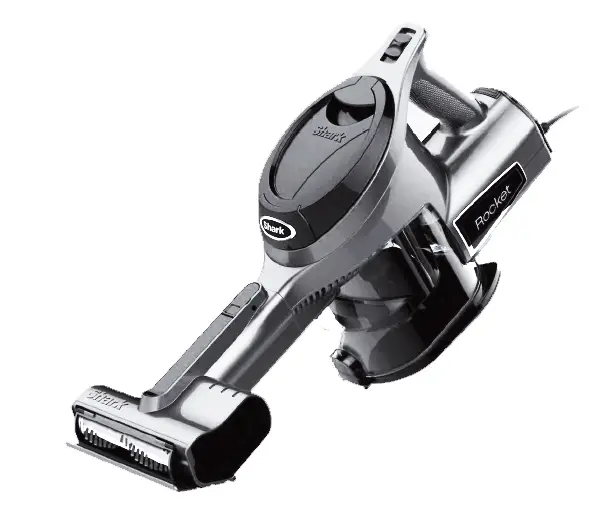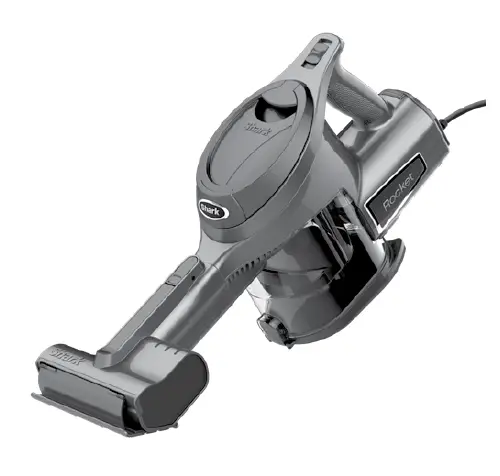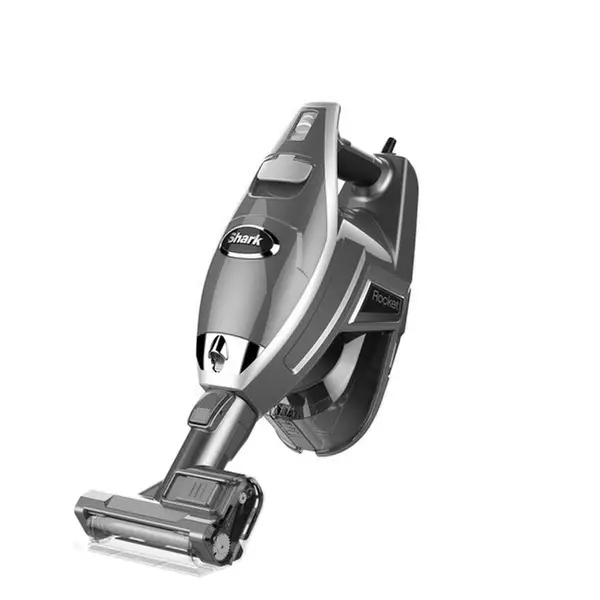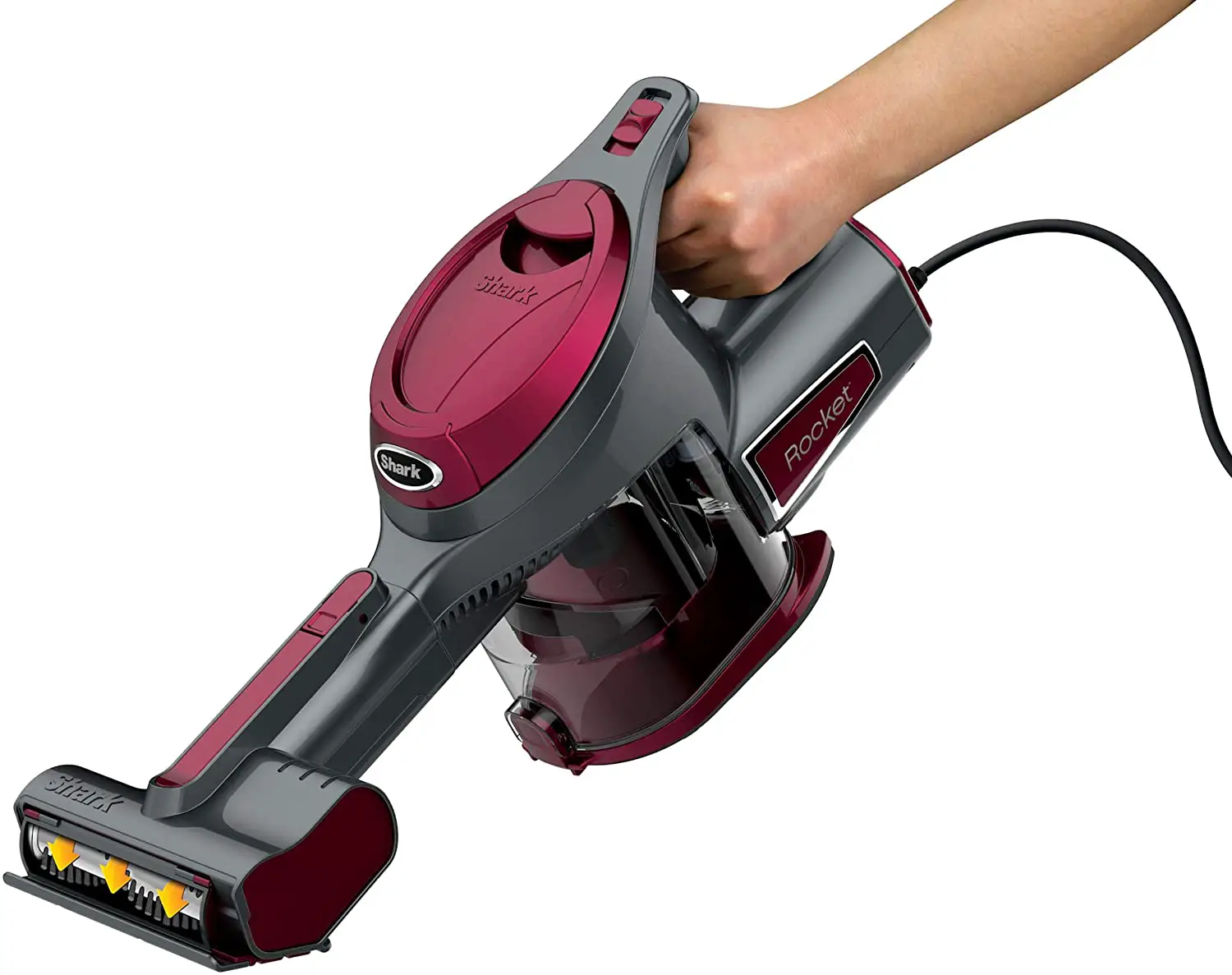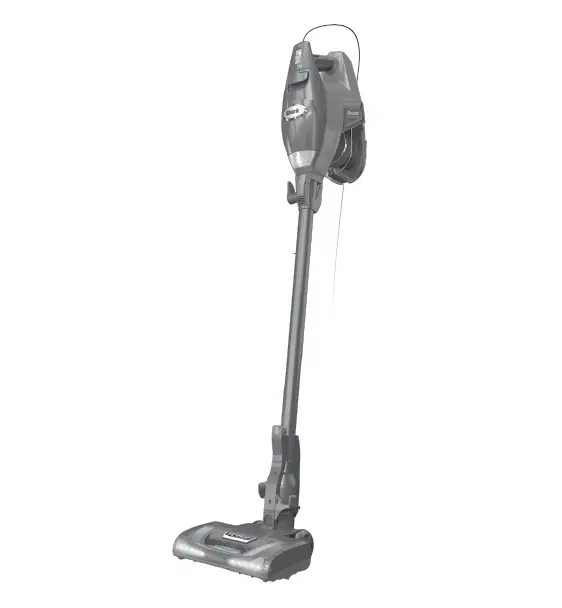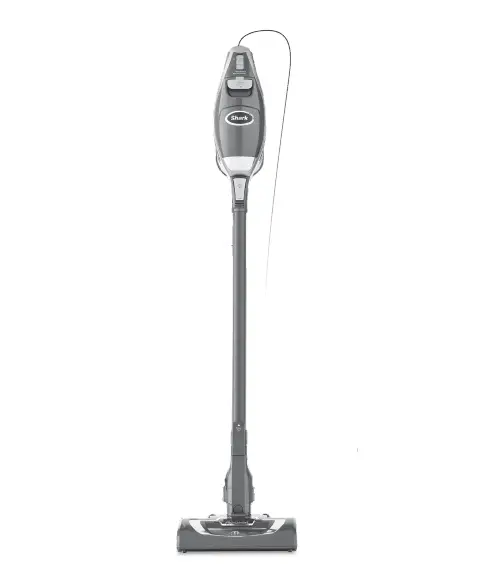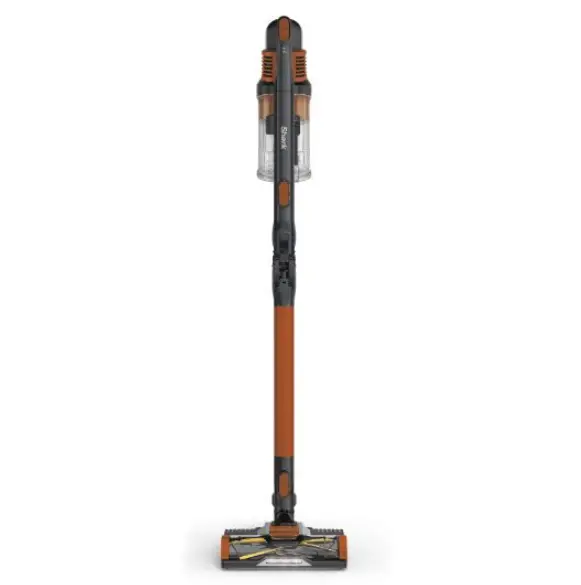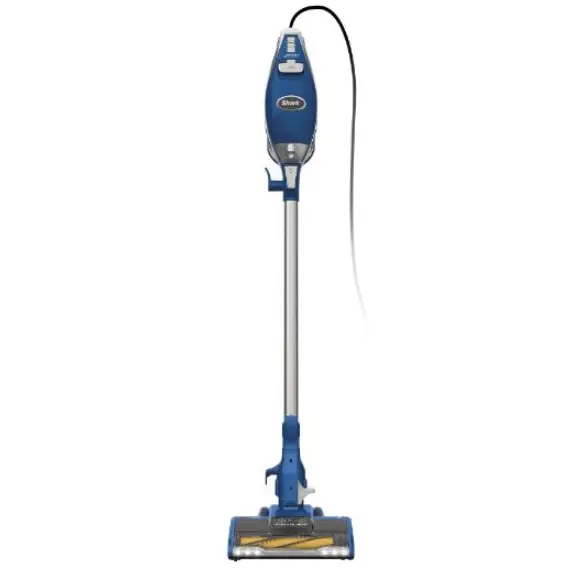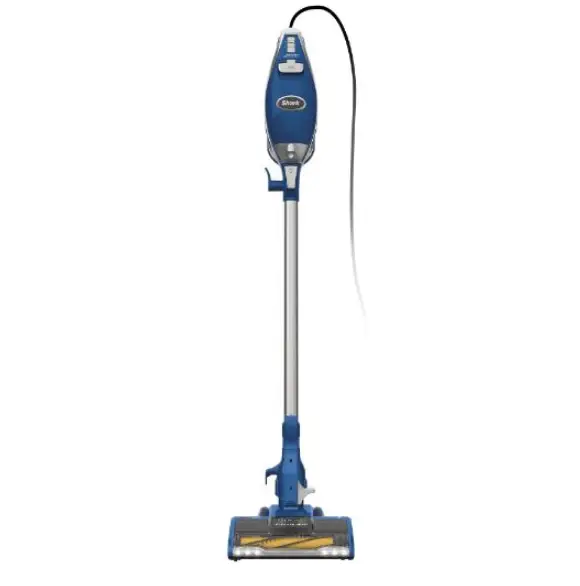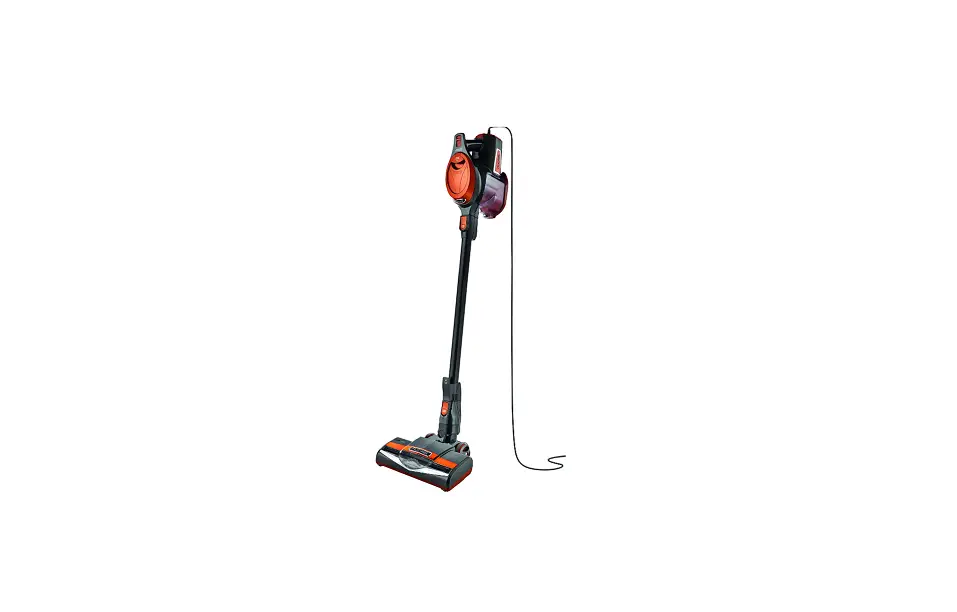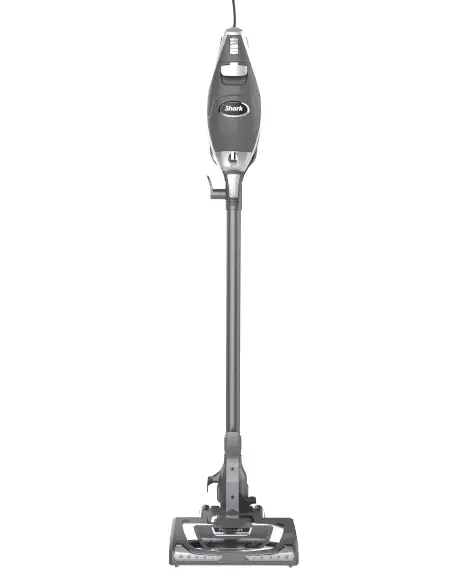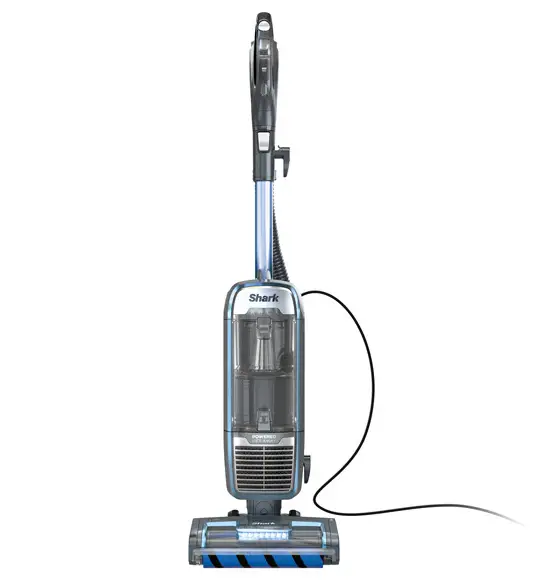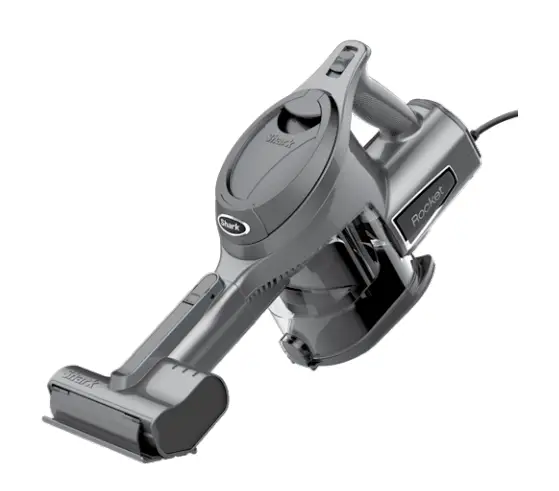
HV294Q Series
QUICK START GUIDE
[Please be sure to read the enclosed Shark® Owner’s Guide prior to using your vacuum.]
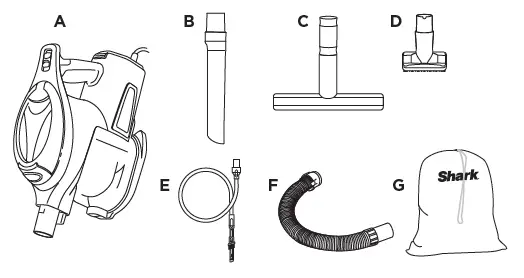
WHAT’S INSIDE
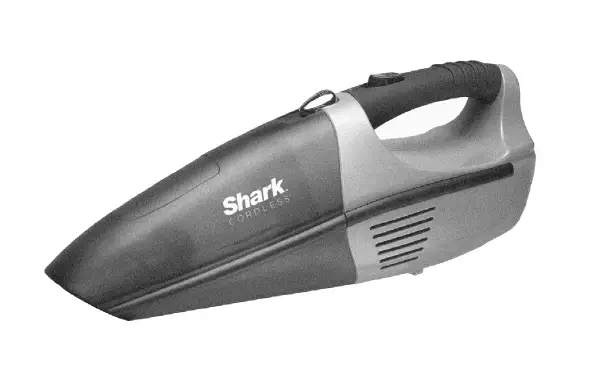
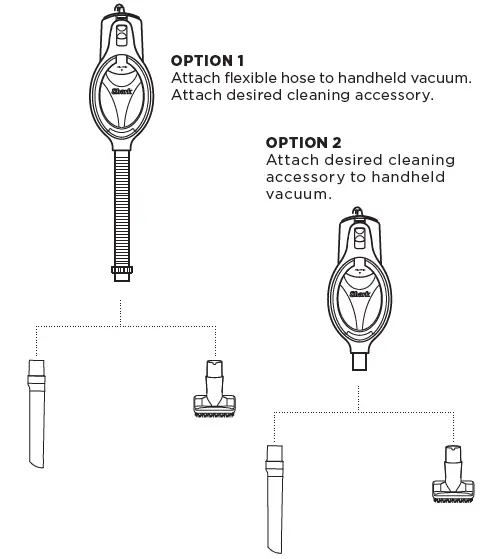
A. Handheld Vacuum
B. 12˝ Crevice Tool
C. Wide Upholstery Tool
D. Dusting Brush
E. Precision Duster
F. Flexible Hose
G. Accessory Bag
ASSEMBLY
MAINTENANCE
IMPORTANT: Clean the dust screen inside the dust cup as required.
NOTE: Empty dust cup when debris reaches the MAX fill line.
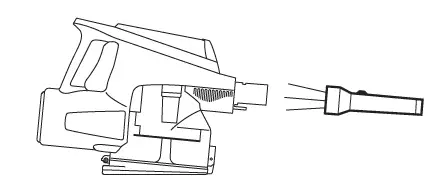
CHECKING FOR BLOCKAGES: Check all dust cup intake openings.
EMPTYING THE DUST CUP
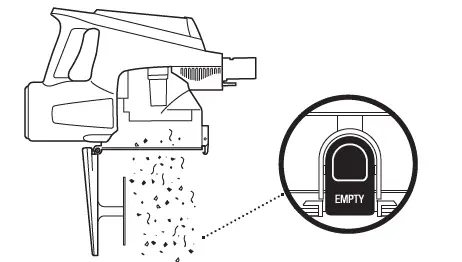
1. Position the handheld vacuum so the dust cup is over a trash bin and press the EMPTY button on the front.
The bottom lid will open, allowing the debris to fall out.
2. Once dust cup is empty, close the bottom lid.
SETTINGS
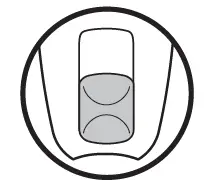
This is the off setting.
Slide the Power switch up to turn the vacuum on and begin cleaning.
Visit us online at sharkclean.com
DOWNLOAD
Shark HV294Q Series Rocket Hand Vacuum:
Quick Start Guide -[Download PDF]
Owner’s Guide – [Download PDF]