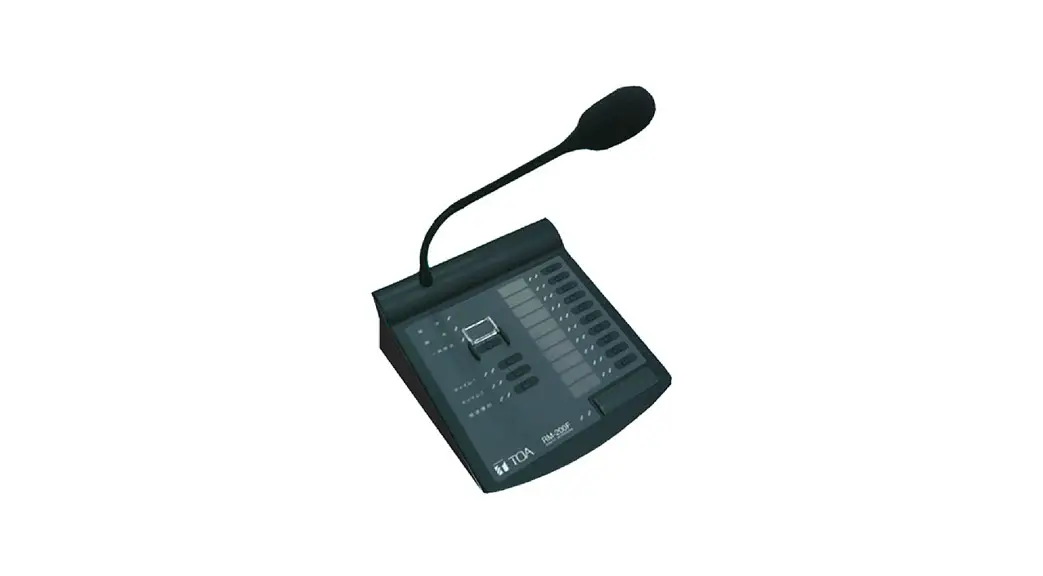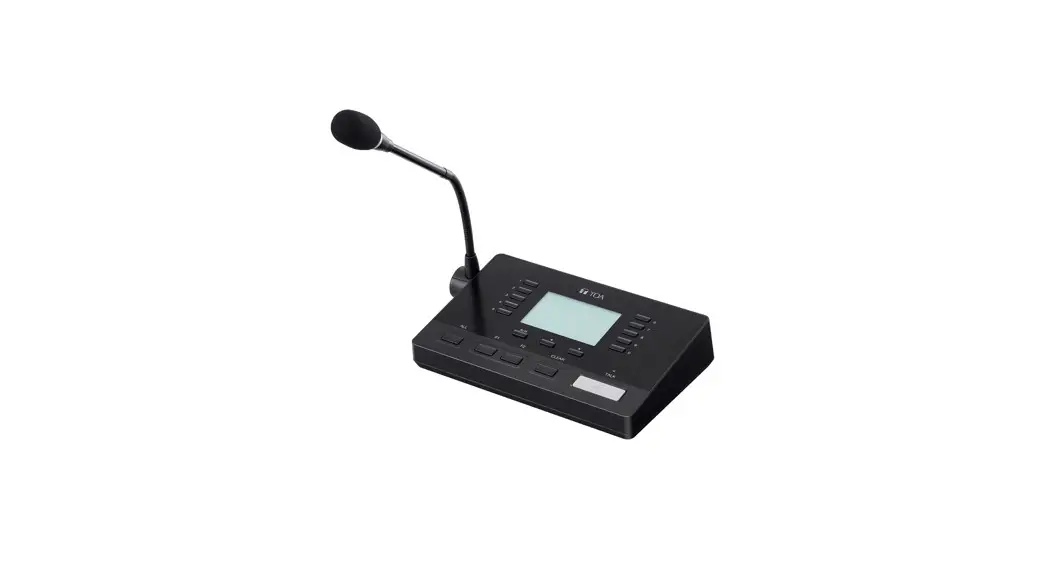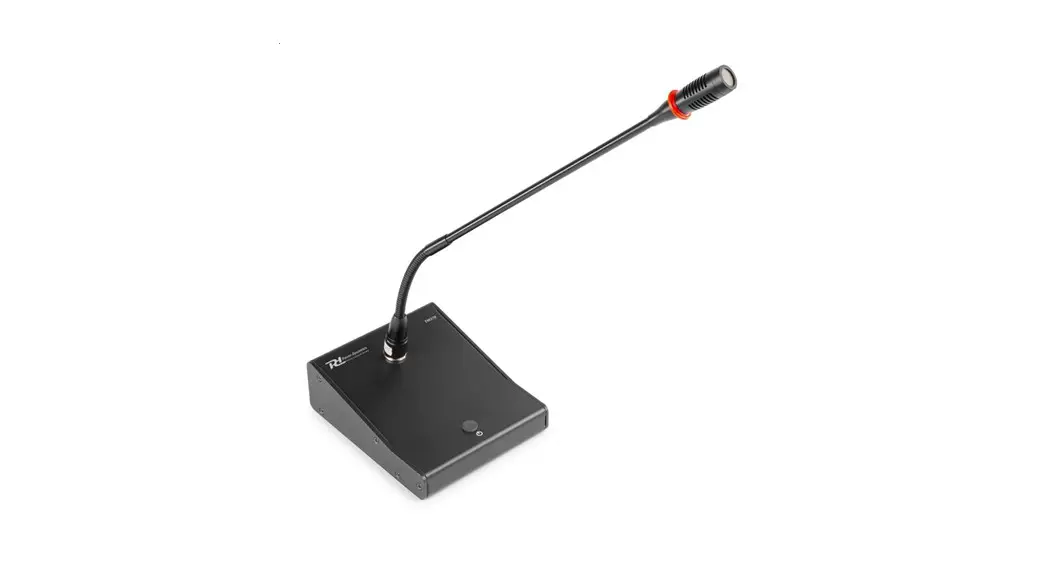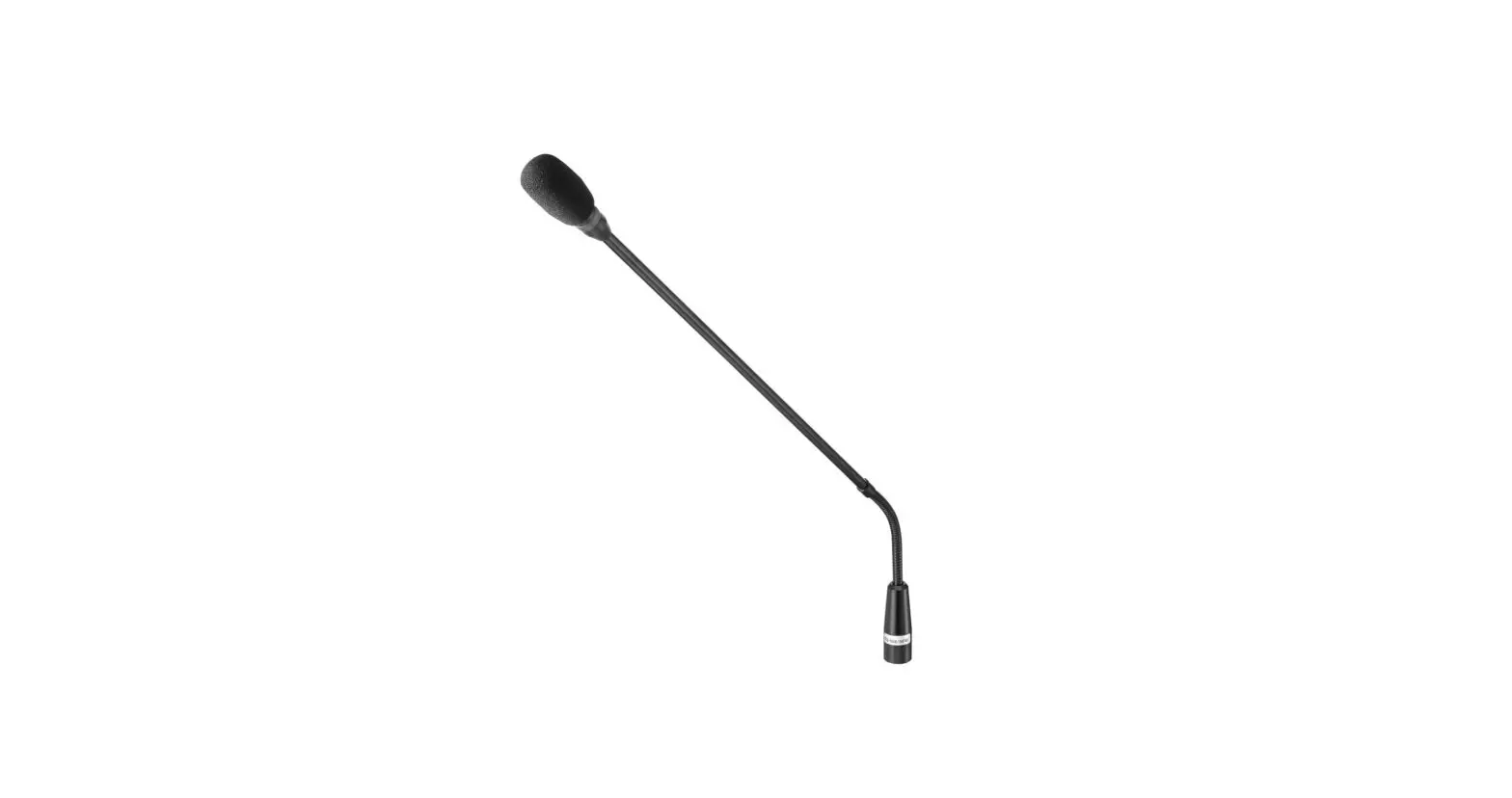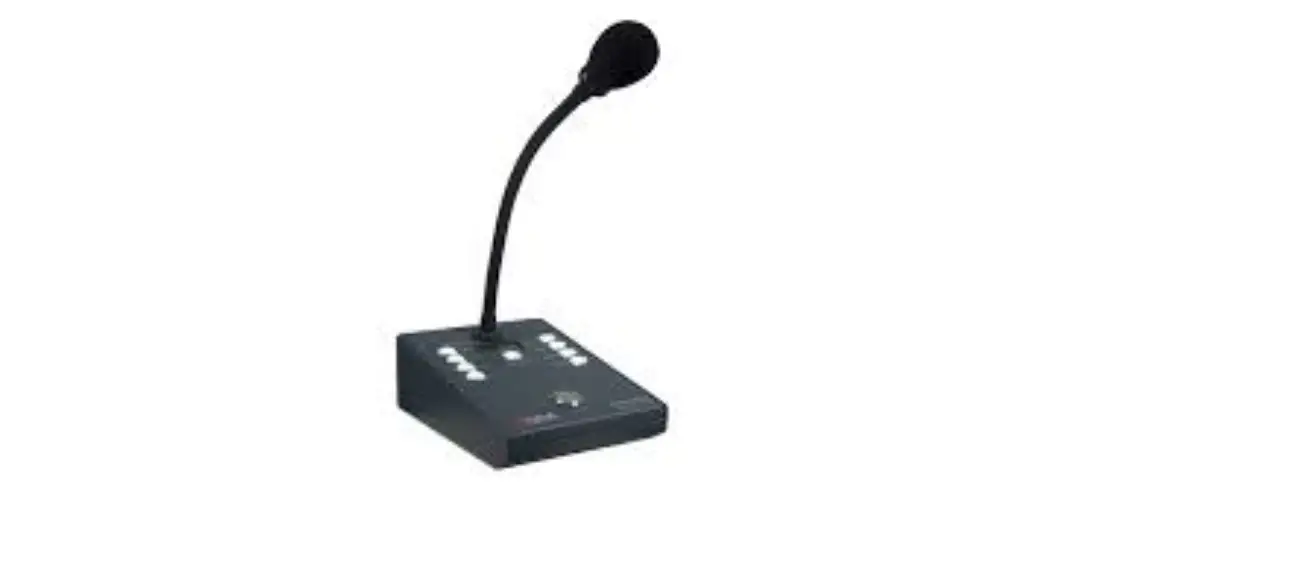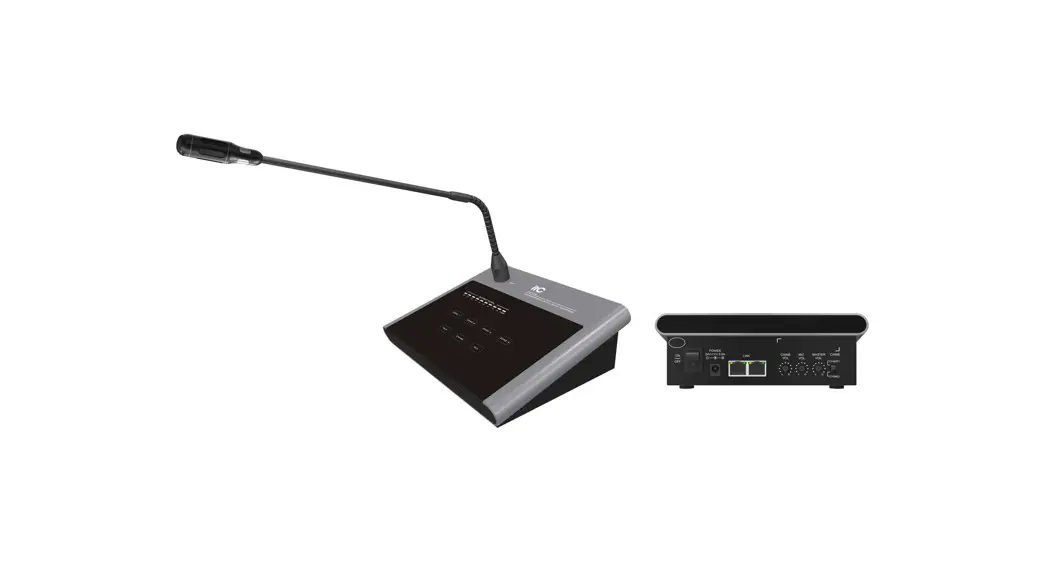

4-zone High-fidelity Remote Paging Microphone T-214B
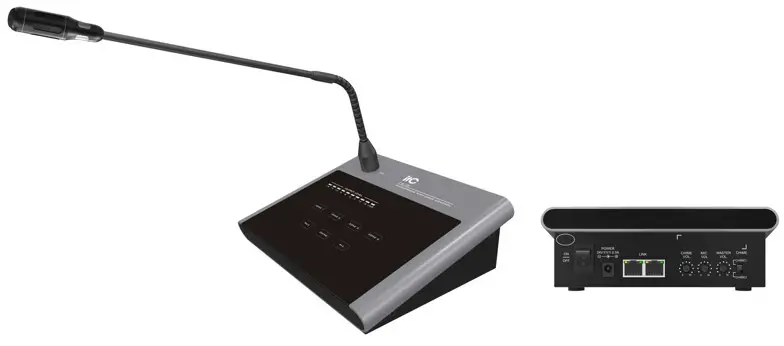
Description
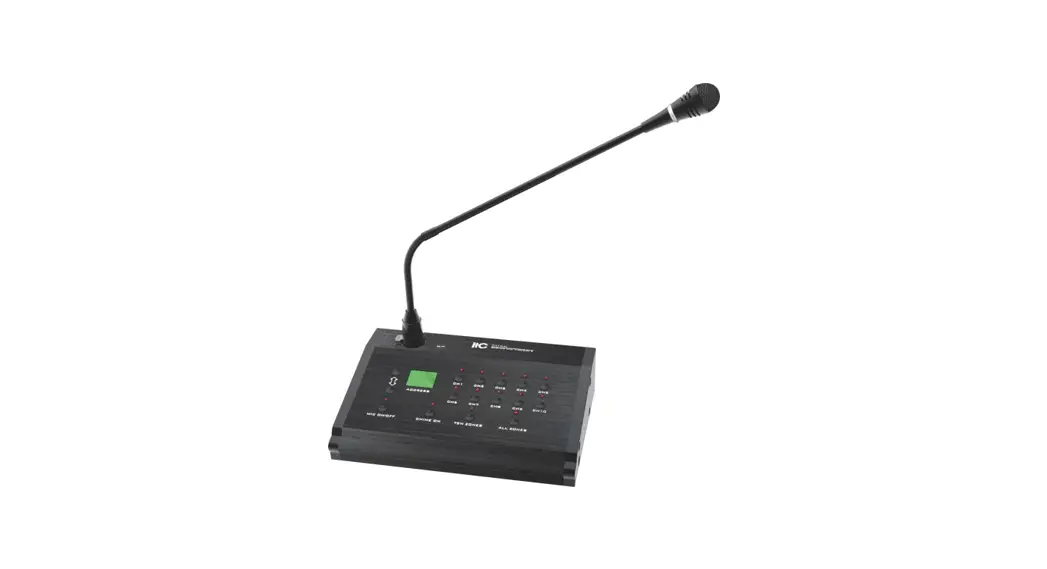
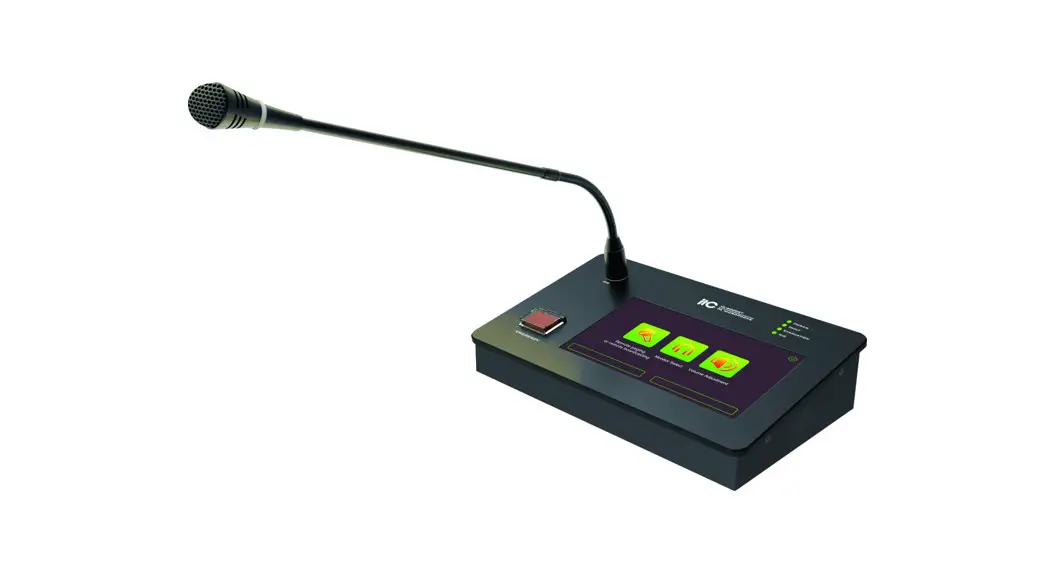
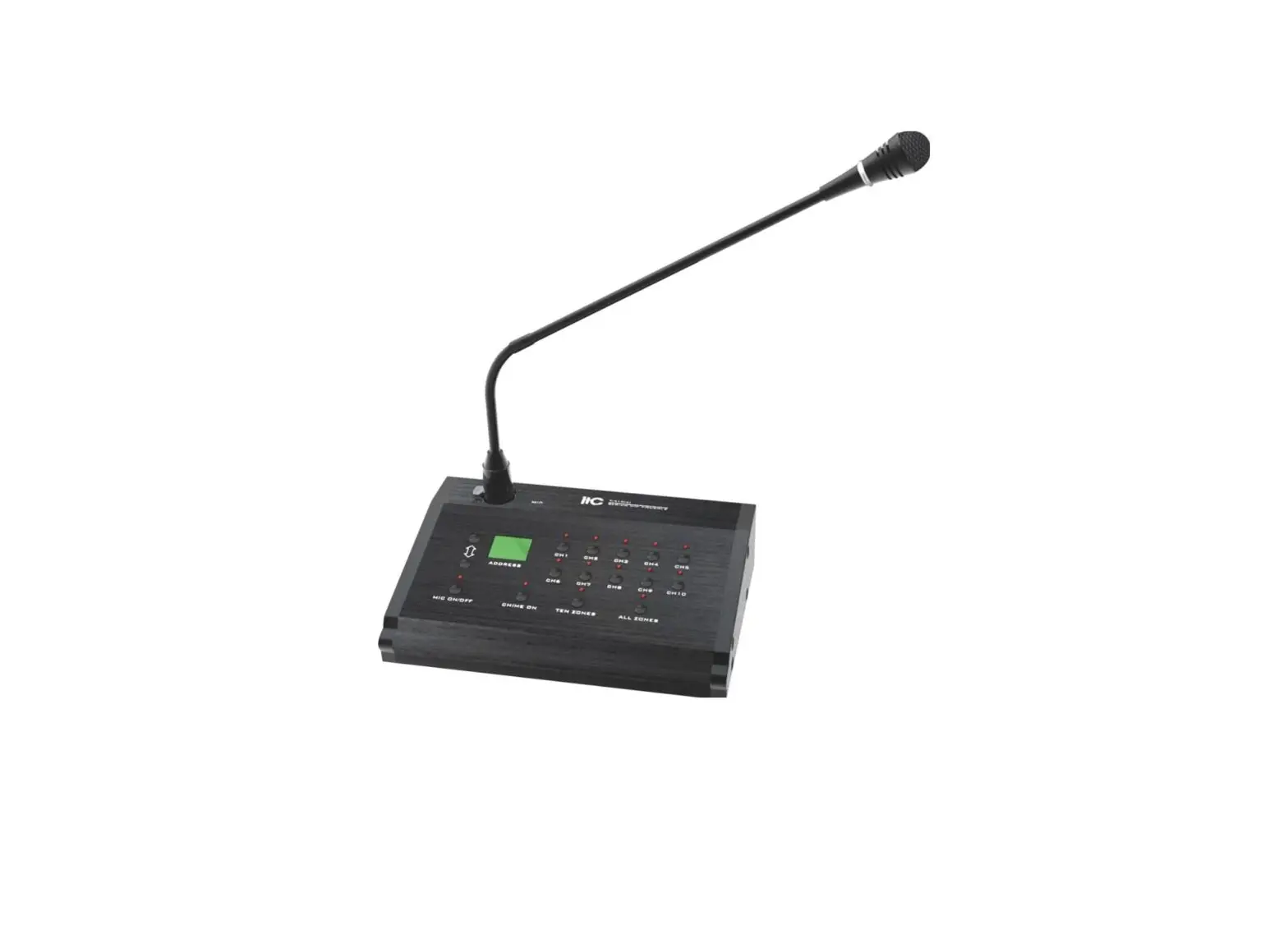
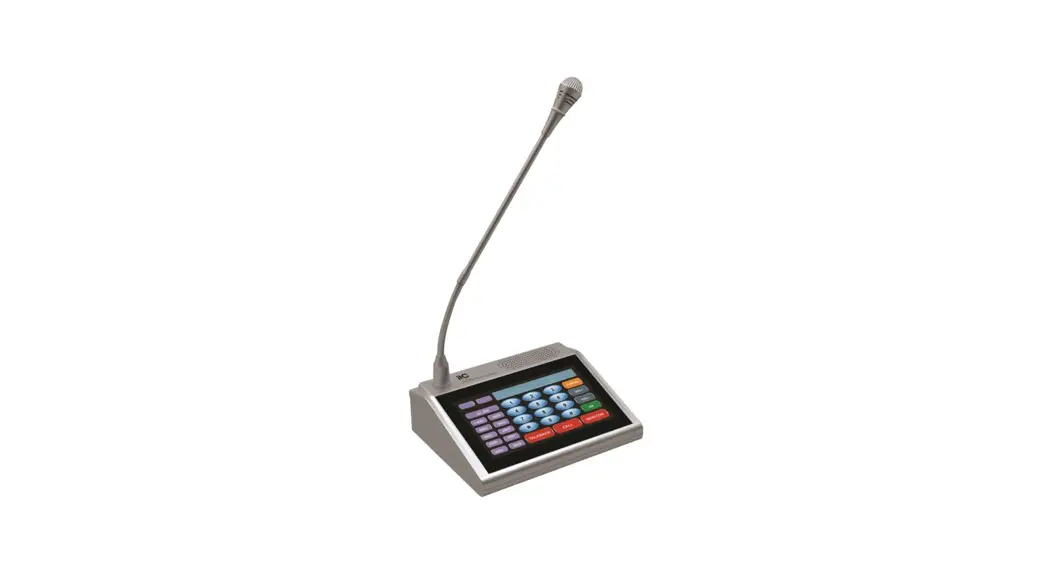
The professional remote paging microphone can be installed in the master control room, duty room or leadership office room. It can be used for single zone or all zone broadcasting.
Feature
- High-fidelity microphone with Call button and Chime button: press Call button when the Chime button is on, you will hear the chime at first.
- Chime number selection: 2 tones or 4 tones.
- 24V DC power input.
- When the microphone is in cascade, it supports overriding and queuing functions.
- With touch screen, zone selection button: user can flexibly choose 1~4 zones(single/multiple/all zones) for paging.
- Address code setting: after it is powered on, long press ZONE1-4 button to set their address codes respectively. Red flashing light indicates the setting is ongoing. Microphone address code should not be duplicate. The microphone with “01” address code has the highest priority, and can override other microphone when pressed.
- Support auto standby function: when no signal is detected from mic for one minute, the call will be ended automatically. And the Call button indicator is off.
- RS485 online port can be cascaded to 4 T-214B.
- Support MIC/ Chime/ Master volume adjustment.
- Support 10-band volume level display.
Specification
| Model | T-214B |
| Mic type | Condenser microphone |
| Communication mode | RS-485 control |
| Capacity | 4 zones |
| Output level | 1V/600Ω |
| Frequency response | 80-16KHz (+1/-3dB) |
| THD | ≤1% |
| Power consumption | 10W |
| Transmission distance | 1KM (when ≥50M, a separate 24V external power supply is required) |
| Voltage | DC24V |
| Size | 170x142x54mm |
| Weight | 0.96kg (without microphone) |
www.itctech.com.cn
[email protected]
 Guangzhou BaoLun Electronics Co., Ltd