Audio PBR TT Patchbay
Product Information
The Black Lion Audio PBR-Series Patchbay is a versatile audio
equipment designed to facilitate signal flow management in your
setup. It allows you to easily route signals between different
audio devices, such as mixers, amplifiers, and processors.
The patchbay offers three modes of operation: Normalled,
Half-Normalled, and Nonnormalled. These modes determine how the
signal flows through the patchbay and can be adjusted to suit your
specific needs.
The most common configuration for the patchbay is for signals to
enter from the top rear connections and exit from the bottom rear
connections. On the front of the patchbay, the top row connections
are outputs, while the bottom row connections are inputs.
Signal Flow in Normalled Operation
In Normalled mode, when jacks are connected to the top rear and
bottom rear connections of a single module, signals coming into a
top rear connection are passed directly through to the output on
the bottom rear. This configuration reflects your hardware’s
default signal flow on a day-to-day basis.
Signal Flow in Half-Normalled Operation
In Half-Normalled mode, when jacks are connected to the top
rear, rear bottom, and front top jacks of a module, the signal is
passed through from the top rear to the top front without breaking
the connection. This allows you to use the patchbay as a splitter,
sending the signal to two different destinations. Inserting a cable
into the front bottom jack of a half-normalled module will break
the connection between the rear jacks.
Signal Flow in Non-Normalled Operation
In Non-Normalled mode, the top and bottom rows of jacks are not
connected. Modules set to non-normalled operation will pass the
signal straight through from front-to-back or back-to-front, but
not vertically. This mode is useful for setups where you want to
have full control over the routing of your devices without any
automatic connections.
Note: Running phantom power through the
patchbay is not advised, as it can cause damage to devices that are
not designed to handle it.
DB25 Wiring Convention
The PBR-Series Patchbay uses the Tascam DB25 wiring convention.
Ensure compatibility with your other DB25 hardware by checking
their documentation, as some audio equipment may use the Yamaha
convention.
Product Usage Instructions
- Connect your audio devices to the patchbay using appropriate
cables. - Choose the desired mode of operation: Normalled,
Half-Normalled, or Non-Normalled. - For Normalled operation, connect the top rear and bottom rear
jacks of a module to establish direct signal flow from input to
output. This is the default configuration for day-to-day
usage. - For Half-Normalled operation, connect the top rear, rear
bottom, and front top jacks of a module. This allows you to split
the signal and send it to two different destinations. Inserting a
cable into the front bottom jack will break the connection between
the rear jacks. - For Non-Normalled operation, no connections are made between
the top and bottom rows of jacks. This gives you full control over
the routing of your devices without any automatic connections. - Avoid running phantom power through the patchbay to prevent
potential damage to devices not designed to handle it.
Note: Refer to the documentation provided with
your audio devices and the patchbay for specific instructions on
connecting and configuring them.
SIGNAL FLOW IN YOUR TT PATCHBAY
The flow of signal through a patchbay module is affected by both physical connections and mode setting (Normalled, Nonnormalled, or Half-Normalled.) The most common configuration for a patchbay is for signals to come in to the patchbay from the top rear connections, and out of the patchbay from the bottom rear connections. Conversely, on the front of the patchbay, the top row connections are outputs and the bottom row connections are inputs.
With jacks connected to the top rear and bottom rear of a single patchbay module, signals coming into a top rear connection are passed directly through to the output on the bottom rear, as shown here. This connection style should be used for your hardware’s “default” configuration – the way you want your signals to flow on a day-to-day basis.
HALF-NORMALLED OPERATION When a module is set to Half-Normalled and connections are made to the rear top, rear bottom, and front top jacks, the signal is passed through from the top rear to the top front – without breaking the connection shown in figure 1.
Fig. 5 This allows you to use the patchbay as a mult (splitter), sending the signal coming into the patchbay to two different destinations; very useful for parallel processing of your signal and monitoring applications. Inserting a cable in to the front bottom jack of a half-normalled module will break the connection between the rear jacks.
Fig. 1
When no jacks are connected to the top connections of a module, a signal from the front bottom input is passed through to the rear bottom output.
NON-NORMALLED OPERATION
AKA “open.” In non-normalled configuration, the top and bottom rows of jacks are not connected at all. Modules set to non-normalled operation will pass signal straight through from front-to-back or back-to-front, but not vertically. Useful for setups where you do not want your devices to automatically route anywhere.
ON PHANTOM POWER
We advise against running phantom power through your patchbay, as this makes it possible to send phantom power to a device not designed to handle it; expensive damage could result!
Fig. 2
When all four jacks are connected to a patchbay module, a signal connected to a rear top input of the patchbay is passed to the front top output, while signal from the front bottom input is passed to the rear bottom output.
NORMALLED OPERATION
DB25 WIRING CONVENTION
The PBR TT Patchbay uses the Tascam DB25 wiring convention. Some audio equipment uses the Yamaha convention. Check the documentation for your other DB25 hardware to ensure compatibility.
NOTICE
This manual provides general information, preparation for use, installation and operating instructions for the Black Lion Audio PBR-Series Patchbays.
The information contained in this manual is subject to change without notice. Black Lion Audio makes no warranties of any kind with regard to this manual, including, but not limited to, the implied warranties of merchantability and fitness for a particular purpose. Black Lion Audio shall not be liable for errors contained herein or direct, indirect, special, incidental, or consequential damages in connection with the furnishing, performance, or use of this material.
Fig. 3
When a module is set to Normalled and connections are made to the top rear and top front jacks, the signal is passed through from the top rear to the top front – breaking the connection shown in figure 1.
©2023 Black Lion Audio. The Black Lion Audio `Lion Face’ logo, BLA, are trademarks or registered trademarks of Black Lion Audio.
This manual and any associated intellectual property are subject to copyright protection. No part of this document may be reproduced in
any form without explicit written consent from Black Lion Audio.
Fig. 4
A Normalled configuration allows you to run several devices in series by using patch cables on the front of the patchbay to interconnect several of your devices. For example, you could run a signal from a preamp, to a compressor, and finally to a reverb. A cable inserted into the bottom rear will have its connection broken when a cable is inserted into the top front.
PBR TT Patchbay
Owner’s Manual
IMPORTANT SAFETY INSTRUCTIONS
1. Read these instructions. 2. Keep these instructions 3. Heed all warnings. 4. Follow all instructions. 5. Do not use this apparatus near water. 6. Clean only with dry cloth. 7. Install in accordance with the manufacturer’s instructions. 8. Do not install near any heat sources such as radiators, heat regis-
ters, stoves, or other apparatus that produce heat. 9. Use only attachments/accessories specified by the manufacturer 10. Use only with a cart, stand, tripod, bracket or table specified by the
manufacturer, or sold with the apparatus. When a cart is used, use caution when moving the cart/apparatus combination to avoid injury from tip-over. 11. Refer all servicing to qualified service personnel. Servicing is required when the apparatus has been damaged in any way, such as power supply cord or plug is damaged, liquid has been spilled or objects have fallen into the apparatus, the apparatus has been exposed to rain or moisture, does not operate normally, or has been dropped. 12. This apparatus shall not be exposed to dripping or splashing, and no object filled with liquids, such as vases, shall be placed on the apparatus. 13. Any changes or modifications not expressly approved in this manual could void your authority to operate this apparatus.
LIMITED 3 YEAR WARRANTY
Black Lion Audio’s PBR TT Patchbays are warranted by Black Lion Audio to be free from defects in materials and workmanship for the period of THREE (3) YEARS to the original purchaser. In the event of such defects, the product will be repaired without charge or, at our option, replaced with a new one if delivered to Black Lion Audio prepaid, together with a copy of the sales slip or other proof of purchase date. The warranty excludes problems due to normal wear, abuse, shipping damage or failure to use the product in accordance with the specifications.
All parts and labor are covered under this Limited Warranty. However, if it is determined by Black Lion Audio that the device was damaged or made defective through abuse, we reserve the right to charge the customer for the cost of the repair.
Black Lion Audio shall not be liable for damages based upon inconvenience, loss of use of the product, loss of time, interrupted operation or commercial loss or any other damages, whether incidental, consequential or otherwise. This warranty gives you specific legal rights, and you may have other rights, which will vary from state to state.
This warranty is not transferable.
CONNECTIONS
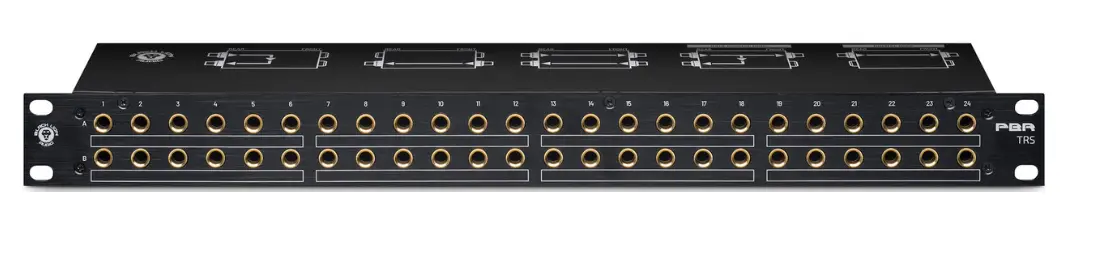
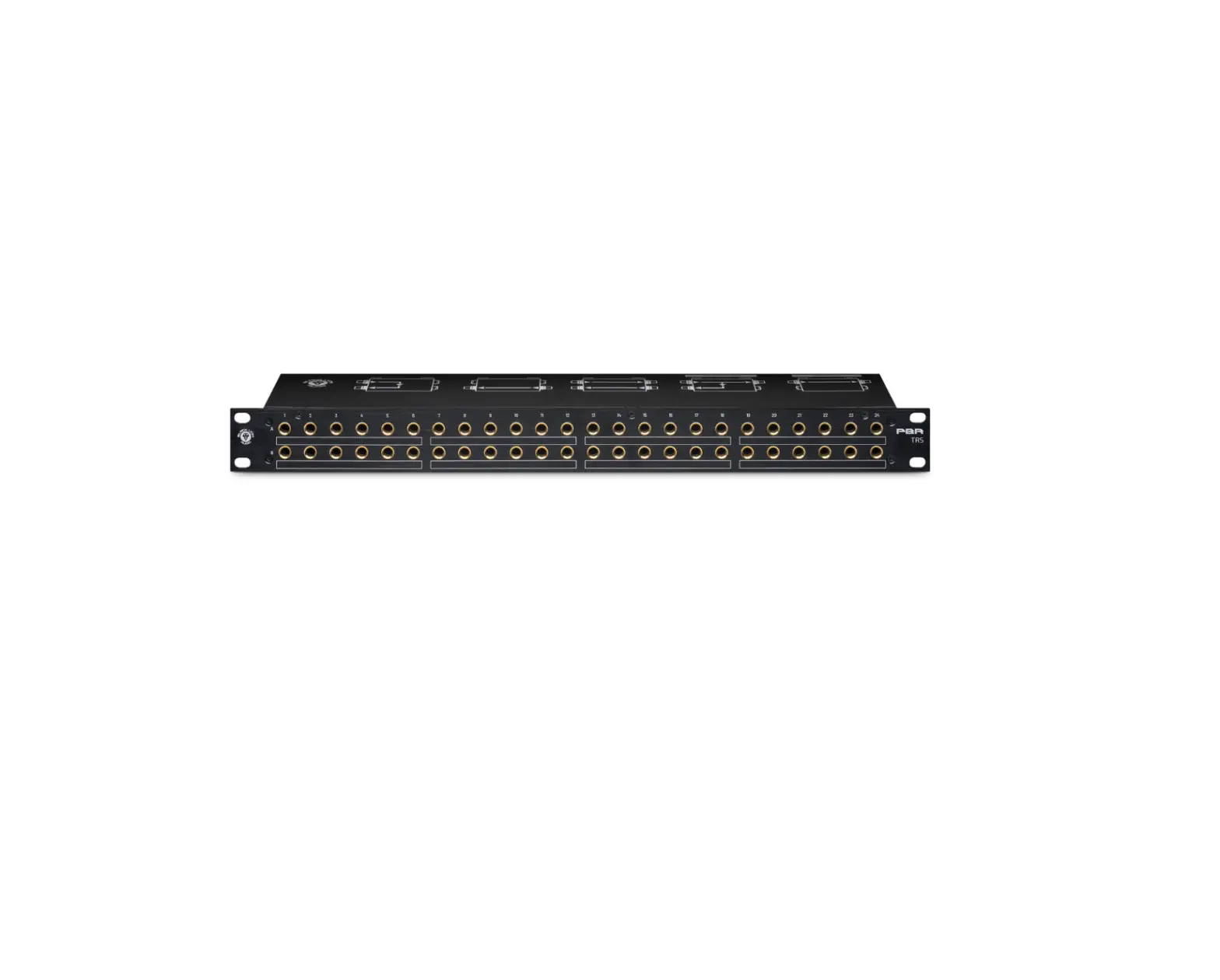
The PBR TT offers 96 points of connectivity for your studio gear, allowing for permanent installation and routing of your favorite hardware while still allowing for flexible and creative patching.
The PBR TT Patchbay offers Normalled, Non-Normalled, and HalfNormalled operation, switchable from the top of the unit on a per-module basis. A module, in this context, is any set of verticallyaligned jacks on the patchbay; TT on the front and DB25 on the back.
A typical patchbay configuration will have device outputs sent to the top rear row of patch points with device Inputs connected to the rear bottom row. For example, you would connect the Input of a delay unit or compressor to a DB25 output connection on the rear of the patchbay, and connect the delay’s Output to a DB25 Input connection, also on the rear.
1
Do not attempt to service this unit yourself, as it will void your warranty. Please check your unit carefully upon receipt and return to place of purchase immediately if there are any problems with the product. After that, the standard Black Lion Audio 3 YEAR warranty will apply to defects in materials and workmanship.
U.S.A.
Should your Black Lion Audio product require service, please contact us on our customer service site: https://www.blacklionaudio.com/contact. You must obtain an RA # (Return Authorization number) from us before shipping a unit back to us. This RA # must be clearly written on the outside of the box.
Please safely pack the units…It is best to use the original packing materials. Black Lion Audio cannot be responsible for any damages incurred in shipping to us due to poor packaging. PLEASE PACK CAREFULLY and FULLY INSURE THE SHIPMENT.
INTERNATIONAL
For service or warranty assistance, please contact the Black Lion Audio distributor in your country through the dealer from whom you purchased this product.
2 3
4
1. Balanced TT connections: Accepts TT (Bantam) jacks for connecting and routing your audio gear. Accepts balanced connections.
2. Normal/Non-Normalled/Half-Normalled Switches: Switches the routing for its respective module between Normal, Non-Normal, and Half Normalled operation. Switch up = Half-Normal, Switch mid = Non-normal. Switch down = Normal
3. DB25 connections. Accepts DB25 connections (eight channels in a breakout cable) for connecting to the inputs and outputs of your outboard equipment. Common convention is to connect the top row of connections to device outputs and the bottom row to device inputs.
4. Grounding lug. Connect this to your outboard equipment using a ground wire to prevent noise from ground loops.
 Contact – Black Lion Audio