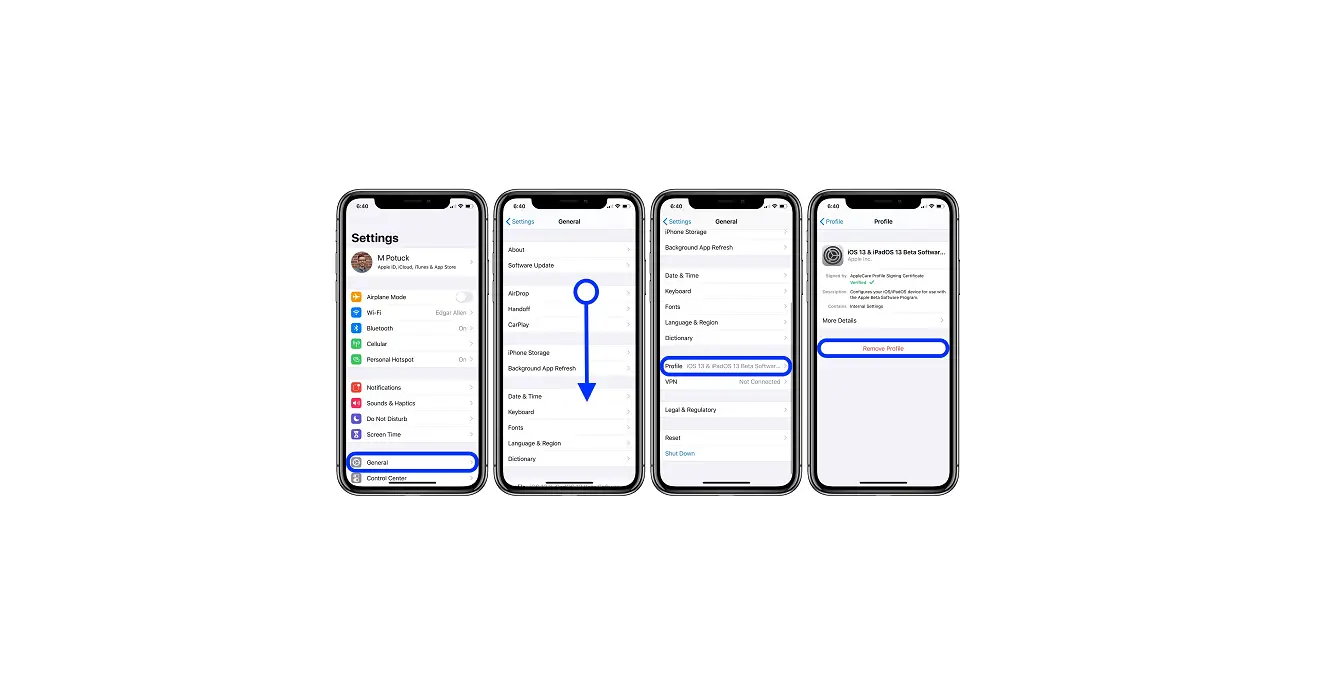
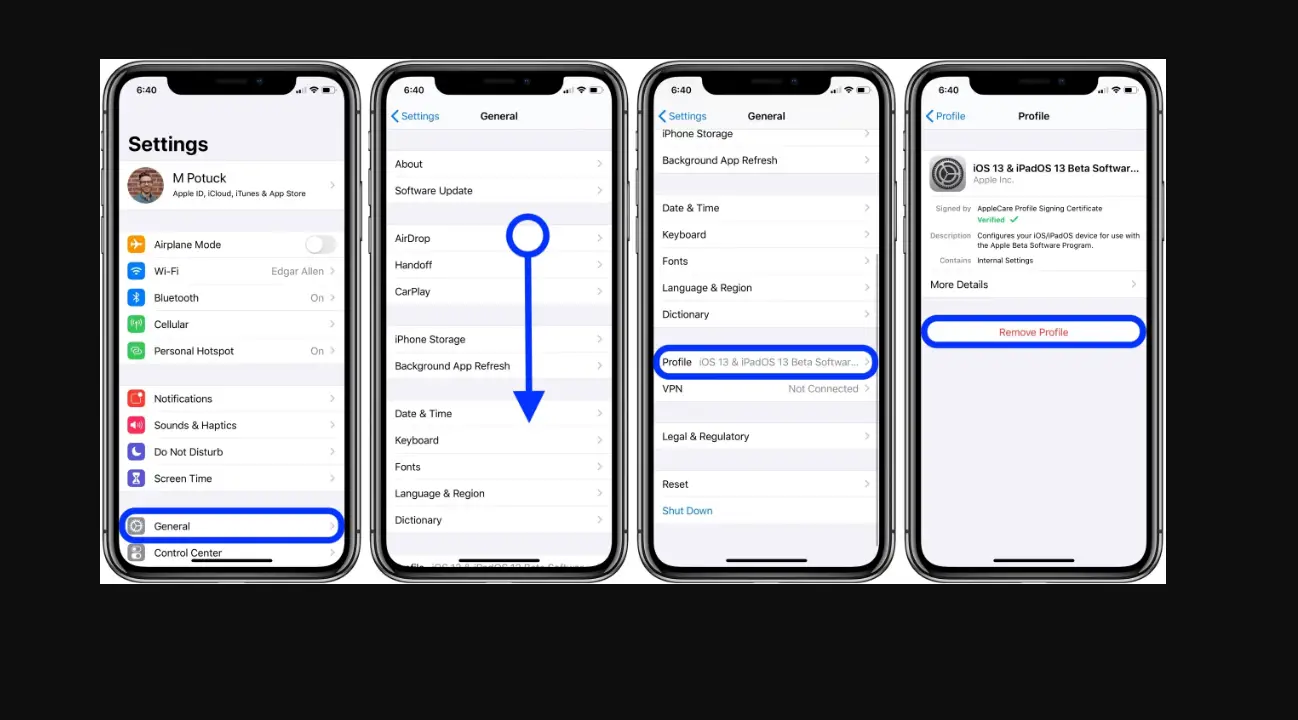
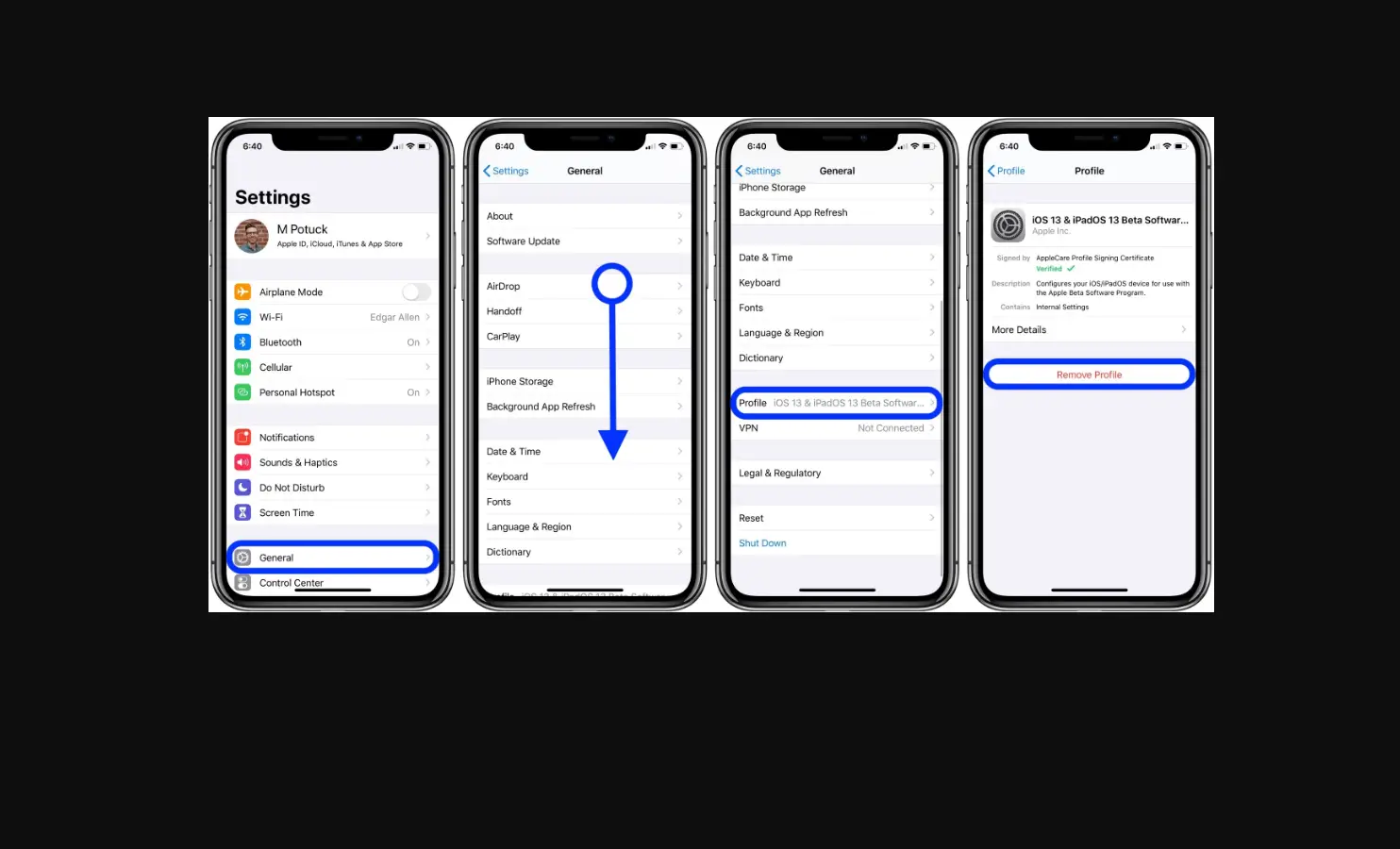
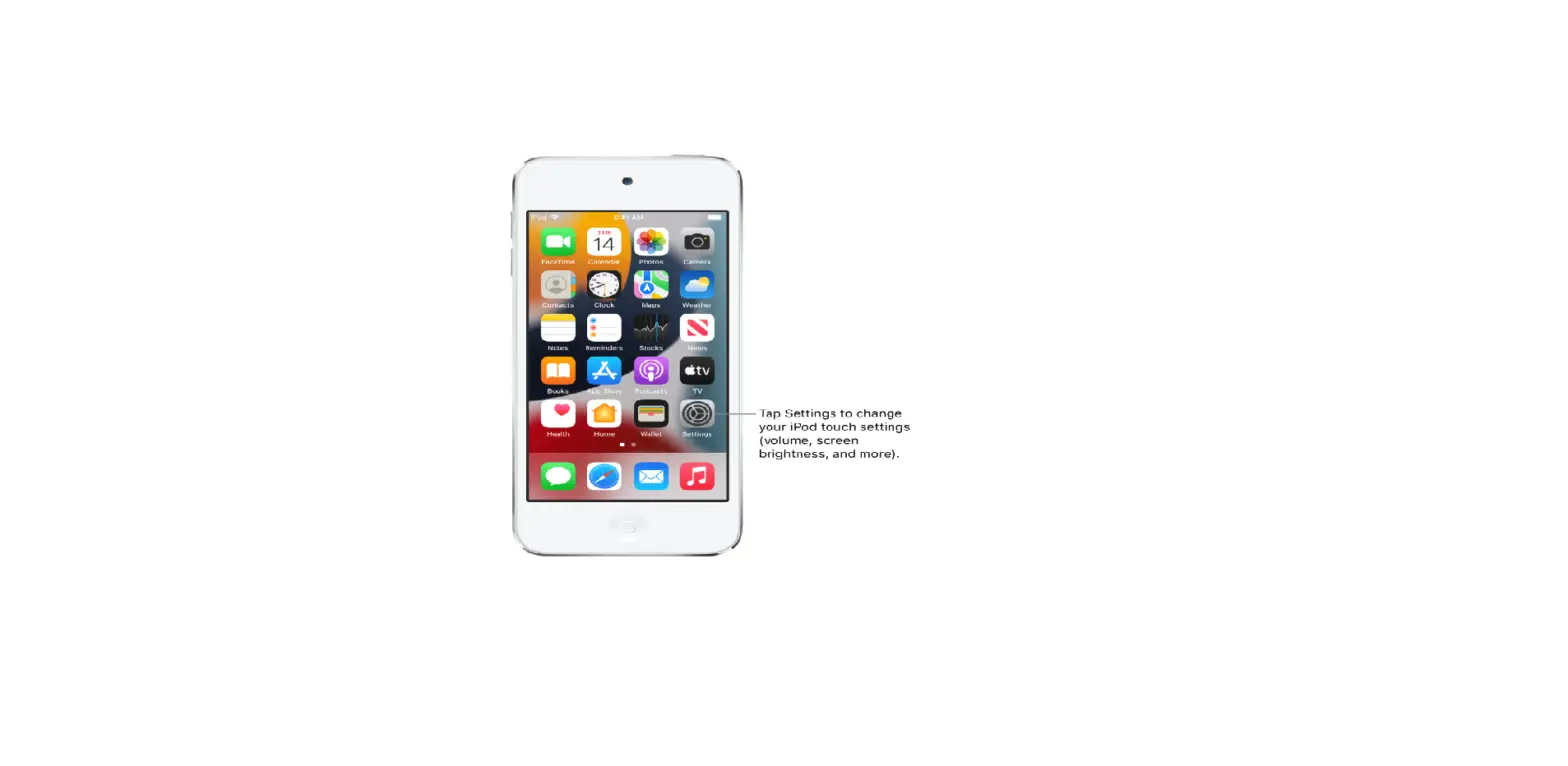
Configuration profiles define settings for using iPod touch with corporate or school networks or accounts. You might be asked to install a configuration profile that was sent to you in an email, or one that is downloaded from a webpage. You’re asked for permission to install the profile and, when you open the file, information about what it contains is displayed. You can see the profiles you have installed in Settings  > General > Profiles & Device Management. If you delete a profile, all of the settings, apps, and data associated with the profile are also deleted.