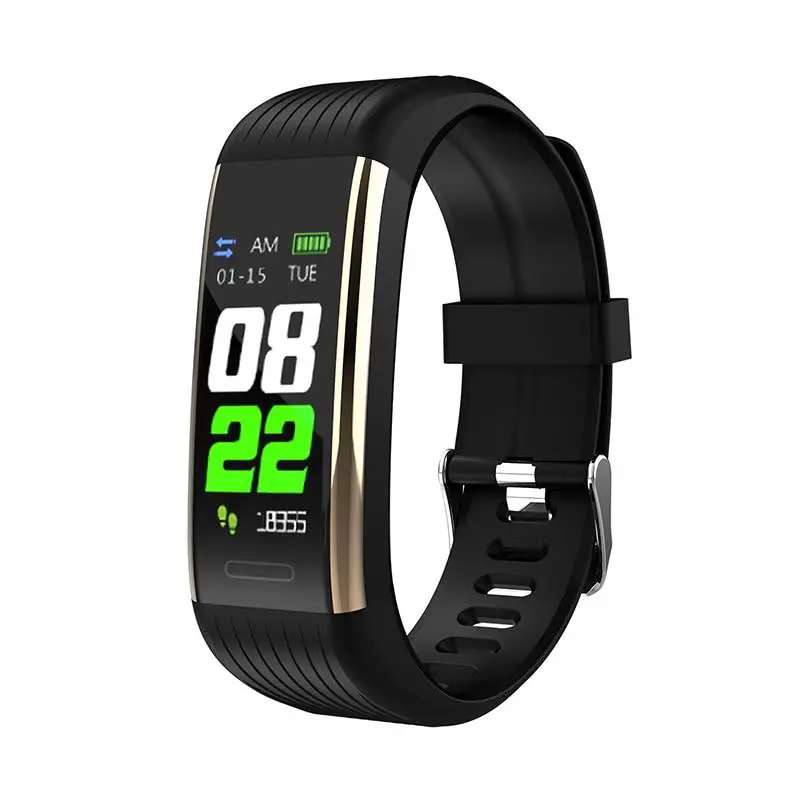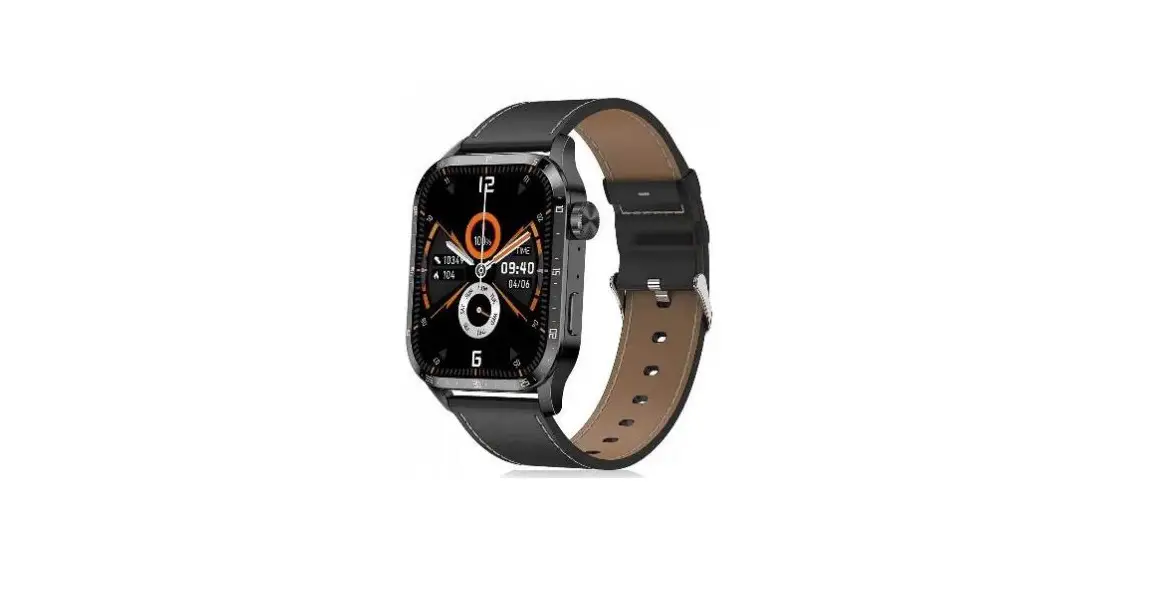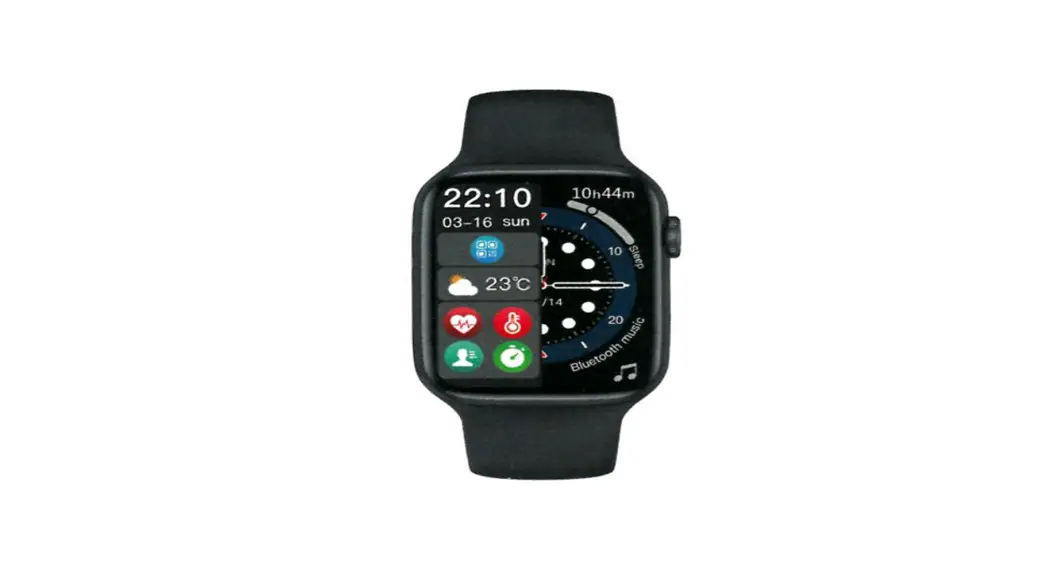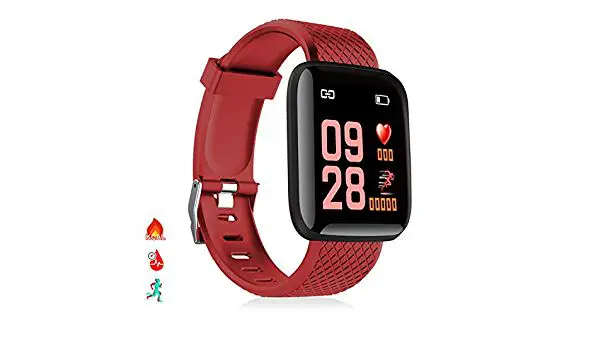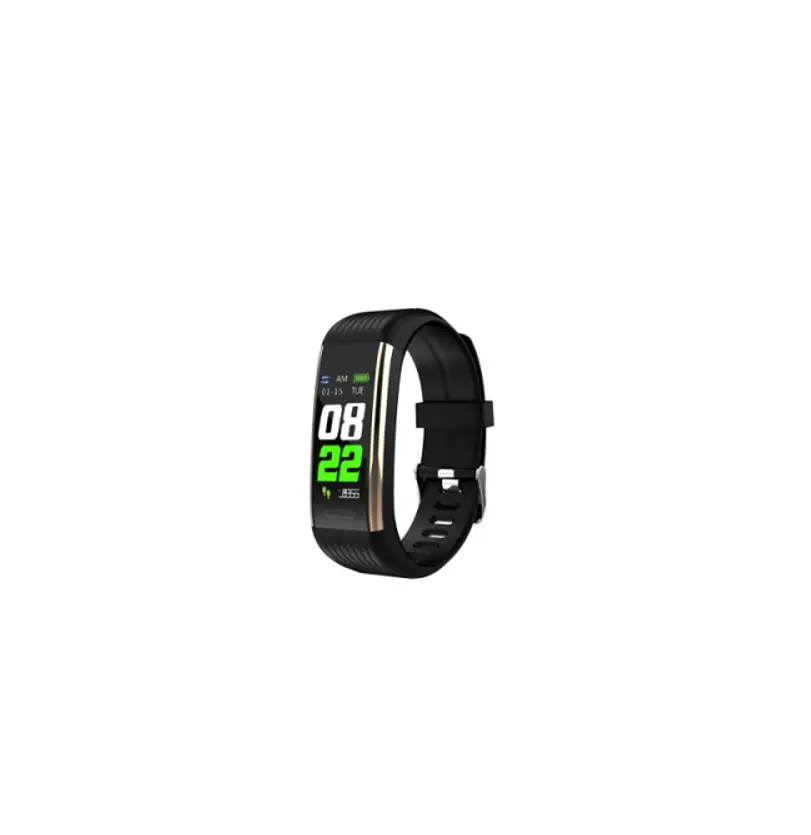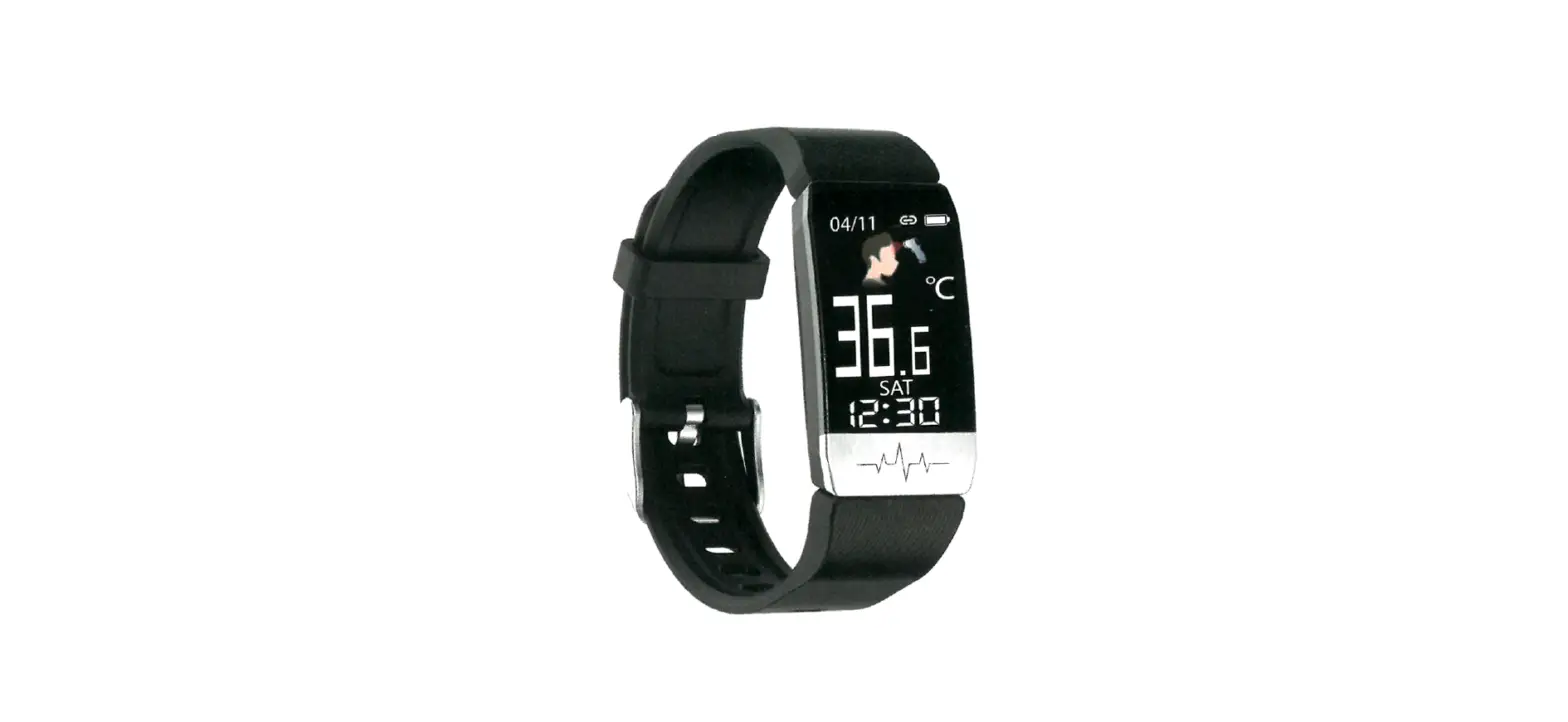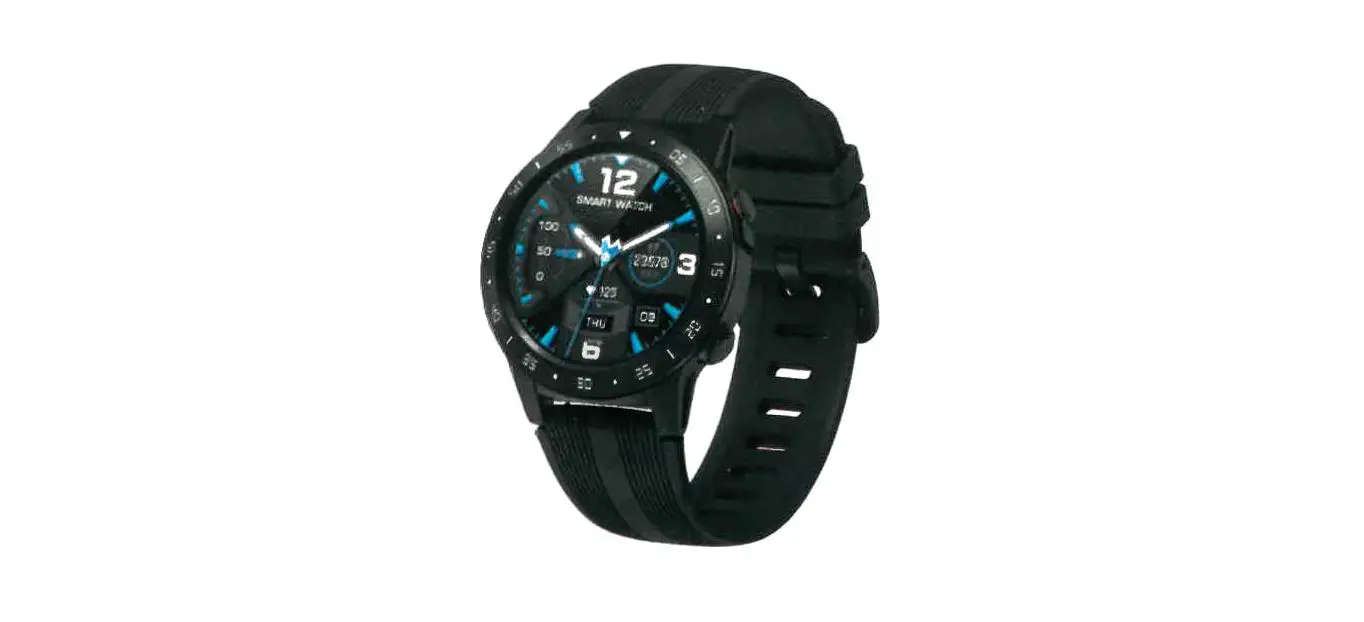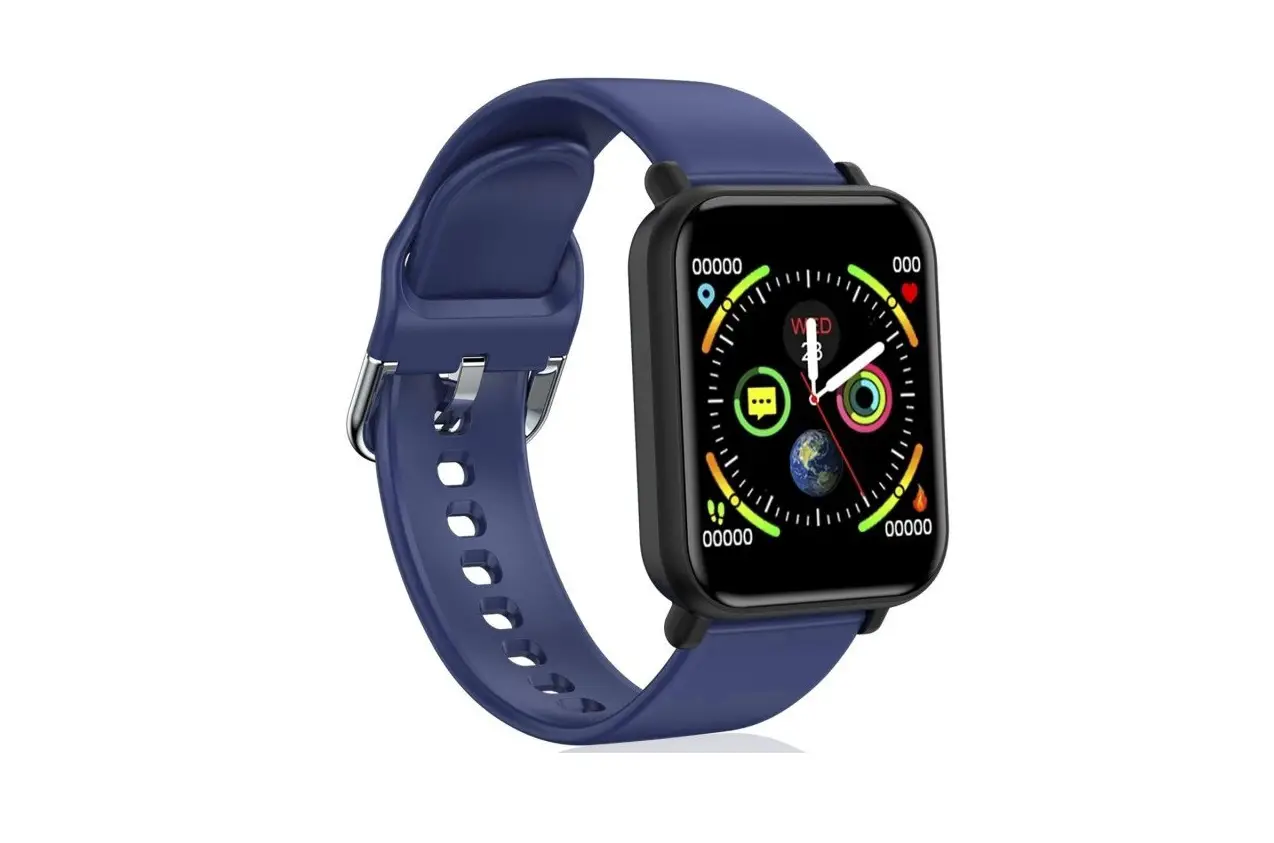
TeKKiWear R16 User Manual
Warning
Please consult your doctor before starting a new sporting item, Smart bracelets can monitor real-time dynamic heart rates, but it can’t be used for any medical purpose. 1.2 Equipment requirements Support Android 5.1, 10S8.0 BT 4.0 and above.
Open Box and First time Quick Use.
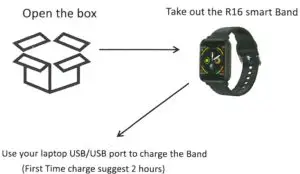
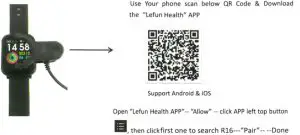

Tips for the first time use
- Open the box, then like the photo showed, use your laptop USB or any USB port with 5V to charge the bracelet before use to ensure that the bracelet is fully charged. The charging time is about 2 hours. To ensure that the charging contact is good. Please ensure that the metal surfaces are not dirty, oxidizing and impurities. When charging, the screen will display the charging symbol. If the device is not used for a long time, please be sure to replenish it every one month.
- When the bracelet is first paired with “APP”, The bracelet will synchronize the time, date, and quantity of the bracelet battery and display the symbol of success of the BT connection.
- How to Boot the device: Long press the touch symbol
 for 5 seconds and the bracelet will boot . If long time not used or low battery, need charge before boot the device.
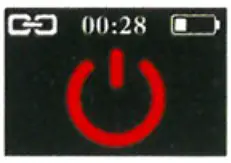
 - How to shut down the device: Click the bracelet and go to off symbol
 , long touch the symbol for 5 seconds, the bracelet will vibrate and power off.
 for 5 seconds and the bracelet will boot . If long time not used or low battery, need charge before boot the device.
 , long touch the symbol for 5 seconds, the bracelet will vibrate and power off.
Bracelet function interface
Interface: long press the time interface, it can be changed to 3 interfaces. showed Dates, Time
- Watch Face 1

- Watch Face 2

- Watch Face 3

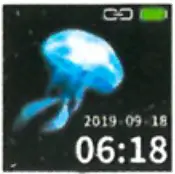
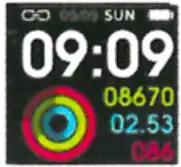
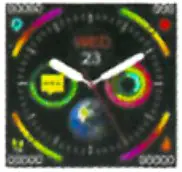
Steps counts, Distance and Calories Track.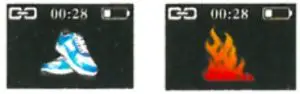
Heart rate monitoring, Blood Pressure, Oxygen
- Heart Rate

- Blood Pressure

- Oxygen

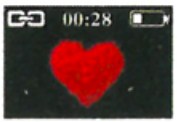
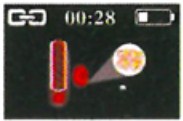
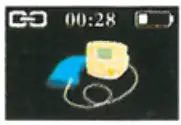
More features picture in the band.
- Find Phone

- Power Off

- Message

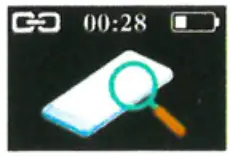
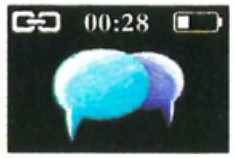
Shake for selfie, wristband display setting (screen on upon raising, sedentary reminder, drinking reminder, smart anti-lost), smart alarm, search device
Open “Lefun Health APP” — click APP left top button  and you will enter the function page to set the function for what you want. Please refer to the pages below.
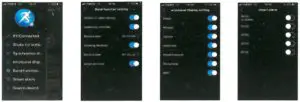
APP Other functions
4.1 “My data”- “Target setting”. You can set your daily target steps in APP to track if you meet your target or not. 4.2 Sport Open APP, downside go to “sport” page, You can check your best sport record in this function page. 4.3 Trend summary Open APP, downside go to “trend summary” page, You can check your historic data for your sports and health. 4.4 Smart alarm Open “Lefun Health APP” — click APP left top button , and you will enter smart alarm function.
alarms can be active in APP
- 5 Parts introduction
- Smart Bracelet ‘1
- Charging Cablel
- Packaging 1
- User manual *1
Warranty Card
| Warranty Card | |||||
| Customer information | |||||
| Model No: | Selling Company. | ||||
| Customer Name: | Phone No: | ||||
| S hop Tel: | Purchase Date: | ||||
| Product IMEI C ode: | |||||
| Customer Address: | |||||
| S hop Address: | |||||
| Summary | |||||
| Date | Symptoms | Servicing | Remark | ||