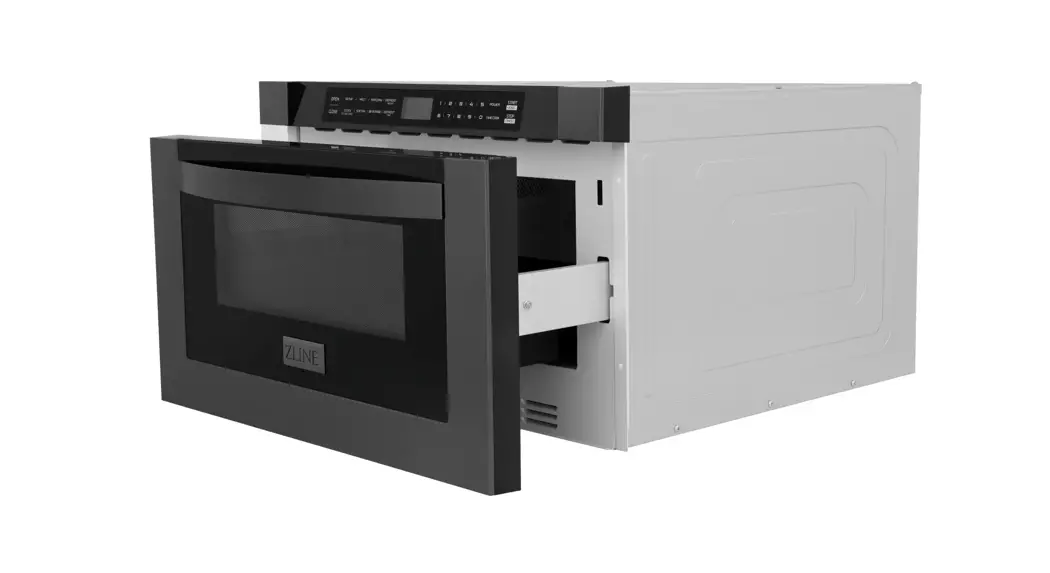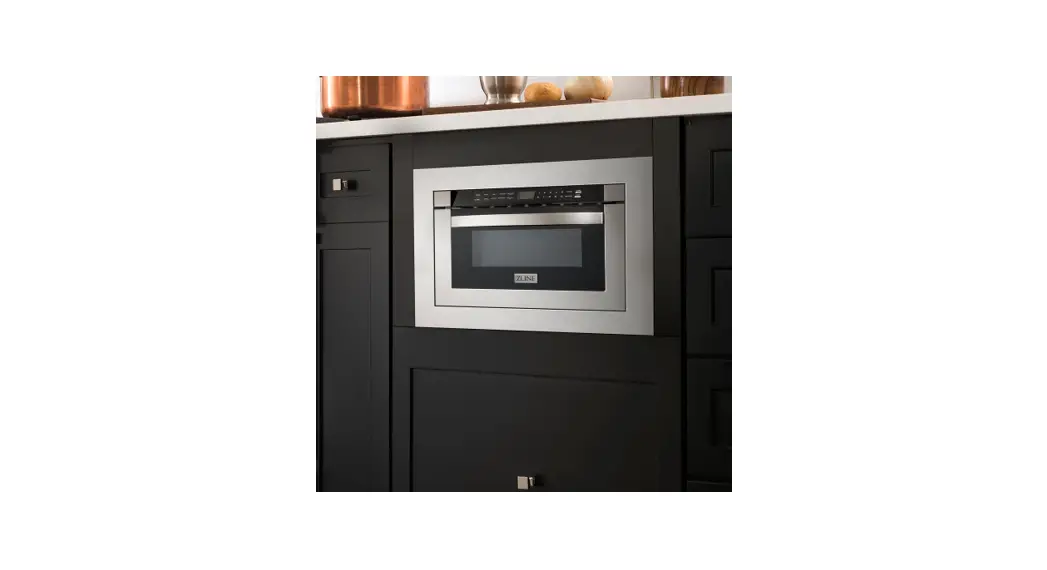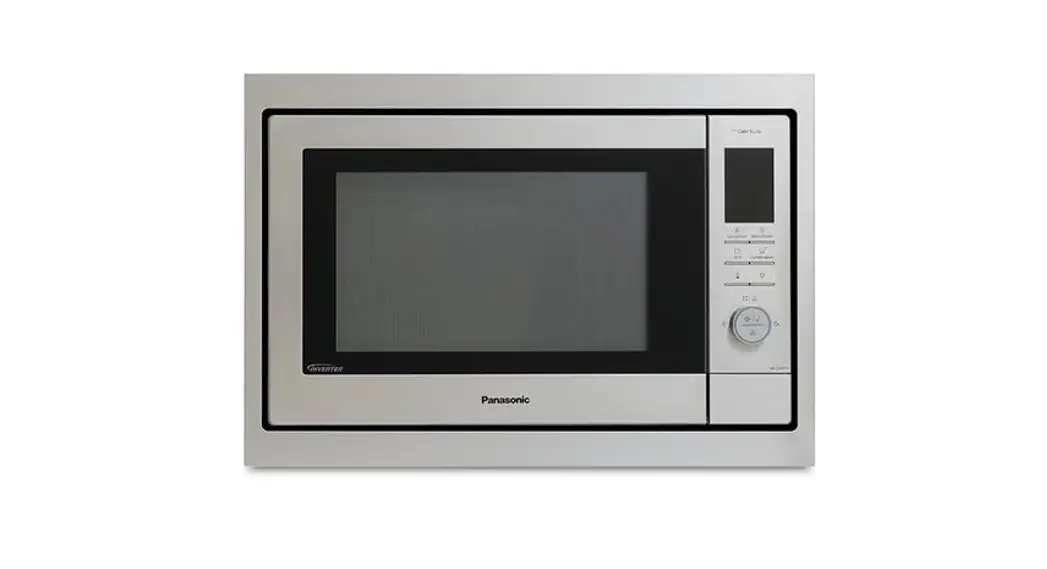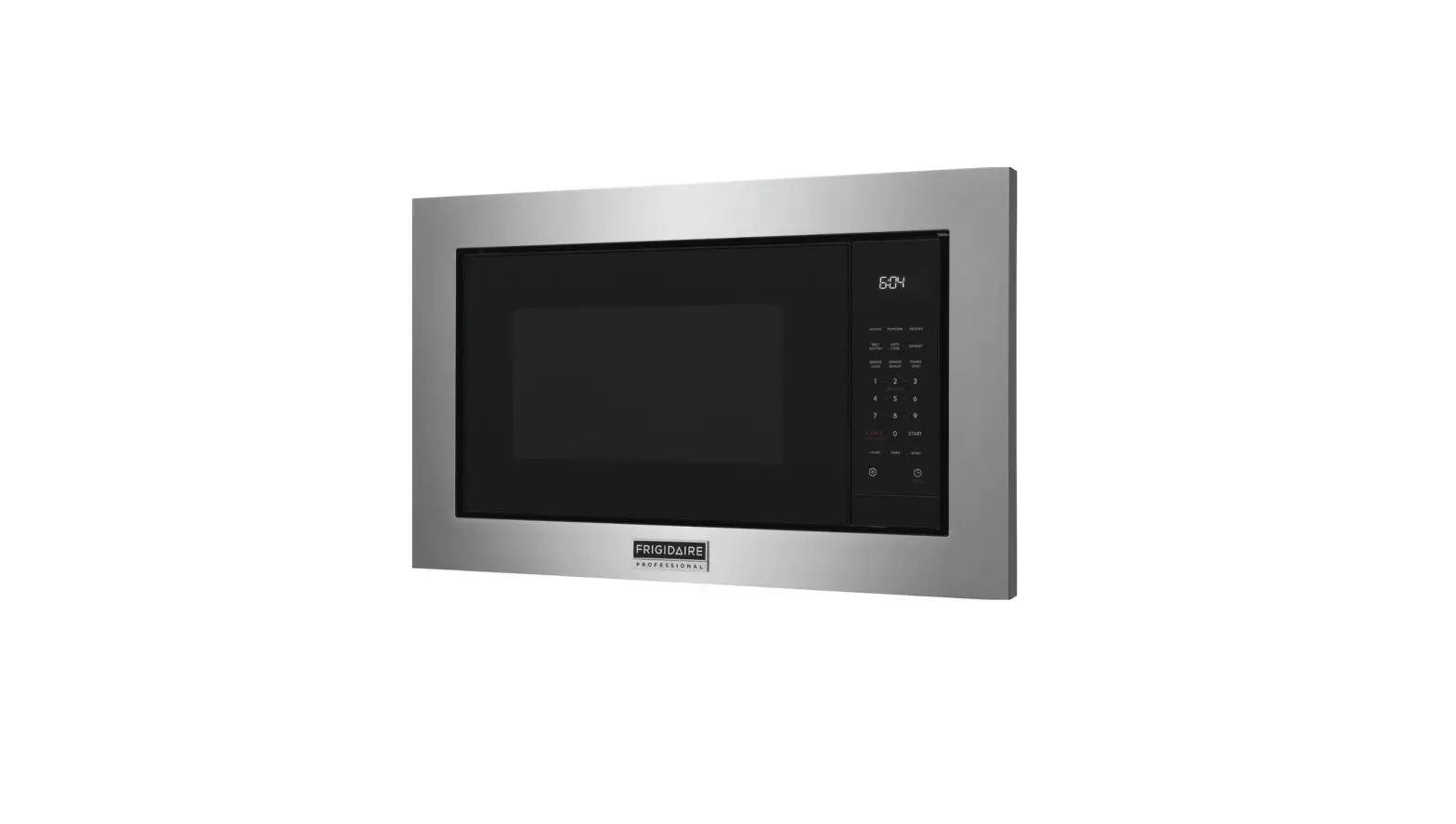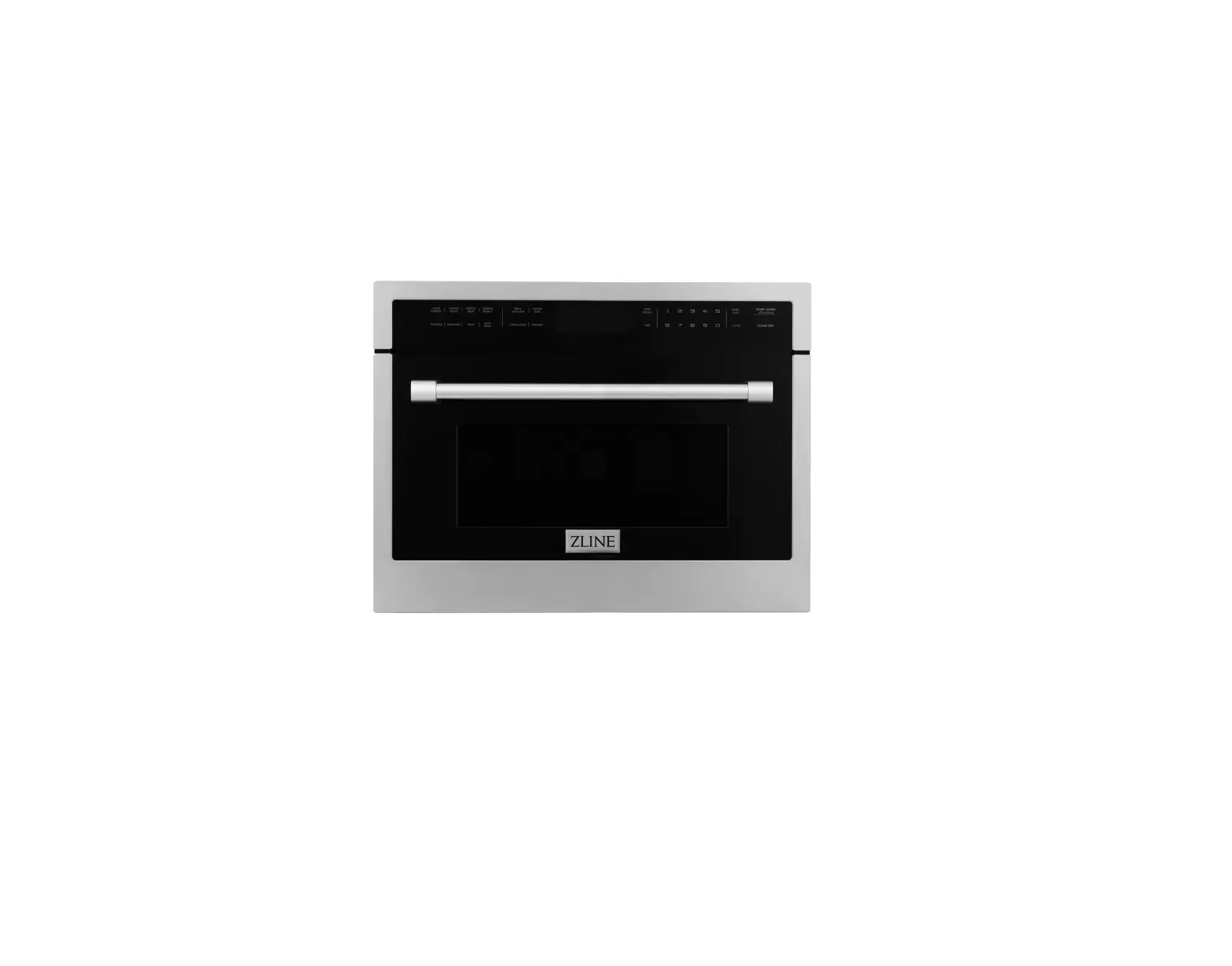
ZLINE MWO-24 Trim Kit
BEFORE INSTALLATION
TOOLS NEEDED
- Air screwdriver
- Marker TOOLS
INCLUDED
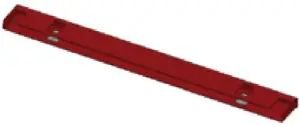 Support beam Support beam | 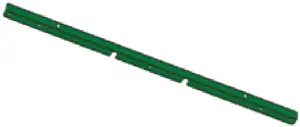 Front bracket Front bracket | 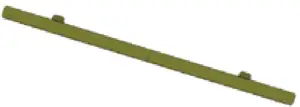 Rear bracket Rear bracket |
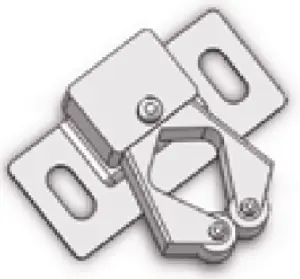 Rear bracket Rear bracket | 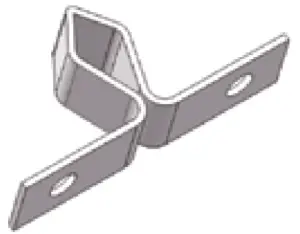 Rear bracket Rear bracket | 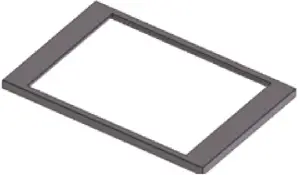 Trim kit Trim kit |
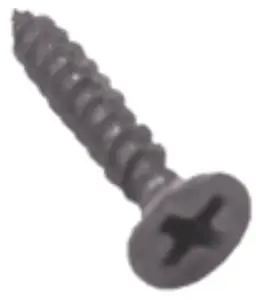 #1 Screw #1 Screw | 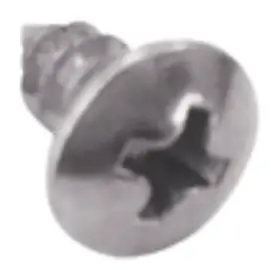 #2 Screw #2 Screw | 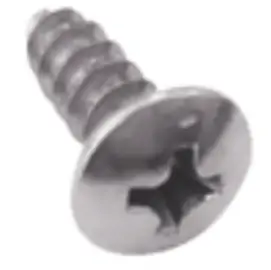 #3 Screw #3 Screw |
INSTALLATION
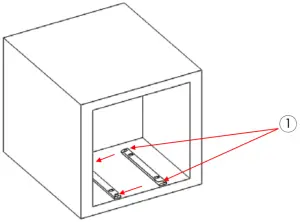
- Install thesupport beamsusing the holes in the front bracket as a guide. Use the #1 screw.

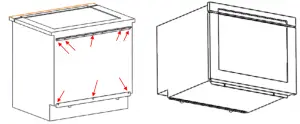
- Remove the screws holding the microwave in place in order to install the front bracket and rear bracket.

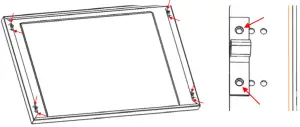
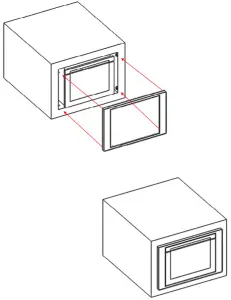
- Use #2 screws to installthe fourbuckles onthecorresponding mounting holes aroundthetrim kit.

- Lineup the trimkitwiththebuckleseats.

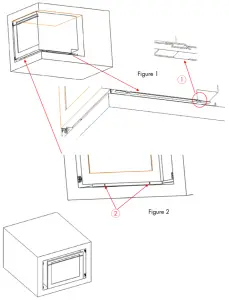
- Push the microwave into the slot in the rear bracket by extending the support beam (Figure 1)
- Use screw #3 to fix the front bracket and support beam(Figure2).

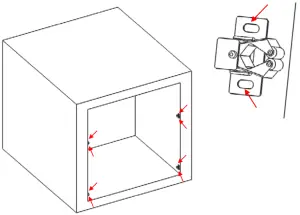
- Insert the trim kit into the corresponding buckle seat.

www.zlinekitchen.com 1-614-777-5004

 P65Warnings.ca.gov
 ZLINE Kitchen and Bath